
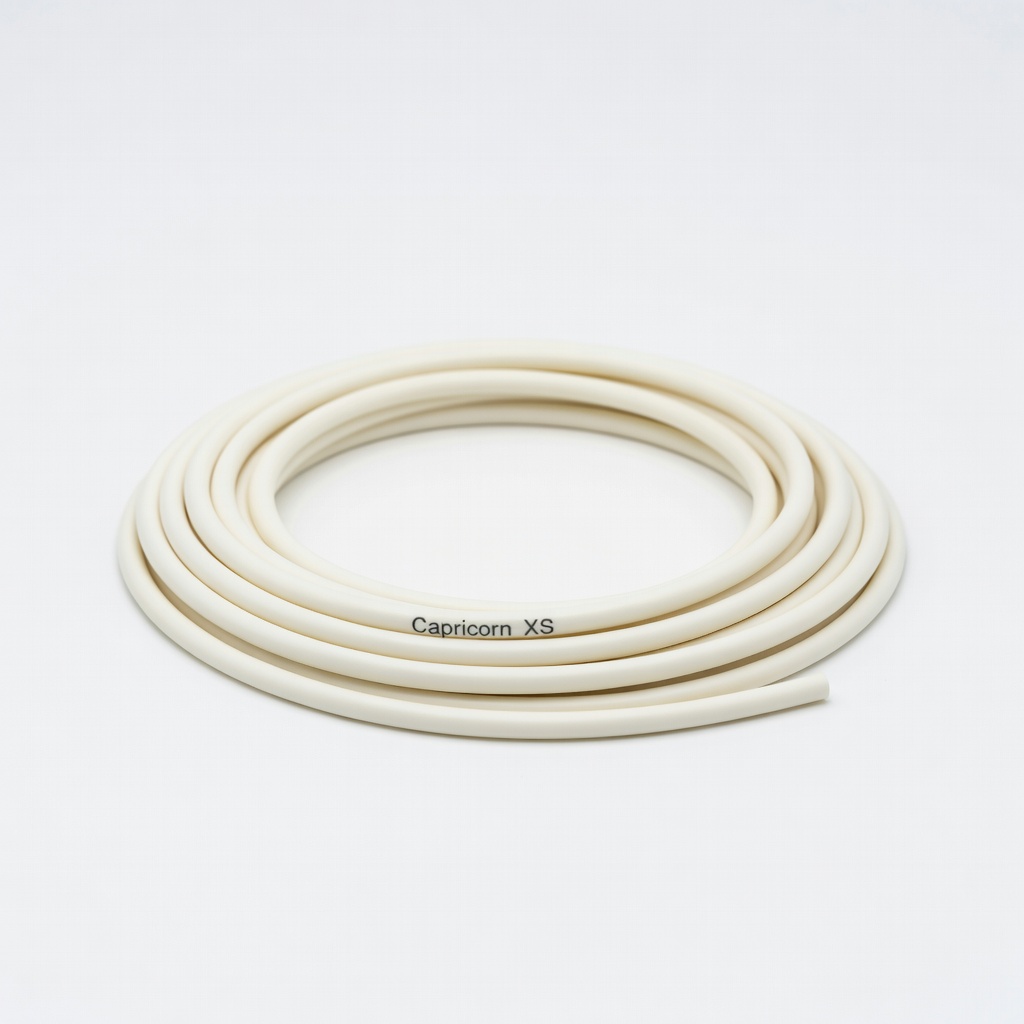
Capricorn XS PTFE Bowden Tube (1m)
Replace stock tube if strings persist after software tweaks.
$14.99
Capricorn XS PTFE Bowden Tube (1m) Reduces friction for better retraction control, minimizing stringing in Bowden printers.
Get the App
Better experience on mobile
Master simple tweaks to eliminate stringy filaments and achieve clean, professional 3D prints without frustration.
Stringing is one of the most common headaches for beginner 3D printers—those annoying thin, wispy strings between parts that ruin the look of your prints. It happens when molten filament oozes out during travel moves, leaving 'hairs' everywhere. The good news? It's usually fixable with basic adjustments, no fancy upgrades needed.
In this guide, you'll learn to identify stringing, test key settings like temperature and retraction, and optimize your slicer for flawless prints. We'll cover everything step-by-step, so even if you're new to 3D printing, you'll succeed.
Expect 45-90 minutes total, including test prints. Difficulty is beginner-friendly, focusing on software tweaks first before hardware checks.
Estimated Time: 45-90 minutes (including test prints) Difficulty: beginner
Start by printing a simple test model like a stringing tower (download free from Thingiverse). Inspect the print for thin, stringy connections between towers—not blobs or gaps, which indicate other issues.
Why it matters: Misdiagnosis wastes time. Stringing shows as hair-like strands during non-print moves. Take photos before/after fixes to track progress.
Success looks like: Clean separation between model parts with no wisps.
💡 Tips:
⚠️ Warnings:
Wet filament absorbs moisture, causing steam and oozing. Remove filament from printer, place in a sealed bag with desiccant for 4+ hours, or use a dryer.
Why: Humidity is a top stringing culprit in PLA/ABS. Dry filament flows smoothly without bubbling.
Success: Filament feels dry (no 'popping' sounds during print).
💡 Tips:
⚠️ Warnings:
In your slicer (e.g., Cura), reduce nozzle temp by 5-10°C from current (start PLA at 200°C, test down to 190°C). Slice and print a small test.
Why: Hotter filament is runnier and oozes more. Cooler reduces viscosity without under-extrusion.
Success: Strings thinner or gone; layer adhesion still good (no weak bonds).
💡 Tips:
In slicer, enable retraction: Set distance 4-6mm (Bowden) or 0.5-1mm (direct drive), speed 40-60mm/s. Print test.
Why: Pulls filament back during travel to prevent ooze.
Success: No strings on travels; no grinding (listen for clicks).
💡 Tips:
⚠️ Warnings:
Slow print/travel speed to 80-100mm/s max in slicer. Enable 'combing' or 'retract before outer wall'.
Why: Faster moves give more ooze time.
Success: Smoother travels without strings.
💡 Tips:
Increase fan speed to 100% for PLA after first layers. Ensure fan spins freely.
Why: Cools filament fast to solidify and snap strings.
Success: Sharp bridges/overhangs; matte surface.
⚠️ Warnings:
Heat nozzle to 220°C, insert cleaning needle or cold pull PLA. Wipe exterior with alcohol. Check for wear (replace if >0.5mm ID with calipers).
Why: Partial clogs cause inconsistent flow/ooze.
Success: Smooth filament extrusion; shiny nozzle.
💡 Tips:
Print full stringing test. If improved but not perfect, tweak one variable at a time (e.g., +1mm retraction). Document settings.
Why: Iterative for optimal profile.
Success: String-free print ready for projects!
💡 Tips:
Problem: Strings worse after retraction tune
Solution: Reduce distance/speed; check for filament grind. Clean extruder gears.
Problem: Under-extrusion after cooling boost
Solution: Ramp fan gradually (0% layer 1-2, 100% after). Check flow rate.
Problem: No improvement after all steps
Solution: Inspect Bowden tube for wear; consider all-metal hotend. Seek forum help with photos.
Problem: Clogs during cleaning
Solution: Heat soak at 240°C, use nylon cold pull. Replace nozzle if stubborn.
Reduces friction for better retraction control, minimizing stringing in Bowden printers.
Best for: Replace stock tube if strings persist after software tweaks.
Price Range: $14.99
Efficiently dries filament to eliminate moisture-induced stringing.
Best for: For humid environments or hygroscopic filaments like nylon.
Price Range: $49.99
Fresh, precise nozzles ensure consistent flow without leaks.
Best for: Routine maintenance after 100-200 print hours.
Price Range: $12.99
Stabilizes temperature to prevent thermal expansion oozing.
Best for: Open-frame printers in drafty rooms.
Price Range: $99
Low-stringing formula optimized for beginners.
Best for: Switch if current filament is cheap/low-quality.
Price Range: $24.99
Replace stock tube if strings persist after software tweaks.
Capricorn XS PTFE Bowden Tube (1m) Reduces friction for better retraction control, minimizing stringing in Bowden printers.
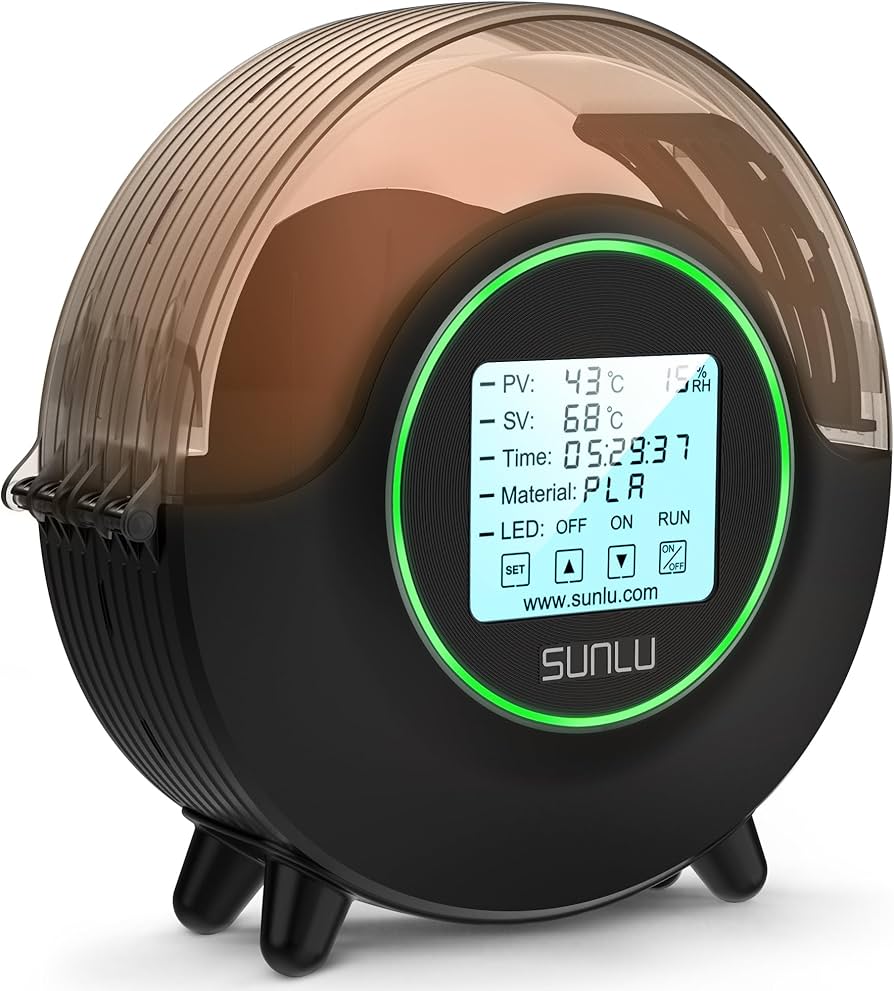
For humid environments or hygroscopic filaments like nylon.
SUNLU S2 Filament Dryer Efficiently dries filament to eliminate moisture-induced stringing.
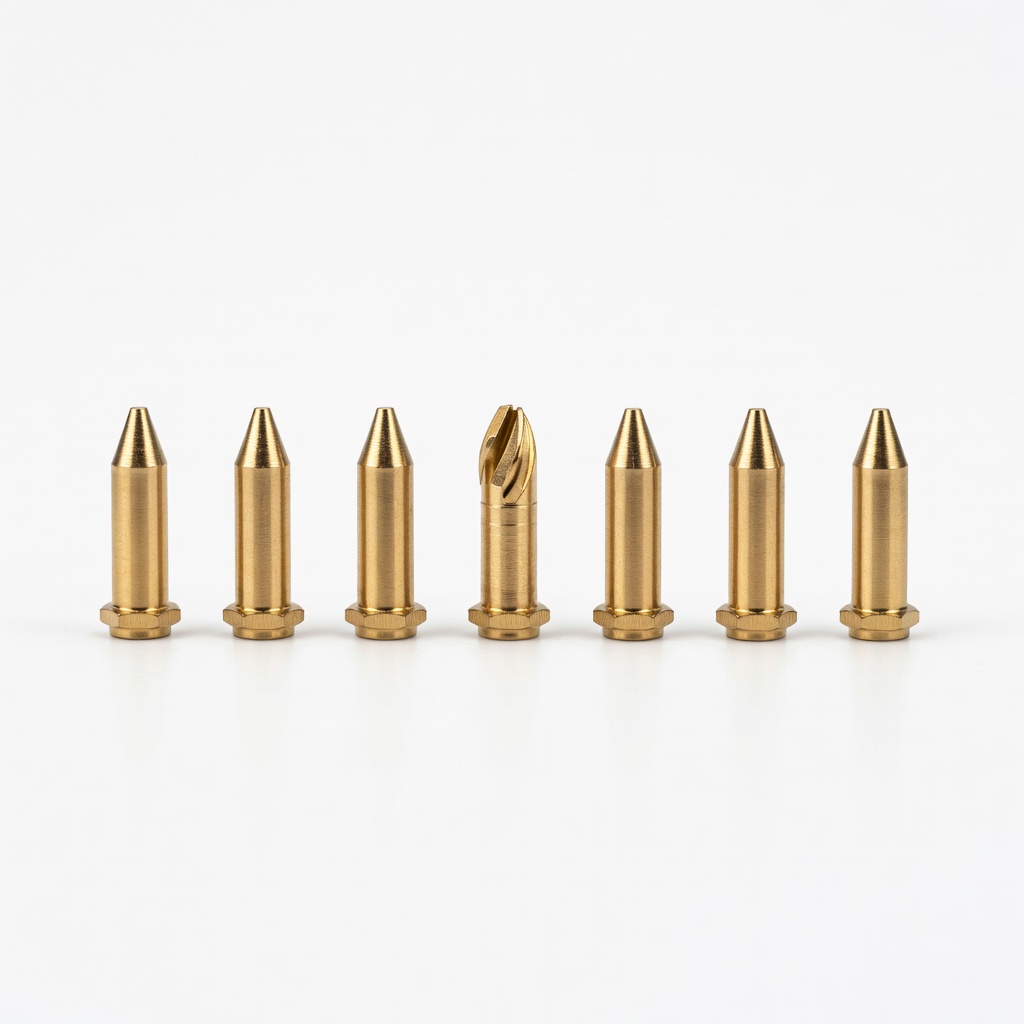
Routine maintenance after 100-200 print hours.
ELEGOO 5-Pack Brass Nozzles (0.4mm) Fresh, precise nozzles ensure consistent flow without leaks.
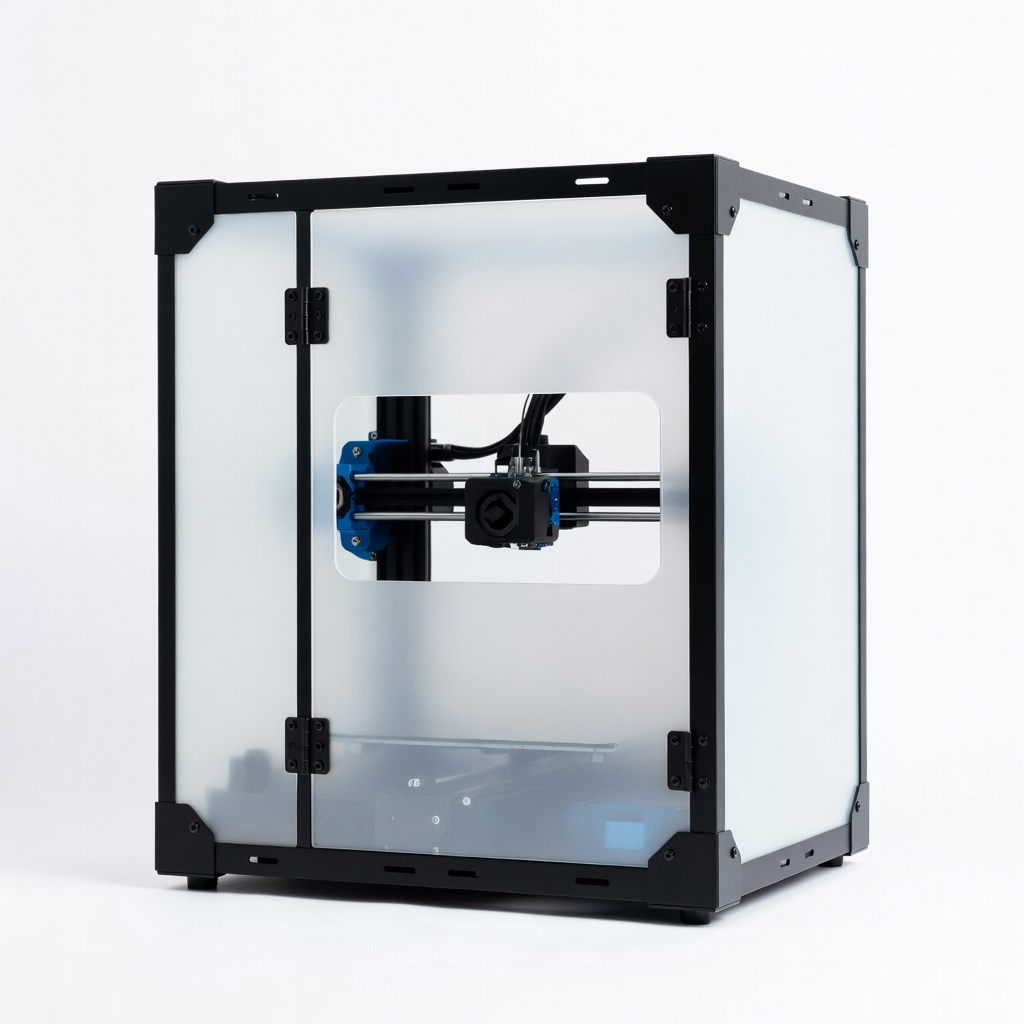
Open-frame printers in drafty rooms.
Creality Ender 3 Enclosure Kit Stabilizes temperature to prevent thermal expansion oozing.
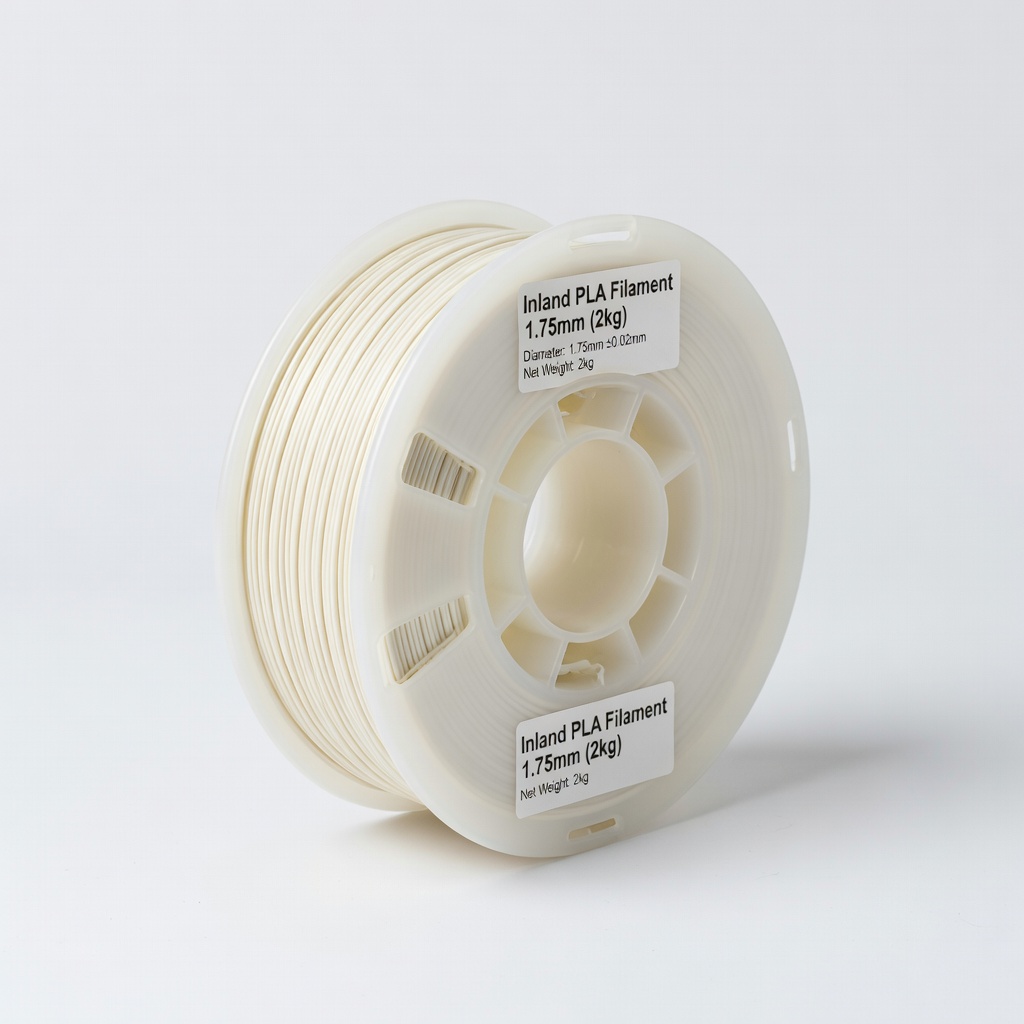
Switch if current filament is cheap/low-quality.
Inland PLA Filament 1.75mm (2kg) Low-stringing formula optimized for beginners.