
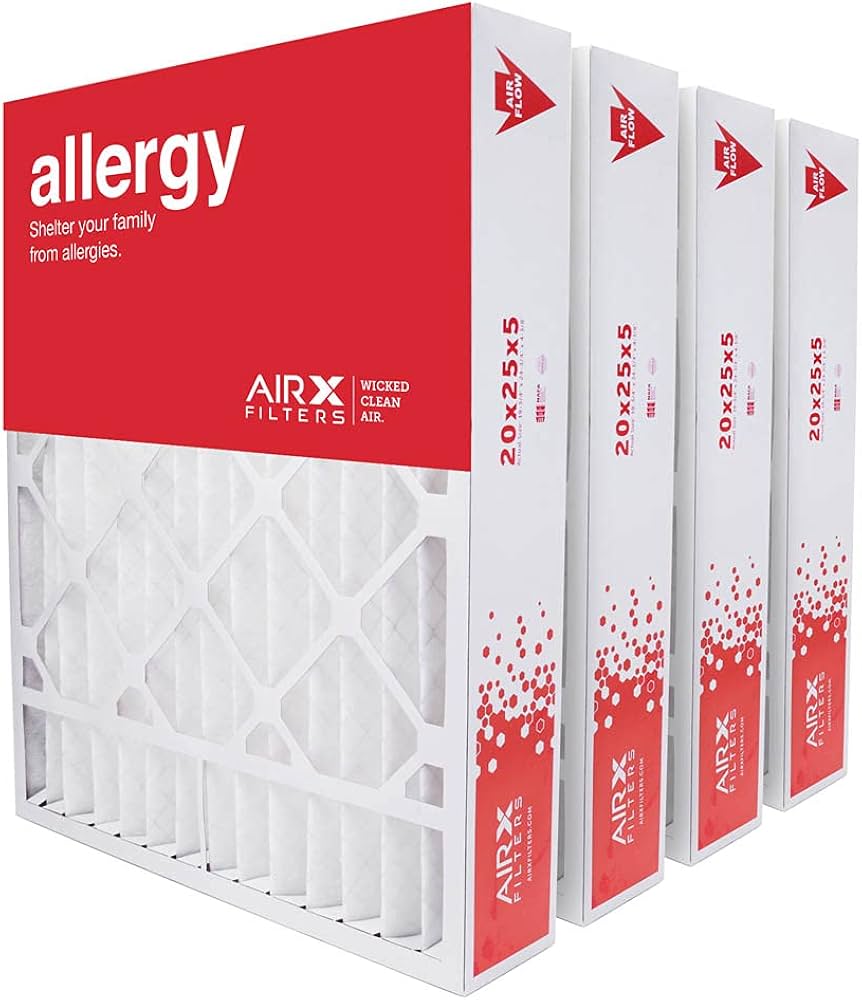
Honeywell FC100A1037 16x20x1 Furnace Filter
Replace dirty filters during troubleshooting.
$14.99
Honeywell FC100A1037 16x20x1 Furnace Filter MERV 10 pleated filter captures dust without restricting flow—perfect first-line defense.
Get the App
Better experience on mobile
Restore strong, cool airflow in your AC unit with this step-by-step troubleshooting guide—save money and stay comfortable without calling a pro.
Nothing ruins a hot summer day like weak airflow from your home AC unit, leaving rooms stuffy and uncomfortable. Low airflow is a common issue affecting efficiency, raising energy bills, and potentially damaging your system. The good news? Most causes are DIY-fixable with basic tools and know-how.
In this guide, you'll learn to diagnose and resolve the top culprits behind low AC airflow, from dirty filters to blocked vents and fan problems. We'll walk you through safe, sequential steps tailored for intermediate DIYers. Expect to spend 30-60 minutes, depending on issues found—no advanced HVAC skills required.
By the end, your AC will blow cold air powerfully again. Always prioritize safety: work with power off, and call a pro for electrical or refrigerant issues.
Estimated Time: 30-60 minutes Difficulty: intermediate
Safety first: Locate your AC unit's power switch (usually at the outdoor condenser and indoor air handler/furnace). Flip both to 'off.' If no switch, turn off at the breaker panel—label it to avoid mistakes.
Why it matters: Prevents electrical shock or injury while working inside the unit. Unplug any connected thermostats if applicable.
Expect the unit to be completely silent. Double-check by attempting to run the fan—no response means success.
💡 Tips:
⚠️ Warnings:
Locate the filter slot (often behind a panel on the return air duct or furnace). Pull out the filter and hold it to light—if you can't see through it, it's clogged.
Why it matters: Dirty filters cause 80% of low airflow issues by restricting air intake, overworking the blower.
Vacuum or replace it. Slide in a new filter with arrows pointing toward airflow direction (usually 'towards furnace').
💡 Tips:
⚠️ Warnings:
Walk through your home: Ensure return vents (intake) and supply vents (output) are fully open, unobstructed by furniture, rugs, or debris. Vacuum vent grilles.
Why it matters: Closed or blocked vents create resistance, mimicking low airflow.
Twist vent louvers fully open. Feel for suction at returns and flow at supplies—should be noticeably stronger post-check.
💡 Tips:
⚠️ Warnings:
Remove the blower compartment panel (usually 4-6 screws). Shine flashlight on blades—clean dust/debris with vacuum or brush.
Why it matters: Dirty fans reduce spin speed and airflow.
Spin blades by hand (power off)—should turn freely without grinding. Check belt if belt-driven (tighten or replace if cracked).
💡 Tips:
⚠️ Warnings:
Locate indoor coil (above blower). Look for dirt buildup or frost. Spray with no-rinse coil cleaner if dirty; let thaw if iced (fan-only mode, power on briefly).
Why it matters: Dirty/frozen coils block air path, causing low flow and poor cooling.
Success: Coils look clean and dry.
💡 Tips:
⚠️ Warnings:
Feel along visible ducts for air leaks (hissing). Seal small gaps with mastic or foil tape. Probe accessible ducts with flashlight for obstructions.
Why it matters: Leaks waste 20-30% of airflow; blockages restrict it.
Pressurize test: Run system, listen/feel for escapes.
💡 Tips:
⚠️ Warnings:
With multimeter, discharge capacitor (short terminals with insulated screwdriver). Test motor windings for continuity.
Why it matters: Bad capacitors slow fans.
Reconnect, power on, measure voltage at motor.
💡 Tips:
⚠️ Warnings:
Replace panels securely. Restore power, set thermostat to cool/fan on. Measure airflow at vents (hand test or anemometer).
Why it matters: Verifies fixes.
Expect 400-500 CFM per ton—strong, even flow means success.
💡 Tips:
⚠️ Warnings:
Problem: Airflow still low after filter change
Solution: Recheck vents and blower; test fan speed setting on thermostat.
Problem: Unit makes grinding noise
Solution: Debris in blower or bad bearings—clean or replace motor.
Problem: Coils keep freezing
Solution: Low refrigerant or airflow—call licensed HVAC tech.
Problem: No power to blower
Solution: Check thermostat, capacitor, or wiring; pro if unsure.
MERV 10 pleated filter captures dust without restricting flow—perfect first-line defense.
Best for: Replace dirty filters during troubleshooting.
Price Range: $14.99
Accurate voltage/continuity tests for capacitors and motors—essential for electrical diagnostics.
Best for: Testing fan motor and capacitor health.
Price Range: $29.99
Powerful suction for blower and coil cleaning without full shop vac bulk.
Best for: Sucking dust from fans, vents, and coils.
Price Range: $49.99
Foaming action dissolves grease/dirt on coils fast—no water needed.
Best for: Cleaning indoor evaporator coils.
Price Range: $15.99
Measures exact CFM to quantify improvements—pro-level verification.
Best for: Before/after airflow testing.
Price Range: $169.99
Replace dirty filters during troubleshooting.
Honeywell FC100A1037 16x20x1 Furnace Filter MERV 10 pleated filter captures dust without restricting flow—perfect first-line defense.
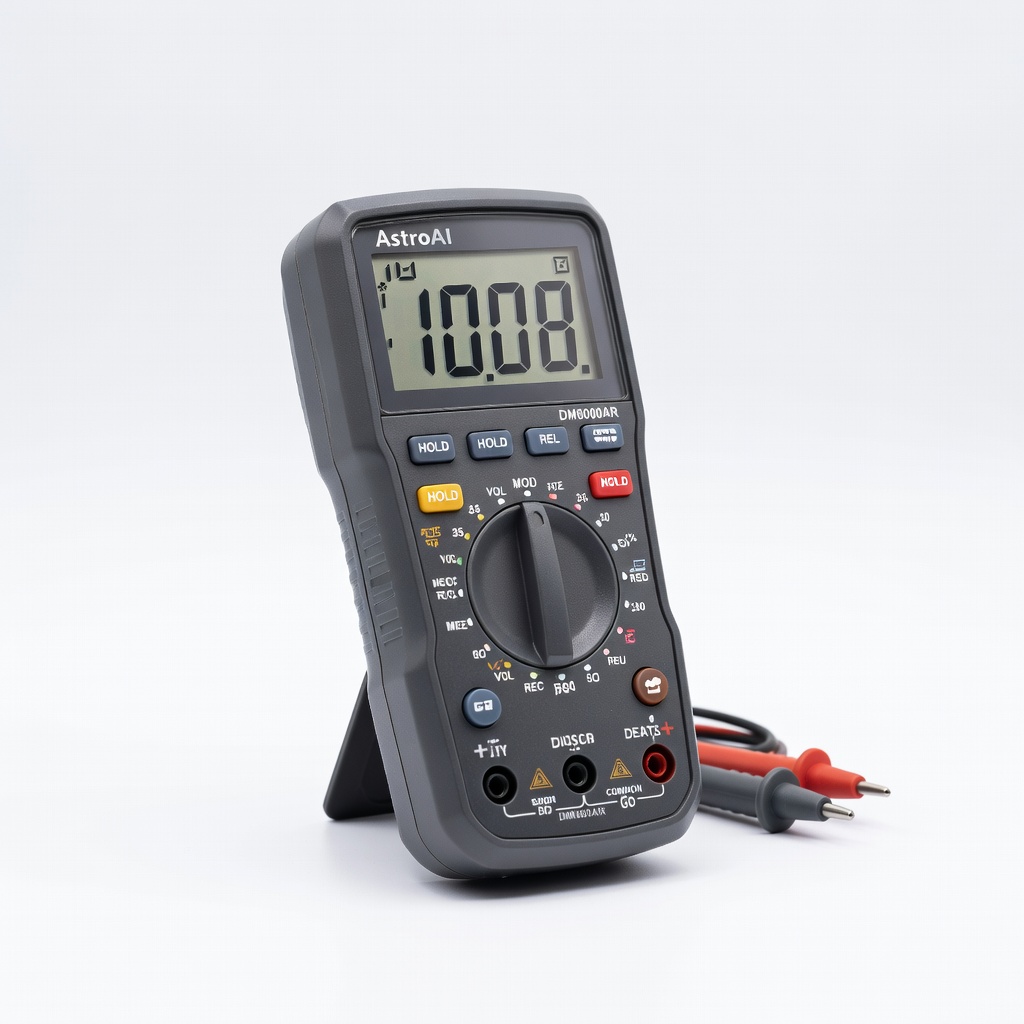
Testing fan motor and capacitor health.
AstroAI Digital Multimeter DM6000AR Accurate voltage/continuity tests for capacitors and motors—essential for electrical diagnostics.
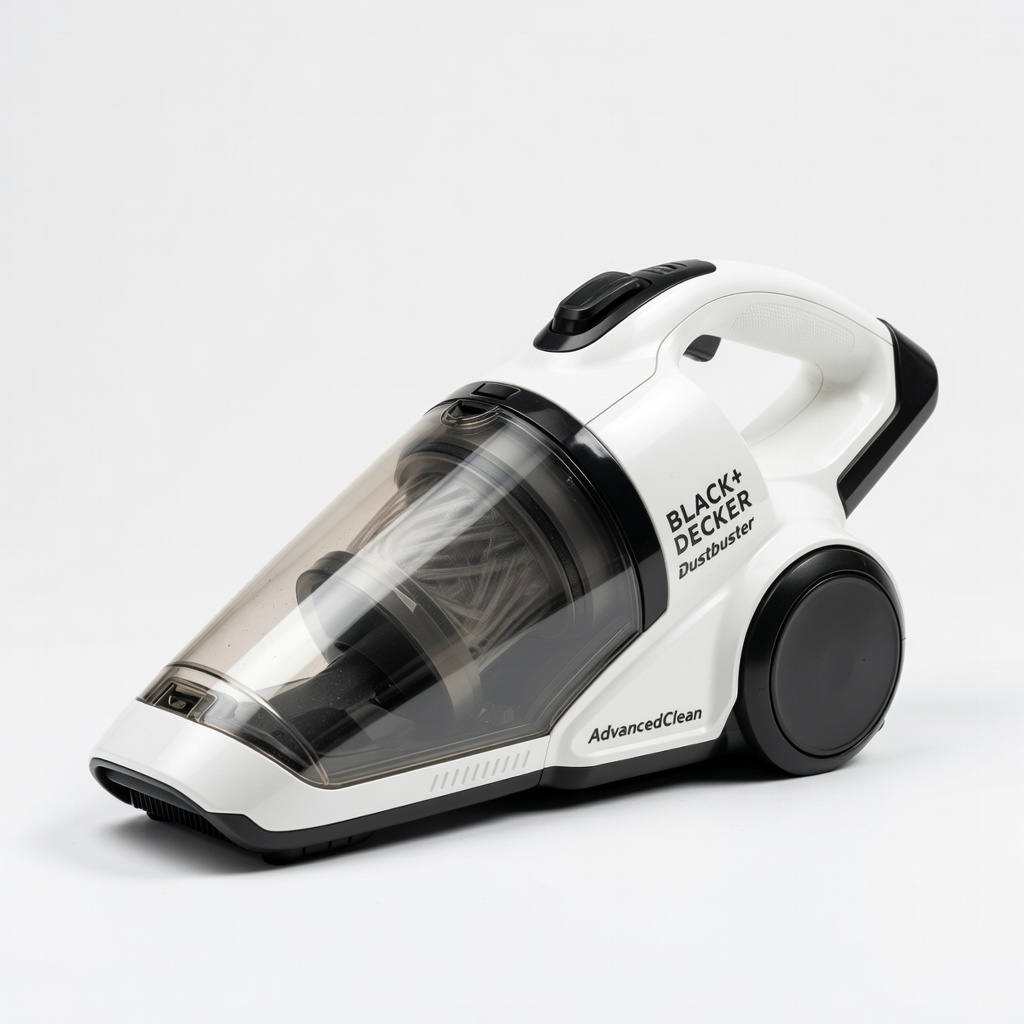
Sucking dust from fans, vents, and coils.
BLACK+DECKER Dustbuster AdvancedClean Cordless Vacuum Powerful suction for blower and coil cleaning without full shop vac bulk.
Cleaning indoor evaporator coils.
Nu-Calgon Evap Foam No Rinse Evaporator Coil Cleaner Foaming action dissolves grease/dirt on coils fast—no water needed.
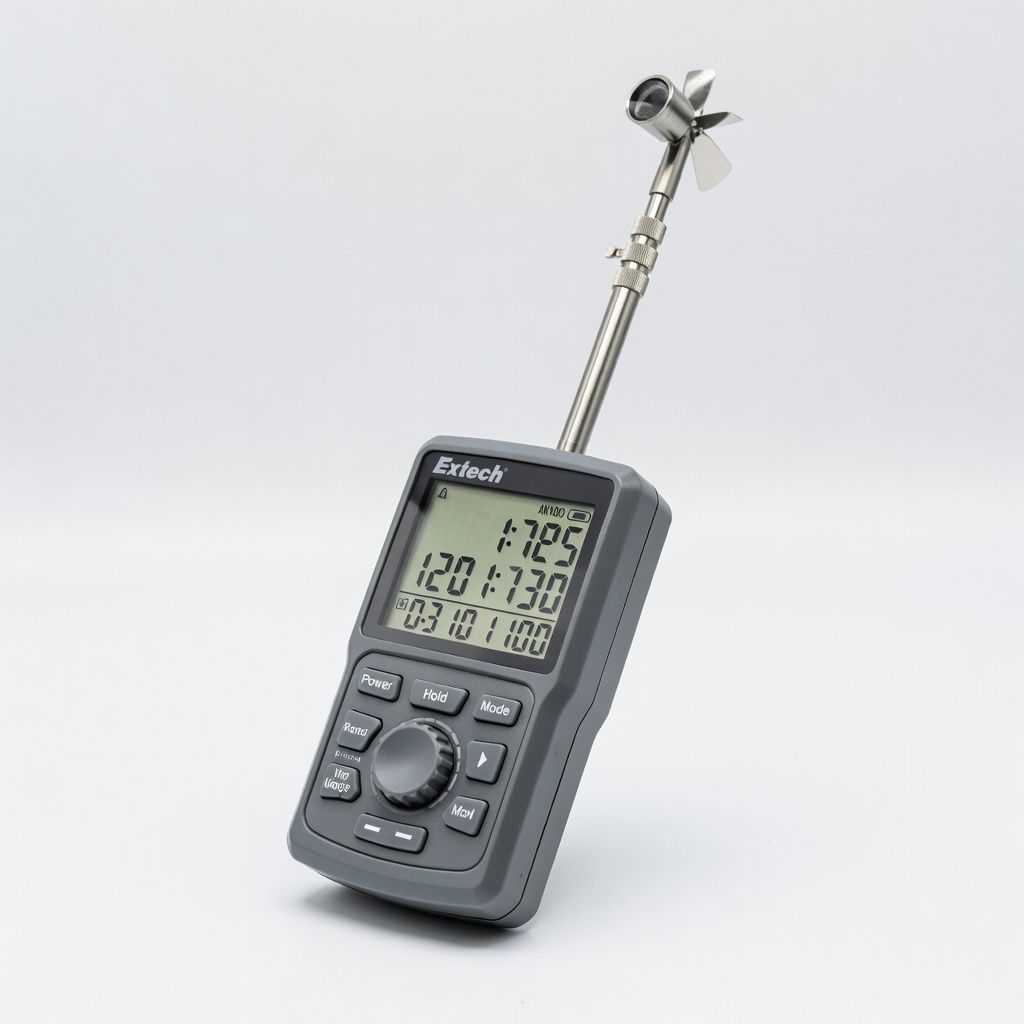
Before/after airflow testing.
Extech AN100 CFM Airflow Meter Measures exact CFM to quantify improvements—pro-level verification.