
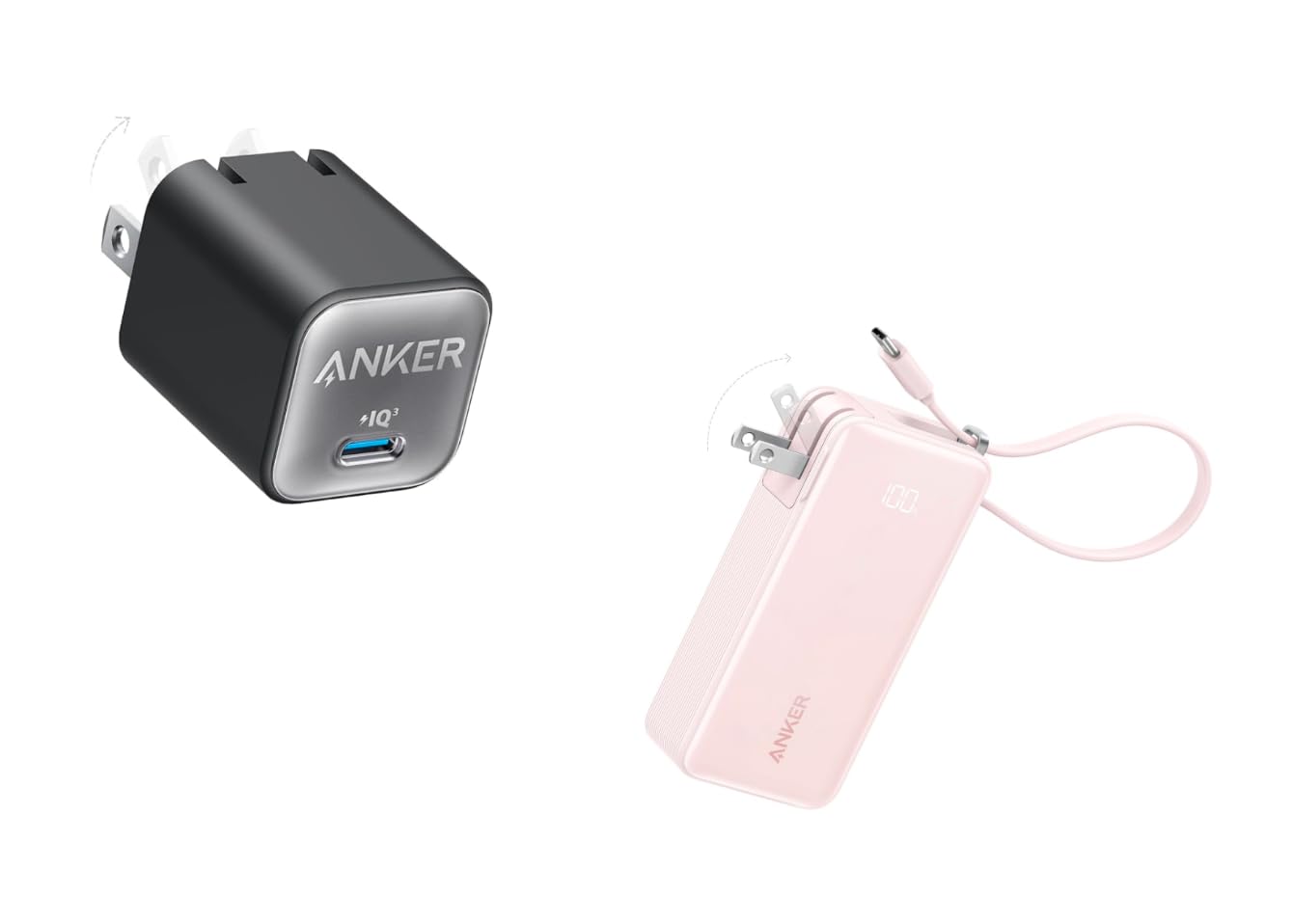
Anker 511 Charger (Nano 3, 30W)
Daily charging station for trackers without proprietary cables.
$25.99
Anker 511 Charger (Nano 3, 30W) Reliable, fast USB-C charging prevents undercharging issues that mimic drain.
Get the App
Better experience on mobile
Diagnose and resolve rapid battery drain on your fitness tracker with these step-by-step methods to extend battery life up to 50% longer.
Nothing kills workout motivation faster than a fitness tracker that dies mid-run or overnight. Battery drain is a top complaint for Fitbit, Garmin, and Xiaomi users, often due to sneaky settings, outdated software, or hardware glitches. This guide helps you troubleshoot systematically without needing tech support.
You'll learn to check usage stats, optimize features, and test hardware fixes. By the end, your tracker should last its full rated life (e.g., 7-14 days). Expect 15-30 minutes total, suitable for intermediate users comfortable with apps and basic resets.
Most issues are software-related and fixable at home—no tools required beyond your phone.
Estimated Time: 15-30 minutes Difficulty: intermediate
Open your tracker's companion app and navigate to the battery or device settings section. Look for a 'battery usage' or 'power stats' breakdown—this shows which features (e.g., GPS, heart rate monitoring) are draining the most power.
Why it matters: 80% of drain issues stem from always-on features. Expect to see a pie chart or list; note top consumers like notifications or screen wake-ups.
Success: Identify 1-2 culprits responsible for >30% usage.
💡 Tips:
⚠️ Warnings:
In the app, go to device settings > check for updates. Install any available firmware for the tracker and update the app via your phone's store.
Outdated software causes inefficient power use. Garmin and Fitbit push bug fixes that cut drain by 20-30%. Restart the tracker post-update.
Success: Version numbers match latest; tracker restarts smoothly.
💡 Tips:
Reduce screen brightness to minimum or auto. Disable always-on display, continuous heart rate (set to every 10 mins), and GPS unless tracking runs. Turn off notifications for non-essential apps.
These features can halve battery life. Test for 24 hours after changes.
Success: App confirms settings updated; estimated battery life increases.
💡 Tips:
⚠️ Warnings:
Forget the device in Bluetooth settings, restart phone and tracker, then re-pair. Limit background sync to every 30-60 mins.
Constant syncing drains 15-25% daily. Why: Weak signal causes retries.
Success: Sync completes in <1 min without errors.
💡 Tips:
Power off tracker, gently clean port with isopropyl alcohol on a cloth (no liquids inside). Test with original cable/adapter; charge to 100% and monitor.
Dirt or faulty cables cause incomplete charges. Expect full charge in 1-2 hours.
Success: No lint/debris; holds 100% overnight.
⚠️ Warnings:
Press and hold power button for 10-20 seconds (varies by model: Fitbit 15s, Garmin 20s) until it vibrates/restarts. No data loss.
Clears temporary glitches. Why: Fixes software hangs.
Success: Tracker boots to home screen quickly.
💡 Tips:
Fully charge, disable all features, leave untouched overnight. Check morning level—should drop <5%.
If >10%, proceed to factory reset (backup first). Track over 48 hours.
Success: Stable drain confirms fix.
💡 Tips:
⚠️ Warnings:
In app: Device settings > factory reset. Re-setup as new.
Resolves deep software corruption. Expect 5-10 min setup.
Success: Battery life returns to normal after 24h use.
Problem: Drain persists after all steps
Solution: Battery degraded (2+ years old)—replace via manufacturer or buy new tracker. Test with another cable.
Problem: Won't charge at all
Solution: Try different outlet/USB port. If port damaged, contact support for warranty repair.
Problem: Overheats while charging
Solution: Unplug immediately; use official charger. Seek replacement if recurrent.
Problem: App crashes during sync
Solution: Reinstall app; clear cache. Update phone OS.
Reliable, fast USB-C charging prevents undercharging issues that mimic drain.
Best for: Daily charging station for trackers without proprietary cables.
Price Range: $25.99
Compact power bank ensures full charges on-the-go, avoiding low-battery testing errors.
Best for: Travel or gym bag essential for uninterrupted monitoring.
Price Range: $19.99
Exceptional 18-day battery life; upgrade if your tracker is faulty—prevents future drain woes.
Best for: Budget replacement for chronic drainers like older Fitbits.
Price Range: $43.99
OEM cable fixes port compatibility issues causing slow/inefficient charging.
Best for: Replacement for frayed cables on Charge/Sense models.
Price Range: $19.99
Proven 7-day battery with efficient sensors; ideal upgrade for Garmin users.
Best for: If troubleshooting fails, low-maintenance alternative.
Price Range: $149.99
Daily charging station for trackers without proprietary cables.
Anker 511 Charger (Nano 3, 30W) Reliable, fast USB-C charging prevents undercharging issues that mimic drain.
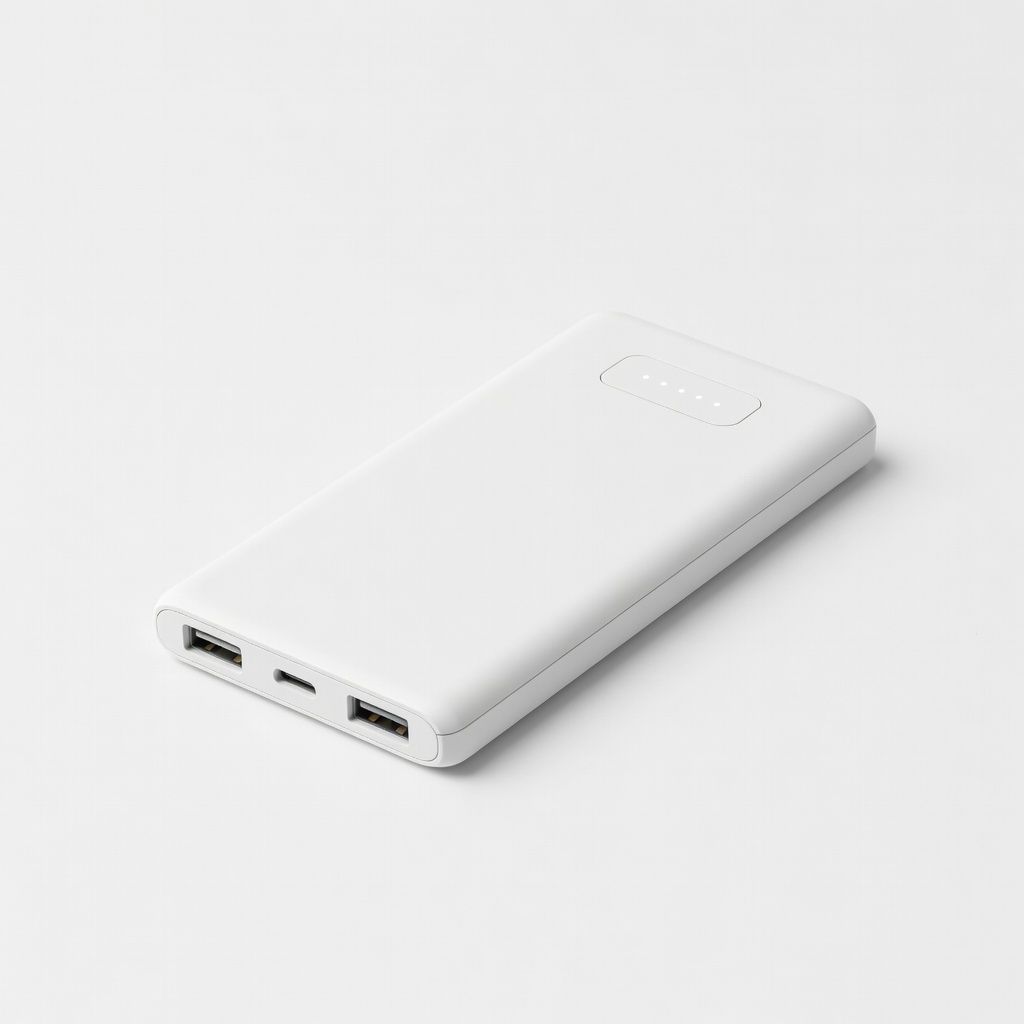
Travel or gym bag essential for uninterrupted monitoring.
INIU Portable Charger 10000mAh Slim Compact power bank ensures full charges on-the-go, avoiding low-battery testing errors.
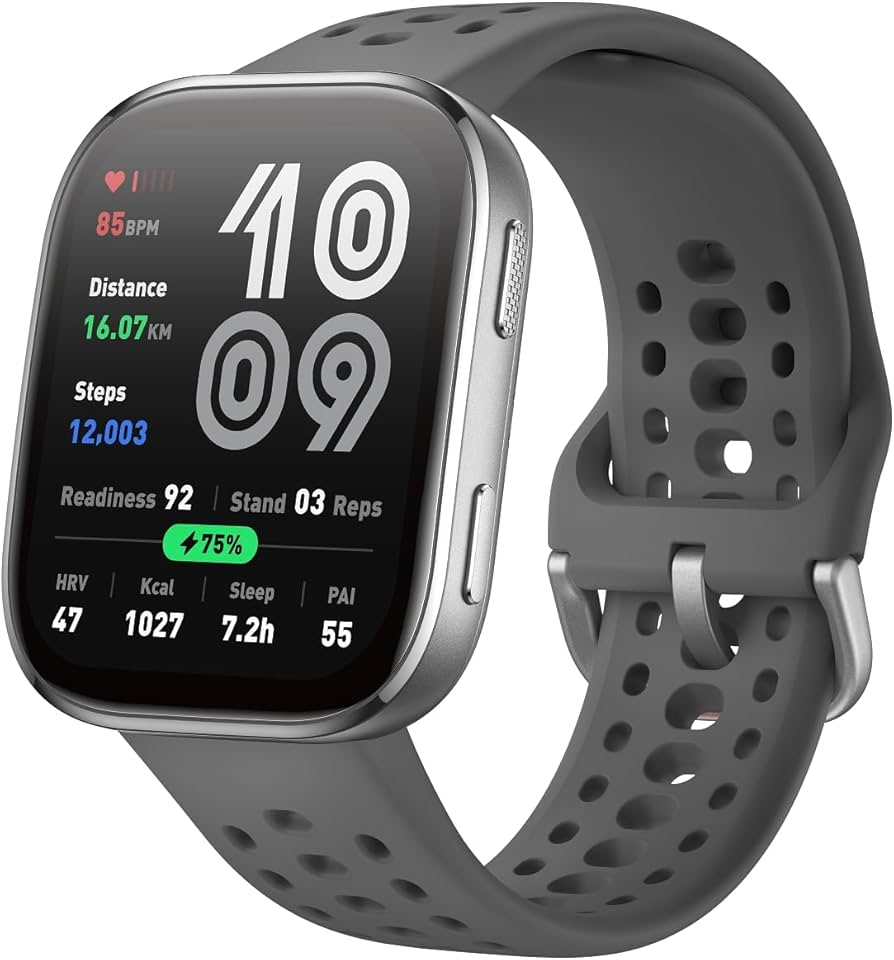
Budget replacement for chronic drainers like older Fitbits.
Amazfit Band 7 Exceptional 18-day battery life; upgrade if your tracker is faulty—prevents future drain woes.
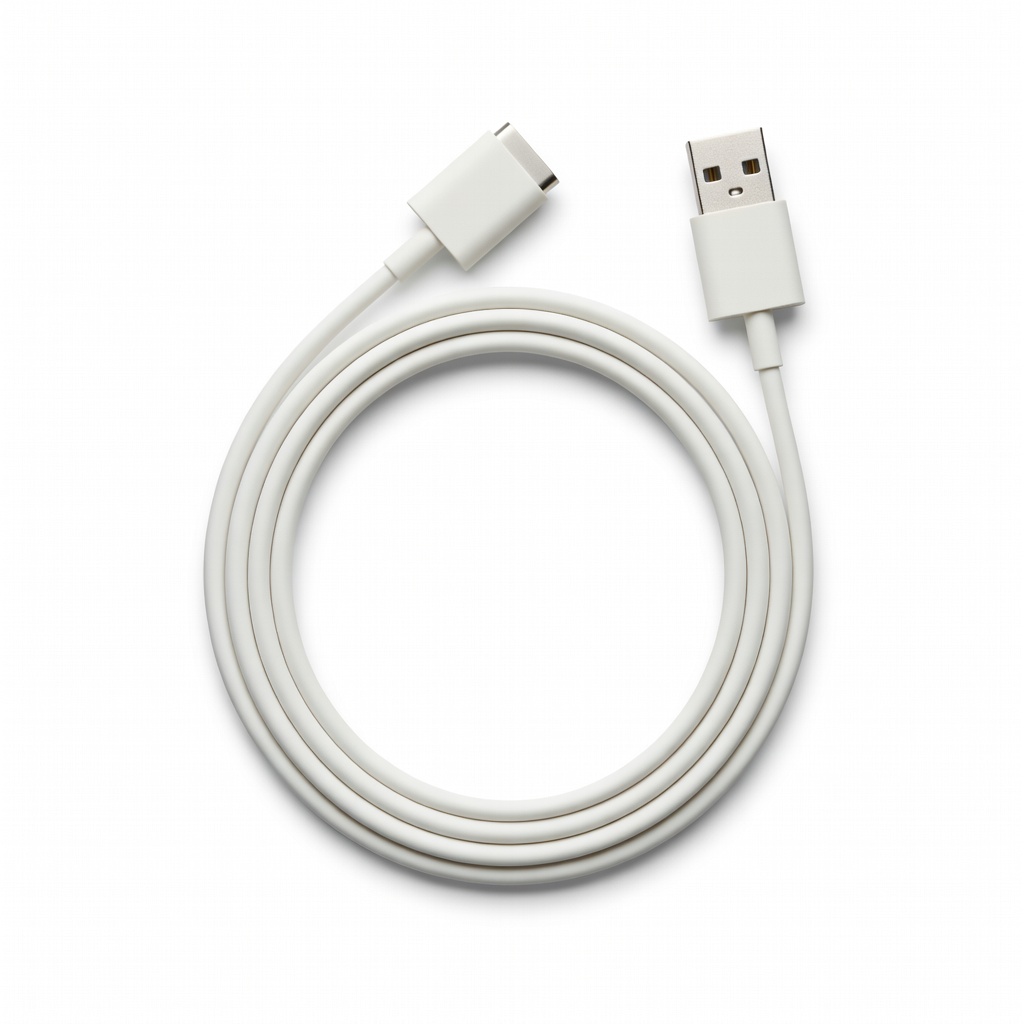
Replacement for frayed cables on Charge/Sense models.
Fitbit USB Charging Cable (Official) OEM cable fixes port compatibility issues causing slow/inefficient charging.
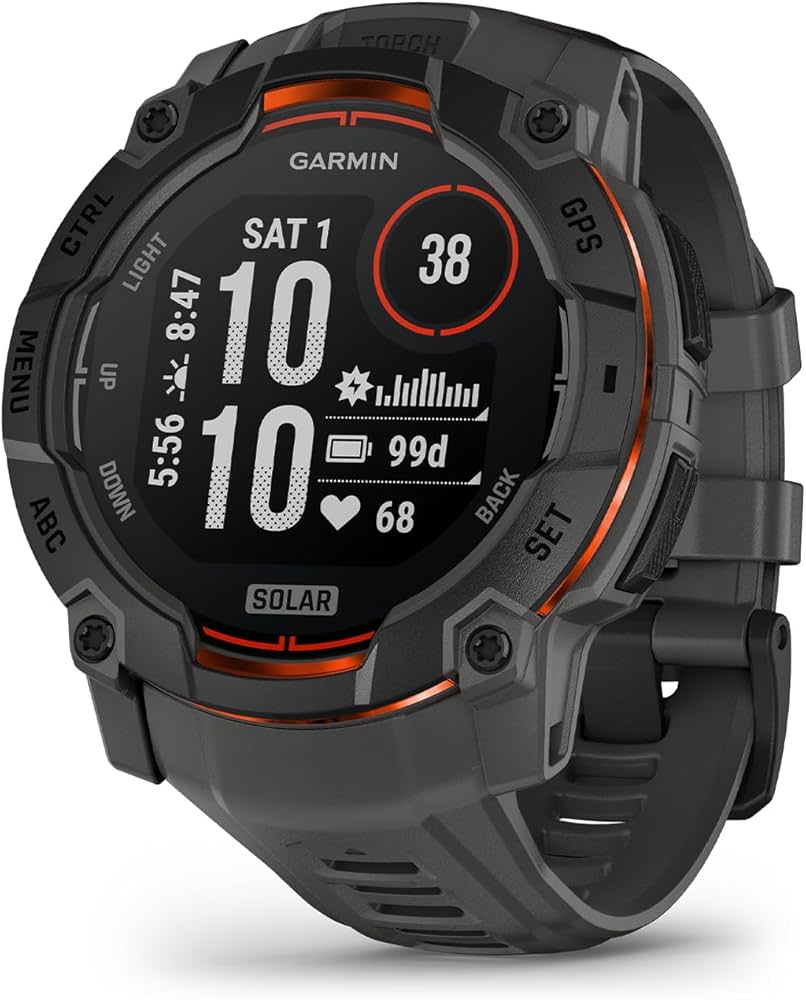
If troubleshooting fails, low-maintenance alternative.
Garmin Vivosmart 5 Proven 7-day battery with efficient sensors; ideal upgrade for Garmin users.