Nothing disrupts your day like an appliance flashing an error code—your washer stops mid-cycle with 'F21,' or your fridge beeps 'SY EF.' These cryptic messages often signal simple fixes you can handle yourself, saving hundreds on service calls. In this guide, you'll learn to safely troubleshoot common codes across major appliances.
We'll cover a step-by-step process: from safety checks to advanced testing. By the end, you'll identify issues like water leaks, sensor failures, or power glitches. Expect 30-60 minutes per troubleshooting session—perfect for intermediate DIYers with basic tools.
No more guessing games; empower yourself with knowledge from appliance manuals and pro tips to resolve 80% of errors at home.
▸What You'll Need
- •Owner's manual or smartphone for model-specific codes (required)
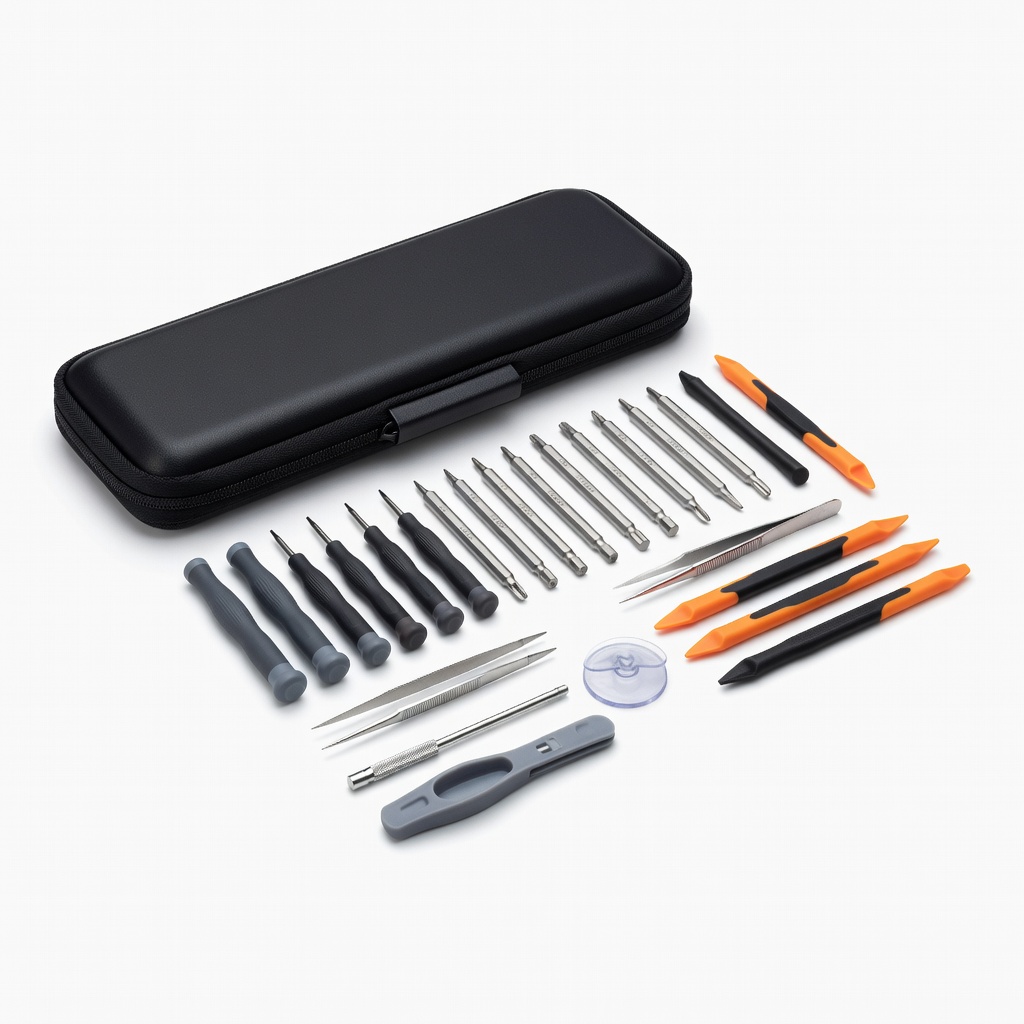
- •Screwdriver set (Phillips and flathead)
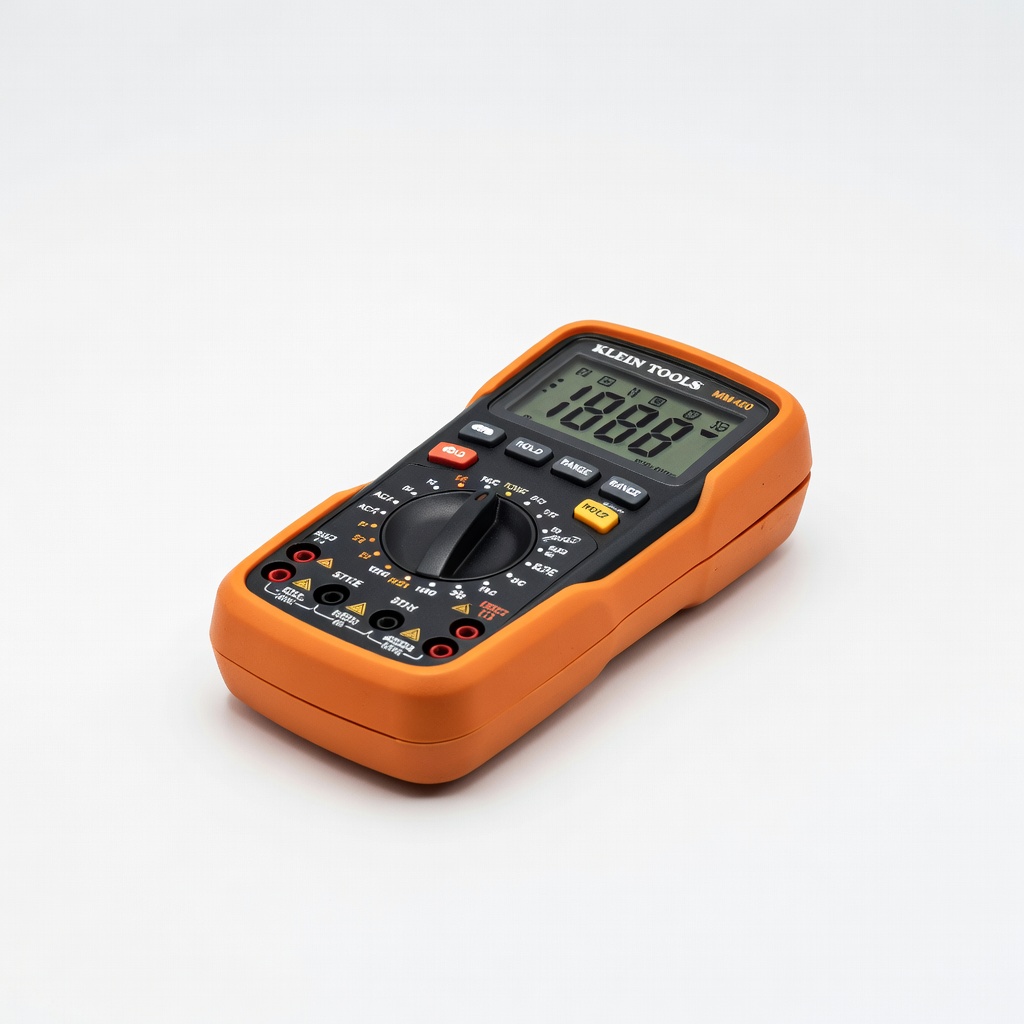
- •Digital multimeter for electrical testing
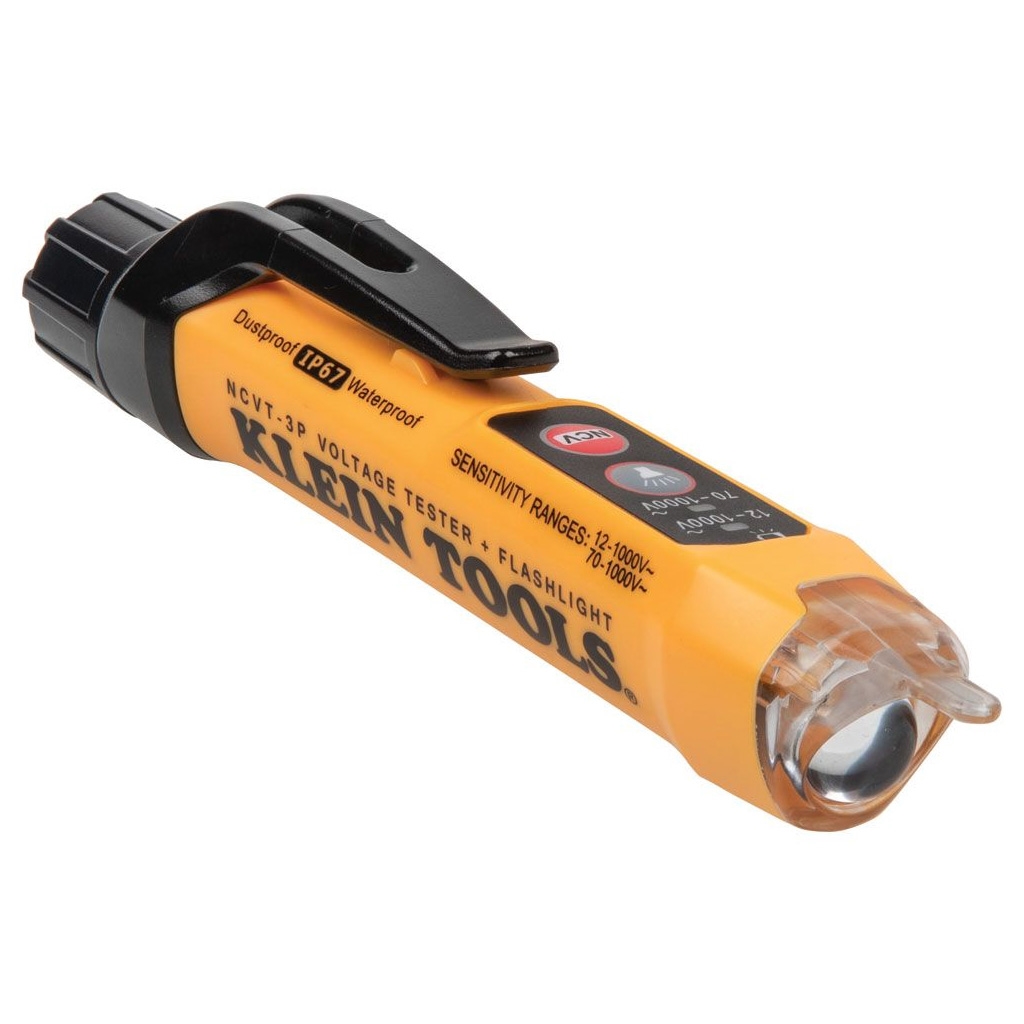
- •Non-contact voltage tester
- •Cleaning supplies (vinegar, soft cloth, vacuum)
- •Flashlight
- •Optional: Appliance dolly for moving heavy units
Estimated Time: 30-60 minutes per appliance issue
Difficulty: intermediate
▸Step-by-Step Instructions
Step 1: Prioritize Safety First
Unplug the appliance from the wall outlet or turn off the circuit breaker. This prevents electrical shocks, especially when accessing internal components.
Why it matters: Appliances store residual power even when off. Wait 5-10 minutes for capacitors to discharge. Verify no voltage with a non-contact tester.
Success: Appliance is powered down, and you're safe to proceed.
💡 Tips:
- •Label the outlet or breaker for easy re-identification.
⚠️ Warnings:
- •Never troubleshoot gas appliances without professional help—risk of explosion.
Step 2: Identify the Exact Error Code and Model
Note the full error code (e.g., 'E1 F3' on a Whirlpool washer) and appliance model number (usually on a sticker inside the door or back panel).
Take a photo for reference. Codes vary by brand (Samsung, LG, GE) and model year.
Success: You have precise details to look up—generic searches fail 70% of the time.
💡 Tips:
- •Use your phone's notes app for quick logging.
Step 3: Research the Error Code Meaning
Search '[brand] [model] [error code]' on Google or the manufacturer's site (e.g., whirlpool.com/support). Download the manual if lost.
Common examples:
- •Washer F21: Long fill/drain (Whirlpool)
- •Dryer dE: Door error
- •Fridge SY EF: Evaporator fan issue
Why: Pinpoints the faulty part or cause.
Success: You understand the issue, like a clogged drain or bad sensor.
💡 Tips:
- •Bookmark sites like repairclinic.com for code databases.
Step 4: Perform a Power Cycle Reset
Plug back in, wait 30 seconds, unplug again for 5 minutes, then power on. Run a test cycle.
This clears temporary glitches in 40% of cases (overloaded memory, surges).
Success: Error clears, appliance resumes normal operation.
⚠️ Warnings:
- •Don't skip full 5-minute wait—partial resets fail.
Step 5: Check Mechanical Obstructions
Inspect doors, filters, hoses, and vents. Clean lint traps (dryers), drain pumps (washers), or evaporator coils (fridges).
Tighten hoses, ensure level footing. For washers, check for kinks/floods.
Why: 50% of codes stem from clogs or misalignment.
Success: All accessible parts are clean and secure.
💡 Tips:
- •Use vinegar solution for mineral buildup.
Step 6: Run Built-in Diagnostic Mode
Enter service mode (e.g., for Samsung washers: Power on, press Temp+Spin+Soil rapidly). Note any sub-codes.
Follow manual for sequence—tests sensors/motors automatically.
Success: Diagnostic completes, revealing specific failures.
⚠️ Warnings:
- •Exit mode properly to avoid lockouts.
Step 7: Test Electrical Components
Use multimeter to check continuity on fuses, thermostats, or door switches (unplug first). Voltage test outlets (110-120V).
Replace bad parts if readings are off (infinite resistance = open circuit).
Success: Faulty component identified or confirmed working.
💡 Tips:
- •Set multimeter to ohms for continuity.
Step 8: Clear the Code and Test Run
Reassemble, power on, and run a full cycle. Monitor for recurrence.
If persistent, note new codes.
Success: Appliance functions error-free.
⚠️ Warnings:
- •Intermittent issues may need parts replacement.
▸Pro Tips
- •Keep a log of recurring codes to spot patterns like power surges.
- •Subscribe to brand newsletters for firmware update alerts.
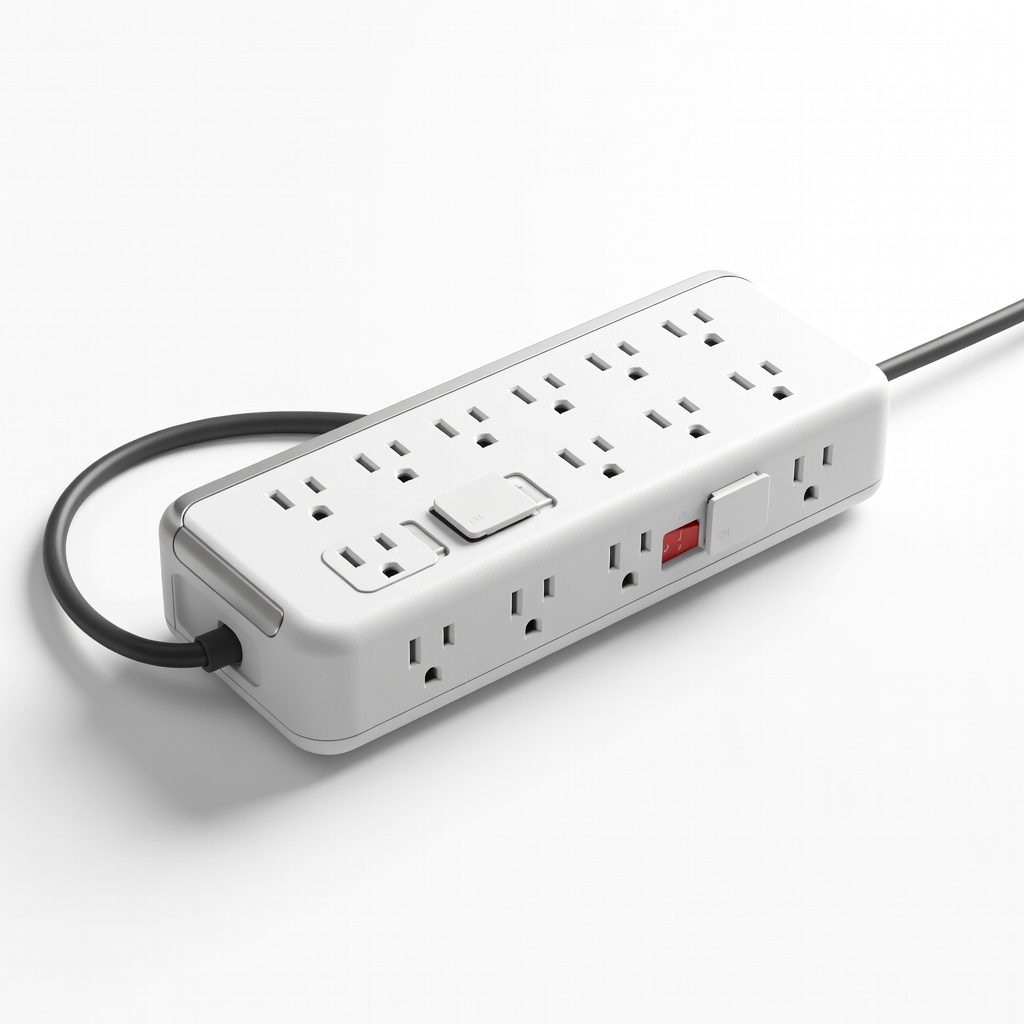
- •Use a surge protector daily to prevent code triggers.
- •Photograph disassembly for easy reassembly.
- •Join Reddit's r/ApplianceRepair for model-specific advice.
- •Test in short cycles first to save water/energy.
- •Clean monthly to preempt 90% of sensor errors.
▸Common Mistakes to Avoid
- •Ignoring safety—leads to shocks or fires; always unplug.
- •Misreading codes—double-check brand/model for accuracy.
- •Skipping diagnostics—wastes time on wrong fixes.
- •Overlooking power issues—test outlets before internals.
- •Forcing parts—can cause more damage; use proper tools.
▸Troubleshooting
Problem: Error persists after reset
Solution: Proceed to electrical testing; likely bad sensor or board.
Problem: No diagnostic mode access
Solution: Consult manual or YouTube for exact button combo; try alternate sequences.
Problem: Appliance won't power on
Solution: Check outlet/breaker, thermal fuse with multimeter.
Problem: Water leak during checks
Solution: Shut off valves, mop up, inspect hoses; call plumber if severe.
Klein Tools MM400 Digital Multimeter
Accurate for testing continuity, voltage, and resistance on appliance components like thermostats and switches.
Best for: Essential for Step 7 electrical diagnostics on washers and dryers.
Price Range: $29.97
Klein Tools NCVT-3P Non-Contact Voltage Tester
Safely detects live wires without contact, preventing shocks during troubleshooting.
Best for: Verify power is off in Step 1 and test outlets.
Price Range: $29.98
iFixit Pro Tech Toolkit
Precision screwdrivers and pry tools for accessing panels without damage.
Best for: Disassembling dryers or fridges in Steps 5-7.
Price Range: $74.95
Belkin 12-Outlet Surge Protector
Guards against surges that cause error codes; pivoting plugs for bulky appliance cords.
Best for: Prevent future issues post-repair.
Price Range: $24.99
Appliance Error Codes Magnet Chart
Quick reference for washer, dryer, fridge codes on your fridge door.
Best for: Step 3 lookups without searching online every time.
Price Range: $12.99