
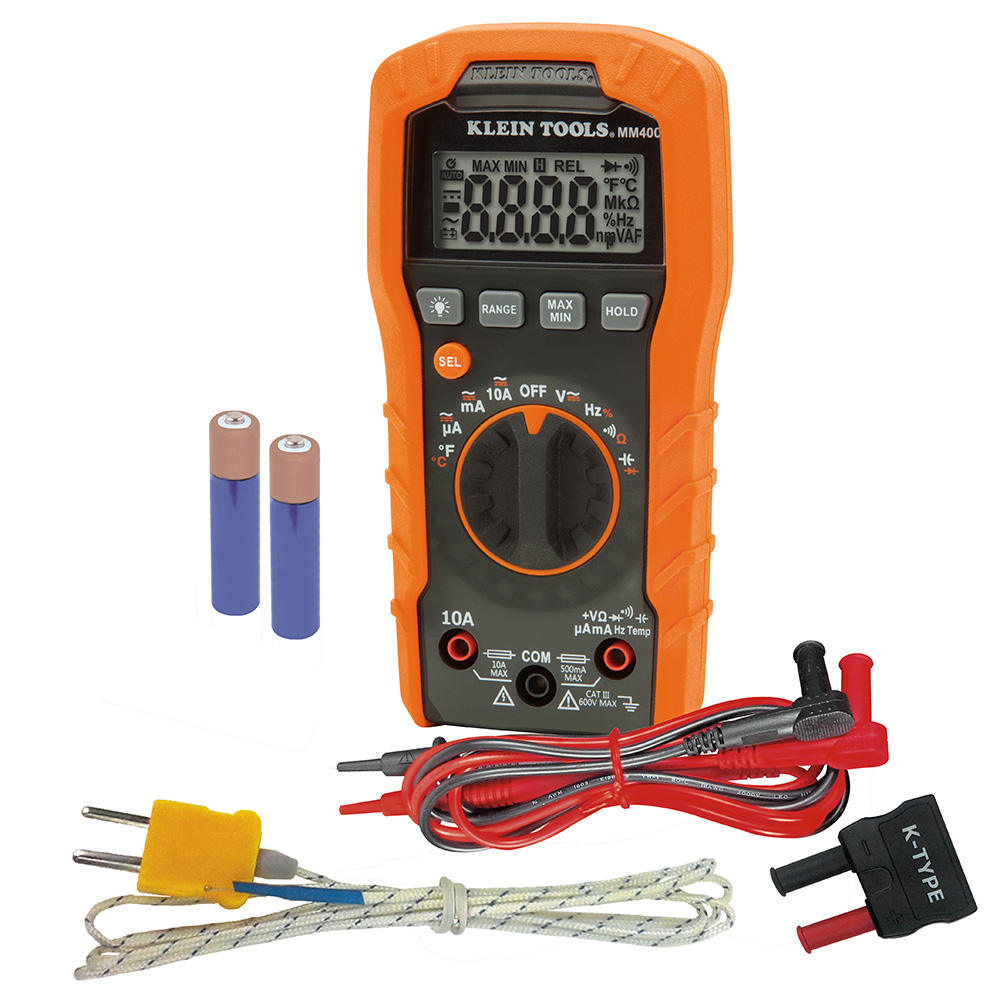
Klein Tools MM400 Digital Multimeter
Steps 6-8 when basic fixes fail.
$29.97
Klein Tools MM400 Digital Multimeter Accurate voltage/resistance testing for door switches and valves—essential for electrical codes.
Get the App
Better experience on mobile
Diagnose and fix common Samsung washer errors like 4E, 5E, and DC quickly to restore your laundry routine without a service call.
Nothing halts laundry day like a flashing error code on your Samsung washer, leaving clothes soaked and your schedule in chaos. These codes are Samsung's way of signaling specific issues, from simple clogs to sensor faults, and most can be fixed at home with basic tools and know-how.
In this guide, you'll learn to safely identify the error code, interpret its meaning, perform targeted checks, and reset your machine. We'll cover the most common codes (like 4E for water fill problems and 5E for drainage issues) with step-by-step fixes. Expect 20-60 minutes depending on the issue—no advanced skills required, just intermediate DIY confidence.
By the end, your washer should run smoothly again, saving you hundreds on repairs.
Estimated Time: 20-60 minutes Difficulty: intermediate
Start by turning off your Samsung washer at the control panel and unplugging it from the wall outlet. This prevents electrical shock or accidental starts during troubleshooting.
Wait 5 minutes for any residual power to discharge. Place towels around the base to catch drips. Why it matters: Safety first—wet floors and live wires are a bad combo.
Success looks like: Washer powered down, no lights on, ready for inspection.
💡 Tips:
⚠️ Warnings:
Power the washer back on briefly to view the display panel (usually on top front). Note the exact code (e.g., '4E', '5E', 'DC', 'OE'). It may flash or stay lit.
Take a photo for reference. Common codes: 4E/UE (water not filling), 5E/SE/OE (drainage issue), DC (unbalanced load), 1 DC (door issue).
Success: Code documented accurately—no guessing later.
💡 Tips:
Grab your owner's manual (model-specific) or visit Samsung's support site (search 'Samsung [model] error codes'). Enter your model number (inside door or back) for precise info.
Cross-reference your code: e.g., 4E means check water supply/inlet valves. Print or save the page.
Success: You understand the code's cause (e.g., 'low water pressure').
💡 Tips:
For water-related codes: Ensure hot/cold faucets are fully open. Disconnect hoses (use bucket), inspect inlet screens for debris—clean with pliers.
Reconnect securely. Why: Clogged screens cause 80% of 4E errors.
Success: Water flows freely from both hoses when tested.
💡 Tips:
⚠️ Warnings:
Locate drain hose at back—ensure not kinked or clogged. Disconnect and run water through it. Check pump filter (front bottom panel: twist out, clean).
Why: Lint/socks block drainage.
Success: Filter clean, water drains quickly.
💡 Tips:
Use a level on top—adjust feet to make washer plumb. Check door lock: listen for click, inspect seal.
Redistribute load if mid-cycle.
Success: Washer doesn't wobble when rocked.
⚠️ Warnings:
Plug back in, press Power, then hold Spin + Soil for 5 seconds (or per manual). Run a test cycle (Tub Clean or Rinse+Spin).
Monitor for code return.
Success: Cycle completes without error.
💡 Tips:
For persistent codes: Use multimeter to check door lock (continuity), inlet valve voltage (~120V). Access panel with screwdriver.
Success: Readings match manual specs (e.g., 1-10 ohms resistance).
⚠️ Warnings:
Problem: Code returns immediately
Solution: Double-check all connections; run empty test cycle. Sensor fault likely—seek pro.
Problem: No display at all
Solution: Check outlet with voltage tester; try different circuit.
Problem: Water leaks during checks
Solution: Tighten fittings; replace old hoses if cracked.
Problem: Persistent after reset
Solution: Run diagnostic mode (per manual); call Samsung service.
Accurate voltage/resistance testing for door switches and valves—essential for electrical codes.
Best for: Steps 6-8 when basic fixes fail.
Price Range: $29.97
Clears buildup causing drain/fill errors; Samsung-recommended.
Best for: Preventive monthly clean after troubleshooting.
Price Range: $14.99
Replacement debris filters fix 4E errors permanently.
Best for: Step 4 if originals are damaged.
Price Range: $8.98
Precise bits for panel access without stripping screws.
Best for: All panel removal steps.
Price Range: $19.98
Quick, safe power checks without multimeter.
Best for: Verify outlet/wiring before resets.
Price Range: $24.97
Steps 6-8 when basic fixes fail.
Klein Tools MM400 Digital Multimeter Accurate voltage/resistance testing for door switches and valves—essential for electrical codes.
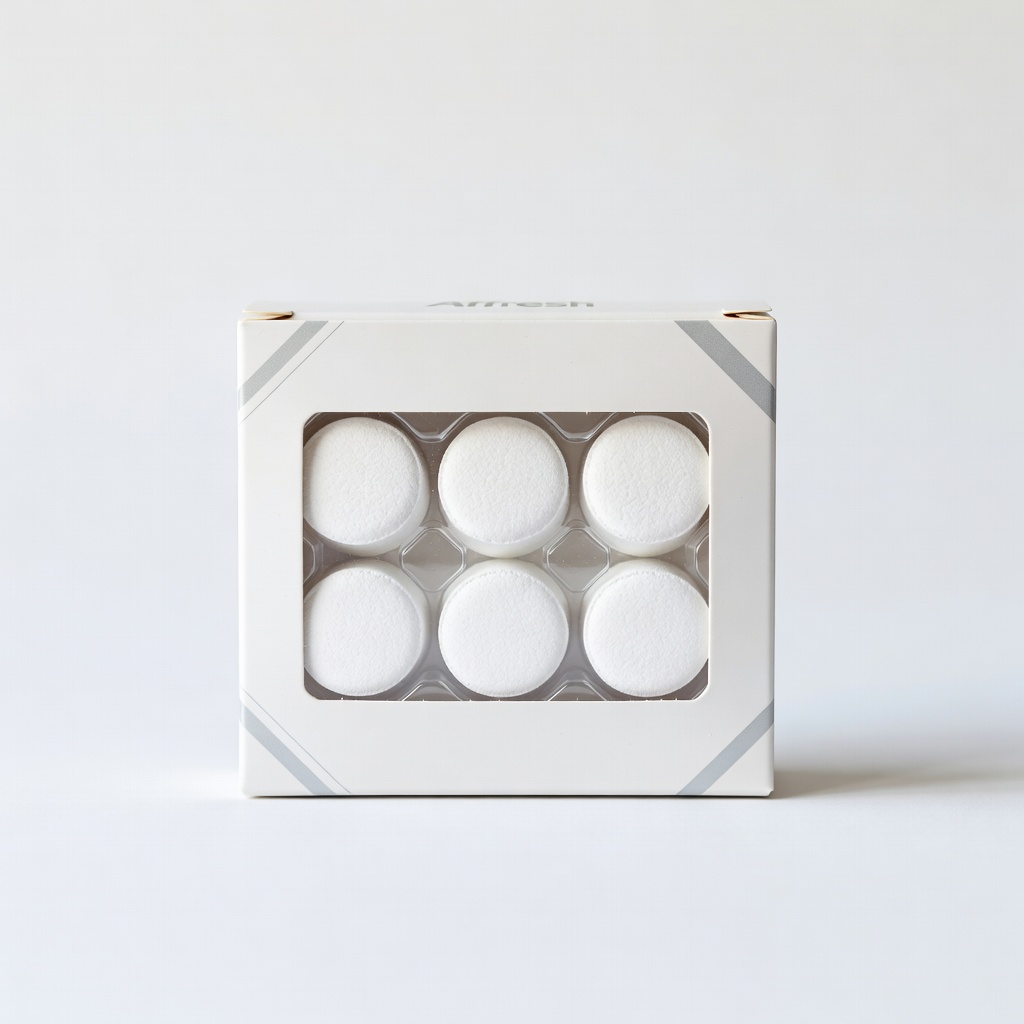
Preventive monthly clean after troubleshooting.
Affresh Washer Cleaner Tablets (6-Count) Clears buildup causing drain/fill errors; Samsung-recommended.
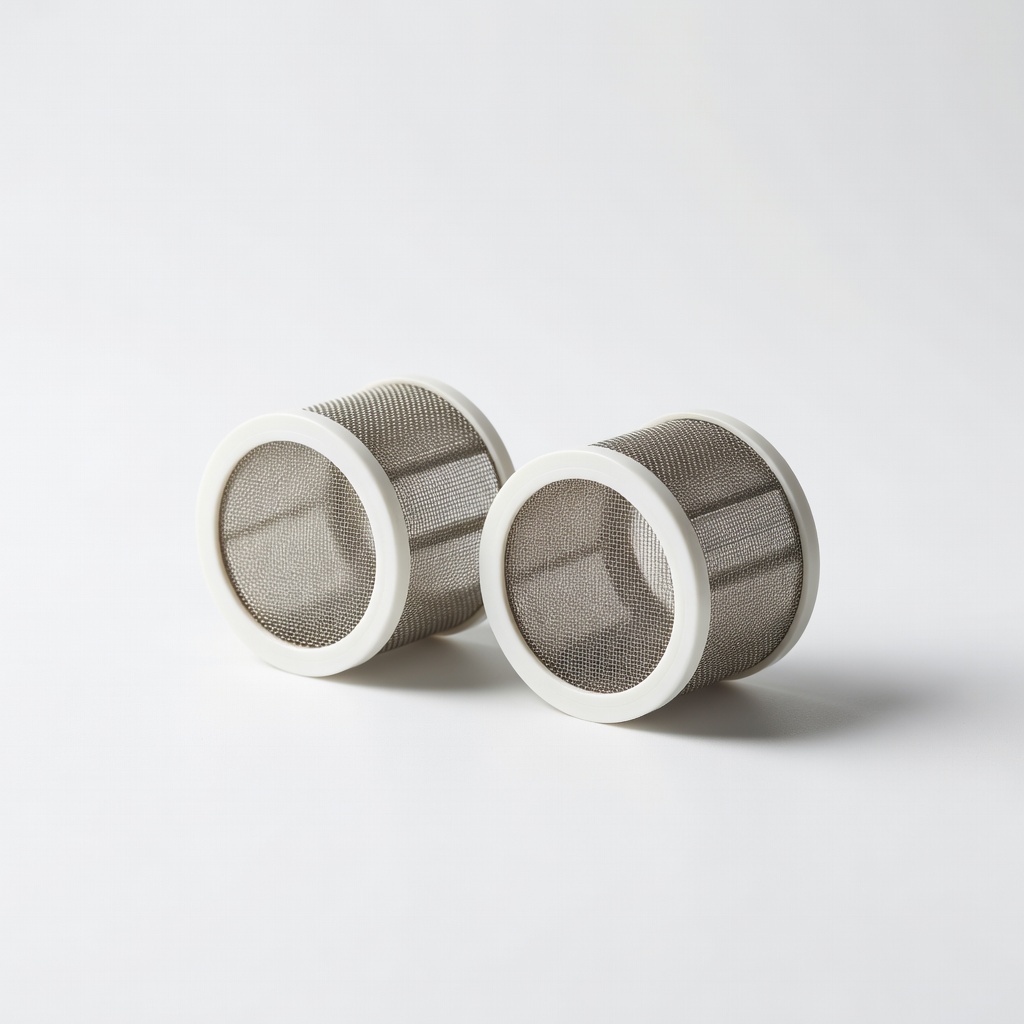
Step 4 if originals are damaged.
Everbilt Universal Washing Machine Inlet Hose Screens Replacement debris filters fix 4E errors permanently.
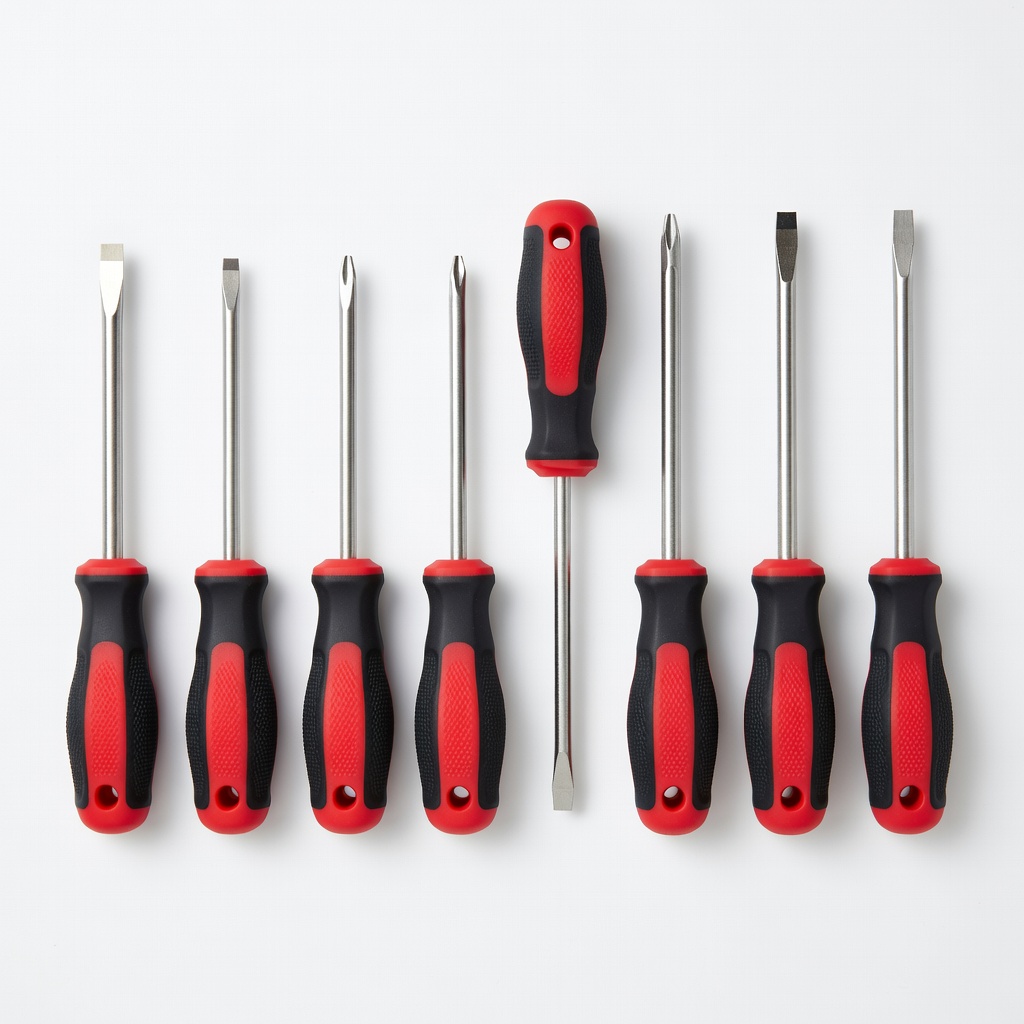
All panel removal steps.
Craftsman 8-Piece Screwdriver Set Precise bits for panel access without stripping screws.
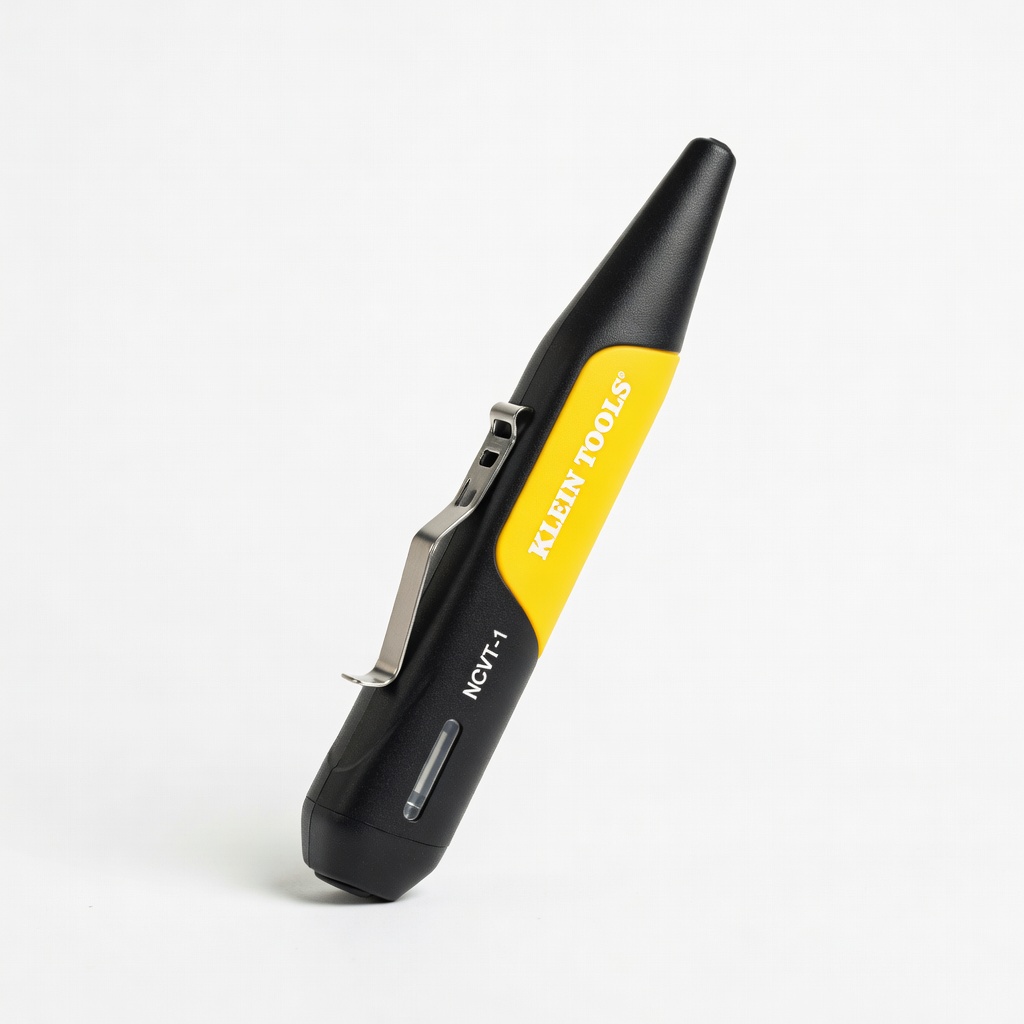
Verify outlet/wiring before resets.
Klein Tools NCVT-1 Non-Contact Voltage Tester Quick, safe power checks without multimeter.