
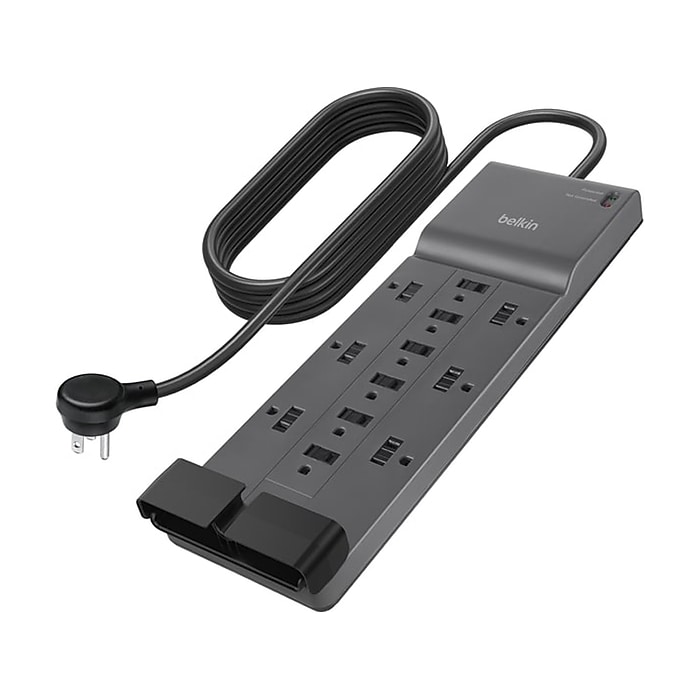
Belkin 12-Outlet Surge Protector
Replacement for high-use setups like home offices.
$25-$30
Belkin 12-Outlet Surge Protector Heavy-duty build with 4320 joules protection and thermal fuse prevents overheating.
Get the App
Better experience on mobile
Safely diagnose and resolve overheating in power adapters and multi-outlets in minutes to prevent fires and save money on replacements.
Overheating power adapters and multi-outlet strips are a common fire hazard in homes, often caused by overloads, dust buildup, or poor quality products. Ignoring the warmth or burning smell can lead to melted plastics, tripped breakers, or worse—house fires. This guide empowers beginners to troubleshoot safely without calling an electrician.
You'll learn step-by-step how to inspect, test, and fix the issue, spotting problems like excessive load or damaged wiring. By the end, your outlets will run cool and safe. The process takes 15-30 minutes, requires no special skills, and uses household items.
Expect visible improvements like cooler operation after cleaning or reducing load—no guarantees on damaged units, which may need replacement.
Estimated Time: 15-30 minutes Difficulty: beginner
Start by turning off the power at the breaker if possible, then unplug all devices from the adapter or multi-outlet. This prevents shocks or shorts while you work.
Why it matters: Electricity is dangerous; overheating often worsens when powered. Wear safety gloves. Feel the unit— if it's too hot to touch (>140°F/60°C), let it cool 30 minutes.
Success: Unit is completely disconnected, safe to handle.
💡 Tips:
⚠️ Warnings:
Examine the adapter/multi-outlet for damage: look for melted plastic, burn marks, frayed cords, bent prongs, or bulging. Check cord for cracks.
Shine a flashlight inside outlets for soot or discoloration. Why? Damage indicates internal failure; using it risks fire.
Success: Note issues (e.g., 'melted plug')—proceed only if minor.
💡 Tips:
⚠️ Warnings:
Add up wattage of all plugged devices (check labels, e.g., 100W lamp + 300W charger = 400W). Most strips handle 1500-1800W max.
Why? Overload causes heat. Success: Load <80% of rating (e.g., <1200W on 1500W strip). Reduce high-draw items like heaters.
Reloading tip: Plug back one-by-one, feeling for heat after 5 mins each.
💡 Tips:
⚠️ Warnings:
Use compressed air or a soft brush to blow out dust from vents, outlets, and cord entry. Vacuum gently if no air can.
Dust insulates heat—cleaning drops temps 20-30°F. Why it matters: Common cause in dusty homes.
Success: Unit looks clean; no more clogged vents.
💡 Tips:
⚠️ Warnings:
Plug a simple device (lamp) into each outlet separately for 5 mins. Feel for hot spots.
Rotate positions. Why? Faulty outlet causes localized heat.
Success: All outlets cool; no single hot one.
💡 Tips:
⚠️ Warnings:
Gently wiggle plugs/devices—loose fit sparks heat. Tighten cord screws if loose.
For internals (if comfortable): Unscrew cover, check wire tightness (skip if unsure).
Success: Secure, no wobble.
💡 Tips:
⚠️ Warnings:
Reload reduced load, run 10 mins, feel temp (should be warm, not hot). With multimeter: Set to AC voltage, test outlets (~120V US).
Fluctuations indicate issues. Success: Stable voltage, cool operation.
If hot, replace.
💡 Tips:
⚠️ Warnings:
Problem: Still hot after steps?
Solution: Replace immediately—internal fault. Test on another circuit.
Problem: Burning smell persists
Solution: Discard unit; inspect wall outlet with multimeter.
Problem: Tripping breaker
Solution: Reduce load further or check home wiring—call electrician.
Problem: Voltage reads low (<110V)
Solution: Wiring issue; consult professional.
Heavy-duty build with 4320 joules protection and thermal fuse prevents overheating.
Best for: Replacement for high-use setups like home offices.
Price Range: $25-$30
Affordable, reliable with 790 joules and overload protection for everyday use.
Best for: Budget replacement for light household needs.
Price Range: $10-$12
Accurate voltage testing helps pinpoint electrical faults safely.
Best for: Advanced troubleshooting beyond visuals.
Price Range: $35-$40
Non-contact temp measurement confirms overheating precisely.
Best for: Quick checks without touching hot surfaces.
Price Range: $20-$25
Replacement for high-use setups like home offices.
Belkin 12-Outlet Surge Protector Heavy-duty build with 4320 joules protection and thermal fuse prevents overheating.
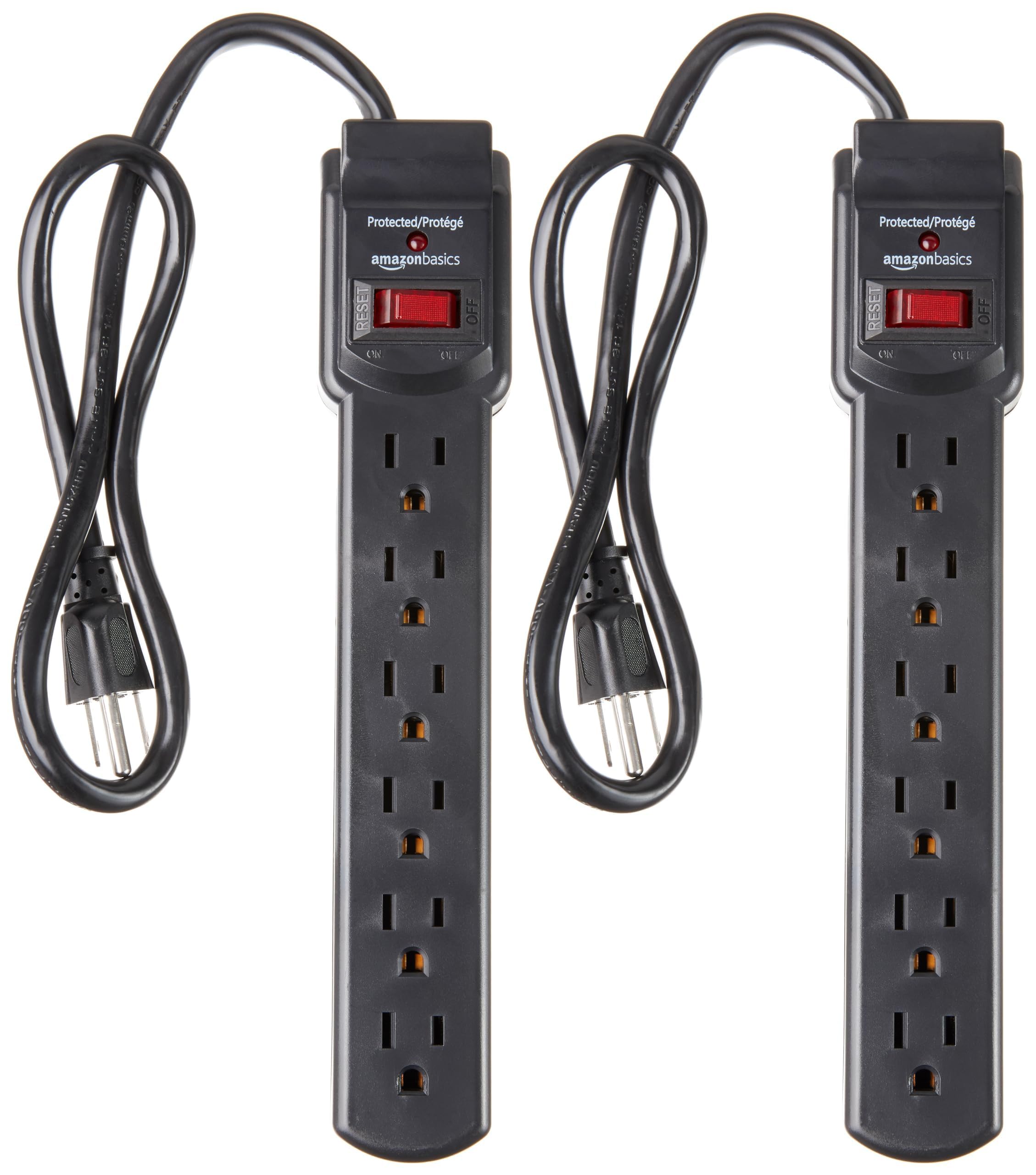
Budget replacement for light household needs.
Amazon Basics 6-Outlet Surge Protector Affordable, reliable with 790 joules and overload protection for everyday use.
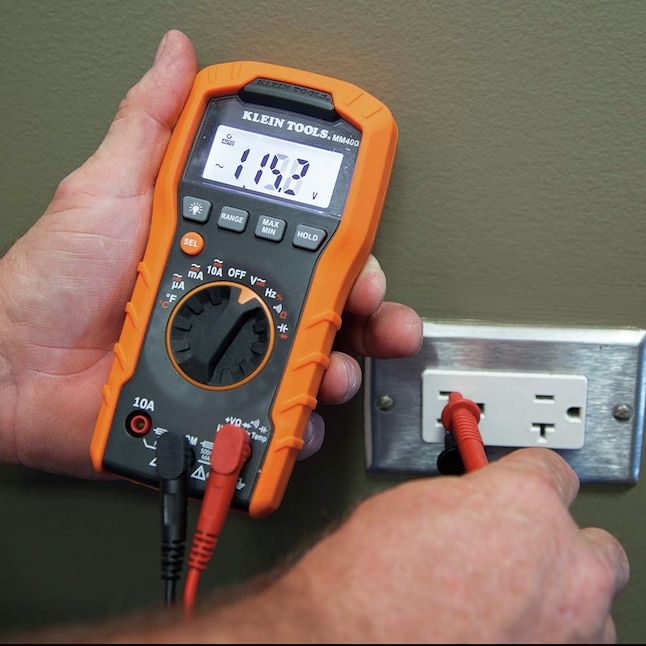
Advanced troubleshooting beyond visuals.
Klein Tools MM400 Digital Multimeter Accurate voltage testing helps pinpoint electrical faults safely.
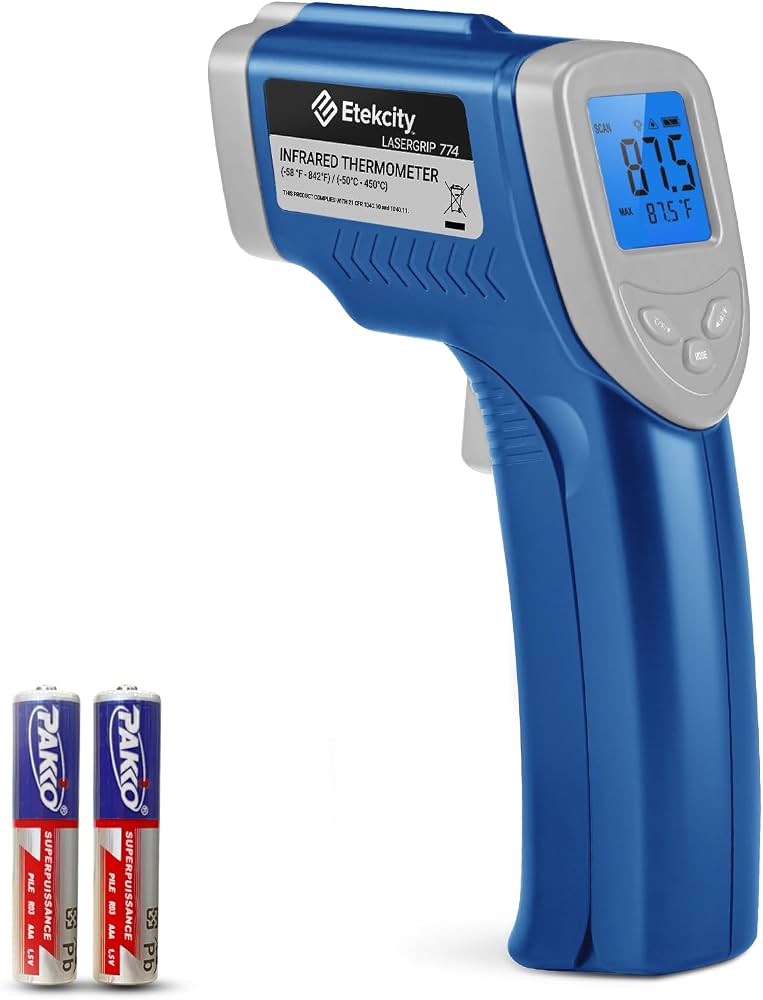
Quick checks without touching hot surfaces.
Etekcity Lasergrip 774 IR Thermometer Non-contact temp measurement confirms overheating precisely.