
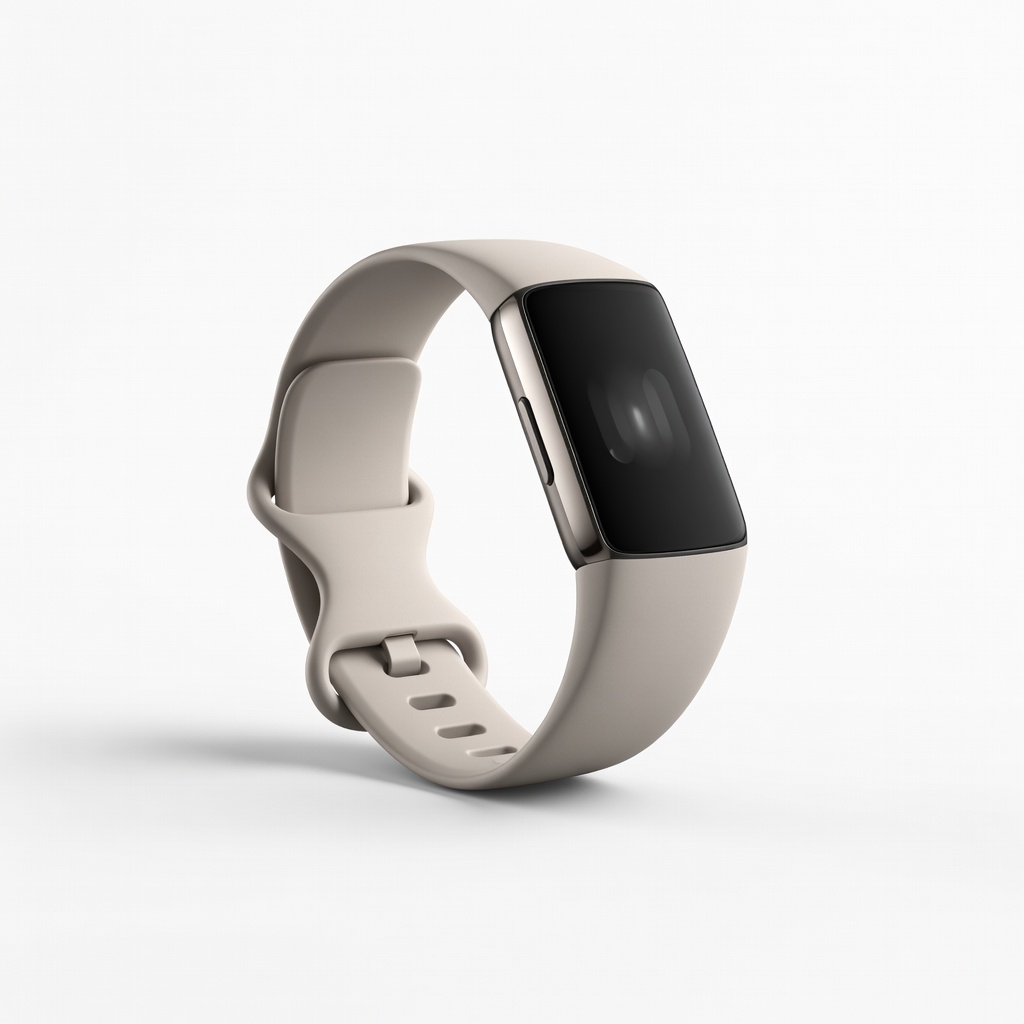
Fitbit Charge 6
Upgrade if your current tracker has chronic hardware issues.
$159.95
Fitbit Charge 6 Highly reliable with built-in diagnostics and long battery life, minimizing troubleshooting needs.
Get the App
Better experience on mobile
Master step-by-step fixes for sync issues, inaccurate tracking, and battery problems on your activity and wellness monitor in under 45 minutes.
Nothing disrupts your fitness routine like a glitchy fitness tracker that stops logging steps, heart rate, or sleep data. Whether it's a Fitbit, Garmin, Apple Watch, or similar wellness monitor, common issues like poor sync, dead sensors, or low battery can halt your progress tracking. This guide empowers intermediate users to diagnose and resolve these problems without needing tech support.
You'll learn a systematic troubleshooting process starting from basic checks to advanced resets, restoring your device's accuracy and reliability. Expect to spend 20-45 minutes, depending on the issue's complexity—no advanced tools required, just your device and app.
By the end, your tracker will be back online, helping you stay motivated on your health goals.
Estimated Time: 20-45 minutes Difficulty: intermediate
Start with the basics: Ensure your tracker is powered on and has sufficient battery. Plug it into the original charging cable connected to a wall outlet or USB port.
Observe the charging indicator light (usually green or pulsing). Charge for at least 30 minutes if it's completely dead. Why? Low battery often mimics other issues like unresponsiveness.
Success looks like: Device powers on, shows battery percentage in the app or on-screen, and responds to taps.
💡 Tips:
⚠️ Warnings:
Wear the tracker snugly on your wrist, 1-2 finger-widths above the wrist bone, with sensors facing skin.
Test by walking or jogging—check if steps register. Loose fit causes inaccurate heart rate or step counts due to poor sensor contact.
Success looks like: Consistent step counts matching manual tally and heart rate graph smooth in the app.
💡 Tips:
⚠️ Warnings:
On your phone, go to Settings > Bluetooth and ensure it's on. Forget and re-pair the tracker if listed.
Open the companion app and toggle Bluetooth permissions. Proximity matters—keep device within 30 feet.
Success looks like: Tracker appears as 'Connected' in app and phone Bluetooth list.
💡 Tips:
In the app, pull down to refresh or tap 'Sync Now.' Ensure WiFi is on for cloud backup.
Why? Cached data or network glitches prevent updates.
Success looks like: Recent activity data (e.g., last 10 minutes' steps) appears in app dashboard.
💡 Tips:
⚠️ Warnings:
Check app store for companion app updates. In-app, look for device firmware updates under Settings > Device Info.
Install any available—restarts may occur automatically.
Success looks like: Version numbers match latest (e.g., app v4.2, firmware 2.15).
💡 Tips:
Press and hold power button (usually side) for 10-20 seconds until it vibrates/reboots. For app-controlled: Settings > Restart.
Clears temporary glitches without data loss.
Success looks like: Fresh boot screen, then normal operation.
⚠️ Warnings:
Use microfiber cloth and isopropyl alcohol (70%) on sensors, screen, and contacts. Avoid submerging unless waterproof-rated.
Dirt blocks optical sensors.
Success looks like: Sensors gleam; improved readings post-clean.
💡 Tips:
First, soft reset via app (Settings > Clear User Data). If fails, factory reset (erases all data—backup first!).
Re-setup as new device.
Success looks like: Full functionality after re-pairing.
⚠️ Warnings:
Problem: Won't charge at all
Solution: Try different cable/outlet; clean ports. If persists, replace cable (see products).
Problem: Inaccurate heart rate
Solution: Clean sensors, check fit, disable auto-brightness. Recalibrate in app.
Problem: No step counts
Solution: Verify motion during test walk; update firmware; restart.
Problem: App won't sync
Solution: Re-pair Bluetooth; clear app cache; reinstall app.
Problem: Still fails after steps
Solution: Contact support with logs; consider warranty replacement.
Highly reliable with built-in diagnostics and long battery life, minimizing troubleshooting needs.
Best for: Upgrade if your current tracker has chronic hardware issues.
Price Range: $159.95
Excellent sensor accuracy and Garmin Connect app with advanced troubleshooting tools.
Best for: For users needing GPS and wellness insights without frequent glitches.
Price Range: $149.99
Official replacement fixes most charging failures due to worn cables.
Best for: When tracker won't charge despite clean ports.
Price Range: $19.99
Safe, streak-free cleaner for sensors and screens to resolve reading errors.
Best for: Routine maintenance or after dirt-related issues.
Price Range: $19.99
Budget-friendly with solid app and fewer sync issues for beginners.
Best for: Affordable replacement for entry-level troubleshooting.
Price Range: $49.99
Upgrade if your current tracker has chronic hardware issues.
Fitbit Charge 6 Highly reliable with built-in diagnostics and long battery life, minimizing troubleshooting needs.
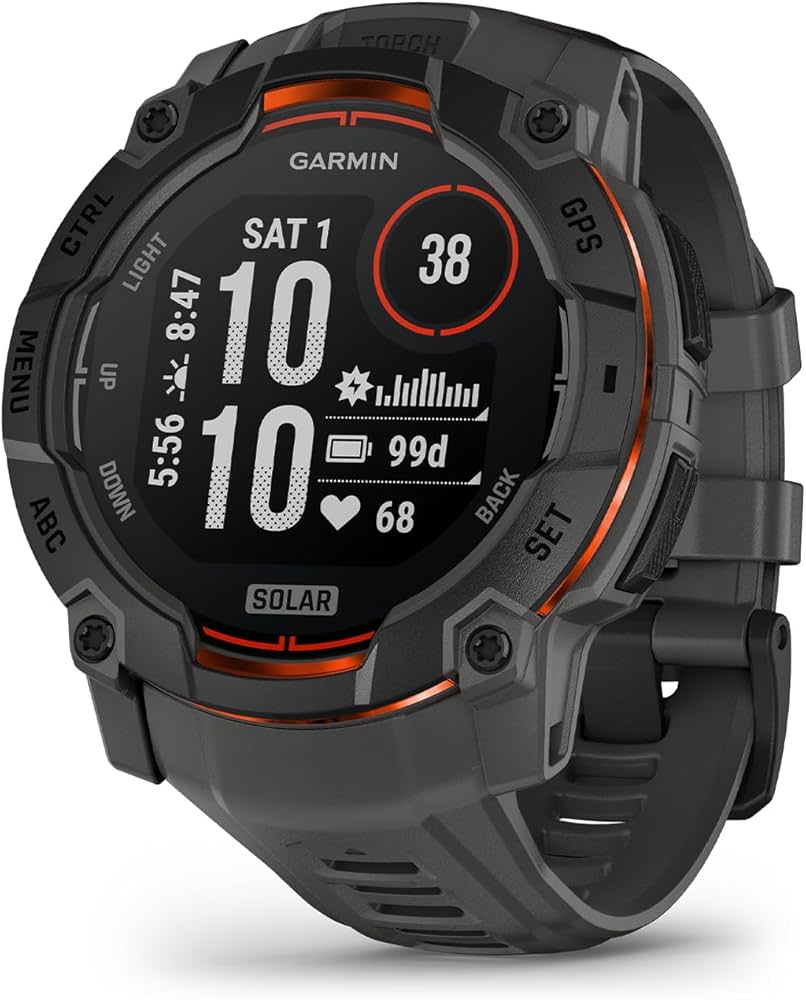
For users needing GPS and wellness insights without frequent glitches.
Garmin Vivosmart 5 Excellent sensor accuracy and Garmin Connect app with advanced troubleshooting tools.
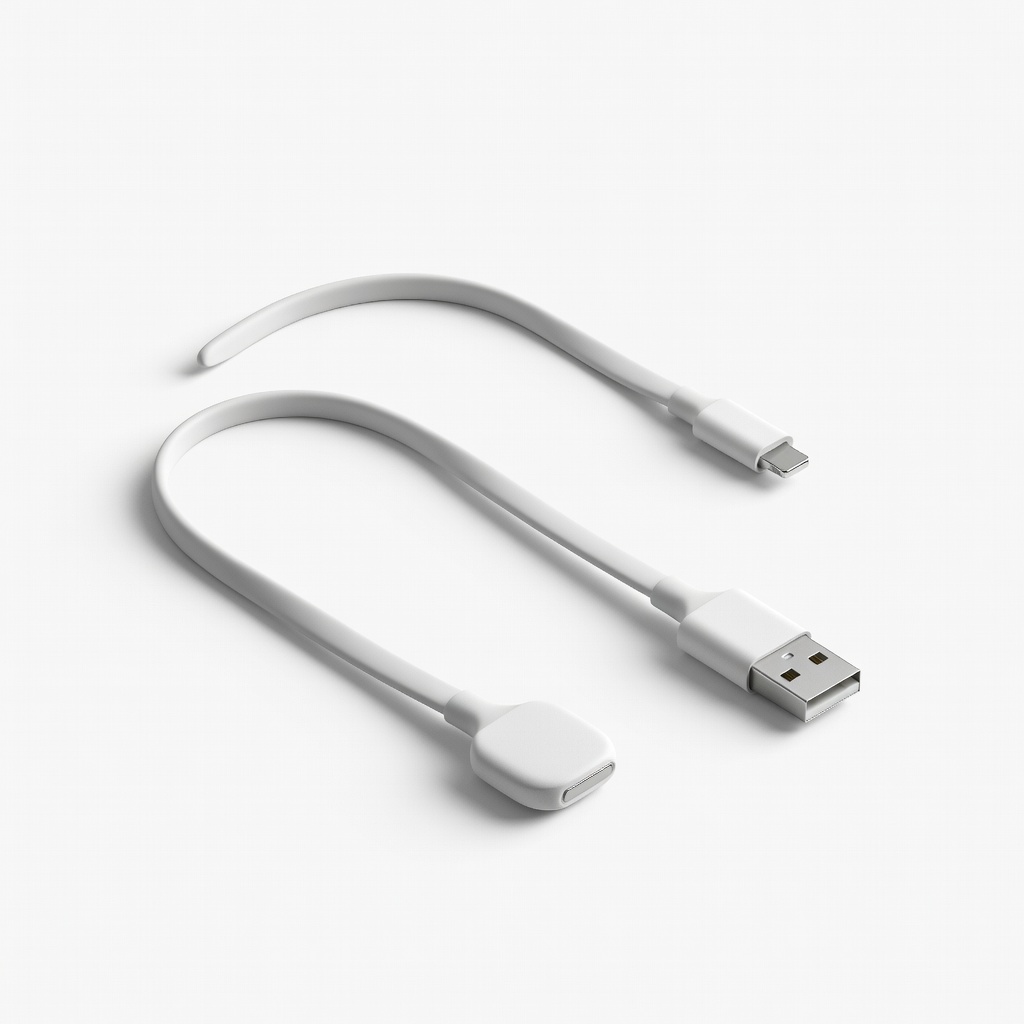
When tracker won't charge despite clean ports.
Fitbit USB Charging Cable Official replacement fixes most charging failures due to worn cables.
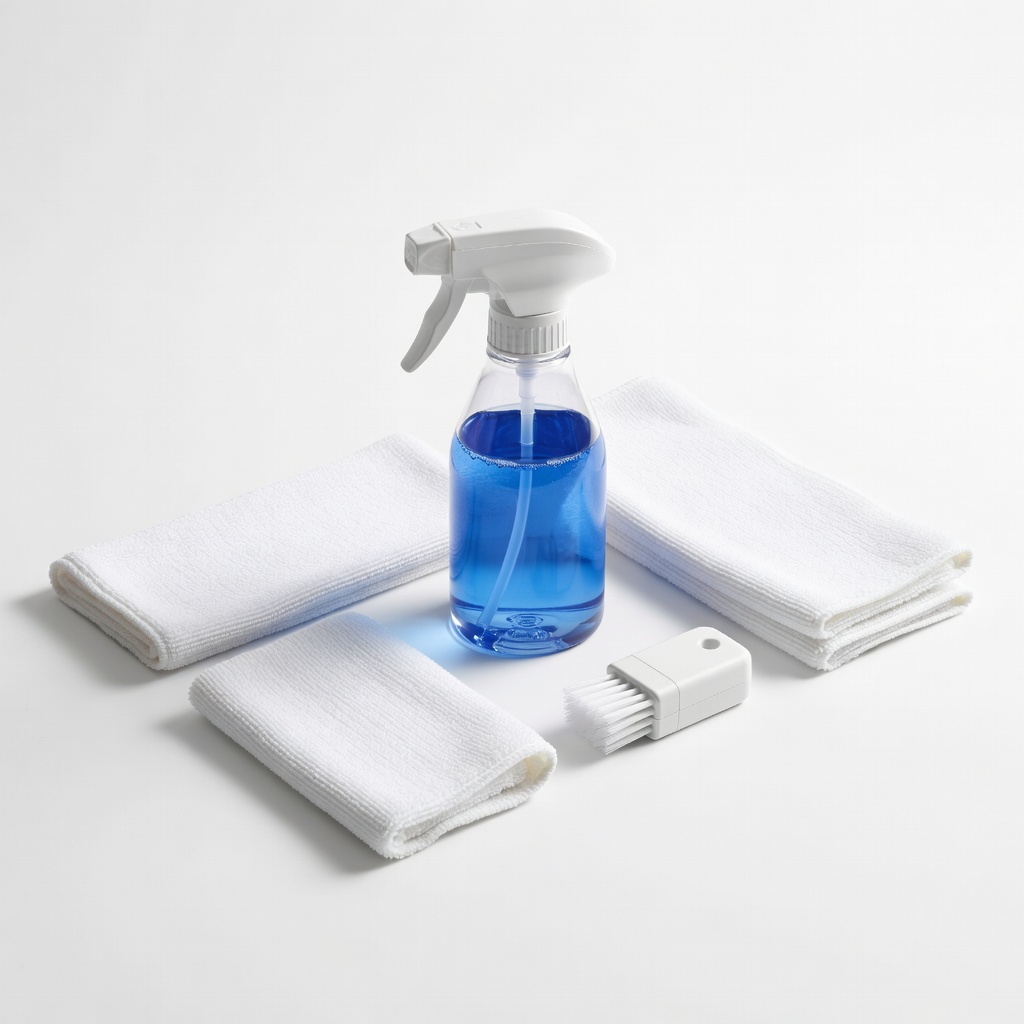
Routine maintenance or after dirt-related issues.
WHOOSH! Complete Screen Cleaning Kit Safe, streak-free cleaner for sensors and screens to resolve reading errors.
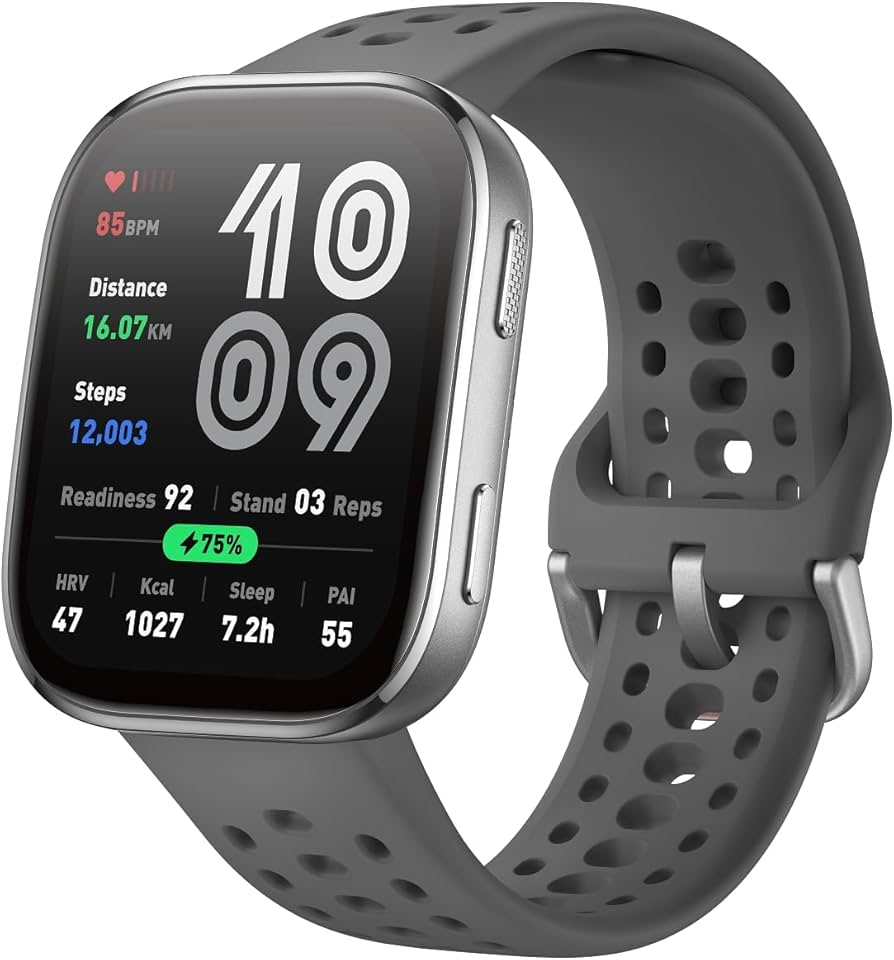
Affordable replacement for entry-level troubleshooting.
Amazfit Band 7 Budget-friendly with solid app and fewer sync issues for beginners.