

Anker PowerLine+ II USB-A to USB-C Cable (3ft)
Any USB-C tracker like Fitbit Charge 6 or Samsung Galaxy Watch.
$8.99
Anker PowerLine+ II USB-A to USB-C Cable (3ft) Ultra-durable with 25,000+ bend tests; perfect replacement for frayed tracker cables.
Get the App
Better experience on mobile
Quickly diagnose and resolve charging issues on your Fitbit, Apple Watch, or Garmin tracker in under 20 minutes—no tech skills needed.
Nothing's more frustrating than your activity tracker dying mid-workout or right when you need your step count. Whether it's a Fitbit Charge, Garmin Vivosmart, or Apple Watch, charging problems affect millions of users yearly due to dirt, faulty cables, or simple oversights. Don't toss it yet—this guide will save you time and money.
You'll learn a systematic troubleshooting process starting with the basics and escalating to resets. By the end, your tracker will be charging reliably, tracking your fitness goals uninterrupted. It's beginner-friendly, takes 10-20 minutes, and requires no special tools.
Expect step-by-step checks that pinpoint the issue 90% of the time. If it persists, we'll guide you on next steps like warranty claims.
Estimated Time: 10-20 minutes Difficulty: beginner
Start here—most issues stem from damaged cables. Unplug the cable from your tracker, wall adapter, and power source. Inspect for frayed wires, bent pins, or debris on the connectors.
Plug it into a known working USB port (like your computer) and check if the adapter light turns on. Why? Faulty cables cause 40% of charging failures per user forums.
Success looks like: Cable feels intact, and the adapter powers up without flickering.
💡 Tips:
⚠️ Warnings:
Examine the port on your tracker (USB, magnetic, or pogo pins). Look for lint, dust, sweat residue, or corrosion—common in fitness devices from workouts.
Hold it under bright light; shake gently to dislodge particles. This matters because buildup blocks contact, mimicking a dead battery.
Success: Port looks clean and undamaged; no visible gunk.
💡 Tips:
Power off the tracker. Dip a microfiber cloth or cotton swab in isopropyl alcohol (sparingly—no soaking). Gently swab the port, avoiding metal tools that could scratch.
For magnetic/pogo pins, wipe each pin separately. Let it air dry 2-3 minutes. Why? Residue is the #1 culprit per manufacturer support sites.
Success: Port is dry, clean, and smells faintly of alcohol.
⚠️ Warnings:
Plug into a computer USB port instead of a wall adapter, or vice versa. Test another outlet or USB hub.
Slow chargers or high-draw adapters overload trackers. This isolates if it's the power supply.
Success: Tracker shows charging icon (light, symbol, or app notification) within 1-2 minutes.
💡 Tips:
Reattach cable securely. Leave undisturbed for 30 full minutes—even if no light shows initially.
Deep-discharged batteries need time to wake up. Monitor via app for battery percentage.
Success: Charging indicator appears; battery shows >1%.
⚠️ Warnings:
For Fitbit/Garmin: Press button combo (check manual). Apple Watch: Hold side button + Digital Crown.
This clears glitches without data loss. Why? Software bugs freeze charging.
Success: Device vibrates/boots, then charges normally.
💡 Tips:
Pair tracker with app (Fitbit, Garmin Connect, etc.). Check for updates and install.
Outdated software causes charging bugs. Sync first.
Success: Update completes; charging works post-reboot.
⚠️ Warnings:
Borrow or buy a new cable. Charge again.
Confirms if original is faulty.
Success: Charges immediately—replace old cable.
💡 Tips:
Problem: No charging light/symbol after cleaning
Solution: Battery may be dead—try hard reset or contact support. Test on another tracker if possible.
Problem: Charges then stops
Solution: Overheating issue; charge in cool room. Update app/firmware.
Problem: App shows charging but battery % drops
Solution: Faulty battery—warranty claim if <1-2 years old.
Problem: Magnetic charger won't align
Solution: Clean magnets; replace if pins bent. Seek professional repair.
Ultra-durable with 25,000+ bend tests; perfect replacement for frayed tracker cables.
Best for: Any USB-C tracker like Fitbit Charge 6 or Samsung Galaxy Watch.
Price Range: $8.99
Official OEM cable ensures perfect fit and no warranty void.
Best for: Fitbit owners with proprietary 4-pin connector.
Price Range: $19.99
Lint-free and non-abrasive—ideal for delicate ports without scratches.
Best for: Routine cleaning of any tracker port.
Price Range: $6.99
Soft bristles for safe debris removal from tiny ports.
Best for: Heavy sweaters or dusty environments.
Price Range: $9.99
Compact, reliable portable charger for on-the-go testing.
Best for: Travel or gym bag essential when outlets fail.
Price Range: $19.99
Any USB-C tracker like Fitbit Charge 6 or Samsung Galaxy Watch.
Anker PowerLine+ II USB-A to USB-C Cable (3ft) Ultra-durable with 25,000+ bend tests; perfect replacement for frayed tracker cables.
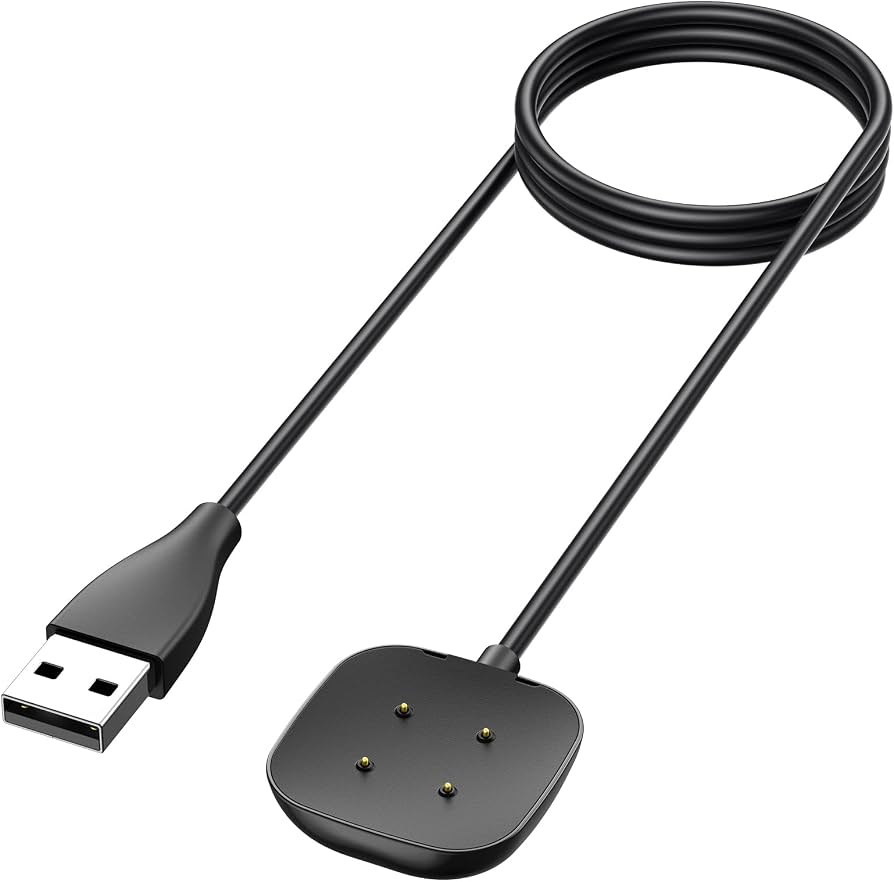
Fitbit owners with proprietary 4-pin connector.
Fitbit USB Charging Cable for Charge 5/6, Versa 4 Official OEM cable ensures perfect fit and no warranty void.
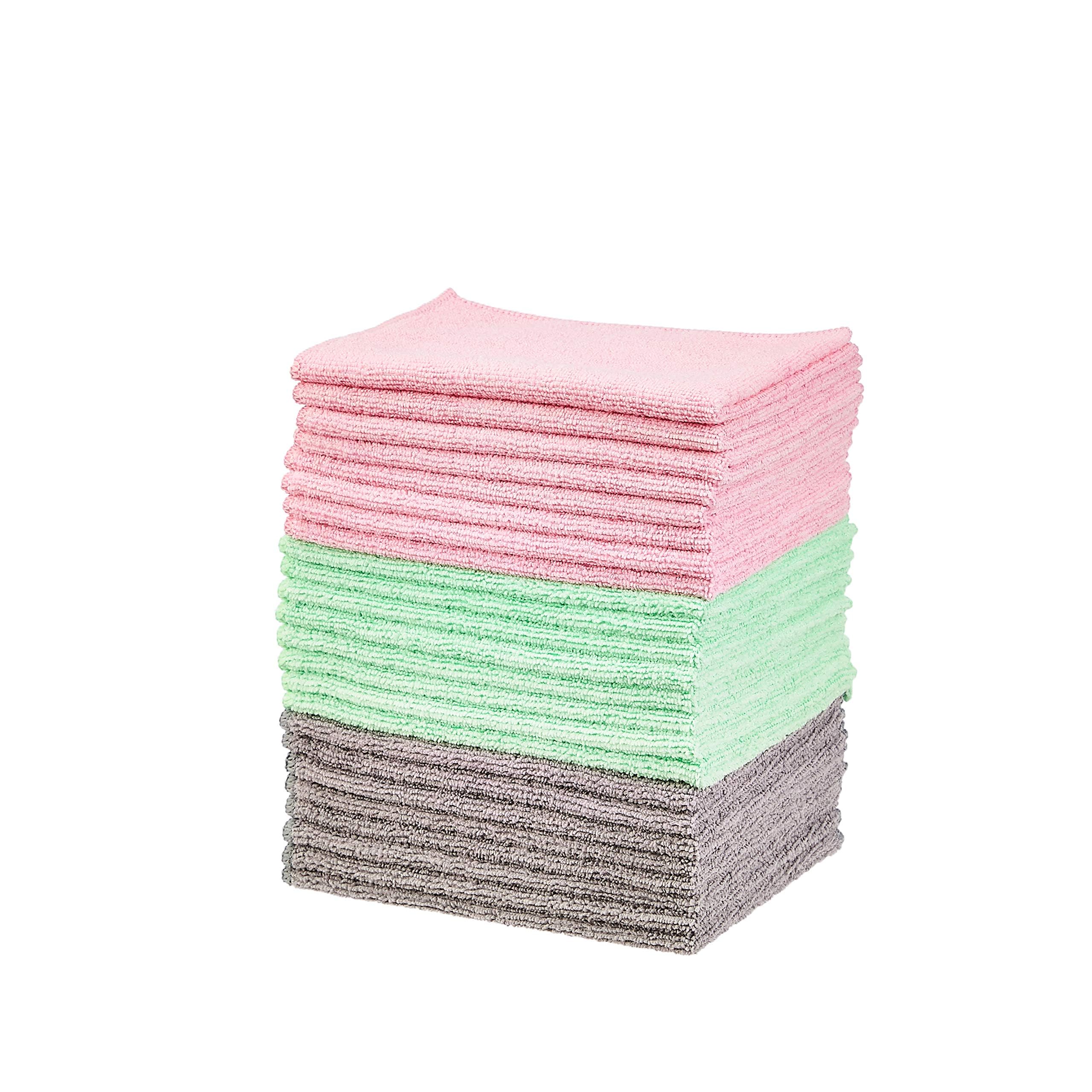
Routine cleaning of any tracker port.
Amazon Basics Microfiber Cleaning Cloths (24-pack) Lint-free and non-abrasive—ideal for delicate ports without scratches.
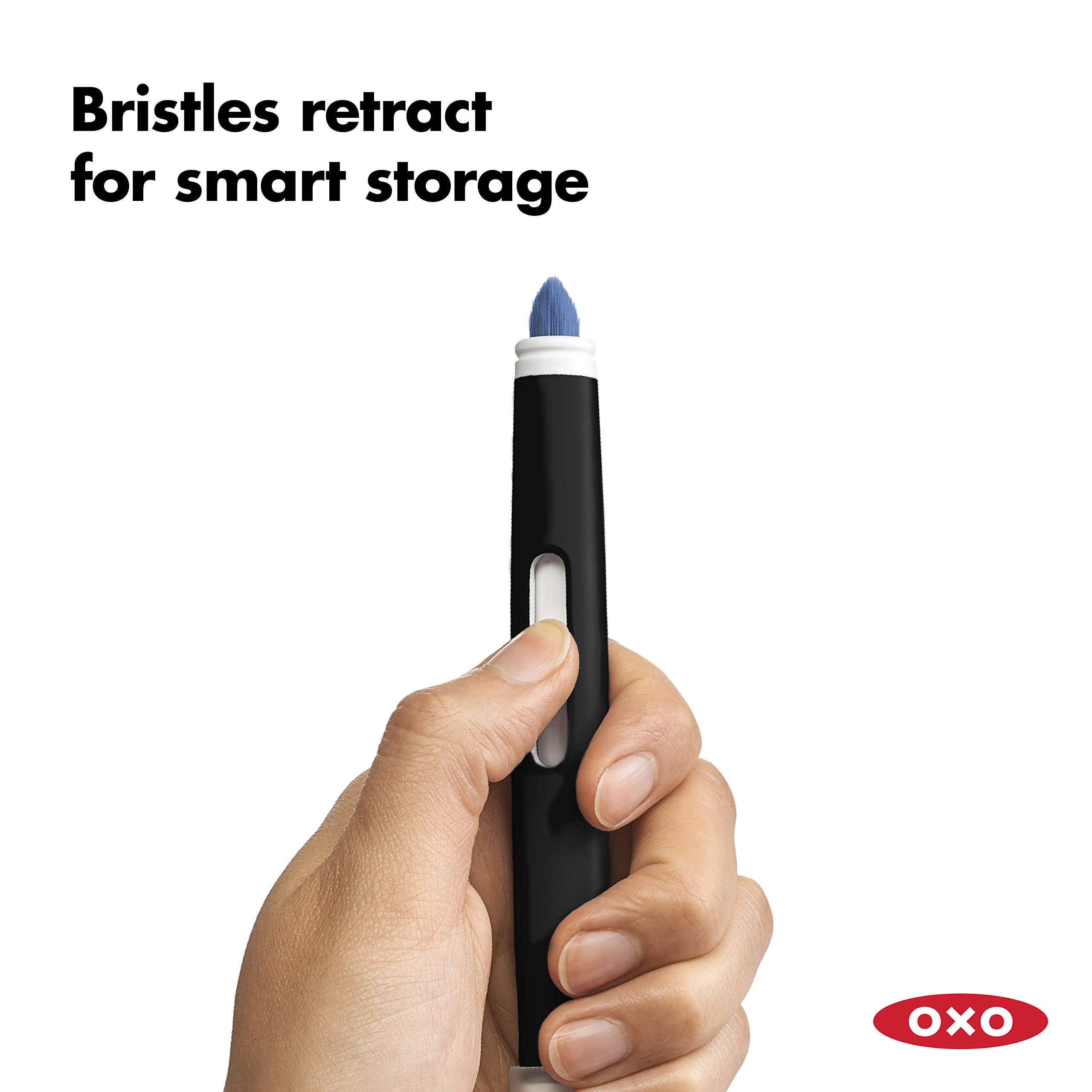
Heavy sweaters or dusty environments.
OXO Good Grips Electronics Cleaning Brush Set Soft bristles for safe debris removal from tiny ports.
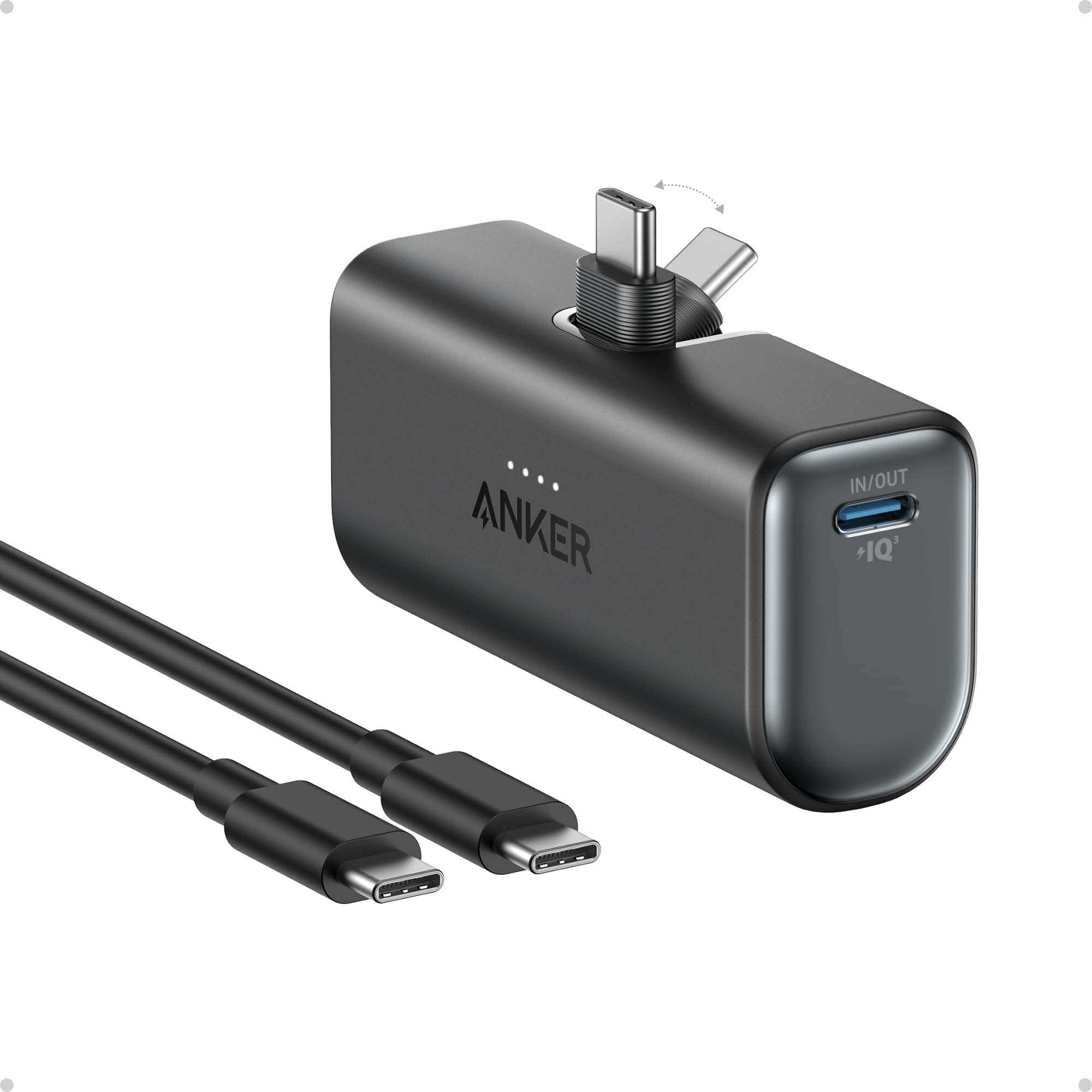
Travel or gym bag essential when outlets fail.
Anker 511 Nano 2 Power Bank (PowerCore 5000) Compact, reliable portable charger for on-the-go testing.