
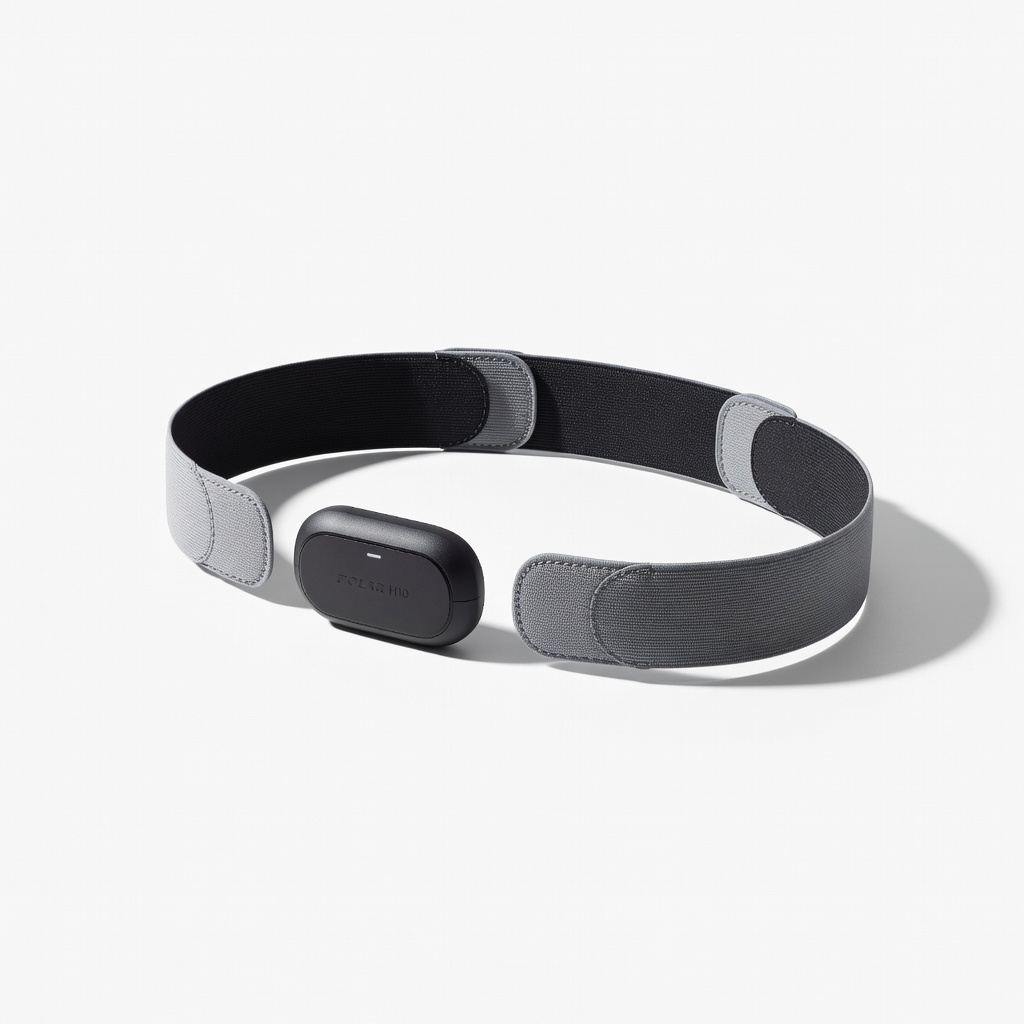
Polar H10 Heart Rate Monitor
Cross-check tracker during runs or when wrist errors persist.
$79.90-$90
Polar H10 Heart Rate Monitor Chest strap provides gold-standard ECG accuracy, bypassing wrist optical issues.
Get the App
Better experience on mobile
Master step-by-step troubleshooting to get accurate heart rate readings from your fitness tracker and track workouts reliably.
Frustratingly inaccurate heart rate readings on your activity tracker can throw off your workout data, calorie burn estimates, and health insights. Whether it's a Fitbit, Garmin, or Apple Watch, heart rate errors are common due to fit issues, dirt, or software glitches. This guide helps you diagnose and fix them quickly.
You'll learn proven methods from basic checks to advanced resets, covering optical sensors used in most wearables. Expect reliable readings afterward. The process takes 20-30 minutes and suits intermediate users comfortable with apps and device settings.
By the end, your tracker will deliver precise data for better training and health monitoring—no guesswork needed.
Estimated Time: 20-30 minutes Difficulty: intermediate
Position your tracker 1-2 fingers above your wrist bone (ulna), on the top of your wrist for most models. The optical heart rate sensors need to face your skin directly.
Why it matters: Incorrect placement causes poor light reflection from blood flow, leading to erratic readings. Success looks like consistent pulse detection within 10 seconds of starting a workout.
Rotate the band so sensors align with the inside of your wrist, away from veins or bones.
💡 Tips:
⚠️ Warnings:
Tighten the band so you can't slide two fingers underneath, but not so tight it cuts circulation. Sensors must press firmly against skin without gaps.
Why: Loose fits cause motion artifacts and light leakage. Expect steady green LED blinks from sensors and HR readings matching a manual pulse check (±5 bpm).
Wear during activity: Jog lightly—if readings spike erratically, loosen slightly and retest.
💡 Tips:
⚠️ Warnings:
Power off the tracker. Wipe sensors with isopropyl alcohol on a microfiber cloth—avoid cotton balls that leave lint. Clean your wrist too, removing lotions, sweat, or tattoos that block light.
Why: Dirt, oils, or moisture interfere with photoplethysmography (PPG) tech. Post-clean, sensors shine clearly, and initial readings match your pulse.
Dry completely (5 mins) before re-wearing. Test: Start a heart rate monitor session.
💡 Tips:
⚠️ Warnings:
Open the companion app (e.g., Fitbit, Garmin Connect). Go to device settings > check for updates. Sync and install any firmware/OS updates.
Why: Bugs in old software cause HR inaccuracies. Success: Update complete, app shows 'latest version'.
Restart phone app after.
💡 Tips:
⚠️ Warnings:
Restart via app or hold power button (model-specific: e.g., Fitbit 10-sec hold). Wait 1 min, re-pair if needed.
Why: Clears temporary glitches. Expect normal boot and immediate HR detection on wear.
Test with breathing exercises.
💡 Tips:
⚠️ Warnings:
Wear tracker, sit still. Manually count pulse for 60 seconds at neck/wrist. Compare to app display.
Why: Validates accuracy. Success: Within ±5 bpm. If off, note discrepancies for next steps.
Repeat during light exercise.
💡 Tips:
⚠️ Warnings:
Verify Bluetooth/HR permissions in phone settings. Force sync data.
Why: Blocked access causes data errors. Success: Real-time sync, no error notifications.
💡 Tips:
⚠️ Warnings:
As last resort: App > settings > factory reset. Back up data first.
Why: Resolves deep software issues. Expect full setup like new, with accurate HR post-calibration.
Re-test all prior steps.
💡 Tips:
⚠️ Warnings:
Problem: Readings stuck at 0 or max (220 bpm)
Solution: Re-clean sensors, check battery (>20%), restart. If persists, hardware fault—contact support.
Problem: Erratic spikes during rest
Solution: Tighten fit, update software, test manual pulse. Motion artifacts common in loose setups.
Problem: No HR data in app
Solution: Check Bluetooth pairing, app permissions, re-sync. Uninstall/reinstall app if needed.
Problem: Inaccurate in cold weather
Solution: Warm wrists, use armbands, or switch to chest strap. Normal for optical sensors.
Chest strap provides gold-standard ECG accuracy, bypassing wrist optical issues.
Best for: Cross-check tracker during runs or when wrist errors persist.
Price Range: $79.90-$90
Improved multi-LED sensors for better accuracy across skin tones and activities.
Best for: Upgrade if your current tracker has chronic HR flaws.
Price Range: $159.95
Pure solvent safely cleans sensors without residue for optimal light transmission.
Best for: Routine maintenance to prevent buildup.
Price Range: $12-$15
Reliable Elevate HR sensor with good elevation/motion compensation.
Best for: Daily tracking with fewer errors than budget models.
Price Range: $149.99
Convenient, lint-free wipes for quick sensor and skin cleaning.
Best for: On-the-go fixes before workouts.
Price Range: $8-$12 (100 count)
Cross-check tracker during runs or when wrist errors persist.
Polar H10 Heart Rate Monitor Chest strap provides gold-standard ECG accuracy, bypassing wrist optical issues.
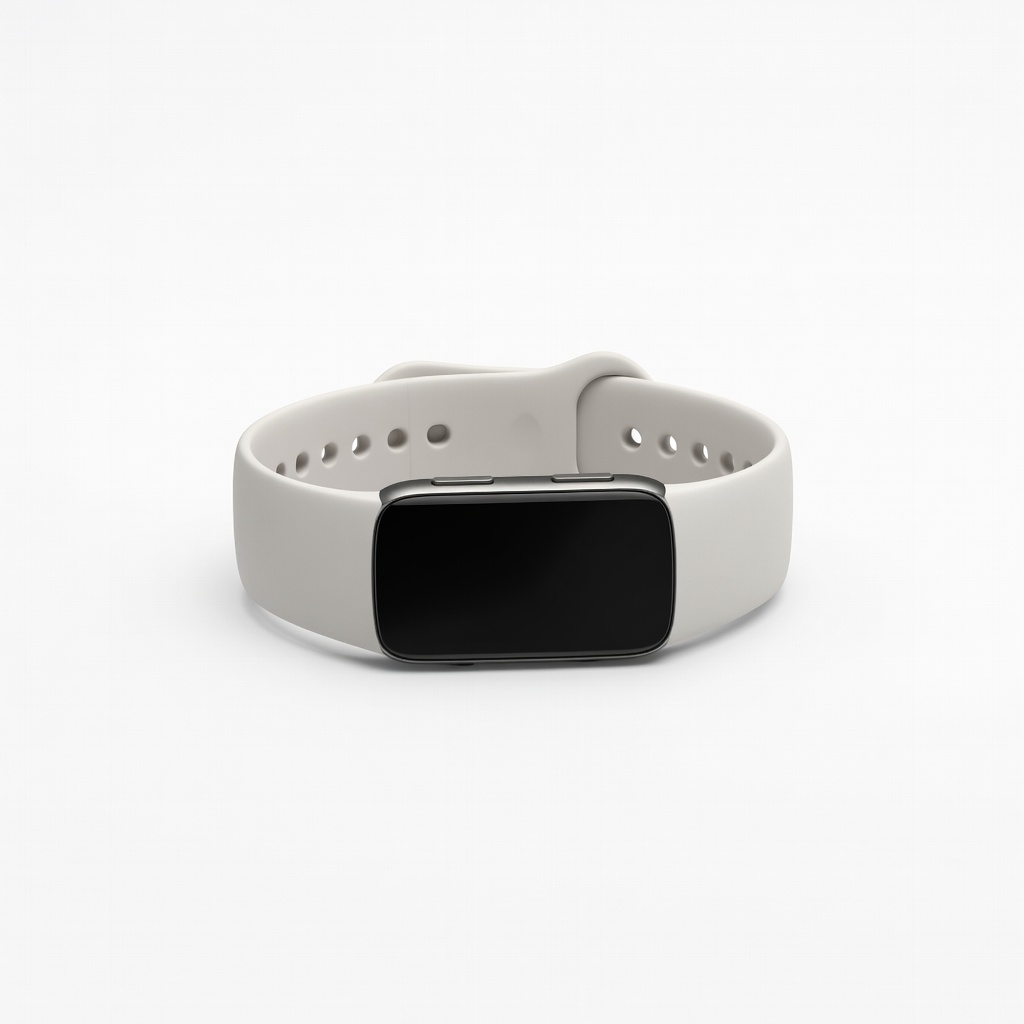
Upgrade if your current tracker has chronic HR flaws.
Fitbit Charge 6 Improved multi-LED sensors for better accuracy across skin tones and activities.

Routine maintenance to prevent buildup.
MG Chemicals Isopropyl Alcohol 99% Pure solvent safely cleans sensors without residue for optimal light transmission.
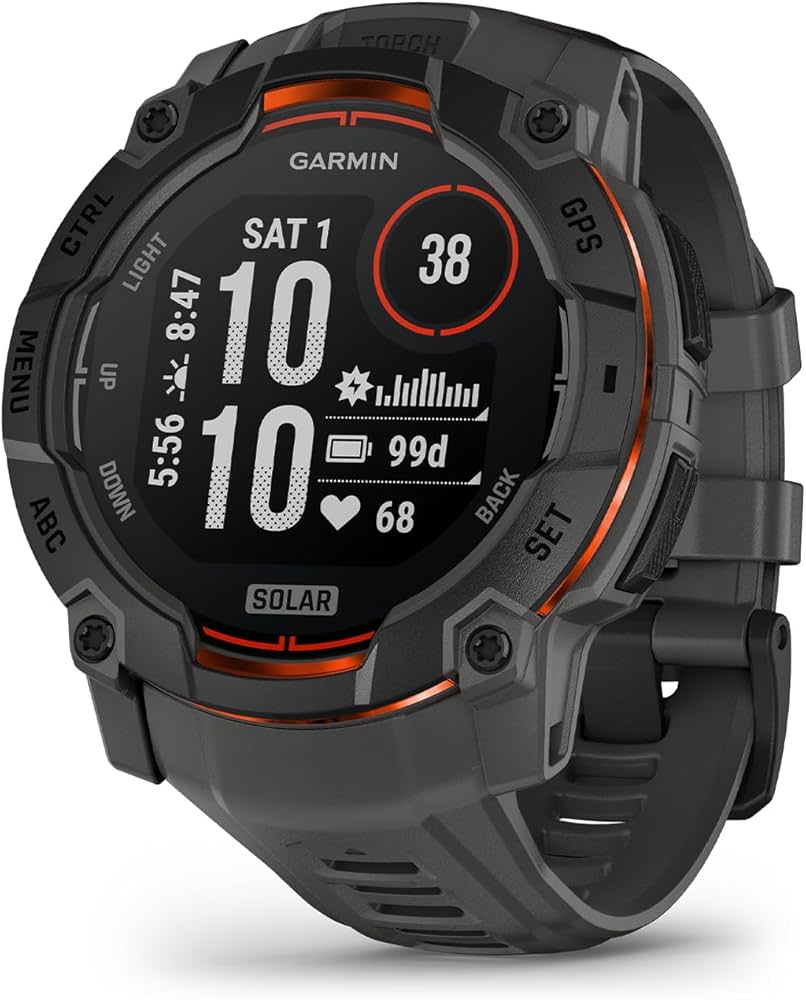
Daily tracking with fewer errors than budget models.
Garmin Vivosmart 5 Reliable Elevate HR sensor with good elevation/motion compensation.
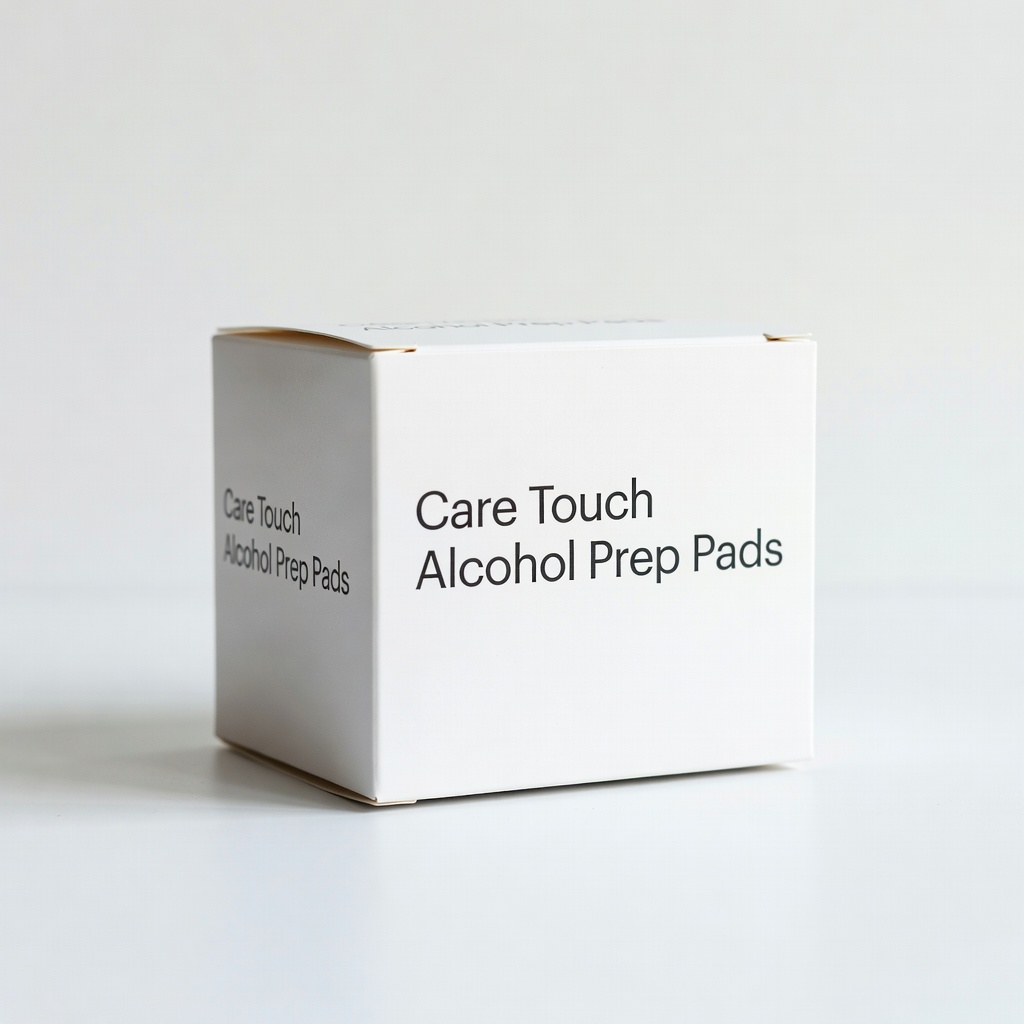
On-the-go fixes before workouts.
Care Touch Alcohol Prep Pads Convenient, lint-free wipes for quick sensor and skin cleaning.