

Anker PowerLine III USB-C Cable (3ft)
Daily charging of LED masks or wands like Solawave.
$12.99
Anker PowerLine III USB-C Cable (3ft) Durable braided design resists fraying, perfect replacement for acne device USB-C ports.
Get the App
Better experience on mobile
Troubleshoot and resolve charging issues with your LED mask or acne wand in minutes to resume clear skin treatments without hassle.
Nothing disrupts your skincare routine like an acne treatment device that won't charge. Whether it's your LED light therapy mask, high-frequency wand, or microcurrent tool, a dead battery can halt progress toward clearer skin. Common culprits include faulty cables, dirty ports, or power supply glitches, affecting popular devices like Neutrogena masks or Solawave wands.
In this guide, you'll learn a systematic, step-by-step process to diagnose and fix the problem yourself. We'll cover everything from basic checks to advanced tests, empowering intermediate users to save time and money. Expect 15-30 minutes of effort, with most issues resolved in the first few steps—no technical expertise required beyond basic tool handling.
By the end, your device will be charging reliably, or you'll know when to seek warranty support. Let's get your acne fighter back online.
Estimated Time: 15-30 minutes Difficulty: intermediate
Start by ruling out external power issues. Plug your device's USB cable into a known working wall adapter or power bank. Test the adapter on another USB device like your phone to confirm it delivers power.
Why it matters: 40% of charging problems stem from faulty outlets or adapters. Success looks like your phone charging immediately, confirming the source is good.
If no luck, try a different outlet or USB port on a computer.
💡 Tips:
⚠️ Warnings:
Examine the entire cable for frays, bends, or exposed wires, especially near connectors. Gently wiggle it while plugged in to check for intermittent connections.
Cables wear out from frequent use in humid bathrooms. Success: Steady power indicator on your test device. Replace if damaged—universal USB-C/Micro-USB cables work for most acne devices.
💡 Tips:
Power off the device. Dip a cotton swab in isopropyl alcohol and gently clean the port, removing lint, residue, or moisture. Use a toothpick for stubborn debris—never metal tools.
Why: Skincare residue blocks pins. Dry fully (5-10 mins) before retrying. Success: Port looks shiny, and cable seats firmly without wiggle.
⚠️ Warnings:
Swap in a spare USB cable and adapter compatible with your device (check manual for specs, usually USB-C/Micro-USB, 5V/1A). Plug in for 10-15 minutes.
This isolates cable/port faults. Success: Charging light turns on or device shows battery icon.
💡 Tips:
Look for LED lights or app indicators post-plug-in. Hold power button 10-30 seconds for hard reset (per manual). Some devices like Solawave auto-reset.
Resets clear software glitches. Success: Device powers on or begins charging.
⚠️ Warnings:
If accessible (rare for sealed devices), use multimeter on battery terminals (red to +, black to -). Expect 3.7-4.2V for Li-ion batteries.
Low voltage (<3V) means deep discharge. Success: Reading in normal range; charge slowly if low.
💡 Tips:
Connect to app/computer for updates if charging starts partially. No fix? Check warranty (1-2 years typical) and contact manufacturer.
Success: Device charges post-update or support tickets replacement.
Problem: Device heats up while charging
Solution: Unplug immediately; faulty battery—seek professional replacement.
Problem: Intermittent charging
Solution: Clean port deeply or replace cable; check for loose internals.
Problem: No lights but cable works elsewhere
Solution: Dead battery; contact manufacturer for warranty.
Problem: Won't hold charge after fixing
Solution: Full discharge/recharge cycle; monitor usage.
Durable braided design resists fraying, perfect replacement for acne device USB-C ports.
Best for: Daily charging of LED masks or wands like Solawave.
Price Range: $12.99
Accurate voltage testing for batteries without guesswork.
Best for: Advanced diagnostics on rechargeable acne tools.
Price Range: $12.99
Pure formula safely cleans ports without residue.
Best for: Routine port maintenance on dusty devices.
Price Range: $9.99
Reliable USB output tests power independently.
Best for: On-the-go troubleshooting.
Price Range: $29.99
Proven charging reliability if replacing faulty device.
Best for: FDA-cleared blue light therapy.
Price Range: $79.99
Daily charging of LED masks or wands like Solawave.
Anker PowerLine III USB-C Cable (3ft) Durable braided design resists fraying, perfect replacement for acne device USB-C ports.
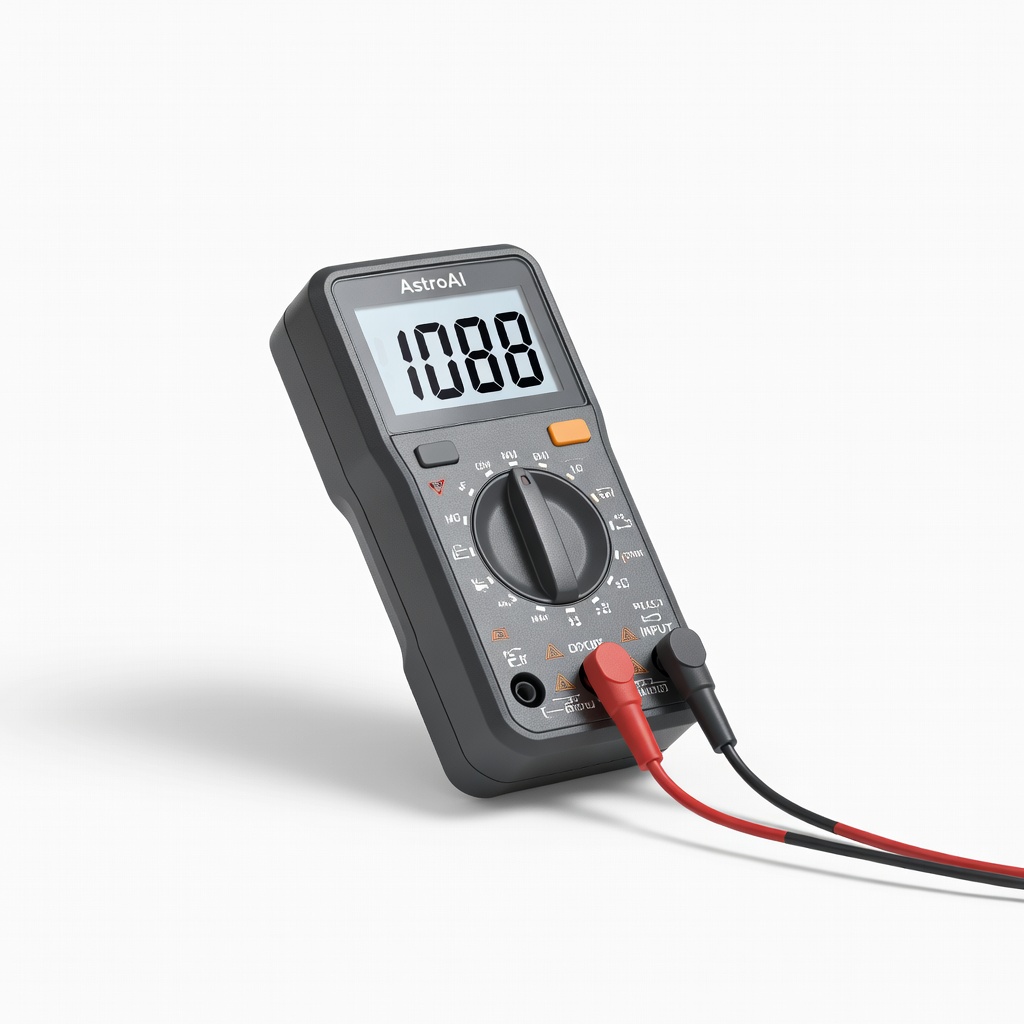
Advanced diagnostics on rechargeable acne tools.
AstroAI Digital Multimeter Accurate voltage testing for batteries without guesswork.
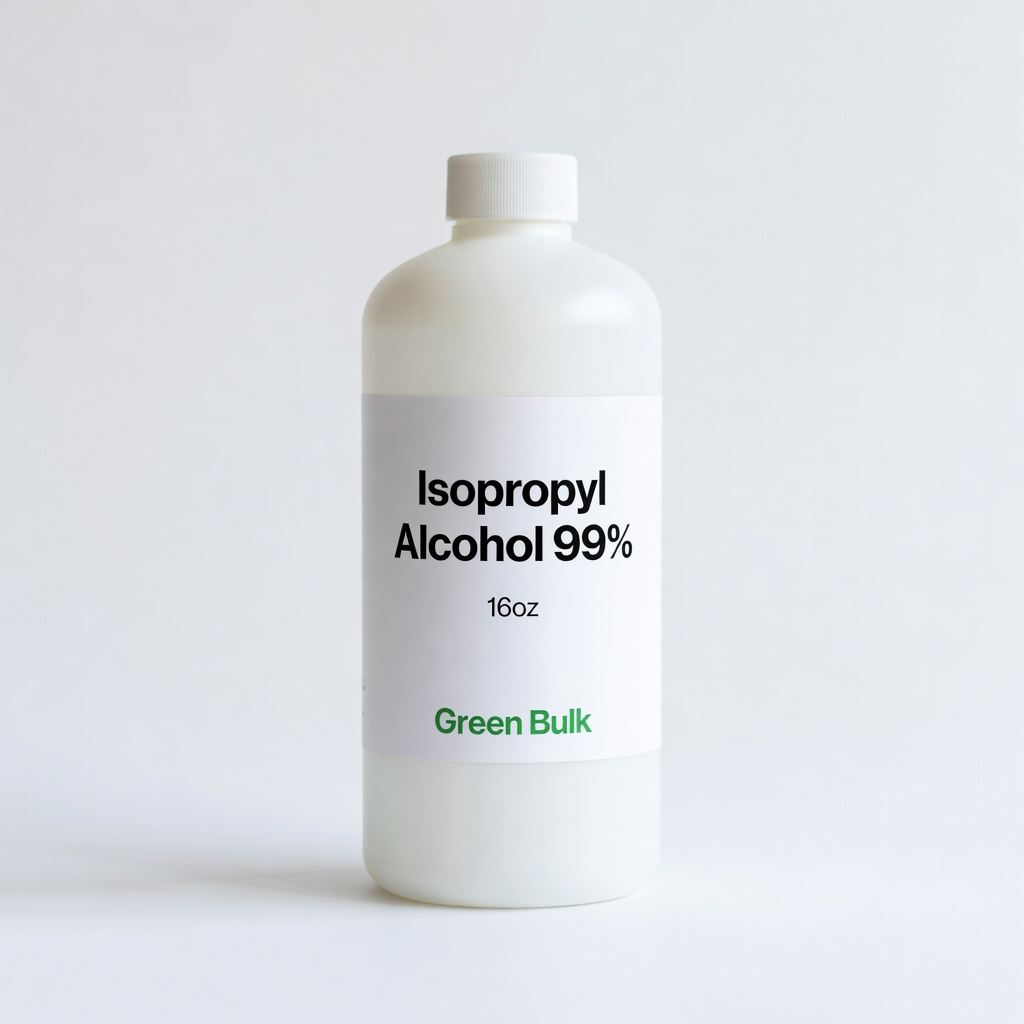
Routine port maintenance on dusty devices.
Isopropyl Alcohol 99% (16oz) by Green Bulk Pure formula safely cleans ports without residue.
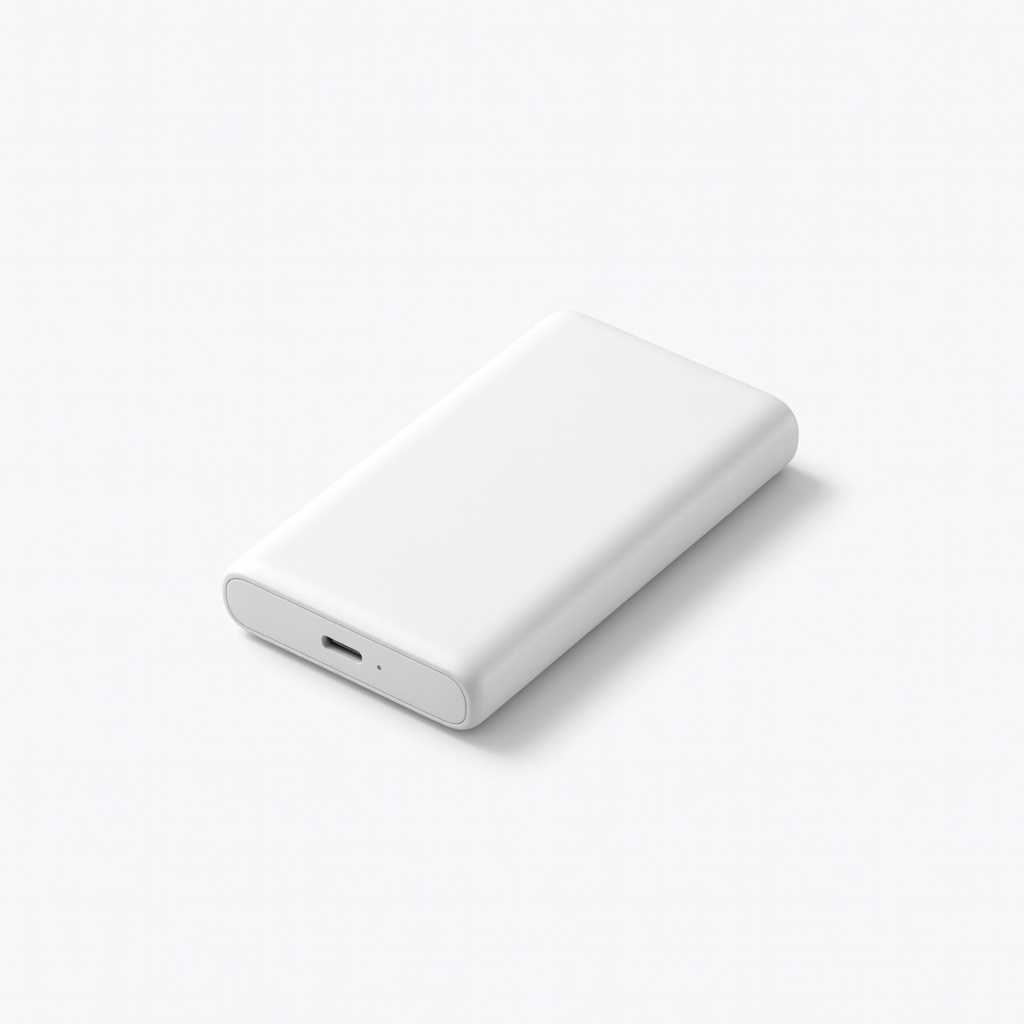
On-the-go troubleshooting.
Anker Nano Power Bank (10,000mAh) Reliable USB output tests power independently.
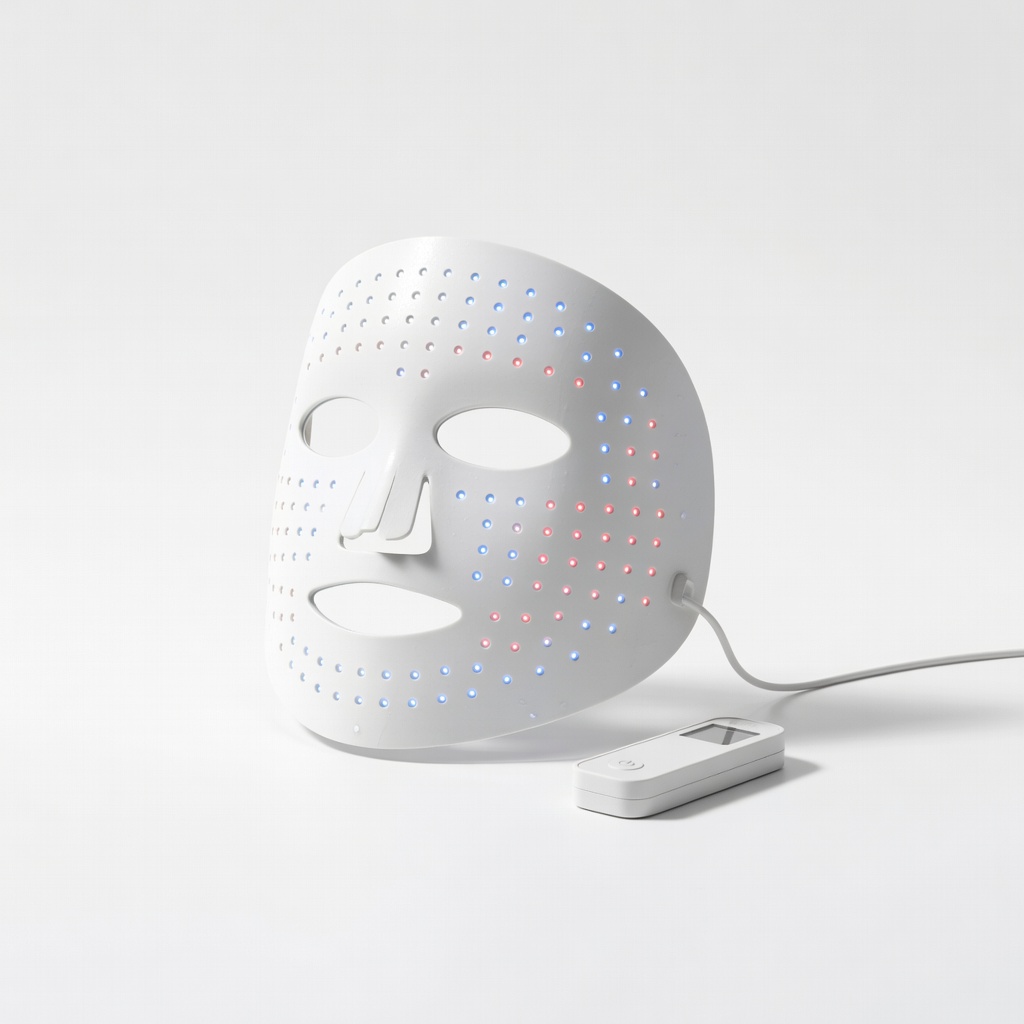
FDA-cleared blue light therapy.
Neutrogena Light Therapy Acne Mask (Reliable Alternative) Proven charging reliability if replacing faulty device.