
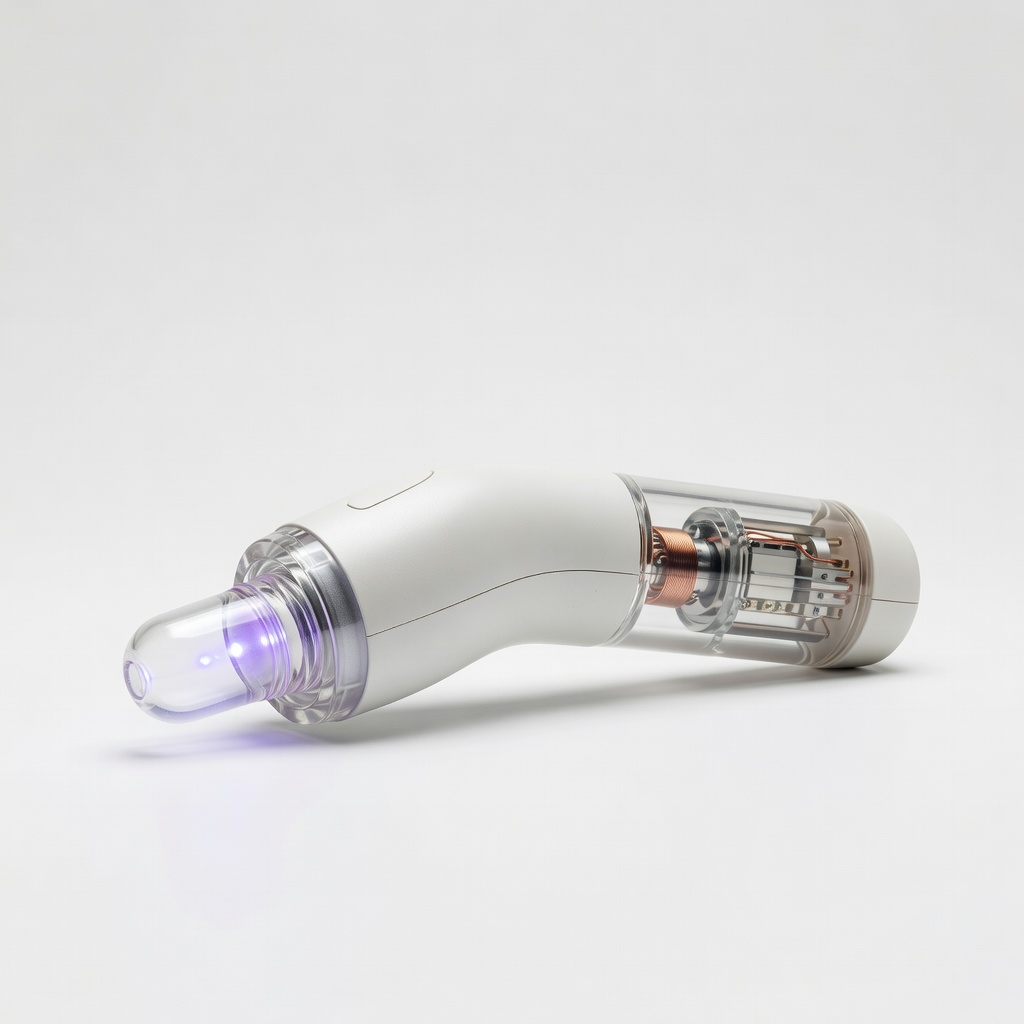
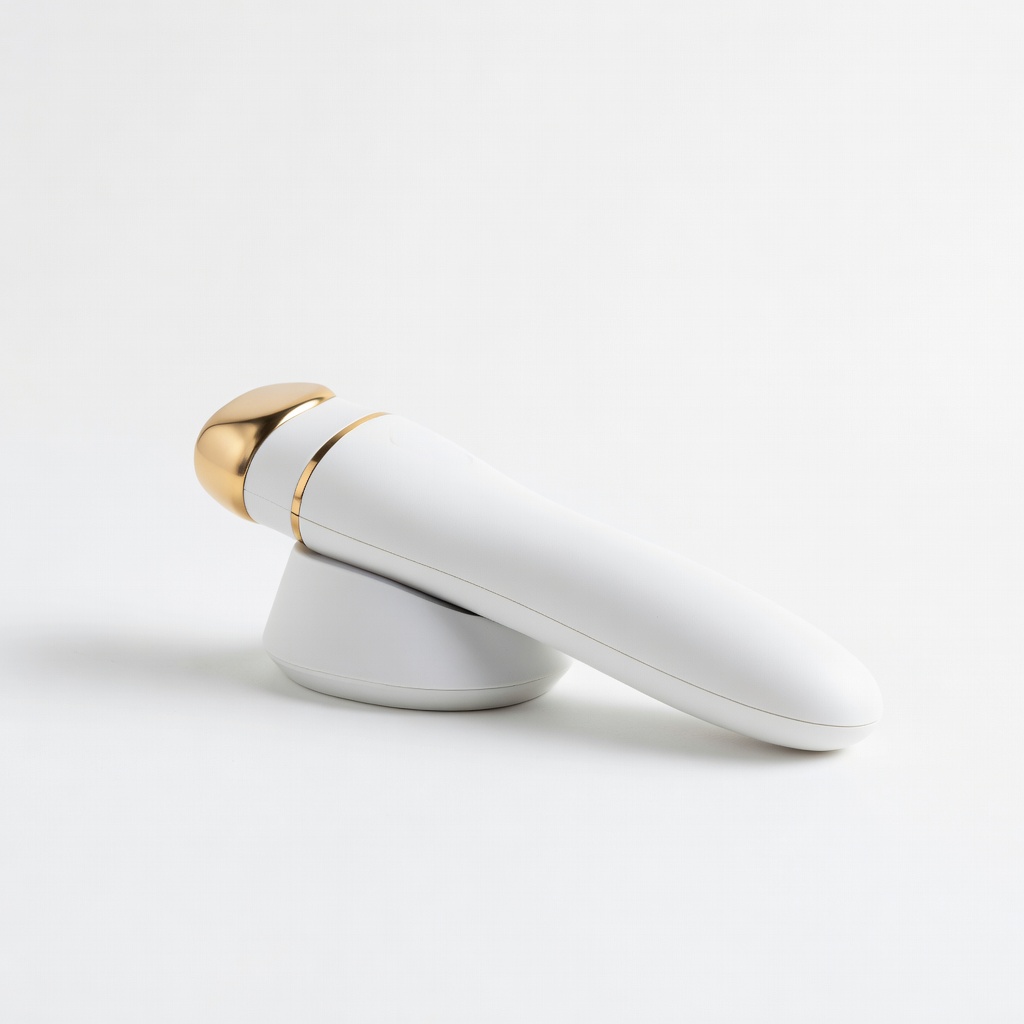
NuDerma High Frequency Wand
Daily spot treatments; test power easily.
$49.95
NuDerma High Frequency Wand Reliable acne zapper with durable electrodes; easy to troubleshoot due to simple design.
Get the App
Better experience on mobile
Fix common issues with LED masks, high-frequency wands, and light therapy tools in minutes without professional help.
Frustrated when your acne treatment device suddenly stops working mid-session? Whether it's an LED mask that won't light up or a high-frequency wand that's lost its spark, at-home troubleshooting can save you from costly repairs or replacements. Most issues stem from simple problems like dirt buildup, charging faults, or loose connections.
In this guide, you'll learn a systematic step-by-step process to diagnose and resolve 80% of common acne device problems. We'll cover safety first, basic checks to advanced tests, tailored for intermediate users familiar with skincare gadgets. Expect to spend 15-45 minutes, depending on the issue—no special skills required beyond following instructions carefully.
By the end, your device should be back to zapping pimples effectively, or you'll know when to seek warranty support.
Estimated Time: 15-45 minutes Difficulty: intermediate
Unplug the device and let it cool down for 10 minutes if recently used. Read the user manual for model-specific warnings, like avoiding water on electrical parts.
Why it matters: Acne devices use LEDs, electricity, or UV—mishandling risks shocks or burns. Gather all tools nearby.
Success: Workspace clear, manual open to troubleshooting section.
💡 Tips:
⚠️ Warnings:
Examine the device for cracks, loose parts, burnt smells, or residue on electrodes/LEDs. Check cables for fraying.
Why: Physical damage often causes failures. For LED masks, inspect light panels; for wands, glass electrodes.
Success: Identify obvious damage—no need to proceed if broken.
💡 Tips:
⚠️ Warnings:
Plug in the charger and verify LED indicators. Try a different outlet or cable. For rechargeable devices, charge for 30 minutes.
Why: 50% of issues are power-related. Batteries degrade over 6-12 months.
Success: Device shows charging light or powers on.
💡 Tips:
Wipe electrodes/LEDs with a cloth dampened in soapy distilled water. For stubborn buildup, use 70% isopropyl on swabs—avoid internals.
Why: Acne oils, creams clog contacts, blocking function.
Dry fully (air dry 10 mins). Success: Surfaces shiny, no residue.
💡 Tips:
⚠️ Warnings:
Power on and cycle through modes (e.g., red/blue LED). Listen for hums in high-frequency devices.
Why: Isolates if it's a mode or full failure.
Success: At least one function works.
💡 Tips:
Hold power button 10-30 seconds (manual-specified). Unplug/replug for USB devices.
Why: Clears software glitches.
Success: Restarts fresh, functions resume.
⚠️ Warnings:
If app-connected (e.g., some LED masks), update via Bluetooth. Visit manufacturer site for firmware.
Why: Bugs fixed in updates.
Success: Latest version installed.
💡 Tips:
Use multimeter on exposed contacts: Check voltage (should match manual, e.g., 5V USB).
Why: Confirms internal faults.
Success: Readings normal—else, hardware issue.
💡 Tips:
⚠️ Warnings:
Problem: No lights/power at all
Solution: Replace charger/cable first; test outlet. If persists, battery faulty—contact support.
Problem: Intermittent function
Solution: Clean contacts thoroughly; check for loose wires inside (if warranty allows).
Problem: Overheating
Solution: Let cool 30 mins; reduce session time to 5 mins. Seek pro if repeats.
Problem: App won't connect
Solution: Restart phone/Bluetooth; reinstall app.
Reliable acne zapper with durable electrodes; easy to troubleshoot due to simple design.
Best for: Daily spot treatments; test power easily.
Price Range: $49.95
App-enabled with diagnostics; firmware updates fix most issues.
Best for: Full-face acne therapy; Bluetooth troubleshooting.
Price Range: $379
Essential for voltage checks on electrical acne devices.
Best for: Advanced home diagnostics.
Price Range: $12.99
Safe for LED panels and screens; streak-free for precise cleaning.
Best for: Routine maintenance on masks.
Price Range: $9.99
Compact with microcurrent/LED; USB-C charging easy to test.
Best for: Portable acne routine.
Price Range: $149
Daily spot treatments; test power easily.
NuDerma High Frequency Wand Reliable acne zapper with durable electrodes; easy to troubleshoot due to simple design.
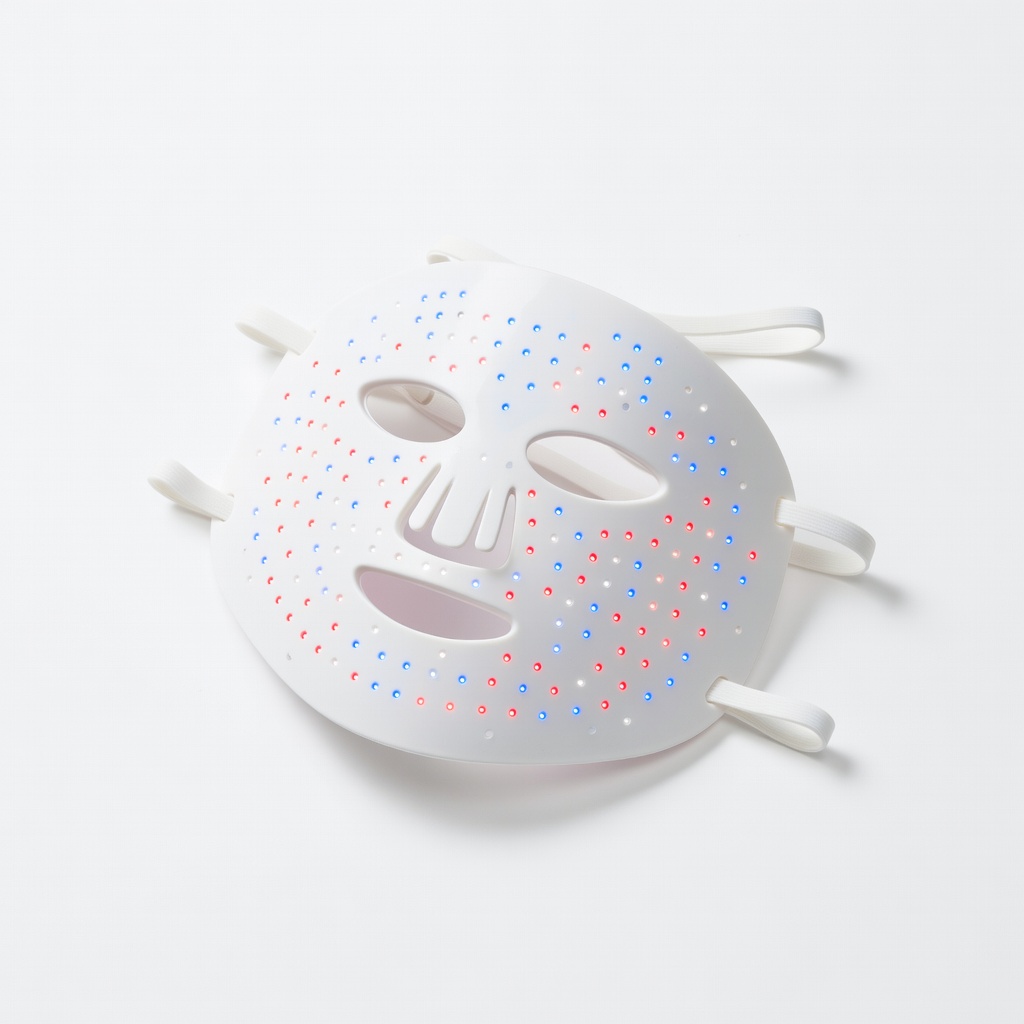
Full-face acne therapy; Bluetooth troubleshooting.
CurrentBody Skin LED Therapy Mask App-enabled with diagnostics; firmware updates fix most issues.
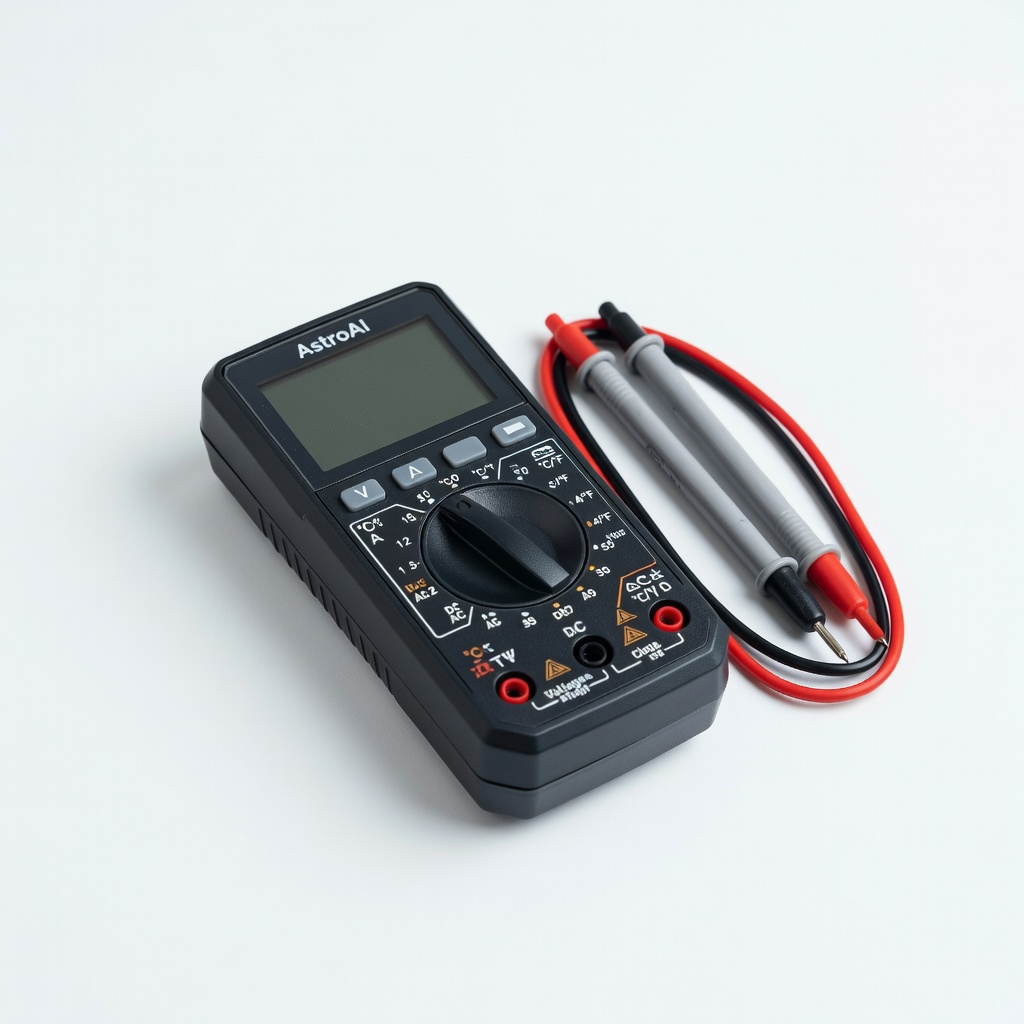
Advanced home diagnostics.
AstroAI Digital Multimeter Essential for voltage checks on electrical acne devices.
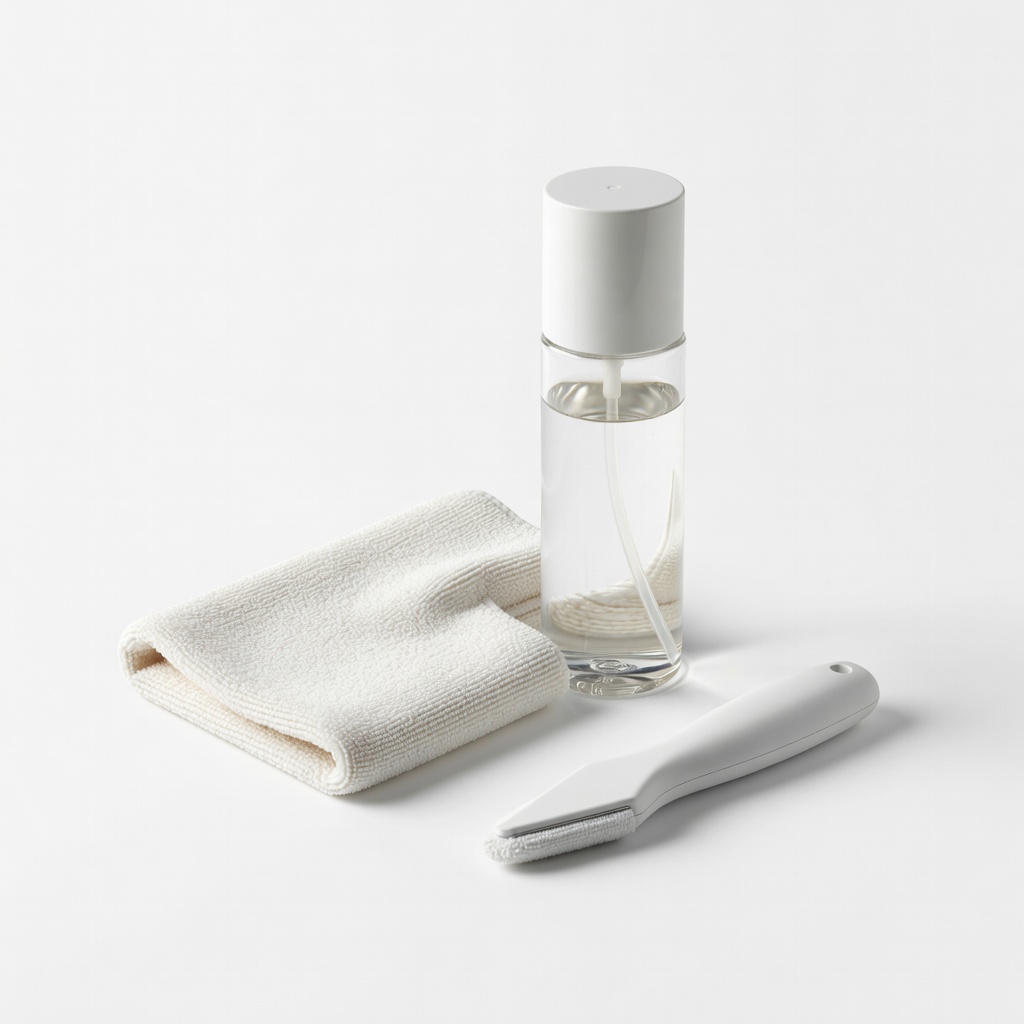
Routine maintenance on masks.
Whoosh! Screen Cleaner Kit Safe for LED panels and screens; streak-free for precise cleaning.
Portable acne routine.
Solawave 4-in-1 Skincare Wand Compact with microcurrent/LED; USB-C charging easy to test.