
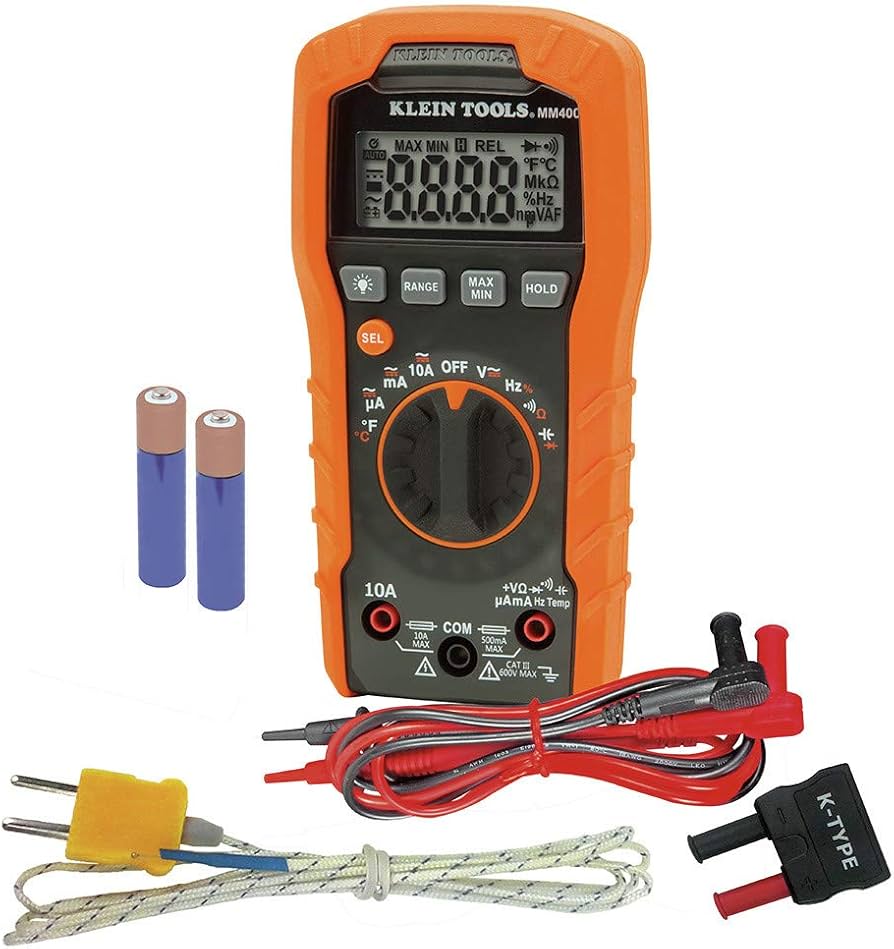
Klein Tools MM400 Digital Multimeter
Core tool for all electrical diagnostics in steps 5-7.
$29.99-$35
Klein Tools MM400 Digital Multimeter Accurate DC voltage/continuity for precise battery and circuit tests.
Get the App
Better experience on mobile
Diagnose and fix dead 3V watch batteries step-by-step to restore your watch without a jeweler visit in under 30 minutes.
Nothing's more frustrating than a watch that stops ticking right when you need it most—especially when it's just a 3V battery acting up. Common culprits include drained cells, corrosion, poor contacts, or even circuit faults. This guide empowers intermediate DIYers to pinpoint the issue and revive their timepiece, saving time and money.
You'll learn to safely open your watch, test components, and replace parts as needed. By the end, your watch will run smoothly again. The process takes 15-30 minutes, requires basic tools, and assumes comfort with small electronics—no soldering needed.
Expect hands-on steps with safety tips, so even if you're new to watch repair, you'll succeed with patience.
Estimated Time: 15-30 minutes Difficulty: intermediate
Set up a clean, well-lit workspace with good ventilation. Lay out all tools and wear an anti-static wrist strap if available to prevent static damage to the watch circuit.
Why it matters: Proper prep prevents lost parts or contamination. Success looks like an organized bench with everything at hand—no rushing mid-process.
Image description: Clean workbench with tools laid out: multimeter, tweezers, batteries, opener, and watch centered.
💡 Tips:
⚠️ Warnings:
Examine the watch case, crown, and crystal for damage, water ingress, or debris. Check if hands move slightly when shaken—indicating residual power.
Why: External issues like seals failing cause battery drain. Expect to see corrosion marks or fogging if water damaged. Note model number for battery type.
Success: Clean exterior or identified obvious faults.
💡 Tips:
⚠️ Warnings:
Identify snap-back, screw-back, or press-back case. Use the appropriate tool: case knife for snap-backs, wrench for screws. Pry or twist gently counterclockwise.
Why: Accesses battery without damage. Expect resistance; success is case back popping off cleanly, revealing movement.
Image description: Hand using watch back opener on a silver case watch.
💡 Tips:
⚠️ Warnings:
Use tweezers to lift battery out. Note orientation (+ side up usually). Inspect for swelling, leaks, or residue on contacts.
Why: Confirms battery failure. A good battery reads 3V+; dead ones <2.5V. Success: Battery removed intact.
💡 Tips:
⚠️ Warnings:
Set multimeter to DC 20V. Touch probes to battery terminals (+ red to +, black to -). Reading should be 2.8-3.2V for healthy 3V cell.
Why: Isolates if battery is culprit. <2V means replace; 3V+ points elsewhere. Success: Clear voltage display.
Image description: Multimeter probes on CR2032 battery showing 3.1V reading.
💡 Tips:
⚠️ Warnings:
Dip swab in isopropyl alcohol, gently clean battery holder and contacts. Dry thoroughly. Inspect for green/white corrosion.
Why: Corrosion blocks power flow. Success: Shiny, dry contacts—no residue.
💡 Tips:
⚠️ Warnings:
Set multimeter to ohms/continuity. Probe battery terminals in empty holder—beep or low resistance means good circuit.
Why: Detects shorts/opens. No beep? Faulty movement. Success: Audible beep.
💡 Tips:
⚠️ Warnings:
Insert fresh 3V battery (match size/type). Hands should jump or sweep. Reinstall case back snugly.
Why: Verifies fix. Success: Watch runs accurately.
Image description: New battery inserted, hands moving.
💡 Tips:
Set time/date, observe for 5-10 minutes. Check chrono if applicable.
Why: Ensures no intermittent issues. Success: Stable operation.
⚠️ Warnings:
Problem: Watch runs but stops after hours
Solution: Magnetized movement—demagnetize or partial discharge fix. Check seals for moisture.
Problem: No movement after new battery
Solution: Verify voltage >3V, clean again, test continuity. May need pro reset.
Problem: Corrosion everywhere
Solution: Clean thoroughly; if movement affected, seek watchmaker.
Problem: Battery drains fast
Solution: Water damage or short—dry out, test under load, replace seals.
Accurate DC voltage/continuity for precise battery and circuit tests.
Best for: Core tool for all electrical diagnostics in steps 5-7.
Price Range: $29.99-$35
Reliable, long-lasting replacements with consistent voltage output.
Best for: Direct swap in step 8 for most analog/digital watches.
Price Range: $5-$7
Quick voltage/load test without multimeter complexity.
Best for: Verify old/new batteries in seconds during step 5.
Price Range: $9.99-$12
Versatile tools for snap/screw backs without damage.
Best for: Safe opening in step 3 for various case types.
Price Range: $12-$15
Non-magnetic, ESD-safe for delicate battery handling.
Best for: Steps 4,6,8 to avoid scratches or static.
Price Range: $10-$15
Core tool for all electrical diagnostics in steps 5-7.
Klein Tools MM400 Digital Multimeter Accurate DC voltage/continuity for precise battery and circuit tests.
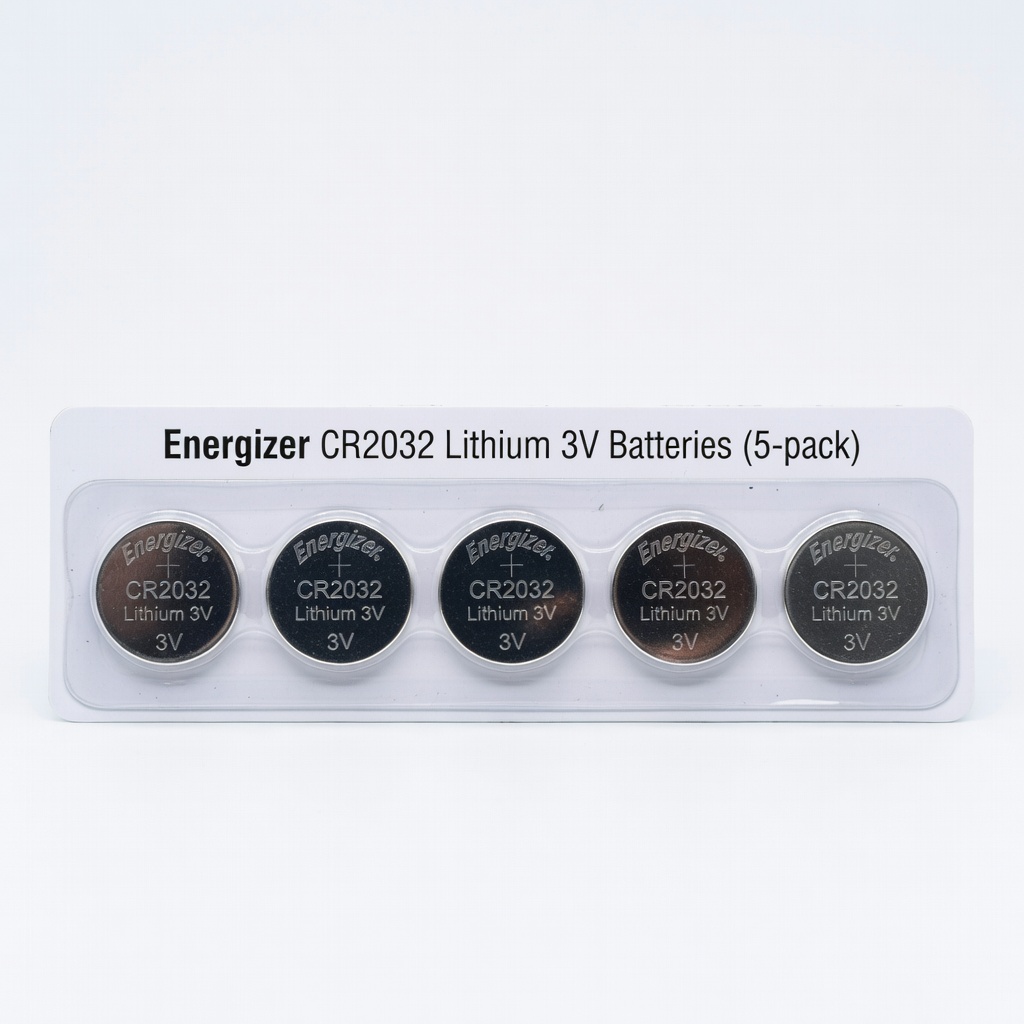
Direct swap in step 8 for most analog/digital watches.
Energizer CR2032 Lithium 3V Batteries (5-pack) Reliable, long-lasting replacements with consistent voltage output.
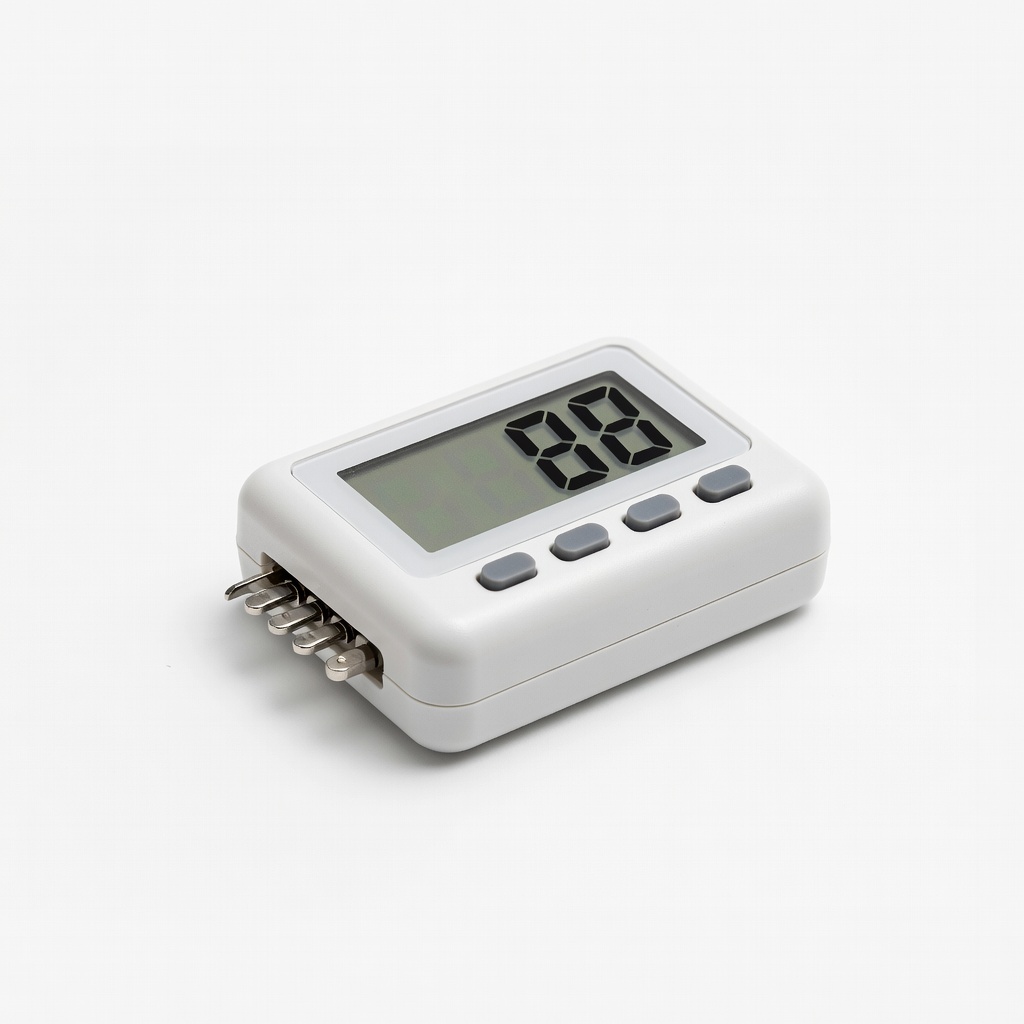
Verify old/new batteries in seconds during step 5.
Besiter Digital LCD Battery Tester Quick voltage/load test without multimeter complexity.

Safe opening in step 3 for various case types.
Tooli-Art Watch Case Back Opener Kit Versatile tools for snap/screw backs without damage.
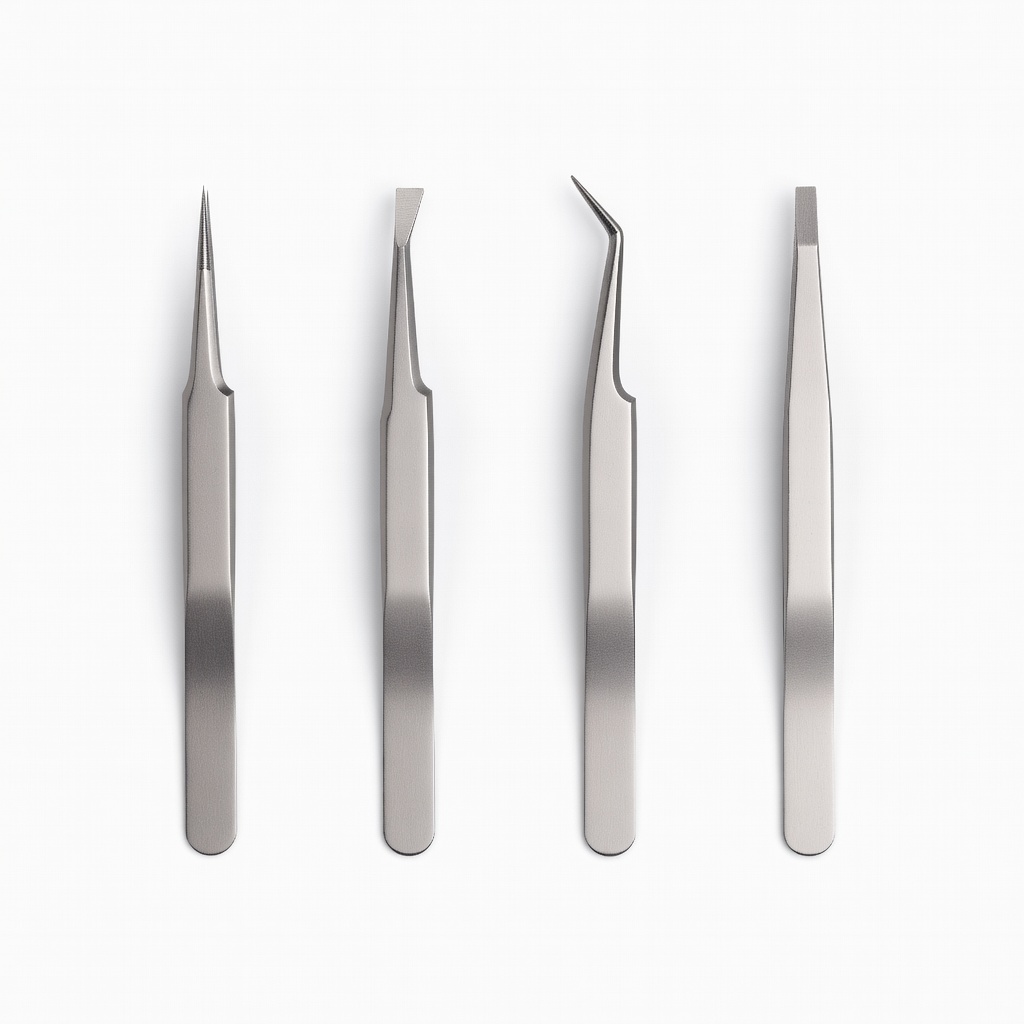
Steps 4,6,8 to avoid scratches or static.
iFixit Anti-Static Precision Tweezers Set Non-magnetic, ESD-safe for delicate battery handling.