
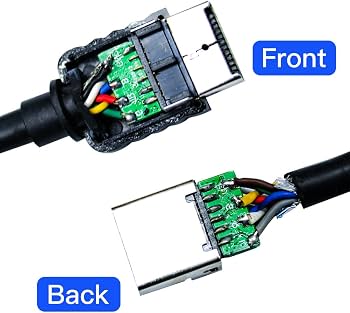
HD Retrovision 3DO RGB SCART Cable
Direct connection to SCART scalers like OSSC.
$60-70
HD Retrovision 3DO RGB SCART Cable Premium shielded cable with correct 3DO pinout for lag-free RGB output.
Get the App
Better experience on mobile
Fix no-signal issues and get crisp video from your 3DO console on HDMI TVs with advanced step-by-step diagnostics and upgrades.
The 3DO Interactive Multiplayer (1993) delivers legendary games like Road Rash and The Need for Speed, but its composite, S-Video, or RGB SCART outputs clash with modern HDMI-only TVs, causing black screens or no signal. Retro enthusiasts often face flickering, color issues, or audio sync problems when adapting it.
This guide teaches advanced troubleshooting to diagnose hardware faults, optimize connections, and upscale video for stunning 1080p output. You'll learn to test outputs, configure converters, and mod for RGB—achieving reliable play on any flatscreen. Expect 45-90 minutes depending on issues, with soldering optional for pros.
No CRT? No problem—we cover direct HDMI solutions and FPGA scalers for lag-free performance.
Estimated Time: 45-90 minutes Difficulty: advanced
Connect the 3DO power supply to a known-good outlet and power brick. Press the power button—LED should illuminate, and fans spin audibly. Insert a bootable disc like Crash 'N Burn and listen for laser seek noises (high-pitched whine).
Success: Console reaches FMV intro or menu within 30 seconds. If not, measure 5V DC at power input with multimeter (probe red to positive, black to ground). This isolates PSU failure vs. video issues—80% of 'dead' 3DOs are power-related.
Why it matters: Rules out systemic faults before TV-specific troubleshooting.
💡 Tips:
⚠️ Warnings:
Remove dust cover if present, then use isopropyl-dipped cloth to clean the 9-pin multi-out port. Inspect pins for bends or corrosion—straighten gently with tweezers. Cycle power and check for disc spin-up.
Success: Port pins shine; no debris. Bent pins cause intermittent signal loss on adapters.
This port supports composite (pins 2/7), S-Video (pins 3/8), RGB SCART (pins 1-9), and audio—cleaning fixes 40% of no-signal errors.
💡 Tips:
⚠️ Warnings:
If you have a CRT or multi-input TV, connect composite yellow RCA first, then S-Video. Power on—expect 240p video with sound. Note colors: Should be vibrant, no heavy tint.
Success: Stable image. If fuzzy, try RGB SCART on Euro CRT. This baselines console output before modern adaptation.
Why: Confirms console video gen works; isolates adapter faults.
💡 Tips:
Use composite-to-HDMI or S-Video-to-HDMI dongle ($10-20). Plug console AV outs to adapter, HDMI to TV (set to 480i/p). Select input—image may be soft but visible.
Success: Picture appears, even if upscaled poorly. Adjust TV sharpness down to reduce noise.
Common fail: No EDID handshake—cycle TV inputs.
💡 Tips:
⚠️ Warnings:
Swap to RGB SCART cable into SCART-to-HDMI converter or FPGA scaler (e.g., OSSC). Set scaler to 240p/480i bypass or 4x mode. RGB unlocks full 32k colors vs. composite's 16k.
Success: Sharp, artifact-free 1080p output with perfect sync. Tweak phase/hsync if lines roll.
Why advanced: 3DO's RGB is sync-on-green—requires scaler firmware tuned for it.
💡 Tips:
⚠️ Warnings:
Check stereo RCA audio—lip sync delay? Delay video by 50-100ms in scaler menu. Use multimeter on AV pins: Video ground (pin 9) ~0V, sync pulse 0.7Vpp.
Success: Audio/video perfect sync. If hum, ground loop—isolate with audio transformer.
Advanced: Scope sync line for stability (15.734kHz NTSC).
💡 Tips:
Try multiple discs—laser wear causes read errors mimicking video loss. Clean lens with laser kit. If persistent, apply 3DO BIOS hack for region-free/overscan fix.
Success: All discs load to menu. Flash scaler firmware if 3DO-specific profiles missing.
💡 Tips:
⚠️ Warnings:
Problem: Rolling picture or no sync
Solution: Adjust H/V hold on scaler; verify SCART pin 17 sync.
Problem: Colors washed out
Solution: Switch to RGB mode; boost contrast 10-20%.
Problem: Intermittent signal
Solution: Reseat port, clean oxidation; test with known cable.
Problem: No power but fans spin
Solution: Check 3.3V rail for video chip; recap PSU if ripple >50mV.
Problem: Scaler not detecting
Solution: Force RGB/CSYNC mode; update firmware.
Premium shielded cable with correct 3DO pinout for lag-free RGB output.
Best for: Direct connection to SCART scalers like OSSC.
Price Range: $60-70
Compact FPGA scaler with 3DO-optimized profiles for sharp 1080p RGB.
Best for: Best for daily use; multiple inputs.
Price Range: $90-100
Pro-level line doubler/tripler for pixel-perfect 3DO RGB.
Best for: Advanced users needing custom samplers.
Price Range: $200-220
Budget RGB extractor with CSYNC support.
Best for: Entry-level HDMI upgrade without FPGA.
Price Range: $25-35
Precision tools for safe console disassembly and pin testing.
Best for: Opening 3DO for internal checks.
Price Range: $70-80
Direct connection to SCART scalers like OSSC.
HD Retrovision 3DO RGB SCART Cable Premium shielded cable with correct 3DO pinout for lag-free RGB output.
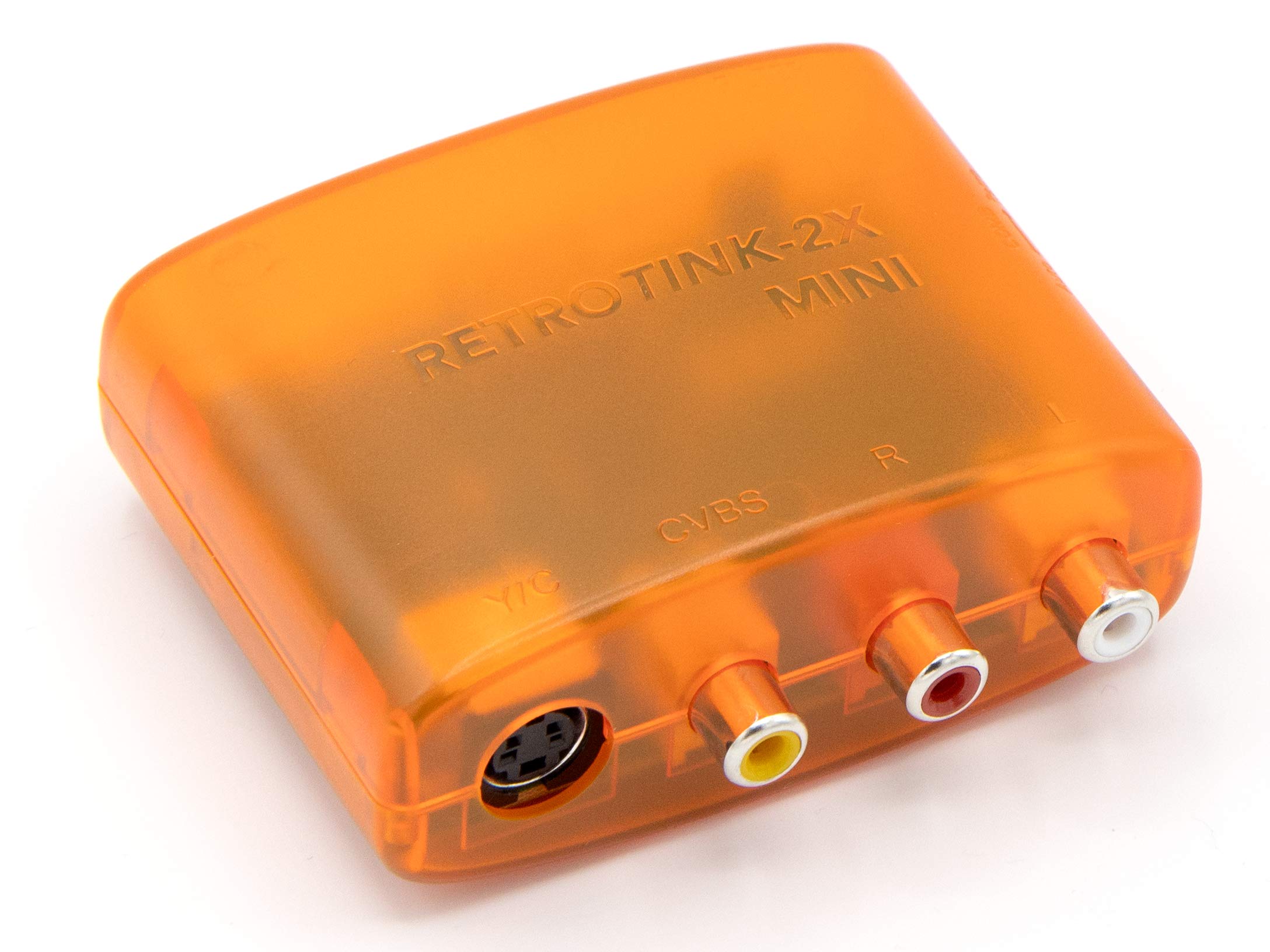
Best for daily use; multiple inputs.
RetroTINK-2X Mini Upscaler Compact FPGA scaler with 3DO-optimized profiles for sharp 1080p RGB.
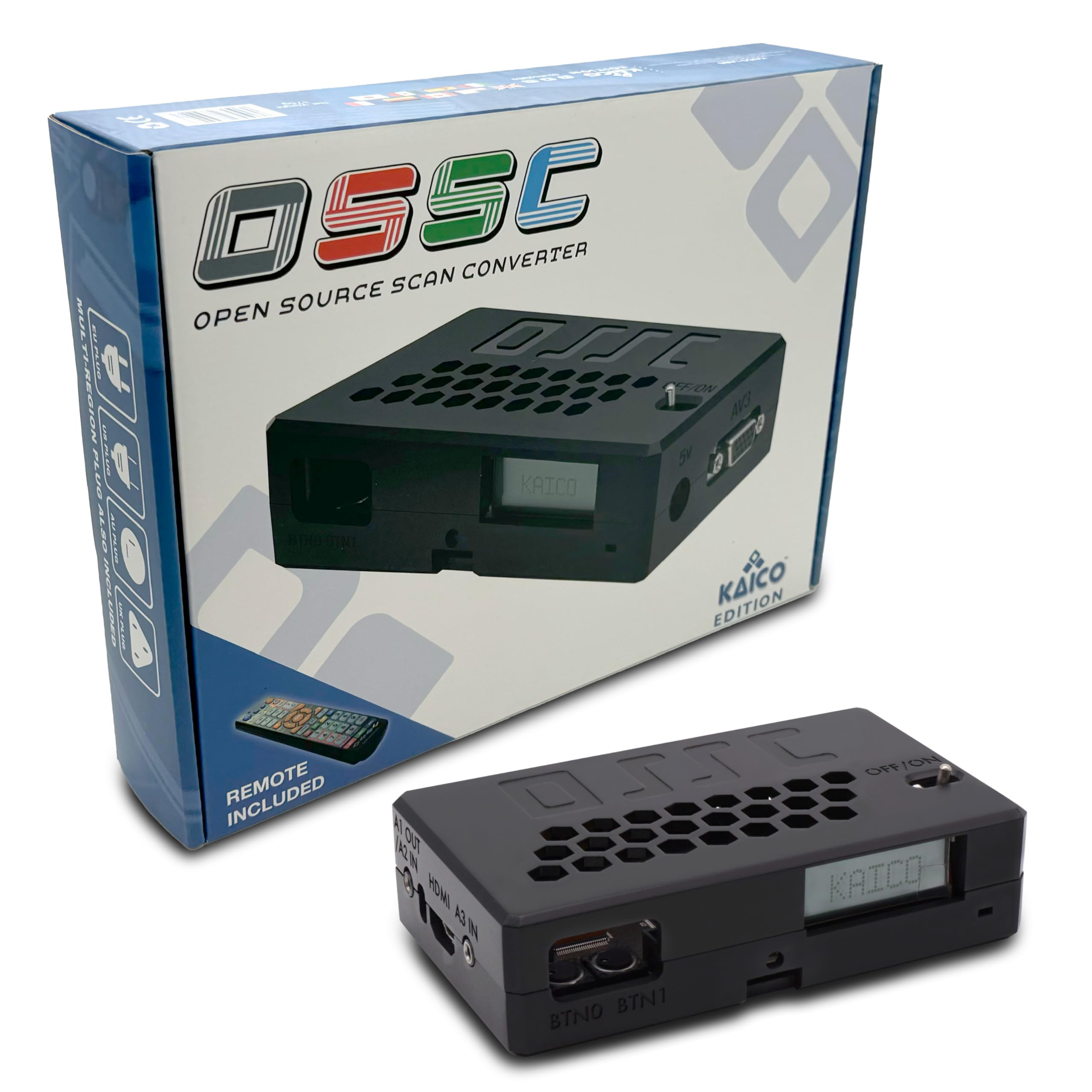
Advanced users needing custom samplers.
OSSC Open Source Scan Converter Pro-level line doubler/tripler for pixel-perfect 3DO RGB.
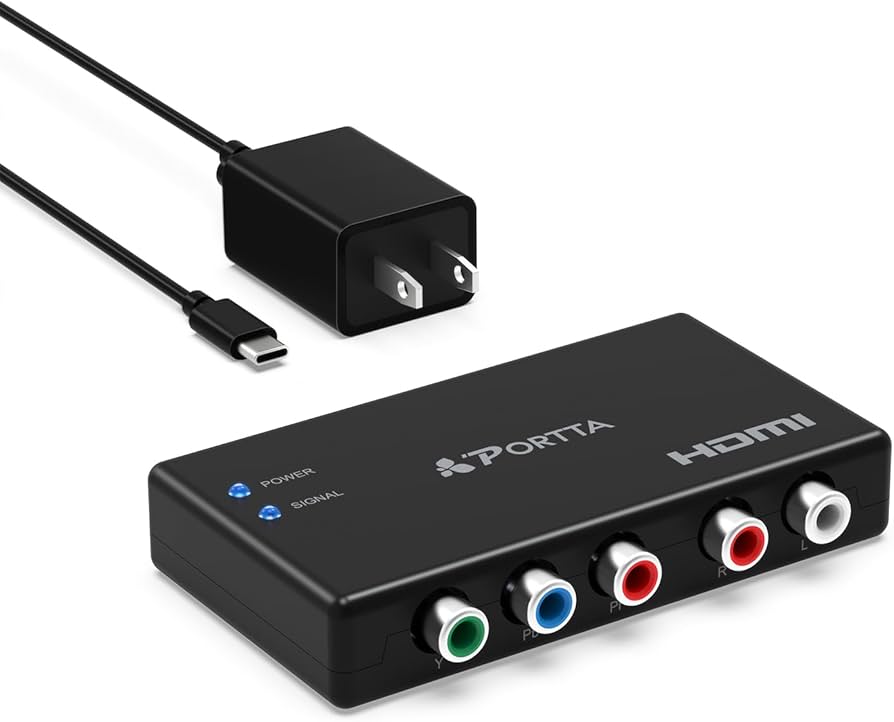
Entry-level HDMI upgrade without FPGA.
Portta SCART to HDMI Converter Budget RGB extractor with CSYNC support.
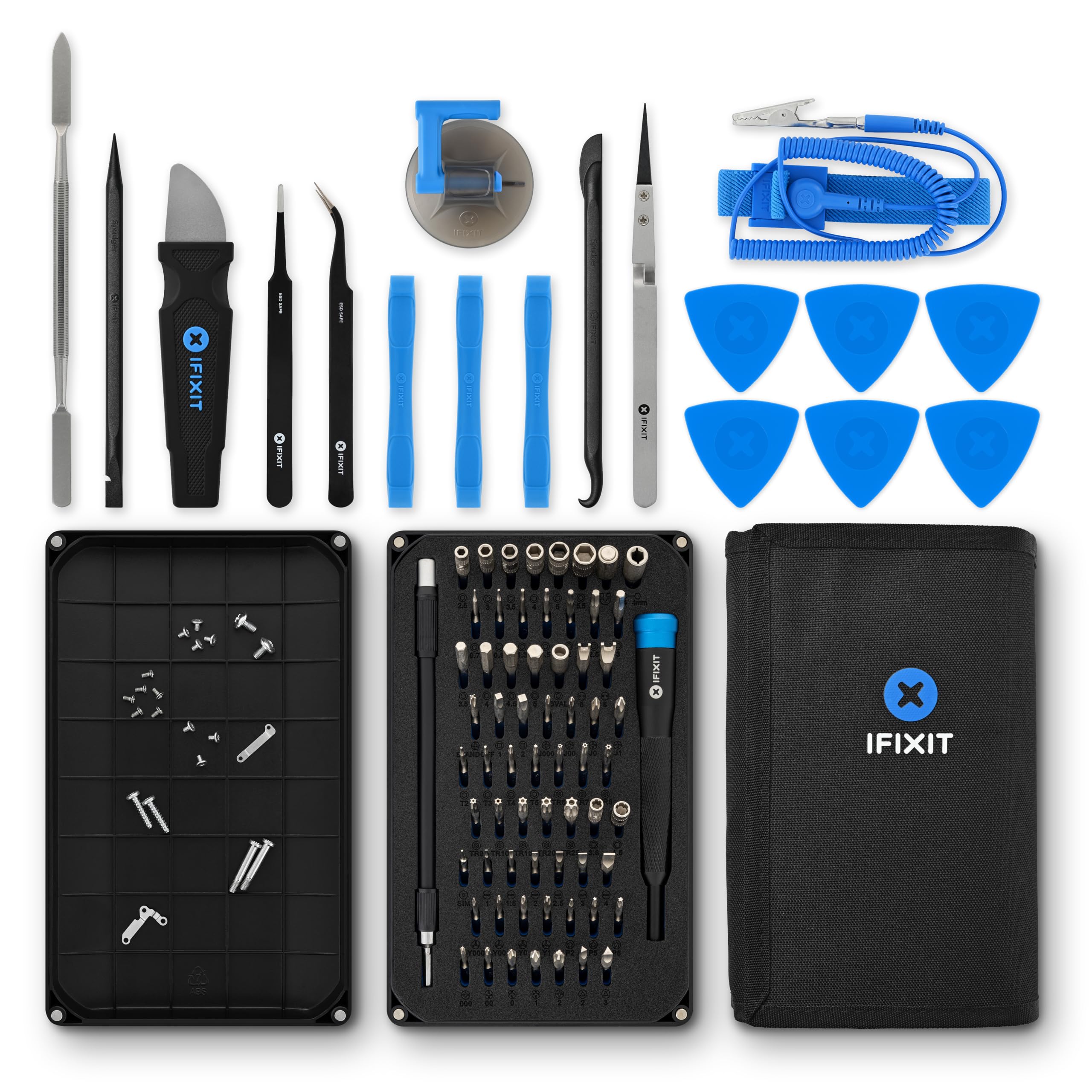
Opening 3DO for internal checks.
iFixit Pro Tech Toolkit Precision tools for safe console disassembly and pin testing.