
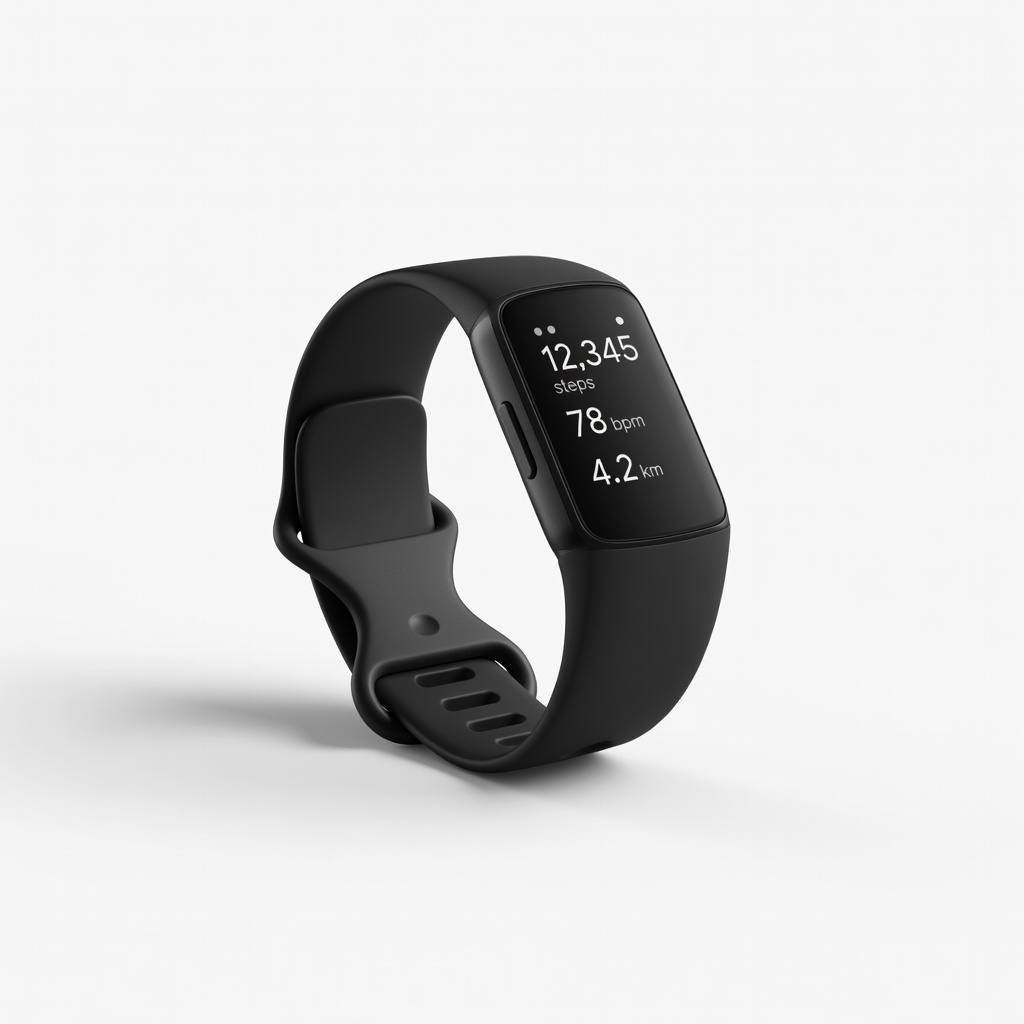
Fitbit Charge 6
Daily wear for overall fitness and detailed nightly sleep reports.
$150-$160
Fitbit Charge 6 Excellent for beginners with intuitive sleep tracking, including stages and score, plus long battery life.
Get the App
Better experience on mobile
Master sleep tracking basics with wearable devices to uncover patterns, boost rest quality, and wake up refreshed—perfect for beginners.
Struggling with restless nights or unexplained fatigue? You're not alone—poor sleep affects millions, leading to daytime drowsiness and health issues. Wearable devices like smartwatches and rings can revolutionize how you understand and improve your sleep by monitoring cycles, duration, and disturbances in real-time.
In this guide, you'll learn how to select, set up, and use a wearable sleep tracker step-by-step. From unboxing your device to analyzing your first sleep report, we'll cover everything to get you started. Expect a straightforward process that's beginner-friendly, taking about 30 minutes for initial setup and minimal effort nightly.
By the end, you'll have actionable insights into your sleep habits, empowering you to make simple changes for better rest. No tech expertise needed—just curiosity about optimizing your well-being.
Estimated Time: 30 minutes for setup; 5 minutes daily for review Difficulty: beginner
Start by selecting a wearable that fits your needs and budget. Popular options include fitness bands like Fitbit or smartwatches like Apple Watch, which track heart rate, movement, and oxygen levels during sleep. Consider factors like battery life (aim for 5+ days), comfort for overnight wear, and app compatibility with your phone.
Why it matters: The right device ensures accurate data without discomfort. For beginners, opt for user-friendly models with simple apps. Expect to spend 10-15 minutes researching reviews.
Success looks like having a device ordered or in hand, ready for setup.
💡 Tips:
⚠️ Warnings:
Open the packaging and inspect contents: the wearable, charger, and quick-start guide. Plug in the charger to a power source—most devices take 1-2 hours for a full charge. While charging, familiarize yourself with buttons or touchscreen.
This step ensures your device is powered for continuous tracking. Expect the battery indicator to show progress; full charge means 24-48 hours of use, including overnight.
Success: Device fully charged and powered on, with no visible damage.
💡 Tips:
⚠️ Warnings:
Search for your device's app in your phone's store (e.g., 'Fitbit' or 'Oura'). Install and create an account using your email. Grant permissions for notifications, location (for some features), and health data access.
The app is the hub for data syncing and insights, turning raw metrics into readable reports. Setup takes 5 minutes; expect a welcome tutorial.
Success: App installed, logged in, and permissions enabled without errors.
💡 Tips:
⚠️ Warnings:
Open the app and follow prompts to add your device—turn on Bluetooth and keep phone nearby. Scan for the wearable or enter pairing code if prompted. Complete any firmware updates.
Pairing links hardware to software for seamless data transfer. It matters for real-time accuracy; expect a confirmation message.
Success: Device connected, with a green sync icon in the app.
💡 Tips:
⚠️ Warnings:
In the app, navigate to sleep settings. Input your age, weight, and bedtime routine for personalized baselines. Enable features like auto-sleep detection or alarms.
Customization refines accuracy by accounting for your habits. Why? Generic data is less insightful. Expect a profile setup quiz taking 2-3 minutes.
Success: Profile saved, with sleep tracking toggled on.
💡 Tips:
⚠️ Warnings:
Put on the wearable before bed—wrist for watches/bands, finger for rings. Ensure it's snug but comfortable, not too tight to restrict circulation.
This captures data via sensors on movement and vitals. Consistent wear builds reliable trends. Expect no disruption to sleep after a night or two.
Success: Device worn through the night, with morning sync showing data logged.
💡 Tips:
⚠️ Warnings:
In the morning, open the app to sync (manual or auto). View reports on total sleep time, stages, and score. Note patterns like wake-ups.
Reviewing demystifies your rest, highlighting issues like insufficient deep sleep. It takes 5 minutes; expect graphs and summaries.
Success: First report generated, understanding basics like '7 hours, 85% efficiency.'
💡 Tips:
⚠️ Warnings:
Use app explanations to understand metrics (e.g., REM for memory). Adjust habits based on data, like earlier bedtimes for more deep sleep.
Action turns data into better sleep. Track improvements over weeks. Success: Implementing one change, like dimming lights, and seeing score rise.
Why it matters: Knowledge empowers lasting habits.
💡 Tips:
⚠️ Warnings:
Problem: Device won't pair with app
Solution: Restart both devices, ensure Bluetooth is on, and update the app. If persists, reset wearable via settings.
Problem: Inaccurate sleep duration reported
Solution: Verify fit and enable auto-detection. Avoid naps with device on if it skews data; manually log exceptions.
Problem: App crashes during sync
Solution: Clear app cache, reinstall if needed, or check for OS updates. Contact support for persistent issues.
Problem: Low battery drains overnight
Solution: Charge fully before bed and monitor usage. If frequent, check for software bugs via updates.
Excellent for beginners with intuitive sleep tracking, including stages and score, plus long battery life.
Best for: Daily wear for overall fitness and detailed nightly sleep reports.
Price Range: $150-$160
Discreet finger-based tracking avoids wrist bulk, providing precise readiness and recovery scores.
Best for: Light sleepers wanting non-intrusive overnight monitoring without screens.
Price Range: $299-$549 (depending on finish)
Seamless iOS integration with advanced sensors for sleep apnea detection alongside tracking.
Best for: Apple users seeking multifunctional device for sleep, heart health, and notifications.
Price Range: $399-$429
Affordable band with solid sleep analysis and stress tracking, great for budget-conscious starters.
Best for: Basic tracking without extras, ideal for first-time users on a tight budget.
Price Range: $130-$150
Subscription model focuses deeply on recovery and strain, with superior sleep coaching features.
Best for: Athletes or those optimizing performance through detailed sleep debt metrics.
Price Range: $30/month subscription (hardware free with sub)
Daily wear for overall fitness and detailed nightly sleep reports.
Fitbit Charge 6 Excellent for beginners with intuitive sleep tracking, including stages and score, plus long battery life.
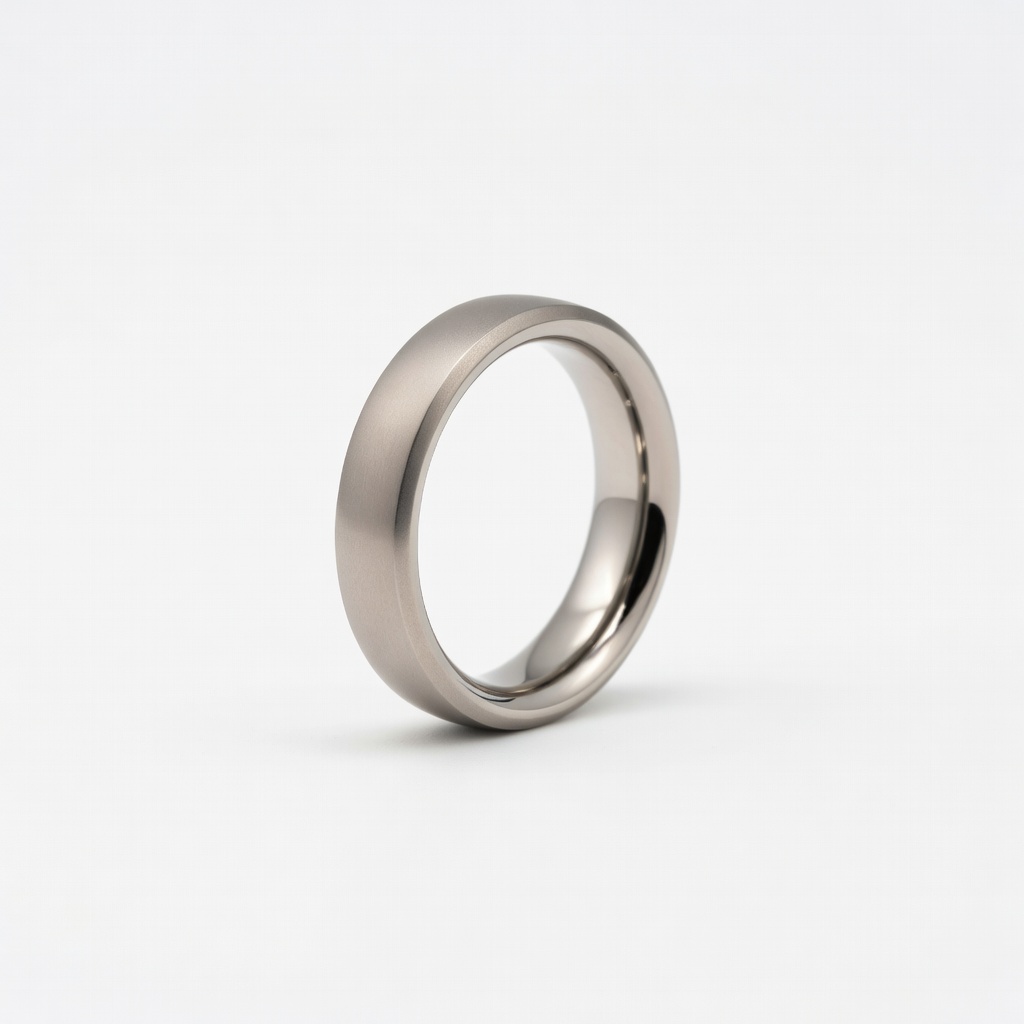
Light sleepers wanting non-intrusive overnight monitoring without screens.
Oura Ring Generation 3 Discreet finger-based tracking avoids wrist bulk, providing precise readiness and recovery scores.
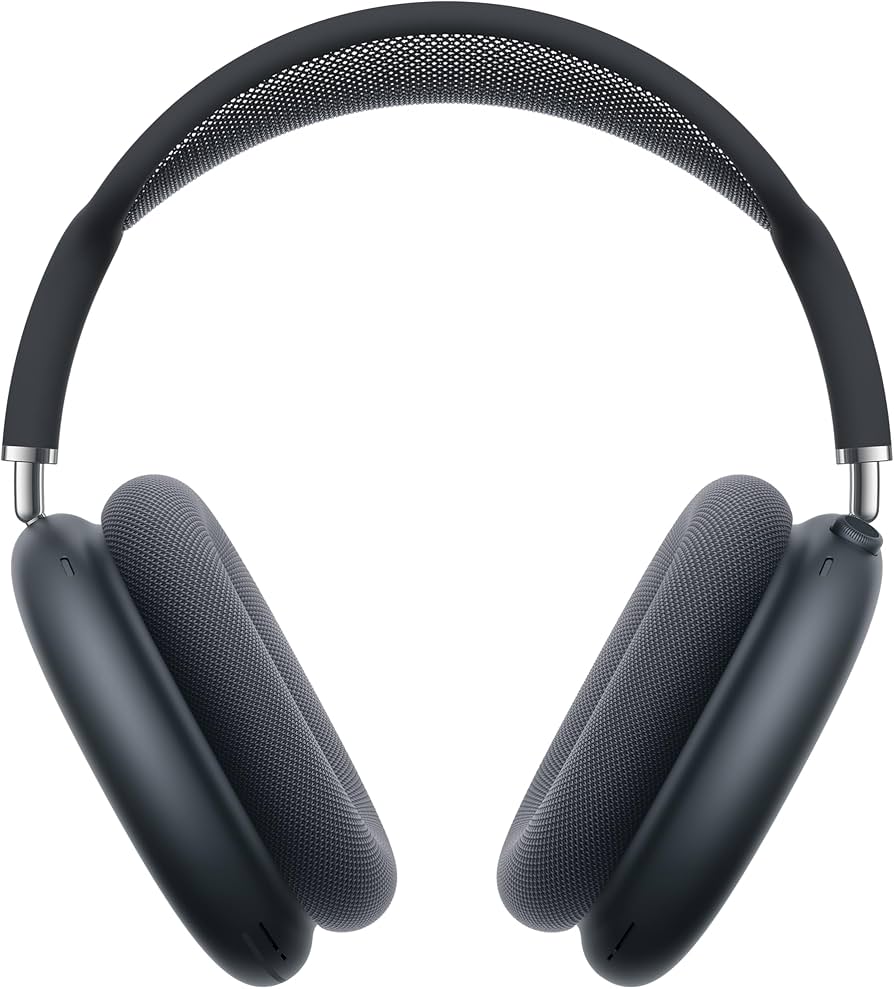
Apple users seeking multifunctional device for sleep, heart health, and notifications.
Apple Watch Series 9 Seamless iOS integration with advanced sensors for sleep apnea detection alongside tracking.
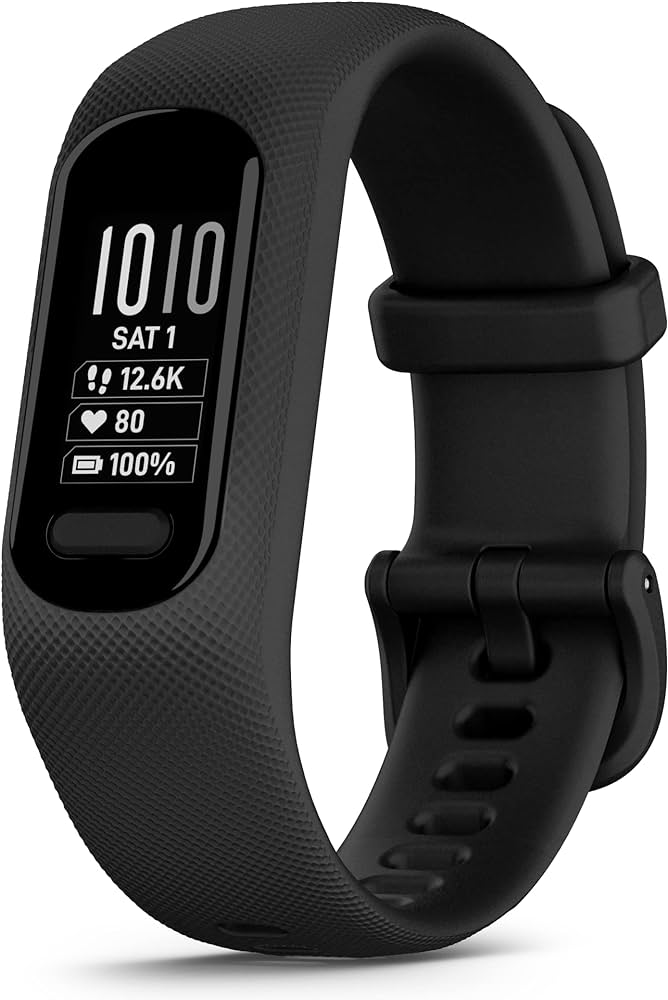
Basic tracking without extras, ideal for first-time users on a tight budget.
Garmin Vivosmart 5 Affordable band with solid sleep analysis and stress tracking, great for budget-conscious starters.
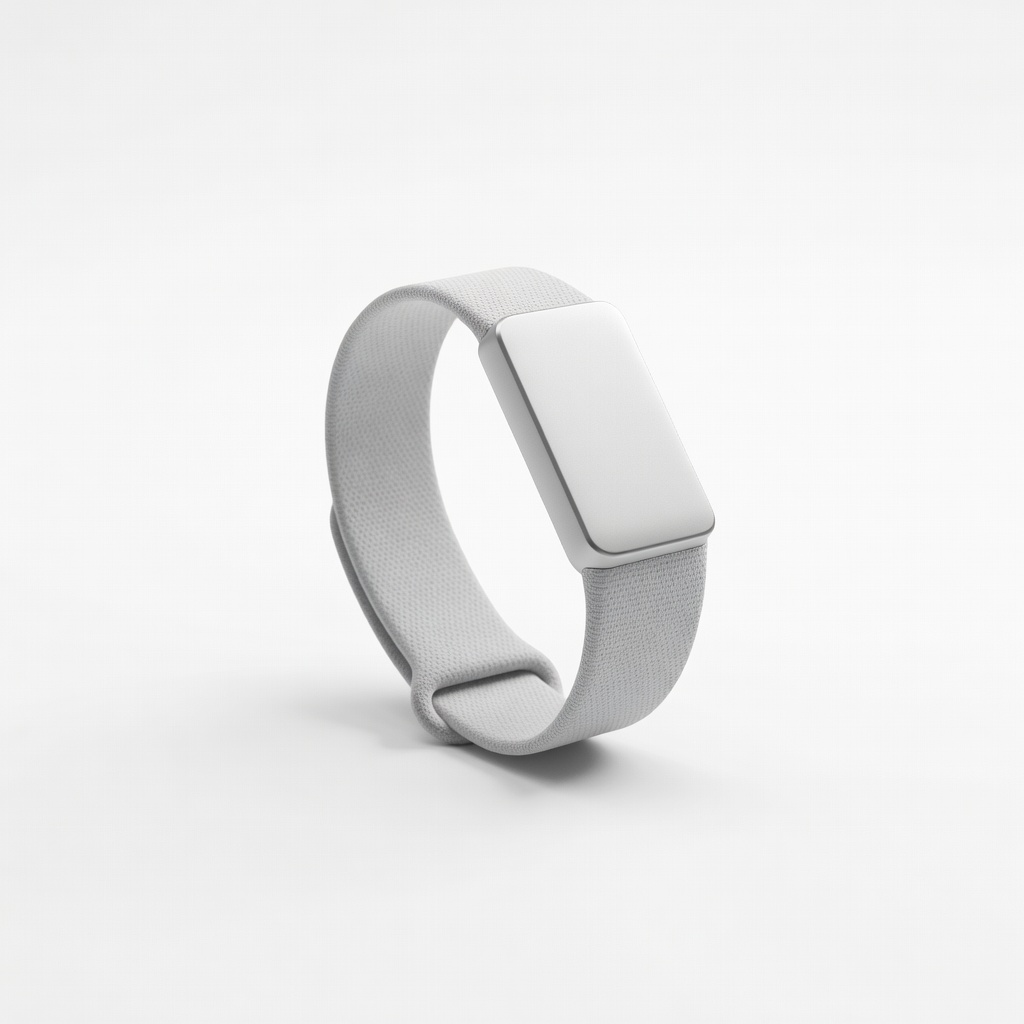
Athletes or those optimizing performance through detailed sleep debt metrics.
Whoop 4.0 Band Subscription model focuses deeply on recovery and strain, with superior sleep coaching features.