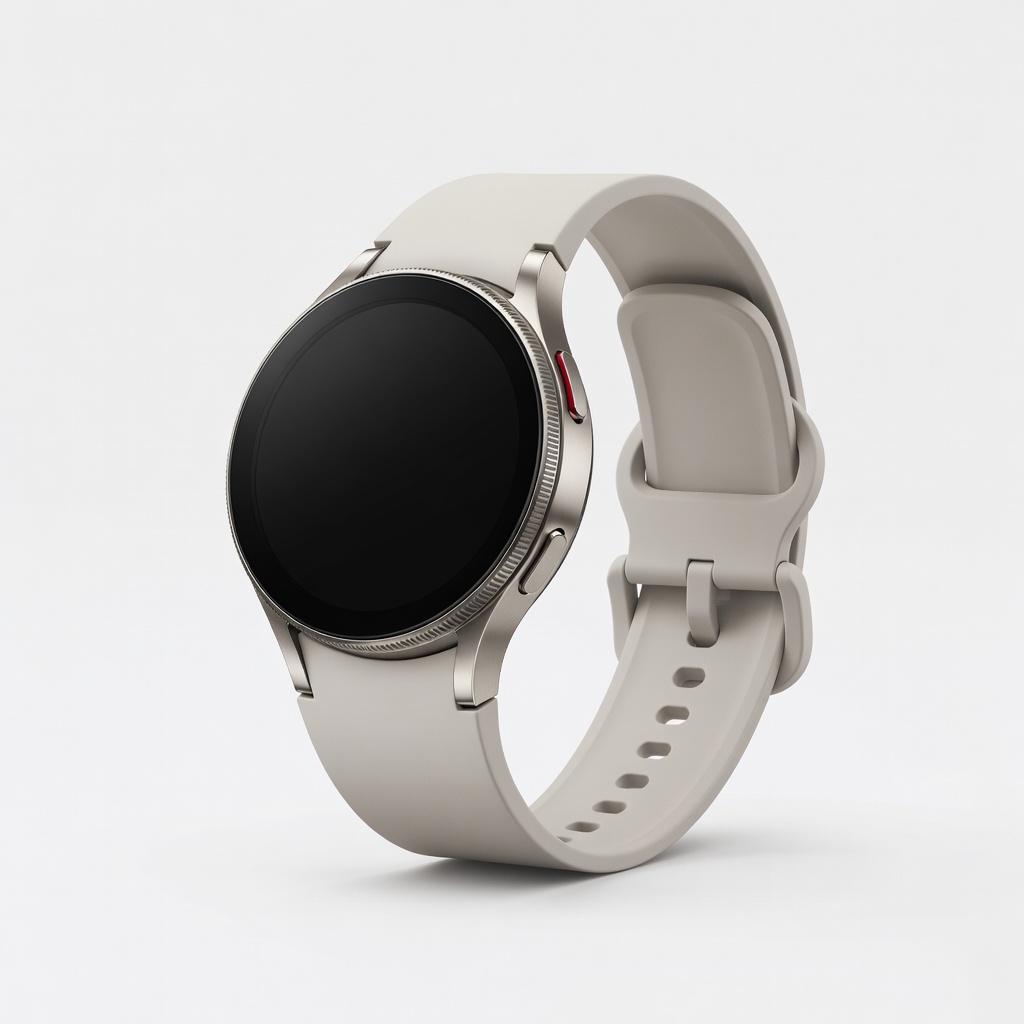
In today's fast-paced world, staying consistent with fitness goals can be challenging without reliable tracking. Many people start strong but lose motivation due to vague progress metrics. Wearable devices like fitness trackers and smartwatches solve this by providing real-time data on your activity, helping you stay accountable and adjust your routine effectively.
This guide will teach you how to select, set up, and use a wearable device to track key fitness metrics such as steps, calories burned, sleep, and heart rate. You'll learn step-by-step from initial setup to analyzing data for better results. Whether you're aiming to lose weight, build endurance, or improve overall health, this process will empower you to make data-driven decisions.
Expect to spend about 30-45 minutes on initial setup, with daily use taking just a few minutes. As an intermediate user, you'll need basic familiarity with smartphone apps, but no advanced tech skills are required.
▸What You'll Need
- •Smartphone (iOS or Android) with Bluetooth enabled
- •Wearable fitness tracker or smartwatch (e.g., Fitbit, Apple Watch, or Garmin)
- •Charging cable for the device (usually included)
- •Downloadable companion app (e.g., Fitbit app, Apple Health, Garmin Connect)
- •Optional: Wi-Fi connection for initial sync and software updates
Estimated Time: 30-45 minutes for setup; 5-10 minutes daily for tracking and review
Difficulty: intermediate
▸Step-by-Step Instructions
Step 1: Choose the Right Wearable Device
Start by selecting a wearable that aligns with your fitness goals and lifestyle. Consider factors like battery life, water resistance, and compatibility with your phone. For example, if you're into running, opt for GPS-enabled models; for general tracking, a basic fitness band suffices.
Research devices based on user reviews and features. Popular options include heart rate monitoring, sleep tracking, and integration with apps like Strava. This step ensures your tool matches your needs, preventing buyer's remorse.
Success looks like having a device that excites you and covers your primary metrics (e.g., steps for weight loss).
💡 Tips:
- •Read recent reviews on sites like Amazon or CNET for 2024 models.
- •Budget $50-300; start mid-range for intermediate users.
⚠️ Warnings:
- •Avoid cheap knockoffs; they often lack accurate sensors.
Step 2: Unbox and Charge Your Device
Unpack your wearable and connect it to the provided charging cable. Plug into a USB port or wall adapter and let it charge fully, which typically takes 1-2 hours.
Why this matters: A full charge ensures uninterrupted setup and prevents data loss during initial pairing. Check for any included quick-start guide.
Expect the device to power on with a welcome screen or LED lights indicating charge level. Success: Device shows 100% battery and responds to touches or buttons.
💡 Tips:
- •Charge in a cool, dry place to extend battery life.
- •Note the charging port type for future reference.
Step 3: Download and Install the Companion App
On your smartphone, search for the device's app in the App Store (iOS) or Google Play (Android). Install it and create an account if needed, using your email.
This app is the hub for data visualization, goal setting, and syncing. Grant necessary permissions for Bluetooth, location (for GPS), and notifications.
Success: App opens without errors, and you're logged in with a personalized dashboard ready.
💡 Tips:
- •Enable auto-updates in the app settings for new features.
- •Use a strong password for account security.
⚠️ Warnings:
- •Don't skip permissions; they enable full functionality like heart rate tracking.
Step 4: Pair the Device with Your Phone
Open the app, navigate to the setup or pair section, and follow prompts to enable Bluetooth on your phone. Hold the wearable close and select it from the list of available devices.
Pairing syncs data in real-time, allowing seamless tracking. Enter any PIN if prompted (usually on the device screen).
Expect a confirmation message like 'Paired successfully.' Test by taking a few steps; the app should update your step count.
💡 Tips:
- •Keep devices within 10 feet during pairing.
- •Restart both if connection fails.
Step 5: Set Up Your Personal Profile and Goals
In the app, input your age, weight, height, and fitness level. Then, set specific goals like daily steps (e.g., 10,000), weekly workouts, or calorie targets.
Personalization calibrates accuracy for metrics like calorie burn. Goals provide motivation through progress bars and reminders.
Success: Dashboard shows your profile details and a goal progress ring at 0% initially, ready to fill as you move.
💡 Tips:
- •Start with realistic goals; increase gradually to avoid burnout.
- •Sync with other apps like MyFitnessPal for nutrition tracking.
⚠️ Warnings:
- •Inaccurate profile data leads to wrong estimates—double-check entries.
Step 6: Wear and Track Daily Activities
Put on the device snugly on your wrist (not too tight) and start your day. It will automatically track steps, heart rate, and elevation via built-in sensors.
For workouts, manually start a session in the app or on-device for activities like running or yoga. This logs detailed data like pace and distance.
Expect real-time updates; glance at the device for quick stats. Success: End-of-day summary shows progress toward goals.
💡 Tips:
- •Wear it 24/7 for sleep tracking, but remove for charging if needed.
- •Calibrate GPS outdoors for accurate run mapping.
Step 7: Review and Analyze Your Data
At day's end or weekly, open the app to view summaries. Look at trends like average heart rate or sleep quality, and adjust goals based on insights.
Analysis helps identify patterns, like low activity on weekdays, for better planning. Export reports if needed for coaches.
Success: You spot improvements (e.g., increased steps) and make one actionable change, like adding a walk.
💡 Tips:
- •Set app notifications for low-activity alerts.
- •Use web dashboard for deeper charts on a computer.
⚠️ Warnings:
- •Don't obsess over numbers; focus on trends, not daily fluctuations.
Step 8: Maintain and Update Your Device
Regularly sync data, clean the device with a soft cloth, and check for app/firmware updates. Replace bands or batteries as needed.
Maintenance ensures longevity and accuracy. Updates add features like new workout modes.
Success: Device runs smoothly with no errors, and you're up-to-date for optimal performance.
💡 Tips:
- •Clean weekly to avoid skin irritation.
- •Backup data via app export.
▸Pro Tips
- •Combine wearable data with a journal for qualitative insights like how you feel after workouts.
- •Use sleep tracking to correlate rest with energy levels and adjust bedtime goals.
- •Integrate with smart home devices for automated reminders to move.
- •Track hydration manually in the app if your device supports it for holistic health monitoring.
- •Experiment with custom workouts in the app to tailor sessions to your goals.
- •Share progress with friends via app communities for accountability.
- •Battery saver: Dim screen brightness and disable unused notifications.
▸Common Mistakes to Avoid
- •Wearing the device too loosely, leading to inaccurate heart rate readings—ensure a snug fit but not restrictive.
- •Setting overly ambitious goals from day one, causing frustration—start small and scale up based on data.
- •Ignoring app updates, missing bug fixes and new features—check monthly.
- •Forgetting to charge regularly, resulting in data gaps—set a nightly routine.
- •Relying solely on the device without lifestyle changes, as tech tracks but doesn't transform habits alone.
▸Troubleshooting
Problem: Device won't sync with app
Solution: Ensure Bluetooth is on, restart both devices, and check for app updates. If persists, uninstall/reinstall the app.
Problem: Inaccurate step count
Solution: Recalibrate in app settings and wear consistently on the same wrist. Avoid loose fits or extreme temperatures.
Problem: Battery drains quickly
Solution: Disable unnecessary features like always-on display. Charge fully and update firmware.
Problem: Skin irritation from wearing
Solution: Clean the device and wrist area daily. Switch bands to hypoallergenic materials. Consult a doctor if rash persists.
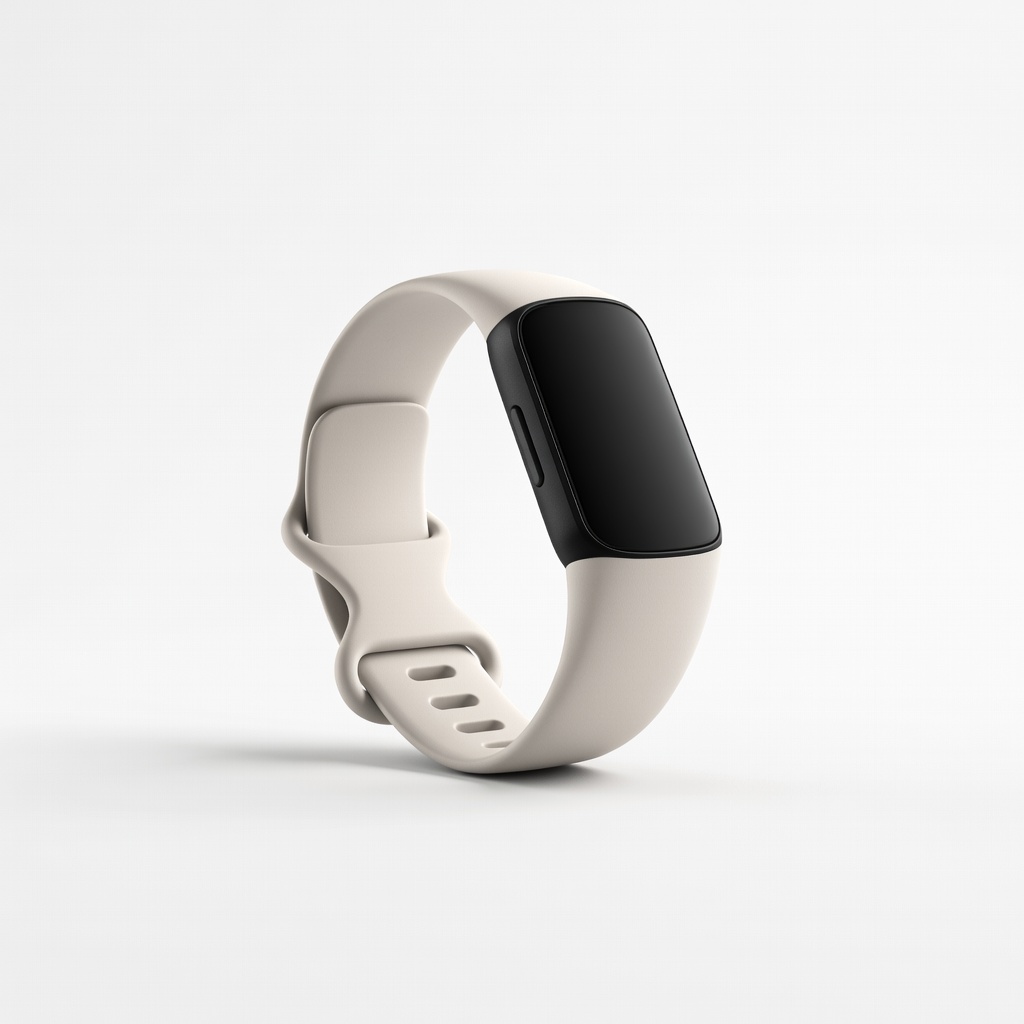
Fitbit Charge 6
Excellent for all-day tracking with built-in GPS, heart rate, and Google integration for seamless goal monitoring.
Best for: Ideal for intermediate users focused on steps, workouts, and sleep without needing a full smartwatch.
Price Range: $150-$160
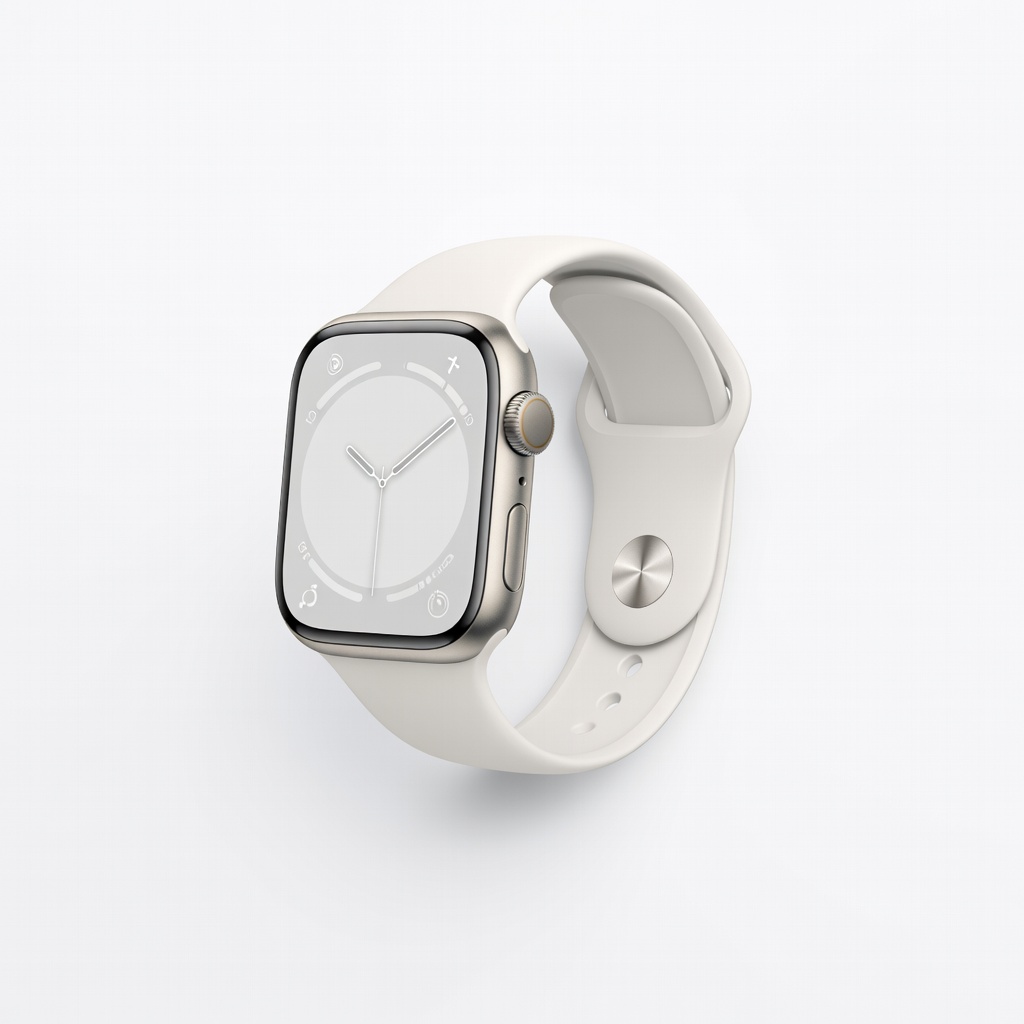
Apple Watch Series 9
Advanced sensors for precise ECG, blood oxygen, and activity rings, with deep iOS integration for comprehensive health insights.
Best for: Best for iPhone users wanting notifications alongside fitness tracking during runs or daily routines.
Price Range: $350-$400
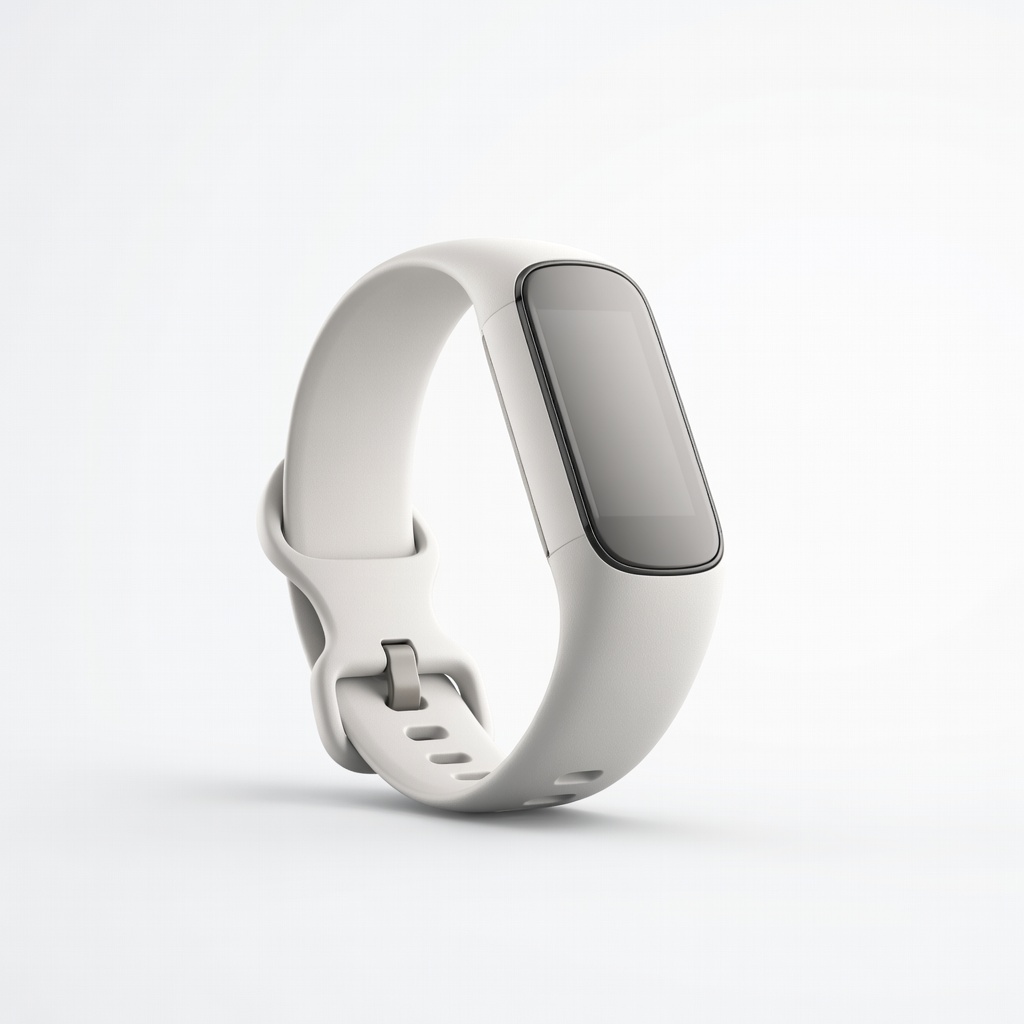
Garmin Vivosmart 5
Compact and affordable with stress tracking and respiration rate, perfect for subtle, long-battery-life monitoring.
Best for: Great for beginners advancing to intermediate, especially for office workers tracking sedentary behavior.
Price Range: $120-$150
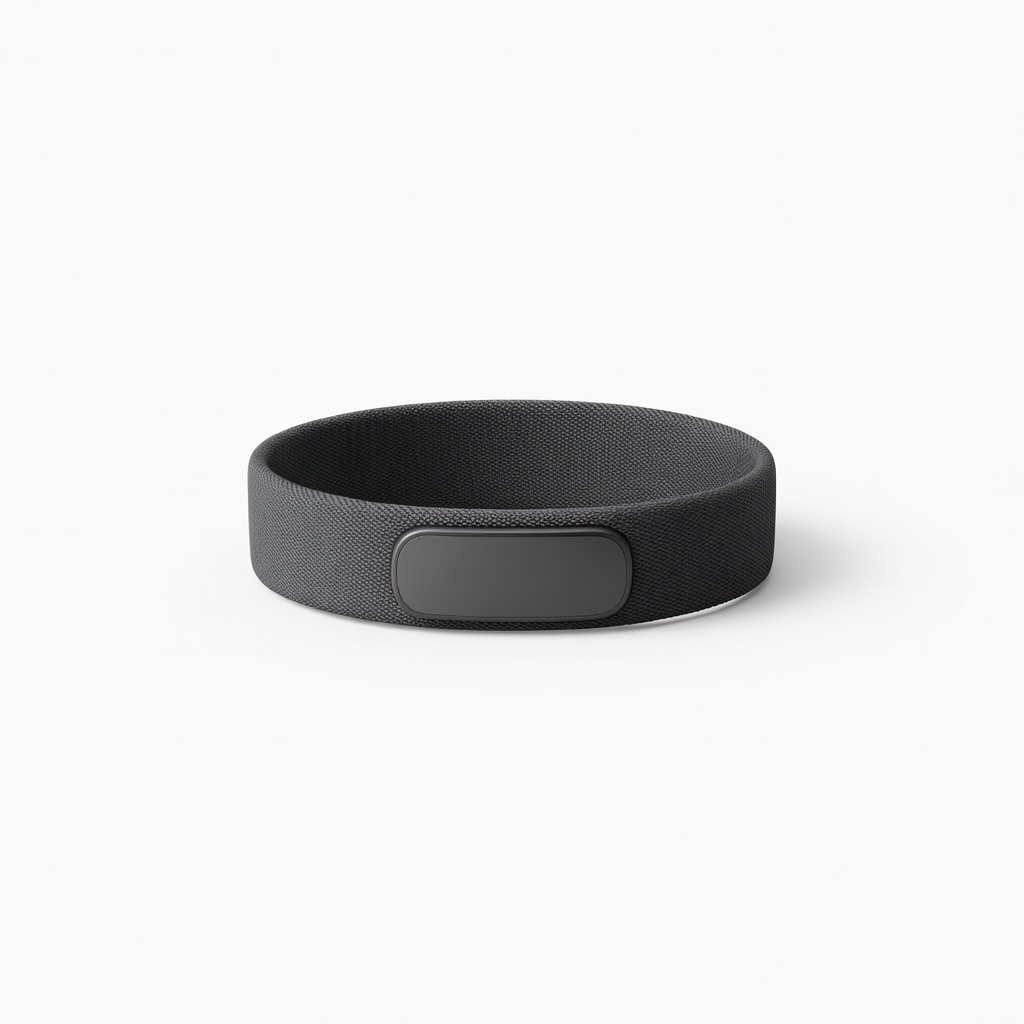
Whoop 4.0 Band
Subscription-based for recovery-focused tracking, emphasizing strain, sleep, and readiness scores over basic steps.
Best for: Suited for athletes optimizing training loads and recovery in high-intensity fitness goals.
Price Range: $30/month subscription (hardware free with sub)
Samsung Galaxy Watch 6
Versatile Android-compatible watch with auto-workout detection and body composition analysis for detailed progress tracking.
Best for: For Samsung phone users integrating fitness with smart features like calls during workouts.
Price Range: $250-$300