
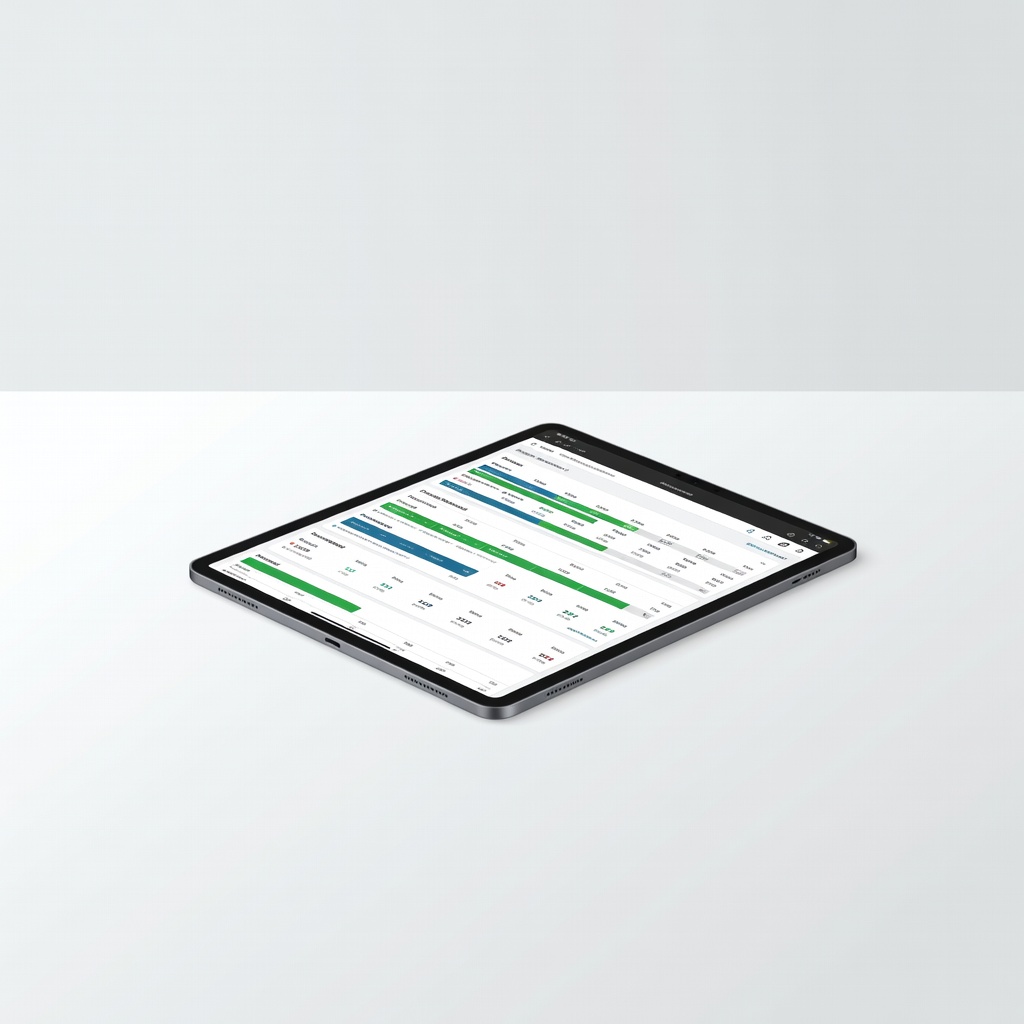
YNAB (You Need A Budget)
Personal finance where you assign budgets before spending.
$14.99/month or $99/year
YNAB (You Need A Budget) Teaches proactive budgeting with 'give every dollar a job' method—perfect for beginners building habits.
Get the App
Better experience on mobile
Master expense tracking in 30 minutes with beginner-friendly apps to control spending, spot leaks, and build better financial habits effortlessly.
Ever wonder where your money disappears each month? You're not alone—most beginners struggle with overspending because they lose track of daily expenses like coffee runs and subscriptions. Accounting apps fix this by automating tracking, categorizing spends, and providing insights to reclaim your budget.
In this guide, you'll learn to choose, set up, and use an accounting app from start to finish. We'll cover everything step-by-step, so even if you're tech-shy, you'll have a working system in under an hour. Expect clear success markers at each stage, like seeing your first transaction sync.
No prior experience needed—this is beginner-focused with simple language and real-world tips. By the end, you'll have automated expense tracking running smoothly.
Estimated Time: 30-45 minutes for setup + 5 minutes daily Difficulty: beginner
Start by selecting an app that fits your needs. For beginners, prioritize free or low-cost options with auto-sync, easy categorization, and mobile access.
Popular beginner picks: YNAB for envelope budgeting, Goodbudget for manual control, or PocketGuard for bill tracking. Read reviews on app stores focusing on ease-of-use and bank connectivity. Success looks like: App shortlist of 2-3 options.
Why it matters: The wrong app leads to abandonment—pick one with a free trial.
💡 Tips:
⚠️ Warnings:
On mobile: Open App Store (iOS) or Google Play (Android), search your chosen app (e.g., 'YNAB'), and tap Install.
On desktop: Visit the app's website (e.g., youneedabudget.com) and download the version for your OS.
Grant permissions for notifications and storage. Success: App icon appears on your home screen or desktop, opens without errors.
This sets your tracking hub—mobile for on-the-go, desktop for reports.
💡 Tips:
Launch the app and tap 'Sign Up' or 'Get Started.' Enter email, create a strong password, and verify via email link.
Complete the onboarding quiz: Input income, goals (e.g., save $500/month), and household size. Skip advanced features for now.
Success: Dashboard loads with a welcome screen showing 'Ready to Track.' Why? Secure account prevents data loss.
💡 Tips:
⚠️ Warnings:
Go to Settings > Accounts > 'Add Account.' Search for your bank (e.g., Chase, Wells Fargo), enter login credentials securely via Plaid (secure aggregator).
Authorize read-only access—apps can't spend your money. Transactions from 30-90 days auto-import.
Success: Green checkmark next to accounts; recent transactions appear. Expect 1-2 minutes per account.
This automates 80% of tracking—manual entry is minimal.
💡 Tips:
⚠️ Warnings:
Navigate to Transactions tab. Scan list—apps auto-categorize (e.g., Starbucks as 'Dining'). Edit uncategorized ones: Tap transaction > Select category (Groceries, Entertainment).
Add notes or split if needed (e.g., $50 grocery + gas). Success: 95% transactions categorized; pie chart shows spending breakdown.
Why? Accurate categories enable reports.
💡 Tips:
In Budget or Categories section, create custom ones like 'Pet Care' or 'Gym.' Assign monthly limits (e.g., $200 Dining).
Enable alerts for overspending. Success: Budget dashboard with progress bars (e.g., 50% used).
This prevents overspending proactively.
💡 Tips:
Each day, open app: Review new transactions, add manual ones (e.g., cash via 'Add Expense'). Snap receipts for records.
Success: Daily habit formed; spending stays within budget.
Automation handles most—check 2x/week suffices.
💡 Tips:
Go to Reports > Spending by Category or Trends. Export PDF/CSV.
Spot patterns (e.g., $150/month subscriptions). Adjust budgets.
Success: First monthly report emailed, showing savings potential.
Insights turn data into action.
End of month: Match app totals to bank statements. Backup data via export.
Success: Balances match 100%; data saved.
Prevents errors long-term.
⚠️ Warnings:
Problem: Bank sync fails or errors
Solution: Update app, re-enter credentials, or use manual CSV import from bank site. Contact app support if persists.
Problem: Duplicate transactions
Solution: Search and delete extras during review. Enable 'Ignore future duplicates' rule.
Problem: App crashes or slow
Solution: Clear cache, update OS/app, or switch devices. Free up storage space.
Problem: Wrong categorizations
Solution: Bulk edit past ones and set auto-rules for accuracy.
Teaches proactive budgeting with 'give every dollar a job' method—perfect for beginners building habits.
Best for: Personal finance where you assign budgets before spending.
Price Range: $14.99/month or $99/year
Intuitive dashboard with auto-categorization and spending plans—minimal setup.
Best for: Tracking connected accounts with real-time watchlists for bills.
Price Range: $5.99/month ($47.88 billed annually)
Digital envelope system mimics cash budgeting—free tier for starters.
Best for: Manual or semi-auto tracking without bank links for privacy-focused users.
Price Range: Free; Premium $8/month or $70/year
Excels at subscription detection and negotiation alongside tracking.
Best for: Busy users canceling forgotten subs while monitoring spends.
Price Range: $4-$12/month billed annually
Physical backup for app users—monthly trackers and stickers for visual appeal.
Best for: Supplement app with handwriting for better retention.
Price Range: $29.99
Personal finance where you assign budgets before spending.
YNAB (You Need A Budget) Teaches proactive budgeting with 'give every dollar a job' method—perfect for beginners building habits.
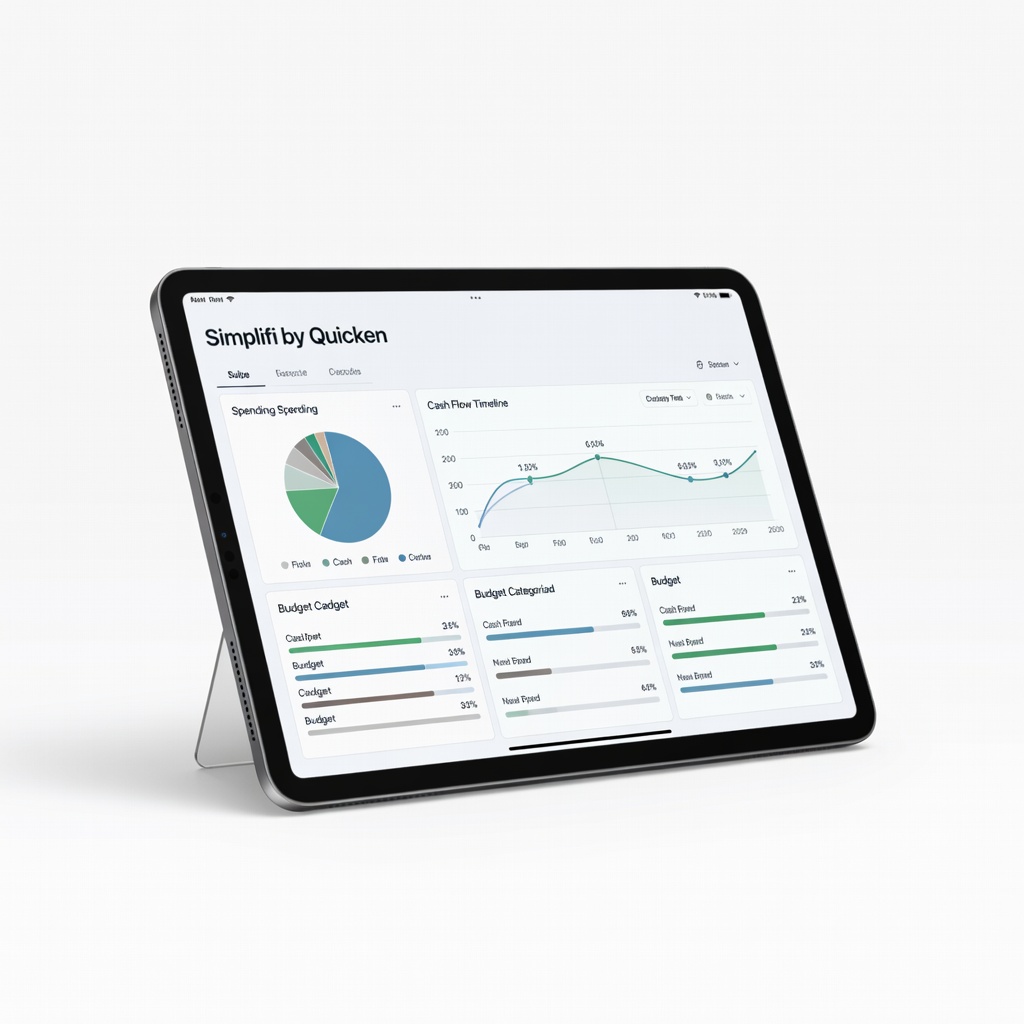
Tracking connected accounts with real-time watchlists for bills.
Simplifi by Quicken Intuitive dashboard with auto-categorization and spending plans—minimal setup.
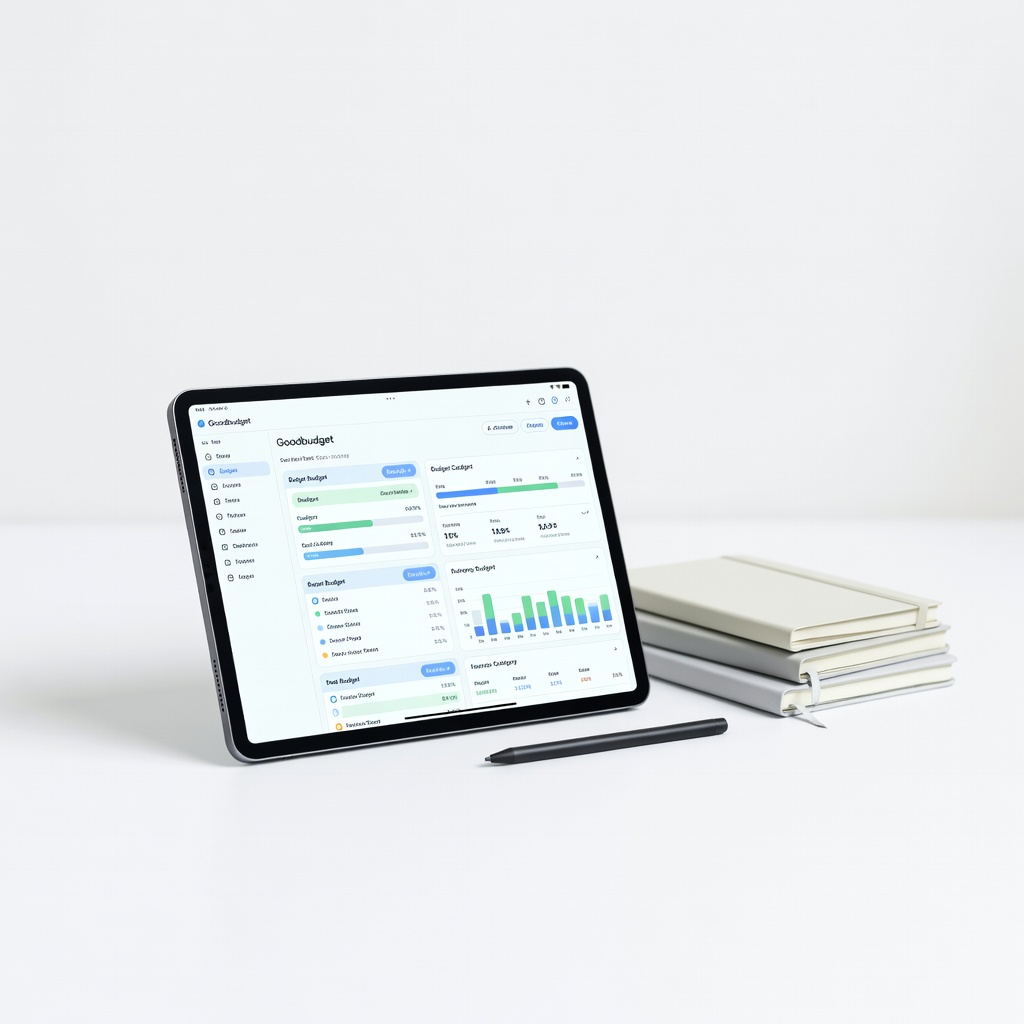
Manual or semi-auto tracking without bank links for privacy-focused users.
Goodbudget Digital envelope system mimics cash budgeting—free tier for starters.
Busy users canceling forgotten subs while monitoring spends.
Rocket Money Premium Excels at subscription detection and negotiation alongside tracking.
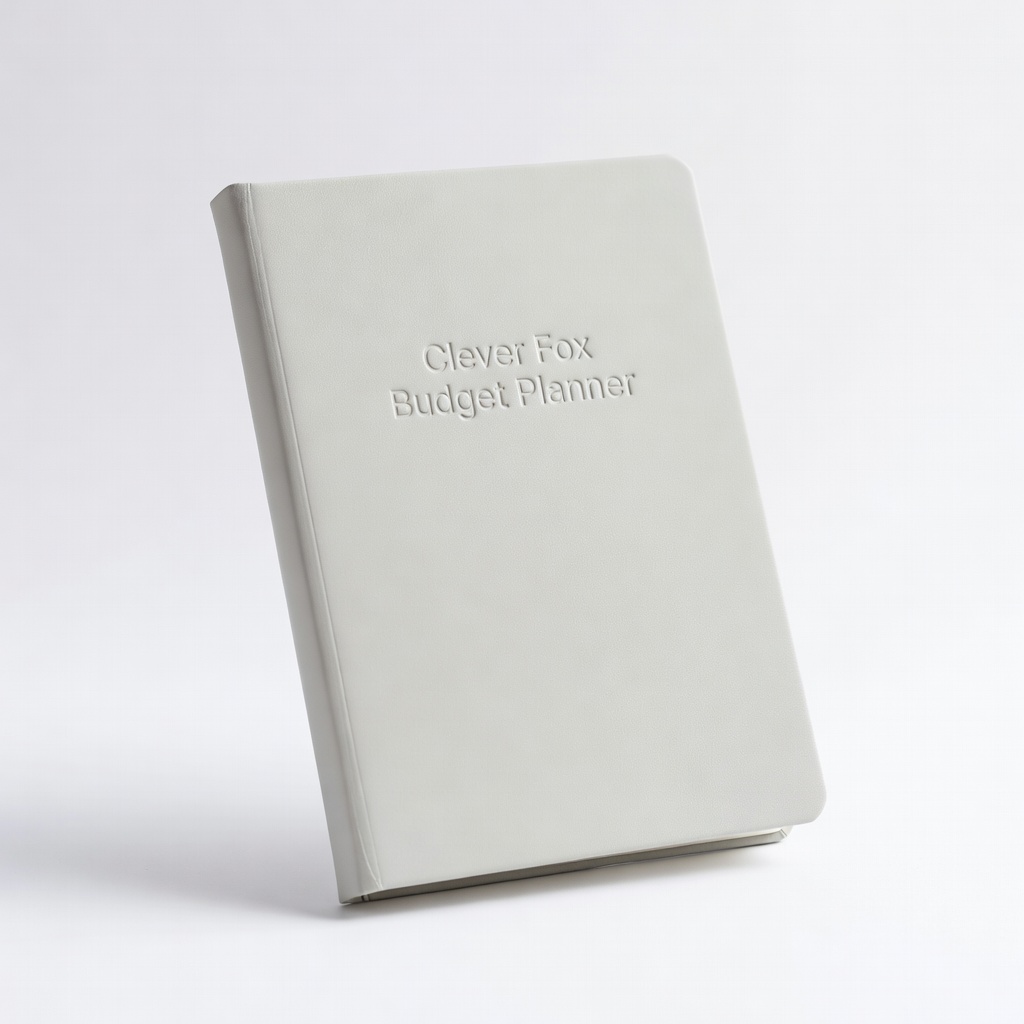
Supplement app with handwriting for better retention.
Clever Fox Budget Planner (Notebook) Physical backup for app users—monthly trackers and stickers for visual appeal.