
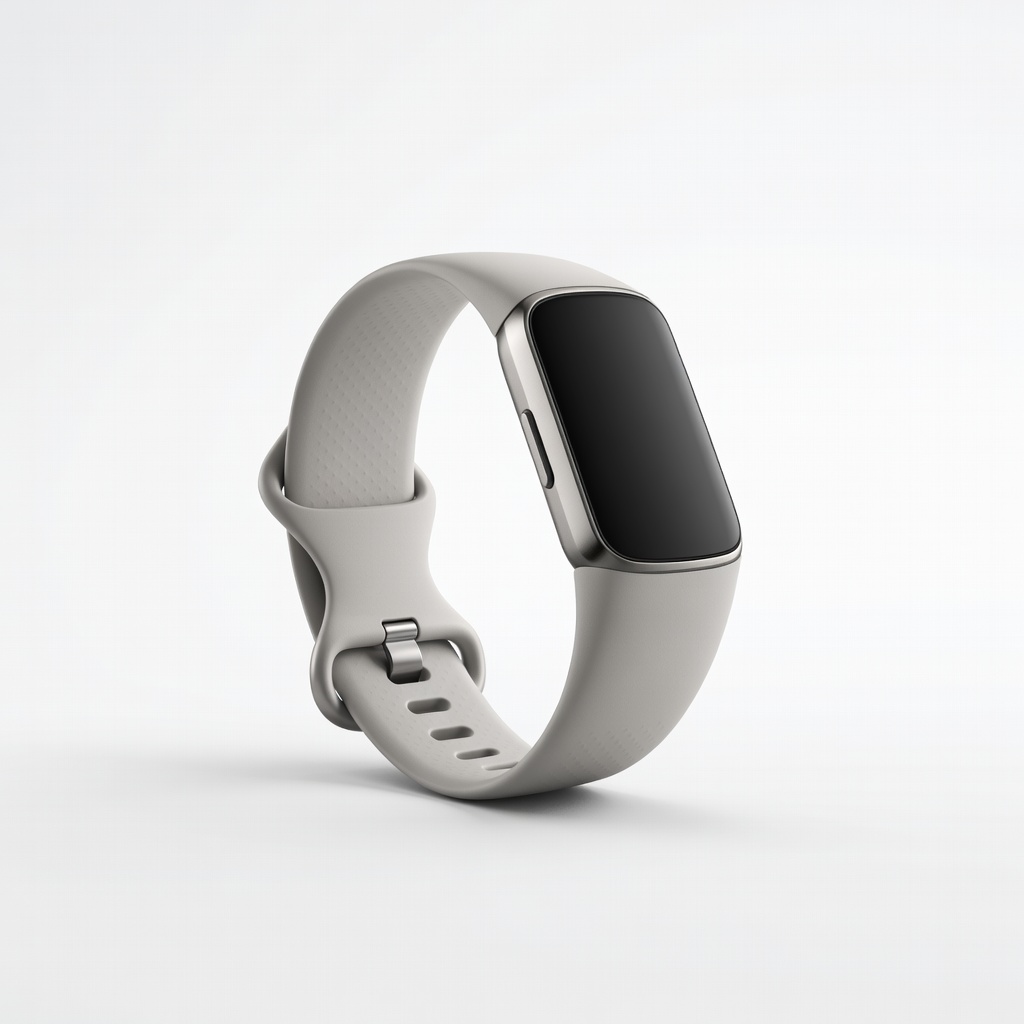
Fitbit Charge 6
Daily activity, heart rate, sleep for general wellness.
$159.95
Fitbit Charge 6 Excellent for beginners with 7-day battery, accurate multi-sport tracking, and intuitive app.
Get the App
Better experience on mobile
Master step-by-step setup and usage of wellness monitors to accurately track steps, heart rate, sleep, and more for better health insights.
Ever bought a fitness tracker or smartwatch only to let it gather dust because you weren't sure how to use it? You're not alone—millions struggle to turn these devices into powerful health tools. Wellness monitors can transform your daily routine by providing real-time data on activities, helping you stay motivated and improve fitness.
In this beginner-friendly guide, you'll learn how to choose, set up, and track activities with wellness monitors. We'll cover everything from unboxing to analyzing data, so you can hit the ground running. Expect a quick 20-30 minute setup, with ongoing use taking just seconds a day.
By the end, you'll have your monitor synced, tracking accurately, and delivering personalized insights to boost your wellness journey.
Estimated Time: 20-30 minutes for setup; 1-2 minutes daily for syncing and review Difficulty: beginner
Start by selecting a device suited to your needs. Wellness monitors vary: wristbands like Fitbit for basics (steps, heart rate), smartwatches like Apple Watch for GPS and calls, or rings like Oura for discreet sleep tracking.
Consider battery life, water resistance, app ecosystem (iOS/Android), and budget. Read reviews for accuracy—look for devices validated by health orgs like the FDA.
Success looks like: A device that matches your goals (e.g., running vs. general wellness) and fits comfortably.
💡 Tips:
⚠️ Warnings:
Open the package and locate the device, charging cable, and manual. Plug the proprietary cable into a USB port or wall adapter (5V/1A max) and connect to the device.
Charge fully (usually 1-2 hours) until the LED indicator shows green or 100%. This ensures it's ready for pairing without interruptions.
Success looks like: Device powers on, screen lights up, and battery icon shows full charge.
💡 Tips:
Go to App Store (iOS) or Google Play (Android). Search for the official app: 'Fitbit' for Fitbit devices, 'Garmin Connect' for Garmin, 'Samsung Health' for Galaxy Watches, etc.
Install and grant permissions for Bluetooth, location (for GPS), notifications, and motion sensors. Why? Apps handle syncing, data visualization, and firmware updates.
Success looks like: App icon on your home screen, updated to latest version.
💡 Tips:
⚠️ Warnings:
Open the app, sign up with email/password, or use Google/Apple login. Tap 'Set Up Device' or '+' icon, select your model, and follow Bluetooth pairing prompts.
Keep phone nearby (within 10 feet). Confirm pairing code if shown. The app will download firmware.
Success looks like: Device vibrates/name appears in app; initial sync completes.
💡 Tips:
Enter age, height, weight, gender for accurate metrics (e.g., calorie burn). Select units (metric/imperial), activity goals, and notifications (e.g., sedentary reminders).
Enable tracking for steps, heart rate, sleep, floors climbed. Customize watch face if applicable.
Success looks like: Personalized dashboard with your daily goals displayed.
💡 Tips:
⚠️ Warnings:
Wear on non-dominant wrist, snug but not tight (one finger under band). For heart rate, position sensor over wrist bone.
Walk 100+ steps or follow app calibration (e.g., arm swings). Test by checking live steps match manual count.
Success looks like: Real-time data updates smoothly; heart rate matches manual pulse.
💡 Tips:
Go for a walk/run. Device auto-detects or tap 'Start Workout' in app/device for specifics (e.g., cycling). Heart rate, GPS (if equipped), pace log automatically.
End workout via app/button. Sync to view summary.
Success looks like: Post-walk dashboard shows steps, distance, calories burned accurately.
💡 Tips:
⚠️ Warnings:
Daily, open app for insights: trends, scores (e.g., readiness). Set goals like 10k steps. Weekly reports email automatically.
Adjust based on data—e.g., more cardio if low activity.
Success looks like: Actionable insights motivating habit changes.
💡 Tips:
Problem: Device won't sync
Solution: Restart phone/device, toggle Bluetooth, ensure Wi-Fi. Re-pair if needed. Update app.
Problem: Inaccurate heart rate
Solution: Reposition on wrist bone, clean sensors, avoid tattoos/ hairy areas. Test vs. manual pulse.
Problem: Battery drains fast
Solution: Disable unused features (GPS, vibrations). Charge fully, check for firmware updates.
Problem: No step count during workout
Solution: Ensure arm swings naturally; restart device. Manual entry as backup.
Excellent for beginners with 7-day battery, accurate multi-sport tracking, and intuitive app.
Best for: Daily activity, heart rate, sleep for general wellness.
Price Range: $159.95
Long 7-day battery, Body Battery energy insights, reliable for all-day wear.
Best for: Stress tracking and recovery monitoring alongside activities.
Price Range: $149.99
Budget-friendly with 18-day battery, 120+ sports modes, Alexa integration.
Best for: Affordable entry for step counting and basic fitness.
Price Range: $45.99
Seamless iPhone integration, fall detection, precise GPS for runners.
Best for: iOS users wanting smart features with activity tracking.
Price Range: $249
Discreet finger-worn design excels in sleep/recovery tracking over wristbands.
Best for: Nighttime focus without bulky wrist device.
Price Range: $299+ (subscription)
Daily activity, heart rate, sleep for general wellness.
Fitbit Charge 6 Excellent for beginners with 7-day battery, accurate multi-sport tracking, and intuitive app.
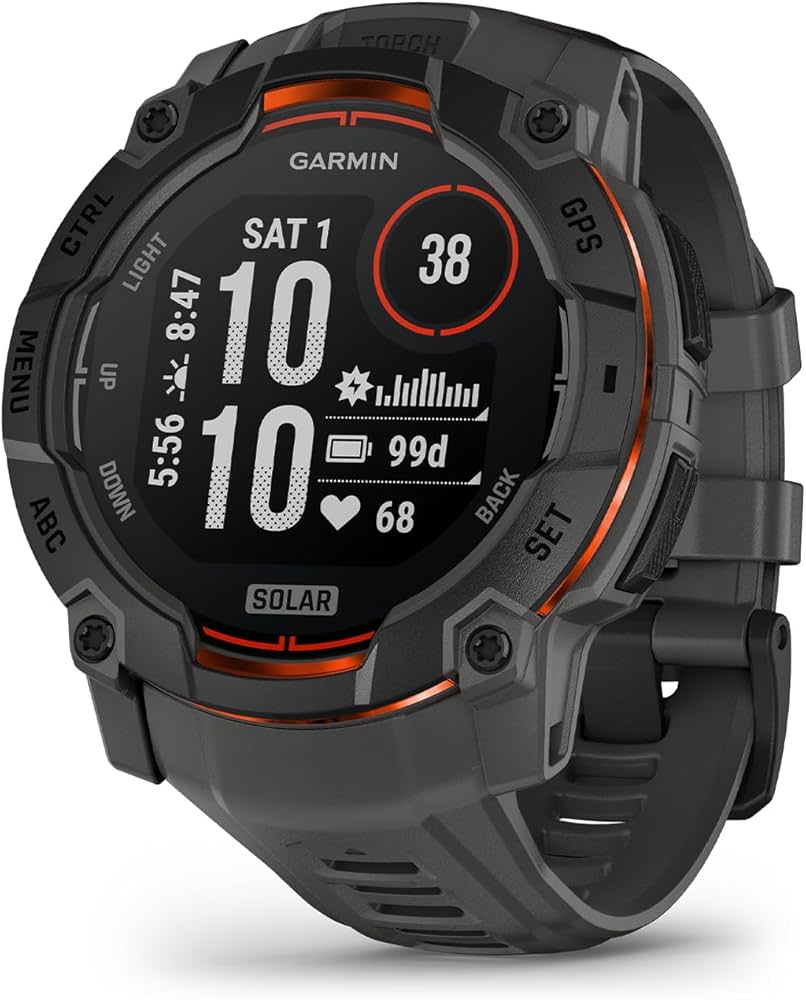
Stress tracking and recovery monitoring alongside activities.
Garmin Vivosmart 5 Long 7-day battery, Body Battery energy insights, reliable for all-day wear.
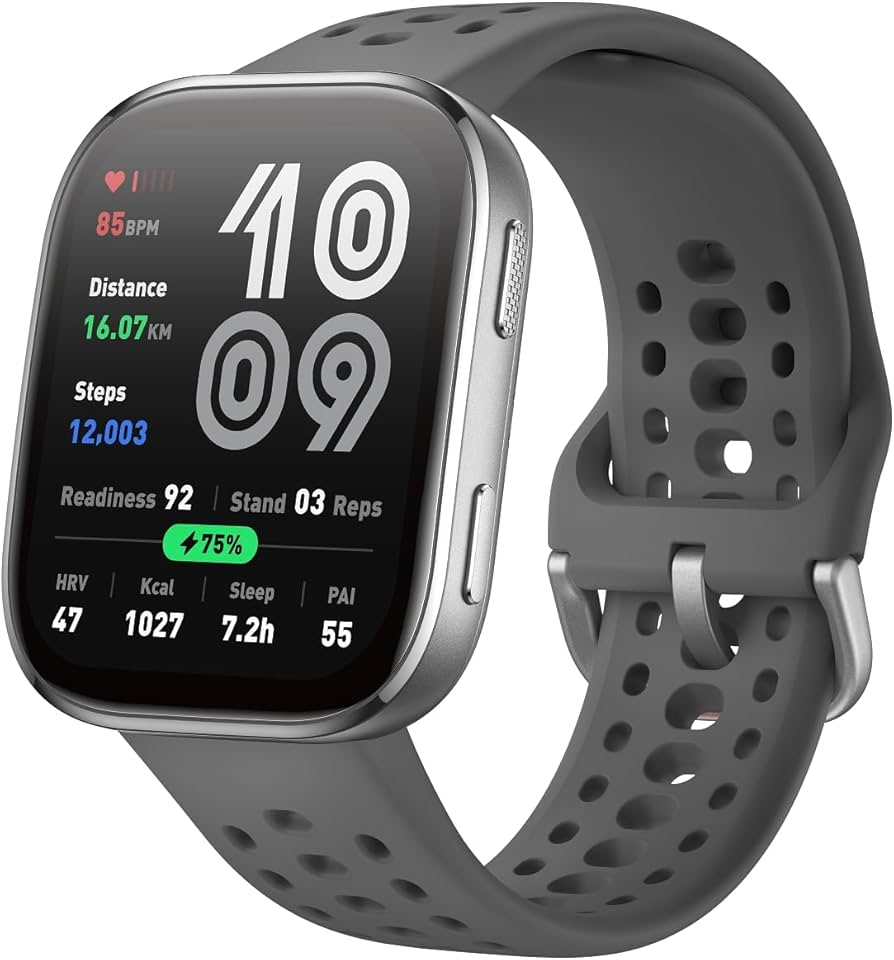
Affordable entry for step counting and basic fitness.
Amazfit Band 7 Budget-friendly with 18-day battery, 120+ sports modes, Alexa integration.
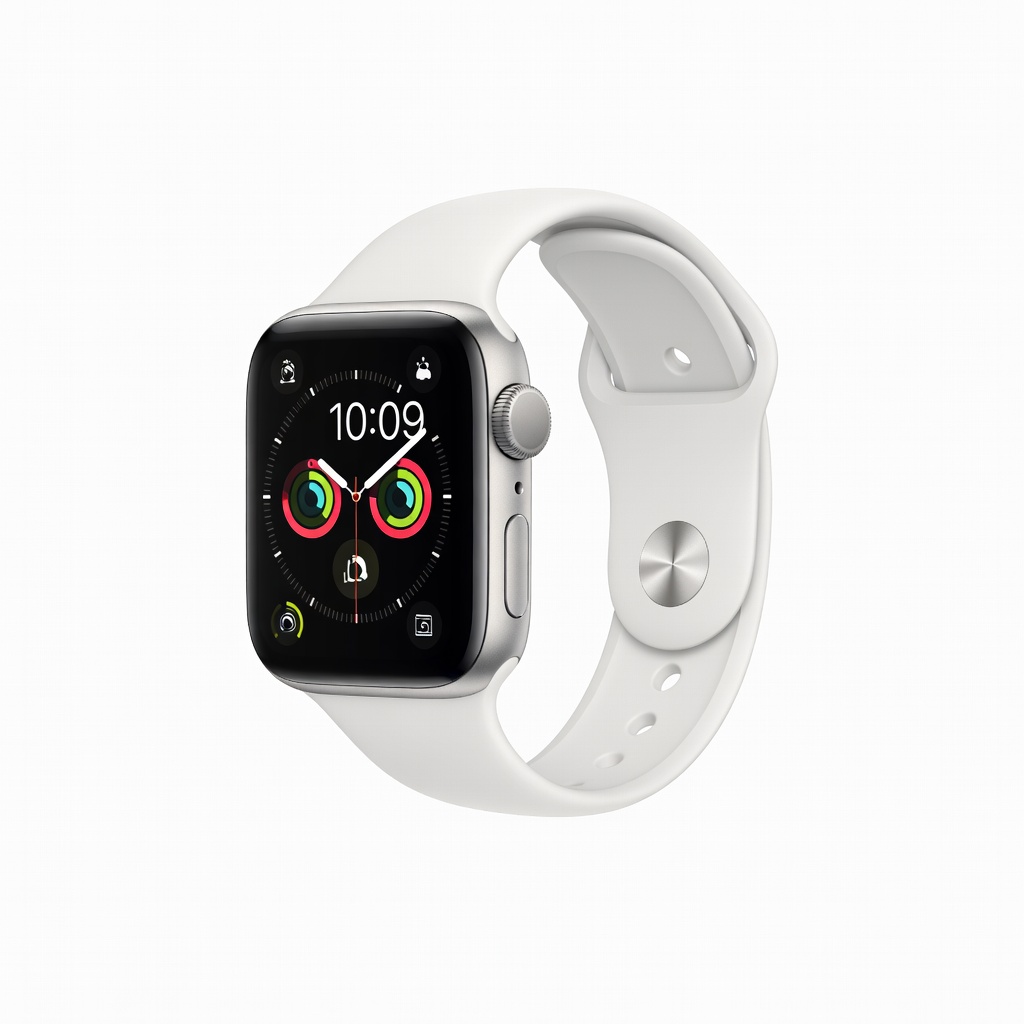
iOS users wanting smart features with activity tracking.
Apple Watch SE (2nd Gen) Seamless iPhone integration, fall detection, precise GPS for runners.
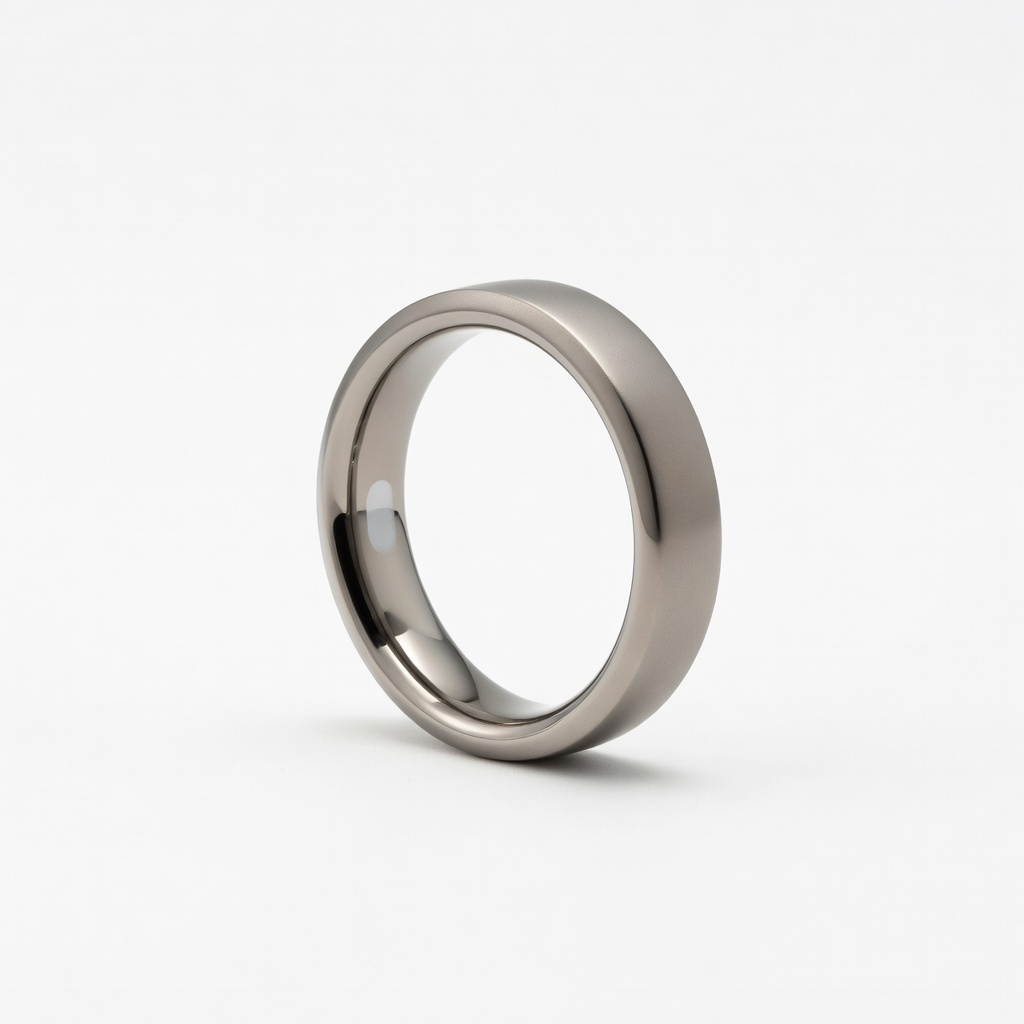
Nighttime focus without bulky wrist device.
Oura Ring Gen3 Discreet finger-worn design excels in sleep/recovery tracking over wristbands.