In today's digital world, accounting software dominates, but manually tracking ledgers builds a strong foundation in double-entry bookkeeping. Whether you're a small business owner verifying software outputs, a student learning basics, or managing personal finances off-grid, manual ledgers ensure precision and understanding. Common pain points like software glitches or subscription costs vanish with this timeless method.
This guide teaches you step-by-step how to set up and maintain a manual general ledger using a simple columnar format. You'll learn to record transactions, calculate balances, and reconcile accounts. Expect beginner-friendly instructions with visuals in mind—perfect for those new to accounting.
The process takes 30-45 minutes for initial setup, with daily entries under 10 minutes. No prior experience required; just follow along for error-free records.
▸What You'll Need
- •Columnar ledger book or notebook (pre-printed preferred; 8.5 x 11 inches with at least 5 columns)
- •Black or blue archival ink pens (gel or ballpoint for permanence)
- •Basic calculator (solar-powered for reliability)
- •Ruler or straight edge (for neat columns if using blank paper)
- •Pencil and eraser (optional for drafts)
- •Bank statements or receipts (for real transactions)
Estimated Time: 30-45 minutes for setup; 5-10 minutes per daily batch of entries
Difficulty: beginner
▸Step-by-Step Instructions
Step 1: Choose and Prepare Your Ledger Book
Select a dedicated ledger book with columns for Date, Description, Debit, Credit, and Balance. If using a blank notebook, use a ruler to draw straight lines across each page, labeling the header row clearly.
Why it matters: A proper setup prevents errors and makes tracking intuitive. Pre-printed books save time and ensure consistency.
Expect a clean, professional-looking page ready for entries. Turn to a fresh page for each account (e.g., 'Cash Account').
💡 Tips:
- •Opt for acid-free paper to prevent fading over years.
- •Number pages sequentially for easy reference.
⚠️ Warnings:
- •Avoid spiral notebooks—pages can tear out accidentally.
Step 2: Enter the Opening Balance
In the first row, under Date, write the start date (e.g., '01/01/2025'). In Description, note 'Opening Balance'. Enter the starting amount in the Debit column if it's an asset account like cash (e.g., $5,000). Leave Credit blank and calculate Balance as the same amount.
Why it matters: This establishes your baseline for all future transactions.
Success: Your ledger starts with a single entry and a matching balance.
💡 Tips:
- •Verify opening balance from prior statements or software export.
Step 3: Identify Debits and Credits for Transactions
For each transaction, classify it: Debits increase assets/expenses (left side), Credits increase liabilities/revenue (right side). Gather receipts or bank info.
Example: Received $1,000 payment—Debit Cash $1,000. Paid $200 rent—Credit Cash $200.
Why it matters: Double-entry ensures books balance (total debits = total credits).
Expect to reference basic rules until familiar.
⚠️ Warnings:
- •Don't confuse debit/credit—use 'DEAD' mnemonic: Debits Expenses/Assets/Drinks (positive cash in).
Step 4: Record Each Transaction Sequentially
On the next row: Enter Date, Description (e.g., 'Invoice #123 Payment'), amount in Debit or Credit, then compute Balance = Previous Balance + Debit - Credit.
Write legibly in ink. Post transactions daily from sources like checks or invoices.
Why it matters: Timely entries catch discrepancies early.
Success: Running balance updates correctly after each line.
💡 Tips:
- •Batch similar transactions (e.g., all daily sales) for efficiency.
Step 5: Calculate Running Balances After Every Entry
Use your calculator: New Balance = Last Balance + Current Debit - Current Credit. Write it precisely, aligning decimals with a ruler.
Double-check math immediately.
Why it matters: Accurate balances reflect true account status.
Expect balances to fluctuate realistically with business activity.
💡 Tips:
- •Verify totals weekly by summing debits/credits separately.
⚠️ Warnings:
- •Rounding errors compound—use two decimal places always.
Step 6: Reconcile Monthly with Bank Statements
At month-end, compare ledger balance to bank statement. Note differences (e.g., outstanding checks) in a 'Reconciliation' section.
Adjust for errors and foot totals (sum debits/credits).
Why it matters: Confirms accuracy and detects fraud.
Success: Ledger and bank match within adjustments.
Step 7: Review and Close the Ledger Periodically
Scan for math errors, unusual entries. Total page, carry forward to next if needed. Archive old pages.
Why it matters: Clean closes enable reports like trial balances.
Success: Balanced totals and error-free pages.
💡 Tips:
- •Use red ink for adjustments only.
▸Pro Tips
- •Post transactions daily to avoid backlog overwhelm.
- •Color-code accounts: Blue for cash, green for sales ledgers.
- •Keep a transaction journal first for complex entries before posting.
- •Use post-it flags for pending reconciliations.
- •Photocopy pages monthly as backups.
- •Practice with dummy data before real money.
- •Align all numbers right-justified for easy scanning.
▸Common Mistakes to Avoid
- •Mixing debit/credit sides—always ask 'does this increase or decrease the account?'
- •Skipping daily entries, leading to forgotten details—set a routine.
- •Poor handwriting or alignment—use grid paper and print clearly.
- •Forgetting to reconcile, causing undetected errors—schedule monthly.
- •Using pencil for final entries—ink prevents accidental changes.
▸Troubleshooting
Problem: Balances don't match bank statement
Solution: Check for omitted transactions, math errors, or timing differences (e.g., uncleared checks). Recalculate step-by-step.
Problem: Debits don't equal credits overall
Solution: Review journal for unbalanced entries. Post correcting entry if needed.
Problem: Running balance off by small amount
Solution: Hunt for transposition errors (e.g., 123 as 132). Use calculator redo.
Problem: Ledger pages filling too fast
Solution: Use separate ledgers per major account. Digitize scans for storage. Seek accountant if volumes grow.
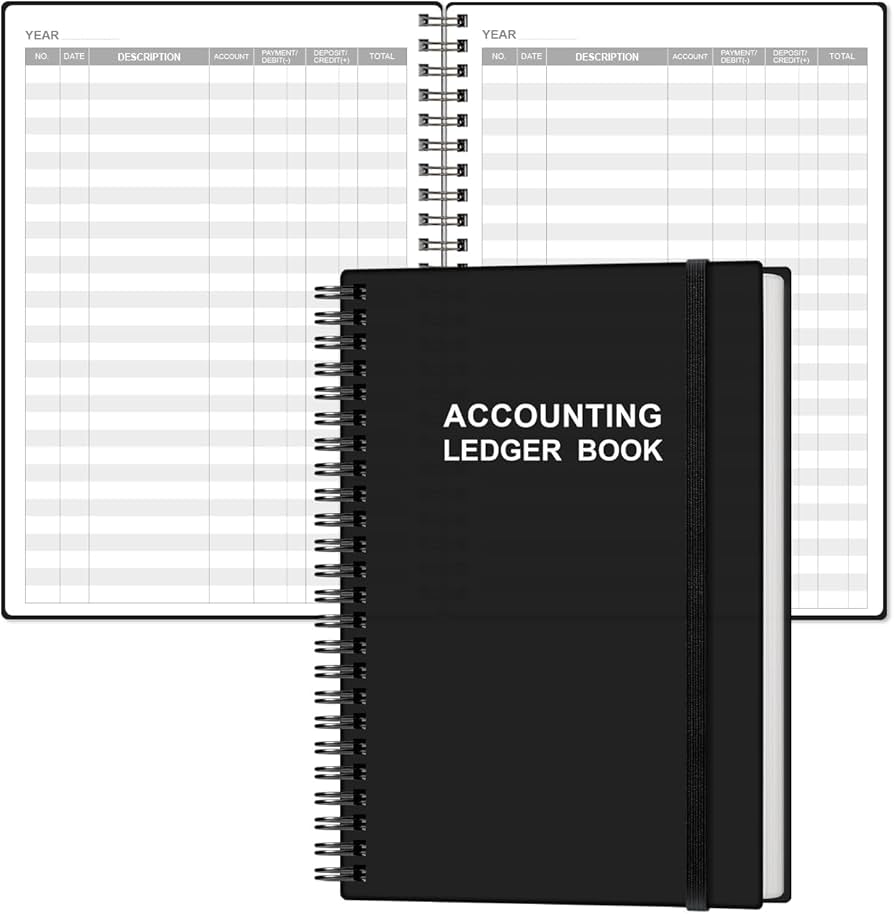
Moonster Ledger Notebook Accounting Ledger Book (ASIN: B07Z5J6Q5P)
Pre-ruled 5-column pages with 100 sheets ensure neat, professional entries without drawing lines.
Best for: Ideal for beginners starting daily cash or sales ledgers.
Price Range: $12.99
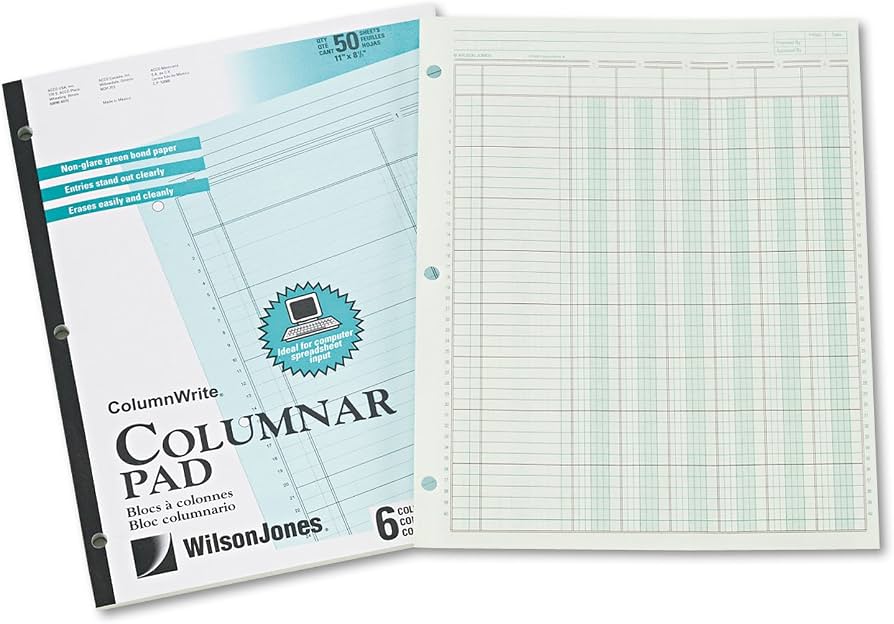
Wilson Jones 6-Column Ledger Pad, 50 Sheets (ASIN: B00N2VJ4K8)
Durable, tear-resistant sheets with numbered lines for error-proof tracking.
Best for: Perfect for small businesses needing multiple columns for detailed postings.
Price Range: $14.99-$19.99
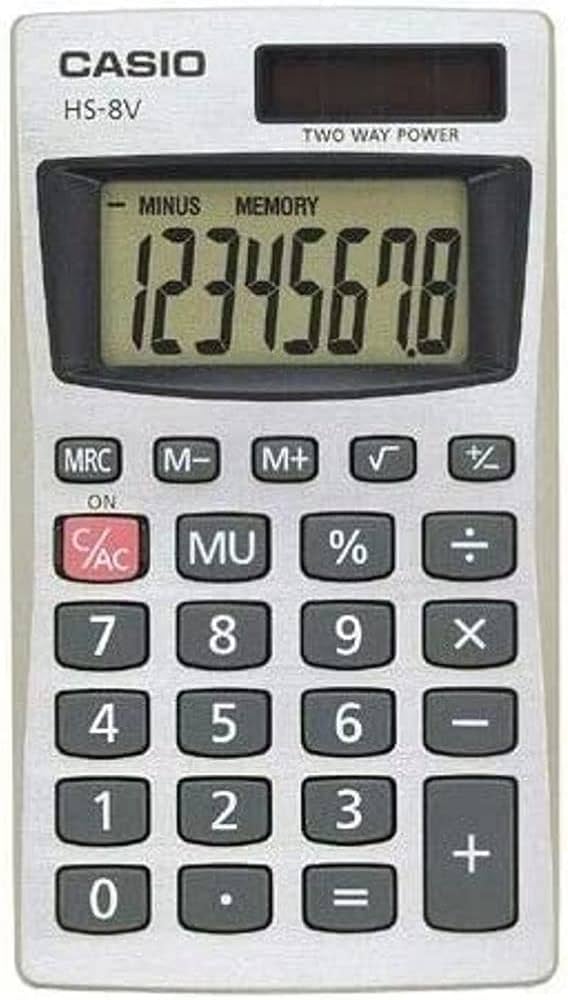
Casio HS-8VA Solar Power Calculator (ASIN: B000J2G4O2)
Compact, solar-powered for endless calculations without batteries; handles basic accounting math accurately.
Best for: Essential for verifying running balances during entries.
Price Range: $9.99
Uni-ball 207 Retractable Gel Pens, 12 Pack (ASIN: B00006IAOQ)
Archival ink prevents fading; smooth writing reduces hand fatigue.
Best for: Best for permanent ledger entries to maintain legal records.
Price Range: $15.99
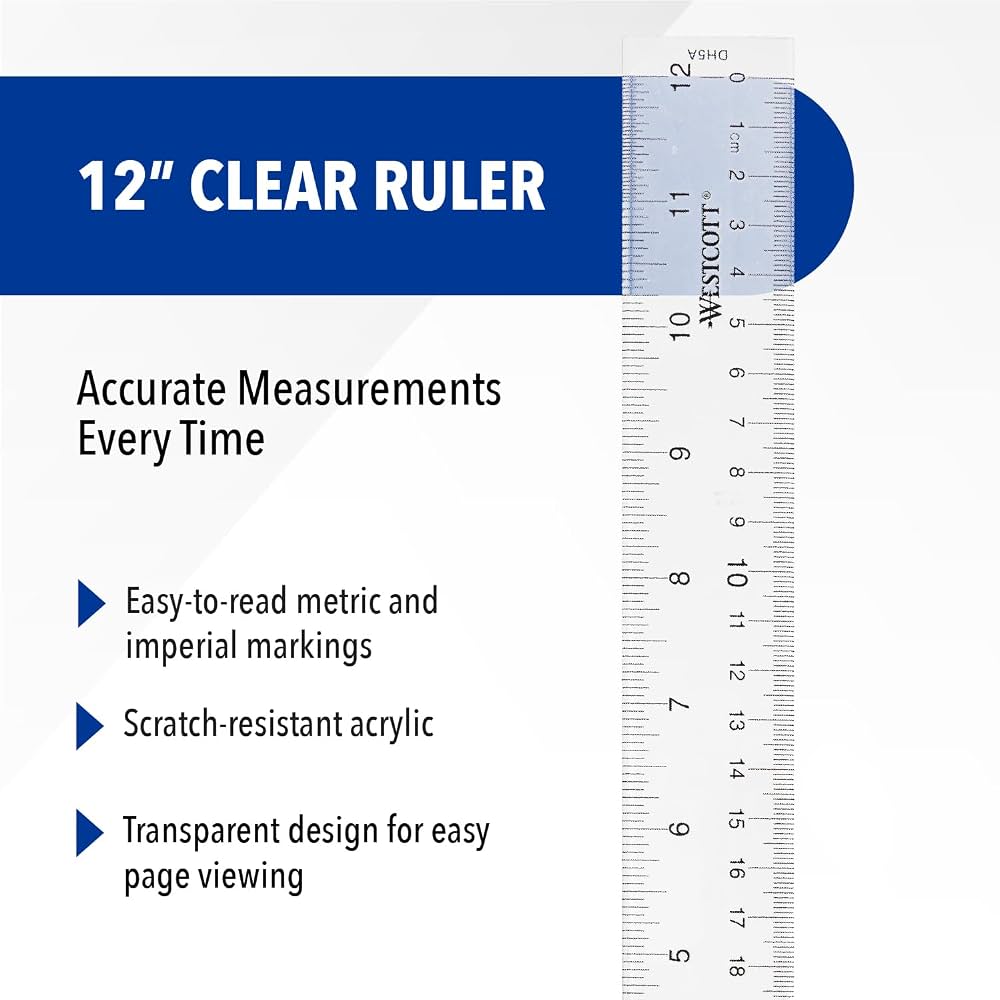
Westcott 12-Inch Clear Ruler (ASIN: B00004U8F8)
Transparent acrylic for precise column drawing on blank paper.
Best for: Budget tool for custom ledger setups.
Price Range: $2.99