
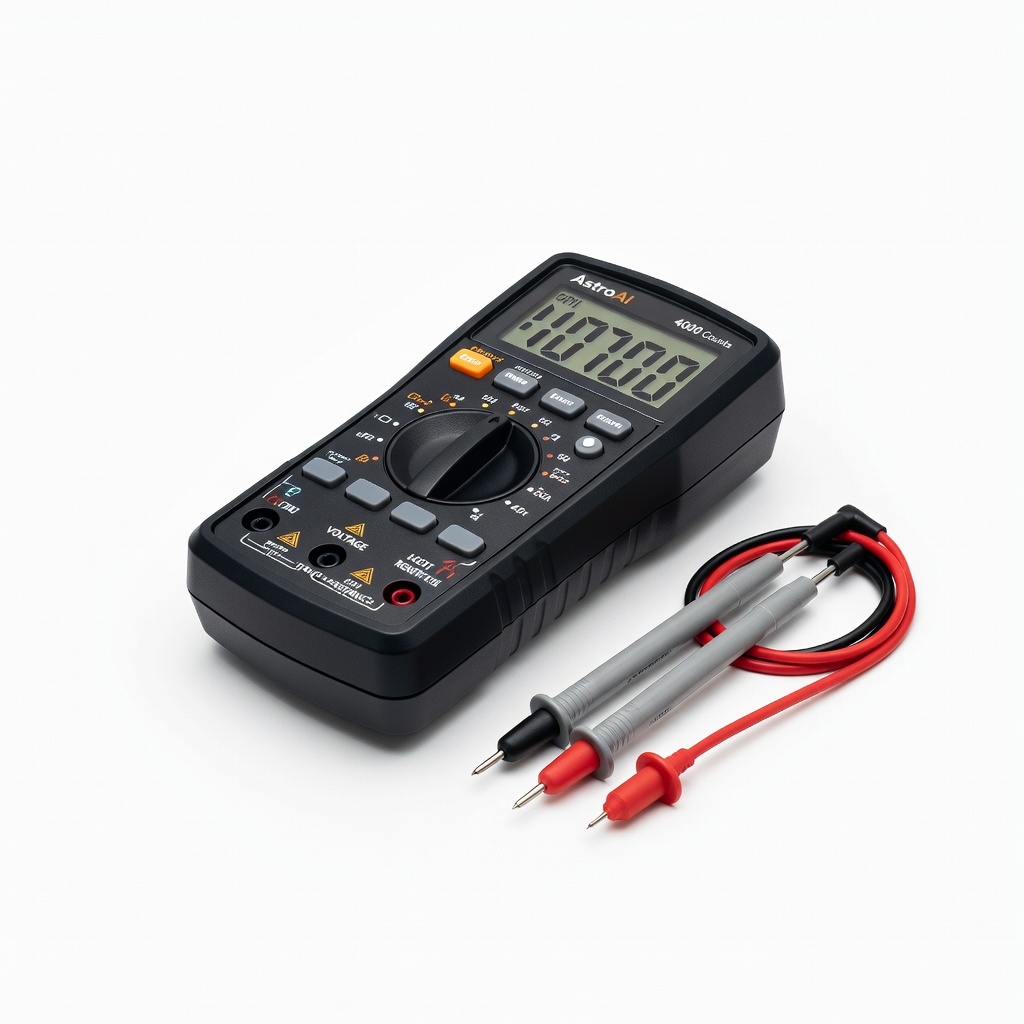
AstroAI Digital Multimeter 4000 Counts
Primary tool for precise 3V checks without complexity.
$12.99-$15.99
AstroAI Digital Multimeter 4000 Counts Affordable, accurate for DC voltage testing small batteries; auto-ranging for beginners.
Get the App
Better experience on mobile
Quickly check if your hearing aid's 3V battery is dead or good using simple tools, avoiding unnecessary replacements in under 10 minutes.
Dead or weak batteries are one of the most common reasons hearing aids stop working, leaving users frustrated and missing important sounds. Whether you're new to hearing aids or just want to save money on frequent battery buys, learning to test them yourself is a game-changer. This guide focuses on 3V lithium coin cell batteries (like CR1025 or CR2032) used in some hearing aid models and accessories.
You'll learn safe, beginner-friendly steps to visually inspect, voltage-test, and load-test your battery using everyday tools. No advanced skills needed—just follow along for reliable results. The whole process takes 5-10 minutes and can extend battery life or confirm when to replace.
Expect clear success indicators at each step, like a steady 3V+ reading on a multimeter, so you'll know exactly when your battery is good to go.
Estimated Time: 5-10 minutes Difficulty: beginner
Clear a well-lit, static-free surface like a table. Turn off your hearing aid by opening the battery door or following your model's instructions. Why? This prevents short-circuiting or accidental activation during testing.
Remove the 3V battery gently by sliding out the old tab or using a small tool if stuck. Expect a small, shiny coin-shaped battery (about dime-sized). Handle by edges to avoid fingerprints on terminals.
Success looks like: Battery out safely, no damage to hearing aid.
💡 Tips:
⚠️ Warnings:
Examine the battery for expiration date (printed on side), corrosion (white/green buildup), dents, or leaks. Lithium 3V batteries like CR2032 don't 'activate' like zinc-air, so check if the protective tab is fully removed if present.
Wipe terminals with a dry cloth if dirty. A good battery looks clean, flat, and unexpired (use within 2-3 years).
Success looks like: Clean terminals, date valid—no bulging or residue.
💡 Tips:
⚠️ Warnings:
Insert batteries into the multimeter if needed. Turn the dial to DC Voltage (V⎓), selecting 20V range (covers 3V easily). Plug red probe into V/Ω port, black into COM.
Why this matters: Multimeters measure exact voltage; fresh 3V batteries read 3.0-3.3V.
Success looks like: Display shows stable reading (e.g., 0.00V when probes are apart).
💡 Tips:
Touch red probe to battery's + (flat side with engraving), black to - (convex side). Hold steady for 5 seconds. Read the display:
Why? Voltage drops as battery drains. Test multiple times for consistency.
Success looks like: Steady reading above 2.9V.
💡 Tips:
⚠️ Warnings:
If voltage is borderline, use a battery tester or connect a small resistor/LED (or insert into hearing aid briefly). Battery testers apply load to simulate real use.
Watch for voltage drop under load—should stay >2.8V. Or power on hearing aid: if it works normally, battery is good.
Success looks like: No major drop, device functions.
💡 Tips:
If good (>2.9V), insert + side facing correct direction (check hearing aid diagram). Close door, wait 1-2 min, test sound.
If bad, recycle at pharmacy/hardware store—don't trash lithium batteries.
Success looks like: Hearing aid powers on clearly.
⚠️ Warnings:
Problem: Multimeter shows 0V or erratic reading
Solution: Check probe connections, replace multimeter batteries, test on known good AA battery first.
Problem: Battery tests good but hearing aid won't work
Solution: Clean contacts, check for wax buildup, ensure correct battery size/orientation.
Problem: Voltage drops quickly during test
Solution: Battery is weak—replace immediately; avoid partial-use batteries.
Problem: Can't read small battery markings
Solution: Use magnifier app on phone or bright light; note size from packaging.
Problem: Hearing aid beeps/errors after reinstall
Solution: Reset device per manual; battery may need 2-min activation time.
Affordable, accurate for DC voltage testing small batteries; auto-ranging for beginners.
Best for: Primary tool for precise 3V checks without complexity.
Price Range: $12.99-$15.99
Plug-and-play for button cells; shows good/bad LED instantly, no settings needed.
Best for: Quick load tests on 3V hearing aid batteries without multimeter skills.
Price Range: $8.99-$12.99
Fresh replacements if test fails; long shelf life, reliable for hearing aids.
Best for: Immediate swap after bad test; stock up for models using CR2032.
Price Range: $6.99-$9.99
Compact alternative to full multimeter; tests DC voltage up to 20V easily.
Best for: Portable option for on-the-go battery checks.
Price Range: $19.99-$24.99
Versatile for coin cells and larger; includes load test for accuracy.
Best for: Advanced users wanting detailed capacity readings.
Price Range: $18.99-$25.99
Primary tool for precise 3V checks without complexity.
AstroAI Digital Multimeter 4000 Counts Affordable, accurate for DC voltage testing small batteries; auto-ranging for beginners.
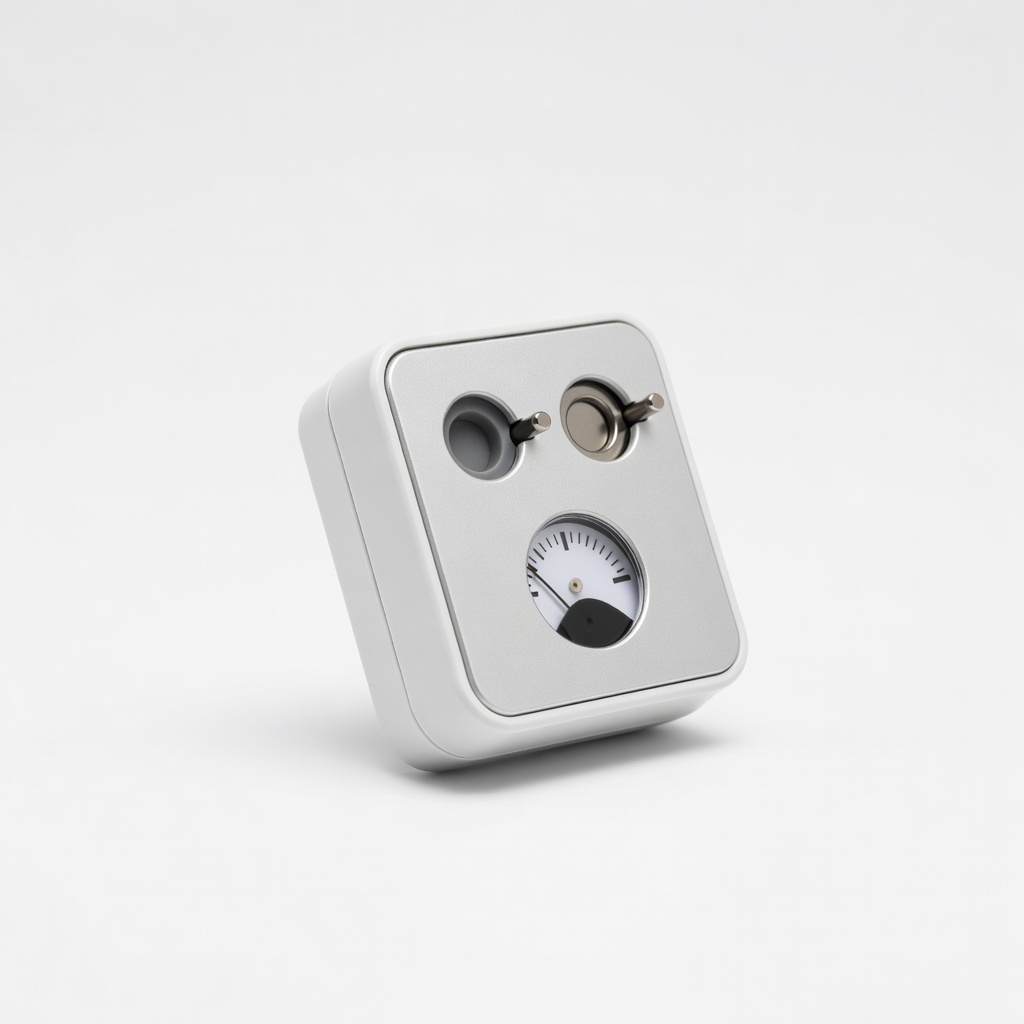
Quick load tests on 3V hearing aid batteries without multimeter skills.
Hearing Aid Battery Tester Zinc Air & Lithium Plug-and-play for button cells; shows good/bad LED instantly, no settings needed.
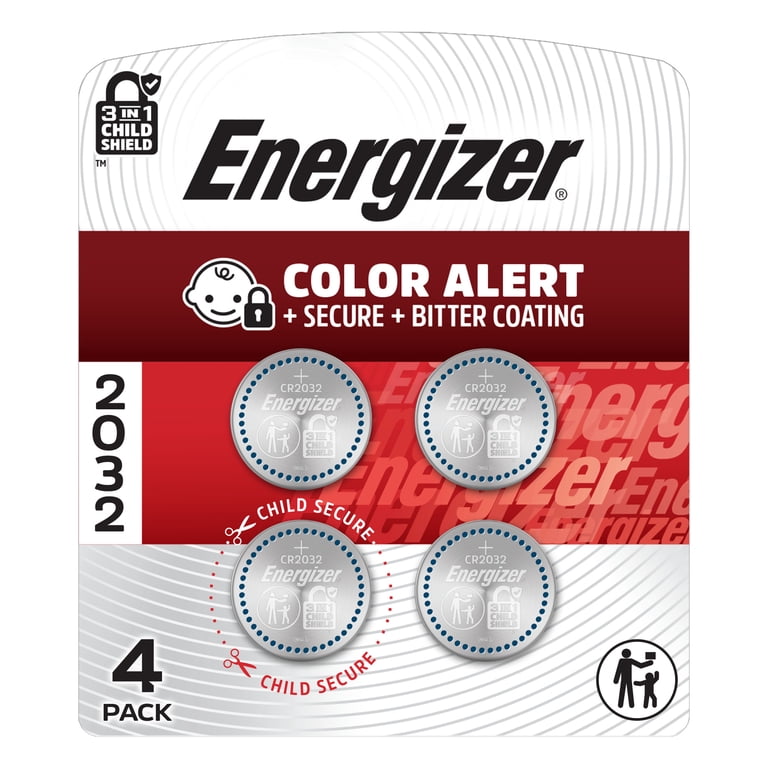
Immediate swap after bad test; stock up for models using CR2032.
Energizer CR2032 3V Lithium Coin Batteries (4-Pack) Fresh replacements if test fails; long shelf life, reliable for hearing aids.
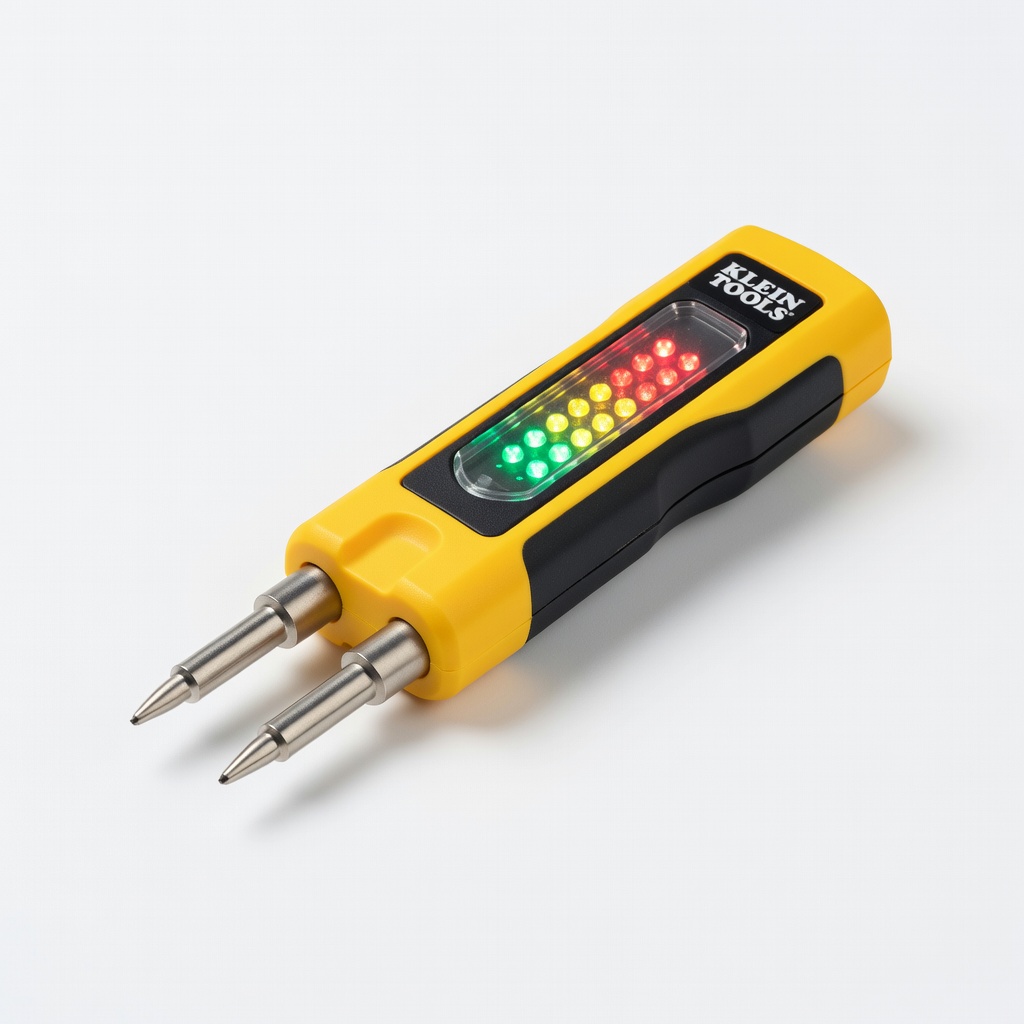
Portable option for on-the-go battery checks.
Klein Tools ET40 Electrical Voltage Tester Compact alternative to full multimeter; tests DC voltage up to 20V easily.
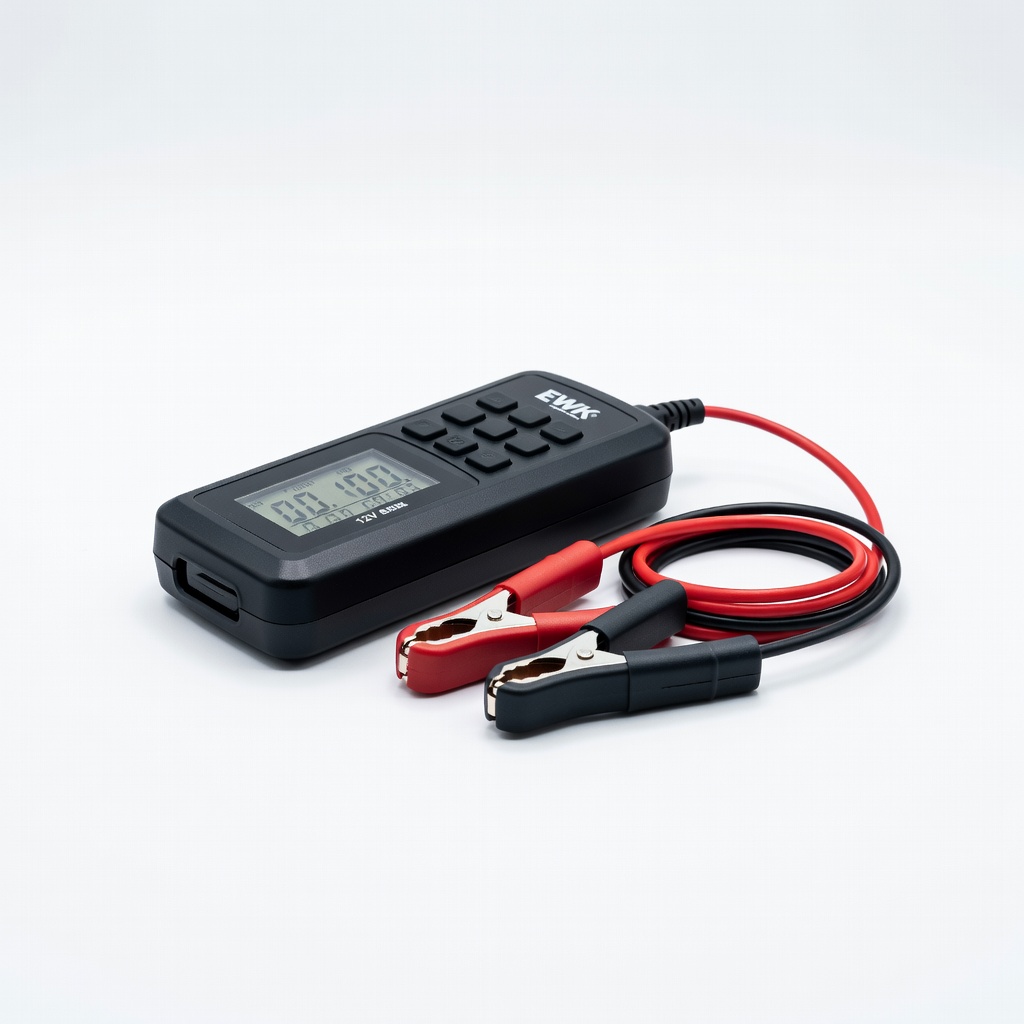
Advanced users wanting detailed capacity readings.
EWK 12V Digital Battery Tester Versatile for coin cells and larger; includes load test for accuracy.