
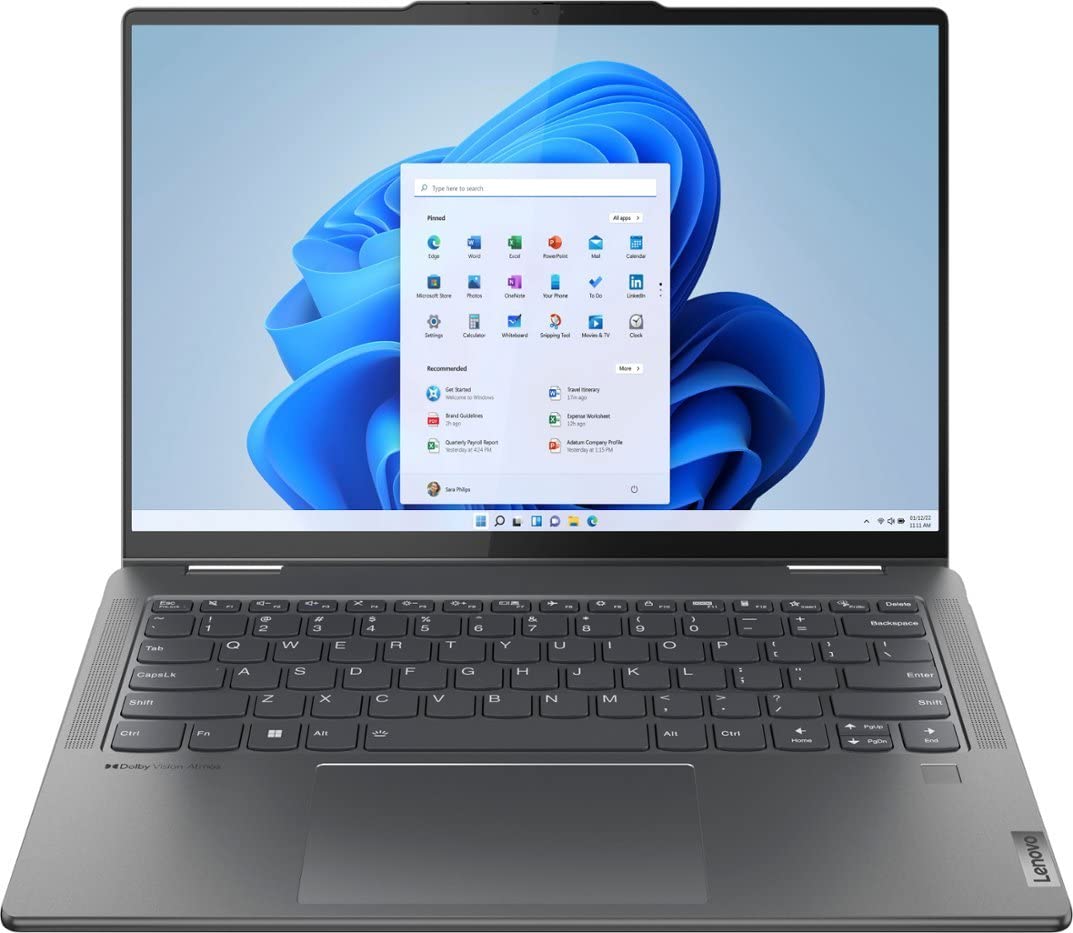
Lenovo Yoga 7i 2-in-1 (14", Intel Core i5)
Daily work/study hybrid use.
$750-$850
Lenovo Yoga 7i 2-in-1 (14", Intel Core i5) 360° hinges switch modes buttery smooth with reliable sensors.
Get the App
Better experience on mobile
Learn to effortlessly flip between laptop, tablet, tent, and stand modes on your 2-in-1 for ultimate versatility in under 10 minutes.
Struggling with clunky mode switches on your 2-in-1 laptop? You're not alone—many beginners fumble with hinges or software glitches, turning a versatile device into a frustration machine. This guide fixes that, teaching you seamless transitions for work, drawing, or movie watching.
You'll master physical rotations and Windows optimizations step-by-step, tailored for beginners. By the end, you'll switch modes like a pro, boosting productivity without hiccups.
Expect a quick 5-10 minute setup that's super easy—no tech expertise needed. Works on popular models like Lenovo Yoga, HP Spectre x360, and Microsoft Surface.
Estimated Time: 5-10 minutes Difficulty: beginner
Before switching, know what modes your device supports. Most 2-in-1s offer laptop mode (standard typing), tablet mode (screen flipped over keyboard), tent mode (folded forward for videos), and stand mode (keyboard behind screen for presentations).
Check your user manual or manufacturer's site (e.g., Lenovo Vantage app). This matters because forcing unsupported modes can damage hinges.
Success looks like: A clear list of 3-4 modes confirmed via quick search or app.
💡 Tips:
Open Settings > Update & Security > Windows Update and click 'Check for updates.' Install any hinge sensor or touchscreen drivers from your manufacturer's site (e.g., support.lenovo.com).
Why? Outdated drivers cause mode detection fails, sticking you in laptop mode.
Success: All updates complete; restart if prompted. Test by rotating—OS should prompt mode change.
⚠️ Warnings:
Go to Settings > System > Display > Screen rotation and set to 'On.' Then, swipe from right (or click Action Center) and toggle Tablet mode on.
This preps sensors for physical changes. Expect the taskbar to shrink and touch keyboard to appear.
Success: Rotation lock off; tablet mode toggle works.
💡 Tips:
Gently rotate the screen 180° backward over the keyboard until it clicks or magnets engage. Windows auto-enters tablet mode—keyboard hides, touch-optimized UI appears.
Hold sides firmly to avoid wobble. Why seamless? Sensors detect angle instantly.
Success: Full-screen tablet interface; on-screen keyboard pops on tap.
⚠️ Warnings:
Fold screen forward ~120° until stable (tent shape). Ideal for Netflix or Zoom.
OS adjusts automatically—no software needed. Expect media controls to enlarge.
Success: Device stands firm; video plays touch-optimized.
💡 Tips:
Flip keyboard behind screen (~270° rotation). Great for slideshows.
Touchscreen takes over; keyboard disabled to avoid bumps.
Success: Portrait/landscape auto-rotate; slides swipe smoothly.
For Surfaces: Press detach button, slide off keyboard. Reattach by aligning slots.
To revert: Rotate back to 0° or reattach. Customize in Settings > Devices > Typing for auto-reconnect.
Success: Modes cycle fluidly without restarts.
⚠️ Warnings:
Problem: Mode doesn't auto-switch after rotation
Solution: Toggle rotation lock off; update hinge drivers; restart.
Problem: Screen flickers or won't rotate
Solution: Calibrate accelerometer in Device Manager > Human Interface Devices.
Problem: Keyboard won't detach/reattach
Solution: Clean pogo pins; check for firmware update; contact support if bent.
Problem: Tablet mode unresponsive to touch
Solution: Run Windows Troubleshooter: Settings > Update > Troubleshoot > Hardware.
360° hinges switch modes buttery smooth with reliable sensors.
Best for: Daily work/study hybrid use.
Price Range: $750-$850
Sturdy flip design and vibrant touchscreen excel in all modes.
Best for: Creative tasks like drawing or video editing.
Price Range: $650-$800
Detachable design for true tablet freedom; premium auto-switching.
Best for: Portable professional workflows.
Price Range: $1000-$1200
Precision stylus enhances tablet mode for notes/drawing.
Best for: Any 2-in-1 with compatible digitizer.
Price Range: $90-$100
Daily work/study hybrid use.
Lenovo Yoga 7i 2-in-1 (14", Intel Core i5) 360° hinges switch modes buttery smooth with reliable sensors.
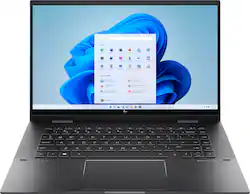
Creative tasks like drawing or video editing.
HP Envy x360 2-in-1 (15.6", AMD Ryzen 7) Sturdy flip design and vibrant touchscreen excel in all modes.
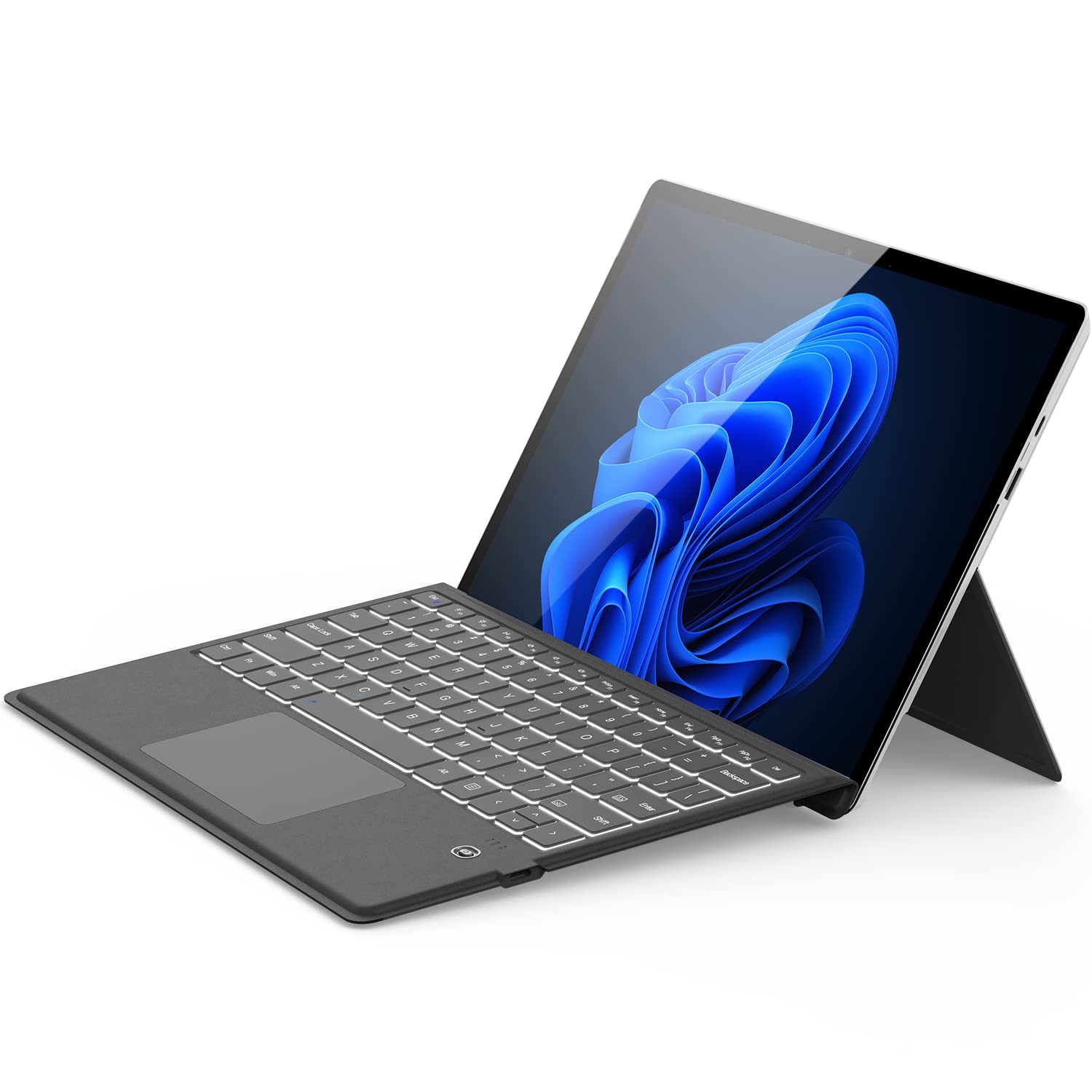
Portable professional workflows.
Microsoft Surface Pro 9 (with Keyboard) Detachable design for true tablet freedom; premium auto-switching.
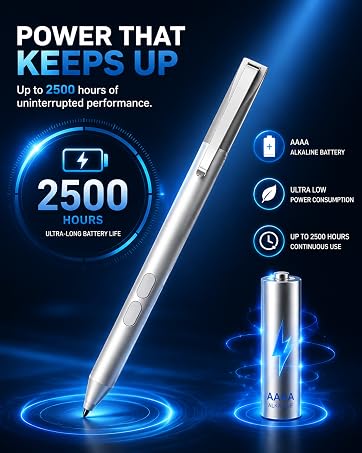
Any 2-in-1 with compatible digitizer.
Surface Pen (2023 Edition) Precision stylus enhances tablet mode for notes/drawing.