
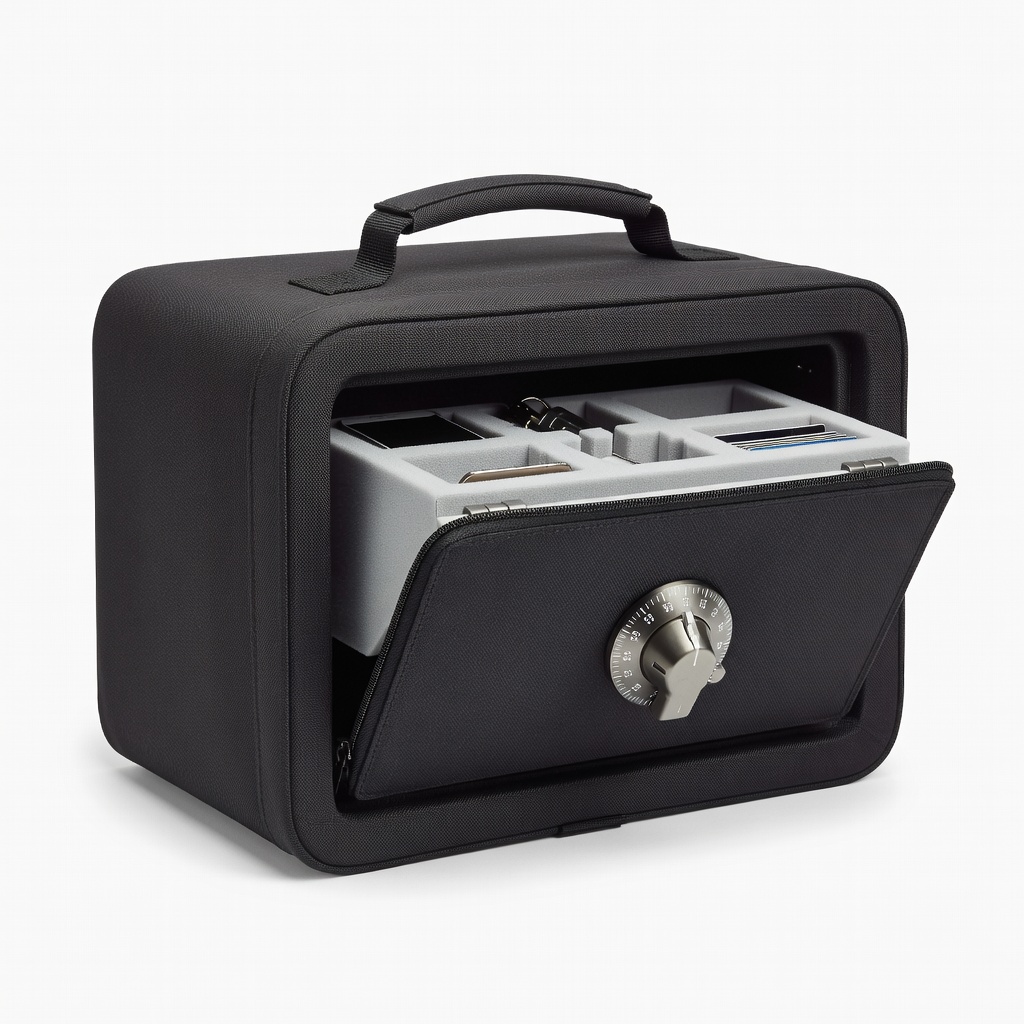
Master Lock SafeSpace Portable Safe (5900D)
Hide small notebooks at home or on-the-go.
$30-$40
Master Lock SafeSpace Portable Safe (5900D) Compact, travel-friendly lockbox with cable tether prevents easy theft; ideal for physical journals.
Get the App
Better experience on mobile
Learn simple, secure methods to protect your sensitive self-help journals from prying eyes, ensuring your privacy and safety in under 30 minutes.
Writing in an abuse self-help journal is a powerful step toward healing, but the last thing you want is for others to access your private thoughts. Privacy breaches can retraumatize survivors and compromise safety. This guide empowers you to store your journals securely, whether physical or digital.
You'll learn beginner-friendly steps to assess risks, choose storage methods, and implement protections. We'll cover both physical notebooks and digital files, with tips tailored for abuse recovery contexts. Expect quick setup—no tech expertise needed.
Total process takes 20-30 minutes, helping you focus on healing without worry.
Estimated Time: 20-30 minutes Difficulty: beginner
Start by identifying who might access your journal and why privacy matters. Consider household members, shared living spaces, or digital hackers. For abuse survivors, risks include abusers finding entries that reveal escape plans or emotions.
List potential threats on scrap paper (discard after). Rate urgency: high if living with abuser, low if solo. This step ensures tailored protection.
Success looks like: A short list of 3-5 risks, clarifying your needs.
💡 Tips:
⚠️ Warnings:
Choose based on your habits: physical for handwriting therapy, digital for easy backups/searching. Physical suits low-tech beginners; digital offers encryption but needs passwords.
Physical pros: Tangible, no batteries. Cons: Harder to hide large volumes. Digital pros: Infinite space, remote access. Cons: Cyber risks.
Success looks like: Decision noted, matching your lifestyle.
💡 Tips:
Place your journal in a lockable box or use a locking diary. Turn combination dials randomly after locking to deter guessing.
Why? Basic locks block casual access. Test lock/unlock 5 times.
Success looks like: Journal locked tight, key/combo only you know.
💡 Tips:
⚠️ Warnings:
Store in unexpected spots: inside a cereal box, false book on shelf, or vent (non-living area). Avoid obvious places like under bed.
Why? Hiding beats visibility. For abuse contexts, choose abuser-unlikely spots.
Success looks like: Retrieval in <1 minute blindfolded.
💡 Tips:
⚠️ Warnings:
Use apps like Day One (journal app) or Google Docs with 2FA. Create a file in password-protected folder.
On phone/PC: Enable device lock (PIN/biometrics). Why? Blocks unauthorized logins.
Success looks like: File opens only with your credentials.
💡 Tips:
⚠️ Warnings:
Download free VeraCrypt: Create encrypted container, move journal files inside. Mount as virtual drive.
Why? Even if device stolen, data inaccessible without keyfile/password.
Success looks like: Unreadable gibberish without decryption.
💡 Tips:
Lock after each use; backup digital to encrypted USB stored physically separate. Review privacy monthly.
Why? Habits prevent slips; backups ensure no loss.
Success looks like: Routine ingrained, full backup ready.
💡 Tips:
⚠️ Warnings:
Problem: Forgot password or combo
Solution: Use hint system or recovery phrase stored separately; reset digital via 2FA. For physical, drill if critical (last resort).
Problem: Someone suspects hiding spot
Solution: Relocate immediately; add misdirection decoys.
Problem: Device crash loses digital journal
Solution: Restore from backup; enable auto-backup in apps.
Problem: Journal damaged by environment
Solution: Use waterproof/fireproof containers; check storage conditions.
Compact, travel-friendly lockbox with cable tether prevents easy theft; ideal for physical journals.
Best for: Hide small notebooks at home or on-the-go.
Price Range: $30-$40
Built-in combination lock on premium leather; discreet and durable for daily self-help writing.
Best for: Direct journaling without extra containers.
Price Range: $20-$30
Hardware-encrypted with keypad; FIPS 140-2 certified for ultimate digital journal security.
Best for: Portable backups of scanned journal pages.
Price Range: $70-$100
Waterproof, fire-resistant up to 2000°F; protects physical journals from disasters.
Best for: Long-term home storage in risky environments.
Price Range: $20-$25
Brute-force protected encrypted USB; tamper-evident for high-privacy needs.
Best for: Digital journals needing military-grade protection.
Price Range: $90-$120
Hide small notebooks at home or on-the-go.
Master Lock SafeSpace Portable Safe (5900D) Compact, travel-friendly lockbox with cable tether prevents easy theft; ideal for physical journals.
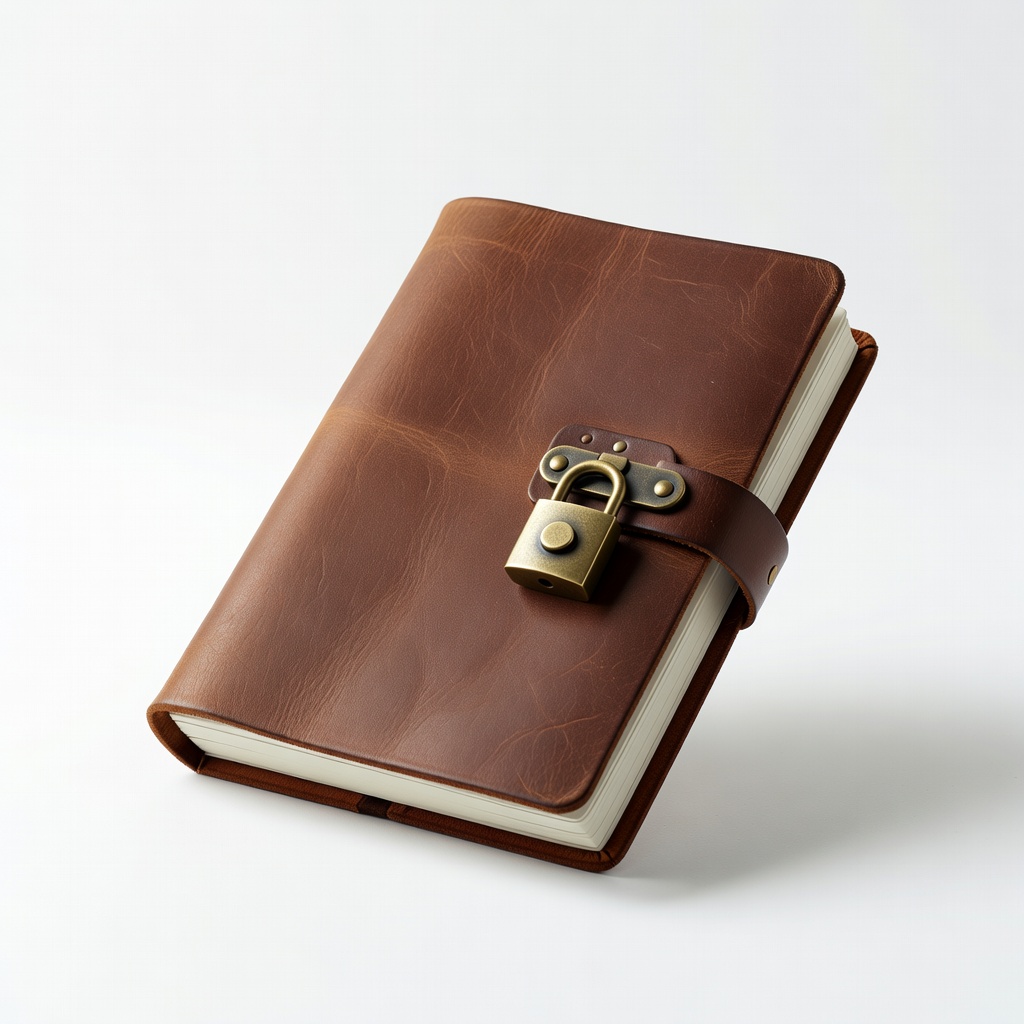
Direct journaling without extra containers.
Moonster Leather Journal with Lock Built-in combination lock on premium leather; discreet and durable for daily self-help writing.
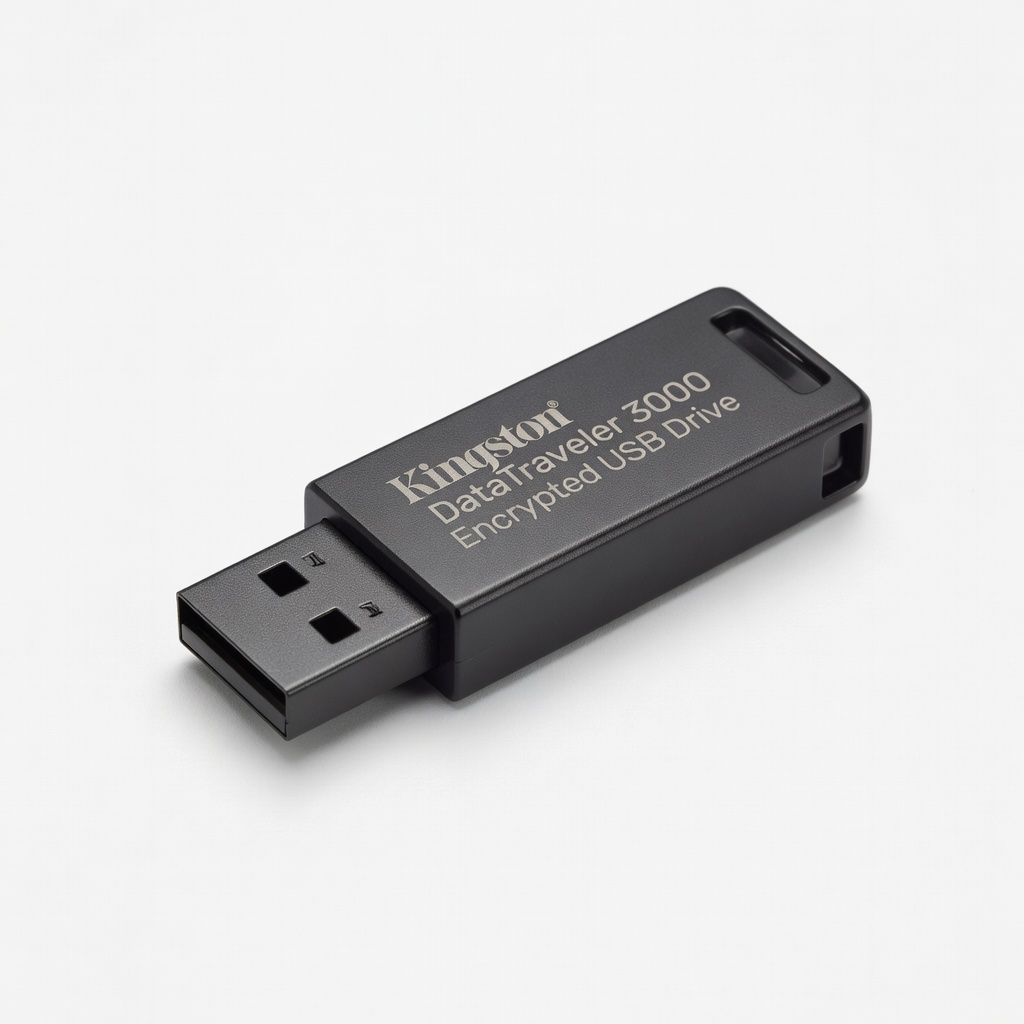
Portable backups of scanned journal pages.
Kingston DataTraveler 3000 Encrypted USB Drive Hardware-encrypted with keypad; FIPS 140-2 certified for ultimate digital journal security.
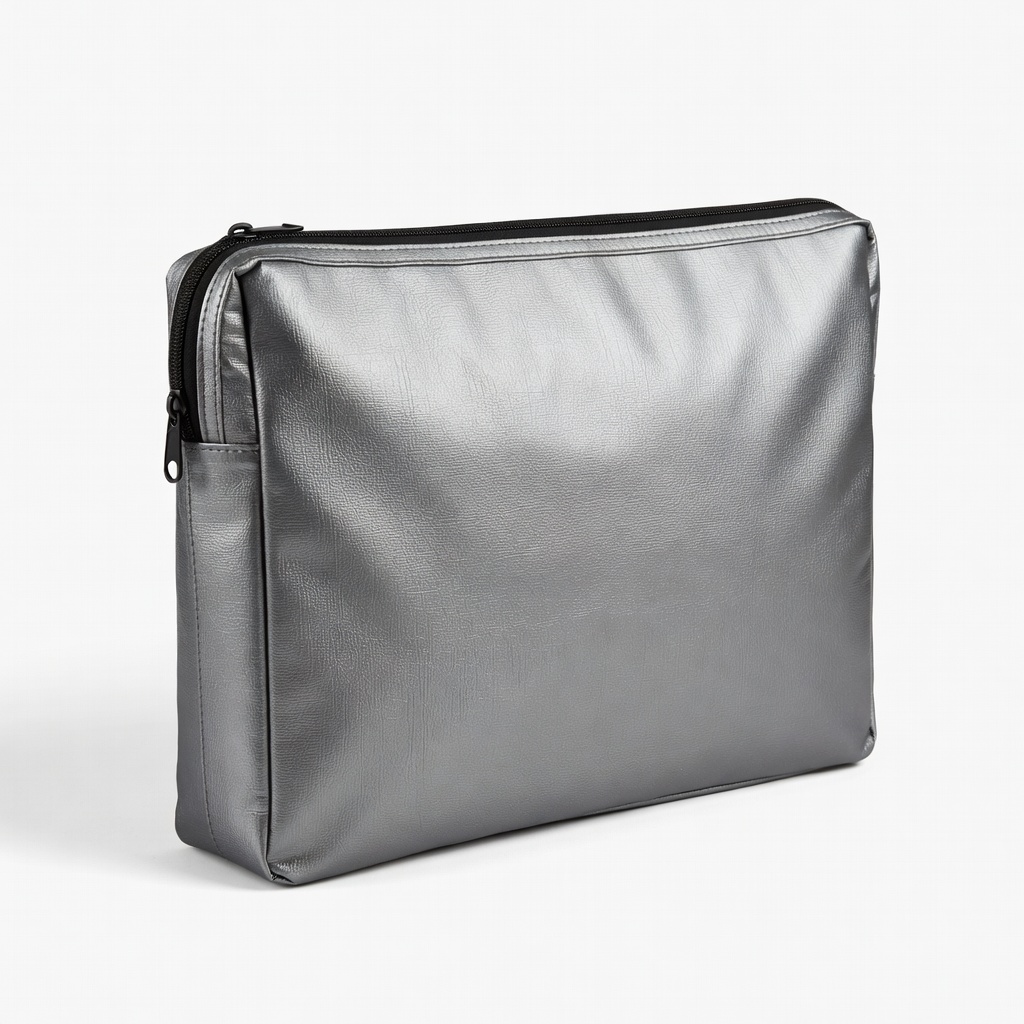
Long-term home storage in risky environments.
ENGPOW Fireproof Document Bag Waterproof, fire-resistant up to 2000°F; protects physical journals from disasters.
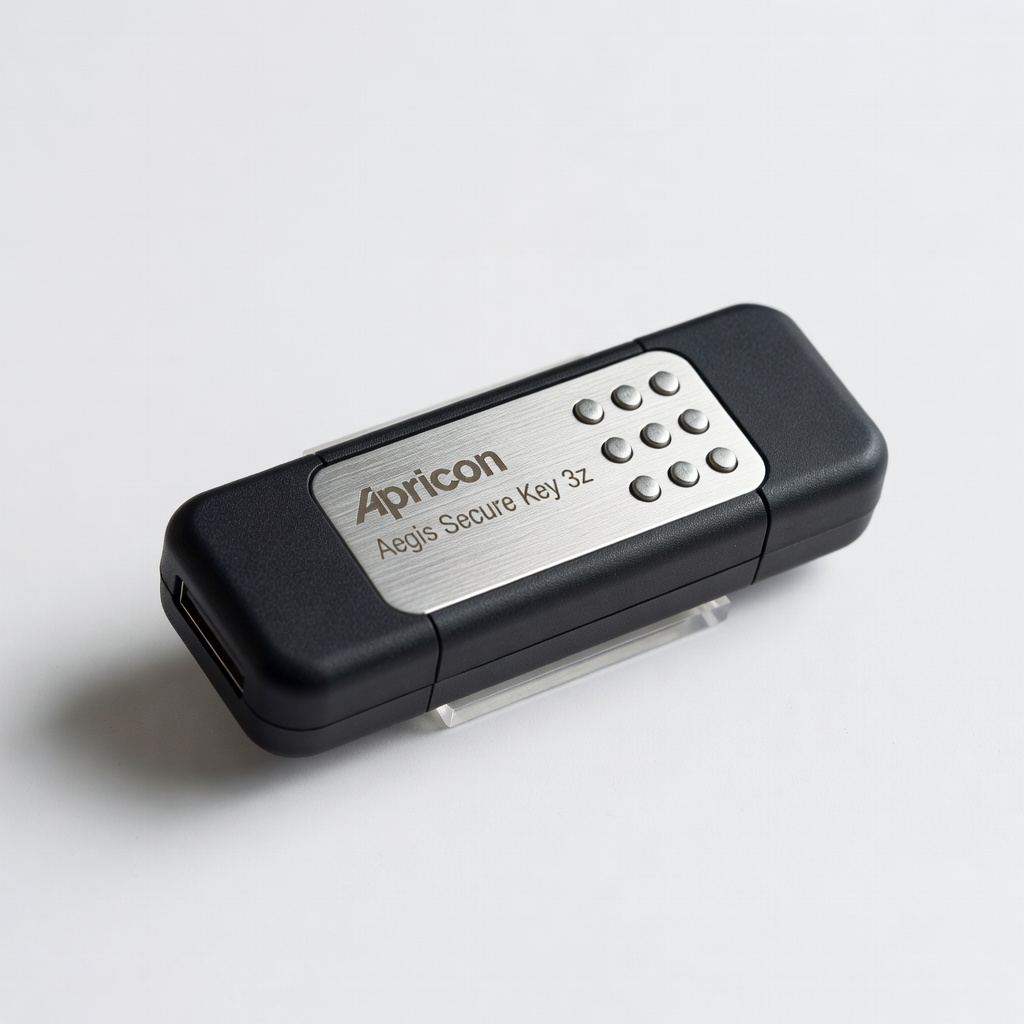
Digital journals needing military-grade protection.
Apricorn Aegis Secure Key 3z Brute-force protected encrypted USB; tamper-evident for high-privacy needs.