
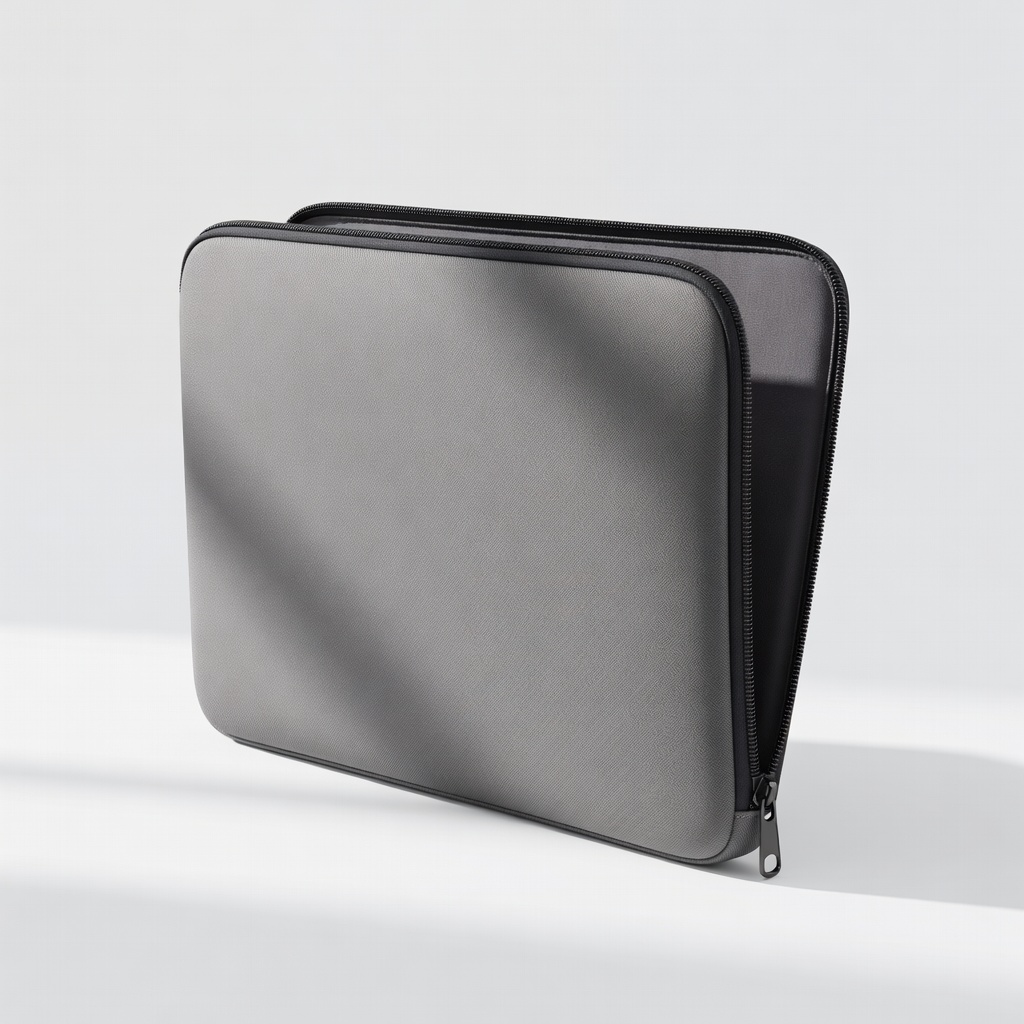
tomtoc 360 Protective Laptop Sleeve 14 Inch
Daily home/office storage for 13-14" 2-in-1s like Yoga or Spectre.
$25.99
tomtoc 360 Protective Laptop Sleeve 14 Inch Full foam padding protects hinges from impacts and pressure during storage.
Get the App
Better experience on mobile
Protect your convertible laptop's hinges with simple storage habits that prevent wear, extend device life, and save on repairs—perfect for beginners.
2-in-1 laptops like the Lenovo Yoga or Microsoft Surface are versatile, but their flexible hinges are prone to wear if stored improperly. Storing in tablet or tent mode applies constant stress, leading to creaks, looseness, or breakage over time—a common complaint that costs $100+ to fix. Proper storage keeps hinges smooth and reliable.
In this guide, you'll learn foolproof ways to store your 2-in-1 laptop safely. We'll cover positioning, cleaning, protective gear, and environmental tips. Expect a quick setup (under 10 minutes) that's easy for beginners—no tools required.
Follow these steps daily, and your laptop will stay like new for years.
Estimated Time: 10 minutes for initial setup; 1-2 minutes daily Difficulty: beginner
Always store your 2-in-1 laptop in full laptop mode (screen closed flat against keyboard). This is the neutral position with zero stress on the hinges.
Why it matters: Tablet, tent, or stand modes keep hinges bent, causing gradual wear from metal fatigue. Expect a firm, even closure—what success looks like is no gap or wobble when shut.
Gently flip to laptop mode before storage; never force it.
💡 Tips:
⚠️ Warnings:
Wipe the screen, keyboard, and edges with a microfiber cloth to remove dust, crumbs, or fingerprints.
Dust trapped between screen and keyboard grinds against hinges during closure, accelerating wear. After cleaning, the surfaces should glide smoothly without resistance.
Use dry cloth first; add distilled water spray if needed (avoid tap water minerals).
💡 Tips:
⚠️ Warnings:
Support the base with one hand while slowly lowering the screen with the other. Close until you hear/feel a soft click.
Rushing causes uneven pressure, stressing one hinge side. Success: Lid latches securely without rebounding.
Pause if resistance—re-clean and retry.
💡 Tips:
⚠️ Warnings:
Insert the closed laptop into a padded sleeve designed for 2-in-1s (match your size, e.g., 14-inch).
Sleeves cushion against impacts and prevent sliding that rubs hinges. Look for corner padding and water resistance. It should fit snugly without squeezing hinges.
Slide bottom-first to avoid bending the screen.
💡 Tips:
Put the sleeved laptop flat into a bag's padded compartment or dedicated laptop backpack.
Vertical or edge storage tips it, straining hinges via gravity. Flat positioning distributes weight evenly—test by shaking gently (no movement).
Avoid stacking heavy items on top.
💡 Tips:
Keep at 50-80°F (10-27°C) and low humidity (<60%). Add silica packets if humid.
Heat warps plastics; moisture corrodes metal hinges. Ideal spot: drawer or shelf away from windows/batteries.
Check monthly for issues.
💡 Tips:
⚠️ Warnings:
Every 1-2 weeks, open/close 5 times and check for play, noise, or gaps.
Early detection prevents full failure. Tight hinges = success; looseness means adjust storage or service.
Document with photos for warranty.
💡 Tips:
Problem: Hinges feel loose after storage
Solution: Stop use; store flatter with more padding. Tighten screws if accessible (check manual). Seek repair if wobble >1mm.
Problem: Screen doesn't close flush
Solution: Clean edges; check for stickers/warps. If persists, professional alignment needed.
Problem: Creaking noise on open/close
Solution: Apply hinge lubricant sparingly. If worsens, manufacturer service.
Full foam padding protects hinges from impacts and pressure during storage.
Best for: Daily home/office storage for 13-14" 2-in-1s like Yoga or Spectre.
Price Range: $25.99
Water-resistant polyester with shockproof padding prevents dust/moisture hinge damage.
Best for: Budget-friendly for travel or humid areas.
Price Range: $19.99
Absorbs moisture to prevent hinge corrosion in storage.
Best for: Add to bags in damp climates or long-term storage.
Price Range: $9.99
Padded shoulder bag with accessory pockets for flat, secure transport.
Best for: On-the-go storage without hinge stress.
Price Range: $29.99
Lint-free for safe pre-storage cleaning without scratching.
Best for: Routine maintenance to avoid debris wear.
Price Range: $12.99
Daily home/office storage for 13-14" 2-in-1s like Yoga or Spectre.
tomtoc 360 Protective Laptop Sleeve 14 Inch Full foam padding protects hinges from impacts and pressure during storage.
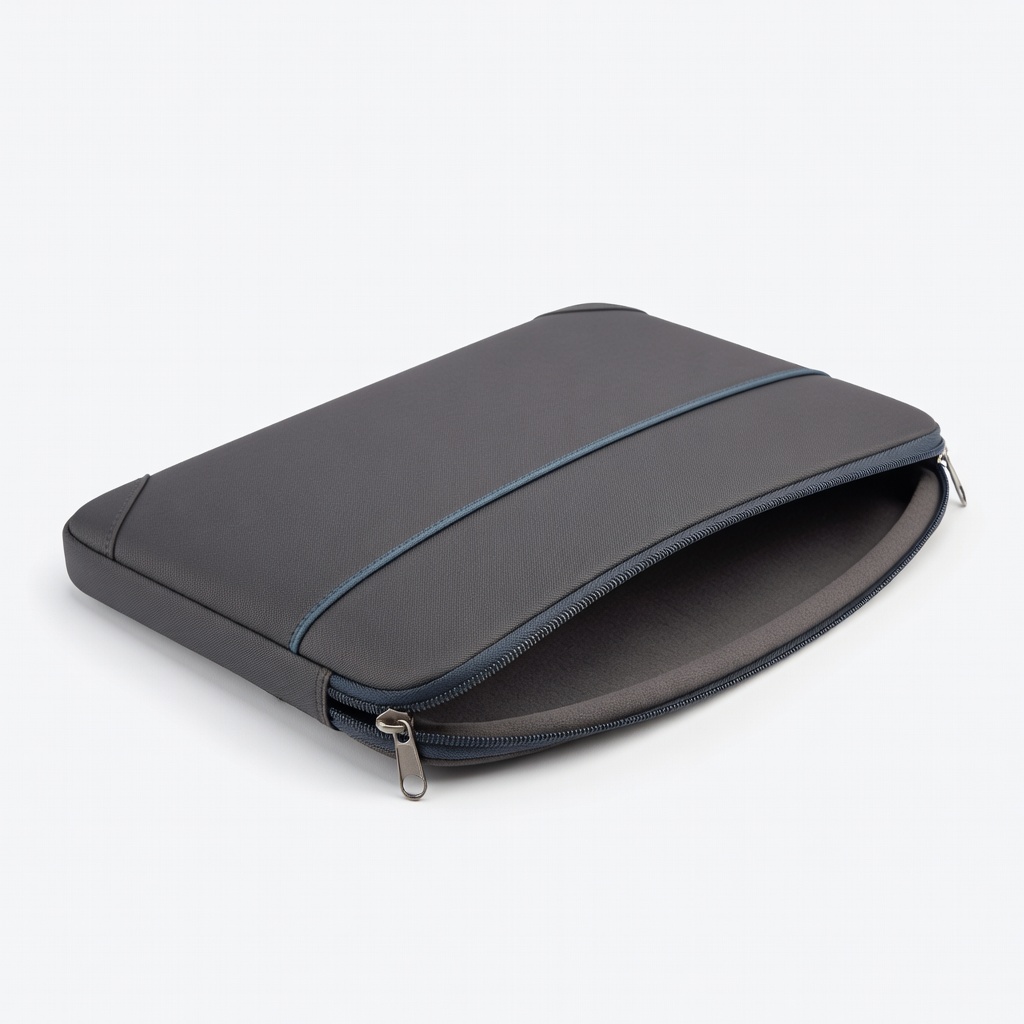
Budget-friendly for travel or humid areas.
MOSISO Laptop Sleeve Case 13.3-14 Inch Water-resistant polyester with shockproof padding prevents dust/moisture hinge damage.
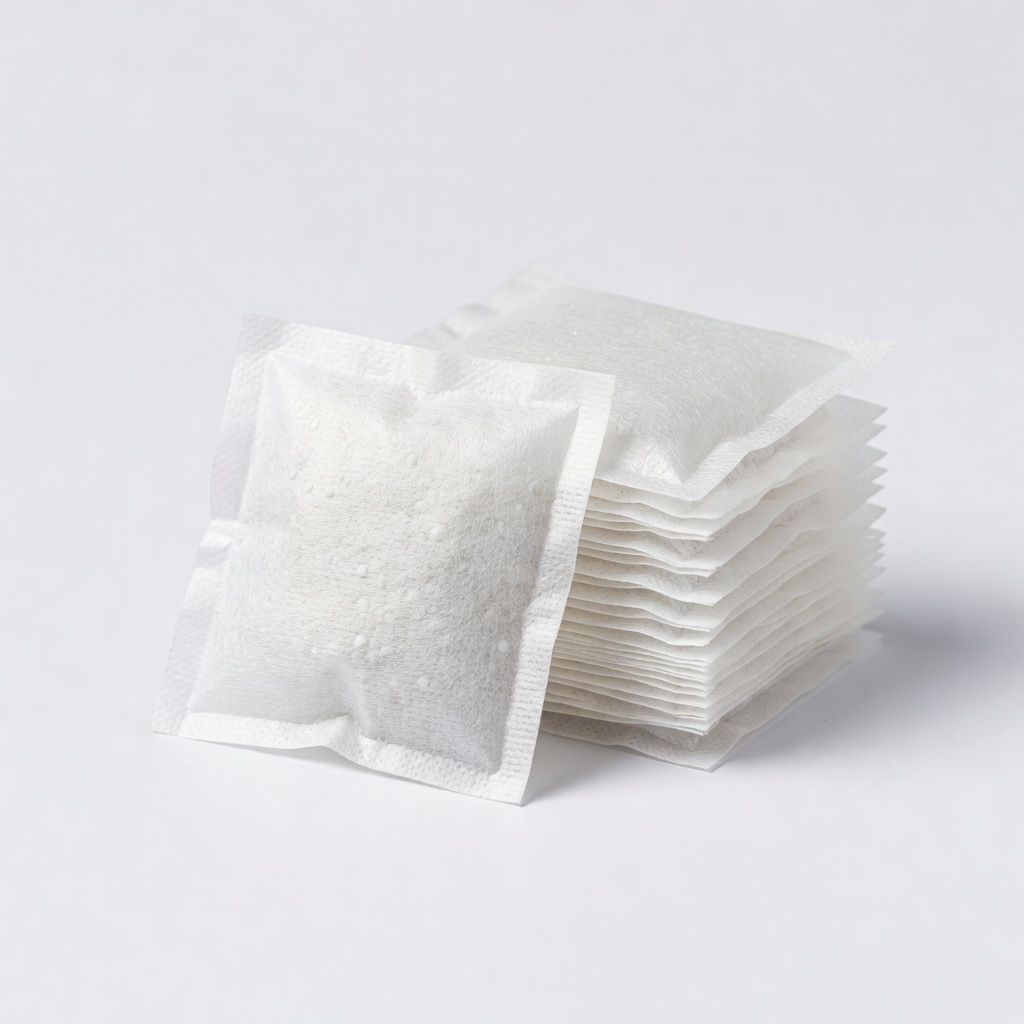
Add to bags in damp climates or long-term storage.
Wisedoc 50 Pack Silica Gel Packets Absorbs moisture to prevent hinge corrosion in storage.
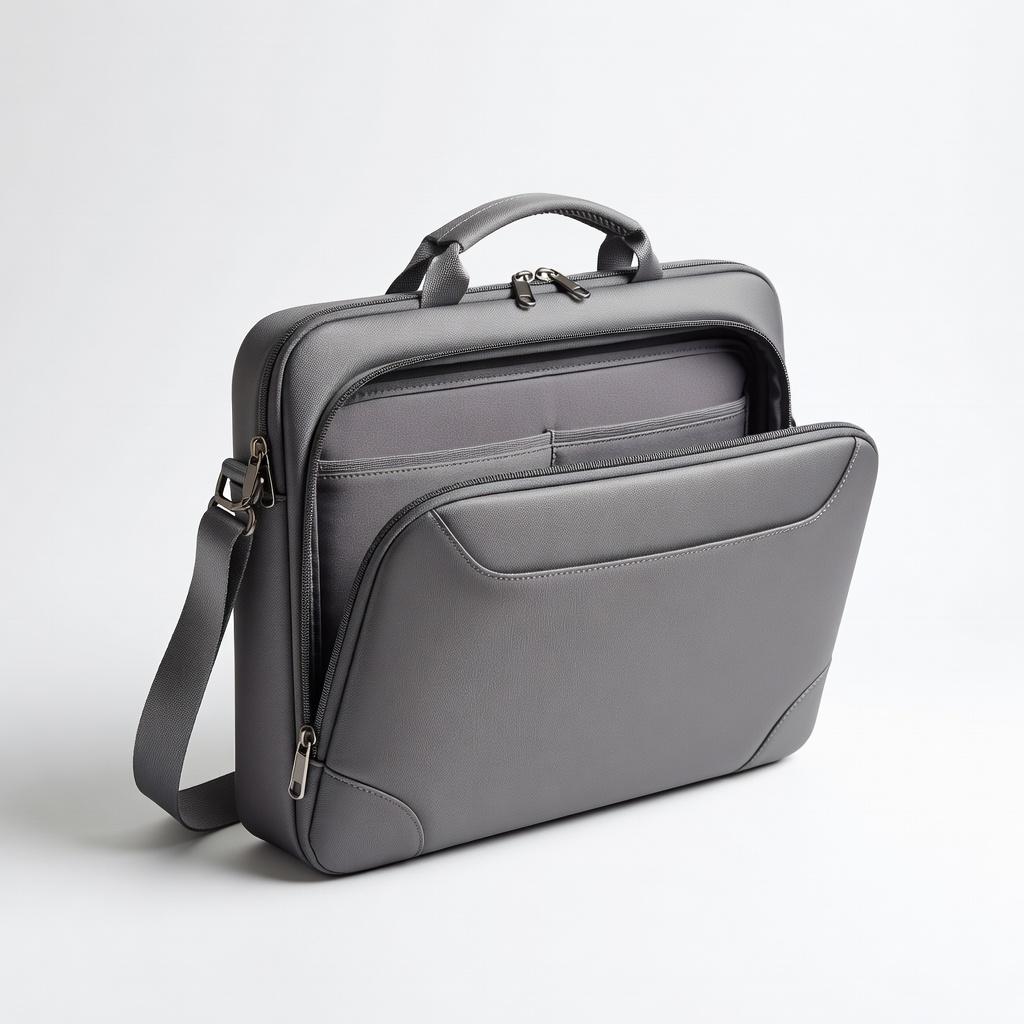
On-the-go storage without hinge stress.
Lacdo 360 Protective Laptop Bag 15.6 Inch Padded shoulder bag with accessory pockets for flat, secure transport.
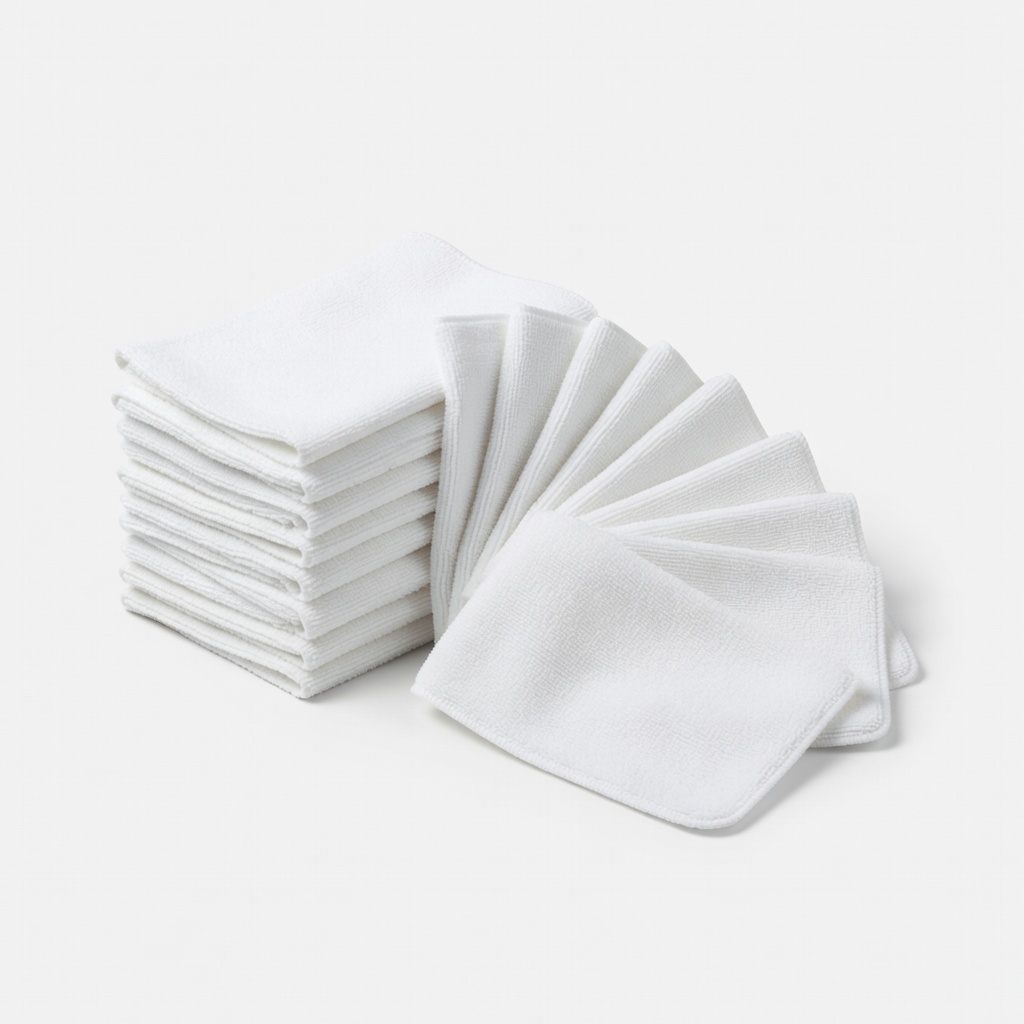
Routine maintenance to avoid debris wear.
Evo Microfiber Cleaning Cloths (12 Pack) Lint-free for safe pre-storage cleaning without scratching.