
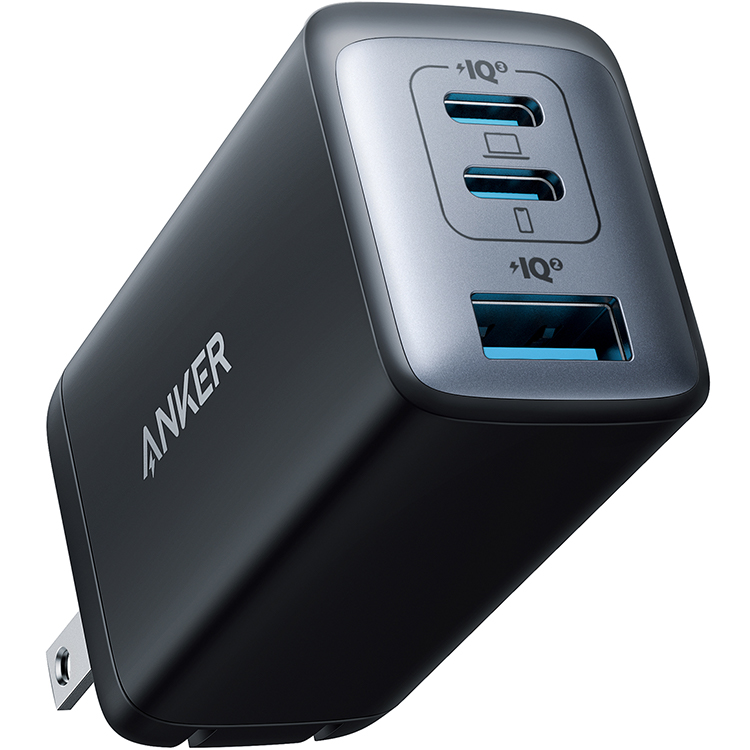
Anker 735 Nano II 65W Charger (3 Ports)
Ideal for 2 phones + laptop; portable for travel.
$35-$40
Anker 735 Nano II 65W Charger (3 Ports) Compact GaN tech with PD 3.0 for fast multi-device charging; surge-protected.
Get the App
Better experience on mobile
Charge phones, tablets, and laptops simultaneously safely and efficiently in under 15 minutes with simple steps.
Tired of fighting over a single wall outlet or dealing with a mess of tangled cables? In today's connected world, everyone has multiple devices needing a charge at once, but standard outlets just can't keep up. This guide solves that by showing you how to create a reliable multi-device charging station using AC adapters.
You'll learn everything from choosing the right gear to safe setup and cable organization. The process is straightforward: select a multi-port charger or power strip, connect your devices, and test for safety. Perfect for beginners—no technical skills required.
Expect to complete this in 10-15 minutes with basic household items. By the end, you'll have a clutter-free charging hub that powers your gadgets without overload risks.
Estimated Time: 10-15 minutes Difficulty: beginner
Start by listing the devices you want to charge and their power requirements. Check labels or manuals for wattage (e.g., iPhone needs 20W, laptop 65W). Add up total watts to avoid overload—most outlets handle 1800W max.
This matters because mismatched adapters cause slow charging or damage. Expect a quick inventory: 2-3 phones (10-20W each), 1 tablet (15W), 1 laptop (60W) = under 150W total for safety.
Tip: Use apps like Ampere (Android) or 3uTools (iOS) to test current draw.
💡 Tips:
⚠️ Warnings:
Pick a multi-port USB charger or power strip with enough ports and total wattage (e.g., 65W+ for 4 devices). Look for GaN technology for compact, cool operation and surge protection.
Why? Single adapters overload easily; multi-port ones distribute power smartly via Power Delivery (PD). Plug it into a standard AC outlet—no special wiring needed.
Success: Adapter feels sturdy, has UL certification, and matches your wattage.
💡 Tips:
Clear a flat, ventilated surface near a grounded wall outlet (avoid extension chains). Unplug everything and ensure hands are dry.
Ventilation prevents overheating; grounded outlets protect against surges. Expect a desk or nightstand setup away from beds or fabrics.
⚠️ Warnings:
Insert the AC adapter firmly into the outlet. Ensure prongs are secure and no wobble.
This establishes your power source. Listen for a click; LED indicator should light up if present. Why? Loose plugs cause intermittent charging.
💡 Tips:
Match cables to ports: USB-C for modern devices, USB-A for older. Plug 2-4 cables initially, avoiding full load first.
Ports negotiate power automatically (PD/QC). Expect ports to light up or devices to recognize chargers.
⚠️ Warnings:
Plug cables into devices. Devices should show charging icons (battery with lightning bolt).
Test one by one: screen on, charging at expected speed (e.g., 50% faster with PD). Success: All devices charging without heat buildup.
💡 Tips:
Use ties or clips to bundle cables, routing away from walkways.
Prevents trips and wear. Final check: No pinch points, adapter cool to touch.
Your setup is now ready for daily use!
💡 Tips:
Monitor for 5 minutes: No excessive heat, unusual smells, or buzzing. Unplug if issues arise.
Ensures long-term safety. Routine: Check weekly.
⚠️ Warnings:
Problem: Devices not charging or slow
Solution: Try different ports/cables; restart devices. Check total wattage.
Problem: Adapter overheating
Solution: Unplug, let cool, reduce devices. Ensure ventilation.
Problem: No power/LED off
Solution: Check outlet with lamp; try another. Replace if faulty.
Problem: Breakers tripping
Solution: Lower device count; use dedicated circuit.
Problem: Intermittent charging
Solution: Tighten plugs; replace loose cables.
Compact GaN tech with PD 3.0 for fast multi-device charging; surge-protected.
Best for: Ideal for 2 phones + laptop; portable for travel.
Price Range: $35-$40
12 surge protection with USB-A/C ports; handles high loads safely.
Best for: Home/office station for 6+ devices.
Price Range: $20-$25
High-output GaN for laptops/phones; auto power allocation.
Best for: Power-hungry setups like gaming or work.
Price Range: $40-$50
Budget-friendly with 30W total; reliable for basics.
Best for: Light use, 4-6 phones/tablets.
Price Range: $15-$20
Ideal for 2 phones + laptop; portable for travel.
Anker 735 Nano II 65W Charger (3 Ports) Compact GaN tech with PD 3.0 for fast multi-device charging; surge-protected.
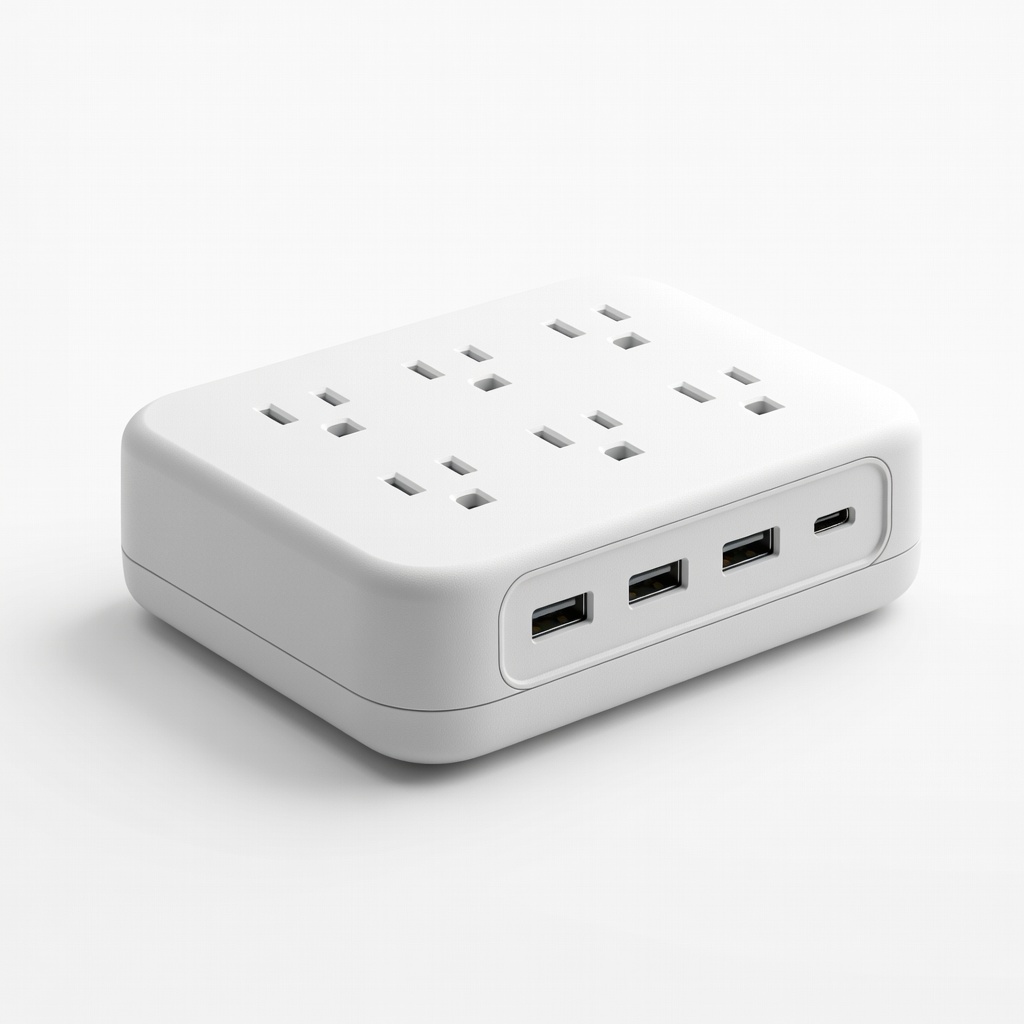
Home/office station for 6+ devices.
Belkin 6-Outlet Surge Protector with 4 USB Ports 12 surge protection with USB-A/C ports; handles high loads safely.
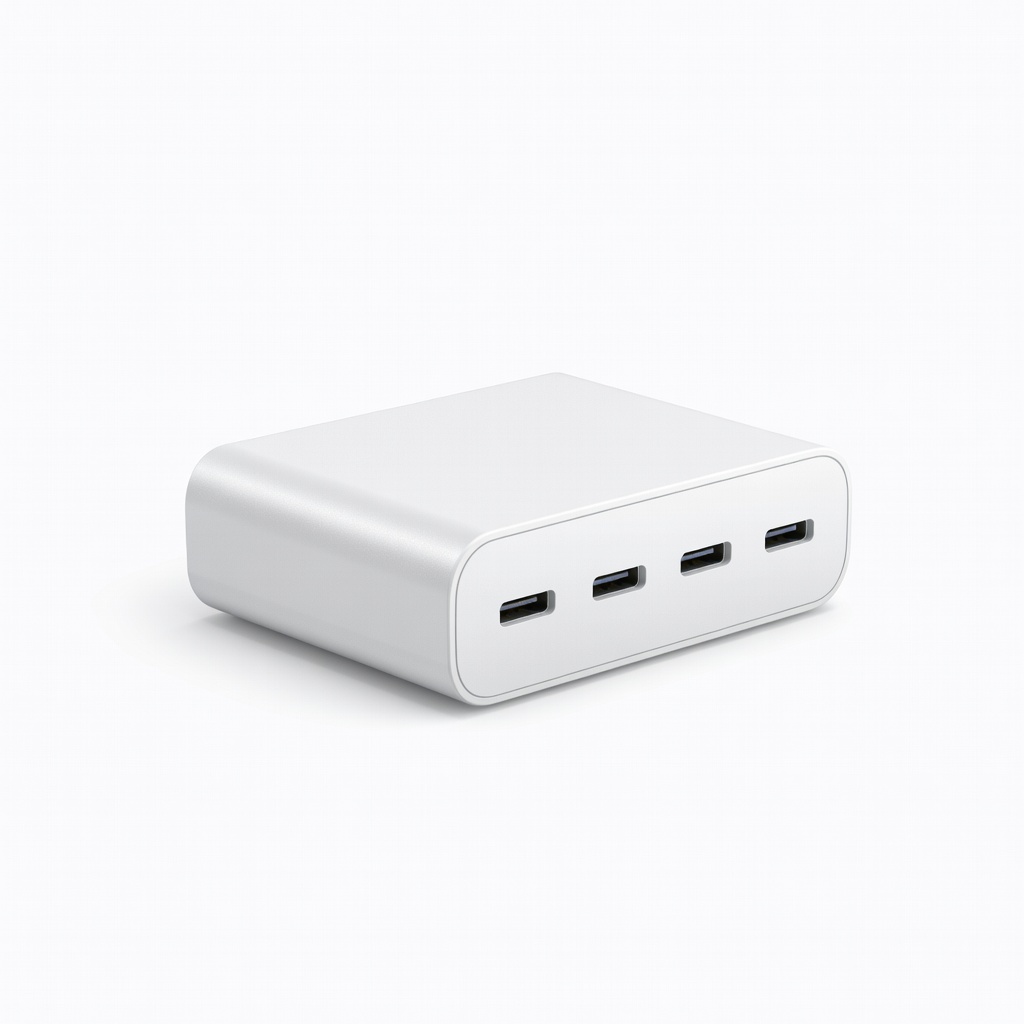
Power-hungry setups like gaming or work.
UGREEN 100W 4-Port USB C Charger High-output GaN for laptops/phones; auto power allocation.
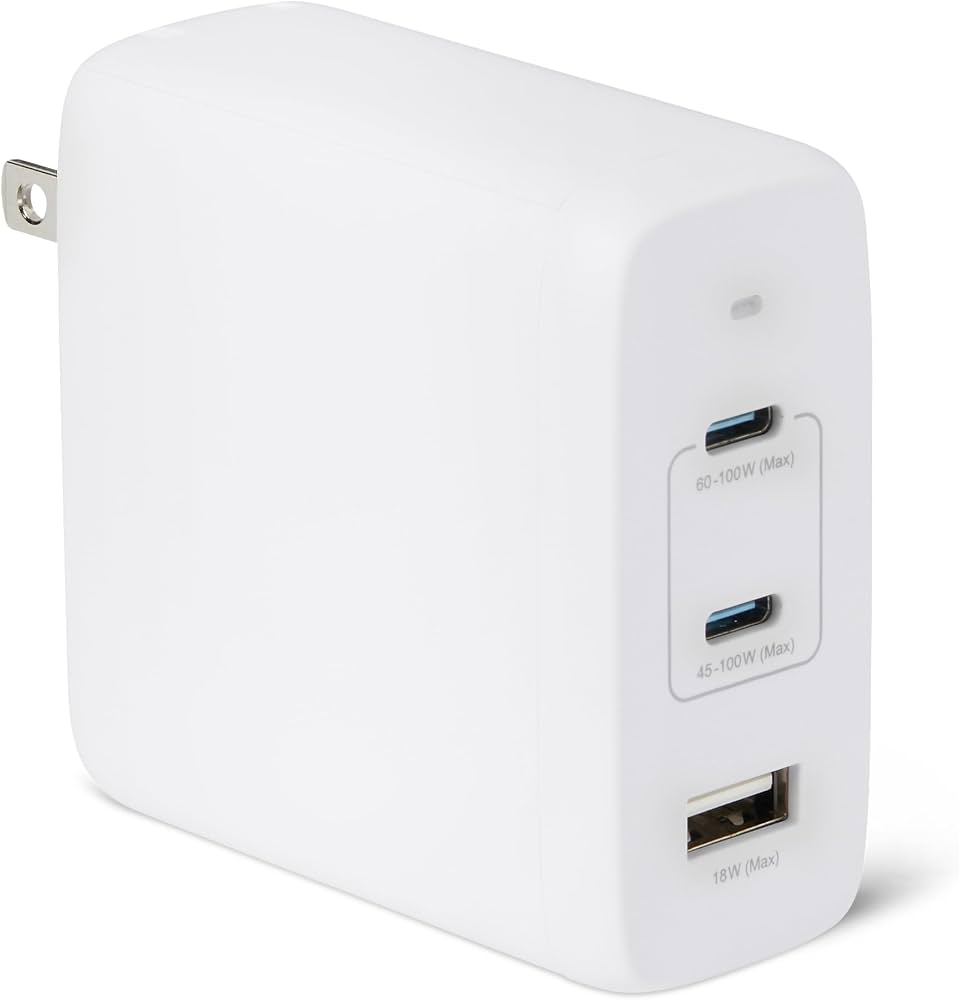
Light use, 4-6 phones/tablets.
Amazon Basics 6-Port USB Wall Charger Budget-friendly with 30W total; reliable for basics.