
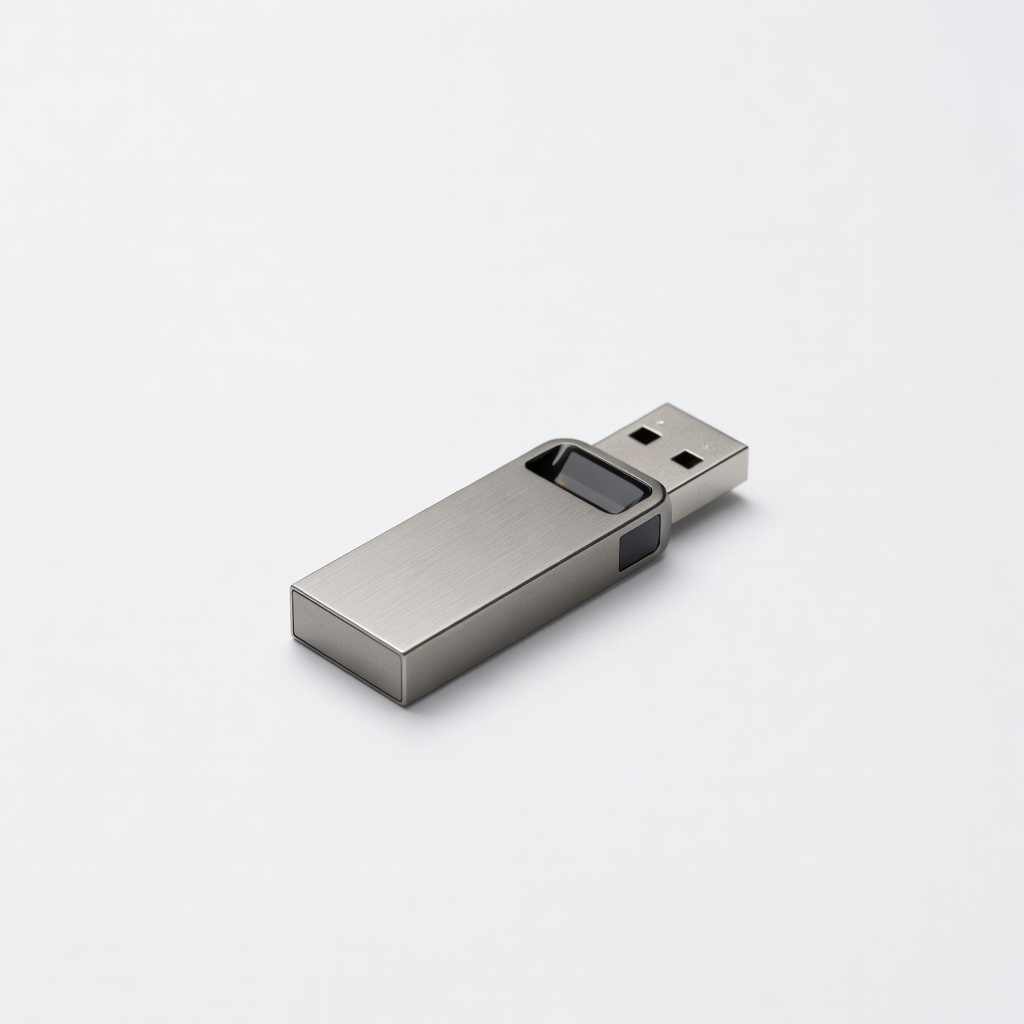
SanDisk 128GB Ultra Flair USB 3.0 Flash Drive
Creating and booting from Linux ISO on 2-in-1s.
$12-15
SanDisk 128GB Ultra Flair USB 3.0 Flash Drive Lightning-fast bootable media creation and installs—essential for UEFI dual boot.
Get the App
Better experience on mobile
Master dual-booting Windows and Linux on your convertible laptop for seamless switching between OSes in 1-2 hours.
2-in-1 laptops like Surface Pro or Lenovo Yoga offer tablet-like versatility, but many users want the power of dual booting—running Windows for productivity and Linux for development or privacy. Without proper setup, you risk data loss, boot failures, or losing touch/pen support in the second OS.
This advanced guide walks you through partitioning, installing, and optimizing dual boot on UEFI-based 2-in-1s. You'll end up with a GRUB menu at startup to choose OSes effortlessly. Expect technical steps like BIOS tweaks and driver installs.
Time: 1-2 hours (plus downloads). Difficulty: Advanced—requires comfort with command lines and partitioning. Follow precisely to avoid bricking your device.
Estimated Time: 1-2 hours (plus 30-60 min for downloads/backups) Difficulty: advanced
Start by creating a full system image to prevent data loss—dual booting involves repartitioning your drive.
Use Windows Backup and Restore (search in Start menu) or Macrium Reflect Free to clone your NVMe SSD to an external drive. Verify the backup by browsing files.
Success looks like: Bootable external clone that restores your system if needed. This step is non-negotiable for advanced users.
💡 Tips:
⚠️ Warnings:
Choose your secondary OS: Ubuntu for touch-friendly Linux on 2-in-1s. Download the LTS ISO from ubuntu.com (e.g., 24.04).
Verify SHA256 checksum using PowerShell: Get-FileHash file.iso -Algorithm SHA256. Match against official hash.
Expect: 4-5GB file ready. Why? Ensures corruption-free install.
💡 Tips:
Insert USB, open Rufus (download from rufus.ie). Select ISO, GPT/UEFI partition scheme, FAT32 filesystem. Click Start—erase/format confirms.
Success: USB shows as 'UEFI: USB' in boot menu later. Takes 5-10 mins.
This prepares secure boot-compatible media for modern 2-in-1 firmware.
⚠️ Warnings:
Restart, spam F2/Del/Esc (model-specific: Surface=VolUp+Power; Yoga=F12). Disable Secure Boot, Fast Startup, enable CSM if legacy needed (rare).
Set boot order: USB first. Save/exit (F10).
Expect: Firmware menu with changes applied—no password lockouts.
💡 Tips:
Boot Windows, open Disk Management (Win+X). Right-click C: > Shrink Volume (aim for 100GB+ free for Linux).
Or boot GParted from USB for precision. Leave unallocated space.
Success: Unallocated space visible post-shrink. Why? Dual boot needs separate root/boot partitions.
⚠️ Warnings:
Boot USB (F12 boot menu). Select 'Try Ubuntu', then Install. Choose 'Something else' for manual partitioning: EFI (reuse Windows), root (/ 50GB ext4), swap (RAM size), home (rest).
Install GRUB to main drive (/dev/nvme0n1).
Expect: 20-30 min install, reboot to GRUB menu.
💡 Tips:
Boot Linux, update: sudo apt update && sudo apt upgrade. Install 2-in-1 drivers: sudo apt install linux-oem or vendor repos (e.g., Surface Linux kernel).
Tweak GRUB: sudo nano /etc/default/grub for timeout/graphics.
Success: Touch/rotation/pen work; GRUB shows both OSes.
⚠️ Warnings:
sudo update-grub after.Reboot multiple times, test tablet mode, suspend, battery. Benchmark both OSes.
Fine-tune: Install TLP for power mgmt, iio-sensor-proxy for rotation.
Final success: Fluid dual boot with full 2-in-1 features.
💡 Tips:
prime-run for NVIDIA Optimus on convertibles.Problem: GRUB not showing Windows
Solution: Boot Linux live USB, sudo mount /dev/nvme0n1pX /mnt, chroot and update-grub.
Problem: No touch/rotation in Linux
Solution: Install iio-sensor-proxy and xserver-xorg-input-libinput; reboot.
Problem: Boot loops or black screen
Solution: Enter BIOS, toggle AHCI/RAID mode; reinstall GRUB.
Problem: Partition resize fails
Solution: Use live GParted USB; defrag Windows first.
Lightning-fast bootable media creation and installs—essential for UEFI dual boot.
Best for: Creating and booting from Linux ISO on 2-in-1s.
Price Range: $12-15
Reliable, high-capacity backup for full system images before risky partitioning.
Best for: Cloning entire NVMe SSD to avoid data loss.
Price Range: $110-130
Ultra-fast backups and potential extra storage partition for dual boot files.
Best for: Quick imaging/restores during setup or testing.
Price Range: $90-110
Excellent hardware compatibility for dual boot with Intel Arc graphics and touch.
Best for: Ideal base machine if upgrading—prepped for Linux.
Price Range: $1200-1500
Surface ecosystem with good Linux support via custom kernels.
Best for: Budget 2-in-1 for dual boot experimentation.
Price Range: $500-800
Creating and booting from Linux ISO on 2-in-1s.
SanDisk 128GB Ultra Flair USB 3.0 Flash Drive Lightning-fast bootable media creation and installs—essential for UEFI dual boot.
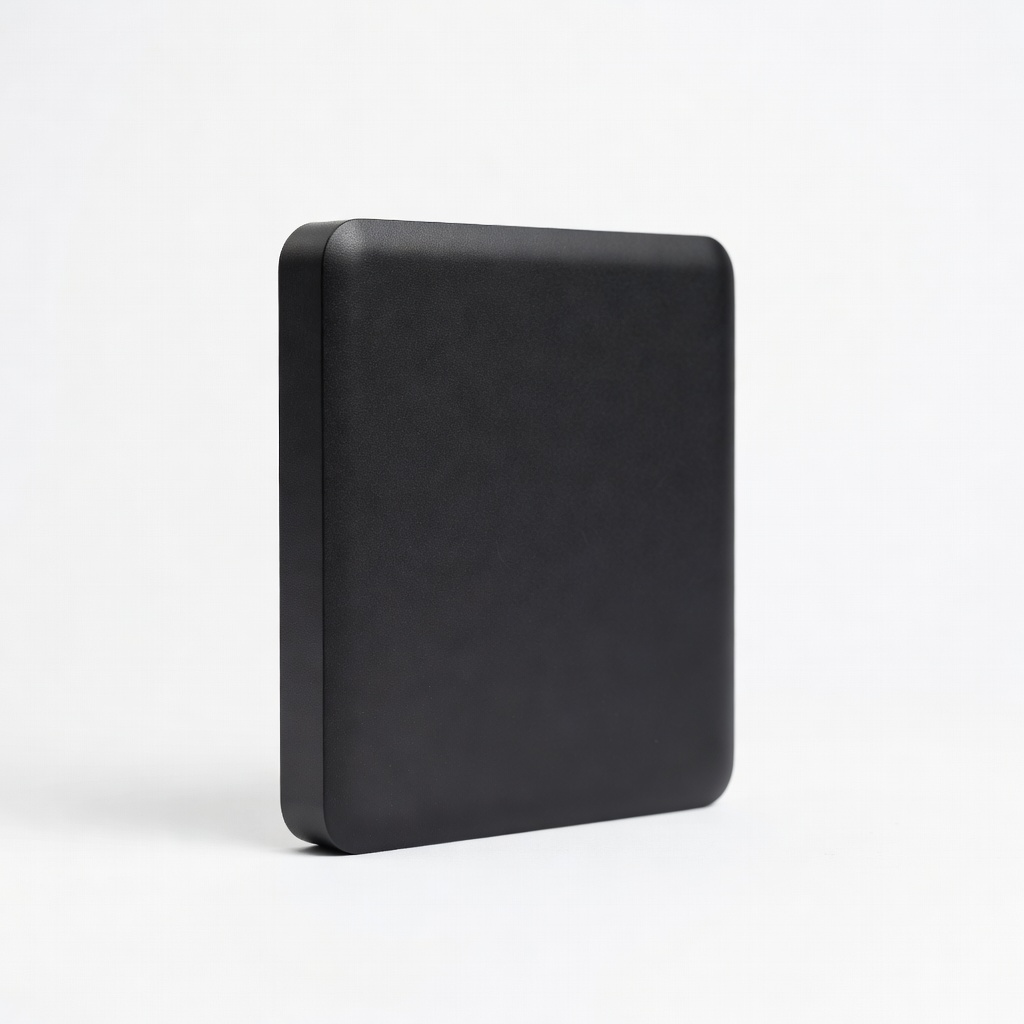
Cloning entire NVMe SSD to avoid data loss.
WD 5TB Elements Portable External Hard Drive Reliable, high-capacity backup for full system images before risky partitioning.
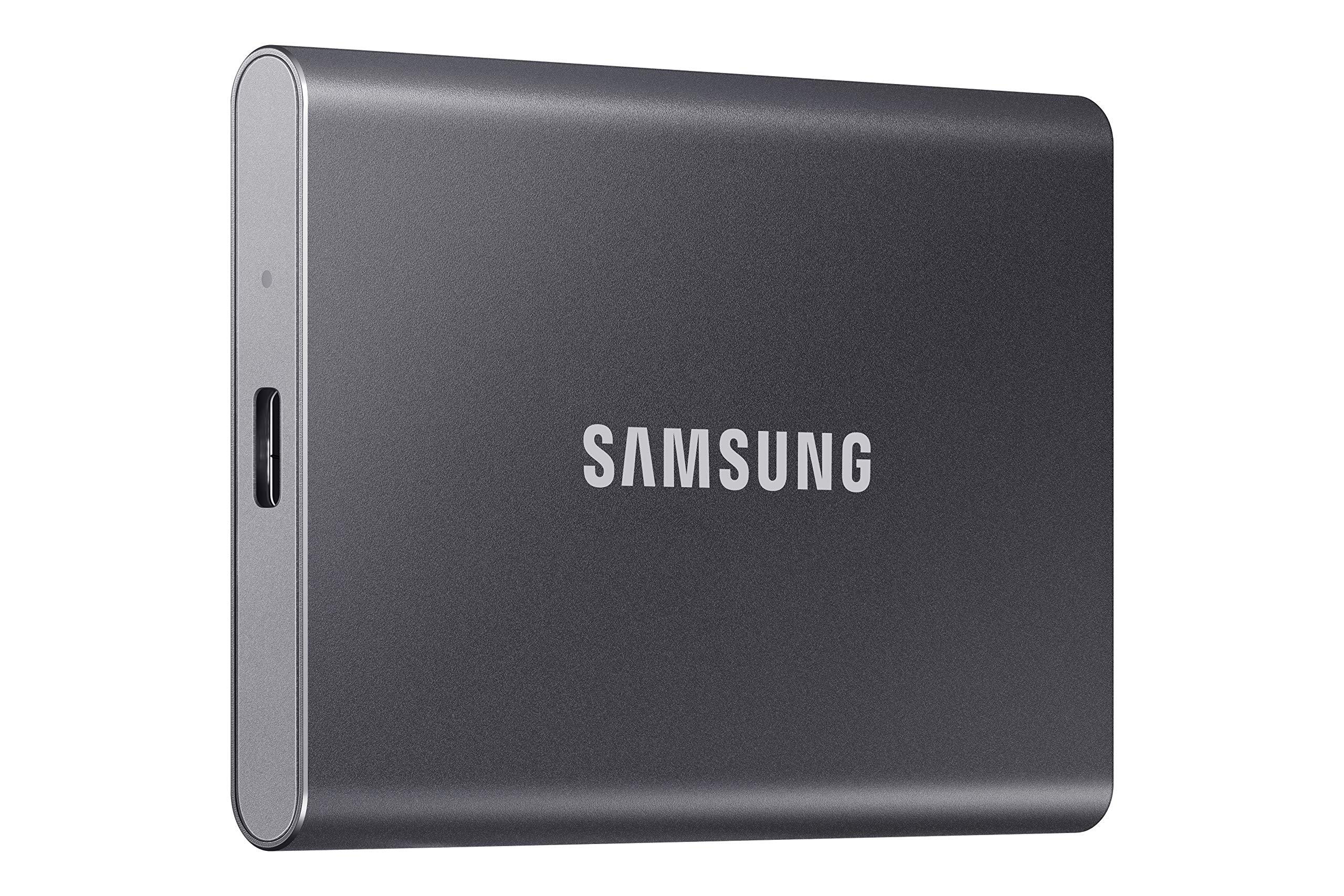
Quick imaging/restores during setup or testing.
Samsung T7 1TB Portable SSD Ultra-fast backups and potential extra storage partition for dual boot files.
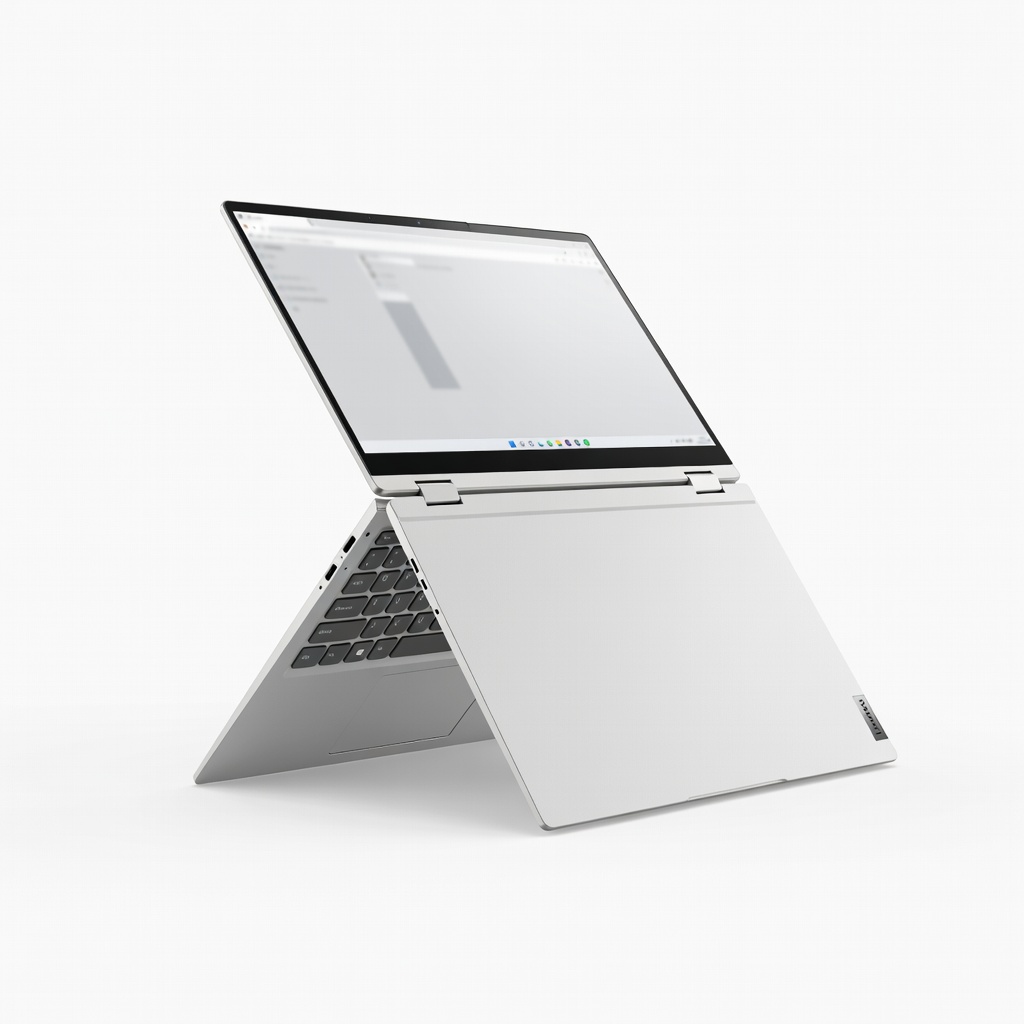
Ideal base machine if upgrading—prepped for Linux.
Lenovo Yoga 9i 14" 2-in-1 Laptop (2024) Excellent hardware compatibility for dual boot with Intel Arc graphics and touch.
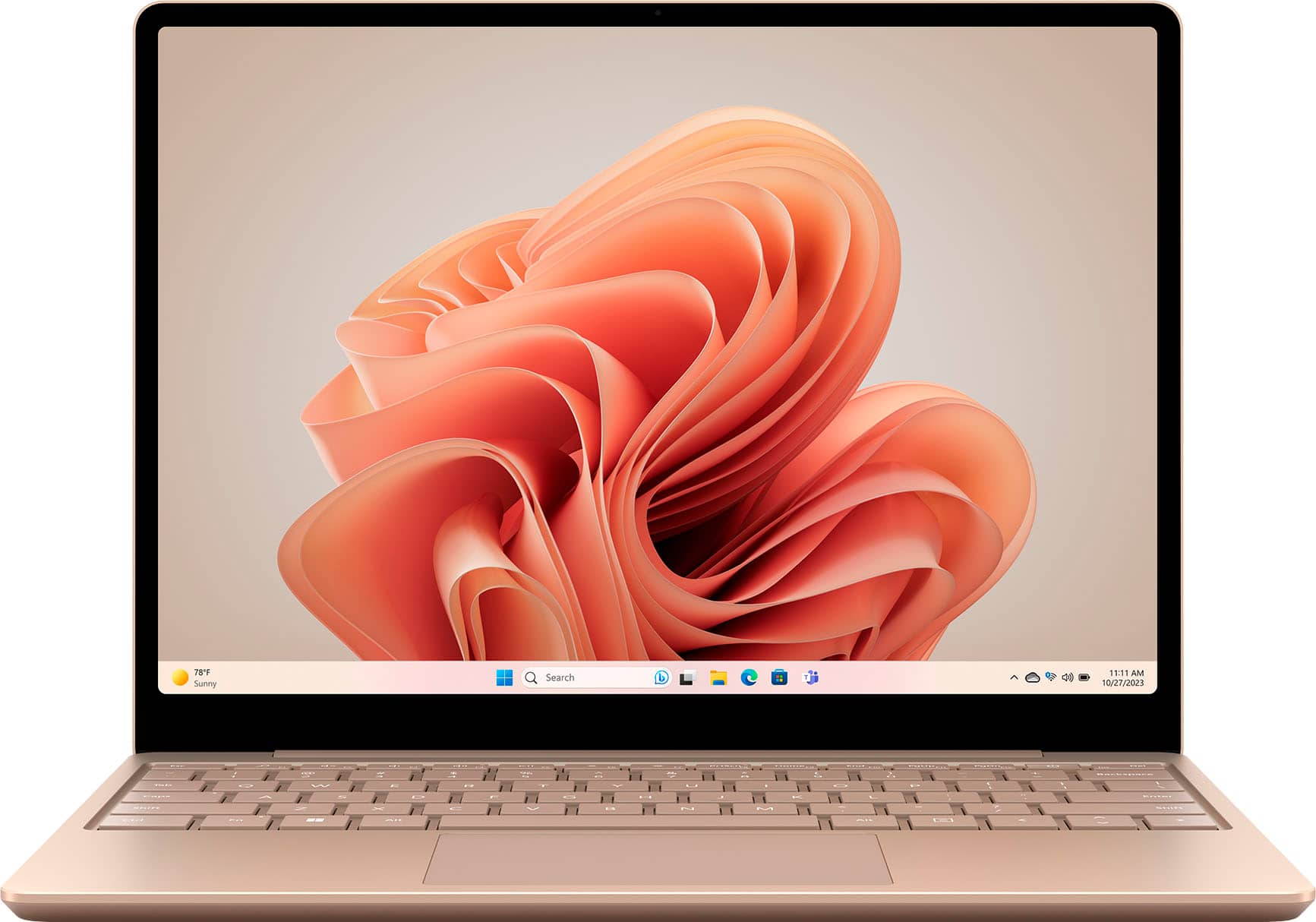
Budget 2-in-1 for dual boot experimentation.
Microsoft Surface Laptop Go 3 Surface ecosystem with good Linux support via custom kernels.