
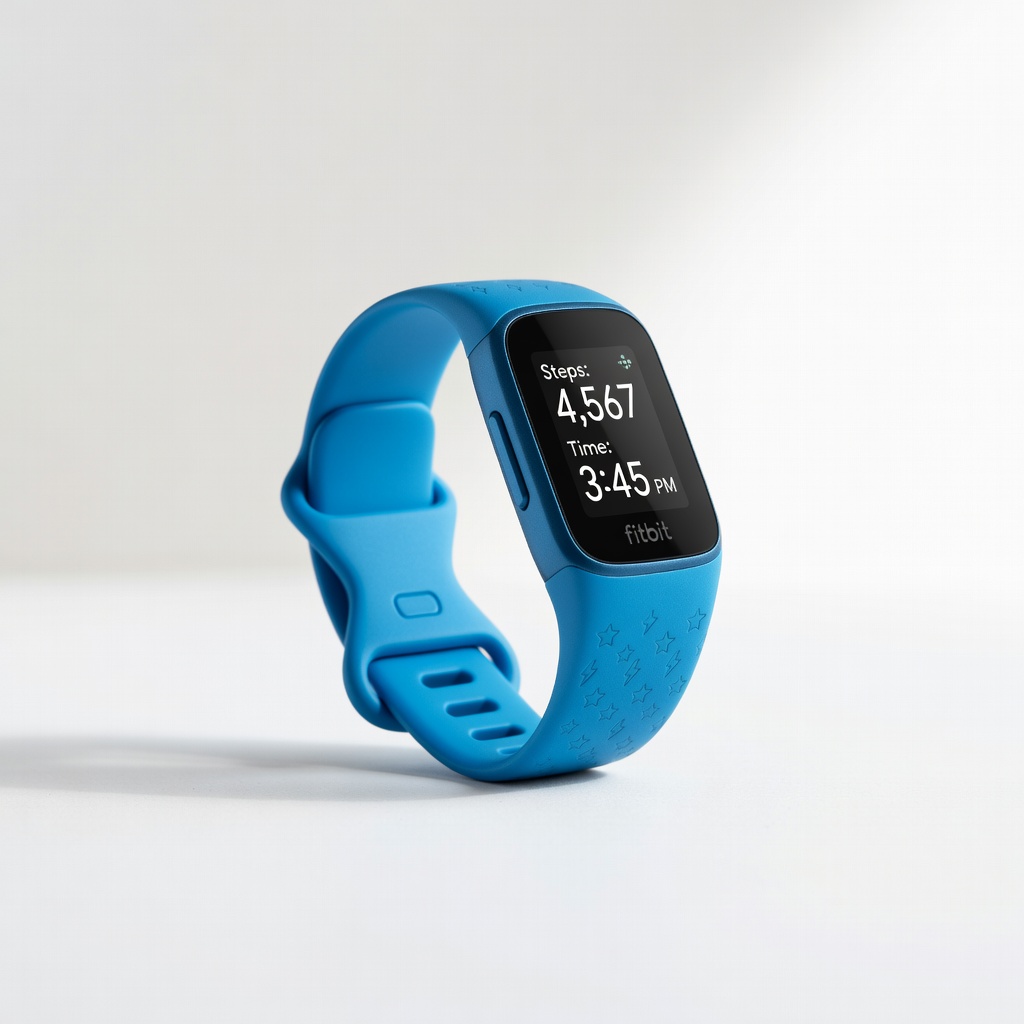
Fitbit Ace 3 Activity Tracker for Kids
Ideal for children 6+ to track steps/sleep safely.
$79.95
Fitbit Ace 3 Activity Tracker for Kids Kid-proof design with parent app controls, fun badges, and family sharing via Fitbit app.
Get the App
Better experience on mobile
Step-by-step guide to connect app-enabled trackers for kids and adults to monitor fitness, steps, and family goals effortlessly in under 30 minutes.
In today's busy world, keeping the whole family active can be challenging. App-enabled activity trackers solve this by tracking steps, sleep, and fun challenges via a shared family app, motivating everyone from kids to parents. No more nagging—get real-time insights and gamified goals that make fitness fun.
In this beginner-friendly guide, you'll learn how to choose, install, pair, and customize trackers for your family. Expect a smooth setup process using common smartphones. Total time: 20-30 minutes. By the end, you'll have a dashboard showing everyone's progress.
We'll cover everything from unboxing to testing, with tips to avoid pitfalls. Perfect for parents new to wearables.
Estimated Time: 20-30 minutes Difficulty: beginner
Start by selecting trackers suited for all ages. For kids (ages 6+), pick kid-safe models without screens or with parental controls. Adults need durable bands with heart rate monitoring.
Why it matters: Family apps like Fitbit or Garmin allow shared dashboards. Success looks like having one tracker per person, compatible with your phone's OS.
Research via app stores for 'family activity tracker'—ensure GPS/cellular for safety if outdoors.
💡 Tips:
⚠️ Warnings:
Open packages and plug in each tracker using the included USB cable. Charge fully (1-2 hours) until the LED shows green/full.
This prevents pairing failures from low battery. Expect a solid light or app notification confirming charge.
Wipe trackers with a microfiber cloth for hygiene.
💡 Tips:
Go to App Store (iOS) or Google Play (Android). Search for the tracker's app (e.g., 'Fitbit' or 'Garmin Connect'). Install and open.
Why: Apps handle setup, syncing, and family sharing. Success: App icon on home screen, no crashes.
Grant permissions for Bluetooth, location, notifications.
💡 Tips:
⚠️ Warnings:
Tap 'Sign Up' or 'Log In'. Use email/Google/Apple. Verify via email/SMS.
For families, enable 'Family Account' or 'Add Family Member' during signup. This creates a hub for all devices.
Expect a welcome screen with setup wizard.
In the app, tap 'Set Up Device' > Select model. Enable Bluetooth on phone. Press tracker's button (if any) to enter pairing mode (flashing light).
App scans and connects. Confirm code if prompted. Repeat per tracker.
Success: 'Paired' confirmation and device in app list.
💡 Tips:
⚠️ Warnings:
Add members: Tap 'Add Family Member' > Enter name, age, height/weight for accurate tracking. Assign tracker to profile.
Customize avatars/goals (e.g., 10k steps kids, 12k adults). Enable sharing.
Expect profile dashboard with all members visible.
In app settings, set daily steps, sleep goals. Turn on alerts for low activity or achievements.
Link to family challenges. Test by walking—data syncs in 1-2 mins.
Success: Real-time updates on phone.
💡 Tips:
Wear trackers, do activities (walk, sleep overnight). Force sync in app.
View reports: Graphs for steps, heart rate. Share family leaderboard.
All set! Monitor via app daily.
Problem: Bluetooth won't pair
Solution: Restart phone/app, forget device in Bluetooth settings, retry. Ensure tracker in pairing mode.
Problem: No data syncing
Solution: Check Wi-Fi, force sync, update app/firmware.
Problem: App crashes
Solution: Clear cache, reinstall app, check OS compatibility.
Problem: Tracker not recognized
Solution: Reset tracker (hold button 10s), re-pair. Contact support if persists.
Kid-proof design with parent app controls, fun badges, and family sharing via Fitbit app.
Best for: Ideal for children 6+ to track steps/sleep safely.
Price Range: $79.95
Advanced heart rate/GPS for adults, seamless family account integration.
Best for: Parents tracking workouts alongside kids.
Price Range: $159.95
Disney-themed apps with chore rewards, strong family dashboard.
Best for: Motivating younger kids with games.
Price Range: $79.99
Slim adult tracker with family sharing, long battery.
Best for: Budget adult option for whole-family sync.
Price Range: $149.99
Ideal for children 6+ to track steps/sleep safely.
Fitbit Ace 3 Activity Tracker for Kids Kid-proof design with parent app controls, fun badges, and family sharing via Fitbit app.
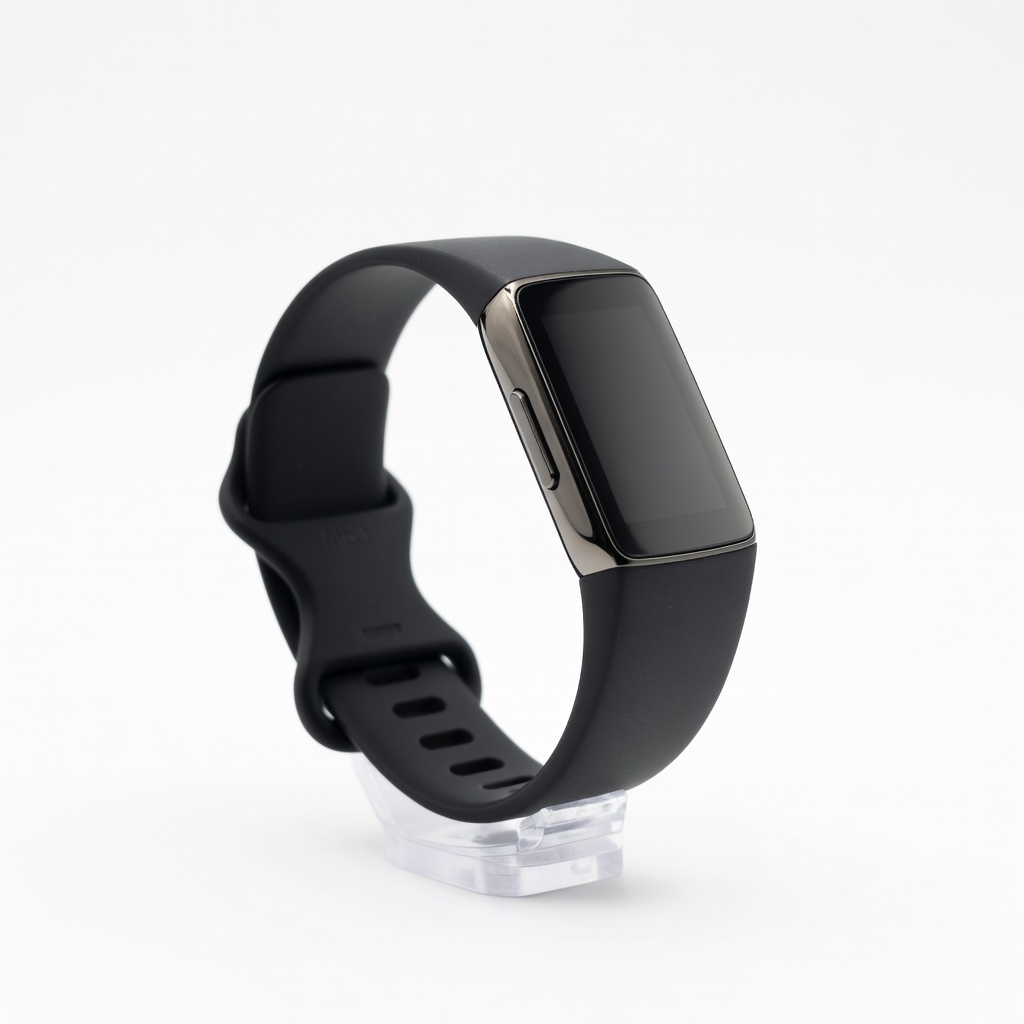
Parents tracking workouts alongside kids.
Fitbit Charge 6 Advanced heart rate/GPS for adults, seamless family account integration.
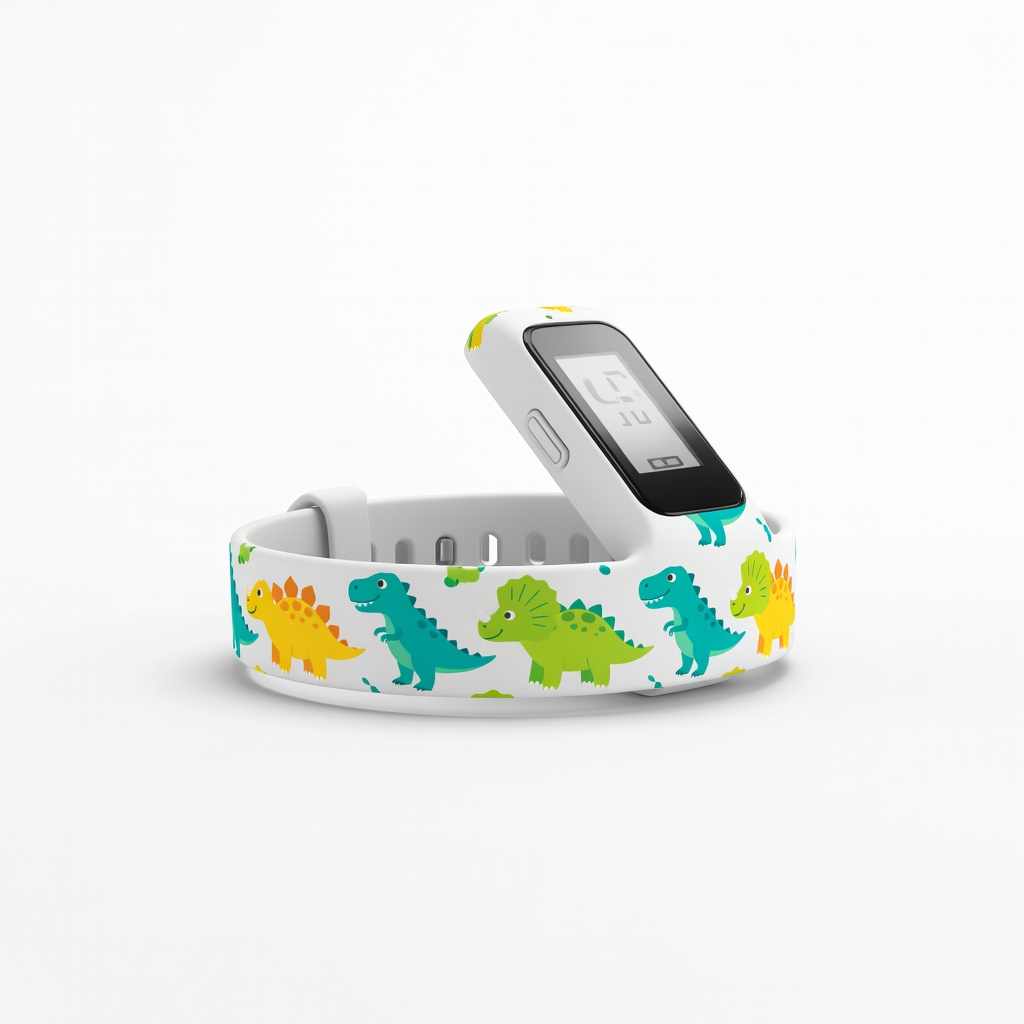
Motivating younger kids with games.
Garmin vivofit jr. 3 Fitness Tracker for Kids Disney-themed apps with chore rewards, strong family dashboard.
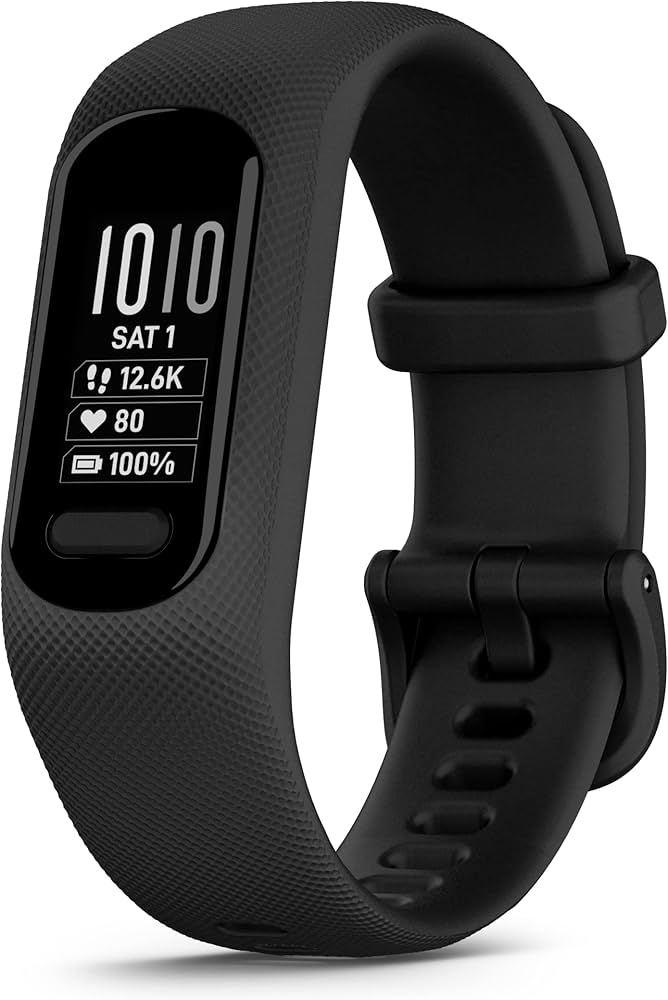
Budget adult option for whole-family sync.
Garmin Vivosmart 5 Slim adult tracker with family sharing, long battery.