Struggling with fuzzy TV pictures, dropped channels, or weak over-the-air signals? You're not alone—many cord-cutters face signal issues in rural areas or due to interference from 5G towers. Antenna toppers, also known as preamplifiers or signal boosters, mount on top of your TV antenna to amplify weak signals before they travel down the coax cable, delivering sharper HD channels without monthly fees.
In this step-by-step guide, you'll learn how to safely install an antenna topper on your existing outdoor or attic antenna. No electrical expertise needed—we'll cover everything from mounting to testing. Expect crystal-clear reception with more channels unlocked.
The whole process takes 30-45 minutes for beginners, using basic tools. By the end, you'll scan for channels and enjoy frustration-free viewing.
▸What You'll Need
- •TV antenna (outdoor or attic-mounted, e.g., Yagi or multi-directional)
- •Antenna topper/preamplifier (with matching connectors, e.g., F-type)
- •Coaxial cables (RG6 recommended, 50-100 ft depending on run)
- •Power inserter (usually included with topper)
- •Screwdriver or wrench
- •Ladder (for outdoor installs)
- •Coax crimper and F-connectors (if splicing cables)
- •Optional: Weatherproofing tape or silicone sealant for outdoor use
Estimated Time: 30-45 minutes
Difficulty: beginner
▸Step-by-Step Instructions
Step 1: Assess Your Antenna Location
Start by evaluating where your TV antenna is mounted. It should have a clear line-of-sight to broadcast towers—use sites like FCC.gov/DTVMaps or AntennaWeb.org to check tower directions and signal strength in your area.
Why it matters: Poor placement causes weak signals that even a topper can't fully fix. Aim for the highest point possible, away from metal roofs or trees. For attic installs, ensure no foil insulation blocks signals.
Success looks like: Confirmed 70%+ signal strength potential via online tools. Mark your antenna mast top for topper attachment.
💡 Tips:
- •Test current signal without topper first for baseline comparison.
⚠️ Warnings:
- •Avoid installs during storms—wet conditions are dangerous.
Step 2: Power Down and Prepare Antenna
Turn off your TV and unplug any coax from it. If your antenna isn't mounted, secure the mast to a chimney, pole, or attic rafter using straps or brackets.
Disconnect the antenna's lead wire from the mast if needed. Clean the top of the antenna boom or mast where the topper will attach—remove dirt or old fittings.
Expect: Antenna stable and ready for accessory. This prevents wobbling that could loosen connections.
💡 Tips:
- •Label cables to avoid mix-ups.
Step 3: Mount the Antenna Topper
Align the topper's base with the antenna's top mounting point (often a threaded rod or bracket). Screw or clamp it securely using provided hardware—most toppers twist on like a lightbulb or bolt with 2-4 screws.
Why: Positions the amplifier closest to the antenna elements for maximum boost before signal loss in cables.
Success: Topper firmly attached, no play when shaken gently. Seal outdoor joints with silicone.
⚠️ Warnings:
- •Don't overtighten—plastic parts can crack.
Step 4: Connect Antenna to Topper Input
Locate the 'ANT IN' port on the topper (usually labeled). Attach the antenna's downlead wire (from elements to topper) using F-connectors. Twist clockwise until snug, then crimp if needed.
This feeds raw signal into the amplifier. Tug gently to ensure secure fit—no loose connections here mean lost amplification.
💡 Tips:
- •Use RG6 coax for best performance over RG59.
Step 5: Run Output Coax from Topper
Connect RG6 coax from the topper's 'OUT' port down to your home. Secure along the mast with zip ties every 2-3 feet to prevent wind damage.
Why it matters: Protects the long cable run from interference. For attics, route neatly to avoid kinks.
⚠️ Warnings:
- •Keep coax away from power lines.
Step 6: Install Power Inserter Near TV
Inside, place the power inserter near your TV (wall outlet access required). Connect: Topper output coax to 'PWR IN', short coax from 'OUT' to TV antenna input, and power cord to outlet.
The inserter supplies 12-24V DC up the coax to power the topper without outdoor wiring.
Success: LED on inserter lights up (if present).
💡 Tips:
- •Use a surge protector for the inserter.
Step 7: Test Signal and Scan Channels
Power on TV, go to Settings > Channel Scan (Auto-Tune). Rotate antenna if needed toward towers.
Expect: Stronger signal bars, 20-50% more channels. Compare to baseline.
Fine-tune position for peak strength—apps like Signal GH help on phones.
💡 Tips:
- •Rescan weekly as signals change.
▸Pro Tips
- •Point antenna at strongest tower first using free apps like 'Antenna Point'.
- •Add an LTE filter if 4G/5G interference persists (many toppers include one).
- •Weatherproof all outdoor connections yearly.
- •For long cable runs (>100ft), choose 30dB gain toppers.
- •Test indoors first with a short cable to verify topper works.
- •Zip-tie excess coax to reduce signal noise.
- •Upgrade to quad-shield RG6 for urban areas with EMI.
▸Common Mistakes to Avoid
- •Skipping signal check—leads to wrong topper gain (too much causes overload). Solution: Use online maps.
- •Loose F-connectors—signal leaks out. Solution: Crimp properly or buy pre-made cables.
- •Forgetting power inserter—topper won't amplify. Solution: Always check LED.
- •Mounting too low—blocks amplification benefits. Solution: Highest point possible.
- •No grounding—risks lightning damage. Solution: Ground mast per local code.
▸Troubleshooting
Problem: No signal improvement or weaker reception
Solution: Check power inserter LED, swap coax cables, reduce gain if overload (signal clips). Rescan channels.
Problem: Snowy picture or interference
Solution: Add LTE/5G filter, reposition away from routers, or try lower gain amp.
Problem: Topper gets hot or no power
Solution: Verify inserter connection; replace if faulty. Seek electrician if coax shorts.
Problem: Few channels found
Solution: Rotate antenna 360°, check tower map, ensure mast is plumb.
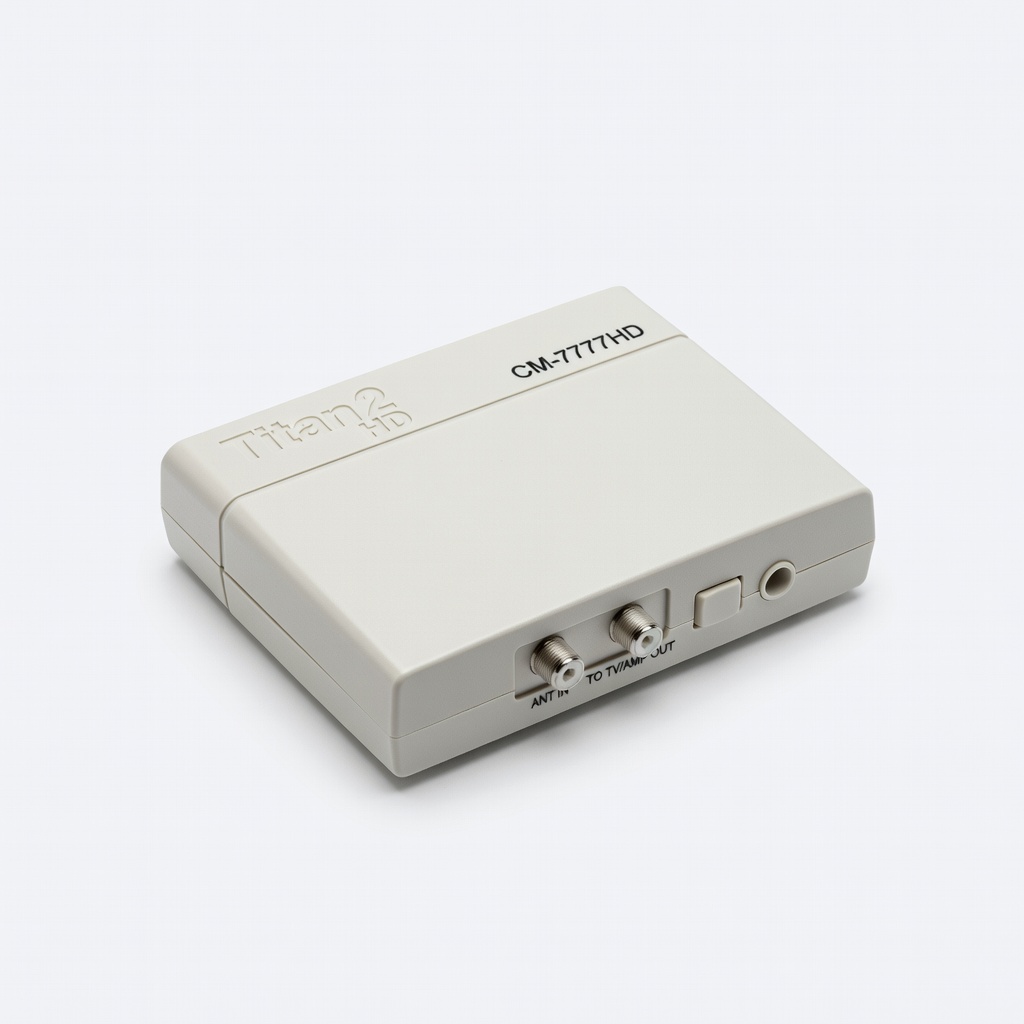
Channel Master CM-7777HD Titan 2 HD TV Antenna Signal Amplifier
Ultra-low noise (1.5dB) and adjustable gain up to 77dB for distant signals without overload.
Best for: Rural or long-distance reception with outdoor antennas.
Price Range: $79.99
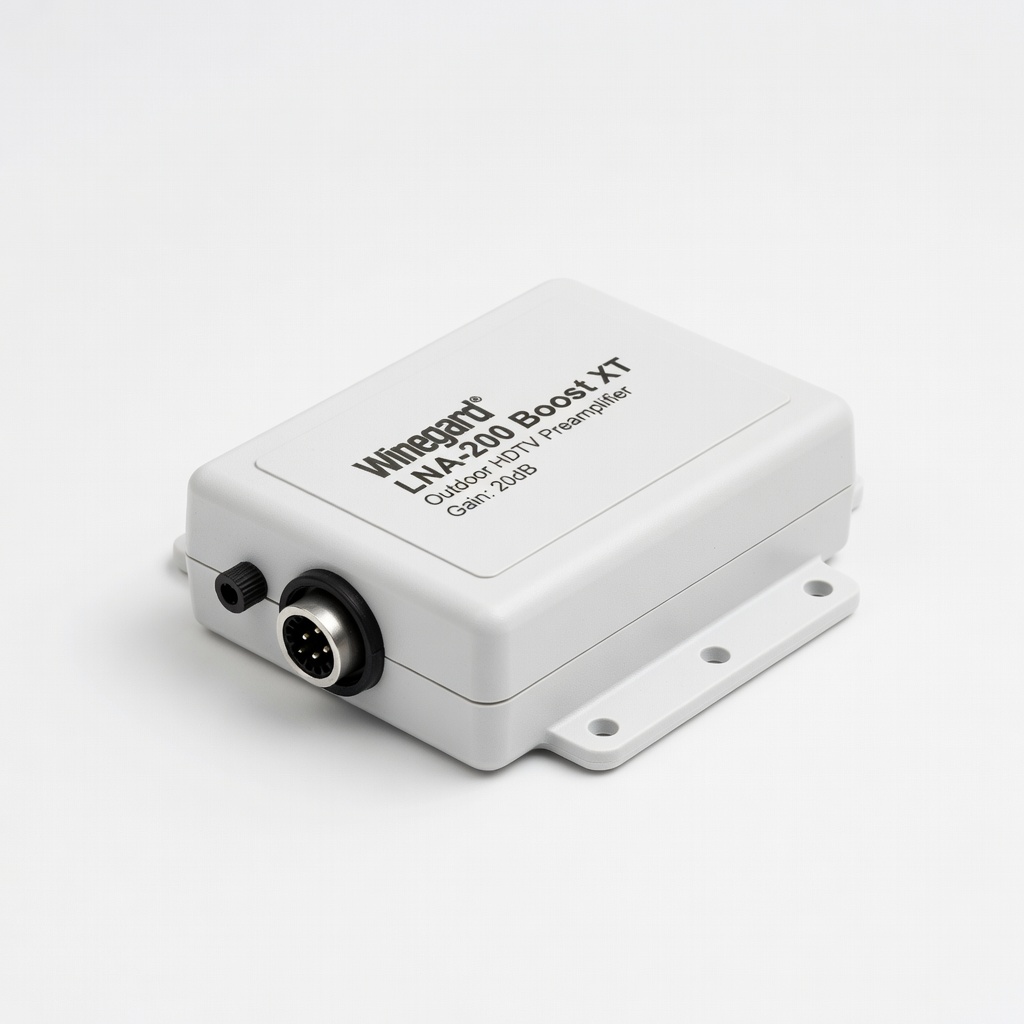
Winegard LNA-200 Boost XT Outdoor HDTV Preamplifier
Boosts VHF/UHF by 18dB with built-in LTE filter to block cellular interference.
Best for: Areas with 5G towers near urban/suburban setups.
Price Range: $59.99
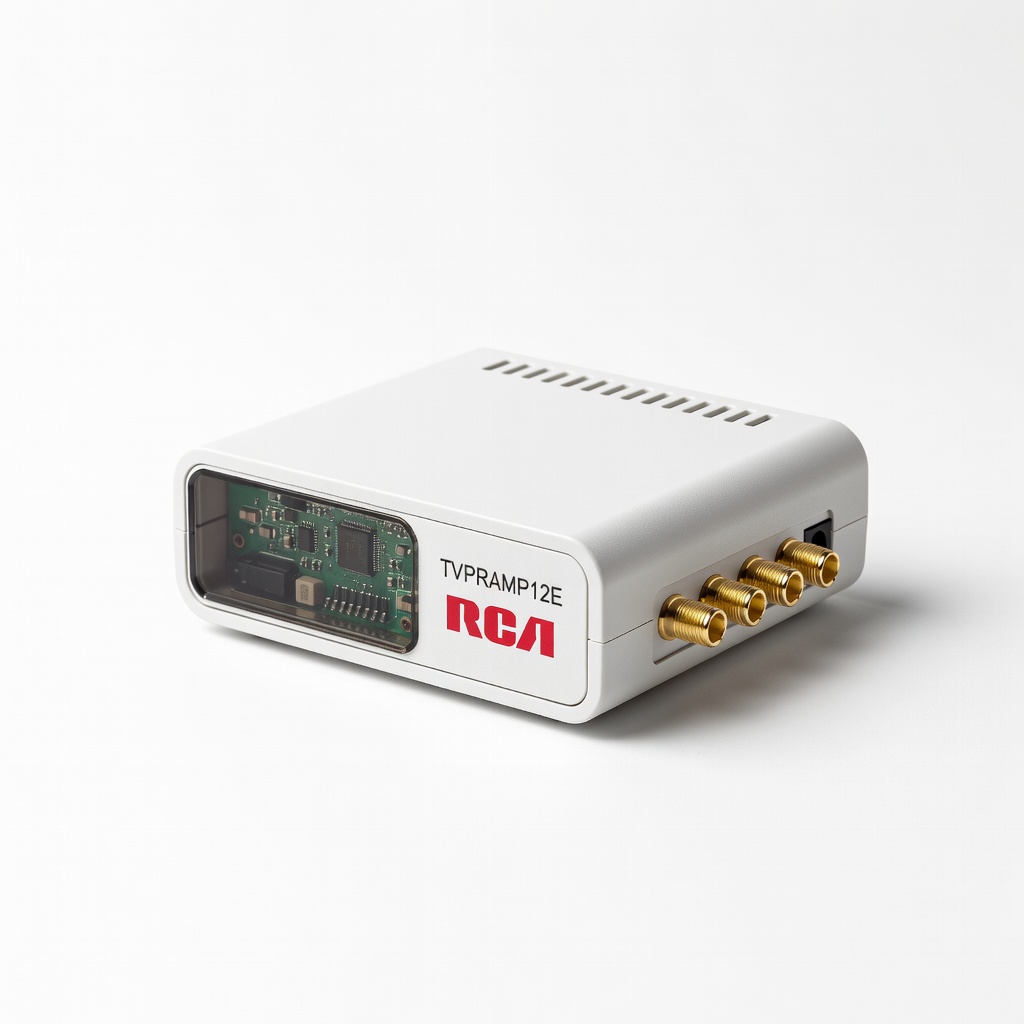
RCA TVPRAMP12E Digital Amplified Signal Booster
Affordable 20dB boost with dual outputs for TV + another device.
Best for: Budget attic installs or multiple TVs.
Price Range: $27.99
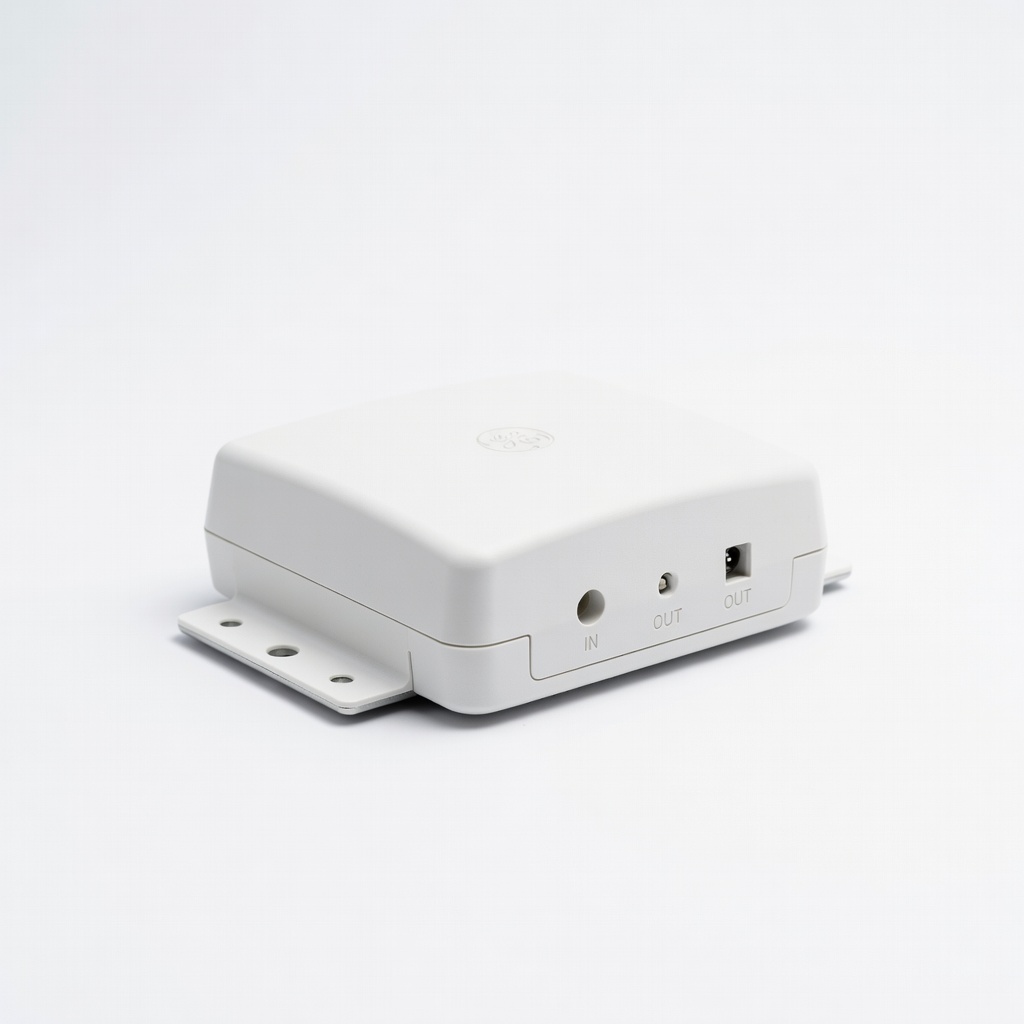
GE Pro Outdoor/Attic Antenna Amplifier
Weatherproof, 35dB gain supports 1080p/4K with low noise.
Best for: Versatile for attic or roof in moderate signal areas.
Price Range: $44.99