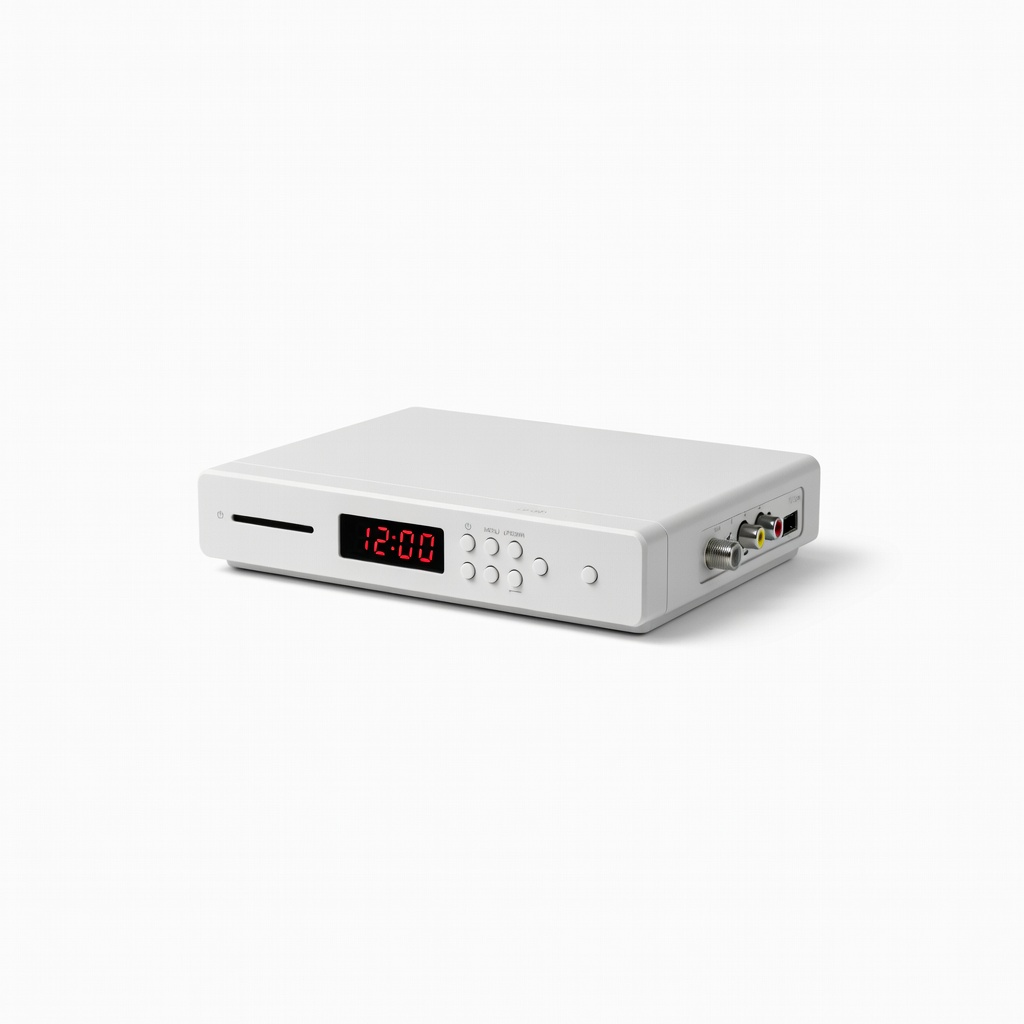
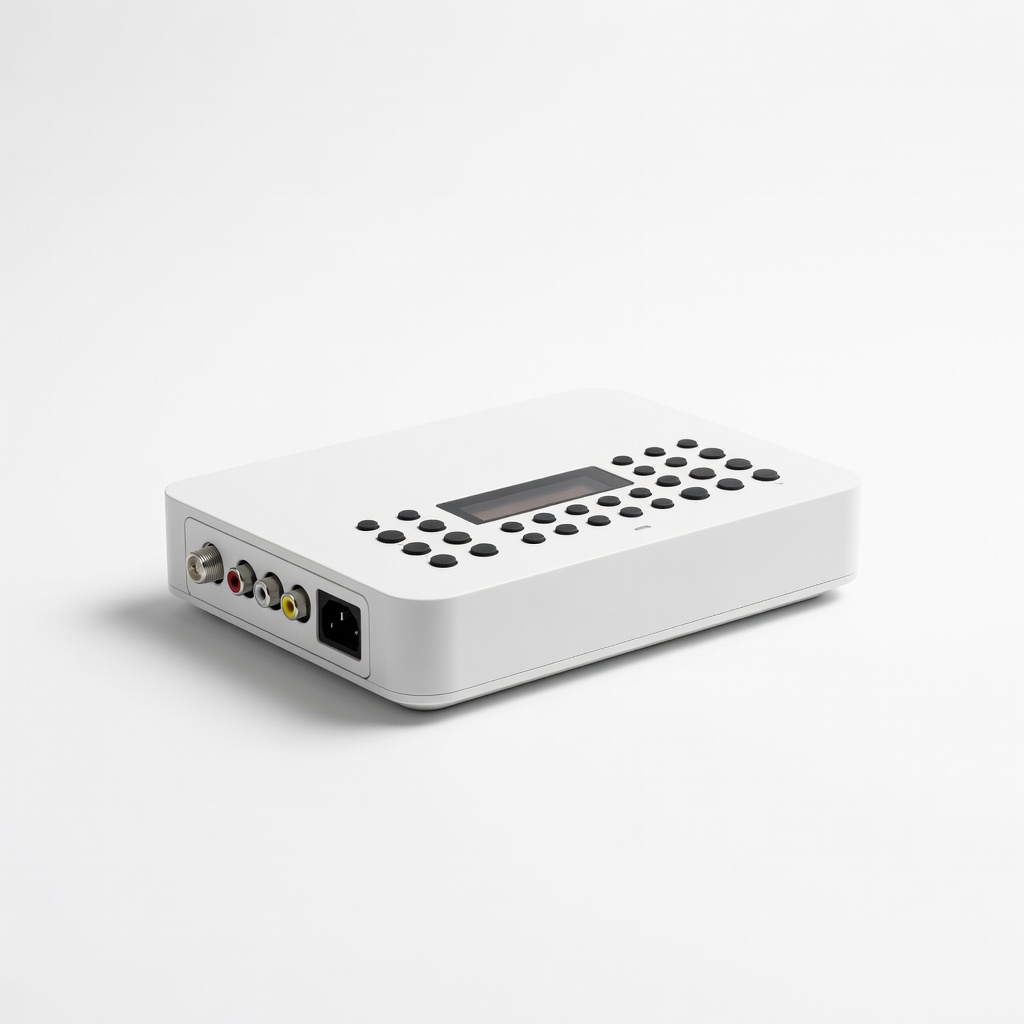
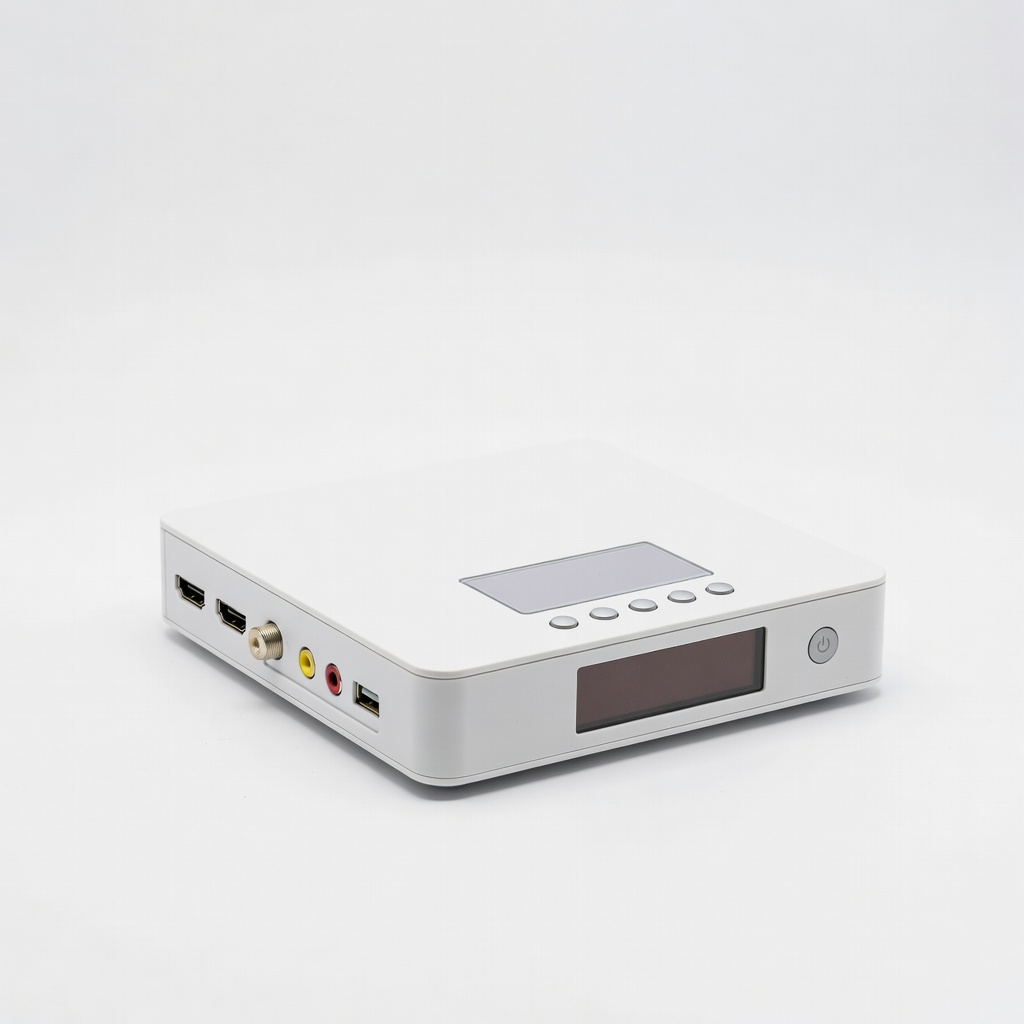
Remember the frustration of your old CRT TV going dark after the 2009 digital TV switch? Millions of vintage sets still work perfectly but can't tune digital over-the-air (OTA) signals without help. An Analog-to-Digital (DTV) converter box bridges that gap, converting ATSC digital signals to analog for your legacy TV.
In this beginner-friendly guide, you'll learn step-by-step how to unpack, connect, and activate a DTV converter. By the end, your TV will pull in local HD channels like ABC, NBC, and FOX for free—no cable bill required. The process takes just 20-30 minutes and needs no special skills or tools.
Expect simple cable swaps, a quick channel scan, and instant gratification when your favorite shows appear in crystal-clear quality. Let's revive that classic TV!
▸What You'll Need
- •DTV converter box (e.g., Mediasonic HW-180ST)
- •Coaxial cable (RF cable with F-connectors; usually included with converter)
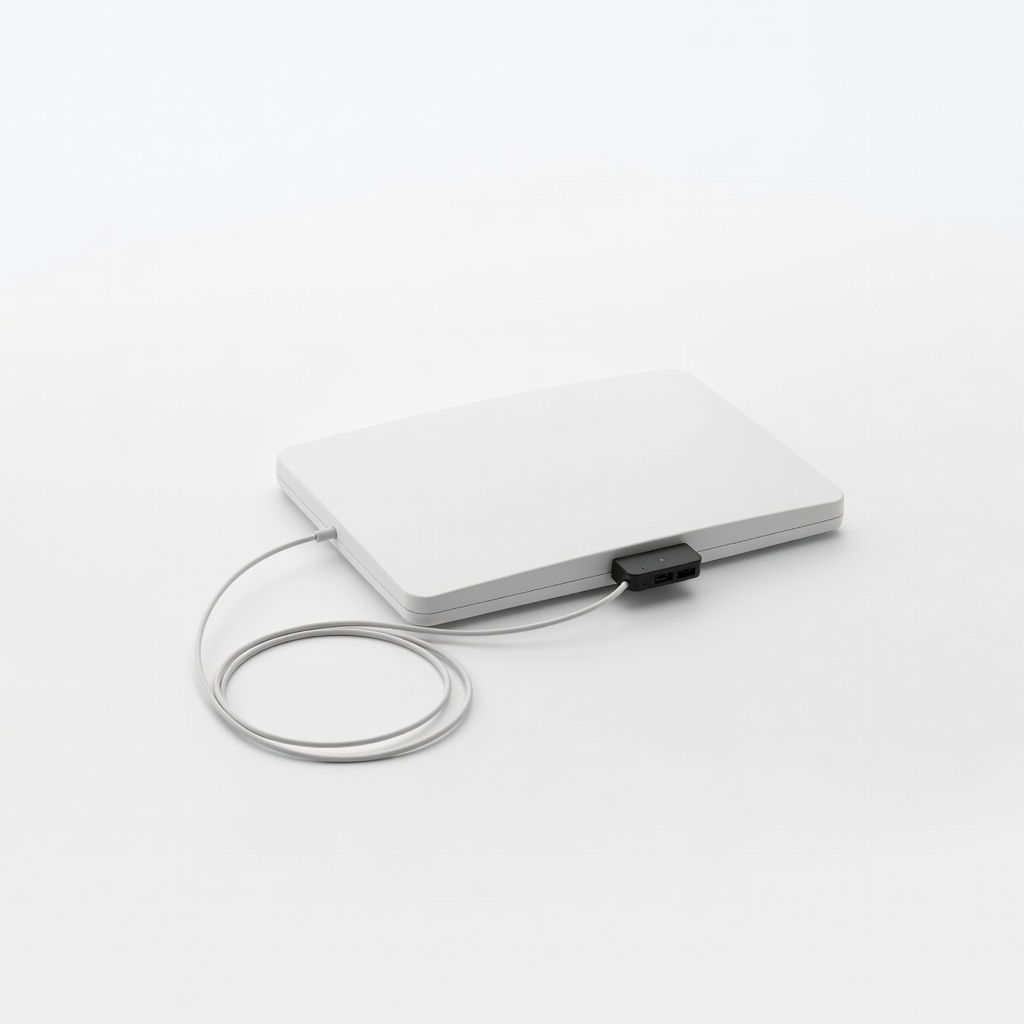
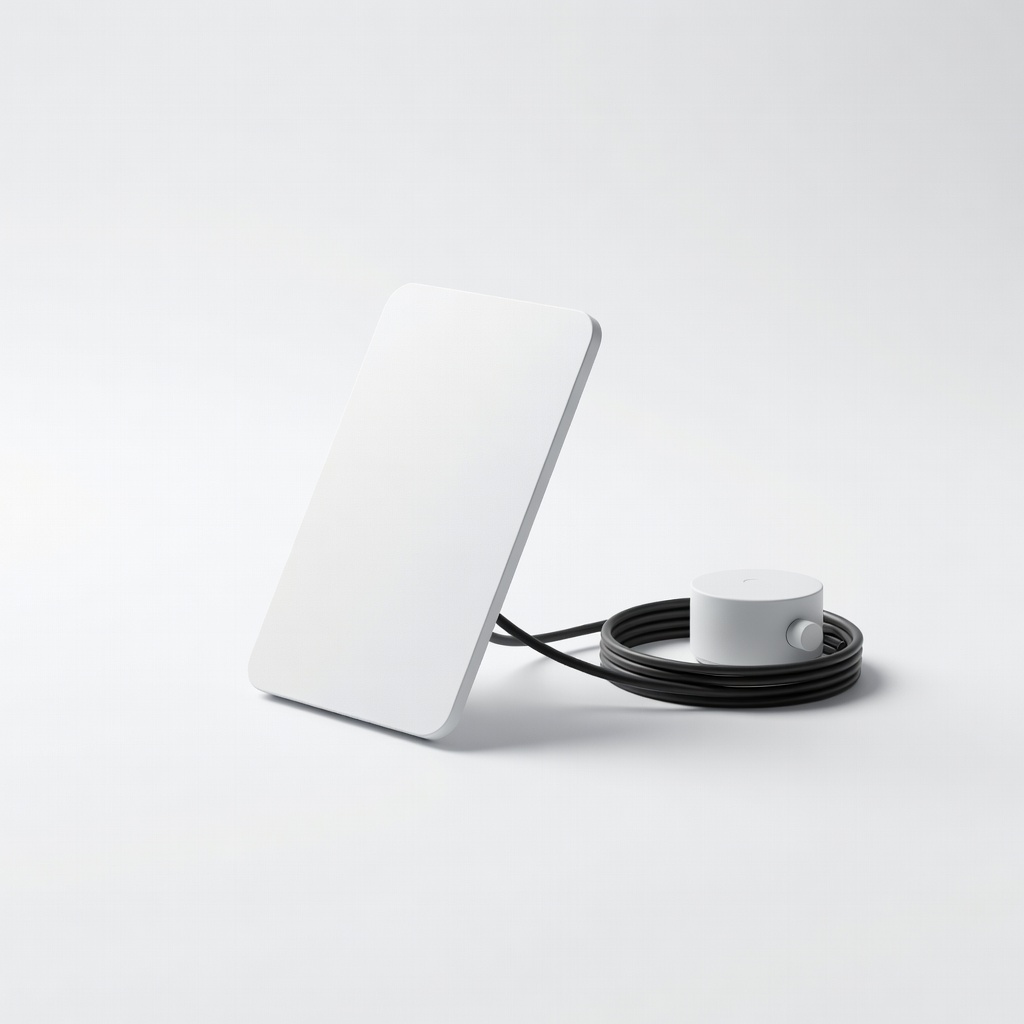
- •Indoor antenna (or outdoor if signal is weak)
- •2 AA batteries for the converter remote (required)
- •Analog TV with coaxial (antenna) input
- •Optional: HDMI cable if your converter and TV support it (rare for very old TVs)
Estimated Time: 20-30 minutes
Difficulty: beginner
▸Step-by-Step Instructions
Step 1: Unbox and Check Contents
Open the DTV converter box packaging carefully. Inside, you'll find the converter unit, remote control, coaxial cable, power adapter, and user manual.
Verify all parts are present and undamaged—this ensures a smooth setup. Lay everything out on a table near your TV. Success looks like: All components accounted for, remote batteries slot visible.
Why it matters: Missing parts lead to delays; checking now saves trips to the store.
💡 Tips:
- •Read the quick-start guide first for model-specific notes.
⚠️ Warnings:
- •Don't plug in power yet—connections first.
Step 2: Connect Your Antenna to the Converter
Screw one end of the coaxial cable (the short RF cable) into the 'IN' or 'ANTENNA' port on the back of the converter box. Attach the other end to your indoor antenna's output.
Place the antenna near a window or high spot for best signal reception. What to expect: Firm, snug connections—no wobbling.
Why it matters: This feeds digital OTA signals into the converter for processing.
💡 Tips:
- •Twist clockwise until tight, but don't overtighten.
Step 3: Link Converter to Your Old TV
Connect the coaxial cable from the converter's 'OUT' or 'TO TV' port to your TV's coaxial antenna input (usually labeled 'ANT' or 'IN FROM ANT').
Tune your TV to channel 3 or 4 (check manual; most default to 3). Success: Cable securely attached, TV powered off for now.
Why it matters: This outputs converted analog signal to your TV.
⚠️ Warnings:
- •Use channel 3/4 mode on converter, not HDMI unless TV supports it.
Step 4: Power Up the Converter
Insert AA batteries into the remote. Plug the converter's power adapter into a wall outlet and the DC port on the converter.
Turn on the converter using the remote's POWER button. The display should light up, showing 'CH 3' or similar.
Why it matters: Powers the signal conversion; expect a green light or standby mode.
💡 Tips:
- •Keep converter away from heat sources for longevity.
Step 5: Tune TV to Converter Channel
Power on your TV and set it to channel 3 (or 4, as set on converter). You should see the converter's menu or blue screen/static.
If no picture, double-check cables and try channel 4. Success: Converter interface visible on TV—no full static.
Why it matters: Syncs TV with converter output.
⚠️ Warnings:
- •Avoid rabbit ears on TV; use converter antenna only.
Step 6: Run the Channel Scan
Use remote: Press MENU > CHANNEL SCAN > AUTO SCAN. It will search for digital channels (5-15 minutes).
Watch progress bar; it lists found channels like 2.1, 5.1. Success: Scan complete, 10-30 channels detected depending on location.
Why it matters: Populates channel guide with local stations.
💡 Tips:
- •Reposition antenna during scan for more channels.
Step 7: Test and Enjoy Channels
Exit menu, select a channel (e.g., press 5 ENTER). Expect HD video/audio of local news or shows.
Adjust antenna if fuzzy; rescan if needed. Success: Clear picture and sound on multiple channels.
Why it matters: Confirms full functionality—free TV restored!
⚠️ Warnings:
- •Digital signals are 'all or nothing'—no fuzzy channels like analog.
▸Pro Tips
- •Mount antenna outdoors or attic for 50+ channels in rural areas.
- •Use a signal finder app like 'AntennaWeb' before buying antenna.
- •Label cables to avoid mix-ups during moves.
- •Enable converter's timer for auto-off to save energy.
- •Rescan channels seasonally as broadcasters tweak signals.
- •Pair with a powered antenna for weak-signal zones.
- •Keep manual handy; apps like FCC TV Query show local channels.
▸Common Mistakes to Avoid
- •Skipping antenna check—leads to zero channels; always test signal strength first.
- •Wrong TV channel (e.g., using 2 instead of 3)—no picture; confirm converter setting.
- •Loose coax connections—intermittent signal; hand-tighten firmly.
- •Forgetting to rescan after moving—old channel list fails; run auto-scan.
- •Using old rabbit ears on TV input—bypasses converter; disconnect them.
▸Troubleshooting
Problem: No signal or 'No Channels Found'
Solution: Reposition antenna higher/toward towers (use TVFool.com); rescan; check coax tightness.
Problem: Static or snowy screen
Solution: Confirm TV on CH3/4; toggle converter output mode via menu.
Problem: Remote not responding
Solution: Replace batteries; point directly at converter's IR window.
Problem: Pixelated video
Solution: Weak signal—upgrade to amplified antenna; avoid metal obstructions.
Problem: Power issues
Solution: Try different outlet; check adapter LED. Seek pro if fried.
Mediasonic HomeWorx HDTV Digital Converter Box HW-180ST
Top-rated for reliability, supports 1080p recording, and easy passthrough for analog channels.
Best for: Basic OTA viewing on any old TV; includes remote and coax cable.
Price Range: $27.99
ZJBOX Digital Converter Box (ATSC to NTSC for TV)
Affordable with HDMI/RCA outputs and USB media playback; great for beginners.
Best for: Old TVs needing extras like DVR via USB stick.
Price Range: $29.99
Channel Master FLATenna+ Amplified Indoor HDTV Antenna
Compact, powerful for urban/rural signals up to 50 miles; boosts weak reception.
Best for: Pair with any converter when indoor antennas fail.
Price Range: $39.99
RCA Indoor Antenna (50 Mile Range)
Budget-friendly starter antenna with easy setup; reversible design.
Best for: Quick test for strong local signals before upgrading.
Price Range: $19.99
Mediasonic DVR Digital Recorder Converter Box
Advanced model with built-in recording to USB; future-proofs setup.
Best for: Users wanting to save shows; higher-end option.
Price Range: $49.99