
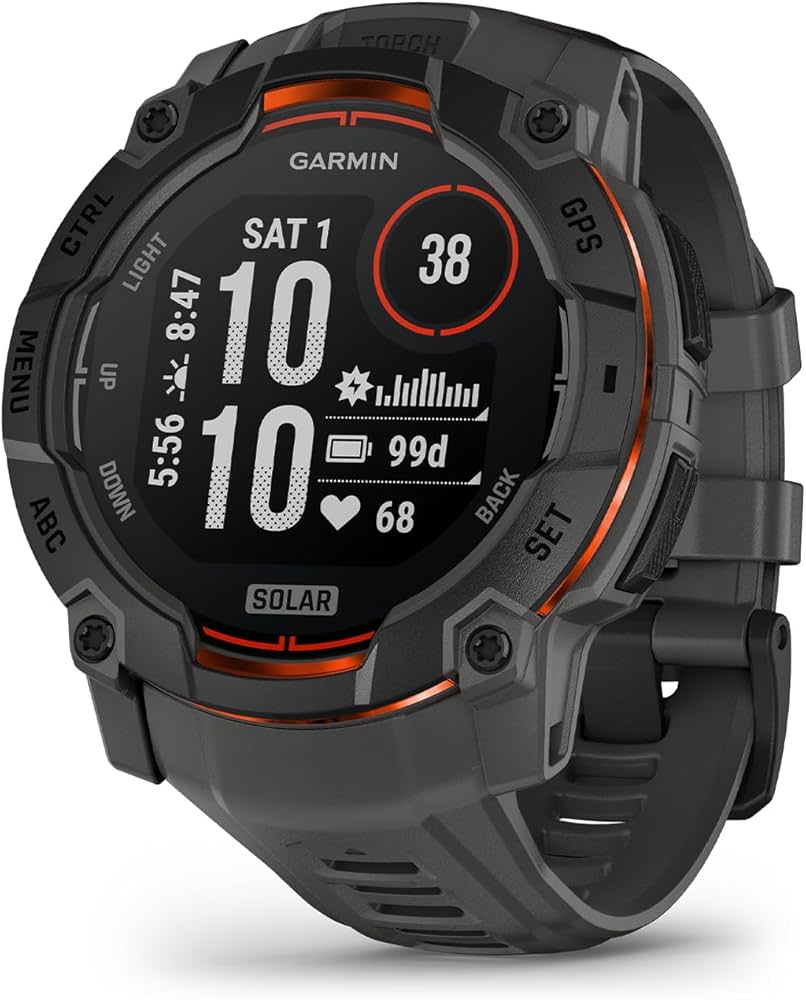
Garmin Swim 2
Serious lap swimmers needing offline tracking.
$249.99
Garmin Swim 2 Dedicated swim tracker with advanced stroke detection and pace alerts for pool/open water.
Get the App
Better experience on mobile
Master configuring your activity tracker for precise swimming metrics like laps, strokes, and pace to elevate your pool sessions in under 30 minutes.
Frustrated by your fitness tracker's wildly inaccurate lap counts or stroke data during swims? Many swimmers waste time chasing faulty metrics that throw off training plans. Proper setup ensures reliable data for better performance tracking.
In this guide, you'll learn to configure popular activity trackers for swimming, from pairing and calibration to testing. Expect 20-30 minutes of setup, ideal for intermediate users familiar with wearables but new to aquatic modes.
We'll cover device selection, app tweaks, wear tips, and validation—unlocking pro-level insights without guesswork.
Estimated Time: 20-30 minutes Difficulty: intermediate
Select a device rated 5 ATM (50 meters) waterproof with dedicated swim modes for auto lap detection, stroke type recognition (freestyle, breaststroke, etc.), and SWOLF scoring.
Why it matters: Basic fitness bands fail in water due to poor sensors. Look for GPS-optional pool swim tracking via accelerometers.
Success: Device lists 'pool swim' or 'open water' activity. Check specs on manufacturer's site.
💡 Tips:
⚠️ Warnings:
Connect your tracker to its charger, then open the companion app (Garmin Connect, Apple Health/Fitness, Fitbit app). Tap 'Device Settings' > 'Software Update' and install latest versions.
Why: Updates fix swim algorithm bugs for 10-20% better accuracy.
Expect: 5-10 minute download; restart device post-update.
💡 Tips:
Bluetooth on phone, open app, select 'Add Device' or 'Pair New.' Follow prompts to sync—enter PIN if shown.
Why: App handles swim profile setup and data sync.
Success: Tracker appears in app dashboard with battery status.
⚠️ Warnings:
In app, go to 'Activities' or 'Profiles' > Add 'Pool Swim.' Input pool length (e.g., 25m/50m yards), stroke preferences, and auto-rest detection.
Why: Customizes algorithms for your pool.
Expect: Profile saves; test preview shows metrics.
💡 Tips:
Wear tracker snugly, go to 'Settings' > 'Sensors' > Calibrate accelerometer via wrist flicks or app-guided motion. Enable optical HR for swim (if supported).
Why: Resets drift for precise stroke counting.
Success: Calibration complete message; HR reads steady on wrist.
⚠️ Warnings:
Position tracker 1-2 inches above wrist bone, screen facing out. Use swim band if loose. For goggles/armlock mounts, follow accessory instructions.
Why: Ensures sensor contact with skin/water flow.
Expect: No slipping during arm swings.
💡 Tips:
Start 'Pool Swim' mode on tracker. Swim 400m steady freestyle. End activity, sync to app.
Why: Validates real-world accuracy.
Success: App shows laps ±1 error, correct strokes, realistic pace (e.g., 1:45/100m).
⚠️ Warnings:
Analyze post-swim report: Adjust stroke sensitivity if over/under-counting. Recalibrate pool length if pace off.
Why: Iterative tweaks hit 95%+ accuracy.
Expect: Metrics match manual log.
💡 Tips:
Problem: No lap detection
Solution: Recalibrate sensors and confirm pool length; test straight swims.
Problem: Inaccurate stroke type
Solution: Adjust sensitivity in app; swim pure strokes for training data.
Problem: Data not syncing
Solution: Restart Bluetooth/app; ensure 20%+ battery.
Problem: Foggy screen or water ingress
Solution: Rinse/dry immediately; check seals. Warranty if persistent.
Dedicated swim tracker with advanced stroke detection and pace alerts for pool/open water.
Best for: Serious lap swimmers needing offline tracking.
Price Range: $249.99
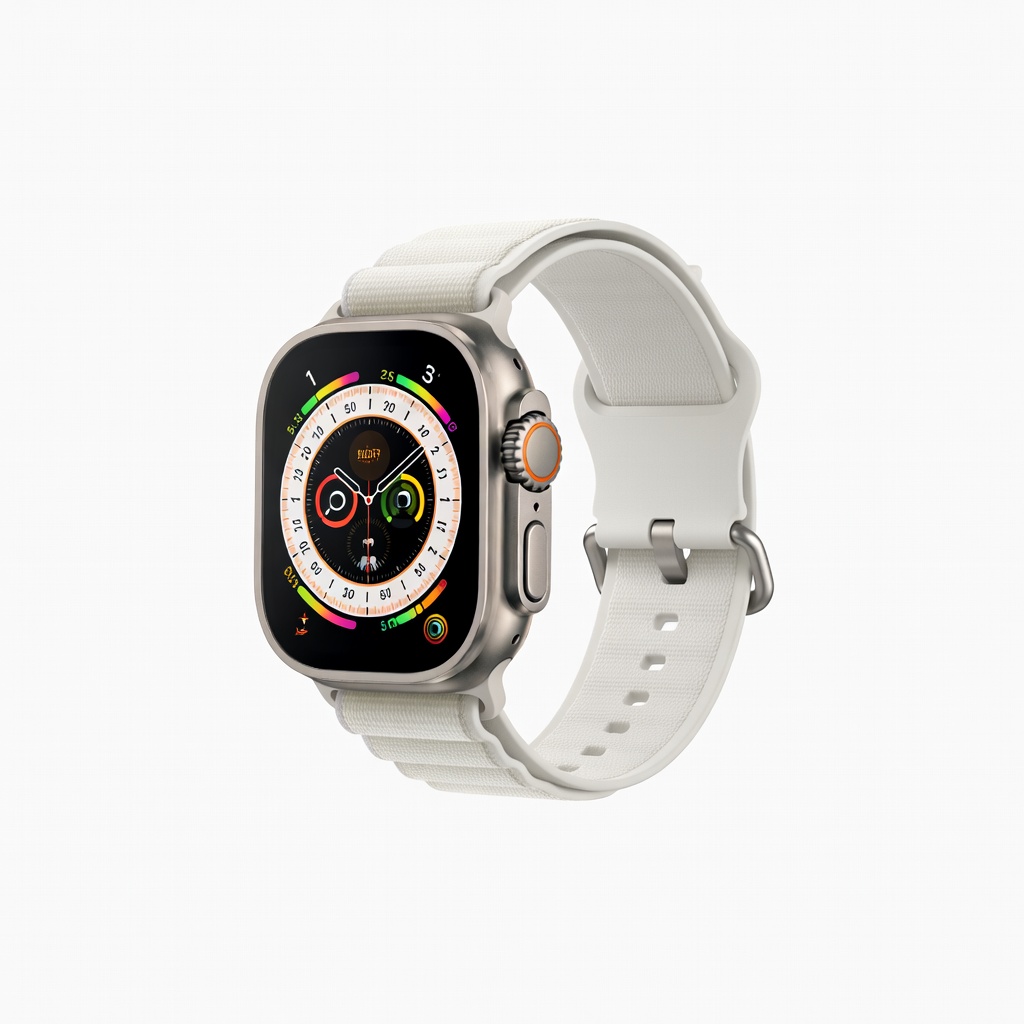
Precise oceanic+pool GPS, depth gauge, and customizable swim workouts.
Best for: Triathletes wanting multi-sport integration.
Price Range: $799
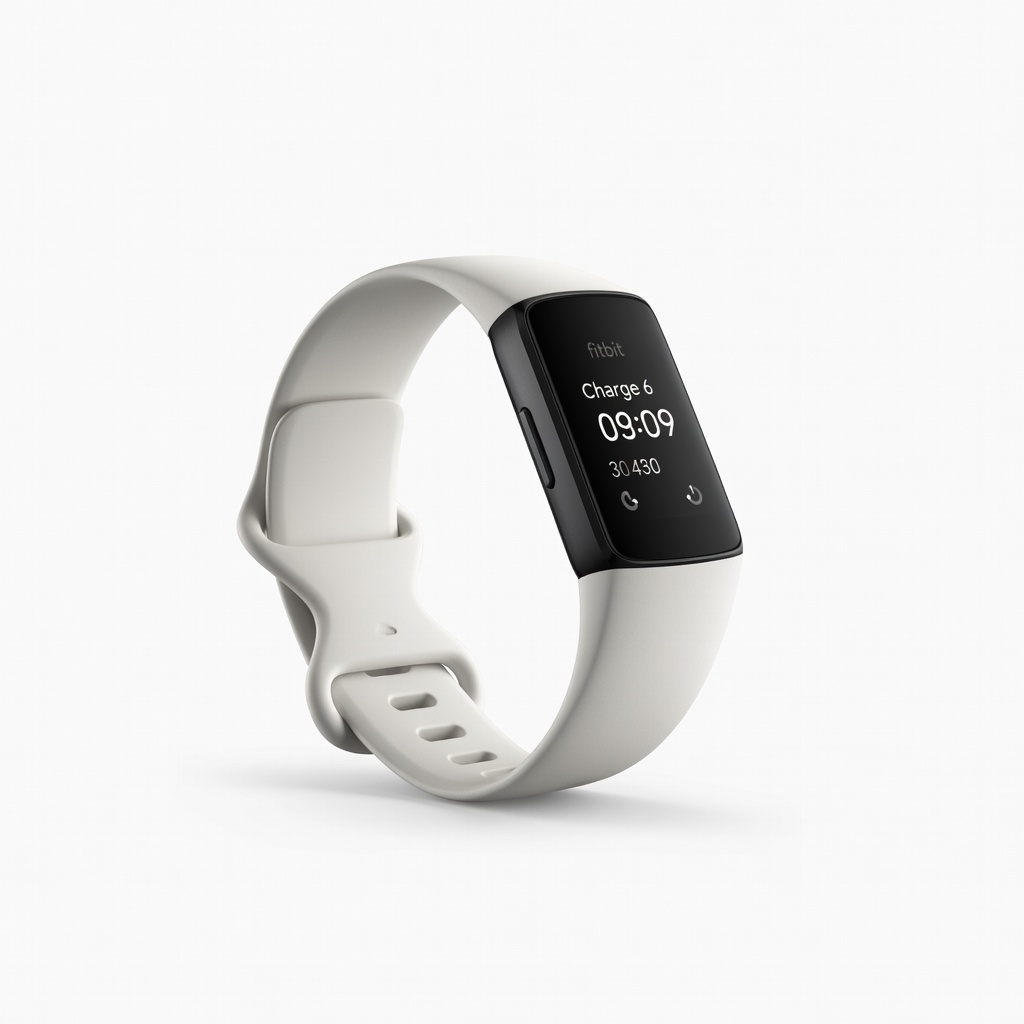
Affordable with SmartTrack auto-swim detection and Google integration.
Best for: Casual swimmers tracking basics on budget.
Price Range: $159.95
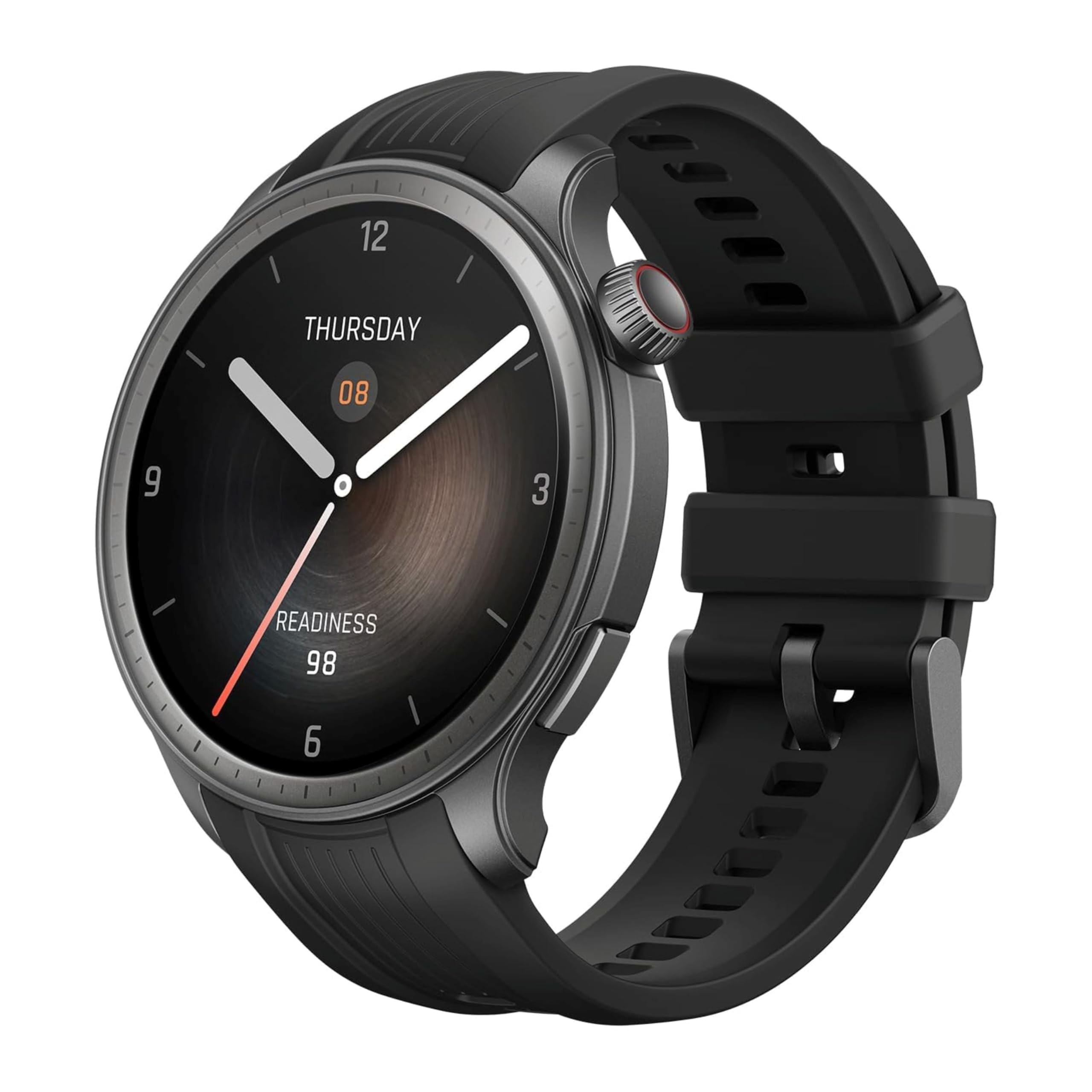
Long battery for multiple sessions, accurate 5ATM swim tracking.
Best for: Budget multi-sport users.
Price Range: $199
Secure silicone band prevents slipping for any tracker.
Best for: All swimmers with loose default straps.
Price Range: $15-20
Serious lap swimmers needing offline tracking.
Garmin Swim 2 Dedicated swim tracker with advanced stroke detection and pace alerts for pool/open water.
Triathletes wanting multi-sport integration.
Apple Watch Ultra 2 Precise oceanic+pool GPS, depth gauge, and customizable swim workouts.
Casual swimmers tracking basics on budget.
Fitbit Charge 6 Affordable with SmartTrack auto-swim detection and Google integration.
Budget multi-sport users.
Huami Amazfit GTR 4 Long battery for multiple sessions, accurate 5ATM swim tracking.
All swimmers with loose default straps.
Speedo Swim Band Secure silicone band prevents slipping for any tracker.