
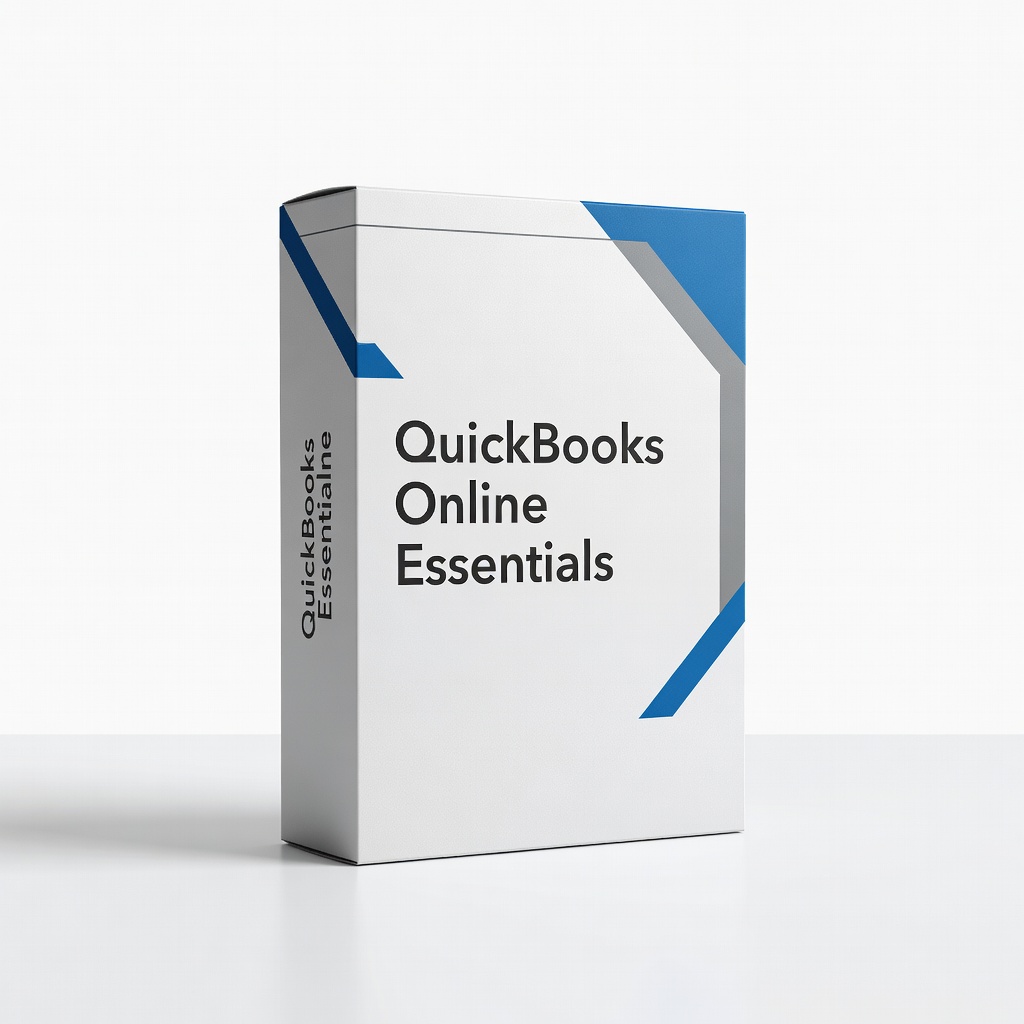
QuickBooks Online Essentials
Daily transaction import and P&L reports for stores under $10M revenue.
$60/month
QuickBooks Online Essentials Top choice for ecommerce with native Shopify, Amazon, PayPal integrations and automated sales tax.
Get the App
Better experience on mobile
Build a simple, compliant accounting system for your online store in under 2 hours to track sales, expenses, and taxes effortlessly.
Running an ecommerce store is exciting, but messy finances can lead to tax headaches, lost profits, or even audits. Many beginners mix personal and business money, undertrack inventory costs, or ignore sales tax—costing thousands. This guide fixes that.
You'll learn to separate finances, choose software, connect your store, and start tracking everything accurately. No prior accounting knowledge needed—we break it down into beginner steps.
Expect 1-2 hours for initial setup, plus 30 minutes weekly maintenance. By the end, you'll have clean books ready for growth or tax season.
Estimated Time: 1-2 hours Difficulty: beginner
Start by collecting key details like your business name, EIN/tax ID, fiscal year (usually calendar year), and accounting method (cash or accrual—cash is simpler for beginners as it records transactions when money changes hands).
Why it matters: This forms the foundation of your books, ensuring compliance with IRS rules. Expect a 10-minute task yielding a checklist document.
Create a simple Google Doc or notebook with: business address, start date, bank details.
💡 Tips:
⚠️ Warnings:
Open a dedicated business checking account and credit card if you haven't. Link your ecommerce payments (Stripe, PayPal) to them.
This prevents commingling funds, a top audit trigger. Success: All store transactions flow to business accounts only—verify by checking statements.
Visit your bank online or in-person; takes 15-30 minutes.
💡 Tips:
⚠️ Warnings:
Decide between cash basis (record when paid/received) or accrual (when earned/incurred). Beginners: Pick cash for simplicity.
Why? Cash matches ecommerce cash flow. Set this in software later. Expect: Clear decision based on your sales volume.
💡 Tips:
Pick beginner-friendly software with ecommerce integrations (e.g., QuickBooks Online). Start a free trial.
Why it matters: Manual spreadsheets fail at scale. Success: Account created, dashboard visible. Takes 10 minutes.
💡 Tips:
⚠️ Warnings:
Customize categories: Income (Sales, Refunds), Expenses (COGS, Shipping, Ads), Assets (Inventory, Bank).
Import a template or use defaults tailored for retail. Why? Accurate categorization = better reports/profits. Expect: 20 accounts ready.
💡 Tips:
Link bank/credit card and store (Shopify app, Amazon connector). Enable auto-import.
Automates 80% of data entry. Success: Transactions appear in software within minutes. Test with recent sales.
💡 Tips:
⚠️ Warnings:
Set tax rates by state (use nexus rules). Enable inventory for COGS calculation.
Critical for compliance/multistate sales. Success: Tax liability report generates accurately.
💡 Tips:
Review imports, assign categories (e.g., fees to 'Payment Processing'). Match bank to books.
Balances books monthly. Success: Zero discrepancies, P&L report shows true profit.
💡 Tips:
⚠️ Warnings:
Run Profit & Loss, Balance Sheet. Review for insights.
Confirms setup works. Export for records.
💡 Tips:
Problem: Bank feed won't connect
Solution: Check API permissions, try Plaid/OAuth re-auth; contact support.
Problem: Duplicate transactions
Solution: Exclude feeds during import, use matching rules.
Problem: Tax rates incorrect
Solution: Update nexus manually or integrate TaxJar/Avalara.
Problem: Inventory not syncing
Solution: Verify app permissions in Shopify/Amazon.
Top choice for ecommerce with native Shopify, Amazon, PayPal integrations and automated sales tax.
Best for: Daily transaction import and P&L reports for stores under $10M revenue.
Price Range: $60/month
User-friendly alternative with strong inventory/COGS tracking and 800+ app integrations.
Best for: Multi-channel sellers (e.g., Etsy + Shopify) needing global currency support.
Price Range: $20-$60/month
Digitizes receipts/invoices quickly for expense proof, integrates with QuickBooks.
Best for: High-volume receipts from suppliers; wireless for on-the-go scanning.
Price Range: $150-$180
Teaches profit prioritization tailored to ecommerce cash flow management.
Best for: Beginners overwhelmed by numbers—apply alongside software.
Price Range: $15-$20
Specialized reconciler that summarizes messy payout files into clean journal entries.
Best for: Amazon FBA or Shopify sellers with complex fees/refunds.
Price Range: $20-$100/month
Daily transaction import and P&L reports for stores under $10M revenue.
QuickBooks Online Essentials Top choice for ecommerce with native Shopify, Amazon, PayPal integrations and automated sales tax.

Multi-channel sellers (e.g., Etsy + Shopify) needing global currency support.
Xero Accounting Software User-friendly alternative with strong inventory/COGS tracking and 800+ app integrations.
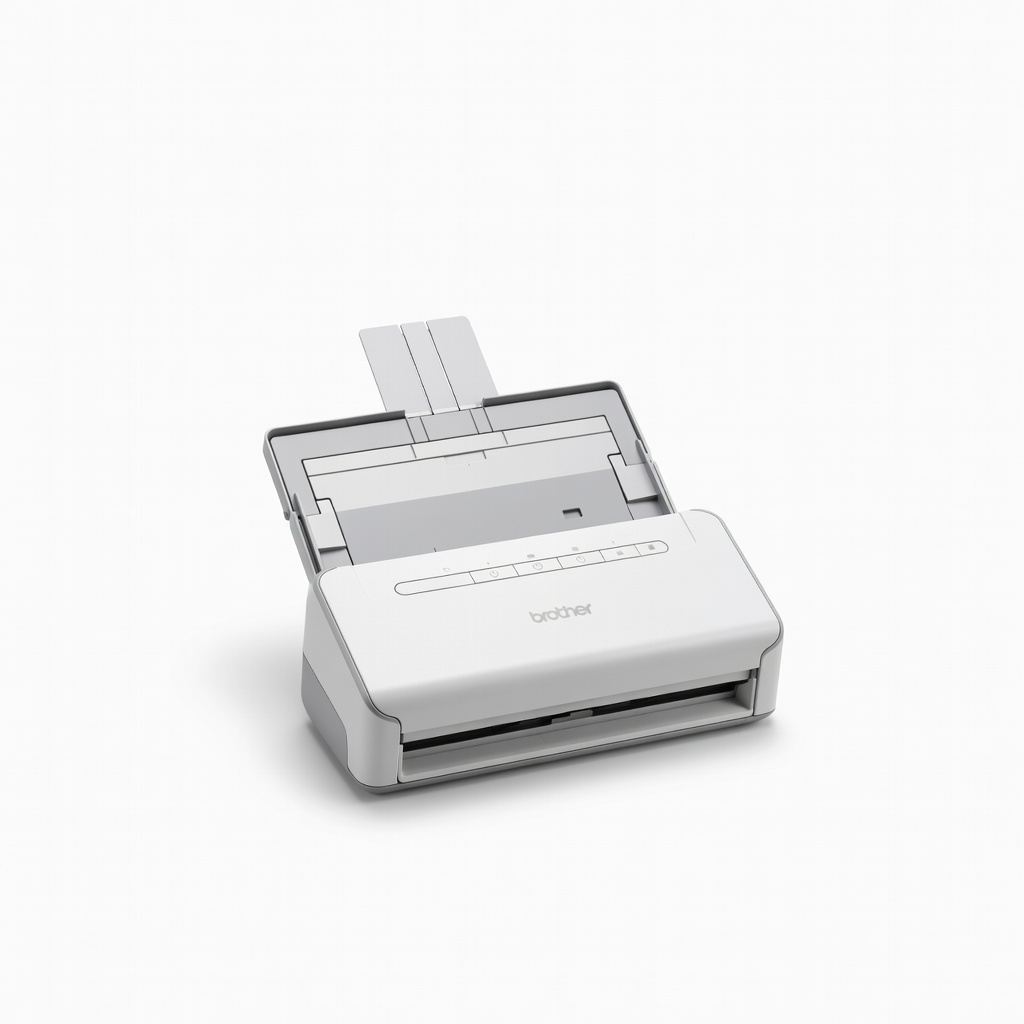
High-volume receipts from suppliers; wireless for on-the-go scanning.
Brother DS-940DW Mobile Document Scanner Digitizes receipts/invoices quickly for expense proof, integrates with QuickBooks.
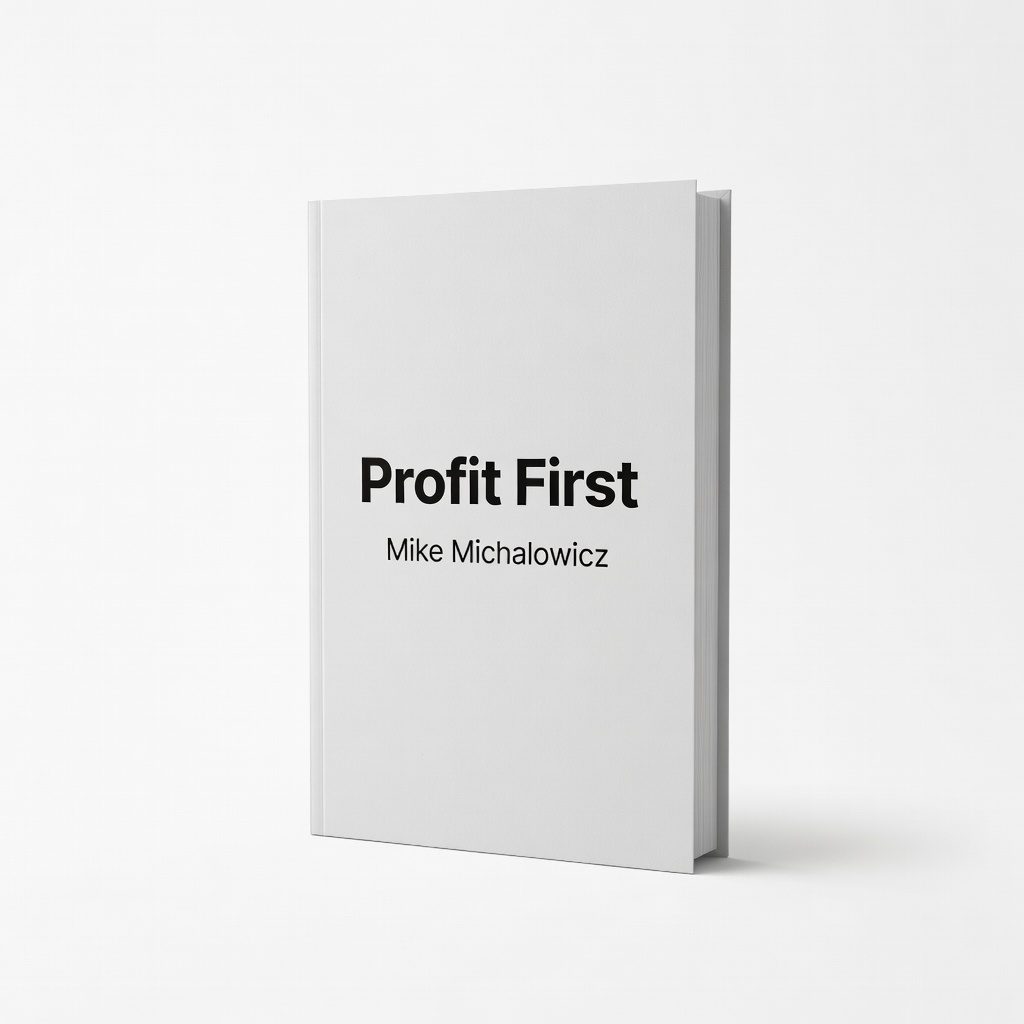
Beginners overwhelmed by numbers—apply alongside software.
Profit First by Mike Michalowicz Teaches profit prioritization tailored to ecommerce cash flow management.

Amazon FBA or Shopify sellers with complex fees/refunds.
A2X for Shopify and Amazon Specialized reconciler that summarizes messy payout files into clean journal entries.