
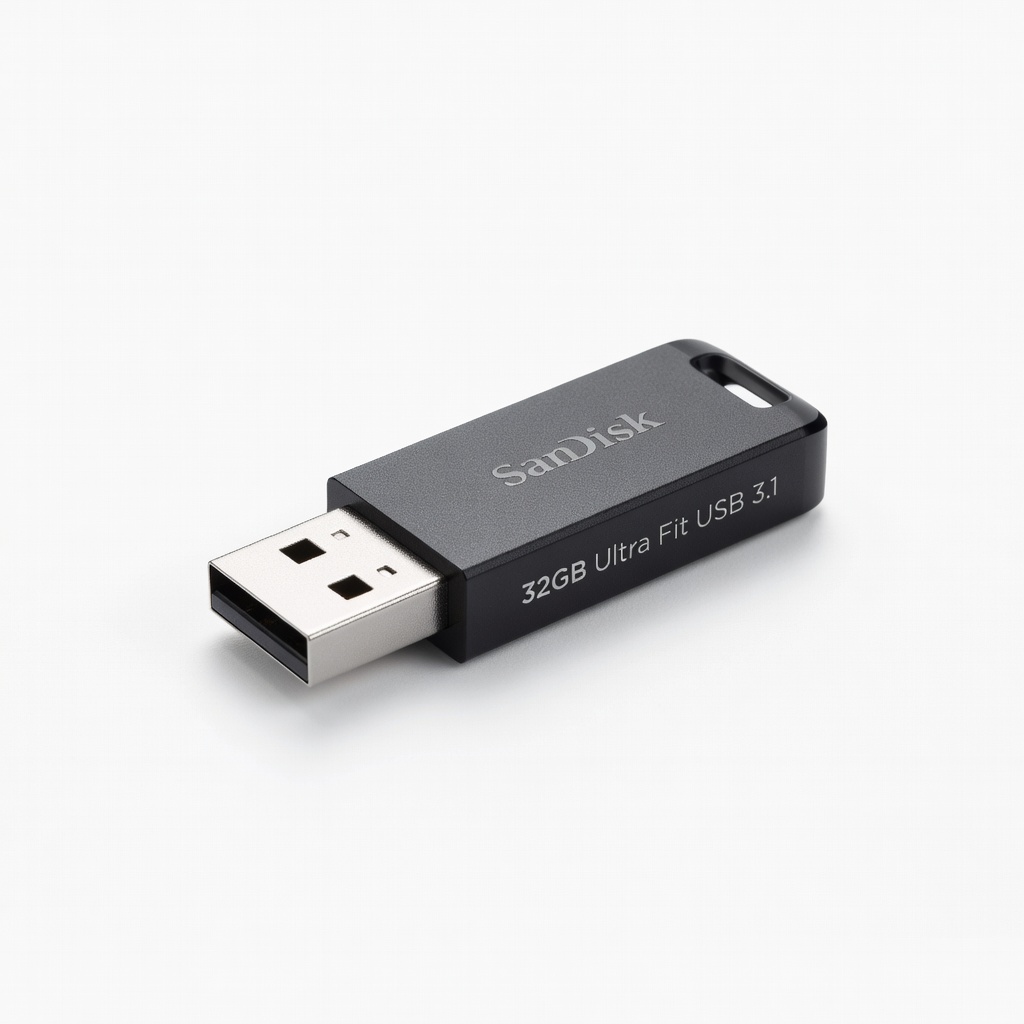
SanDisk 32GB Ultra Fit USB 3.1 Flash Drive
Creating Ubuntu installer—small form factor doesn't block laptop ports.
$7.99
SanDisk 32GB Ultra Fit USB 3.1 Flash Drive Lightning-fast bootable USB creation and reliable for UEFI installs on 2-in-1s.
Get the App
Better experience on mobile
Set up Windows and Linux on your convertible laptop to enjoy touch, pen support, and OS flexibility in under 4 hours.
2-in-1 laptops like Lenovo Yoga or Microsoft Surface offer tablet versatility, but many users want Linux alongside Windows for development or privacy without sacrificing touchscreens or stylus input. The challenge? Poorly handled dual boots can break rotation sensors, touch gestures, or boot menus.
This guide teaches you to dual boot Windows (pre-installed) with Ubuntu Linux on most Intel/AMD 2-in-1s, preserving all hardware features. You'll follow safe, tested steps using free tools. Expect 2-4 hours total, depending on downloads and installs—perfect for intermediate users comfortable with BIOS and partitioning.
By the end, you'll GRUB-boot into either OS seamlessly, with touch working flawlessly in both.
Estimated Time: 2-4 hours (plus download time) Difficulty: intermediate
Start by creating a complete backup of your Windows partition to avoid data loss from partitioning errors.
Use Windows Backup and Restore (search in Start menu) or free tools like Macrium Reflect. Copy files to an external drive or OneDrive. Verify the backup by restoring a test file.
Success: All files, apps, and settings mirrored externally. This step prevents heartbreak if something goes wrong.
💡 Tips:
⚠️ Warnings:
Go to ubuntu.com/download/desktop and grab the latest LTS (e.g., 24.04). Verify the SHA256 checksum for security.
Why Ubuntu? Excellent 2-in-1 support out-of-box for touch, rotation, and Wi-Fi on Yoga/Spectre/Surface.
Success: ISO file (4-5GB) in Downloads folder.
💡 Tips:
Insert USB drive, run Rufus. Select ISO, choose GPT/UEFI (non-CSM), FAT32. Click Start—takes 5-10 mins.
This ensures UEFI compatibility crucial for 2-in-1 NVMe SSDs.
Success: USB shows as 'UEFI: Ubuntu' in boot menu later.
⚠️ Warnings:
Disable Fast Startup (Power Options > uncheck), BitLocker (if enabled, suspend via Manage BitLocker), Secure Boot (enter BIOS with F2/Del, set to Disabled under Boot).
Open Disk Management (Win+X), right-click C: drive > Shrink Volume (aim for 100GB+ for Linux).
Success: Free unallocated space visible; BIOS shows Secure Boot off.
💡 Tips:
⚠️ Warnings:
Restart, enter boot menu (F12/Esc/F10). Select USB. In Ubuntu live, choose 'Try Ubuntu' first to test touch/pen.
Launch Install Ubuntu. Select 'Install alongside Windows'—it auto-uses unallocated space.
Success: Installer detects Windows, partitions EFI/shared correctly.
Set timezone, user/password. Let it install (20-30 mins). Reboot when prompted—remove USB.
GRUB bootloader installs automatically, detecting Windows.
Success: GRUB menu appears; boot into Ubuntu, touch/keyboard work.
💡 Tips:
Boot Ubuntu, connect Wi-Fi, run sudo apt update && sudo apt upgrade. Install touch tweaks: sudo apt install xserver-xorg-input-libinput
For tablet mode/rotation: Install iio-sensor-proxy if needed (sudo apt install iio-sensor-proxy).
Test: Rotate to tablet, check gestures. Reboot to Windows—ensure it boots.
Success: Full touch, pen, rotation in both OSes.
⚠️ Warnings:
Edit GRUB timeout if needed (sudo nano /etc/default/grub, set GRUB_TIMEOUT=10, sudo update-grub).
Stress test: Switch OSes 5x, use pen in apps like GIMP/OneNote.
Success: Seamless dual boot with all 2-in-1 features intact.
💡 Tips:
fsck on boot to prevent corruption.Problem: GRUB doesn't show Windows
Solution: Boot Ubuntu live, sudo mount /dev/sda2 /mnt (your EFI), sudo grub-install --target=x86_64-efi, sudo update-grub. Or use Boot-Repair tool.
Problem: Touchscreen dead in Ubuntu
Solution: sudo apt install linux-generic-hwe-22.04 for newer kernels, reboot. Check xinput list.
Problem: Boot loops after install
Solution: BIOS: Set Ubuntu USB as first boot, reinstall GRUB. Disable Windows Fast Boot again.
Problem: Pen/stylus lag
Solution: Install sudo apt install libwacom-surface for Surface/Yoga calibration.
Problem: No Wi-Fi post-install
Solution: Plug Ethernet or tether phone, sudo ubuntu-drivers autoinstall.
Lightning-fast bootable USB creation and reliable for UEFI installs on 2-in-1s.
Best for: Creating Ubuntu installer—small form factor doesn't block laptop ports.
Price Range: $7.99
Rugged, fast backups with USB-C perfect for 2-in-1 Thunderbolt ports.
Best for: Full system imaging before partitioning—encrypts data too.
Price Range: $99.99
Intel Arc graphics with excellent Linux support; pre-shrunk SSD ready for dual boot.
Best for: Ideal hardware base—touch/pen flawless in Ubuntu/Windows.
Price Range: $799-$999
Budget king for massive backups without speed bottlenecks.
Best for: Users with large media libraries—USB 3.0 matches 2-in-1 ports.
Price Range: $129.99
Top-tier 2-in-1 with custom Linux kernels available for perfect dual boot.
Best for: Pro users needing pen precision in Linux CAD apps.
Price Range: $999-$1299
Creating Ubuntu installer—small form factor doesn't block laptop ports.
SanDisk 32GB Ultra Fit USB 3.1 Flash Drive Lightning-fast bootable USB creation and reliable for UEFI installs on 2-in-1s.
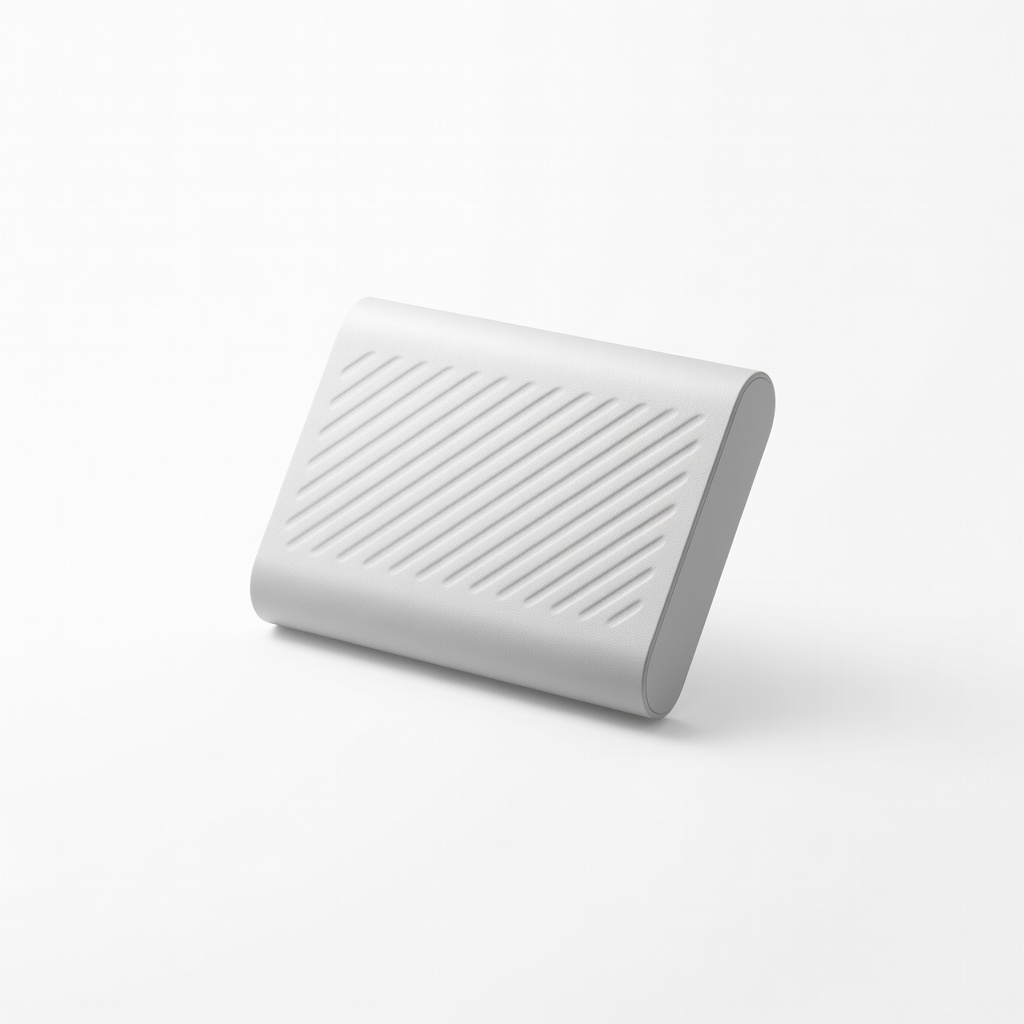
Full system imaging before partitioning—encrypts data too.
Samsung T7 Shield 1TB Portable SSD Rugged, fast backups with USB-C perfect for 2-in-1 Thunderbolt ports.
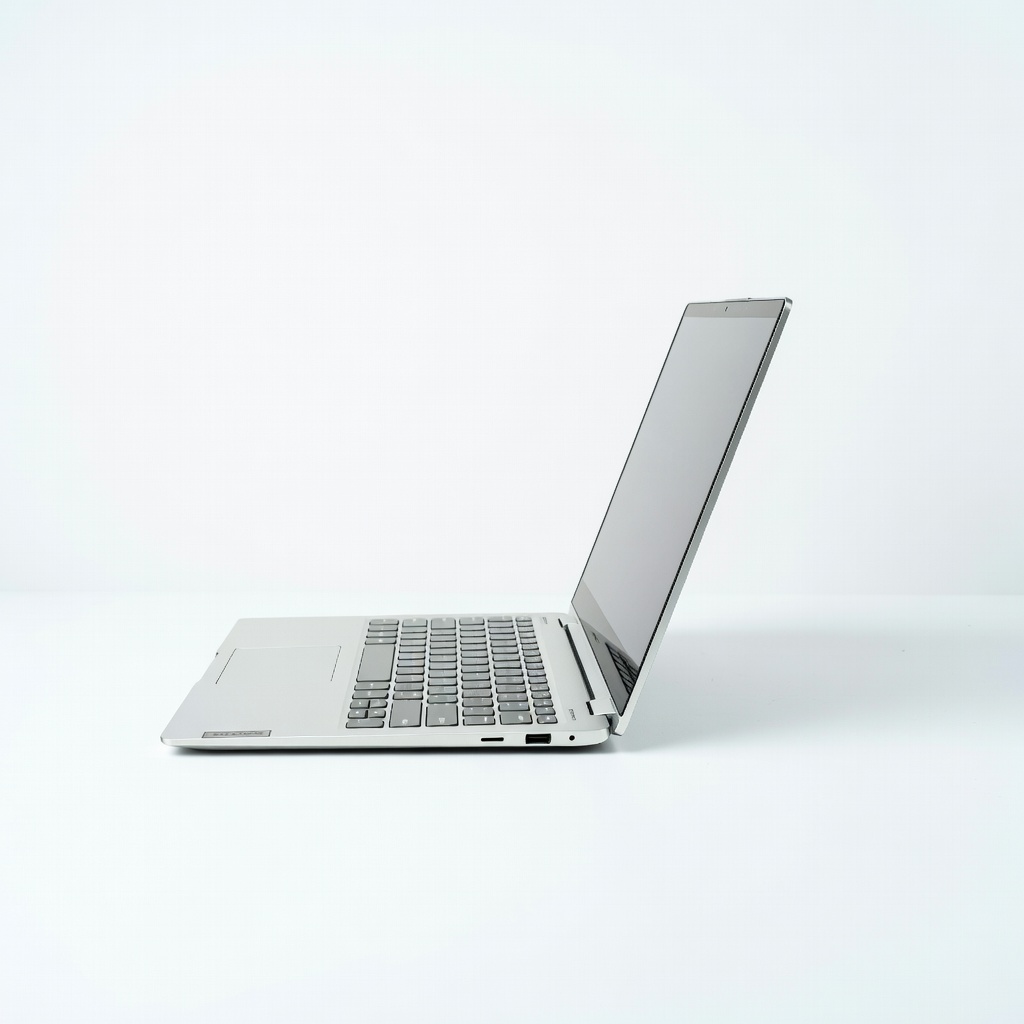
Ideal hardware base—touch/pen flawless in Ubuntu/Windows.
Lenovo Yoga 7i 14" 2-in-1 Laptop Intel Arc graphics with excellent Linux support; pre-shrunk SSD ready for dual boot.
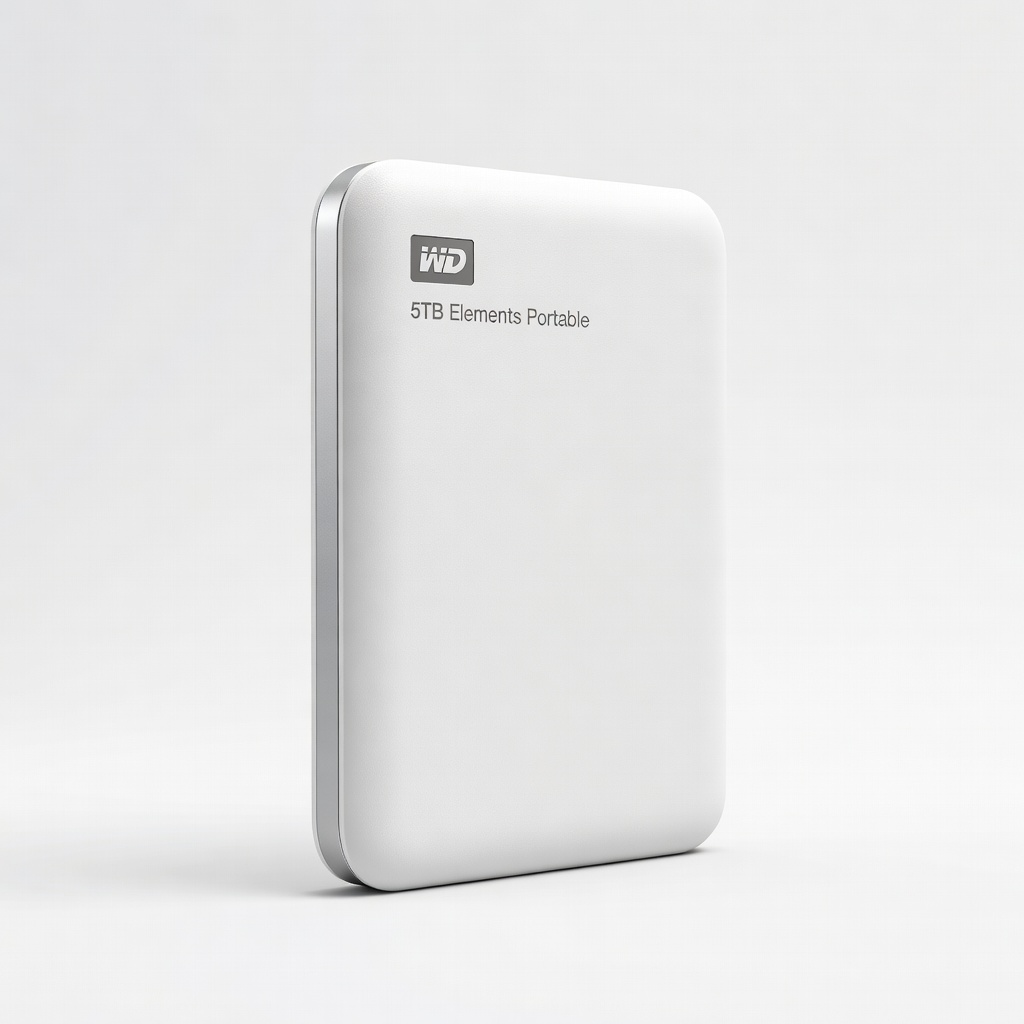
Users with large media libraries—USB 3.0 matches 2-in-1 ports.
WD 5TB Elements Portable External Hard Drive Budget king for massive backups without speed bottlenecks.
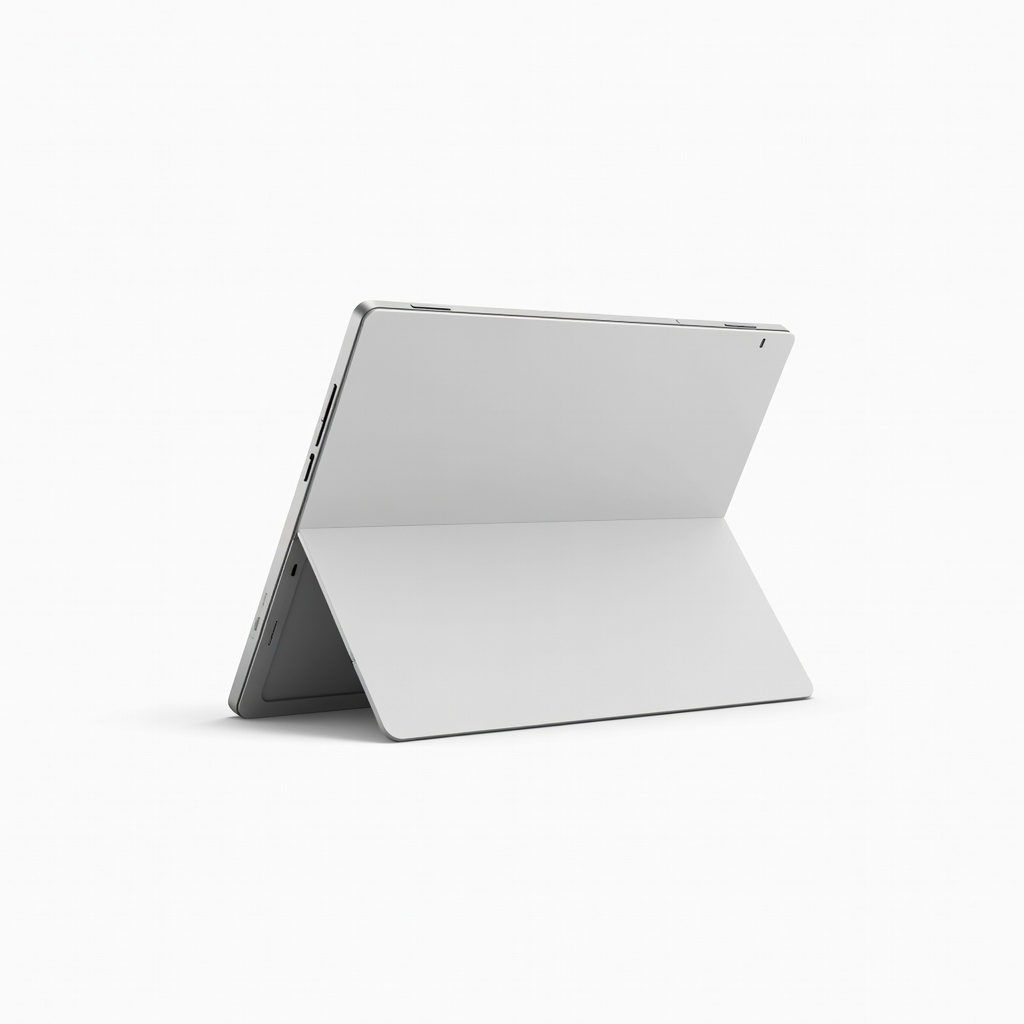
Pro users needing pen precision in Linux CAD apps.
Microsoft Surface Pro 9 Top-tier 2-in-1 with custom Linux kernels available for perfect dual boot.