
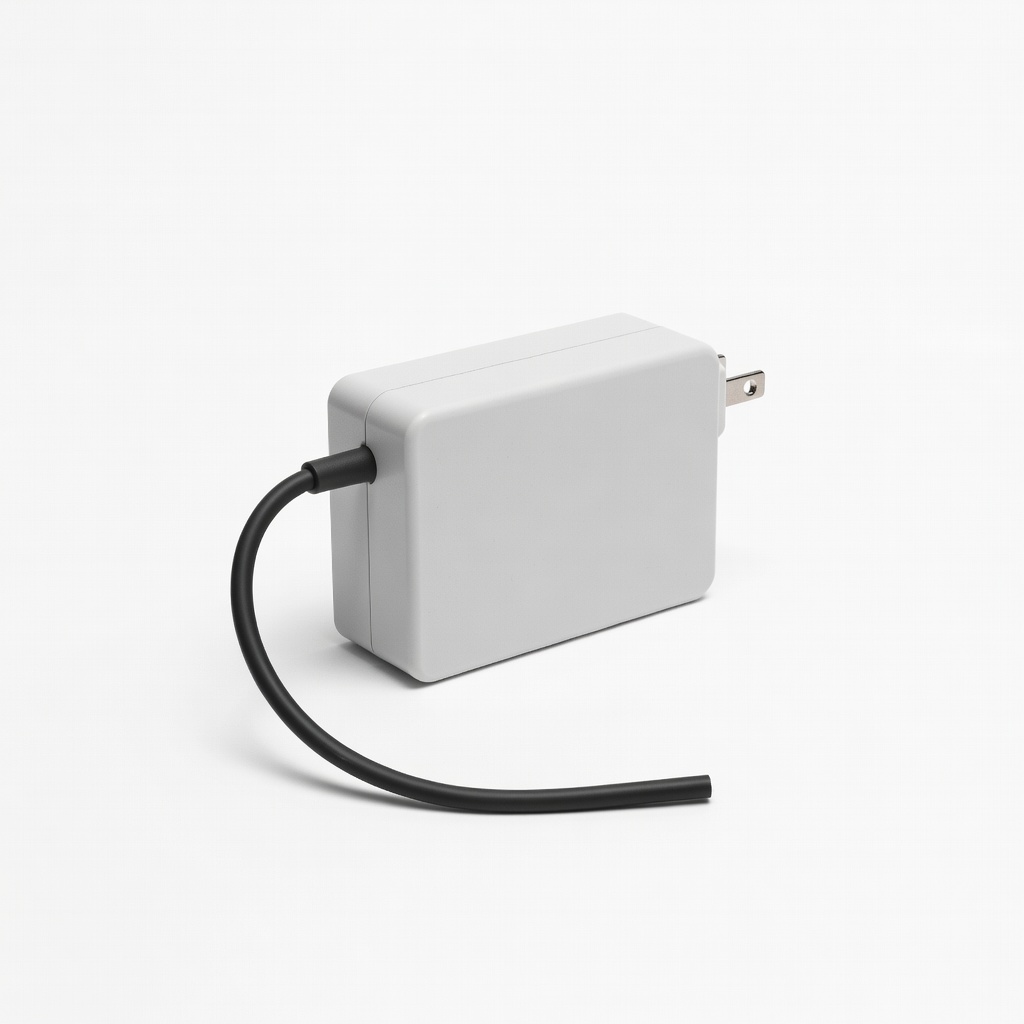
Nintendo Switch AC Adapter (Official)
Replacement power for handheld/docked play.
$19.99
Nintendo Switch AC Adapter (Official) Exact 15V/2.6A match with USB-C; reliable for all Switch models.
Get the App
Better experience on mobile
Master selecting the right power adapters, HDMI converters, and multi-outlets for your PS5, Xbox, or Switch to avoid damage and ensure seamless gaming.
Gaming consoles like the PS5, Xbox Series X, and Nintendo Switch rely on precise adapters for power and connectivity. Using the wrong one can lead to overheating, console damage, or intermittent blackouts—painful issues that interrupt your sessions and void warranties. This guide helps intermediate gamers confidently select adapters without guesswork.
You'll learn a step-by-step process to match adapters to your console's specs, covering power supplies, video adapters, and multi-outlets. By the end, you'll know exactly what to buy for reliable performance.
Expect 20-30 minutes of research and selection time. No advanced tools needed—just basic specs knowledge and online checking.
Estimated Time: 20-30 minutes Difficulty: intermediate
Start by confirming your exact console model. For example, PS5 vs. PS5 Slim, Xbox Series X vs. Xbox One, or Nintendo Switch vs. OLED. Look on the console's label, box, or settings menu (e.g., System > About).
This matters because adapters vary by generation—older Xbox One uses barrel plugs, while Series X has internal supplies with specific cords. Success: You have the full model name, like 'PlayStation 5 CFI-1200A'.
Pro tip: Note international variants (e.g., US 110V vs. EU 220V plugs).
💡 Tips:
⚠️ Warnings:
Decide if you need a power adapter (AC/DC), video adapter (HDMI to DisplayPort), audio, or multi-outlet strip for your setup. Power is most critical; video for older TVs.
Why? Mismatched types cause no power or signal loss. Expect to list 1-2 types, e.g., 'replacement 15V 2.6A power for Switch'.
For multi-consoles, prioritize surge-protected outlets.
💡 Tips:
Find exact requirements from the manual or label: e.g., Switch (15V 2.6A, 39W), PS5 cord (100-240V input). Match output precisely—never exceed voltage.
This prevents frying internals. Success: Specs match exactly, like '5.5mm x 2.1mm barrel, positive polarity'.
Calculate wattage (V x A) if unspecified.
⚠️ Warnings:
Measure or ID plugs: Switch USB-C, older PS4 DC-in, Xbox proprietary. For HDMI adapters, check 2.0/2.1 support for 4K/120Hz.
Mismatches won't fit. Expect compatibility confirmation via photos on product pages.
💡 Tips:
Seek UL/ETL/CE marked adapters. Official or OEM preferred; avoid cheap no-names.
Certified ones have overheat/short protection. Success: Product lists 'UL Listed' and console compatibility.
⚠️ Warnings:
Choose 6-10ft cables for flexibility. Braided for durability; surge protection for multi-outlets.
Prevents strain/pulls. Expect tangle-free, heat-resistant builds.
💡 Tips:
Scan Amazon/Reddit for 'works with [model]' reviews. Check return policy.
Reveals real issues. Success: 4+ stars, recent console-specific positives.
💡 Tips:
Buy from reputable sites. Plug in briefly (no console first) to check LED/no heat.
Confirms function. Full success: Powers console steadily at full load.
⚠️ Warnings:
Problem: Adapter doesn't power on or console flickers
Solution: Check voltage match and wall outlet. Test original adapter. Replace if faulty.
Problem: Overheating or burning smell
Solution: Unplug immediately! Wrong specs—return and buy certified match.
Problem: No video signal with HDMI adapter
Solution: Verify HDMI version (2.1 for 120Hz). Try direct cable first.
Problem: Insufficient outlets for setup
Solution: Upgrade to 12+ outlet surge strip. Distribute load evenly.
Exact 15V/2.6A match with USB-C; reliable for all Switch models.
Best for: Replacement power for handheld/docked play.
Price Range: $19.99
12 outlets + 8ft cord with 4320J surge protection; ideal for multi-console rigs.
Best for: Powering console, monitor, router without overload.
Price Range: $29.99
Figure-8 C7 cord, 100-240V compatible; durable braided design.
Best for: Slim PS5 international or spare cord.
Price Range: $9.99
OEM-spec cord for stable power; prevents voltage drops.
Best for: Xbox Series X/S cord replacement.
Price Range: $15.99
Compact, 20W USB ports + 1875J protection; great for desk clutter.
Best for: Multi-device gaming stations.
Price Range: $24.99
Replacement power for handheld/docked play.
Nintendo Switch AC Adapter (Official) Exact 15V/2.6A match with USB-C; reliable for all Switch models.
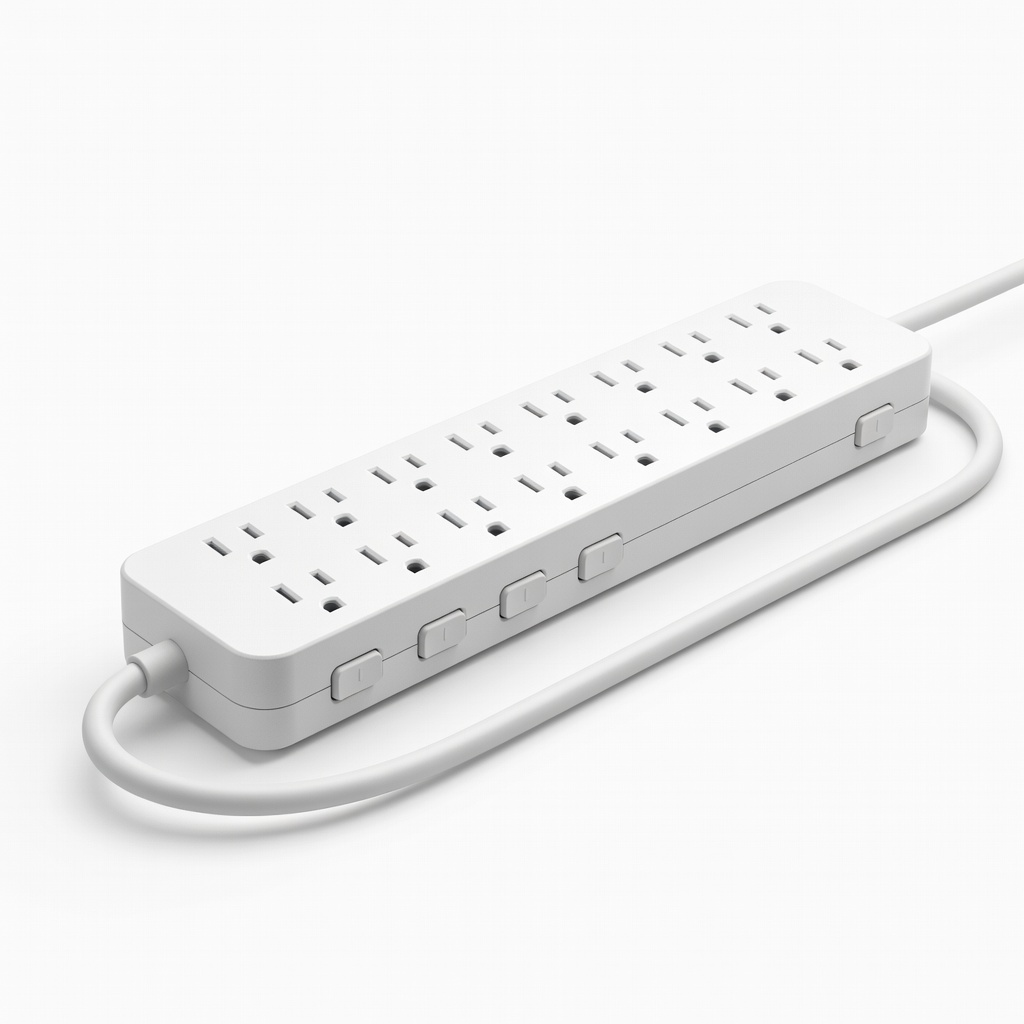
Powering console, monitor, router without overload.
Belkin 12-Outlet Surge Protector Power Strip 12 outlets + 8ft cord with 4320J surge protection; ideal for multi-console rigs.
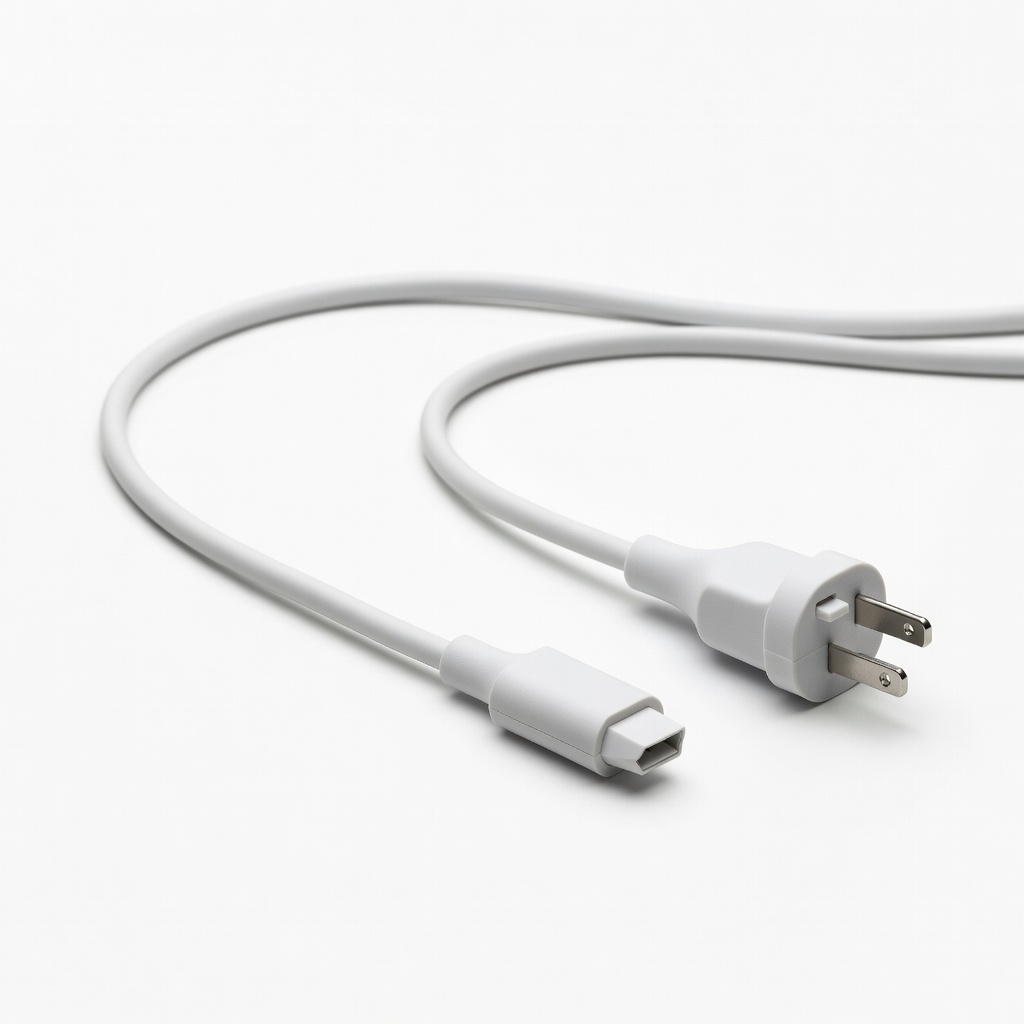
Slim PS5 international or spare cord.
Kinlink PS5 Power Cord (Replacement) Figure-8 C7 cord, 100-240V compatible; durable braided design.
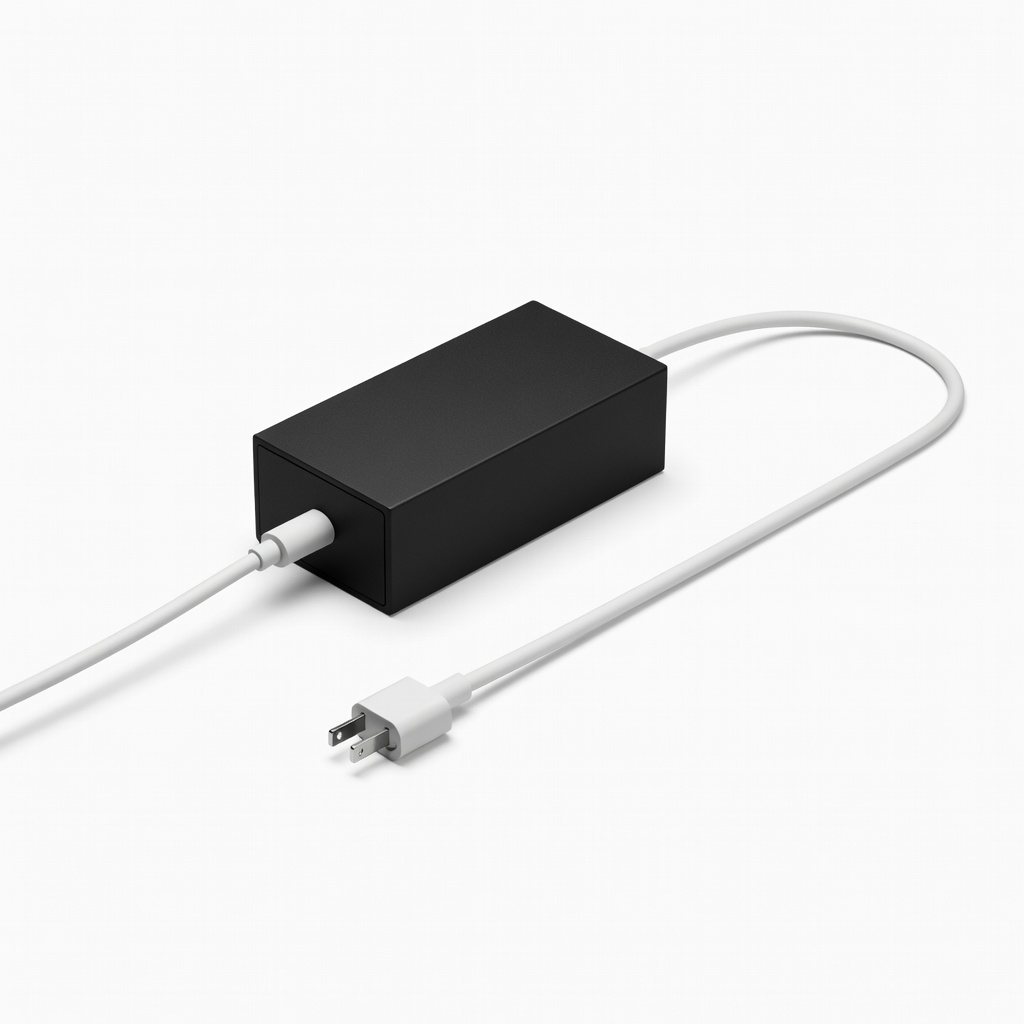
Xbox Series X/S cord replacement.
Microsoft Xbox Series X Power Supply Cord OEM-spec cord for stable power; prevents voltage drops.
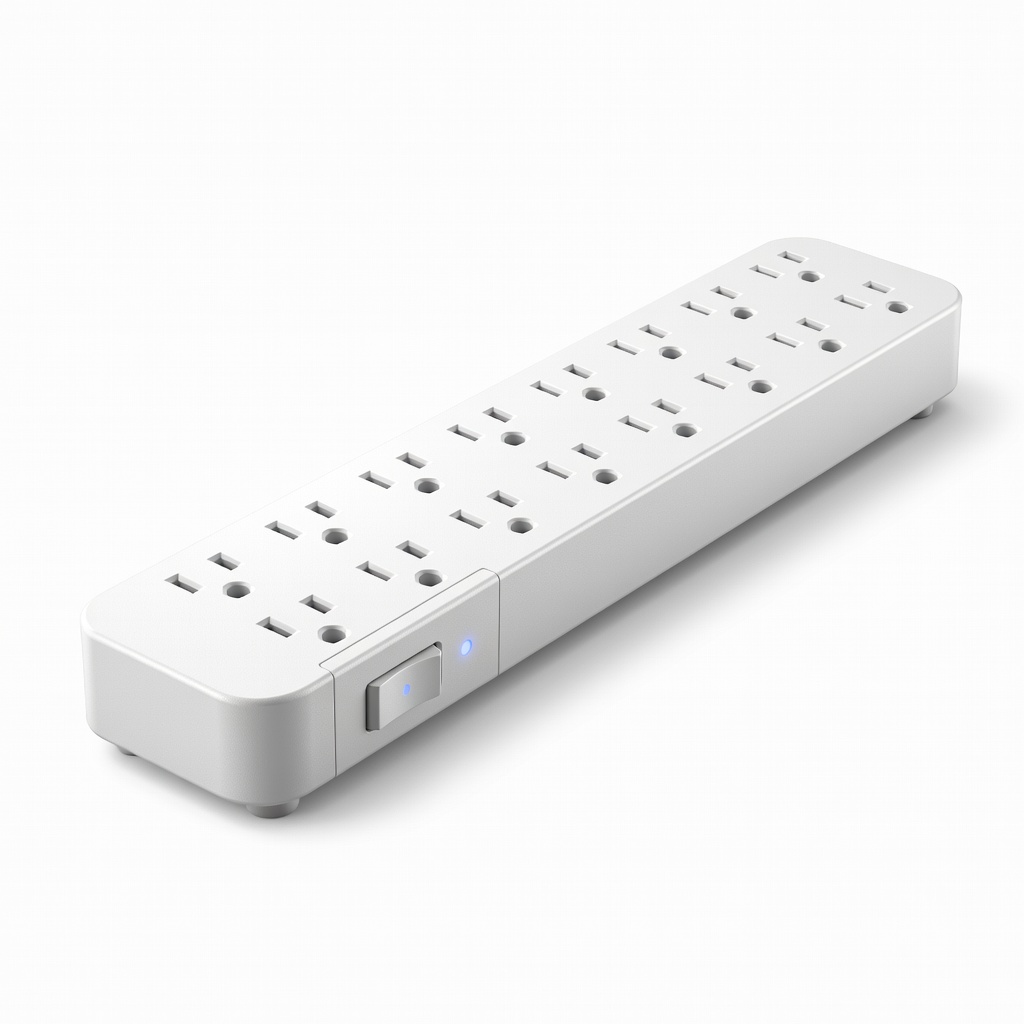
Multi-device gaming stations.
Anker Power Strip Surge Protector (12 Outlets) Compact, 20W USB ports + 1875J protection; great for desk clutter.