
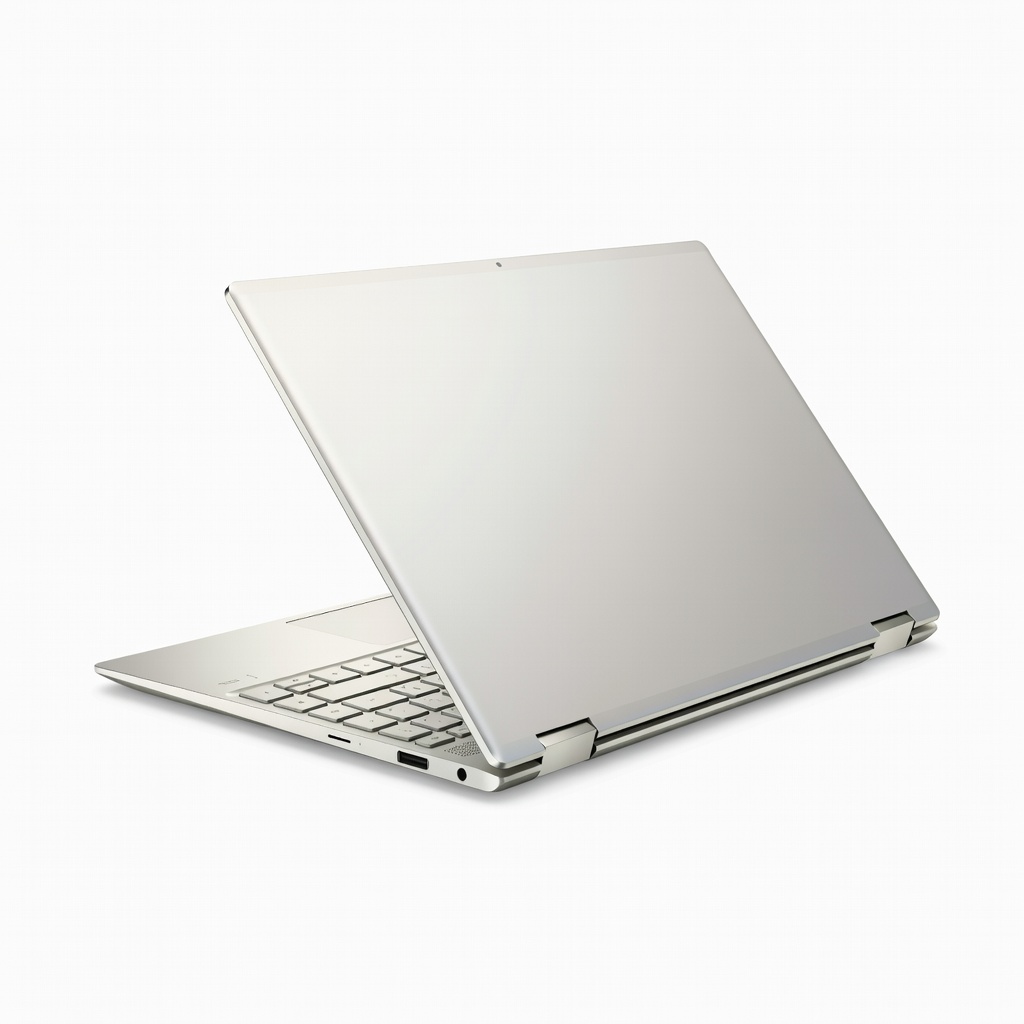
HP Spectre x360 14 (2024)
Balanced daily design: photo editing, vectors; portable for freelancers.
$1,299-$1,699
HP Spectre x360 14 (2024) Intel Core Ultra 7, OLED 2.8K display with 100% DCI-P3, excellent stylus support for precise Illustrator work.
Get the App
Better experience on mobile
Learn key specs like CPU, GPU, display, and top picks to select a versatile 2-in-1 laptop that powers your Adobe Suite workflow without compromises.
Graphic designers often juggle sketches, edits, and presentations on the go, but traditional laptops lack the flexibility of pen input and tablet modes. 2-in-1 laptops bridge this gap, offering laptop power with tablet portability—ideal for tools like Photoshop, Illustrator, and Procreate. Choosing the wrong one, however, can mean laggy renders or poor color accuracy, stalling your creativity.
In this guide, you'll master a step-by-step process to evaluate specs, balance performance with portability, and pick a machine tailored to intermediate graphic design needs. Expect to spend 45-90 minutes researching, with actionable criteria backed by real-world benchmarks. By the end, you'll confidently shortlist options that handle 4K editing and stylus precision.
No advanced tech knowledge required—just follow along to avoid buyer's remorse and future upgrades.
Estimated Time: 45-90 minutes Difficulty: intermediate
Start by listing your workflow: Do you edit photos in Lightroom, vector in Illustrator, or 3D model in Blender? Note file sizes (e.g., 100MB+ PSDs), screen size preferences (14-16"), and mobility needs (travel vs. desk-bound).
This matters because 2-in-1s vary in power—light tablets excel at sketching but choke on renders. Expect to create a 'must-have' list: e.g., 'pen pressure sensitivity for digital art.'
Pro tip: Use a spreadsheet to score laptops later.
💡 Tips:
⚠️ Warnings:
Look for Intel Core Ultra 7/9, AMD Ryzen 7/9 (Zen 4+), or Apple M3/M4 chips. Graphic design demands 8+ cores for parallel tasks like exporting while editing.
Why? CPUs handle Photoshop filters and Illustrator effects. Benchmarks: Aim for Cinebench R23 scores >15,000 multi-core. Test via review sites.
Expect 20-30% better performance in newer chips vs. older i7s.
💡 Tips:
⚠️ Warnings:
Seek NVIDIA RTX 4050+ or Intel Arc for GPU-accelerated tasks (e.g., Substance Painter). Integrated GPUs like AMD Radeon 780M suffice for 2D but lag in 3D/video.
GPUs speed up AI tools in Photoshop (Neural Filters). Check PugetBench scores >1000 for Photoshop.
Analogy: CPU is the brain, GPU the muscle for heavy renders.
💡 Tips:
⚠️ Warnings:
Minimum 16GB LPDDR5X RAM (32GB ideal) for layered PSDs. Storage: 512GB NVMe SSD minimum, upgradeable preferred.
Why? RAM prevents crashes during exports; SSDs load files in seconds. Expect 2x faster workflows vs. HDDs.
💡 Tips:
⚠️ Warnings:
Target OLED/IPS with 100% DCI-P3, 400+ nits, 120Hz refresh, 2880x1800+ resolution. Touch + stylus support (4096+ pressure levels) essential.
Critical for color grading—Delta E <2 means true-to-life hues. Test via DisplayMate reviews.
💡 Tips:
⚠️ Warnings:
Aim for 10+ hours video playback (real-world 6-8h design use). Weight <3.5lbs, magnesium/aluminum build.
Balances power without tethering to outlets—key for client meetings.
💡 Tips:
⚠️ Warnings:
Need Thunderbolt 4/USB4 (2+), HDMI, SD reader. Comfortable keyboard/trackpad; included stylus with tilt/pressure.
Ports for external monitors/drives; stylus for precise drawing.
💡 Tips:
⚠️ Warnings:
Shortlist 3-5 models, read 50+ user reviews on Reddit/Amazon. Check 2-year warranty. Balance value: $1500 sweet spot.
Final check: Run your software's system reqs.
💡 Tips:
⚠️ Warnings:
Problem: Laptop lags in specific apps post-purchase
Solution: Update drivers, close background apps, check thermal paste; run PugetBench to confirm.
Problem: Poor color accuracy out-of-box
Solution: Calibrate with X-Rite i1Display Pro; enable sRGB/DCI-P3 mode in settings.
Problem: Battery drains fast
Solution: Disable RGB lights, use integrated GPU, limit refresh rate to 60Hz for design.
Problem: Stylus not responsive
Solution: Pair correctly, update pen firmware, ensure screen protector compatibility.
Intel Core Ultra 7, OLED 2.8K display with 100% DCI-P3, excellent stylus support for precise Illustrator work.
Best for: Balanced daily design: photo editing, vectors; portable for freelancers.
Price Range: $1,299-$1,699
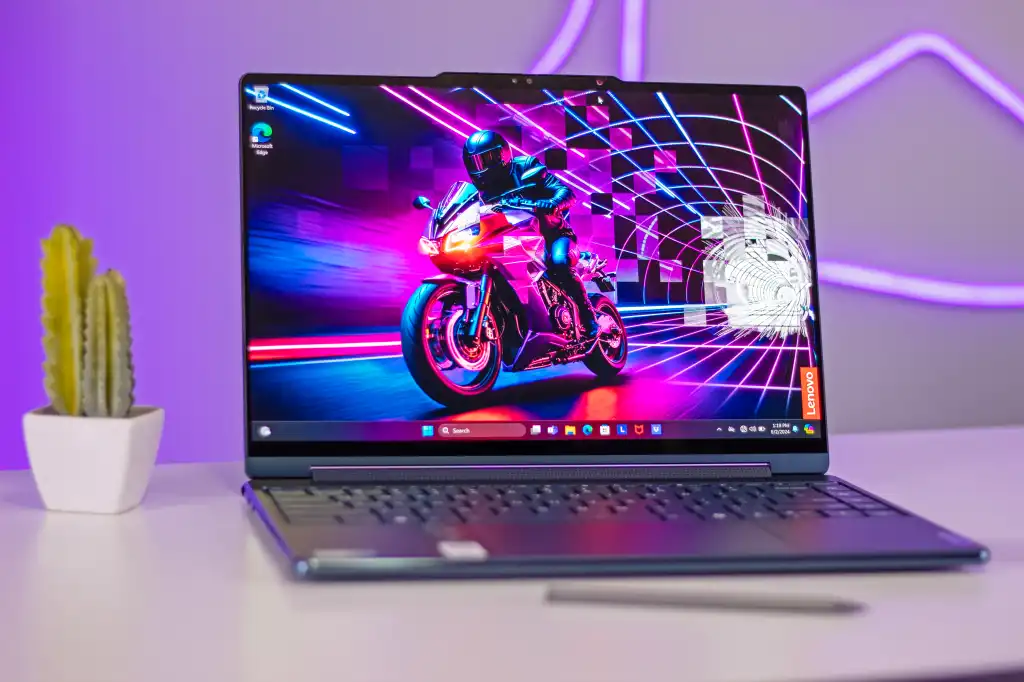
Core Ultra 7, 32GB RAM option, 14" OLED touch with pen, superior build and battery for extended sessions.
Best for: Multilayer Photoshop projects and sketching on the go.
Price Range: $1,399-$1,799
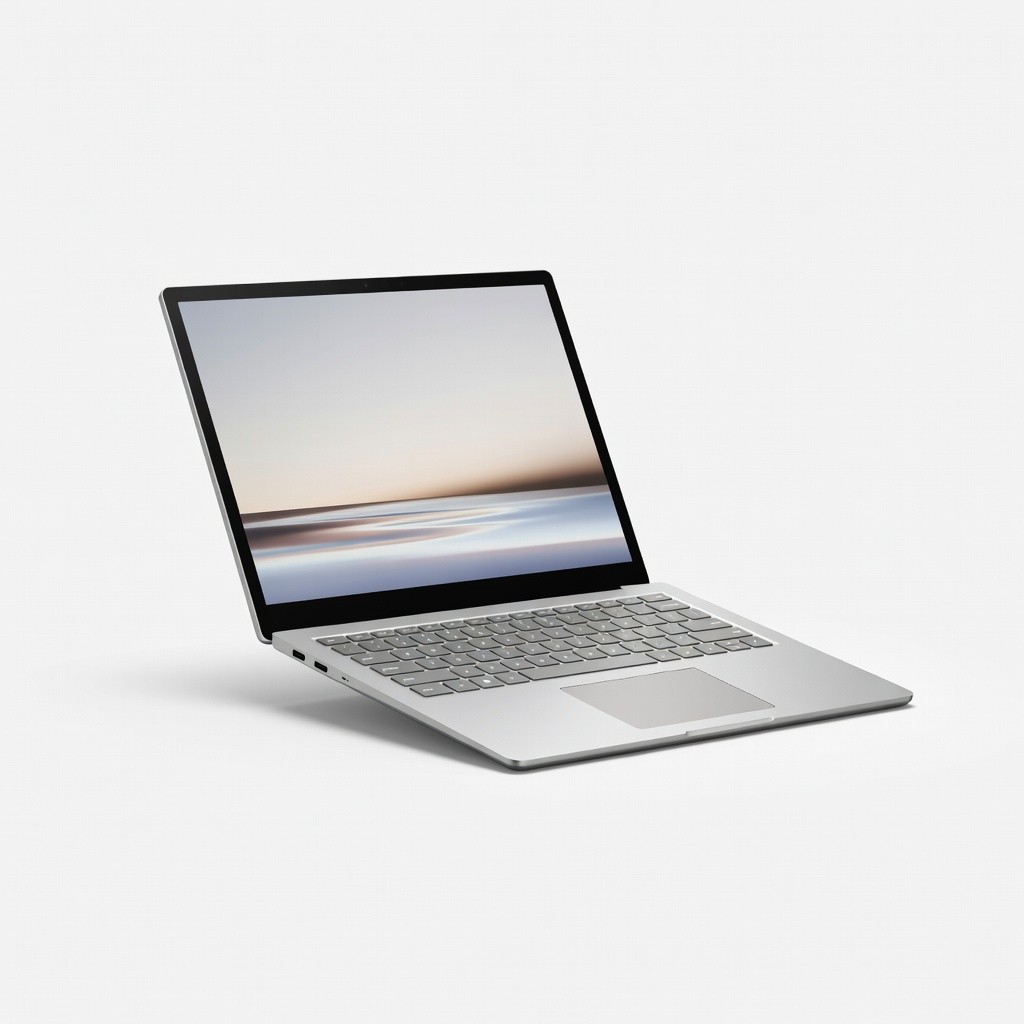
RTX 4060 GPU for GPU-heavy tasks like 3D renders, unique hinge for drawing angles.
Best for: Advanced hybrid workflows with Blender/Substance alongside 2D design.
Price Range: $1,999-$2,499
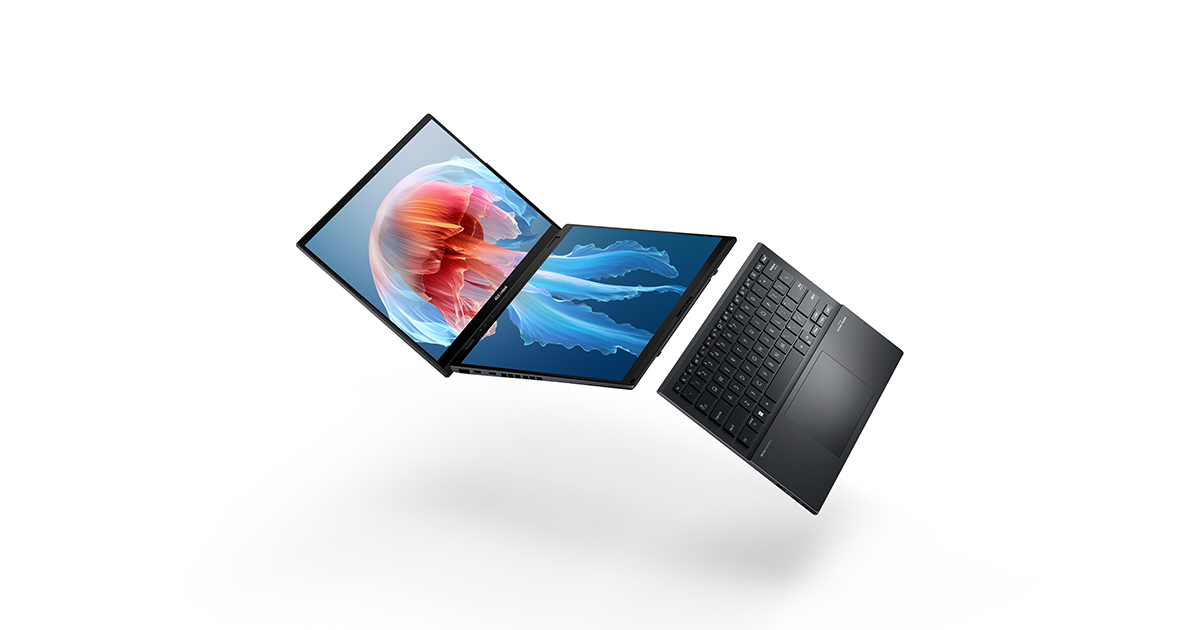
Dual OLED screens for ultimate multitasking, Core Ultra, great for reference-heavy design.
Best for: Screen real estate for palettes/timelines without externals.
Price Range: $1,499-$1,999
AMD Ryzen AI 9, vibrant AMOLED, S Pen included; ecosystem sync with tablets.
Best for: Budget-conscious pros needing portability and color pop.
Price Range: $1,199-$1,599
Balanced daily design: photo editing, vectors; portable for freelancers.
HP Spectre x360 14 (2024) Intel Core Ultra 7, OLED 2.8K display with 100% DCI-P3, excellent stylus support for precise Illustrator work.
Multilayer Photoshop projects and sketching on the go.
Lenovo Yoga 9i Gen 9 Core Ultra 7, 32GB RAM option, 14" OLED touch with pen, superior build and battery for extended sessions.
Advanced hybrid workflows with Blender/Substance alongside 2D design.
Microsoft Surface Laptop Studio 2 RTX 4060 GPU for GPU-heavy tasks like 3D renders, unique hinge for drawing angles.
Screen real estate for palettes/timelines without externals.
ASUS Zenbook Duo (2024) Dual OLED screens for ultimate multitasking, Core Ultra, great for reference-heavy design.
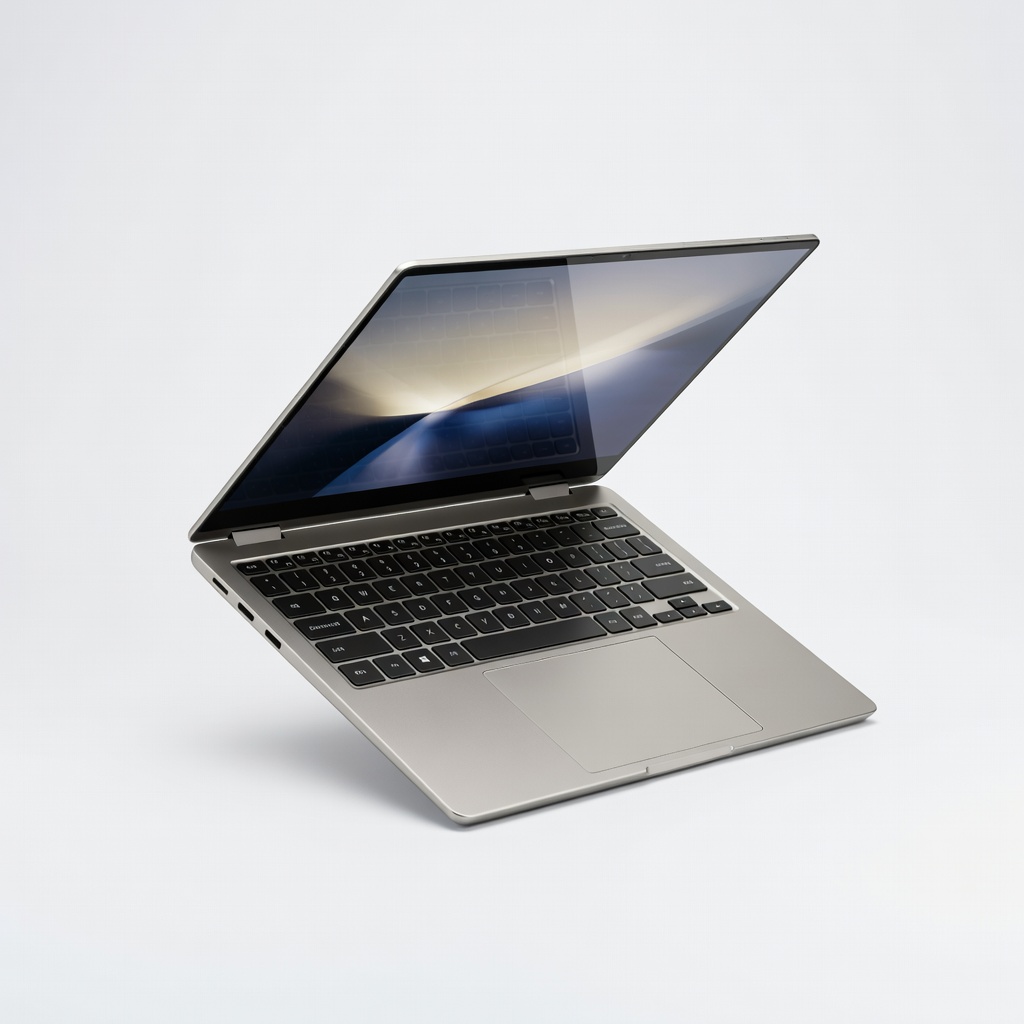
Budget-conscious pros needing portability and color pop.
Samsung Galaxy Book4 Pro 360 AMD Ryzen AI 9, vibrant AMOLED, S Pen included; ecosystem sync with tablets.