
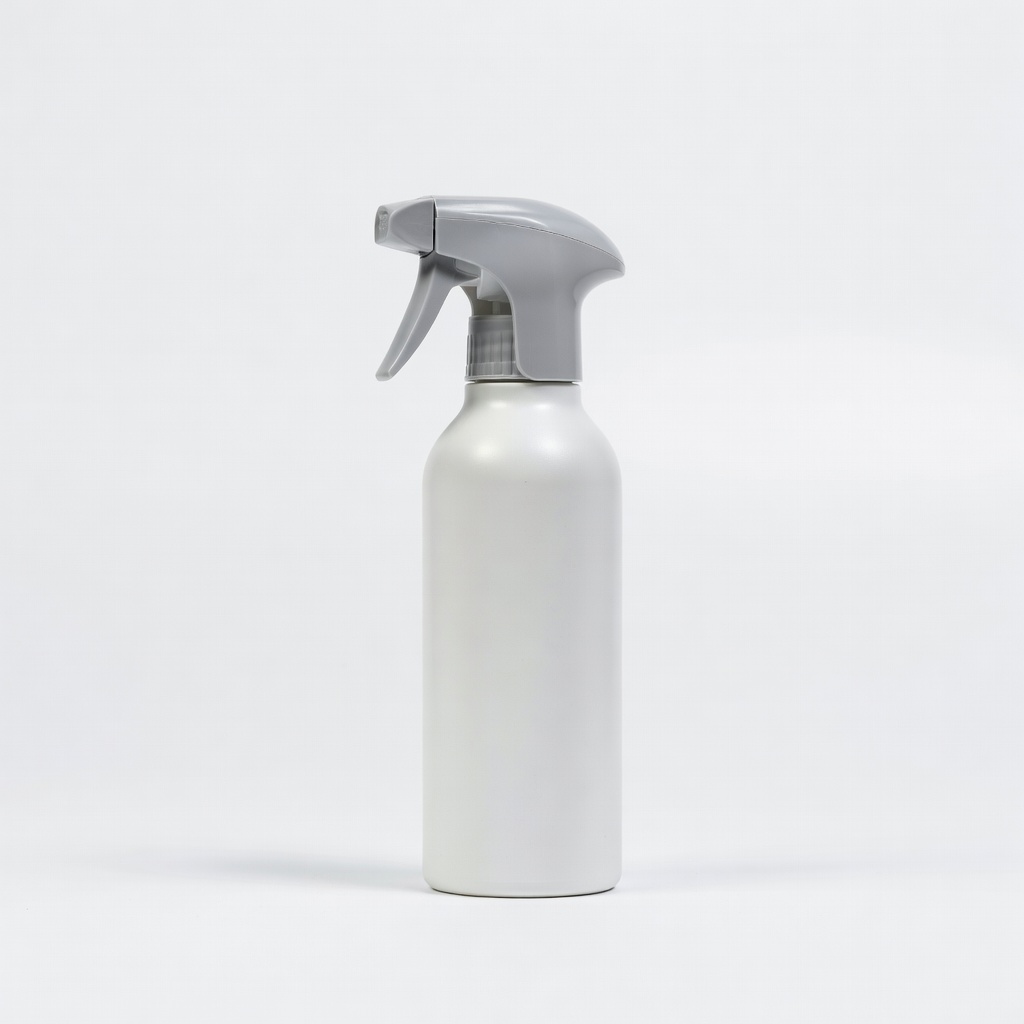
Goo Gone Electronics Cleaner
Stubborn stickers/tape on phones, remotes.
$8.99
Goo Gone Electronics Cleaner Formulated safe for plastics, screens, and circuits; citrus-based, no harsh fumes.
Get the App
Better experience on mobile
Master safe adhesive removal from gadgets like phones and laptops to avoid damage and restore like-new condition in under 30 minutes.
Sticky labels, tape residues, or old thermal pads on electronics can be frustrating, especially when standard removers risk damaging screens, plastics, or circuits. One wrong chemical can etch plastics or short components, turning a quick fix into an expensive repair. This guide equips you with proven, safe techniques used by tech enthusiasts and repair pros.
You'll learn a step-by-step process to test, apply, and clean adhesives without harming sensitive electronics. Expect clear instructions tailored for intermediate users familiar with basic disassembly. The whole process takes 20-45 minutes per device, depending on residue size.
By following these steps, you'll achieve clean surfaces ready for reapplication or use, extending your gadget's life while preventing common pitfalls like corrosion or clouding.
Estimated Time: 20-45 minutes Difficulty: intermediate
Set up a clean, well-lit, ventilated area away from flammables. Lay down a soft mat or towel to protect the device from scratches. Gather all tools nearby to avoid interruptions.
Why it matters: A controlled environment minimizes contamination and accidents, ensuring no dust or liquids reach internals.
Success looks like: Organized station with device powered off and unplugged.
💡 Tips:
⚠️ Warnings:
Turn off the device, unplug it, and remove the battery if possible. For laptops or phones, open the case following manufacturer guides or iFixit tutorials to access internals.
Why it matters: Prevents shorts from liquid contact with live circuits.
Expect: Device fully inert; note screw positions with photos.
💡 Tips:
⚠️ Warnings:
Note the material (plastic, metal, rubber, screen). Choose remover: IPA for most, citrus-based for stubborn glue. Test on a hidden inconspicuous spot (e.g., inside case) for 1-2 minutes.
Why it matters: Electronics plastics dissolve in acetone or harsh solvents.
Success: No discoloration, softening, or haze after wipe.
💡 Tips:
⚠️ Warnings:
Dab remover on cotton swab or cloth—never soak or spray directly. Gently apply to adhesive, working in small sections (1cm²).
Why it matters: Excess liquid can seep into ports or seams.
Expect: Adhesive softens slightly without pooling.
💡 Tips:
⚠️ Warnings:
Wait 1-5 minutes for remover to break down adhesive bonds. Reapply lightly if needed.
Why it matters: Rushing causes scraping damage.
Success: Residue lifts easily when probed.
💡 Tips:
⚠️ Warnings:
Use plastic scraper at 45° angle, working slowly from edge to center. Wipe loosened bits immediately with dry microfiber.
Why it matters: Metal scratches surfaces.
Expect: Clean lift-off without residue trails.
💡 Tips:
⚠️ Warnings:
Wipe with fresh IPA-dampened cloth in circular motions. Repeat until no sticky feel.
Why it matters: Oils attract dust.
Success: Surface smooth, fingerprint-free.
💡 Tips:
⚠️ Warnings:
Air dry 10-15 min or use compressed air. Reassemble, power on, test buttons/ports/screens.
Why it matters: Moisture causes corrosion.
Success: Device works perfectly, surfaces pristine.
💡 Tips:
⚠️ Warnings:
Problem: Remover clouds plastic
Solution: Stop immediately, wipe with IPA 70%, polish with microfiber. Use milder remover next time.
Problem: Residue won't budge
Solution: Switch to stronger electronics remover, increase dwell time to 10 min. Repeat cycles.
Problem: Device won't power on after
Solution: Check for moisture with paper test, dry 24h in silica. Inspect for liquid damage.
Problem: Scratches from scraping
Solution: Polish with plastic polish compound. Prevent with softer tools.
Formulated safe for plastics, screens, and circuits; citrus-based, no harsh fumes.
Best for: Stubborn stickers/tape on phones, remotes.
Price Range: $8.99
Evaporates residue-free, safe universal solvent for electronics.
Best for: Precision cleaning internals, thermal paste remnants.
Price Range: $13.99
Industrial-strength yet electronics-compatible; quick-acting on industrial glues.
Best for: Laptop thermal pads, heavy adhesives.
Price Range: $15-20
Lint-free, streak-free for final polish without scratches.
Best for: All wiping steps.
Price Range: $12.99 for 24-pack
Non-marring plastic edges perfect for gentle prying.
Best for: Scraping without risk.
Price Range: $9.99
Stubborn stickers/tape on phones, remotes.
Goo Gone Electronics Cleaner Formulated safe for plastics, screens, and circuits; citrus-based, no harsh fumes.
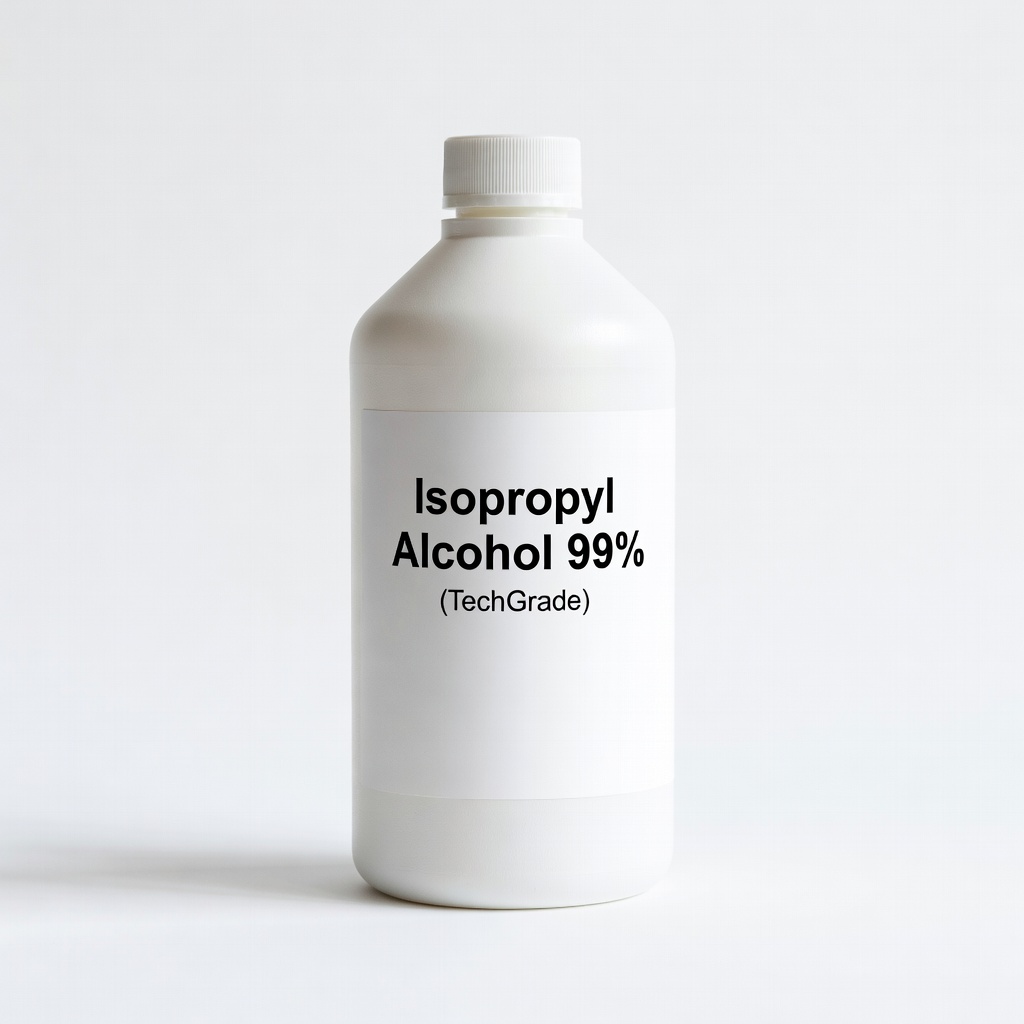
Precision cleaning internals, thermal paste remnants.
Isopropyl Alcohol 99% (TechGrade) Evaporates residue-free, safe universal solvent for electronics.
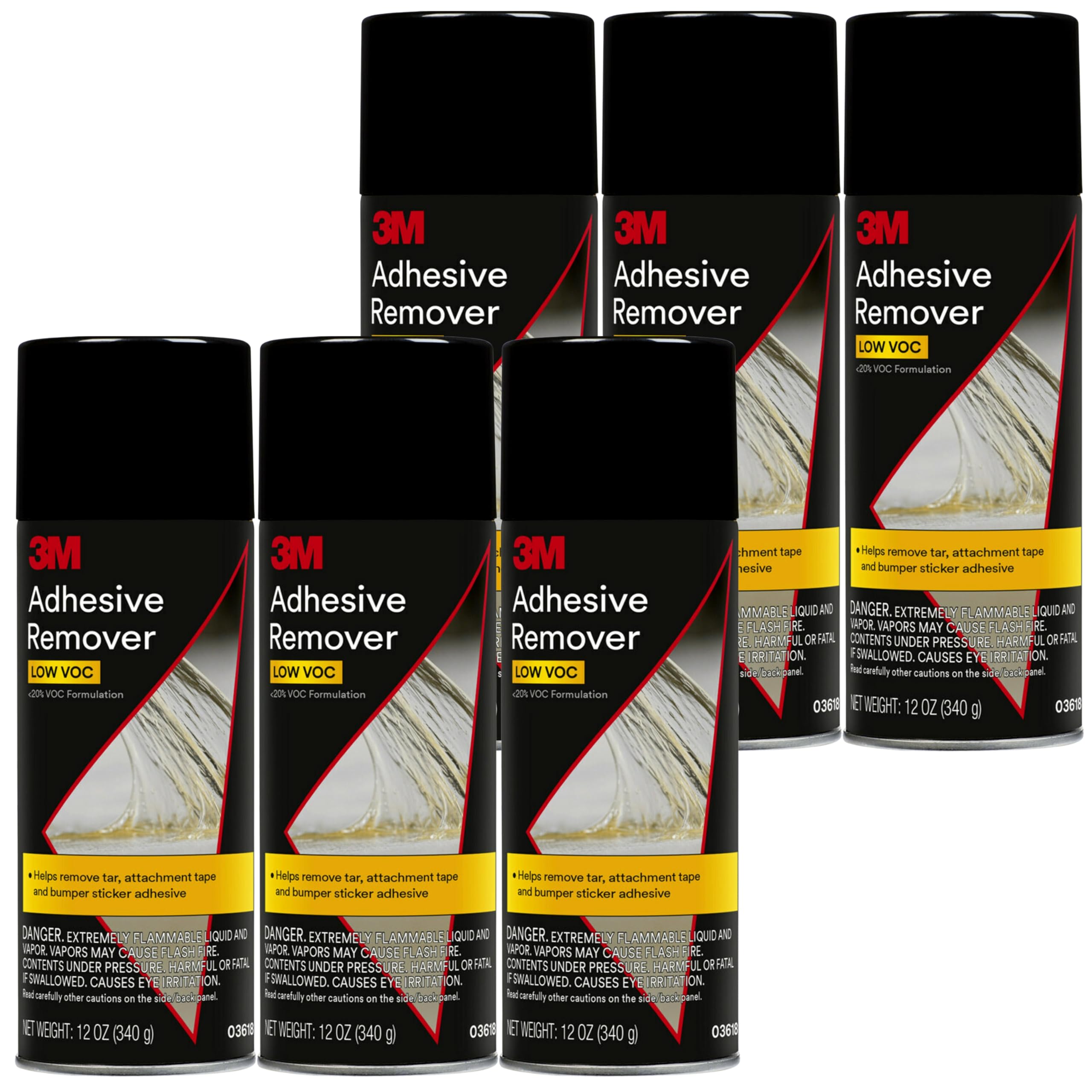
Laptop thermal pads, heavy adhesives.
3M Adhesive Remover Industrial-strength yet electronics-compatible; quick-acting on industrial glues.
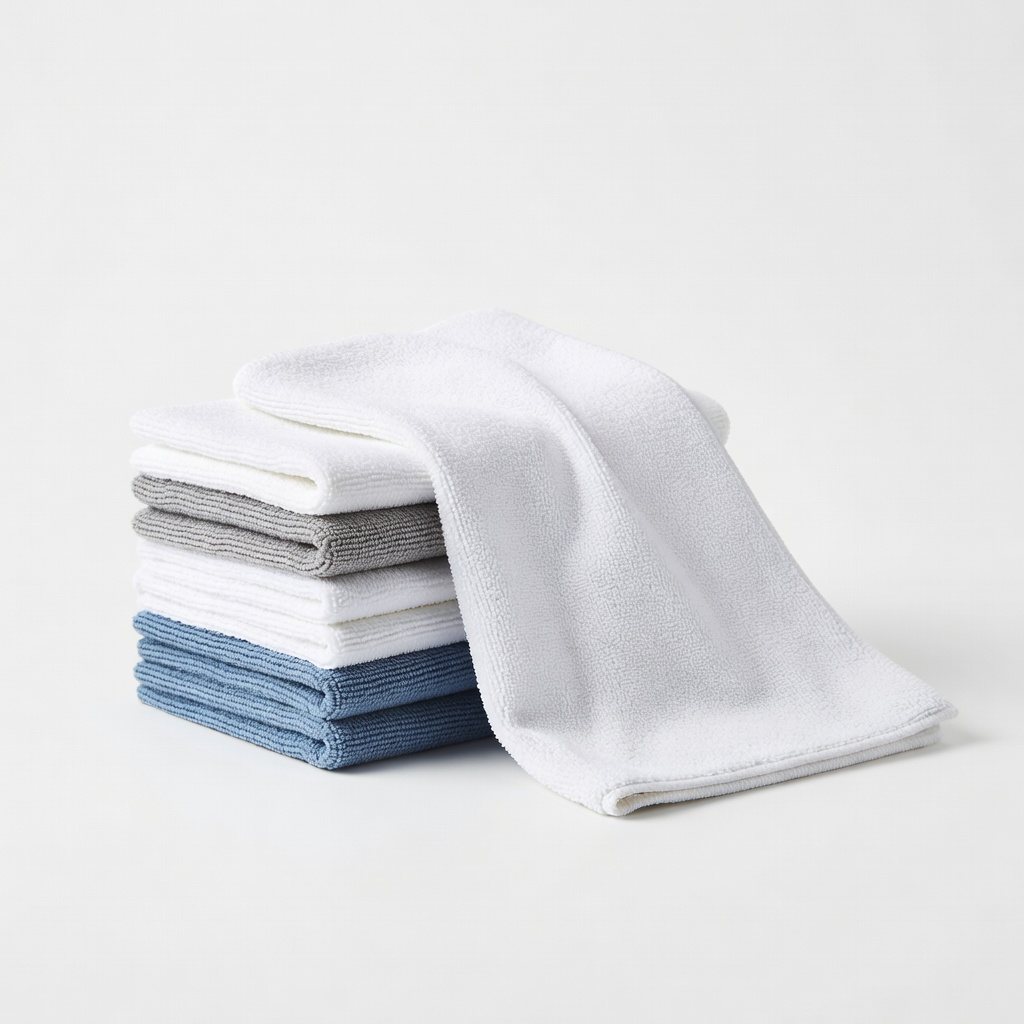
All wiping steps.
Amazon Basics Microfiber Cleaning Cloths Lint-free, streak-free for final polish without scratches.
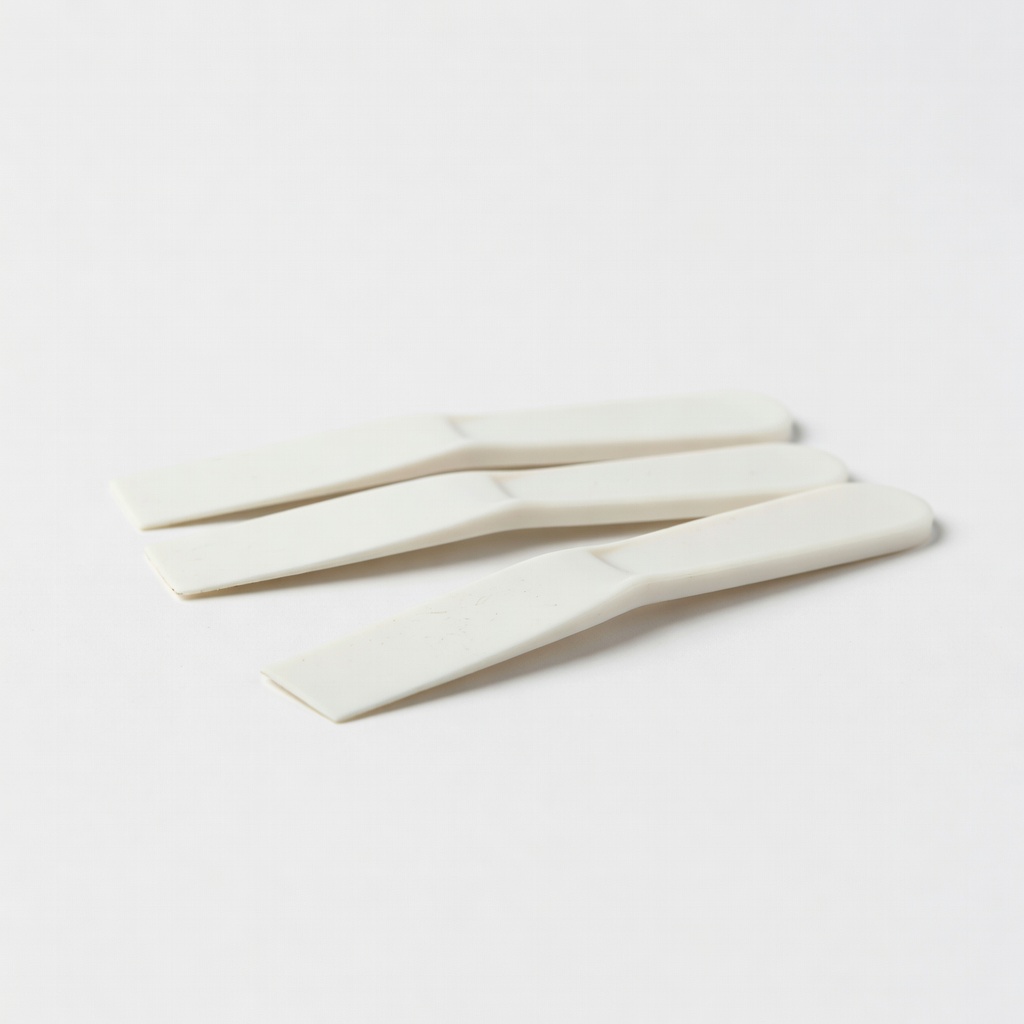
Scraping without risk.
Walmart Plastic Razor Blades/Scrapers Non-marring plastic edges perfect for gentle prying.