
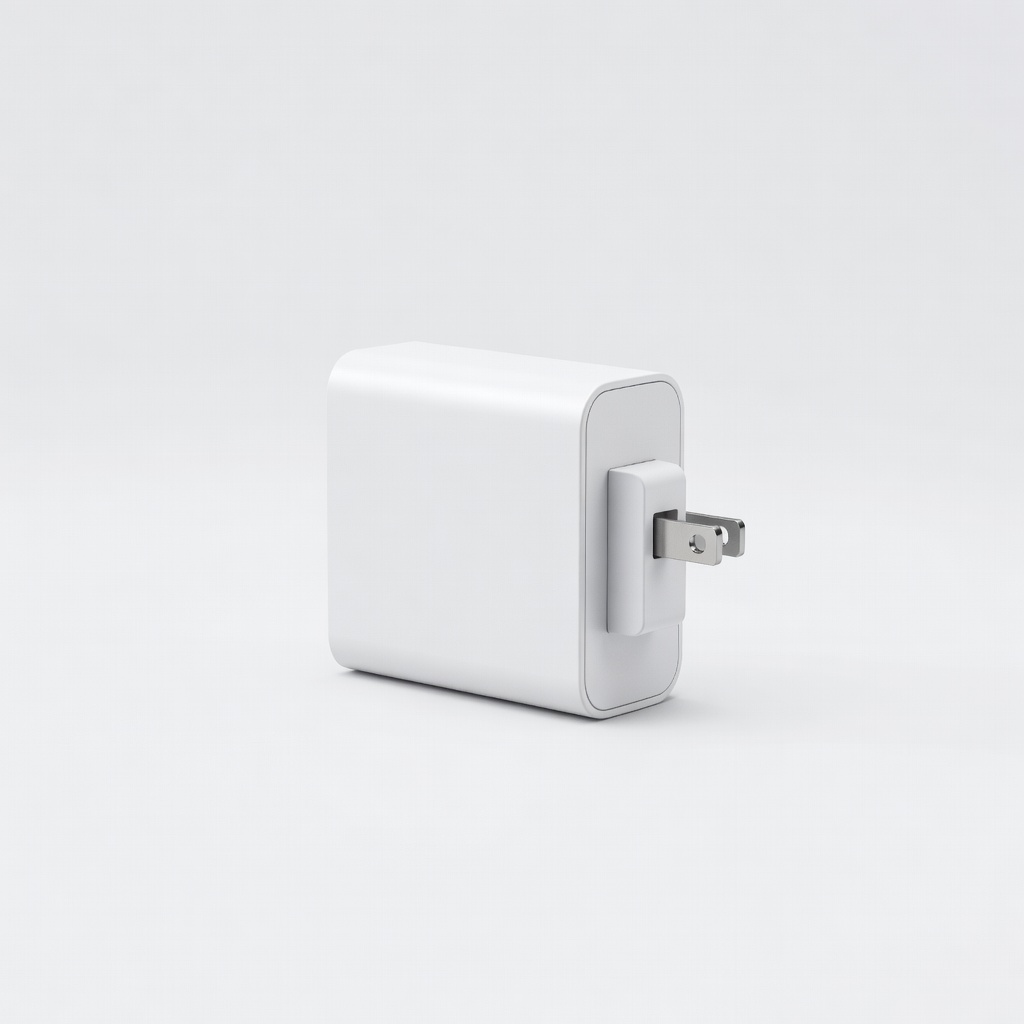
Anker Nano II 65W GaN Charger
Universal USB-C laptops (Dell, HP, MacBook); portable daily use.
$39.99
Anker Nano II 65W GaN Charger Compact, efficient GaN tech runs cooler with multiple laptop protections (overheat/short-circuit).
Get the App
Better experience on mobile
Learn essential steps to safely power your laptop with AC adapters, preventing damage, overheating, and fire risks while extending device lifespan.
Laptop users often overlook AC adapters until a fried port, sudden shutdown, or even fire hazard strikes—common issues causing thousands in repairs yearly. With rising portable work, improper charging leads to battery degradation or worse. This guide equips you to use adapters confidently.
You'll master checking compatibility, inspecting gear, and best practices for connection and monitoring. Expect a quick 10-15 minute read with lifelong habits. Intermediate skills like reading labels suffice—no tools needed beyond basics.
Follow these steps sequentially for risk-free charging, whether original or replacement adapters.
Estimated Time: 10-15 minutes Difficulty: intermediate
Before plugging in, match your laptop's requirements. Flip the laptop or check its manual/site for voltage (e.g., 19V), amperage (e.g., 3.42A), and connector size/shape (barrel tip).
Compare with adapter labels—mismatch risks overload or underpower. Use manufacturer's site for exact specs; apps like Crucial Scanner help too.
Success: Labels align perfectly (voltage exact, amps equal/higher, connector fits snugly).
💡 Tips:
⚠️ Warnings:
Examine cable for frays, bends, exposed wires, or bulges. Check plug prongs for bends/melting and DC tip for cracks/burn marks.
Feel for hot spots (unplugged). Test continuity if handy with multimeter.
Success: Adapter looks pristine—no damage, smells neutral.
💡 Tips:
⚠️ Warnings:
Avoid direct wall outlets. Use a quality surge protector rated 1000+ joules.
This absorbs spikes from storms/outages protecting laptop circuitry.
Success: Secure connection, surge light on.
💡 Tips:
⚠️ Warnings:
Plug DC tip into laptop first (powers safely), then AC end to surge protector, then wall.
Powers logic board gradually, avoiding inrush current.
Success: Laptop LED lights, fan may spin briefly.
💡 Tips:
⚠️ Warnings:
Place adapter on hard, flat surface away from fabrics/kids/pets. Coil excess cable loosely.
Prevents overheating from blocked vents or pinching.
Success: Adapter stays cool (<140°F/60°C touch-test), no tension.
💡 Tips:
⚠️ Warnings:
During first 10 mins, touch adapter periodically. Use HWMonitor software for internal temps.
Normal: warm, not hot. Watch for flickering power.
Success: Steady charge, temps under 50°C.
💡 Tips:
⚠️ Warnings:
Unplug wall first, then surge, then laptop. Store coiled loosely in cool, dry bag.
Extends life, prevents dust buildup.
Success: Adapter clean, undamaged for next use.
💡 Tips:
⚠️ Warnings:
Problem: Laptop won't charge
Solution: Check LED on adapter (should glow); try different outlet/port. Clean tip. If persists, test voltage with multimeter.
Problem: Adapter gets very hot
Solution: Unplug immediately. Improve airflow; replace if damaged. Ensure wattage not exceeded.
Problem: Sparks or burning smell
Solution: Stop use, discard adapter. Seek pro inspection. Never reuse.
Problem: Slow charging
Solution: Verify amps match; close draining apps. Battery may need calibration.
Compact, efficient GaN tech runs cooler with multiple laptop protections (overheat/short-circuit).
Best for: Universal USB-C laptops (Dell, HP, MacBook); portable daily use.
Price Range: $39.99
1080 joules protection, affordable, slim design prevents spikes damaging adapters.
Best for: Home/office setup for laptops and peripherals.
Price Range: $11.99
Easy voltage/continuity testing verifies adapter safety accurately.
Best for: DIY checks before use; intermediate troubleshooting.
Price Range: $12.99
Multiple tips fit most brands; auto-adjusts voltage safely.
Best for: Replacement for older laptops without originals.
Price Range: $24.99
Premium build with PPS fast charging, dynamic power allocation.
Best for: High-end laptops needing speed and safety.
Price Range: $49.99
Universal USB-C laptops (Dell, HP, MacBook); portable daily use.
Anker Nano II 65W GaN Charger Compact, efficient GaN tech runs cooler with multiple laptop protections (overheat/short-circuit).

Home/office setup for laptops and peripherals.
Amazon Basics 6-Outlet Surge Protector 1080 joules protection, affordable, slim design prevents spikes damaging adapters.
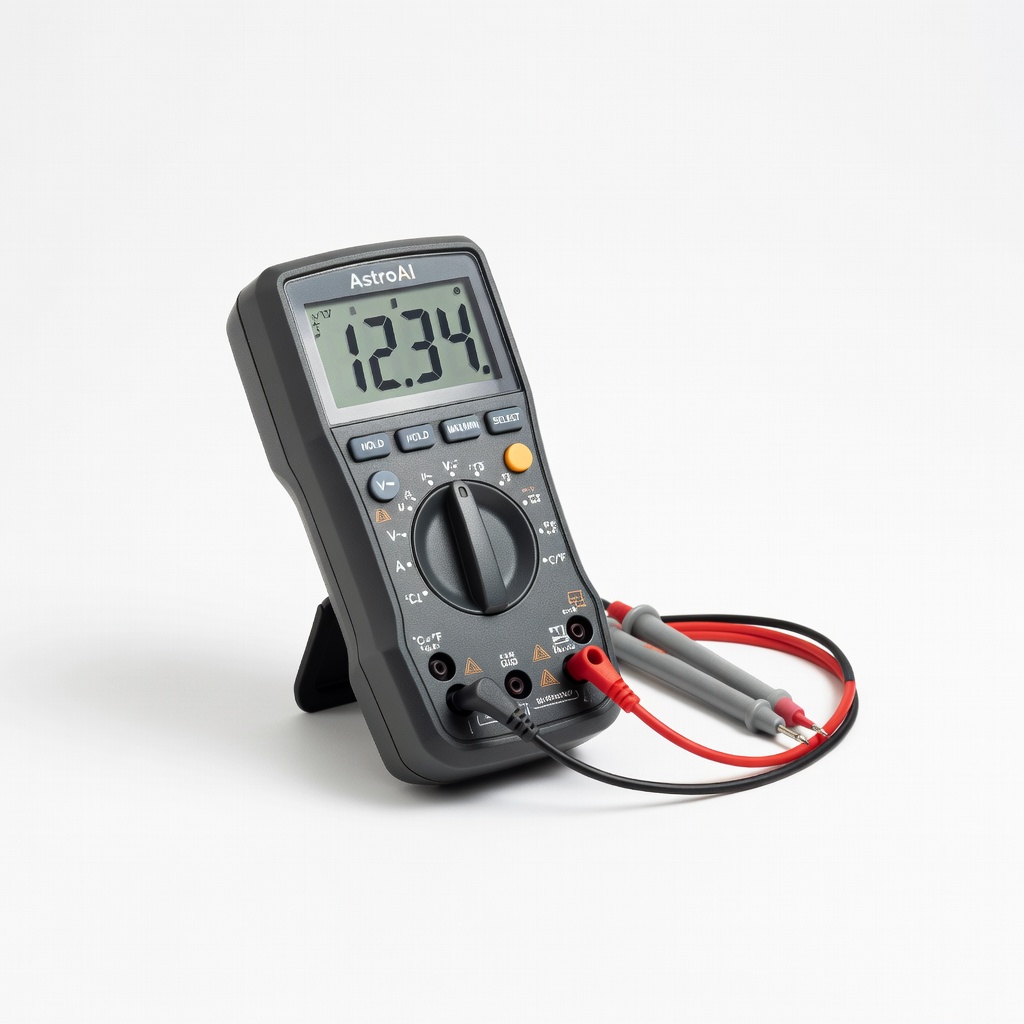
DIY checks before use; intermediate troubleshooting.
AstroAI Digital Multimeter Easy voltage/continuity testing verifies adapter safety accurately.
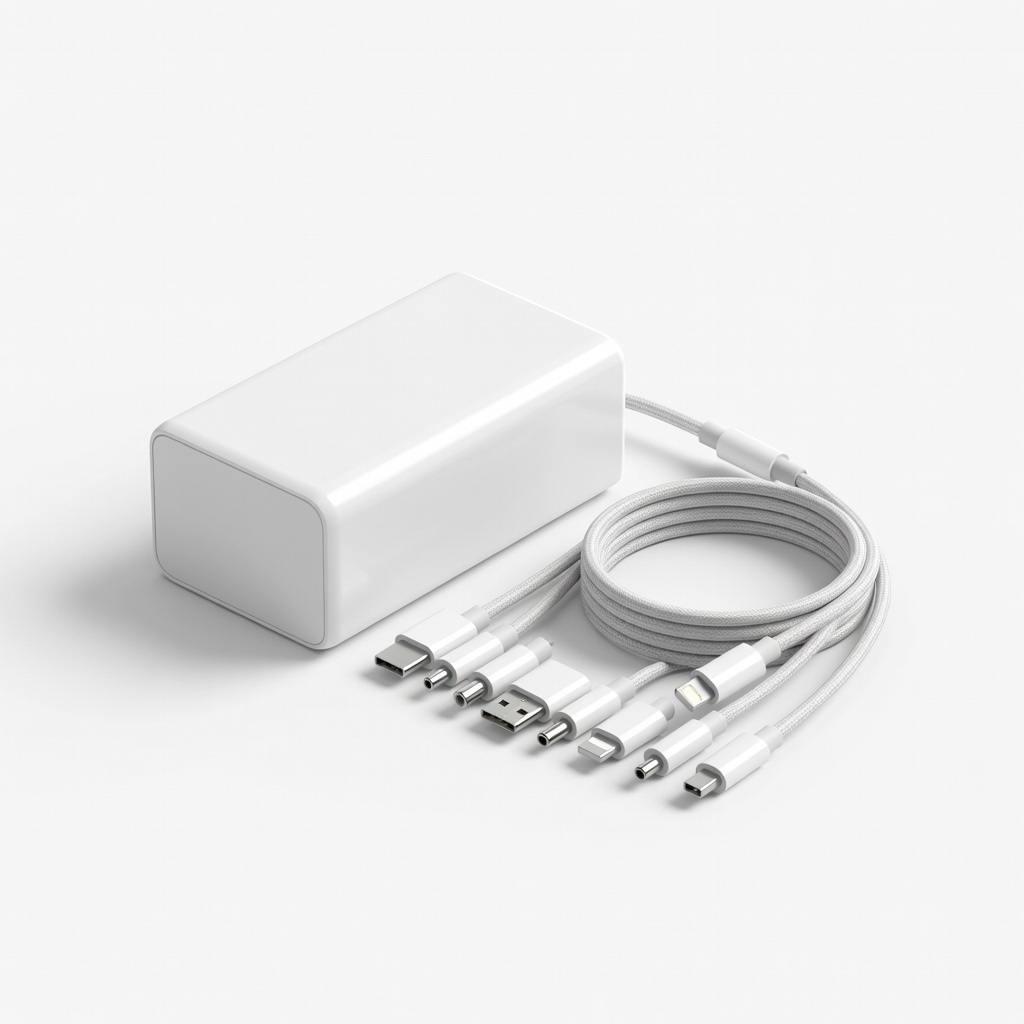
Replacement for older laptops without originals.
Superer 65W Universal Laptop Charger Multiple tips fit most brands; auto-adjusts voltage safely.
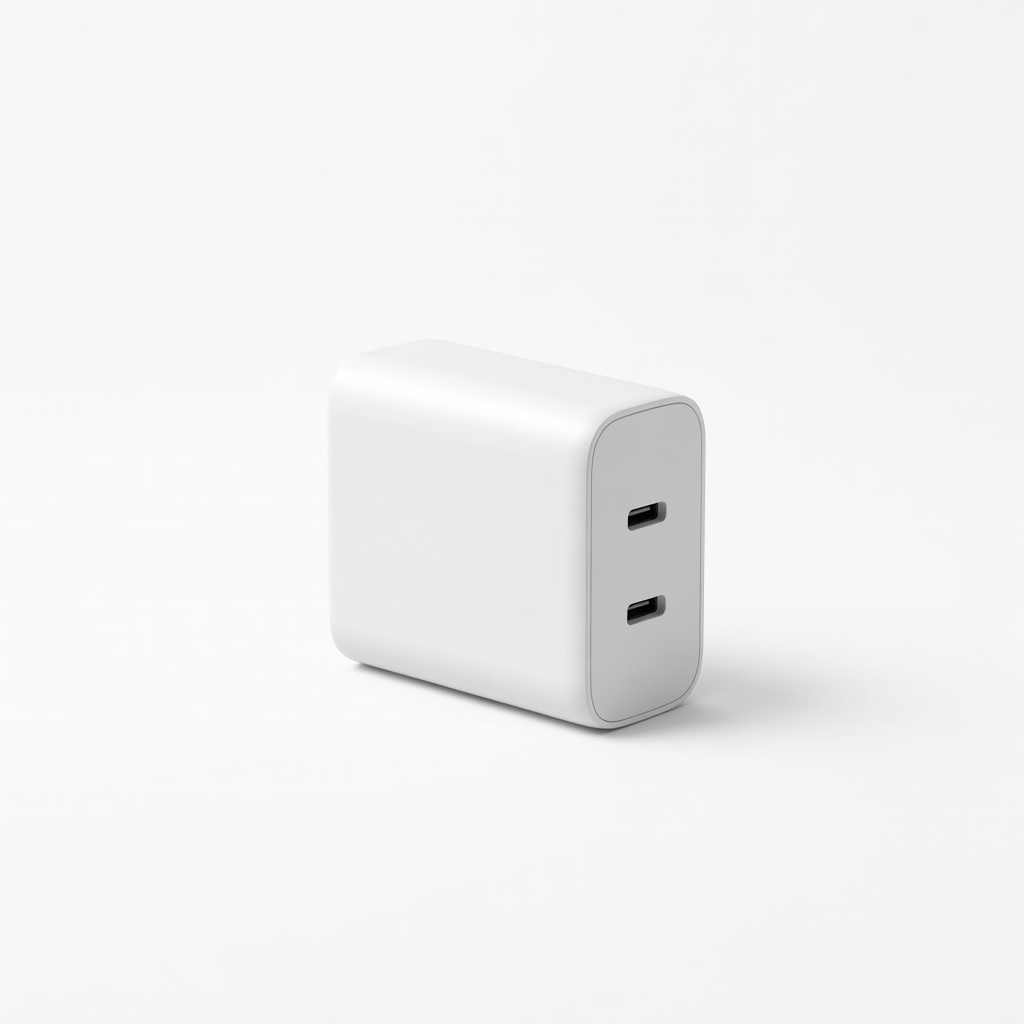
High-end laptops needing speed and safety.
Belkin BoostCharge Pro 65W USB-C Charger Premium build with PPS fast charging, dynamic power allocation.