Nothing is more alarming than a smoke detector chirping at 3 AM due to a low battery—it's not just annoying, it's a safety hazard that could leave your home unprotected. Many smoke detectors use 3V lithium batteries like CR123A, which are typically non-rechargeable, but some models (like Nest Protect) have built-in rechargeable 3V Li-ion batteries. This guide shows you how to identify your battery type and safely charge or replace it to ensure reliable protection.
You'll learn step-by-step how to handle your smoke detector's 3V battery, with strong safety warnings to avoid fires or explosions from improper charging. The process is simple for beginners, taking just 10-15 minutes, and focuses on manufacturer-approved methods.
Expect to check your model first—if non-rechargeable, you'll replace it (safest option); if rechargeable, plug in and charge. Always prioritize safety: faulty batteries cause thousands of fires yearly.
▸What You'll Need
- •Phillips-head screwdriver (required for most models)
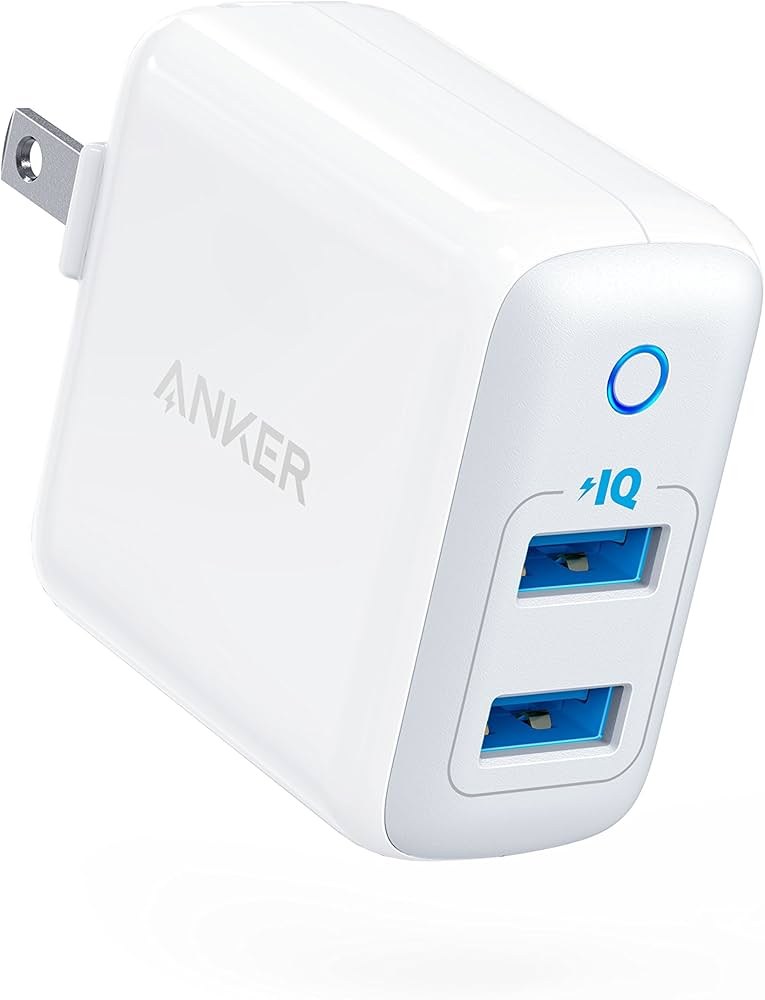
- •USB wall charger or micro-USB cable (required for rechargeable models like Nest Protect)
- •New 3V CR123A lithium batteries (required if non-rechargeable; optional backup)
- •Non-contact voltage tester (optional but recommended for hardwired detectors)
- •Clean cloth or gloves (optional for handling)
Estimated Time: 10-15 minutes
Difficulty: beginner
▸Step-by-Step Instructions
Step 1: Identify Your Smoke Detector Model and Battery Type
Start by locating the model number on the back or side of your smoke detector (e.g., Nest Protect, Kidde i9010, First Alert SA3210). Search online for the manual using 'MODEL_NUMBER manual PDF' or check the manufacturer's site.
Most use non-rechargeable CR123A or CR2 3V lithium batteries (labeled 'Do not recharge'). Rechargeable ones are rare but found in models like Nest Protect (built-in 3.7V Li-ion, close to 3V nominal) or some wireless detectors. Why it matters: Recharging non-rechargeable batteries risks explosion or fire.
Success: You know if it's rechargeable (e.g., 'recharge via USB') or not. Tip: Take a photo of the label for reference.
💡 Tips:
- •Download the manual app if available (e.g., Nest app).
⚠️ Warnings:
- •Never assume—always verify to avoid damage.
Step 2: Prepare a Safe Workspace
Work in a well-lit, flat area like a table covered with a towel. Turn off the circuit breaker for hardwired detectors. Wear gloves if handling old batteries to avoid skin contact with leaks.
Why: Prevents slips, shocks, or contamination. Expect a quick setup—no tools needed yet.
Success: Clear space ready, power off confirmed with voltage tester.
💡 Tips:
- •Label detectors by room to avoid mix-ups.
⚠️ Warnings:
- •Smoke detectors contain radioactive material (americium)—handle carefully but no special disposal for batteries alone.
Step 3: Remove the Smoke Detector
Twist counterclockwise or press the release tab to detach from the mounting bracket. For hardwired, unplug the connector first.
Why: Gives safe access to batteries without strain. Expect easy removal—most are designed for homeowners.
Success: Detector in hand, no wires dangling.
💡 Tips:
- •Support with one hand to prevent dropping.
⚠️ Warnings:
- •If stuck, don't force—check manual for model-specific release.
Step 4: Open the Battery Compartment
Use screwdriver to remove cover screws or slide open the latch. Gently pull out the old battery(ies)—note orientation (+/-).
Why: Exposes battery for inspection. Expect chirping to stop temporarily.
Success: Battery removed safely, no damage.
💡 Tips:
- •Photograph orientation before removal.
⚠️ Warnings:
- •Avoid shorting terminals with metal—use plastic tool if needed.
Step 5: Inspect and Test the Battery
Check label: If 'Lithium Primary' or 'Do Not Recharge' (e.g., CR123A), skip to replacement (Step 7). If rechargeable (e.g., 'Li-ion, charge via USB'), proceed. Test voltage with multimeter (should be ~3V full).
Why: Confirms if charging is possible. Expect low voltage (<2.5V) causing chirps.
Success: Battery type confirmed.
💡 Tips:
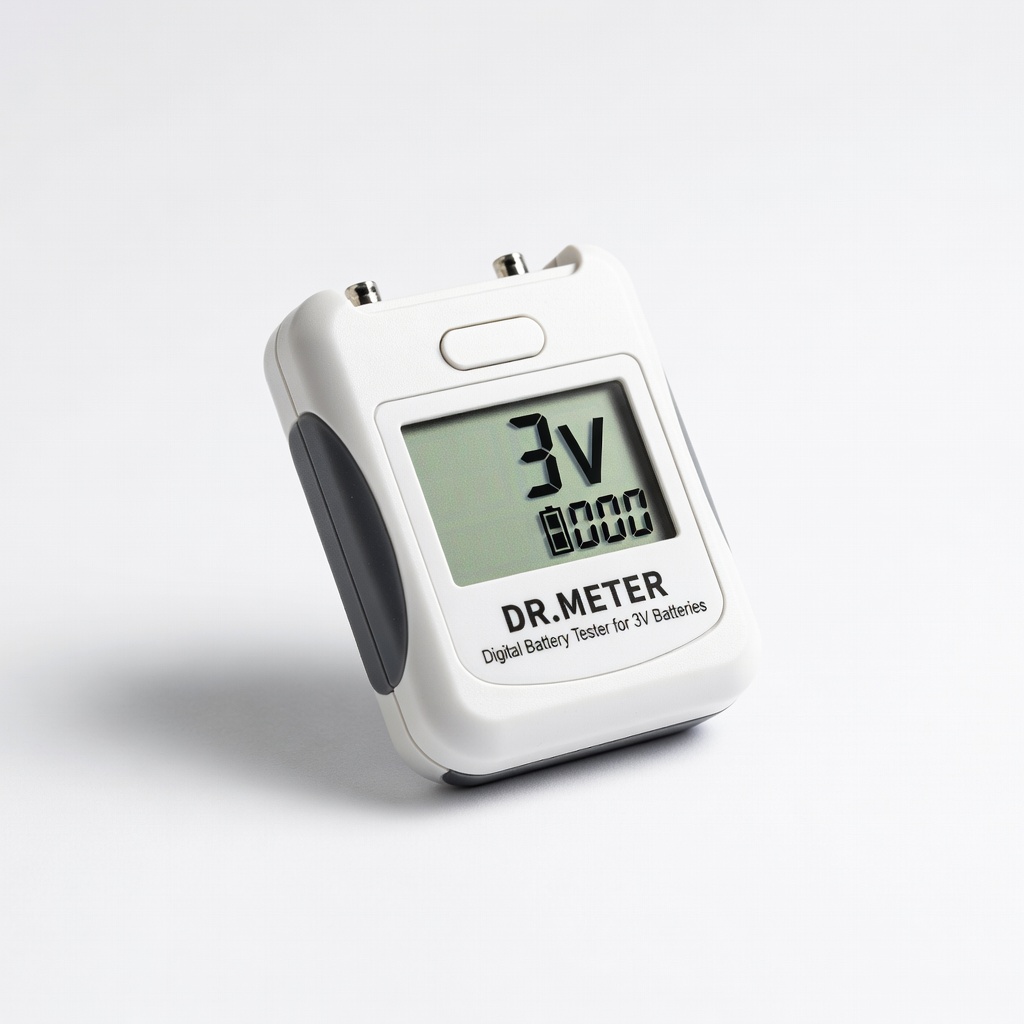
- •Use a battery tester for quick voltage check.
⚠️ Warnings:
- •Damaged/swollen batteries? Dispose immediately—do not charge.
Step 6: Charge the Rechargeable Battery
For built-in like Nest Protect: Plug micro-USB into detector's port, connect to 5V/1A USB charger. Charge 1-2 hours until LED shows full (green). For removable: Insert into compatible Li-ion charger.
Why: Restores to 3-3.7V safely. Expect warmth but not hot.
Success: LED indicates full charge, no chirp on test.
💡 Tips:
- •Use only manufacturer-spec charger to avoid overcharge.
⚠️ Warnings:
- •Never use for non-rechargeable—fire risk!
Step 7: Replace if Non-Rechargeable and Reinstall
Insert fresh 3V lithium battery matching polarity. Close compartment, remount detector, test (press button—loud alarm).
Why: Lithium lasts 5-10 years in standby. Expect silence and pass test.
Success: No chirp, alarm works.
💡 Tips:
⚠️ Warnings:
- •Recycle old batteries at stores—don't trash.
▸Pro Tips
- •Replace batteries during daylight savings time changes for easy scheduling.
- •Buy lithium over alkaline for 10x longer life in smoke detectors.
- •Label install date on detector with tape.
- •Use app-connected detectors (e.g., Nest) for low-battery alerts.
- •Keep spares in fridge (not freezer) for max shelf life.
- •Dust vents yearly with compressed air for better performance.
- •Test all interconnected detectors after battery swap.
▸Common Mistakes to Avoid
- •Attempting to recharge non-rechargeable CR123A batteries—causes fires; always check label.
- •Ignoring polarity (+/-)—leads to no power or damage; photo before removal.
- •Forgetting to test after—chirp returns later; press button every time.
- •Using cheap alkaline batteries—drain fast, fail in cold; stick to lithium.
- •Not powering off hardwired—shock risk; use voltage tester.
▸Troubleshooting
Problem: Detector still chirps after charging/replacing
Solution: Wait 1 minute for reset, test again. If persists, battery incompatible or detector faulty—replace unit.
Problem: Battery won't charge (no LED)
Solution: Try different cable/outlet. If built-in, contact manufacturer; may need service.
Problem: Hardwired model shocks or won't detach
Solution: Confirm breaker off with voltage tester. Call electrician if unsure.
Problem: Alarm won't sound on test
Solution: Check battery voltage >3V. Clean dust from sensor. Replace if >10 years old.
Panasonic CR123A 3V Lithium Batteries, 12 Count
Longest-lasting non-rechargeable option for most smoke detectors, 10-year standby life, reliable power.
Best for: Replacement for CR123A models like First Alert or Kidde.
Price Range: $24.99
Anker PowerPort 2 Elite 5V/2.4A Dual USB Wall Charger
Safe, fast charging for USB-rechargeable detectors like Nest Protect; overcurrent protection.
Best for: Charging built-in Li-ion batteries without overheat.
Price Range: $19.99
Klein Tools NCVT-1 Non-Contact Voltage Tester
Quickly confirms power is off on hardwired detectors, preventing shocks.
Best for: Safety check before handling.
Price Range: $19.97
DR.METER Digital Battery Tester for 3V Batteries
Accurately tests 3V battery voltage to confirm if charging needed or dead.
Best for: Pre/post-charge verification.
Price Range: $12.99
Energizer CR123A 3V Ultimate Lithium Batteries, 6 Count
Premium cold-weather performance and leak-proof for harsh environments.
Best for: Backup or garage smoke detectors.
Price Range: $29.99