
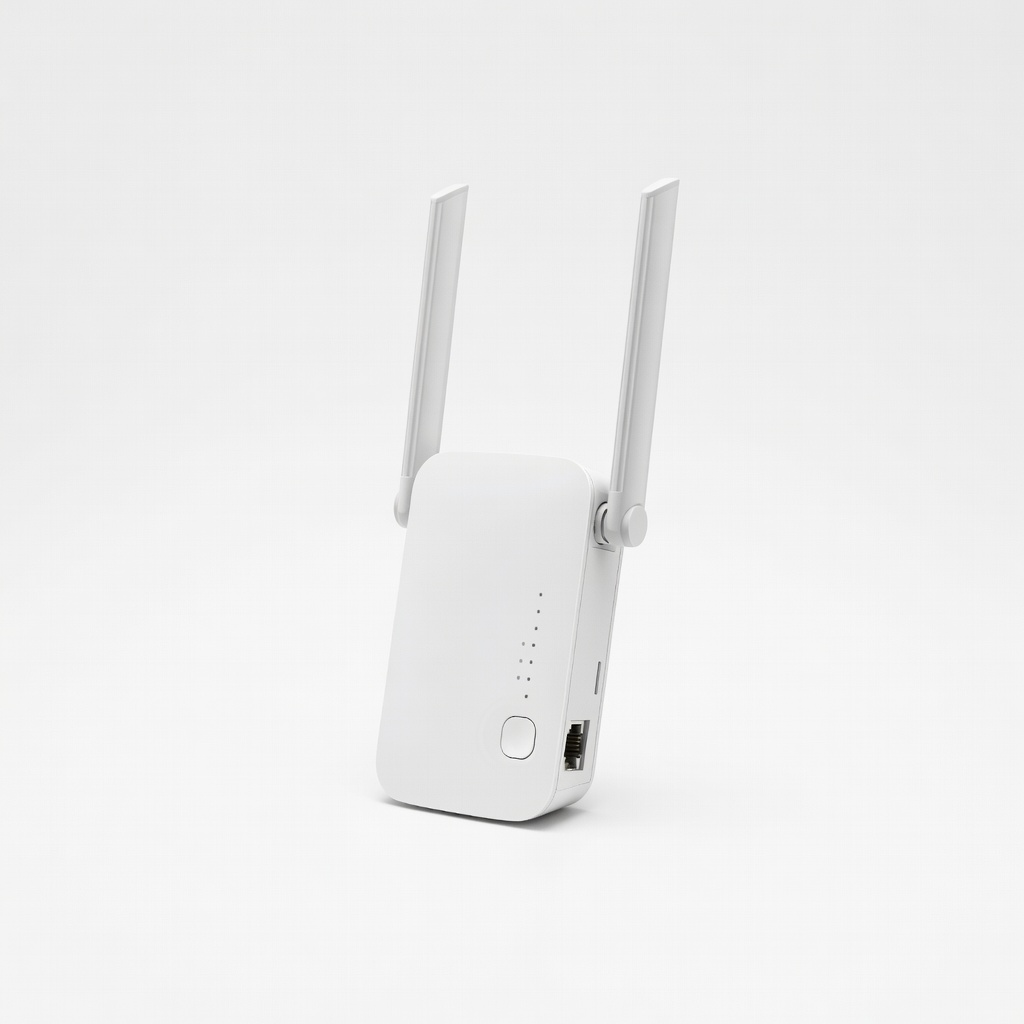
TP-Link RE315 WiFi Extender
Persistent drops due to distance—plug midway between router and fridge.
$29.99
TP-Link RE315 WiFi Extender Boosts weak signals in kitchens where fridge placement limits router range.
Get the App
Better experience on mobile
Restore your smart refrigerator's WiFi connection in minutes with this easy step-by-step guide—no tech expertise needed.
Smart refrigerators offer convenient features like remote temperature monitoring and inventory tracking via apps, but WiFi glitches can disrupt everything—from recipe suggestions to energy usage alerts. If your fridge keeps dropping the connection or won't connect at all, a reset is often the quickest fix, saving you from costly service calls.
In this guide, you'll learn a universal process that works for most brands like Samsung, LG, GE, and Whirlpool. We'll cover checking status, power cycling, resetting networks, and reconnecting securely. Expect 10-20 minutes total, suitable for intermediate users comfortable with apps and basic appliance controls.
By the end, your fridge will be back online, syncing flawlessly with your smart home setup.
Estimated Time: 10-20 minutes Difficulty: intermediate
Start by accessing your fridge's control panel or display screen. Navigate to Settings > Network or WiFi/Connectivity. Look for connection icons—a green checkmark means it's online; red X or 'Disconnected' indicates issues.
Why this matters: Confirms if it's a full dropout or weak signal. Note the current network name (SSID) for later reconnection.
Success looks like: Seeing exact status and signal strength bars.
💡 Tips:
⚠️ Warnings:
Unplug the fridge from the wall outlet for 5 full minutes. This clears temporary glitches in the WiFi module without losing food-safe temps (modern fridges hold cold well).
Why it matters: Resets volatile memory and reboots the network chip, fixing 50% of connection issues per manufacturer reports.
Plug back in and wait 2-3 minutes for the display to fully boot. Success: All lights and fans operational, display responsive.
💡 Tips:
On the fridge display, go to WiFi Settings > Saved Networks, select your home network, and choose Forget or Disconnect. For Samsung Family Hub: Hold WiFi icon 5 seconds. LG ThinQ: Settings > Network > Advanced > Delete.
Why: Clears corrupted saved credentials. Expect a prompt confirming deletion.
Success: Network list shows no saved WiFi.
💡 Tips:
⚠️ Warnings:
Samsung: Press WiFi button on dispenser panel 8-10 seconds until it blinks. LG: Menu > Smart Features > Network > Reset WiFi Module. GE/Hotpoint: Settings > WiFi > Factory Reset Network. Whirlpool: Hold 'Measured Fill' and 'Lock' buttons 3 seconds.
Why: Performs a factory-level network wipe. Screen may flash or beep.
Success: Fridge enters setup mode (blinking light or 'Searching for Networks'). Consult manual for your model.
💡 Tips:
Open your fridge app (e.g., SmartThings), create/log in account, select Add Device > Refrigerator. Fridge broadcasts as new device—scan QR code on fridge door/label or enter setup mode PIN.
Select your 2.4GHz WiFi (most fridges don't support 5GHz), enter password. Why: App handles secure pairing.
Success: 'Connected' status with green icon in app.
💡 Tips:
⚠️ Warnings:
Send a test command via app (e.g., check temp). Then, go to Settings > Software Update on fridge/app—install any available.
Why: Outdated firmware causes persistent drops.
Success: Firmware current, app notifications flowing.
💡 Tips:
Monitor for 24 hours: Check remote access, alerts. Run diagnostics if app offers.
Success: Seamless operation—no drops.
💡 Tips:
⚠️ Warnings:
Problem: Fridge won't enter setup mode
Solution: Double-check button hold time (use manual); try full power off 10 mins. Call support with model.
Problem: App can't find fridge
Solution: Ensure phone on same WiFi; restart app/phone. Disable Bluetooth temporarily.
Problem: Connection drops after 1-2 days
Solution: Check signal strength with WiFi analyzer; add extender. Update router firmware.
Problem: Error code on display (e.g., Samsung 'NC001')
Solution: Google '[brand] [code] error' or contact manufacturer chat.
Problem: Still fails after steps
Solution: Factory reset entire fridge (last resort, manual instructions); seek pro if warranty active.
Boosts weak signals in kitchens where fridge placement limits router range.
Best for: Persistent drops due to distance—plug midway between router and fridge.
Price Range: $29.99
Mesh system ensures strong 2.4GHz coverage for smart appliances.
Best for: Whole-home setup for multiple IoT devices like fridges.
Price Range: $99-$149
Essential for accessing hidden panels/buttons on some models.
Best for: If reset requires panel removal (rare but noted in manuals).
Price Range: $69.95
Remote power cycling without unplugging heavy fridge cords.
Best for: Quick resets from app for maintenance.
Price Range: $19.99
Persistent drops due to distance—plug midway between router and fridge.
TP-Link RE315 WiFi Extender Boosts weak signals in kitchens where fridge placement limits router range.
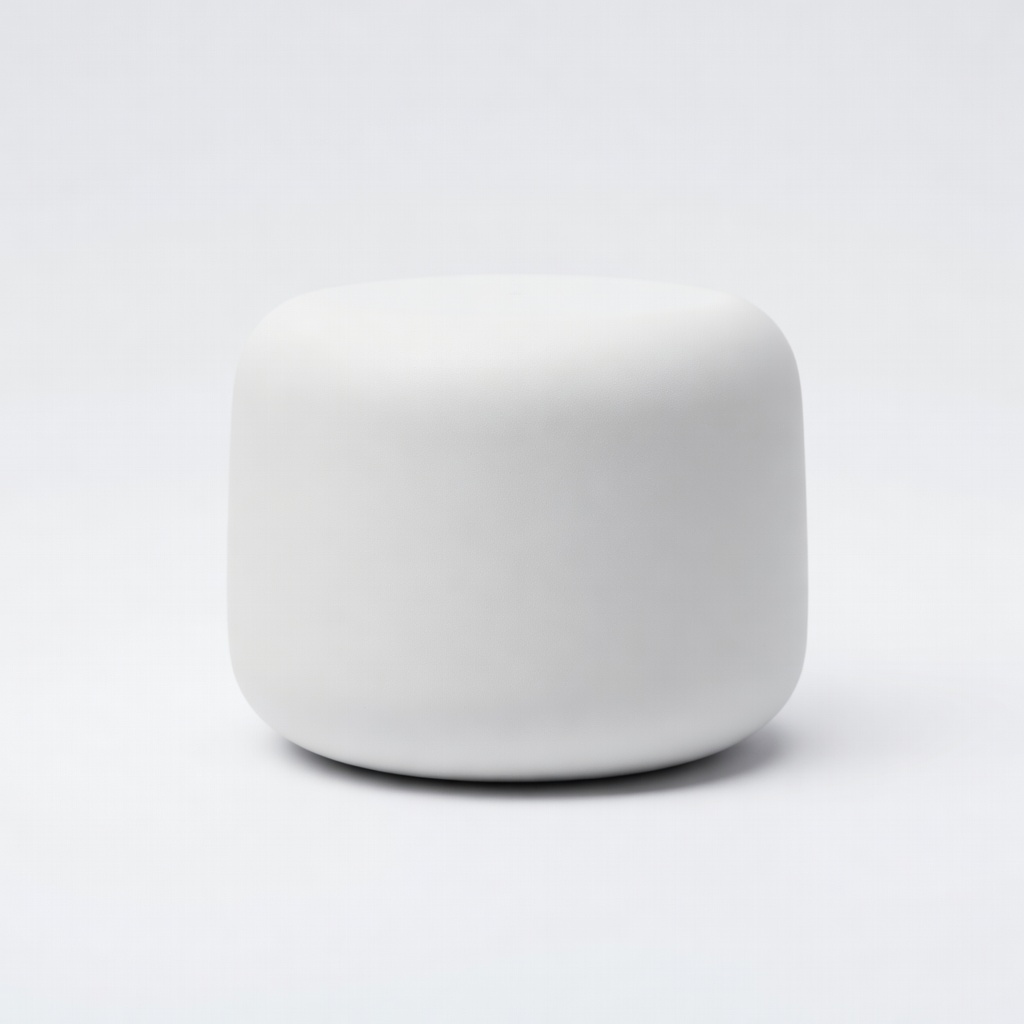
Whole-home setup for multiple IoT devices like fridges.
Google Nest Wifi Router Mesh system ensures strong 2.4GHz coverage for smart appliances.
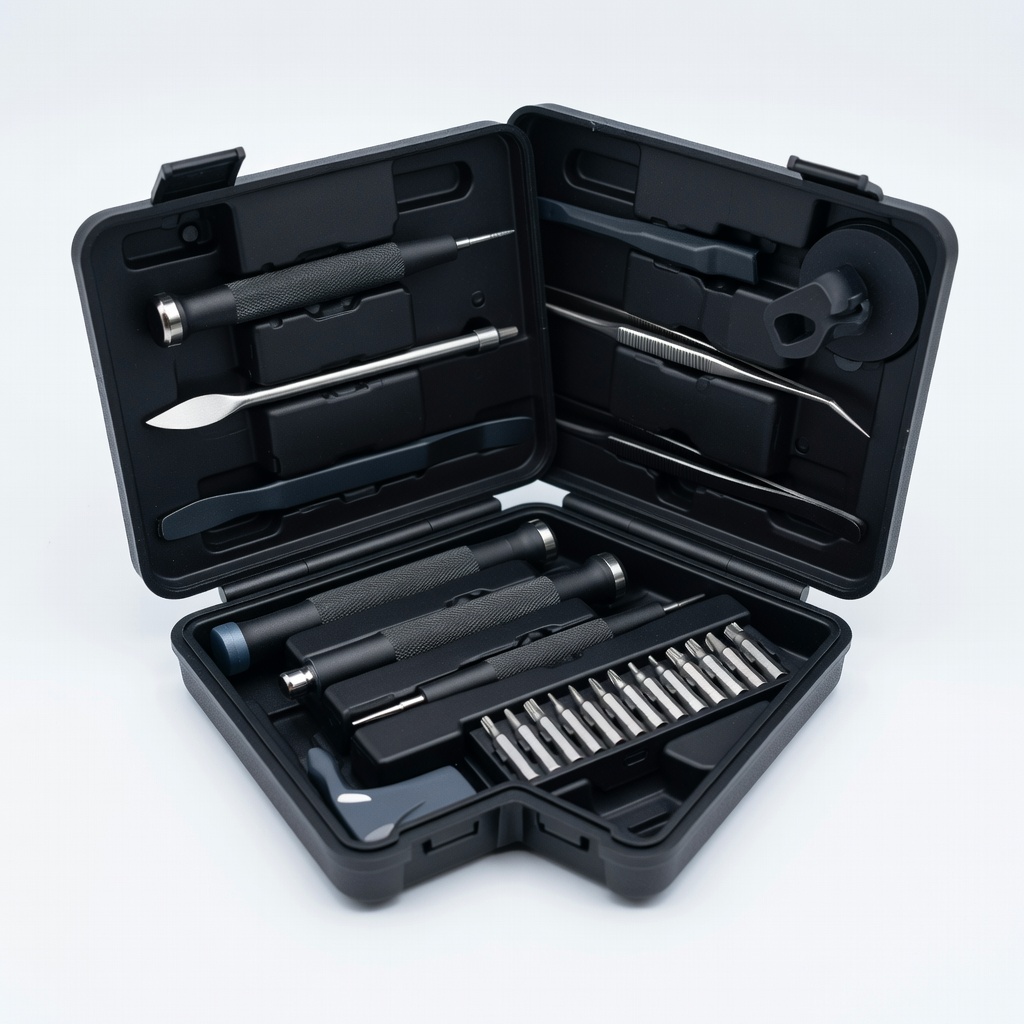
If reset requires panel removal (rare but noted in manuals).
iFixit Pro Tech Toolkit Essential for accessing hidden panels/buttons on some models.
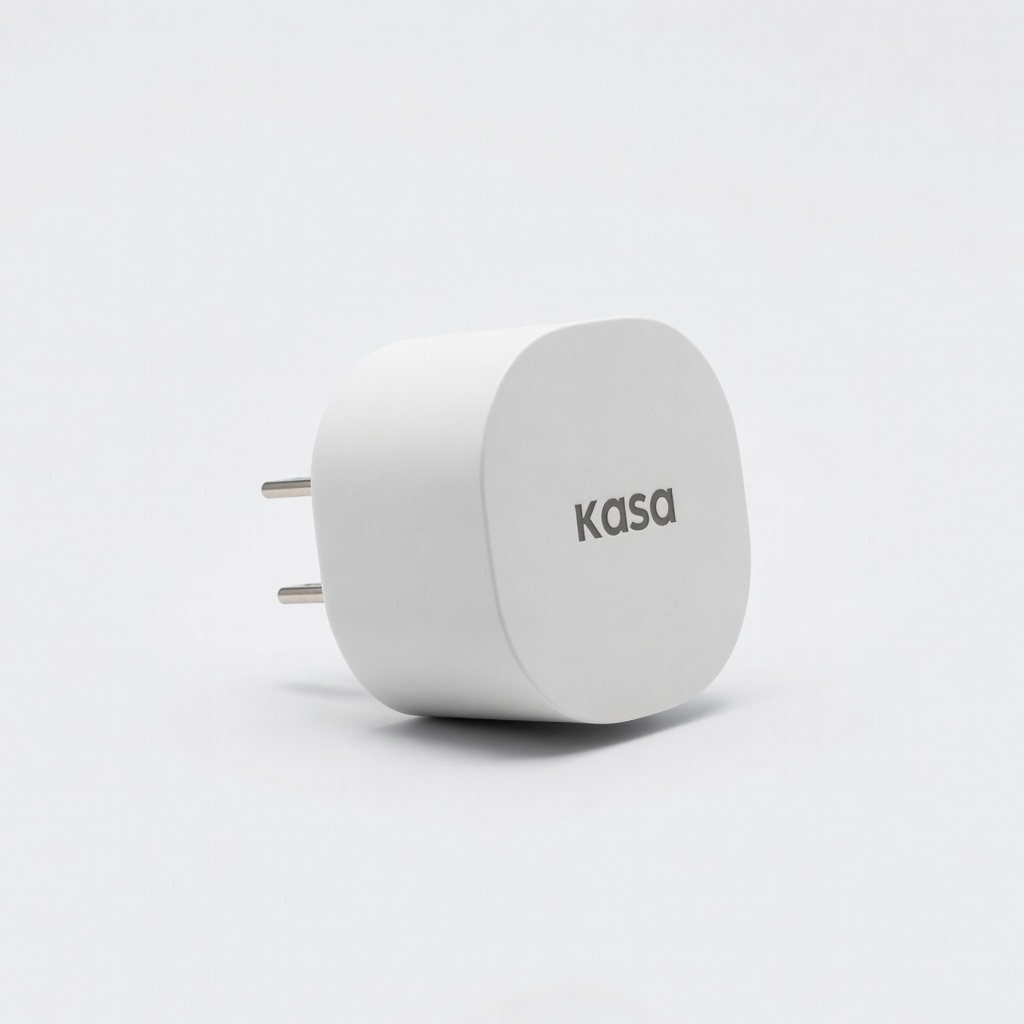
Quick resets from app for maintenance.
Kasa Smart Plug Mini Remote power cycling without unplugging heavy fridge cords.