
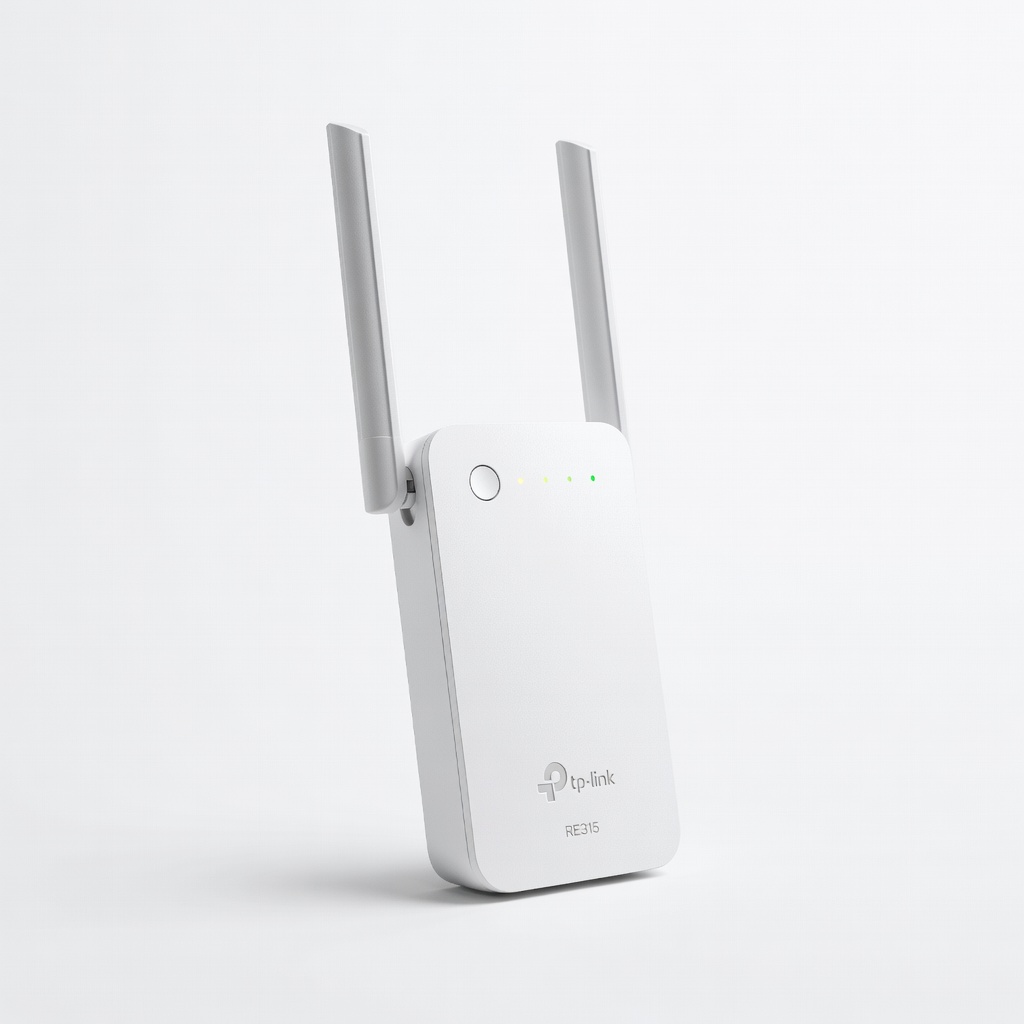
TP-Link RE315 WiFi Extender
Place midway between router and fridge for stable 2.4GHz coverage.
$29.99
TP-Link RE315 WiFi Extender Boosts weak signals in kitchens where fridges often struggle with range.
Get the App
Better experience on mobile
Restore your smart refrigerator's WiFi connection in minutes with this step-by-step guide—no tech expertise needed.
Struggling with a smart fridge that won't connect to WiFi? This is a common issue as these appliances rely on stable networks for remote monitoring, recipe suggestions, and inventory tracking. A dropped connection can leave you unable to use apps like Samsung SmartThings or LG ThinQ, turning your high-tech fridge into a basic cooler.
In this guide, you'll learn how to fully reset the WiFi on popular brands like Samsung, LG, GE, and Whirlpool. We'll cover power cycling, app resets, and physical button presses. Expect 10-20 minutes total, suitable for intermediate users comfortable with apps and basic appliance access.
By the end, your fridge will reconnect seamlessly, restoring smart features. Follow sequentially for best results.
Estimated Time: 10-20 minutes Difficulty: intermediate
Locate the model number inside the fridge door or on the back. Download the official app: Samsung Family Hub uses SmartThings, LG uses ThinQ, GE uses SmartHQ, Whirlpool uses Whirlpool App.
Why? Each brand has unique reset paths. Open the app and sign in. Success looks like seeing your fridge listed (even if offline).
Image: Close-up of fridge model sticker on door frame.
💡 Tips:
⚠️ Warnings:
Unplug the fridge from the wall outlet. Wait 5 full minutes. This clears temporary glitches and resets the WiFi module.
Why it matters: Soft resets fix 70% of connection issues without deeper intervention. Plug back in and wait 2-3 minutes for the display to fully boot.
Success: Fridge powers on normally, lights and display active.
💡 Tips:
On the fridge touchscreen (if available), go to Settings > Network > Forget Network. In the app, select your fridge > Network Settings > Forget/Remove WiFi.
For non-touch models, use the app only. Confirm deletion. Why? Forces a fresh connection scan.
Expect: Fridge shows 'No Network' or WiFi icon blinking.
💡 Tips:
⚠️ Warnings:
Most models have a reset button: Samsung (behind filter cover), LG (back panel), GE (top inside). Use screwdriver to access if needed, insert paperclip, hold 10-15 seconds until lights flash.
Why? Hard resets factory-default the WiFi module. Hold until confirmation (beep or light pulse).
Success: Module restarts, ready for pairing.
💡 Tips:
⚠️ Warnings:
Open app, add device or scan QR code on fridge. Select 2.4GHz network, enter password. Fridge enters pairing mode (blinking light).
Follow on-screen prompts. Why? Apps handle secure pairing better than manual.
Expect: 'Connecting...' then 'Connected' status.
💡 Tips:
Check app for online status, send test command (e.g., check temp). Go to Settings > Software Update > Check Now.
Success: Remote access works, updates download if available.
Full process complete—enjoy restored features!
💡 Tips:
Problem: Fridge won't enter pairing mode
Solution: Repeat power cycle (10 mins unplug) or check for firmware issues in app.
Problem: Connection fails repeatedly
Solution: Verify 2.4GHz, move closer to router, or use WiFi extender.
Problem: App doesn't detect fridge
Solution: Ensure Bluetooth on phone, restart app, or reset phone network settings.
Problem: Reset button inaccessible
Solution: Download manual PDF from manufacturer site; seek pro if under warranty.
Boosts weak signals in kitchens where fridges often struggle with range.
Best for: Place midway between router and fridge for stable 2.4GHz coverage.
Price Range: $29.99
Allows remote power cycling via app—no unplugging needed next time.
Best for: Plug fridge into it for quick resets from your phone.
Price Range: $14.99
Essential for safely accessing hidden reset panels without damage.
Best for: Phillips bits perfect for most fridge panels.
Price Range: $24.99
Portable tester to diagnose signal strength before/after reset.
Best for: Scan fridge location to confirm -50 to -60dBm for reliability.
Price Range: $39.99
Place midway between router and fridge for stable 2.4GHz coverage.
TP-Link RE315 WiFi Extender Boosts weak signals in kitchens where fridges often struggle with range.
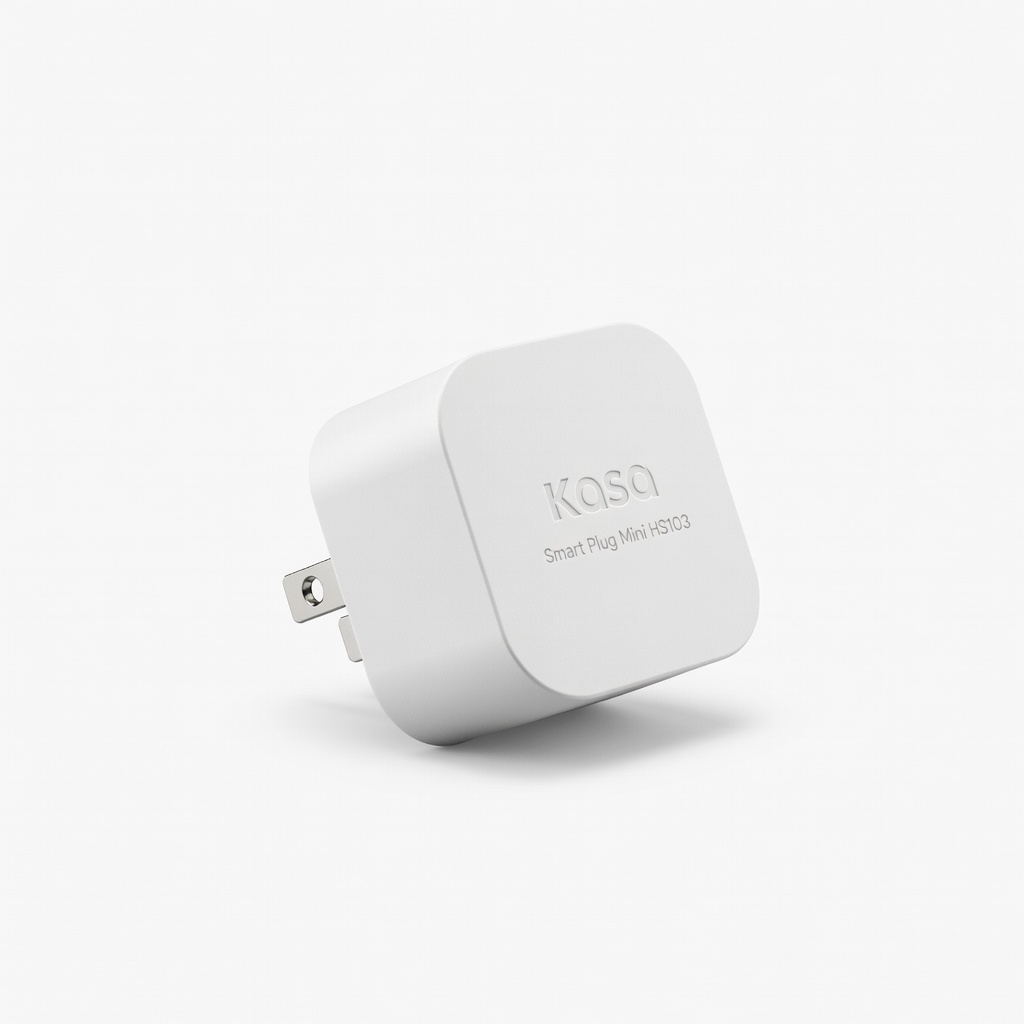
Plug fridge into it for quick resets from your phone.
Kasa Smart Plug Mini HS103 Allows remote power cycling via app—no unplugging needed next time.
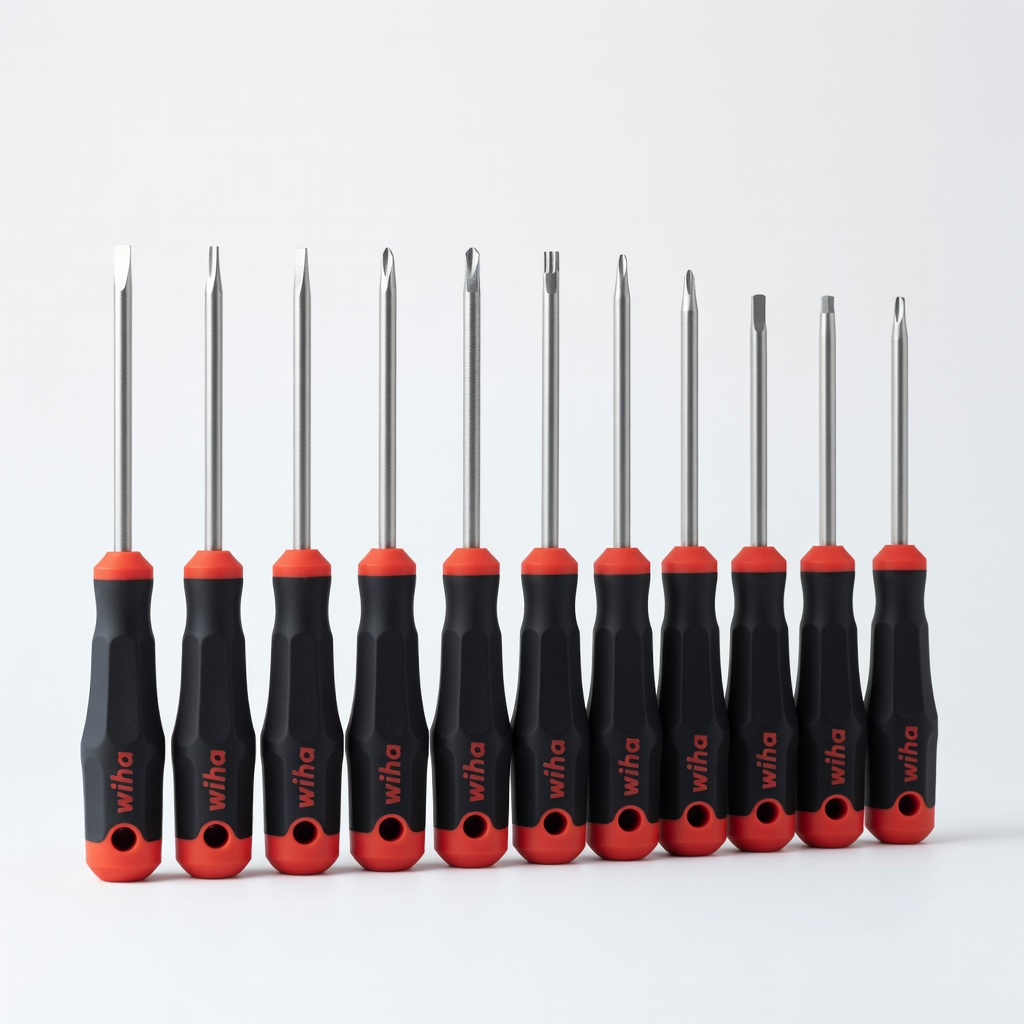
Phillips bits perfect for most fridge panels.
Wiha 26199 Precision Screwdriver Set Essential for safely accessing hidden reset panels without damage.
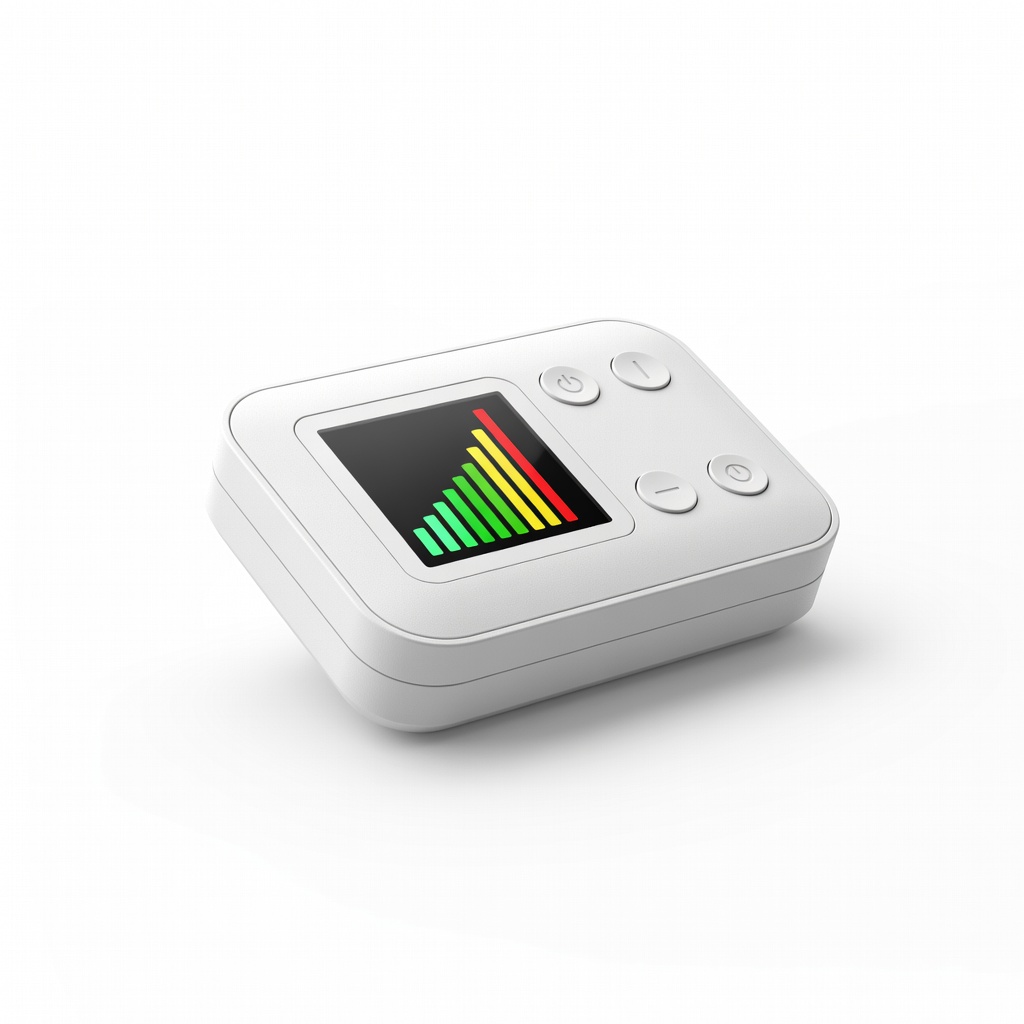
Scan fridge location to confirm -50 to -60dBm for reliability.
Etekcity WiFi Signal Meter Portable tester to diagnose signal strength before/after reset.