
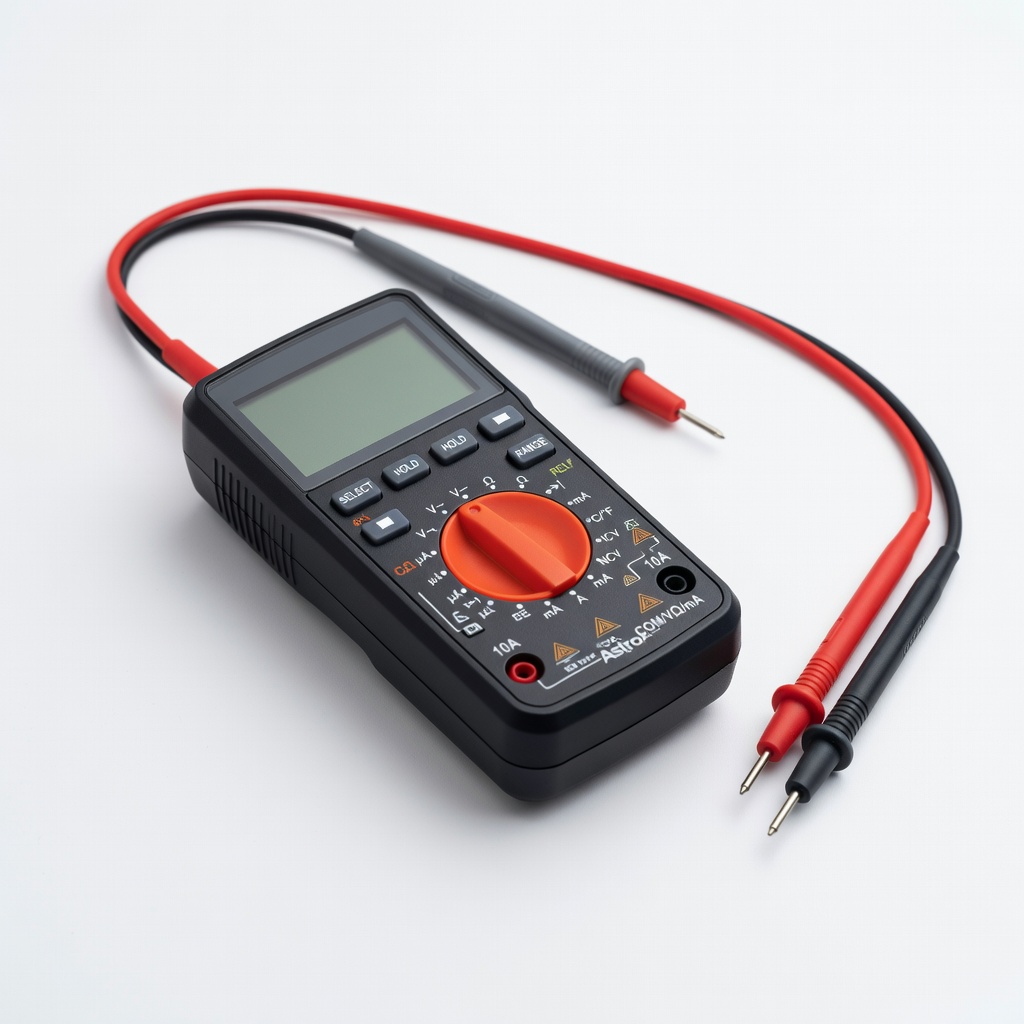
AstroAI Digital Multimeter
Persistent power or sensor codes during troubleshooting.
$12.99-$15.99
AstroAI Digital Multimeter Tests voltage, continuity on sensors/hoses for electrical errors like AC6.
Get the App
Better experience on mobile
Quickly diagnose and clear common Samsung washer errors to restore normal operation in under 30 minutes.
Nothing disrupts laundry day like a blinking error code on your Samsung washer, halting cycles and piling up dirty clothes. Whether it's UE for unbalanced load, DC for door issues, or 4E for water fill problems, these codes signal fixable issues. This guide teaches you how to reset them safely at home.
You'll learn to identify codes, perform a power cycle reset, clean key components, and run diagnostics—most fixes take just minutes without tools. For intermediate users comfortable with basic appliance maintenance, expect 10-30 minutes total. If errors persist, we'll cover when to call a pro.
By the end, your washer will hum back to life, saving you service calls and costs.
Estimated Time: 10-30 minutes Difficulty: intermediate
Before any reset, prioritize safety. Turn off the washer using the power button, then unplug it from the wall outlet. This discharges residual power and prevents electrical shocks.
Why it matters: Capacitors hold charge even when off. Wait 5 full minutes. Expect the display to go blank—success looks like no lights or sounds.
Image description: Close-up of hand unplugging washer cord from outlet, with safety icons.
💡 Tips:
⚠️ Warnings:
Note the exact code on the display (e.g., UE, OE, 5E). Refer to your manual or Samsung's site for meanings—UE means unbalanced, OE is drainage issue.
Snap a photo for reference. This step ensures targeted fixes; generic resets fail on specifics. Success: You have the code listed.
Image description: Samsung washer control panel showing 'UE' error code.
💡 Tips:
Plug the washer back in and press power. Run a rinse/spin cycle without clothes. Most codes (like UE, DC) clear here as it's a soft reset.
Why: Clears temporary glitches in the control board. Listen for normal fill/drain sounds; display should show 'End' or no code. If code returns, proceed.
Takes 5-10 mins.
💡 Tips:
⚠️ Warnings:
Turn off faucets, inspect inlet hoses for kinks/crimps. Ensure hot/cold valves are fully open. For 4E/5E codes, this fixes 30% of issues.
Tighten connections gently. Success: Water flows freely when tested. Why: Low pressure triggers errors.
💡 Tips:
Locate filter (front bottom panel, twist counterclockwise). Place bucket underneath, drain water, remove debris (lint, coins). Rinse and reinstall for OE/5E codes.
Why: Clogs cause overflow errors. Expect gunk—clean with brush. Tighten securely; run test cycle.
Image description: Open front panel with debris-filled filter.
💡 Tips:
⚠️ Warnings:
For persistent codes, enter test mode: Top-load (WF series): Power + Soil + Temp + Start/Hold 3s. Front-load: Varies, check manual (often Spin + Soil + Power).
Run full test (10-20 mins). Codes during test pinpoint issues. Exit by power off. Success: No errors, normal operation.
Image description: Fingers pressing buttons on control panel.
💡 Tips:
Run a full normal cycle (e.g., Quick Wash). Monitor for codes. If clear, load lightly and retry.
Confirms reset. Success: Completes without interruption.
💡 Tips:
Problem: Error returns immediately after reset
Solution: Check specific code fix (e.g., door sensor for DC). Test with multimeter for continuity.
Problem: No power after cycle
Solution: Verify outlet/GFCI, check house breaker. Call electrician if tripped.
Problem: Diagnostic mode won't enter
Solution: Confirm model sequence in manual. Try unplug 10 mins longer.
Problem: Persistent 1C/1E (board error)
Solution: Board may need replacement—seek Samsung service.
Tests voltage, continuity on sensors/hoses for electrical errors like AC6.
Best for: Persistent power or sensor codes during troubleshooting.
Price Range: $12.99-$15.99
Removes buildup causing OE/UE; prevents future resets.
Best for: Monthly maintenance after reset.
Price Range: $15.99-$19.99
Burst-proof replacement for kinked hoses triggering 4E errors.
Best for: If hoses are old/cracked during inspection.
Price Range: $18.99-$24.99
Precision drivers for panels/filters without stripping screws.
Best for: Accessing hard-to-reach components safely.
Price Range: $19.99-$29.99
Direct OEM replacement for failed pumps causing 5E/OE.
Best for: If filter clean doesn't fix drainage.
Price Range: $45-$60
Persistent power or sensor codes during troubleshooting.
AstroAI Digital Multimeter Tests voltage, continuity on sensors/hoses for electrical errors like AC6.

Monthly maintenance after reset.
Affresh Washing Machine Cleaner Tablets Removes buildup causing OE/UE; prevents future resets.
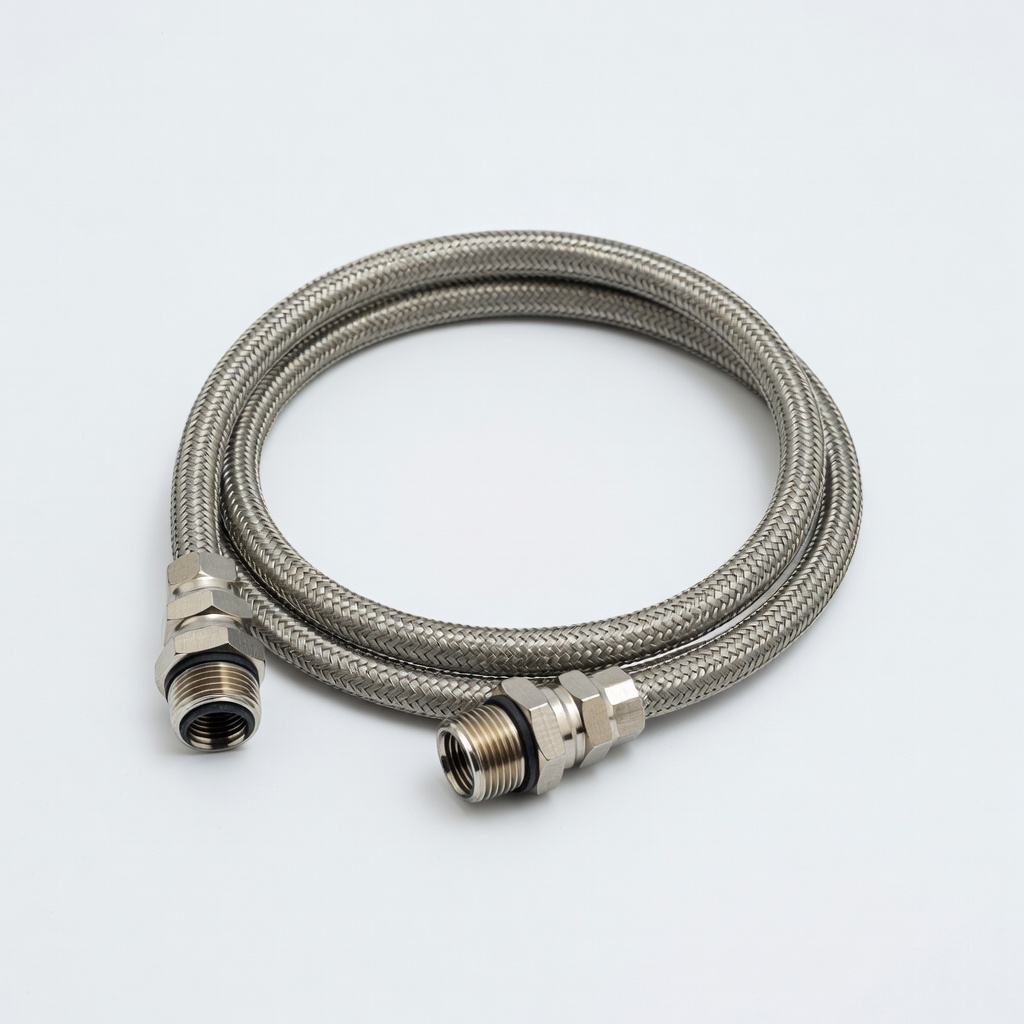
If hoses are old/cracked during inspection.
Fluidmaster Washer Inlet Hoses (2-Pack) Burst-proof replacement for kinked hoses triggering 4E errors.
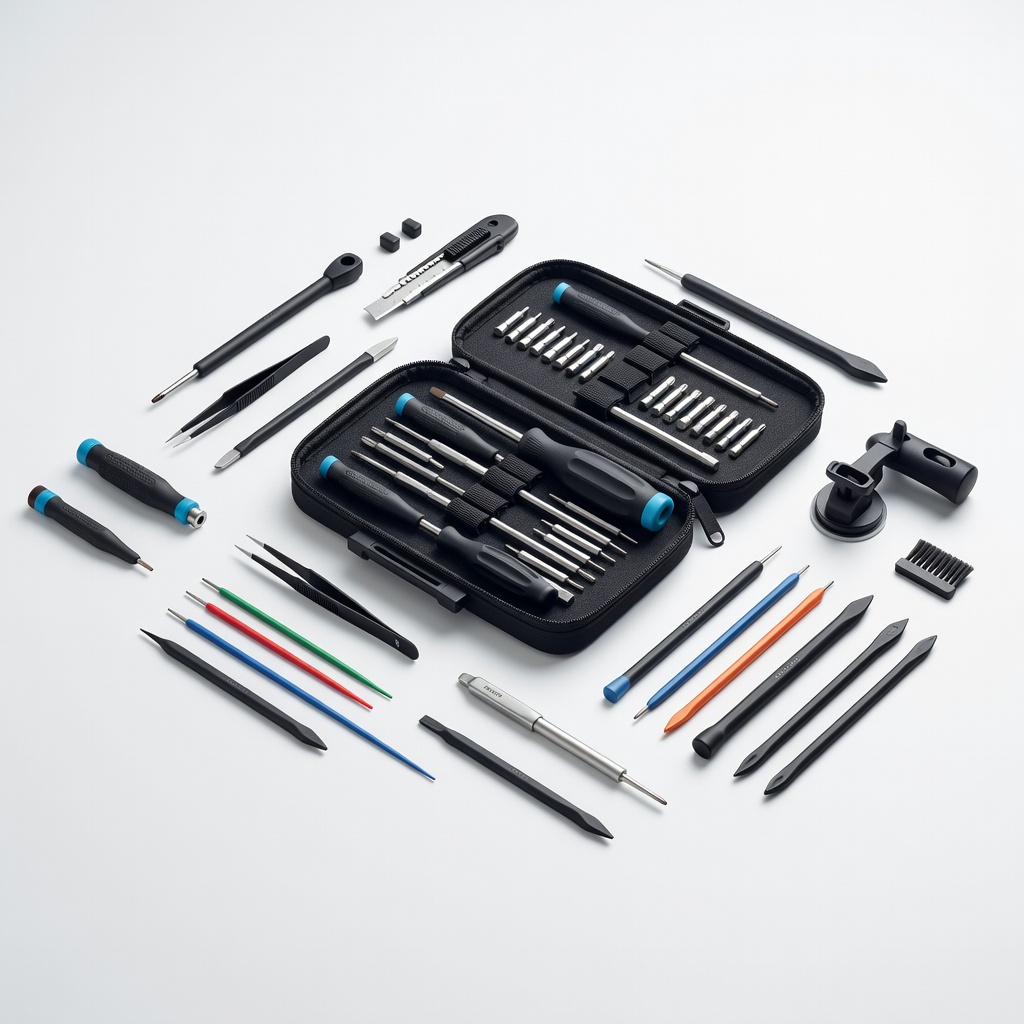
Accessing hard-to-reach components safely.
iFixit Pro Tech Toolkit Precision drivers for panels/filters without stripping screws.
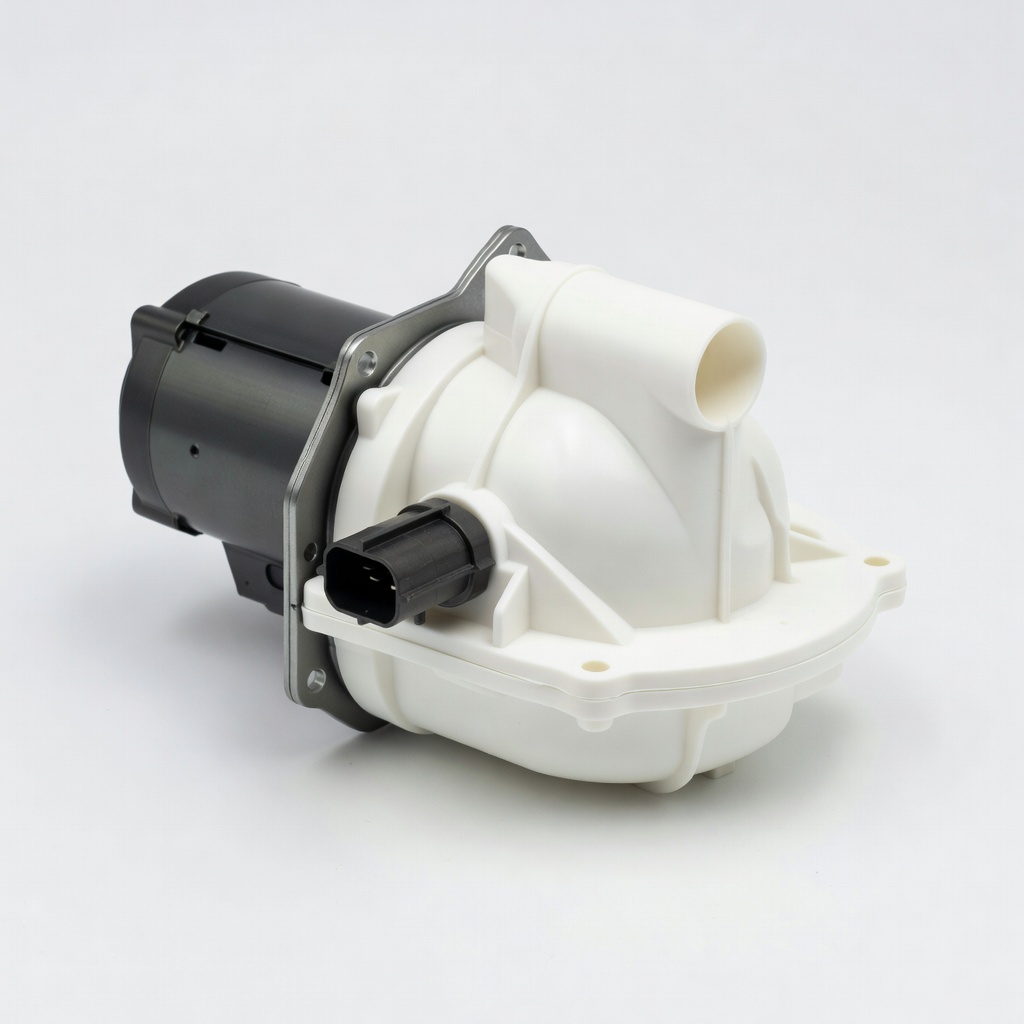
If filter clean doesn't fix drainage.
DC97-16782A Samsung Drain Pump Direct OEM replacement for failed pumps causing 5E/OE.