Why Primary Sources Are Essential for Real History
Primary sources like original letters, diaries, photographs, government records, and newspapers offer unfiltered insights into American history, letting you hear voices from the past directly. But sifting through endless Google results or paywalled sites can be overwhelming, leading to unreliable info or hours wasted.
In this guide, you'll learn a proven step-by-step process to locate, evaluate, and organize high-quality primary sources online. From defining your topic to citing finds, expect actionable strategies used by historians and students. Perfect for intermediate researchers comfortable with basic online navigation.
The process takes 45-90 minutes for your first deep dive, scaling with topic complexity. No special software needed—just curiosity and a critical eye.
▸What You'll Need
- •Reliable internet connection (required)
- •Computer, laptop, or tablet with PDF reader like Adobe Acrobat Reader (required; free download)
- •Free accounts for sites like Library of Congress or Internet Archive (optional but recommended)
- •Note-taking tool: digital app (e.g., Google Docs) or physical notebook (recommended)
- •Browser with ad-blocker for faster loading (optional)
Estimated Time: 45-90 minutes for initial research session; 2-4 hours for comprehensive topic
Difficulty: intermediate
▸Step-by-Step Instructions
Step 1: Define Your Research Topic and Keywords
Start by narrowing your focus to a specific event, person, era, or theme, like 'Women's suffrage speeches 1910-1920' or 'Civil War soldier letters from Virginia.' This prevents information overload.
Brainstorm 5-10 keywords and phrases, including variations (e.g., 'suffragette' vs. 'woman suffrage'). Why? Archives use historical terminology, not modern slang. Write them down—what success looks like: a 1-sentence question and bullet list of terms.
Pro tip: Use tools like Google Ngram Viewer to check term popularity over time.
💡 Tips:
- •Include dates for precision, e.g., '1929 stock market crash newspapers'
- •Test keywords in Google first to refine
⚠️ Warnings:
- •Avoid vague topics like 'American Revolution'—too broad
Step 2: Identify Key Online Repositories
Prioritize free, authoritative sites: Library of Congress (loc.gov) for photos/manuscripts; National Archives (archives.gov) for federal records; Chronicling America (chroniclingamerica.loc.gov) for historic newspapers; HathiTrust (hathitrust.org) for books/documents; Internet Archive (archive.org) for digitized collections.
Bookmark 4-6 sites. Success: A customized list matching your topic (e.g., add Smithsonian for artifacts). These hold millions of digitized primaries from 1600s onward.
University sites like Harvard's Digital Collections or state archives (e.g., California Digital Newspaper Collection) fill gaps.
💡 Tips:
- •Use Digital Public Library of America (dp.la) as a search hub linking 40M+ items
Step 3: Master Advanced Search Techniques
On each site, use filters: dates, format (image/text), location. Employ Boolean operators: AND/OR/NOT, quotes for phrases (e.g., "Emancipation Proclamation"), asterisks for wildcards (e.g., suffrag*).
Expect 10-50 initial results per site. Refine iteratively—why it matters: Cuts noise, surfaces gems like unpublished letters. Success: Relevant hits with metadata previews.
Example: In LOC, select 'Primary Source Set' for curated bundles.
💡 Tips:
- •Enable OCR text search for scanned images
- •Sort by date or relevance
⚠️ Warnings:
- •Ignore unfiltered Google Books—often secondary or OCR errors
Step 4: Access and Download Sources
Click results to view high-res scans/transcripts. Download PDFs/JPGs (most free/public domain). Create free accounts for saves/favorites.
Verify download: Clean file, metadata intact. Why? Preserves originals for offline review. Success: Folder with 5-10 files, named descriptively (e.g., 'Lincoln-1863-Gettysburg-Draft-LOC.pdf').
Handle large files by zipping if needed.
💡 Tips:
- •Use browser extensions like DownThemAll for batch downloads
Step 5: Evaluate Source Authenticity and Bias
Check provenance: Who digitized? Original metadata? Cross-check with site about pages. Assess bias—author's perspective, context (e.g., Confederate diary vs. Union).
Use CRAAP test (Currency, Relevance, Authority, Accuracy, Purpose). Success: Notes on each source's strengths/limits. Why critical: Prevents misinformation in historical analysis.
Red flags: No metadata, watermarks hiding origins.
💡 Tips:
- •Consult secondary sources briefly for context
⚠️ Warnings:
- •Don't assume 'vintage photo' = authentic; verify via reverse image search
Step 6: Organize and Cite Your Findings
Create a research log: Source link, summary, key quotes, citation. Use Zotero or Google Sheets.
Cite per Chicago Manual (common for history): e.g., footnotes with URL/access date. Success: Shareable bibliography, ready for essays/papers.
Backup to cloud/drive.
💡 Tips:
- •Color-code by theme for easy sorting
Step 7: Expand with Secondary Validation
Search JSTOR/Google Scholar for analyses citing your primaries. Join forums like H-Net for expert input.
Success: Balanced research file with primaries + context. This deepens understanding, confirms interpretations.
💡 Tips:
- •Set Google Alerts for new digitizations
▸Pro Tips
- •Combine sites: Start broad (DPLA), drill to specifics (NARA)
- •Night owl? Many sites have fewer users, faster loads
- •Mobile apps for LOC/Chronicling America speed up on-the-go checks
- •Boolean cheat sheet: Save 'title:"civil war" AND soldier* NOT fiction'
- •Weekly habit: 30 mins scanning new uploads via RSS feeds
- •Collaborate: Share Zotero groups for class projects
- •OCR tip: Copy text from scans, but proofread for errors
▸Common Mistakes to Avoid
- •Over-relying on Wikipedia/Google—lacks direct primaries; solution: Jump straight to archives
- •Ignoring dates/filters—drowns in irrelevant results; always narrow first
- •Skipping evaluation—using biased/forgeries; cross-verify metadata
- •Poor organization—lost files later; name systematically from day 1
- •Forgetting access dates in citations—URLs change; note immediately
▸Troubleshooting
Problem: Site access blocked or slow
Solution: Use VPN like free ProtonVPN; try Incognito mode or alternative browsers. Mirror sites via Wayback Machine
Problem: Paywall on premium content
Solution: Stick to free tiers; request interlibrary loan or university access. Alternatives: HathiTrust public domain
Problem: No results for obscure topics
Solution: Broaden keywords, check state/regional archives (e.g., via WorldCat.org), contact librarians via email forms
Problem: Download fails or corrupted files
Solution: Clear cache, use different browser; right-click 'Save As' for images
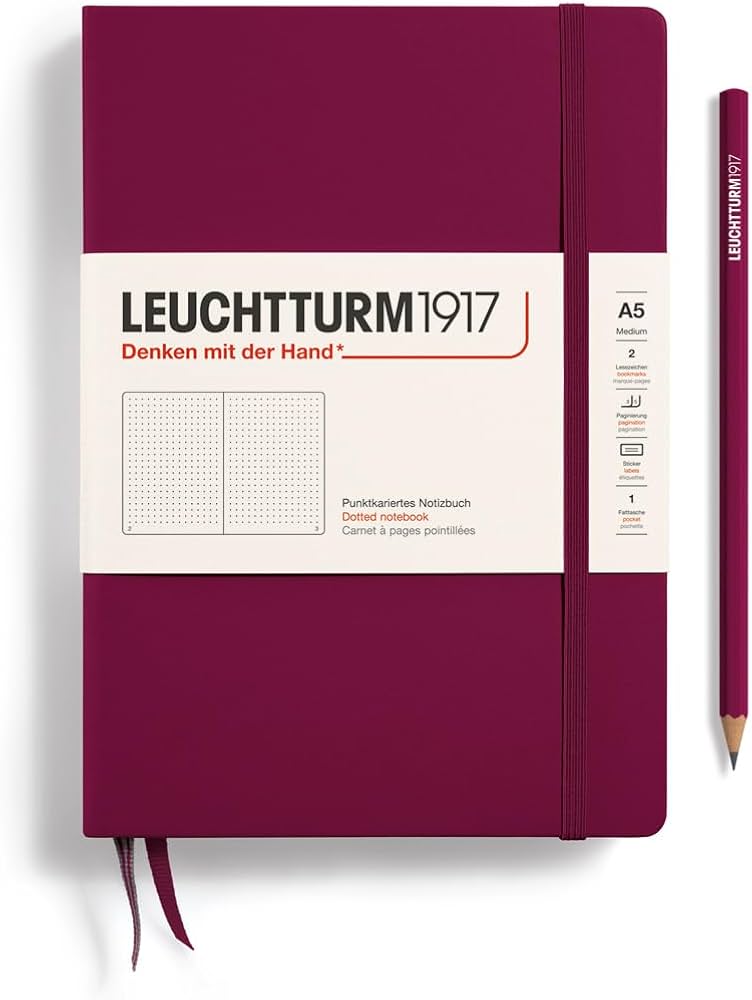
Leuchtturm1917 Medium A5 Hardcover Notebook (Dotted)
Durable, numbered pages and index for organizing research notes without digital distractions
Best for: Jotting keywords, summaries, and citations during sessions; pocket-sized for fieldwork
Price Range: $19.95-$22
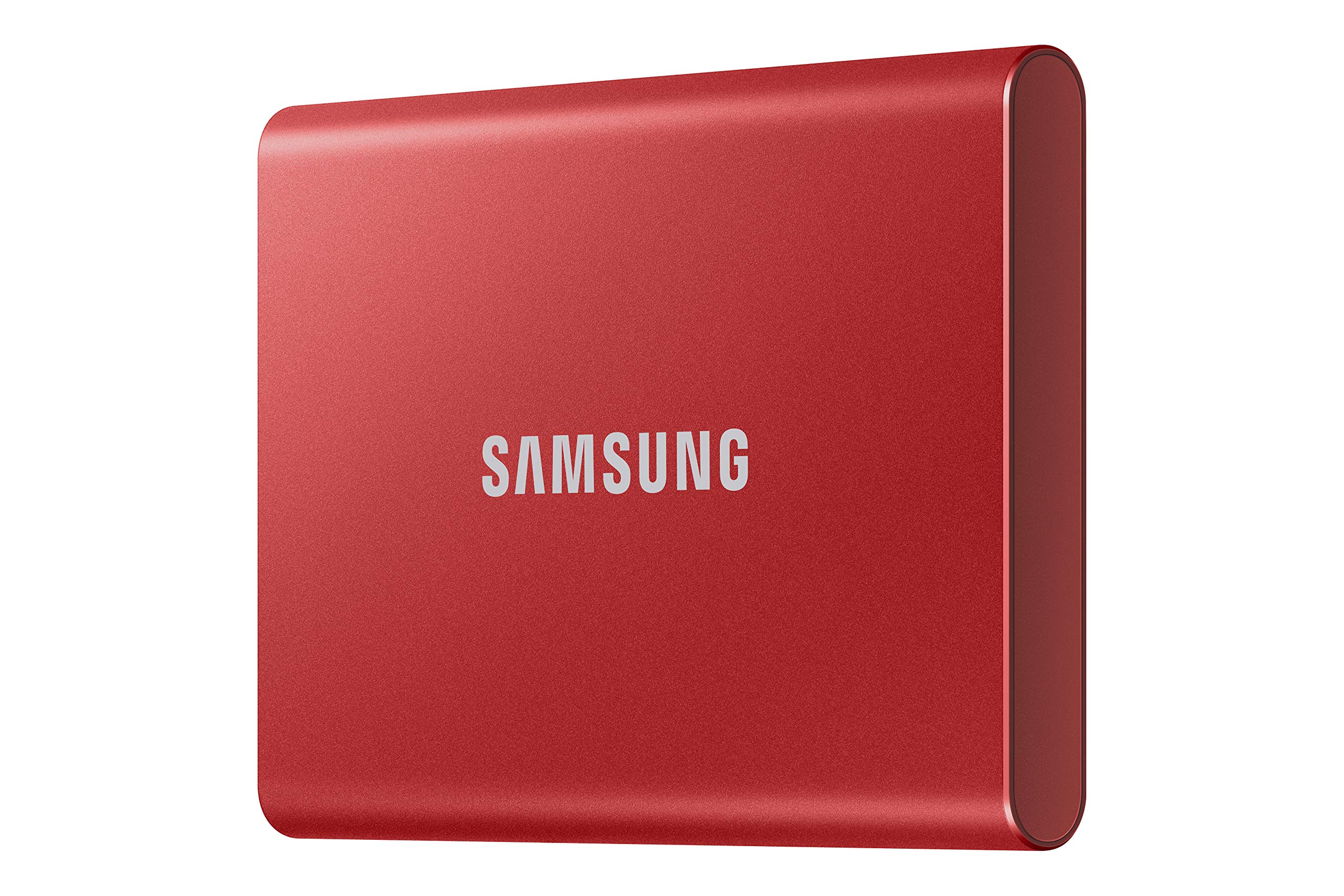
Samsung T7 Portable SSD 500GB
Fast, rugged storage for large PDF/image collections from archives without cloud dependency
Best for: Backing up gigabytes of high-res primaries securely
Price Range: $70-$85
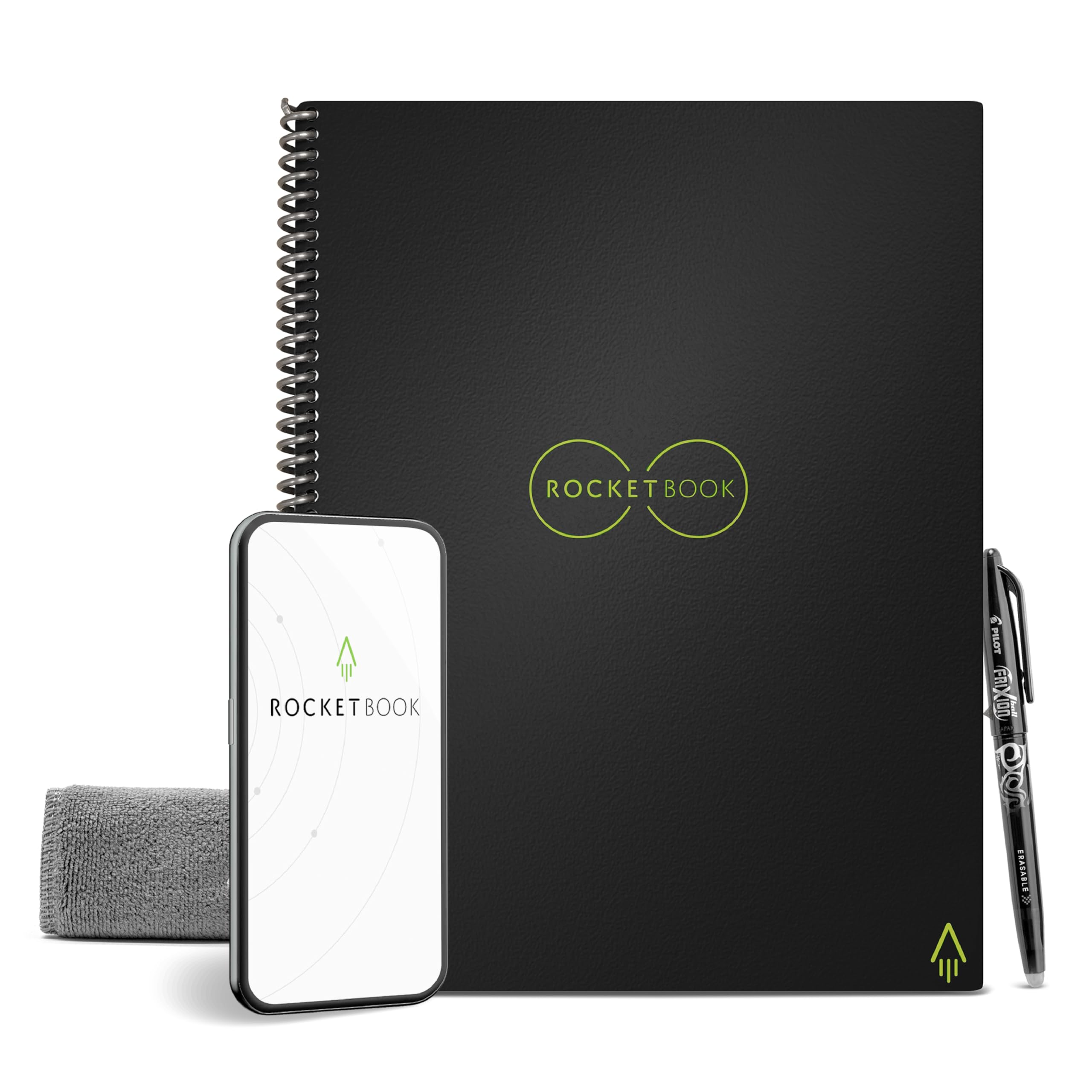
Rocketbook Core Reusable Smart Notebook (Letter Size)
Scan notes to apps like Google Drive, erase with water—eco-friendly for iterative research
Best for: Digitizing handwritten logs instantly, integrates with Zotero workflow
Price Range: $25-$35
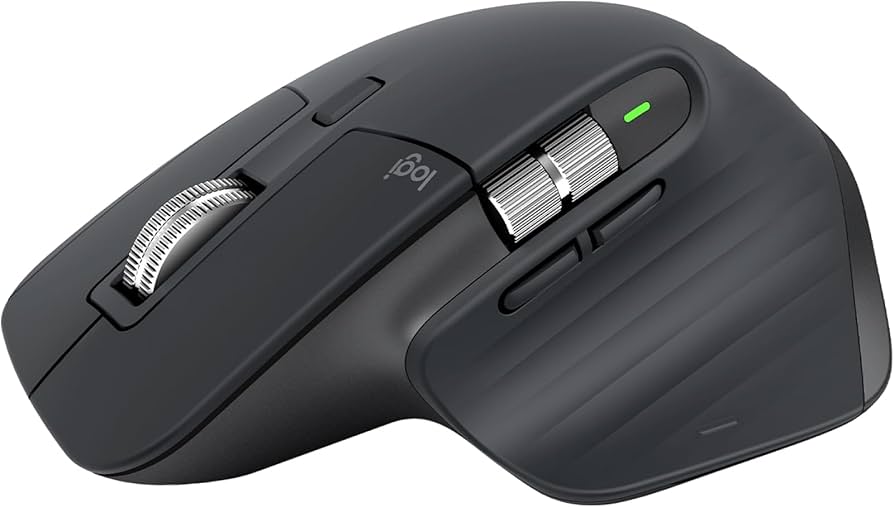
Logitech MX Master 3S Wireless Mouse
Ergonomic design with side scroll for navigating lengthy digitized documents comfortably
Best for: Long research marathons without hand strain
Price Range: $90-$100
Kindle Paperwhite (2024, 16GB)
E-ink screen perfect for reading dense PDFs without eye fatigue, supports annotations
Best for: Offline review of downloaded historical texts
Price Range: $140-$160