
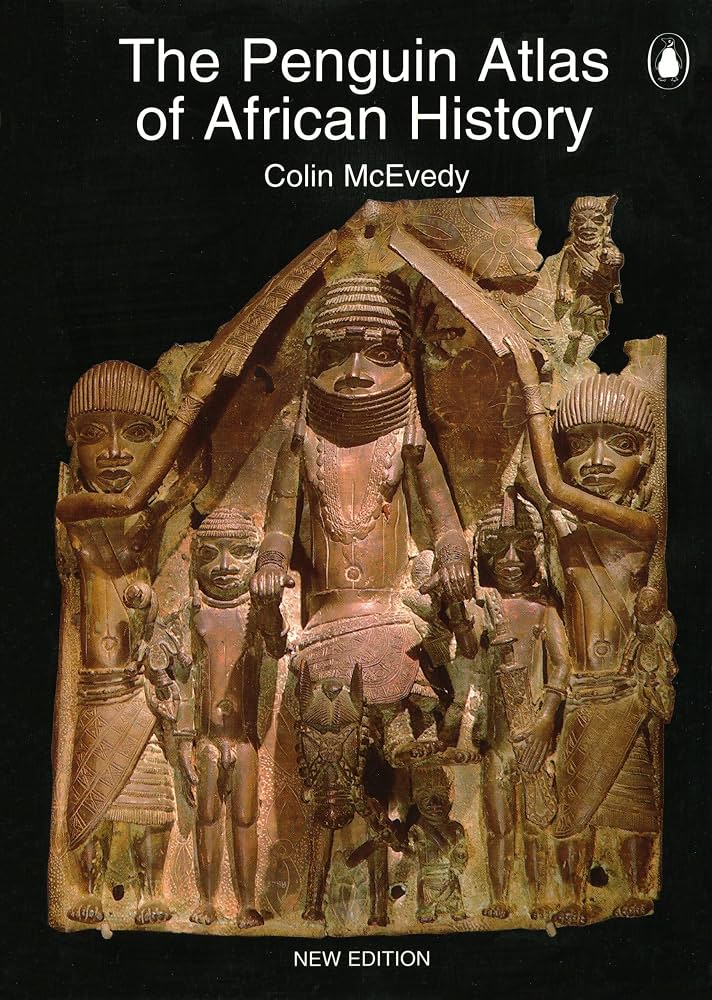
Penguin Atlas of African History
Quickly grasp geography/empires while reading archives.
$18.00
Penguin Atlas of African History Visual timelines and maps complement online texts for context.
Get the App
Better experience on mobile
Master finding primary sources in digital archives to uncover Africa's untold stories with our intermediate guide.
Why dive into African history online? Many narratives overlook Africa's 5,000+ years of innovation, empires, and resilience—from ancient Mali to anti-colonial struggles. Traditional research is gatekept by libraries, but online archives democratize access to manuscripts, photos, and oral histories.
In this guide, you'll learn to define topics, navigate top archives, evaluate sources, and organize findings. Expect a structured process yielding credible notes and citations in 1-2 hours per session. Perfect for students, hobbyists, or writers at an intermediate level—no prior archive experience needed, but basic internet skills assumed.
By the end, you'll have a research workflow for ongoing discoveries, like tracing the Zulu Kingdom or Ethiopian manuscripts.
Estimated Time: 1-2 hours for first research session; 30-60 minutes per follow-up Difficulty: intermediate
Start with a specific, focused question to guide your search. Instead of 'African history,' ask 'What role did women play in the Ashanti Empire?' This narrows results from millions to thousands.
Why it matters: Broad queries yield noise; specifics uncover gems like letters or maps. Write it down in your note-taking app, including keywords (e.g., 'Ashanti', 'women', '19th century').
Success: A 1-sentence question with 3-5 keywords listed below it.
💡 Tips:
⚠️ Warnings:
Compile a list of free/accessible archives:
Why: These host primary sources not on Google. Bookmark 3-5 to start.
Success: Bookmarks folder with archive URLs.
💡 Tips:
Use Boolean operators: "Mansa Musa" AND trade (exact phrase + related). Filters: Date range, language (English, French, Swahili).
In HathiTrust, select 'Full View Only' for downloads. Internet Archive: Advanced search for 'Africa collection'.
Why: Boosts relevance 10x. Expect 50-200 results; scan abstracts.
Success: First relevant document found and opened.
💡 Tips:
⚠️ Warnings:
Log in/register where needed (free for most). Download PDFs/images—check rights (public domain common pre-1928).
Navigate collections: EAP's continent map; DISA's thematic browses.
Why: Builds your personal archive. Expect varying quality (fuzzy scans).
Success: 5-10 files saved in a project folder.
💡 Tips:
Check: Provenance (archive origin), Author bias (colonial vs. local), Corroboration (matches other sources?), Date/context.
Tools: Wayback Machine for site history; Google Scholar for citations.
Why: Avoids Eurocentric fakes. Rate sources 1-5 in notes.
Success: Annotated list with credibility notes.
💡 Tips:
⚠️ Warnings:
Create a doc: Source link | Key excerpt | Analysis | Questions.
Use tags (e.g., #MaliEmpire). Tools like Zotero for auto-citation.
Why: Turns data into insights. Expect patterns emerging.
Success: 1-page summary connecting 3+ sources.
💡 Tips:
Use Chicago/Turabian for history: Archive name, URL, access date.
Search related: Follow bibliography links.
Why: Academic integrity; discovers more. Success: Bibliography with 5 entries.
💡 Tips:
Problem: Paywall blocks access
Solution: Register for free reads (e.g., JSTOR 100/month); use library logins or request interlibrary loans.
Problem: Dead links or missing files
Solution: Wayback Machine (archive.org/web); search archive name + title on Google.
Problem: Poor scan quality/OCR errors
Solution: Zoom in, use image enhancers like Let's Enhance; cross-reference printed editions.
Problem: Overwhelmed by results
Solution: Narrow by date/region; set result limit to 100.
Visual timelines and maps complement online texts for context.
Best for: Quickly grasp geography/empires while reading archives.
Price Range: $18.00
Scan handwritten notes to cloud; erasable for endless research logs.
Best for: Jotting source ideas during sessions without paper waste.
Price Range: $29.99
Fast, secure storage for GBs of PDFs/images from archives.
Best for: Backing up large downloads offline.
Price Range: $99.99
Blue light block reduces eye strain during long research sessions.
Best for: Extended archive browsing without fatigue.
Price Range: $49.99
Quickly grasp geography/empires while reading archives.
Penguin Atlas of African History Visual timelines and maps complement online texts for context.
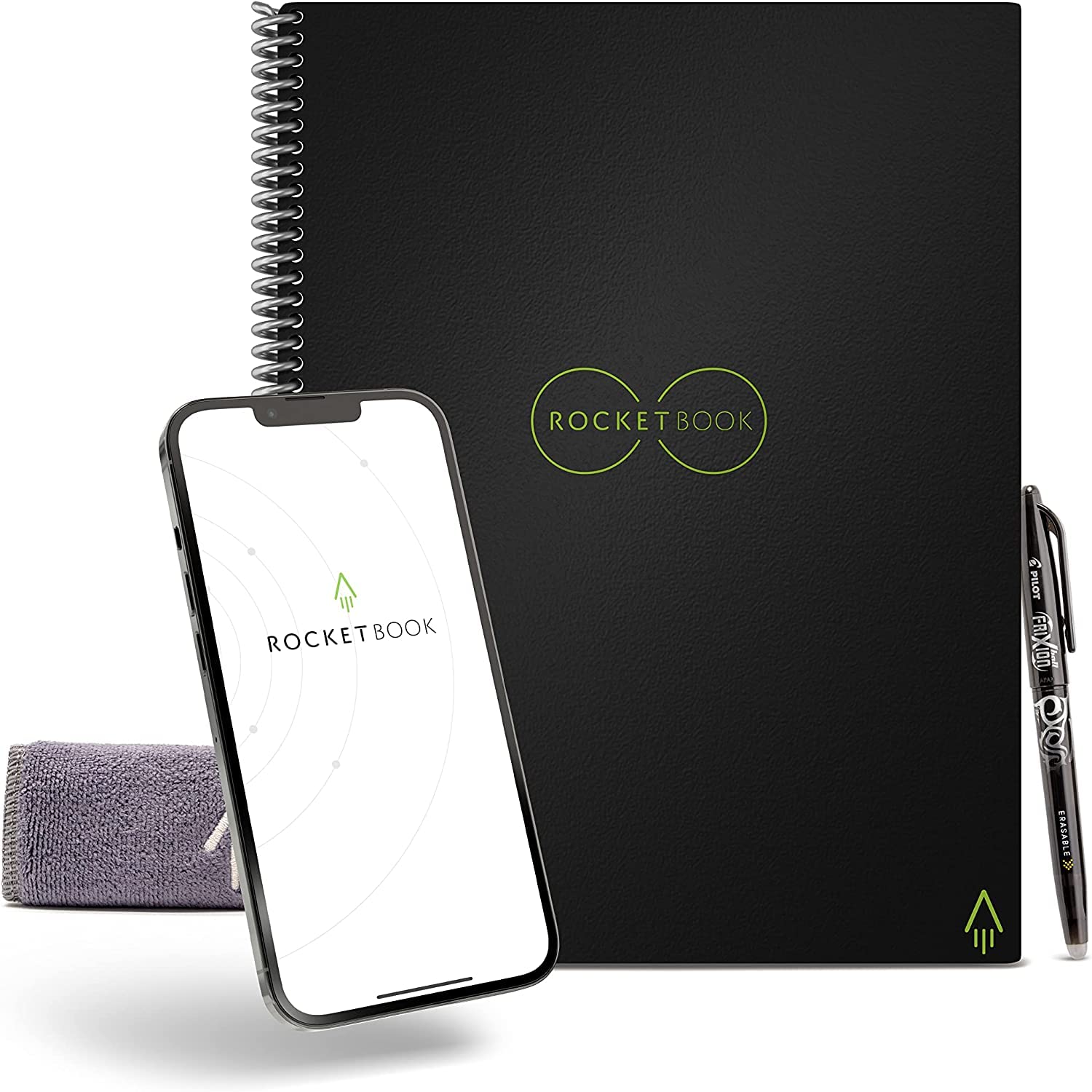
Jotting source ideas during sessions without paper waste.
Rocketbook Core Reusable Notebook Scan handwritten notes to cloud; erasable for endless research logs.

Backing up large downloads offline.
Samsung T7 Portable SSD 1TB Fast, secure storage for GBs of PDFs/images from archives.

Extended archive browsing without fatigue.
Gunnar Optiks Gaming Glasses Blue light block reduces eye strain during long research sessions.