
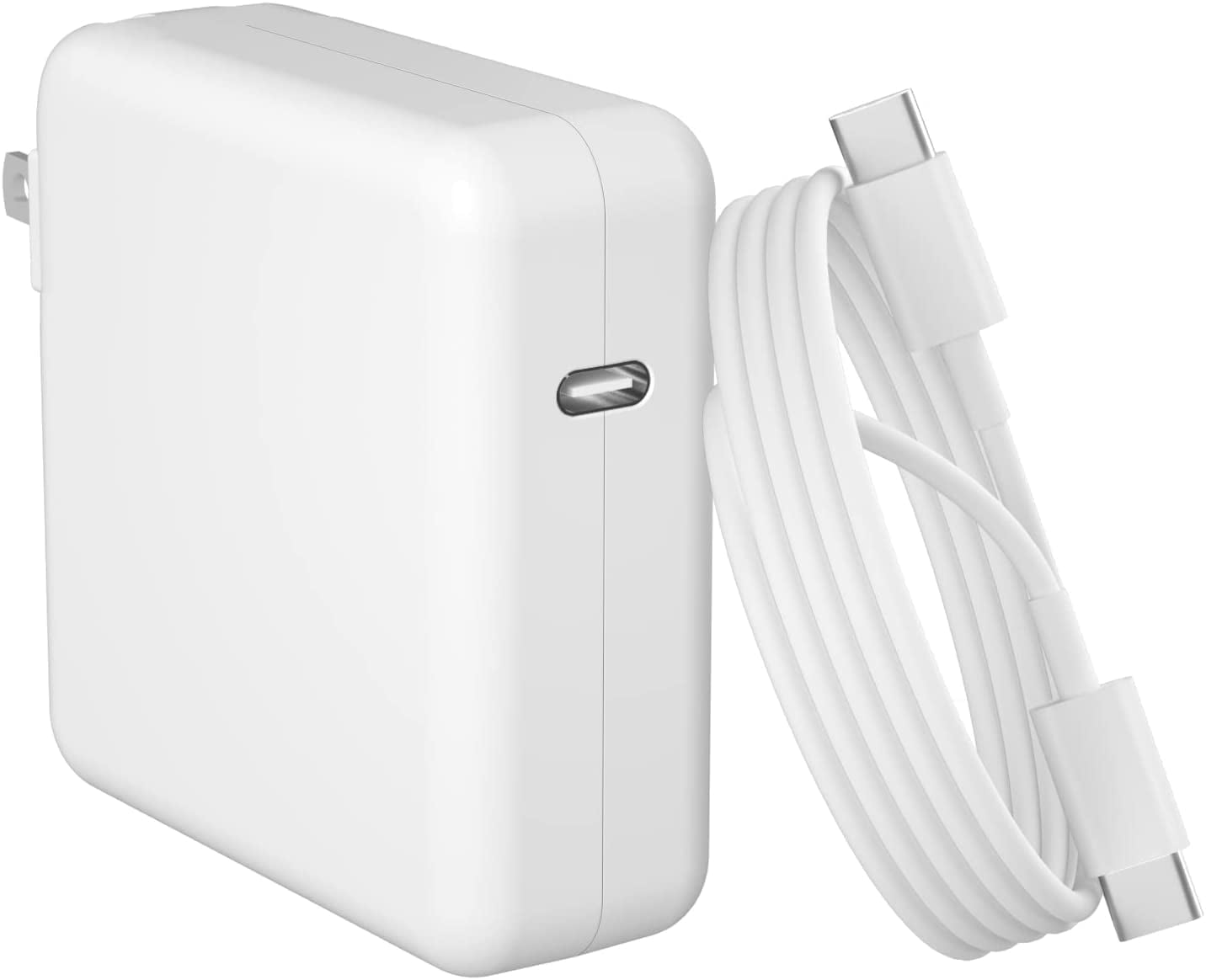
Apple 96W USB-C Power Adapter
Daily use on recent USB-C models needing high wattage.
$79
Apple 96W USB-C Power Adapter Official Apple charger—perfect match for 14/16-inch MacBook Pro 2021+, reliable and fast.
Get the App
Better experience on mobile
Safely swap your faulty MacBook Pro charger with a compatible replacement in minutes—no tools or tech skills needed.
Nothing halts productivity like a frayed or dead MacBook Pro AC adapter. Whether it's worn out from daily use, damaged in travel, or just not charging properly, replacing it is a quick fix that saves you from expensive repairs or downtime.
In this beginner-friendly guide, you'll learn how to identify your MacBook's adapter needs, pick the right replacement, and install it step-by-step. The process is plug-and-play for most models (MagSafe or USB-C), taking just minutes with zero disassembly required.
Expect a straightforward task: 5-10 minutes total, perfect for anyone comfortable with basic electronics. By the end, your MacBook will charge like new.
Estimated Time: 5-10 minutes (plus purchase time) Difficulty: beginner
Start by determining your exact MacBook Pro model year and adapter type. Click the Apple menu > About This Mac to see the model (e.g., 'MacBook Pro (16-inch, 2023)').
Older models (pre-2016) use MagSafe 1 or 2 connectors (T-shaped or L-shaped magnetic). Newer ones (2016+) use USB-C Power Delivery adapters. Note the wattage printed on your current adapter (e.g., 61W, 96W, 140W).
Success looks like: You have the model year, connector type, and wattage noted. This ensures compatibility and prevents underpowered charging.
💡 Tips:
⚠️ Warnings:
Match the voltage (typically 20.3V for MagSafe, 20V for USB-C), amperage, and wattage. For USB-C MacBooks, ensure it's USB Power Delivery (PD) compliant.
Consult Apple's site or the adapter label. For example, 13-inch M1 needs 61W min; 16-inch M3 Pro needs 140W for full speed.
Success looks like: Confirmed specs: e.g., '96W USB-C for 14-inch 2021 MacBook Pro'.
💡 Tips:
Buy from trusted sources like Apple or Amazon. Opt for genuine Apple for reliability or certified third-party (MFi for USB-C).
See product recommendations below for top picks.
Success looks like: New adapter in hand, matching your specs exactly.
⚠️ Warnings:
Shut down your MacBook completely (Apple menu > Shut Down) and unplug the old adapter from the wall and MacBook.
This prevents any electrical issues.
Success looks like: MacBook screen off, no lights, old adapter disconnected.
💡 Tips:
Plug the new adapter's cable into your MacBook (magnetic click for MagSafe, firm push for USB-C). Then plug into a wall outlet.
The LED (green/orange on MagSafe) should light up, or charging icon appears.
Success looks like: Secure connection, MacBook shows charging (battery icon in menu bar).
💡 Tips:
⚠️ Warnings:
Power on your MacBook and monitor charge speed. Use Activity Monitor > Energy tab to check power draw.
Full charge test: Let it run overnight if possible.
Success looks like: Charges at expected speed (e.g., 0-50% in 30 min for 96W), no heat or errors.
💡 Tips:
Recycle at Apple Store, Best Buy, or e-waste center—don't trash electronics.
Success looks like: Old adapter recycled responsibly.
⚠️ Warnings:
Problem: New adapter doesn't charge at full speed
Solution: Confirm wattage matches; reset SMC (power off, hold power 10s); try different outlet.
Problem: No connection or sparks
Solution: Clean port; ensure correct connector; if persists, port may be damaged—visit Apple Store.
Problem: Overheats or smells
Solution: Unplug immediately; it's defective—return and get genuine replacement.
Problem: MacBook won't recognize
Solution: Reset PRAM/SMC; test on another Mac; seek Apple support if fails.
Official Apple charger—perfect match for 14/16-inch MacBook Pro 2021+, reliable and fast.
Best for: Daily use on recent USB-C models needing high wattage.
Price Range: $79
Genuine replacement for 2012-2015 MacBook Pro—magnetic safety and exact fit.
Best for: Older MagSafe 2 models like Retina 15-inch.
Price Range: $79
Compact, affordable MFi-certified alternative—folds flat, GaN tech for cool operation.
Best for: Budget/travel replacement for 13-inch MacBook Pro.
Price Range: $49.99
Top-tier for M3 Pro/Max models—supports fast charging on 16-inch beasts.
Best for: High-performance 2023+ MacBook Pro.
Price Range: $199
Qi2 wireless option for MagSafe 3—convenient cable-free charging.
Best for: Modern MagSafe 3 MacBooks wanting wireless.
Price Range: $39.99-$59.99
Daily use on recent USB-C models needing high wattage.
Apple 96W USB-C Power Adapter Official Apple charger—perfect match for 14/16-inch MacBook Pro 2021+, reliable and fast.
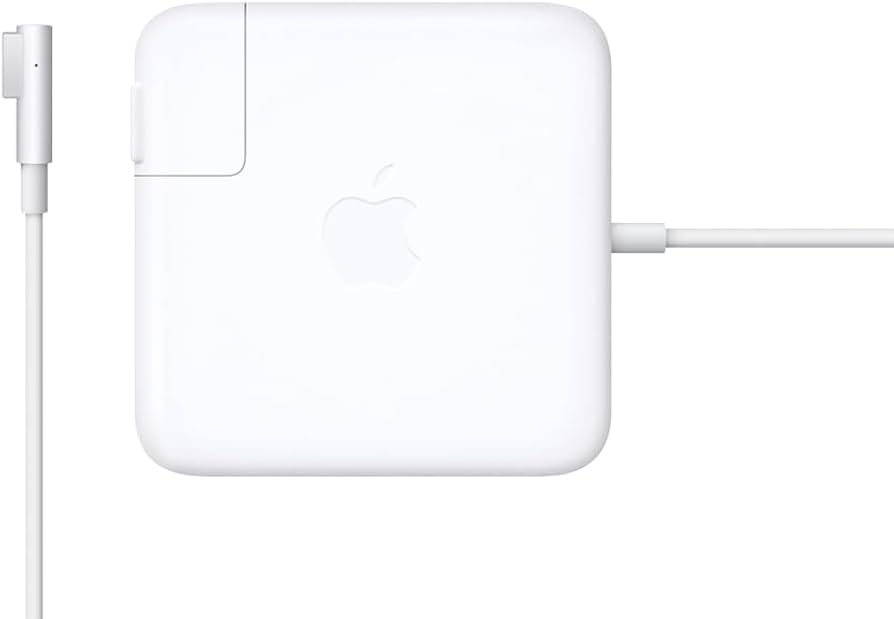
Older MagSafe 2 models like Retina 15-inch.
Apple MagSafe 2 Power Adapter 85W Genuine replacement for 2012-2015 MacBook Pro—magnetic safety and exact fit.
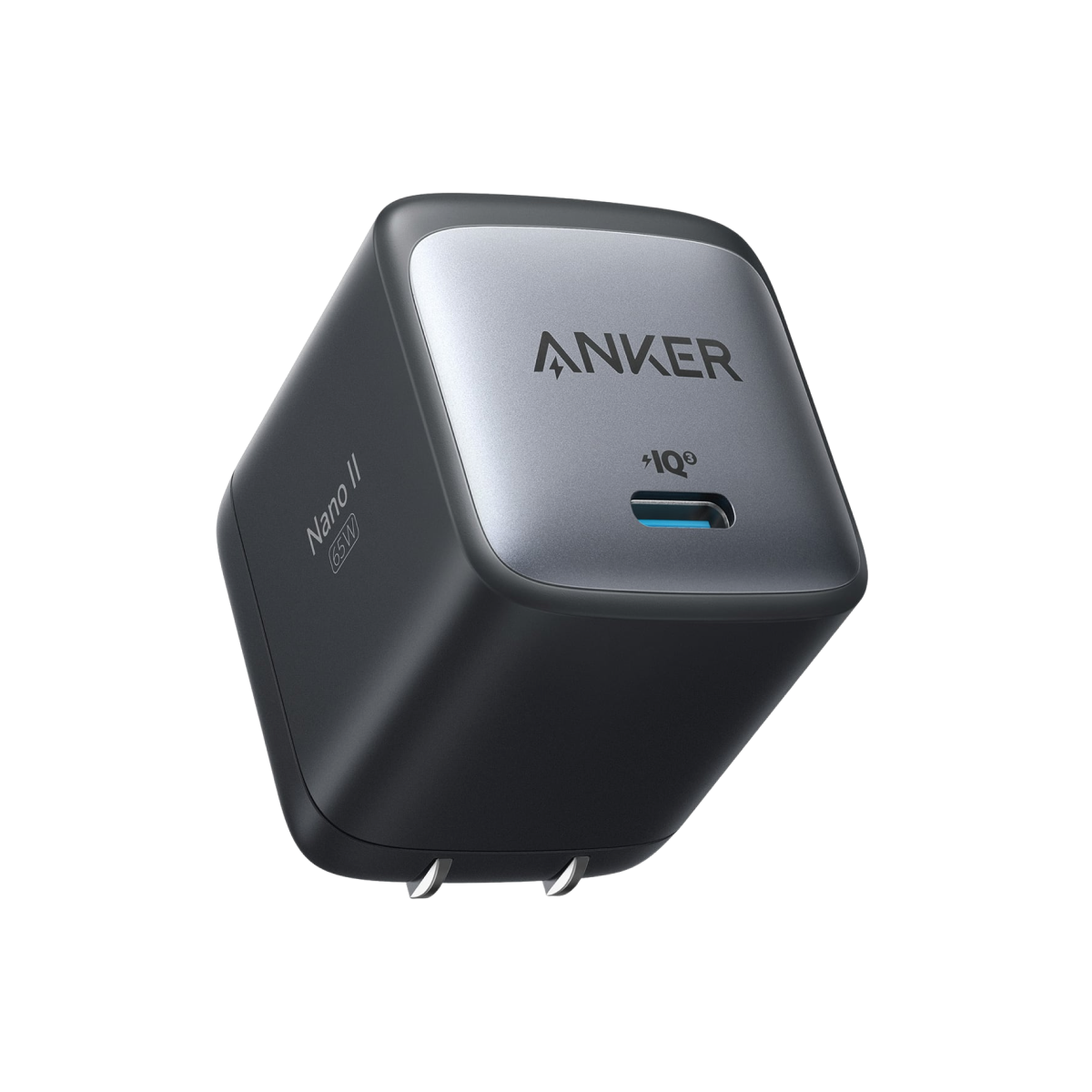
Budget/travel replacement for 13-inch MacBook Pro.
Anker 715 Nano II 65W Charger Compact, affordable MFi-certified alternative—folds flat, GaN tech for cool operation.
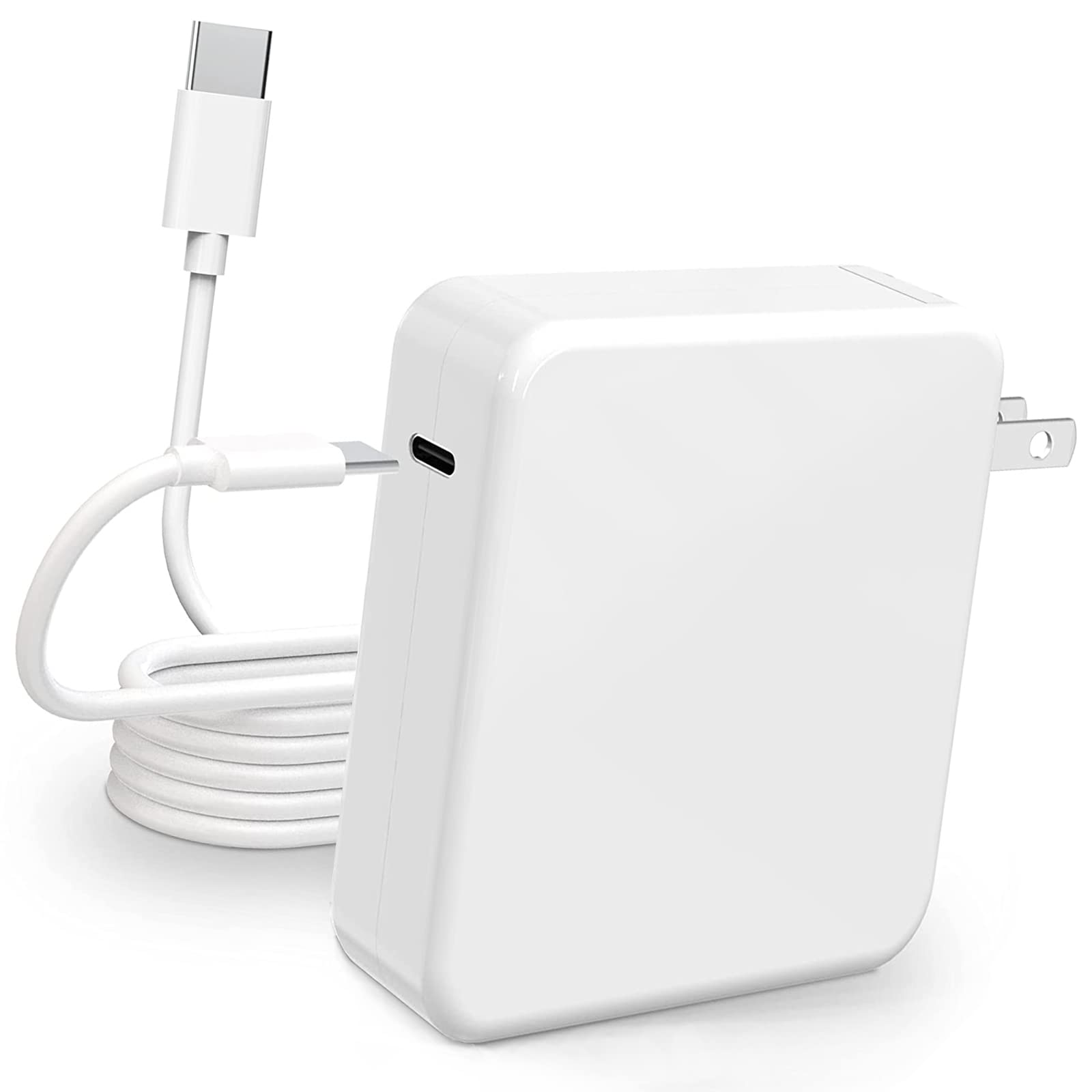
High-performance 2023+ MacBook Pro.
Apple 140W USB-C Power Adapter Top-tier for M3 Pro/Max models—supports fast charging on 16-inch beasts.
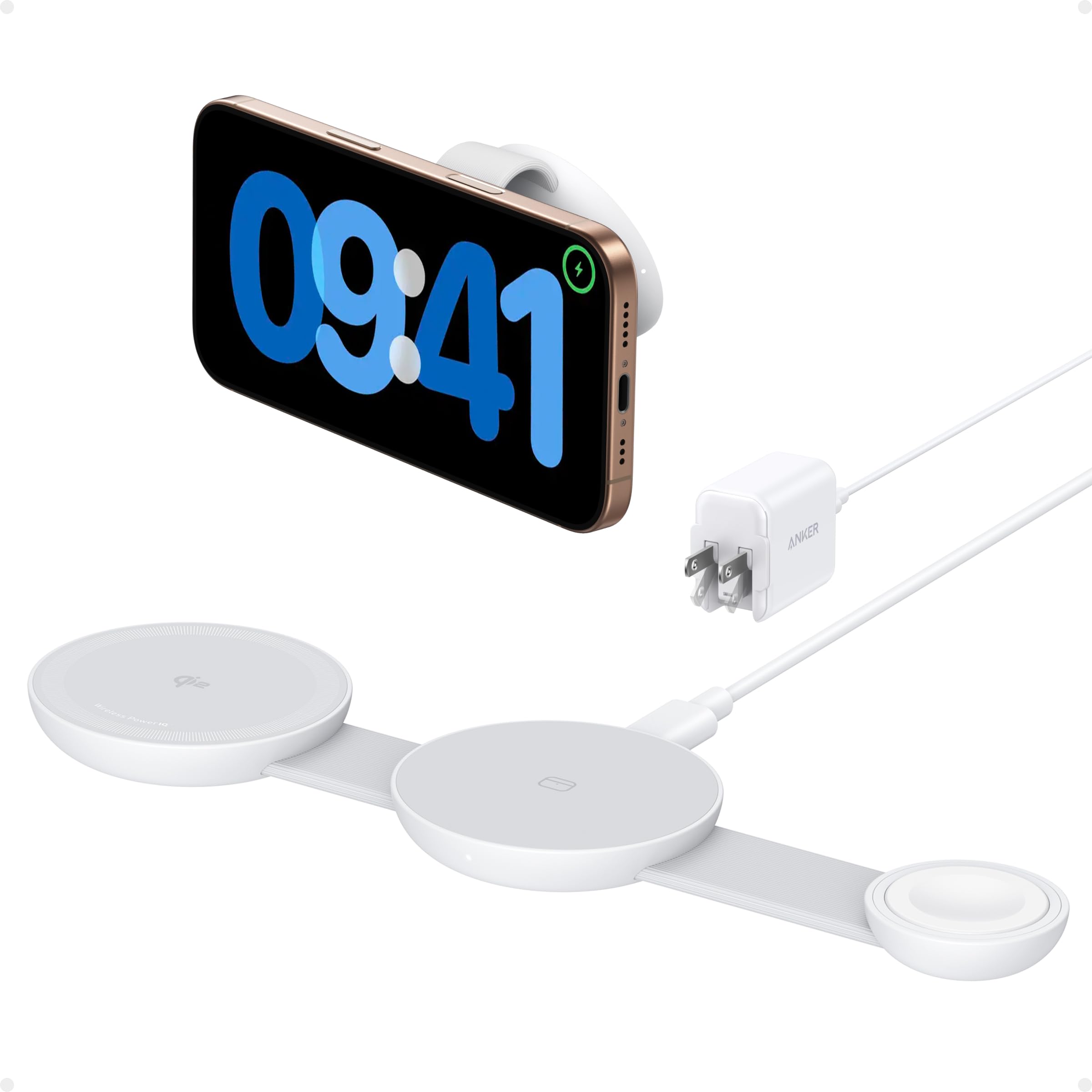
Modern MagSafe 3 MacBooks wanting wireless.
Anker MagSafe-Compatible Charger Qi2 wireless option for MagSafe 3—convenient cable-free charging.