Stripped screws are a common nightmare in phone repairs, especially when dealing with delicate screen assemblies. Whether you're replacing a broken display or swapping a battery, encountering a stripped screw can halt your progress and risk damaging the device. This guide provides advanced methods to safely remove a stripped screw from a phone screen, using specialized tools and techniques. You'll learn step-by-step procedures for extraction, including using rubber bands, left-handed drill bits, and screw extractors, while minimizing risk to the phone's components. Expect to spend 15-30 minutes depending on the severity of the strip.
▸What You'll Need
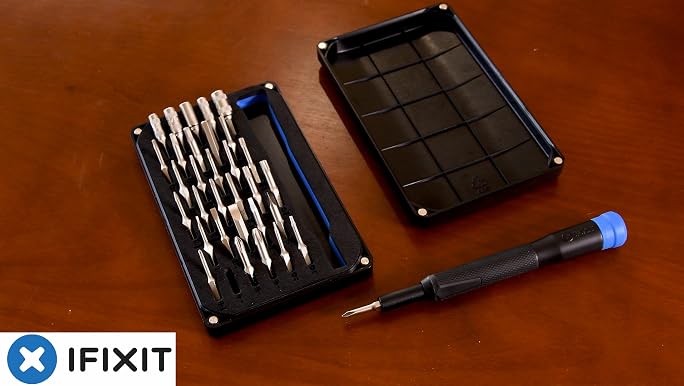
- •Precision screwdriver set with assorted bits (e.g., iFixit Moray or similar)
- •Rubber band or latex glove
- •Super glue or epoxy (optional, for bonding to screw head)
- •Left-handed drill bit set (1-2mm)
- •Screw extractor tool (e.g., small spiral extractor or reverse drill bit extractor)
- •Drill or tweezers (if using extractor by hand)
- •Isopropyl alcohol (99%) and cotton swabs for cleaning
- •Magnifying glass or headlamp with magnification
- •Small vice or clamp (optional, to hold phone steady)
- •Heat gun or hair dryer (for loosening thread locker)
- •Safety glasses
Estimated Time: 15–30 minutes
Difficulty: advanced
▸Step-by-Step Instructions
Step 1: Prepare the Phone and Work Area
Power off the phone and remove any back panel or battery if possible. Secure the phone on a non-slip surface with the screen facing up. Clean the screw head and surrounding area with isopropyl alcohol to remove any oils or debris. Use a magnifying glass to examine the stripped head. Assess whether the screw is cross-threaded or just soft metal.
💡 Tips:
- •Use a mat with compartments to keep tiny screws organized.
- •If the phone has adhesive, heat gently with a hair dryer to soften before prying.
⚠️ Warnings:
- •Avoid excessive force that could crack the screen or flex the logic board.
Step 2: Try the Rubber Band Method
Place a piece of rubber band (or latex glove) over the stripped screw head. Press the screwdriver bit firmly into the rubber and attempt to turn counterclockwise. The rubber fills the gaps in the stripped head and provides extra grip. This works best for lightly stripped screws. If successful, remove the screw and proceed.
💡 Tips:
- •Use a thick rubber band or multiple layers for deeper grip.
- •Apply downward pressure while turning slowly.
⚠️ Warnings:
- •Do not overtighten; if it slips, switch to another method.
Step 3: Apply Super Glue to the Screw Head
If the rubber band fails, apply a tiny drop of super glue or epoxy onto the screw head. Quickly press a sacrificial screwdriver bit (or a short length of metal rod) into the glue and hold for 30–60 seconds until set. Wait an additional 2–3 minutes for full cure. Then carefully turn the bit counterclockwise to extract the screw. This bonds the tool to the screw head.
💡 Tips:
- •Use low-viscosity glue that wicks into the recess.
- •Scrape any excess glue from around the screw hole before turning.
⚠️ Warnings:
- •Avoid getting glue on the screen or other components.
- •This method is permanent for the bit—discard after use.
Step 4: Use a Left-Handed Drill Bit to Create a New Recess
Select a left-handed drill bit slightly smaller than the screw shaft. Center it on the stripped head and drill slowly in reverse (counterclockwise) at low speed. The left-hand twist will bite into the screw and often cause it to back out as you drill. If the screw doesn't come out, you've created a pilot hole for an extractor.
💡 Tips:
- •Apply light, steady pressure; let the bit do the work.
- •Use a drill stop or tape to prevent drilling too deep.
⚠️ Warnings:
- •Wear safety glasses; metal shards may fly.
- •Do not drill into the screen or frame—only into the screw head.
Step 5: Insert a Screw Extractor and Turn Out
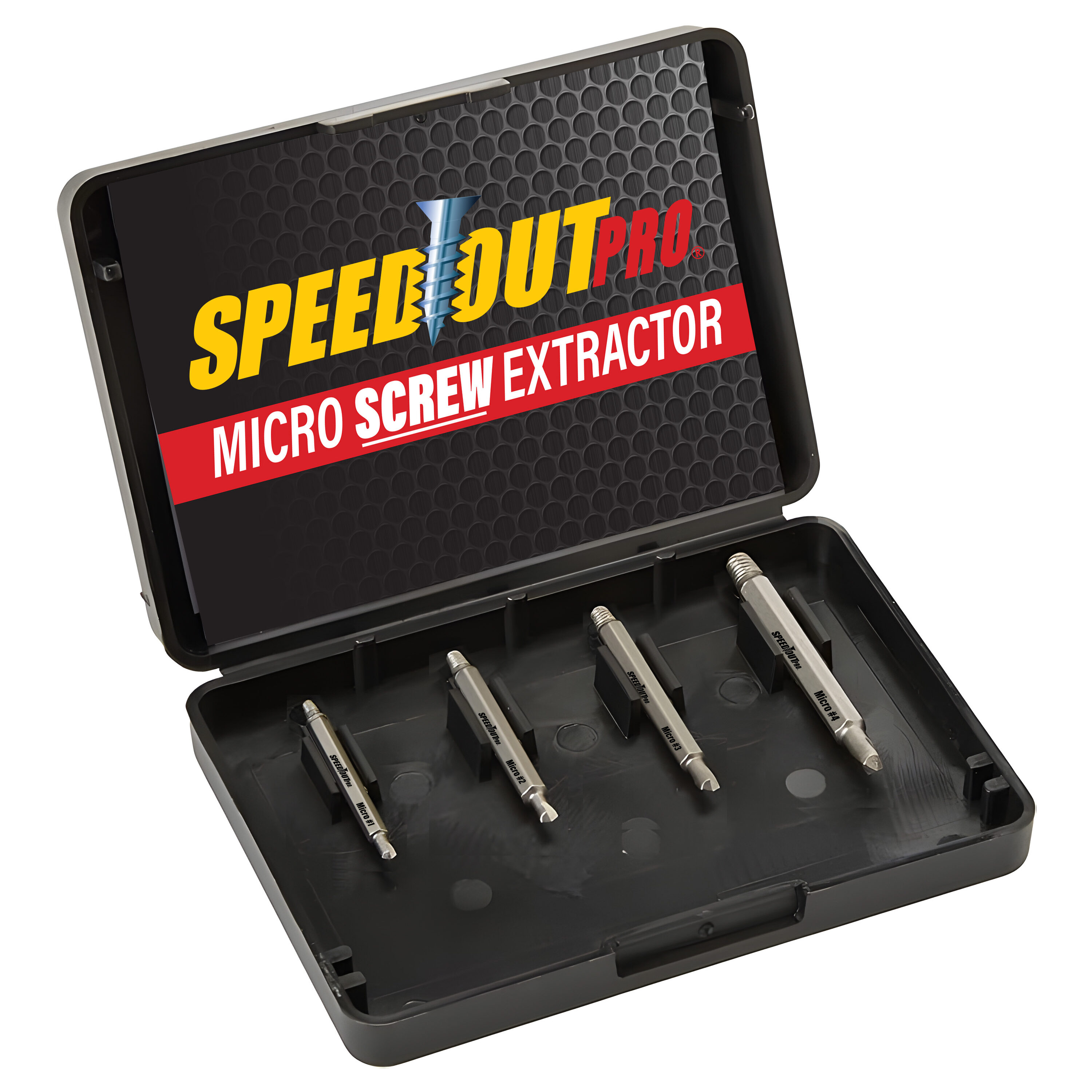
Choose a spiral flute extractor that matches the pilot hole. Tap it gently into the hole using a light hammer or by hand. Then use a tap handle or pliers to turn the extractor counterclockwise. The extractor will grip the inside of the screw and force it to reverse out. For very small phone screws, hand-held extractors (e.g., Speed Out micro set) work well.
💡 Tips:
- •If the extractor slips, try a slightly larger size.
- •Use cutting oil on the extractor to reduce friction.
⚠️ Warnings:
- •Never twist the extractor clockwise—it will jam.
- •If the extractor breaks, removal becomes extremely difficult.
Step 6: Remove the Screw and Clean the Threads
Once the screw is out, inspect the threads in the mounting hole. Use a small pick or tweezers to remove any debris. Clean the hole with isopropyl alcohol. If the threads are damaged, you may need to re-tap them with a thread repair kit. Replace the screw with a new one of the same size and pitch (e.g., from a phone repair kit).
💡 Tips:
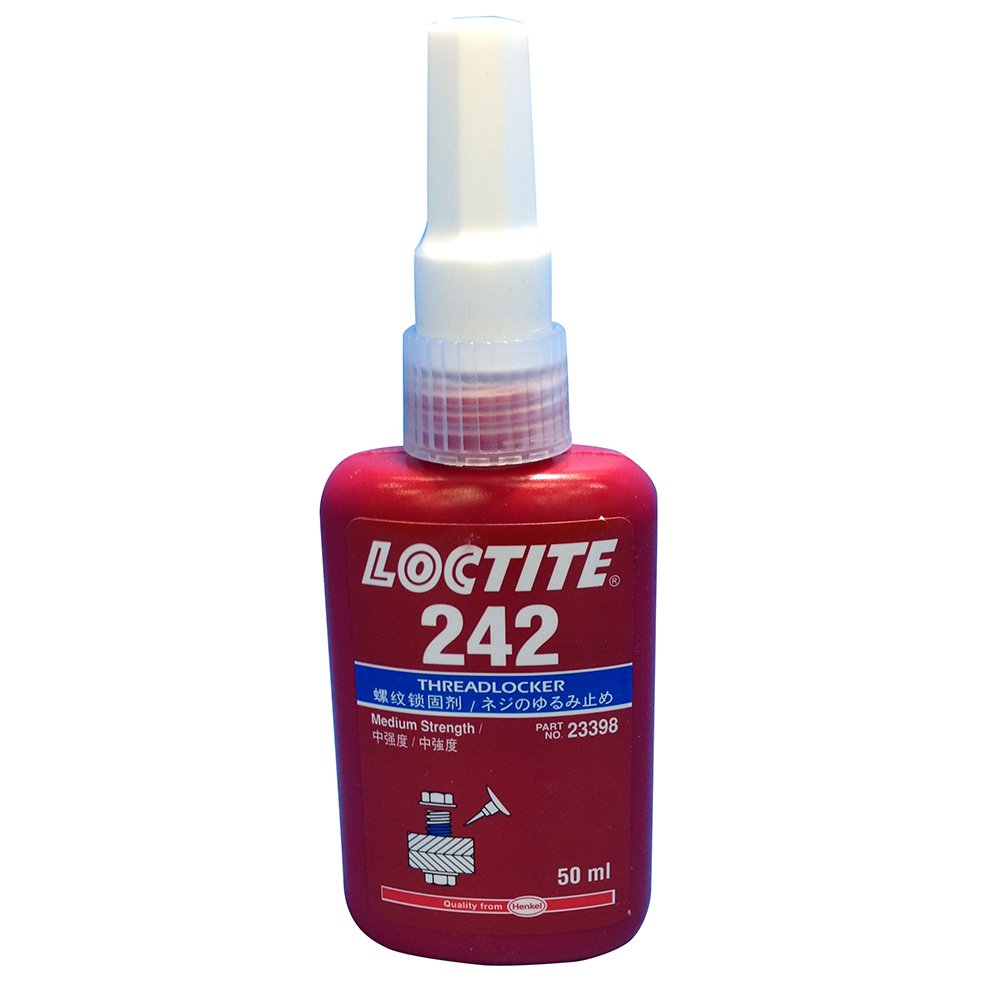
- •Apply a tiny amount of blue Loctite to prevent future loosening.
- •Use a magnetic mat to keep the extracted screw for reference.
⚠️ Warnings:
- •Do not overtighten replacement screws—phone threads are delicate.
▸Pro Tips
- •Always use the correct screwdriver bit size (e.g., 00 Phillips) to avoid stripping in the first place.
- •Apply heat carefully with a hair dryer to soften thread locker (common in phone screws).
- •Store screws in a labeled magnetic grid to avoid mixing up lengths.
- •For stubborn screws, apply penetrating oil (like WD-40) and wait 10 minutes.
- •Practice on a junk phone before attempting on a valuable device.
- •Use a jeweler's loupe to inspect screw condition before attempting extraction.
▸Common Mistakes to Avoid
- •Using too much force: This can crack the screen or strip the screw further.
- •Drilling off-center: Damages the screw hole threads or the surrounding board.
- •Choosing the wrong extractor size: Too small will slip; too large can split the screw.
- •Forgetting to remove the battery: Risk of short circuits if metal shards bridge contacts.
- •Overheating the screw with a torch: Plastic components melt; stick to low heat.
▸Troubleshooting
Problem: The screw extractor breaks off inside the screw.
Solution: Use a small carbide drill bit to drill out the extractor, or consider professional micro-machining. Often, this leads to requiring frame replacement.
Problem: The rubber band method works but the screw only partially comes out.
Solution: Apply penetrating oil and retry. If stuck, switch to the glue method.
Problem: The screw head snaps off completely.
Solution: You'll need to drill out the remaining shaft with a left-handed bit, or use a tiny screw extractor. In extreme cases, disassemble the phone and access the screw from the other side (if possible).
Problem: The phone screen cracks during the process.
Solution: Stop immediately. If the screen is already damaged, complete the repair with extra caution. Otherwise, consider taking the phone to a professional repair shop.
iFixit 64-Bit Precision Screwdriver Kit (Moray)
Includes dozens of bits and handles with the right sizes for phone screws, plus a magnetic mat.
Best for: General phone repair and removing screws with precision.
Price Range: $30-$40
Speed Out Micro Screw Extractor Set
Specifically designed for small screws in electronics, with left-handed drill bits and extractors.
Best for: Extracting stripped micro screws from phones, laptops, and watches.
Price Range: $15-$25
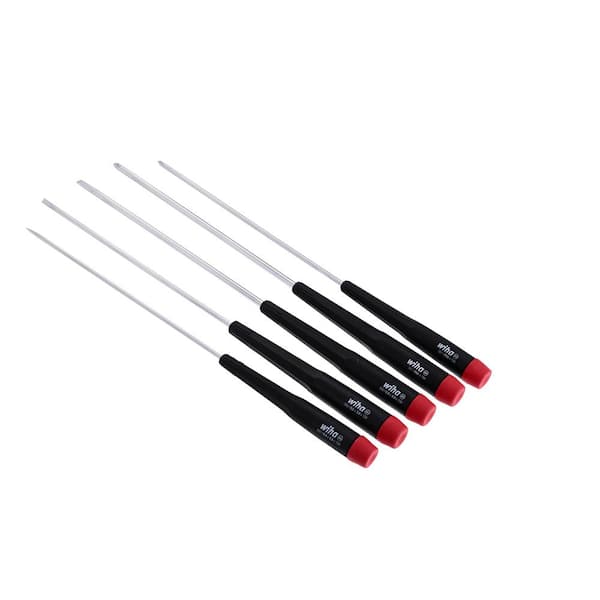
Wiha 26192 Precision Screwdriver Set
High-quality hardened steel bits that reduce stripping risk; excellent for removing stubborn screws.
Best for: Using as the primary driver before stripping happens.
Price Range: $20-$30
Loctite Threadlocker Blue 242
Prevents screws from backing out due to vibration, reducing future stripping.
Best for: Applying to replacement screws for long-term reliability.
Price Range: $5-$10
IFIXIT Essential Electronics Toolkit
Includes a magnetic mat, spudgers, and various bits—good starter kit for phone repairs.
Best for: Having backup tools and picking components safely.
Price Range: $20-$30