NiMH AA batteries power everything from remotes to toys, but improper charging leads to quick degradation, swelling, or even fires. Many users ruin batteries by using wrong chargers or overcharging, wasting money on replacements. This guide fixes that pain point.
You'll learn the complete process: inspecting batteries, using the right charger, safe charging techniques, and storage tips. By the end, your batteries will last 3-5x longer with hundreds of cycles.
The process takes 15 minutes of active time plus 4-14 hours charging (depending on capacity and charger). It's beginner-friendly—no tools or expertise needed.
▸What You'll Need
- •NiMH AA rechargeable batteries (fully discharged or partially used)
- •NiMH-compatible smart charger (dedicated or universal with NiMH mode)
- •Clean, dry workspace
- •Optional: Battery tester or multimeter for capacity check
- •Optional: Safety gloves if handling many batteries
Estimated Time: 15 minutes setup + 4-14 hours charging
Difficulty: beginner
▸Step-by-Step Instructions
Step 1: Inspect Your NiMH AA Batteries
Before charging, examine each battery for damage. Look for dents, leaks, swelling, or corrosion on terminals. NiMH batteries are sensitive—damaged ones can overheat or explode during charging.
Why it matters: Faulty batteries risk fire or charger damage. Discard any with visible issues; don't attempt to recharge them.
Success looks like: All batteries are cool, firm, and have clean, shiny terminals.
💡 Tips:
- •Label batteries with date purchased for rotation tracking.
⚠️ Warnings:
- •Never charge alkaline, lithium, or damaged NiMH batteries—they're not rechargeable or safe.
Step 2: Select a Compatible NiMH Charger
Choose a charger specifically for NiMH batteries with individual slots and smart features like delta-V detection (auto-stop when full). Avoid old NiCd chargers or basic trickle chargers.
Why it matters: Proper chargers prevent overcharging, which causes heat buildup and reduces capacity over time.
Success: Charger labeled 'NiMH compatible' with AA slots and LED indicators.
💡 Tips:
- •Opt for 4-8 bay chargers for efficiency.
⚠️ Warnings:
- •Don't use wall adapters or phone chargers—they lack voltage control.
Step 3: Insert Batteries Correctly
Match positive (+) and negative (-) terminals as indicated on the charger (usually + on left). Insert firmly but gently into slots. For multi-bay, use only NiMH AA—no mixing sizes or types.
Why it matters: Wrong polarity prevents charging or damages the charger.
Success: Batteries click in securely; LEDs light up per slot.
💡 Tips:
- •Clean terminals with a dry cloth if dirty for better contact.
⚠️ Warnings:
- •Never force batteries—slots are spring-loaded.
Step 4: Choose the Right Charging Mode
Select 'Charge' or 'NiMH AA' mode. For smart chargers, choose 200-500mA per battery (0.1C rate for 2000mAh batteries). Avoid 'Refresh' unless testing capacity.
Why it matters: Slow charging preserves battery health; fast charging shortens life.
Success: Display shows selected current and estimated time.
💡 Tips:
- •Standard mode for daily use; quick for emergencies.
Step 5: Start Charging in a Safe Spot
Plug in the charger in a cool, ventilated area away from flammables. Press start—LEDs should blink or stay solid.
Why it matters: NiMH generates heat; poor placement risks fire.
Success: Charging indicator active; batteries warm but not hot (under 104°F/40°C).
💡 Tips:
- •Charge at room temp (68-77°F/20-25°C) for best results.
⚠️ Warnings:
- •Unattended charging? Use chargers with auto-shutoff.
Step 6: Monitor Progress Periodically
Check every 2-4 hours. Feel batteries—they should be lukewarm. Smart chargers beep or change LEDs when done (usually 4-14 hours for full charge).
Why it matters: Over-monitoring prevents issues; under-monitoring risks overcharge.
Success: All slots show 'full' or green light.
💡 Tips:
- •Don't remove mid-charge unless urgent.
Step 7: Remove and Cool Batteries
Unplug charger, remove batteries promptly. Let them cool 10-15 minutes before use or storage.
Why it matters: Hot batteries lose capacity if stored warm.
Success: Batteries at room temp, ready for use.
💡 Tips:
- •Test voltage (1.2-1.4V full) with multimeter if available.
Step 8: Store Batteries Properly
Store at 50-70% charge in cool, dry place (not fridge unless plastic case). Use battery caddies.
Why it matters: Self-discharge is 15-30%/year; proper storage maintains readiness.
Success: Batteries labeled, in organizer.
💡 Tips:
- •Recharge every 3-6 months if stored.
⚠️ Warnings:
- •Avoid full discharge before storage.
▸Pro Tips
- •Always match charger current to battery capacity (e.g., 200mA for 2000mAh).
- •Rotate batteries—use oldest first to equalize wear.
- •Charge in pairs or individually to avoid imbalance.
- •Buy pre-charged batteries like Eneloops for longer shelf life.
- •Track cycles with a notebook; retire after 300-500.
- •Use a fan for faster cooling post-charge.
- •Buy low-self-discharge (LSD) NiMH for less frequent charging.
▸Common Mistakes to Avoid
- •Using NiCd or universal chargers without NiMH mode—causes under/overcharge; solution: dedicated charger.
- •Overcharging by leaving in 24+ hours—kills capacity; solution: smart auto-stop.
- •Mixing old/new batteries—imbalanced charge damages all; solution: charge separately.
- •Charging in hot/cold environments—reduces efficiency; solution: room temp.
- •Fast charging routinely—shortens life; solution: standard 0.1C rate.
▸Troubleshooting
Problem: Batteries not charging (no LED)
Solution: Check polarity, clean terminals, try different slot/outlet. Test batteries—if dead, discard.
Problem: Batteries overheating (>104°F)
Solution: Stop immediately, unplug, cool down. Use lower current next time; replace if bulging.
Problem: Short charge time (<4 hours)
Solution: Batteries may be defective or deeply discharged. Use refresh mode or test capacity.
Problem: Charger beeps error
Solution: Remove batteries, wait 5 min, reinsert. Consult manual; may need replacement.
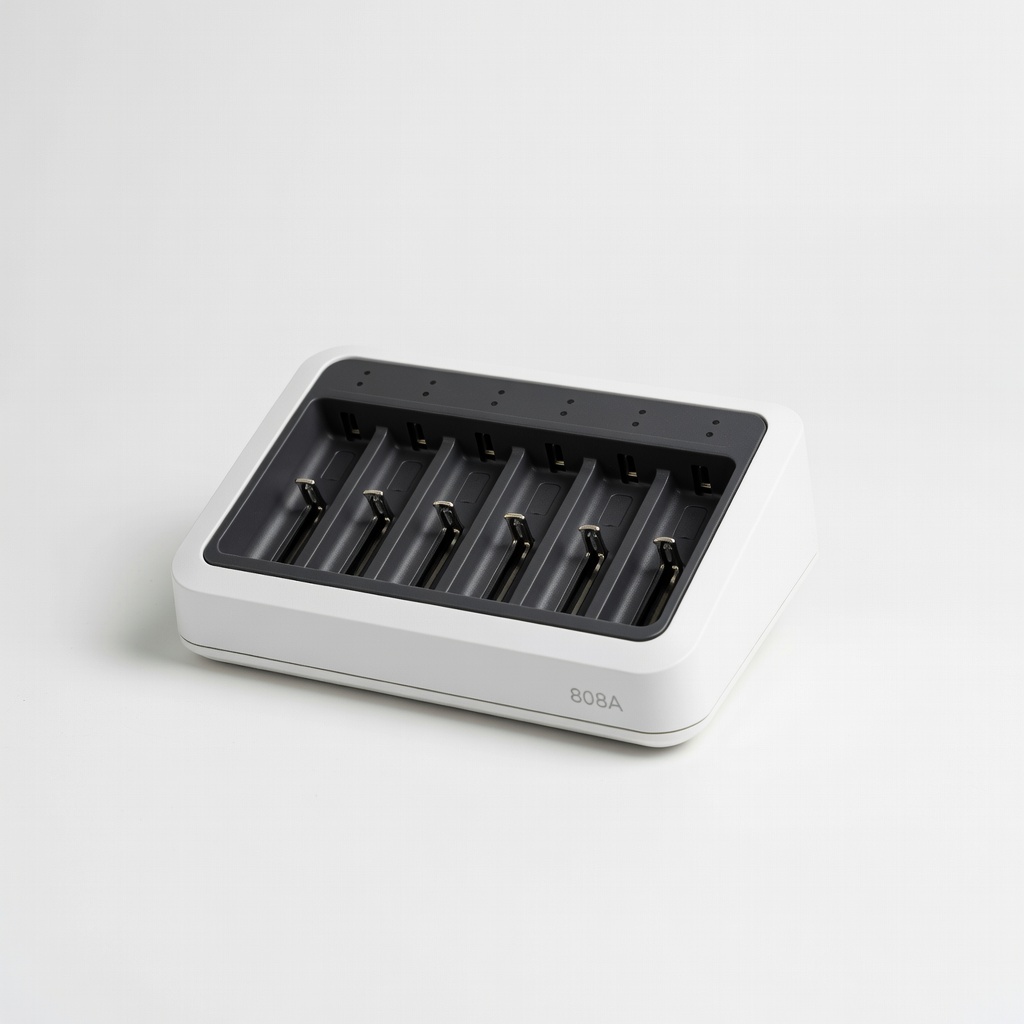
EBL 8 Bay Smart Battery Charger (Model 808A)
Individual charging slots with LCD display and auto-detect for NiMH AA—prevents overcharge perfectly for beginners.
Best for: Charging 4-8 AA batteries at once for household devices.
Price Range: $24.99
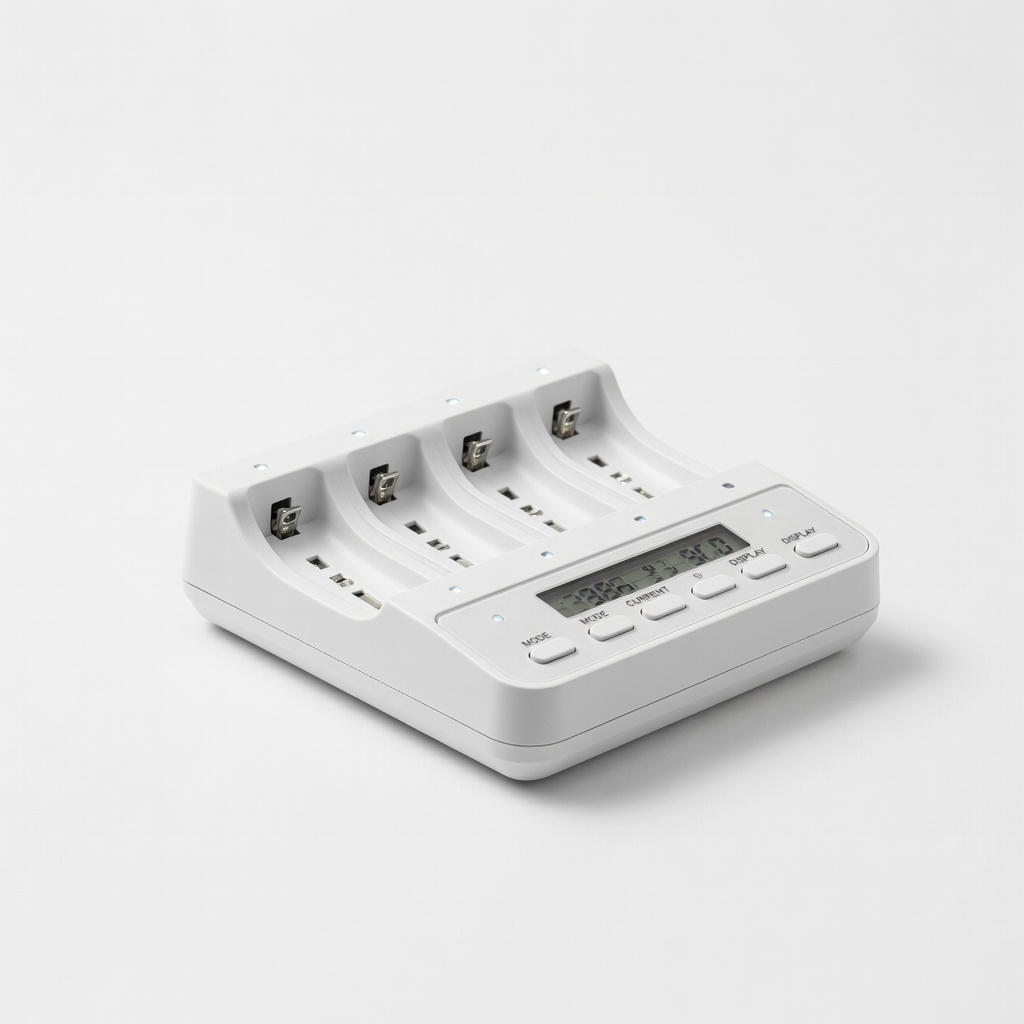
La Crosse Technology BC700U AlphaGo Charger
Advanced features like capacity testing and refresh mode—ideal for monitoring battery health long-term.
Best for: Users wanting to analyze and restore old NiMH batteries.
Price Range: $34.99
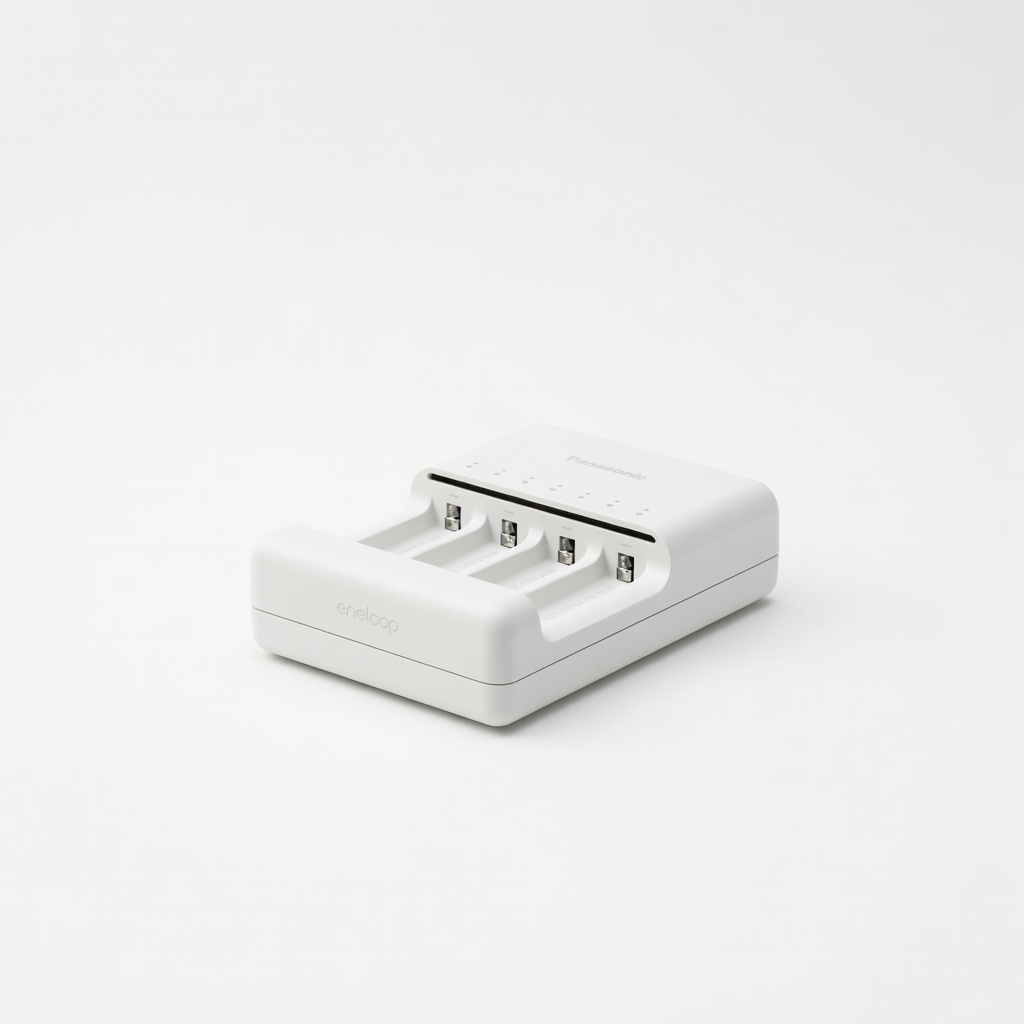
Panasonic Eneloop BQ-CC55 Smart Charger
Compact, affordable with USB output and precise NiMH charging—pairs perfectly with Eneloop batteries.
Best for: Travel or small batches of AA batteries.
Price Range: $14.99
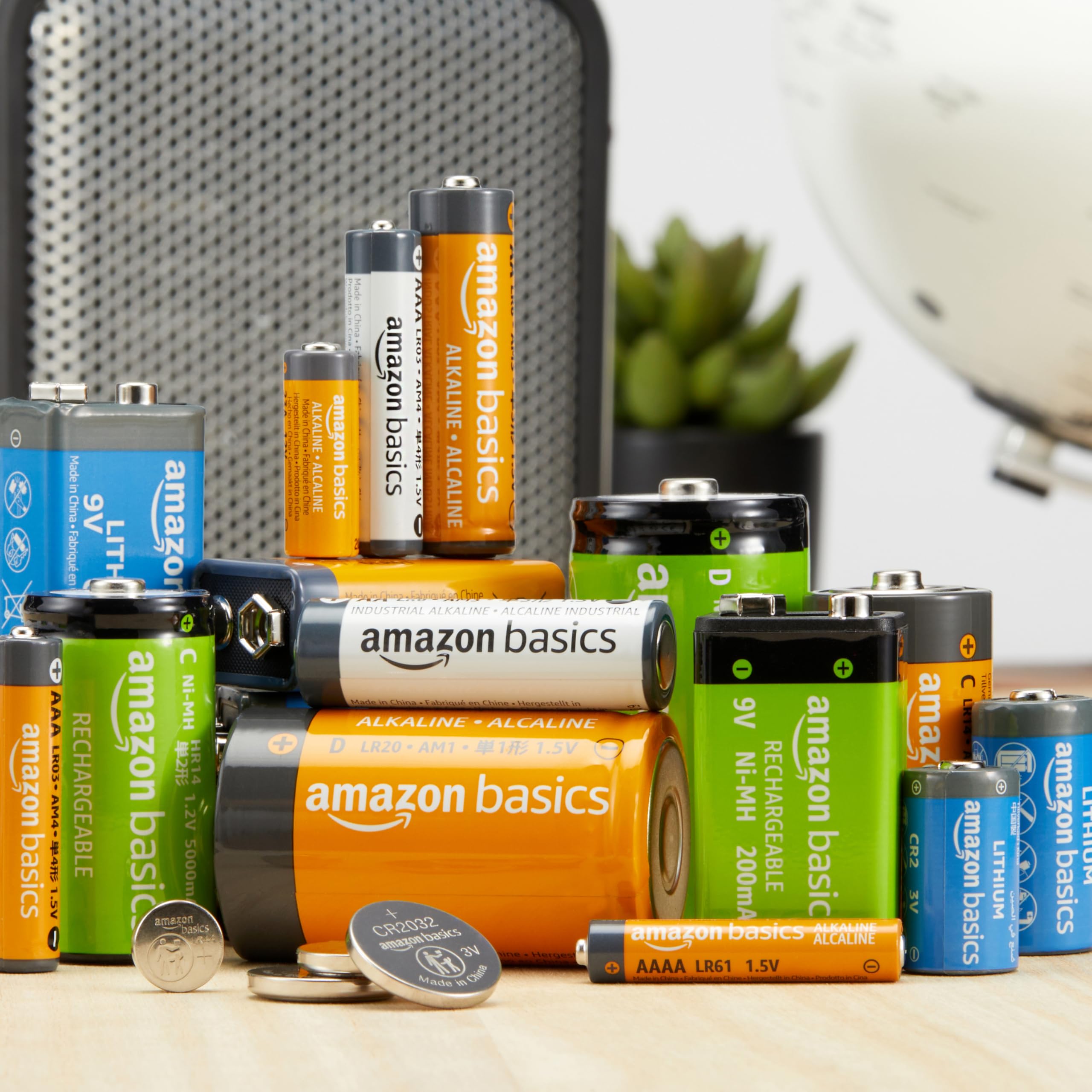
Amazon Basics 48-Pack NiMH AA Rechargeable Batteries
High-capacity (2000mAh) LSD batteries that hold charge for 1 year—great starter set.
Best for: Bulk buying for frequent recharging needs.
Price Range: $29.99