
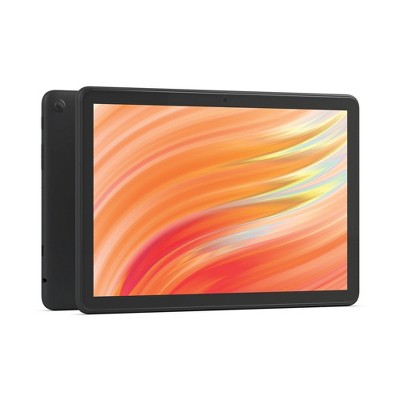
Amazon Fire HD 10 Tablet (2023)
Portable interactive history sessions anywhere.
$139.99
Amazon Fire HD 10 Tablet (2023) 10.1-inch screen with smooth touch response ideal for pinching/zooming timelines without lag.
Get the App
Better experience on mobile
Transform static timelines into engaging stories by clicking, zooming, and connecting U.S. events for deeper understanding.
History timelines often feel like overwhelming lists of dates and names, leaving beginners lost in a sea of facts. But what if you could click on events, watch videos, and see maps pop up? Interactive timelines make American history come alive, helping you grasp causes, effects, and big-picture patterns effortlessly.
In this guide, you'll learn step-by-step how to find, navigate, and analyze interactive American history timelines. No prior knowledge needed—just curiosity. You'll go from confused to confident in visualizing events like the Revolution or Civil Rights Movement.
Expect a beginner-friendly process taking 30-45 minutes, using free online tools. By the end, you'll actively explore history like a pro.
Estimated Time: 30-45 minutes Difficulty: beginner
Start by searching for trusted sources. Reliable sites include the Library of Congress (loc.gov), PBS American Experience (pbs.org/americanexperience), or the Knight Lab's TimelineJS demos (knightlab.com).
Why it matters: Accurate timelines from reputable sources prevent misinformation. Expect curated events from 1492 (Columbus) to modern eras, with interactive features like sliders and media embeds.
Action: Google 'interactive American history timeline' and pick one from .gov or .edu sites.
💡 Tips:
⚠️ Warnings:
Load the timeline in a modern browser like Chrome or Safari. Tablets work best for touch interaction.
Success looks like: A full-screen view with a horizontal or vertical scroll bar showing centuries.
Action: Tap or click 'full screen' if available. Adjust zoom to fit your screen.
💡 Tips:
Scan for key elements: date markers, event titles, descriptions, images/videos, and navigation arrows.
Why it matters: Timelines aren't linear books—they branch with media. Expect color-coding (e.g., wars in red, civil rights in blue).
Action: Hover or tap the legend/key to learn icons.
💡 Tips:
Begin at a major era, like 1776 for Independence. Use sliders or arrows to move forward/backward.
Success: You see events unfolding in sequence without jumping randomly.
Action: Drag the slider slowly, pausing at 5-10 events per era.
⚠️ Warnings:
Click events to expand details: Read summaries, view maps, photos, or videos.
Why it matters: This turns facts into stories. Expect pop-ups with primary sources like speeches.
Action: Click 3-5 events per era, like Boston Tea Party—note causes listed.
💡 Tips:
Pause to link events: How did the Civil War connect to slavery debates?
Success: You jot 'Slavery → Secession → War'.
Action: Use the timeline's search or filter tools; compare overlapping events.
💡 Tips:
Summarize in your notebook: Key dates, themes, questions.
Why it matters: Reinforces memory. Expect deeper curiosity leading to books/articles.
Action: Create a personal mini-timeline or share via screenshot.
Use free tools like TimelineJS (knightlab.com) to input events.
Success: Your custom timeline embeds media.
Action: Follow their 5-min tutorial—export and share.
💡 Tips:
Problem: Timeline won't load or is glitchy
Solution: Clear browser cache, try incognito mode, or switch devices/browsers. Check internet speed.
Problem: Too small text on mobile
Solution: Zoom in (pinch gesture) or rotate to landscape. Use a larger screen tablet.
Problem: Overwhelmed by info
Solution: Pick one century at a time. Take breaks and note questions for later research.
Problem: No interactive features
Solution: Ensure you're on an interactive site (e.g., not static PDF). Search 'interactive' keyword.
10.1-inch screen with smooth touch response ideal for pinching/zooming timelines without lag.
Best for: Portable interactive history sessions anywhere.
Price Range: $139.99
Laminated poster for hands-on physical interaction alongside digital ones.
Best for: Classroom or home wall reference to trace events with fingers.
Price Range: $12.99
Scan notes digitally to organize timeline insights without paper waste.
Best for: Note-taking during sessions, app integrates with Google Drive.
Price Range: $29.99
Precise stylus for annotating screenshots or drawing connections on iPad timelines.
Best for: Enhanced touch interaction on tablets.
Price Range: $129
E-ink for reading timeline-linked history books comfortably for hours.
Best for: Supplement timelines with detailed e-books.
Price Range: $159.99
Portable interactive history sessions anywhere.
Amazon Fire HD 10 Tablet (2023) 10.1-inch screen with smooth touch response ideal for pinching/zooming timelines without lag.
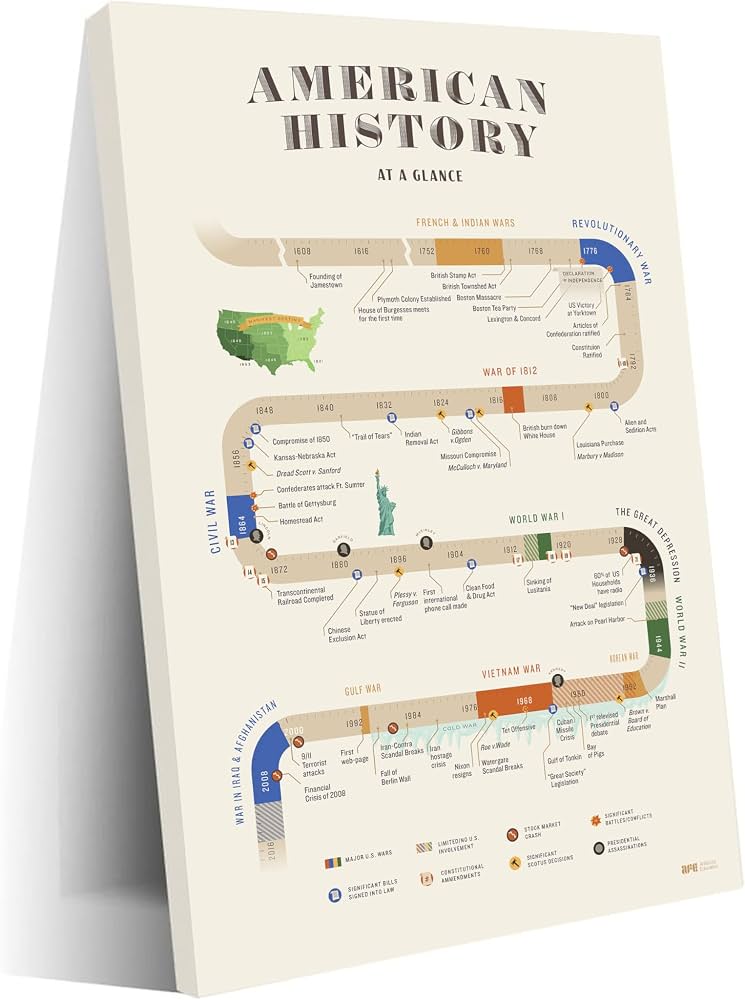
Classroom or home wall reference to trace events with fingers.
Carson Dellosa Education U.S. History Timeline Chart Laminated poster for hands-on physical interaction alongside digital ones.
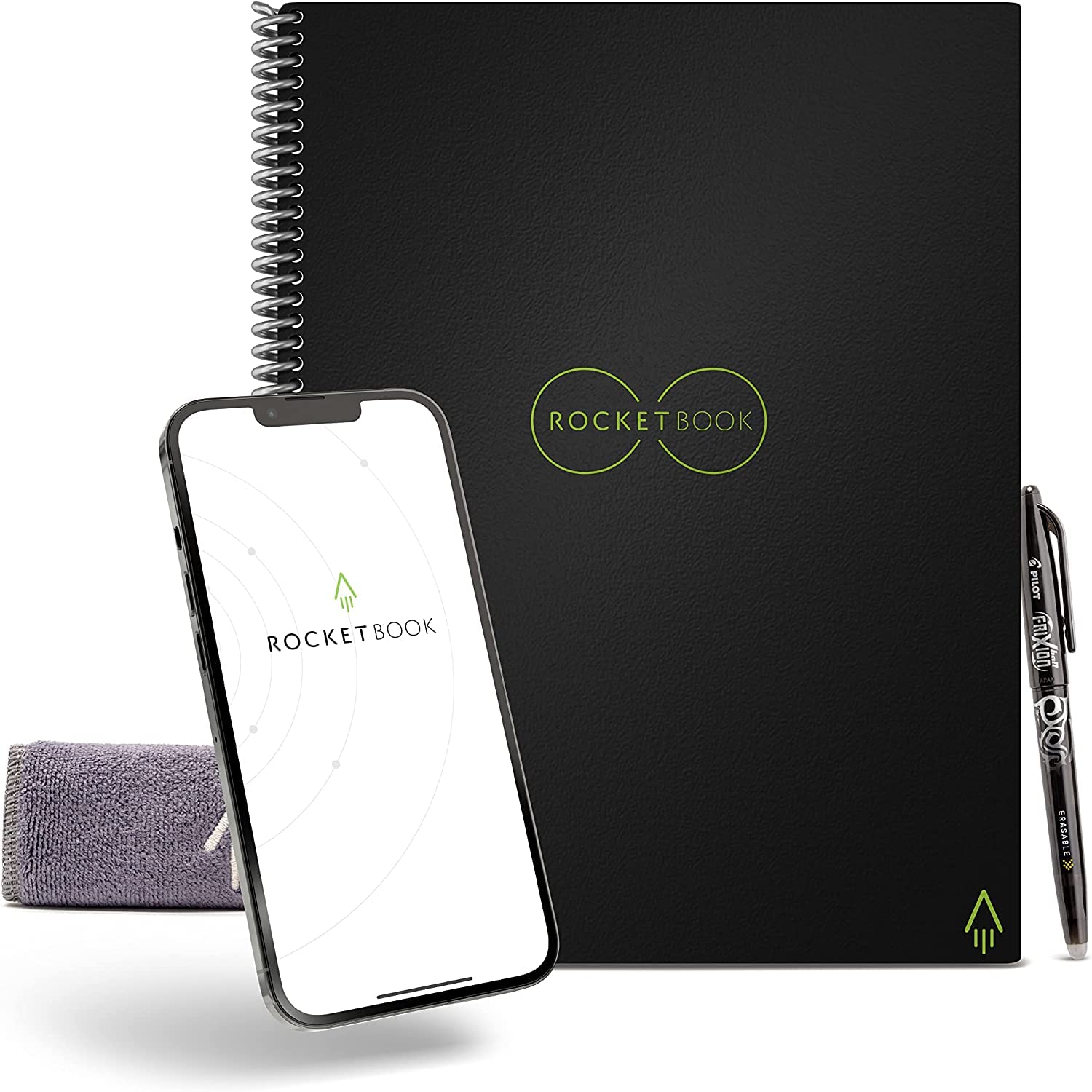
Note-taking during sessions, app integrates with Google Drive.
Rocketbook Core Reusable Notebook Scan notes digitally to organize timeline insights without paper waste.
Enhanced touch interaction on tablets.
Apple Pencil (2nd Generation) Precise stylus for annotating screenshots or drawing connections on iPad timelines.
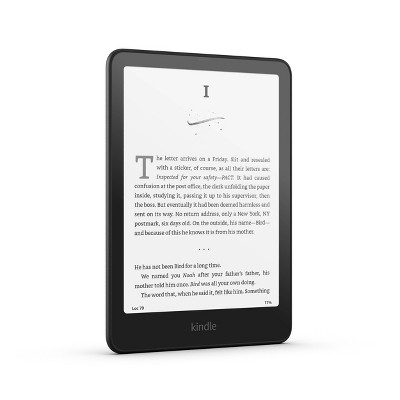
Supplement timelines with detailed e-books.
Kindle Paperwhite (2024) E-ink for reading timeline-linked history books comfortably for hours.