
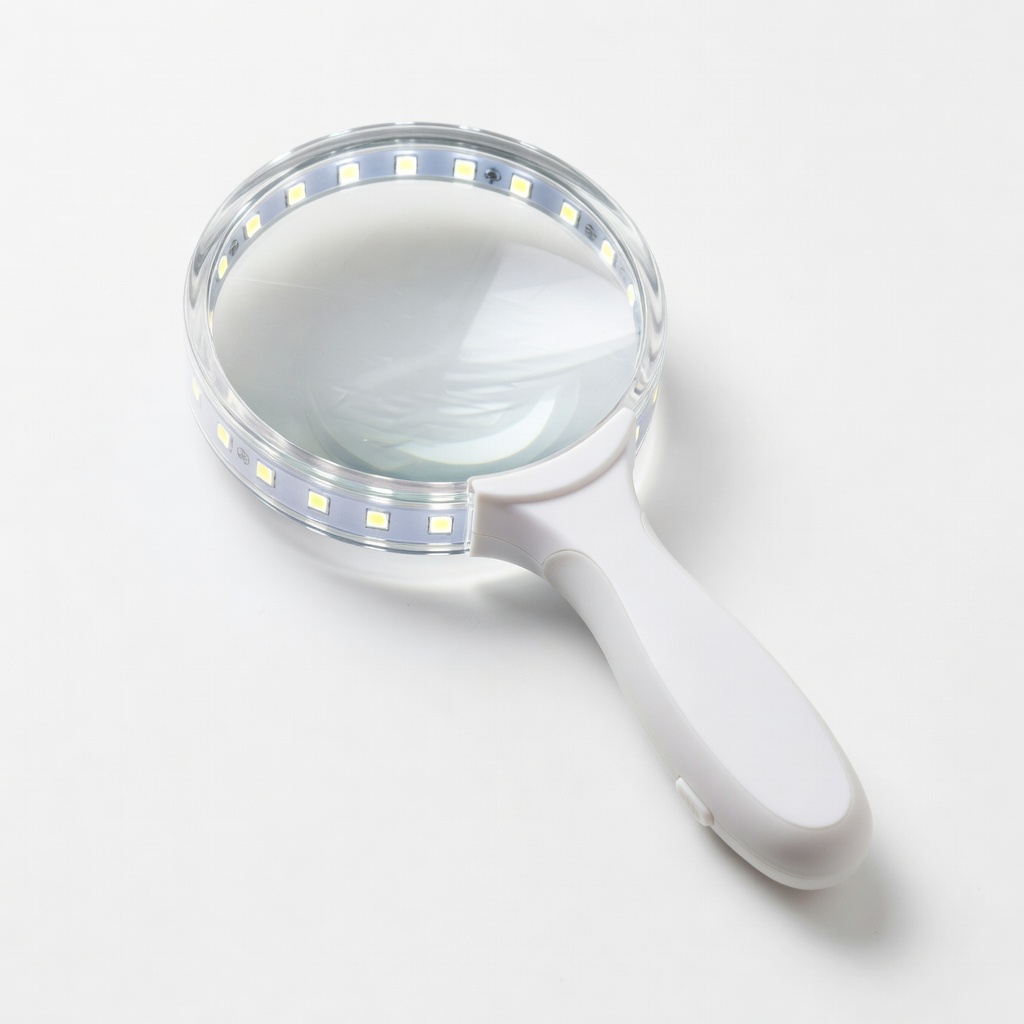
MagniPros 3X Magnifying Glass with LED Light
Scanning indexes and directories in physical books.
$19.99
MagniPros 3X Magnifying Glass with LED Light Essential for reading tiny, faded almanac print without eye strain.
Get the App
Better experience on mobile
Unlock ancestors' lives with step-by-step guidance on reading almanacs and yearbooks to find overlooked records, names, and local details.
Struggling to break through genealogy brick walls? Census records are great, but almanacs and yearbooks hold hidden treasures like local directories, obituaries, marriage notices, population stats, school photos, and community events that reveal your ancestors' daily lives, occupations, and neighbors. These underused sources can confirm relationships and fill gaps in family trees.
In this guide, you'll learn how to locate, read, and analyze almanacs (annual fact books with calendars, stats, and news) and yearbooks (school/organizational annuals) for genealogy research. Expect to spend 2-4 hours per source, gaining actionable skills to spot vital clues others miss. No prior expertise needed beyond basic genealogy knowledge.
We'll cover finding sources, navigating contents, extracting data, and cross-referencing—turning dusty volumes into family breakthroughs.
Estimated Time: 2-4 hours per almanac or yearbook Difficulty: intermediate
Start by matching sources to your ancestor's time (e.g., 1800s almanacs for farmers) and place (local vs. national). Almanacs like Poor Richard's Almanack or The Old Farmer's Almanac have regional editions with directories; yearbooks cover schools/colleges from 1800s onward.
Search library catalogs (WorldCat.org), genealogy sites (Ancestry's 'U.S., School Yearbooks'), or archives. Note editions by year/location—success looks like 3-5 potential volumes listed.
Why it matters: Wrong era/location wastes time; these pinpoint local events census ignore.
💡 Tips:
⚠️ Warnings:
Visit libraries (e.g., FamilySearch Centers) for physical books or download scans from HathiTrust/Google Books. Ancestry.com has digitized yearbooks—search 'Yearbook [school name] [year]'.
For physical: Wear gloves, use book stands. Digital: Download PDFs or use viewer tools. Success: Open book/interface with clear pages.
Expect: Faded print, but magnification helps.
💡 Tips:
Flip to frontmatter: TOC lists sections like 'Marriages', 'Deaths', 'Directories', 'Statistics'. Yearbooks have class lists, faculty, ads. Indexes (back) key names/places.
Mark promising sections. Success: Highlighted 5-10 pages to check.
Why: Almanacs aren't narrative; indexes save hours.
💡 Tips:
⚠️ Warnings:
Use index or Ctrl+F (digital) for surname variants (e.g., Smith/Smyth). Scan directories for addresses, occupations; yearbook photos/captions for faces/events.
Note context: neighbors confirm residence. Success: 1-3 matches with details like 'John Doe, farmer, died 1845'.
Expect: Spellings vary; be flexible.
💡 Tips:
Record: Name, date, event, location, sources nearby. Use templates: Who/What/When/Where/Why.
Cite fully (e.g., '1840 NY Almanac, p. 45'). Success: Organized notes linking to tree.
Why: Builds evidence for proofs.
💡 Tips:
⚠️ Warnings:
Match almanac obit to census death year; yearbook school to occupation. Use FamilySearch for confirmation.
Success: Corroborated fact (e.g., 'Confirms 1860 move').
Why: Single source weak; multiples prove lines.
💡 Tips:
Scan/photograph pages; file in software folders. Update family tree.
Success: Digital archive ready for sharing.
Why: Preserves fragile sources.
💡 Tips:
Problem: Faded or damaged print
Solution: Use magnifying lamp; adjust digital contrast (Tools > Enhance in Ancestry). For physical, request conservation copy.
Problem: No name matches
Solution: Broaden to locations/neighbors; check variant spellings or maiden names.
Problem: Access denied (paywalls/physical restrictions)
Solution: Free alternatives: Internet Archive, local libraries via ILL (interlibrary loan).
Problem: Overwhelming data volume
Solution: Prioritize one section/ancestor per session; use timers.
Essential for reading tiny, faded almanac print without eye strain.
Best for: Scanning indexes and directories in physical books.
Price Range: $19.99
Protects fragile old books from oils/damage while handling.
Best for: Library research sessions with physical yearbooks/almanacs.
Price Range: $11.99
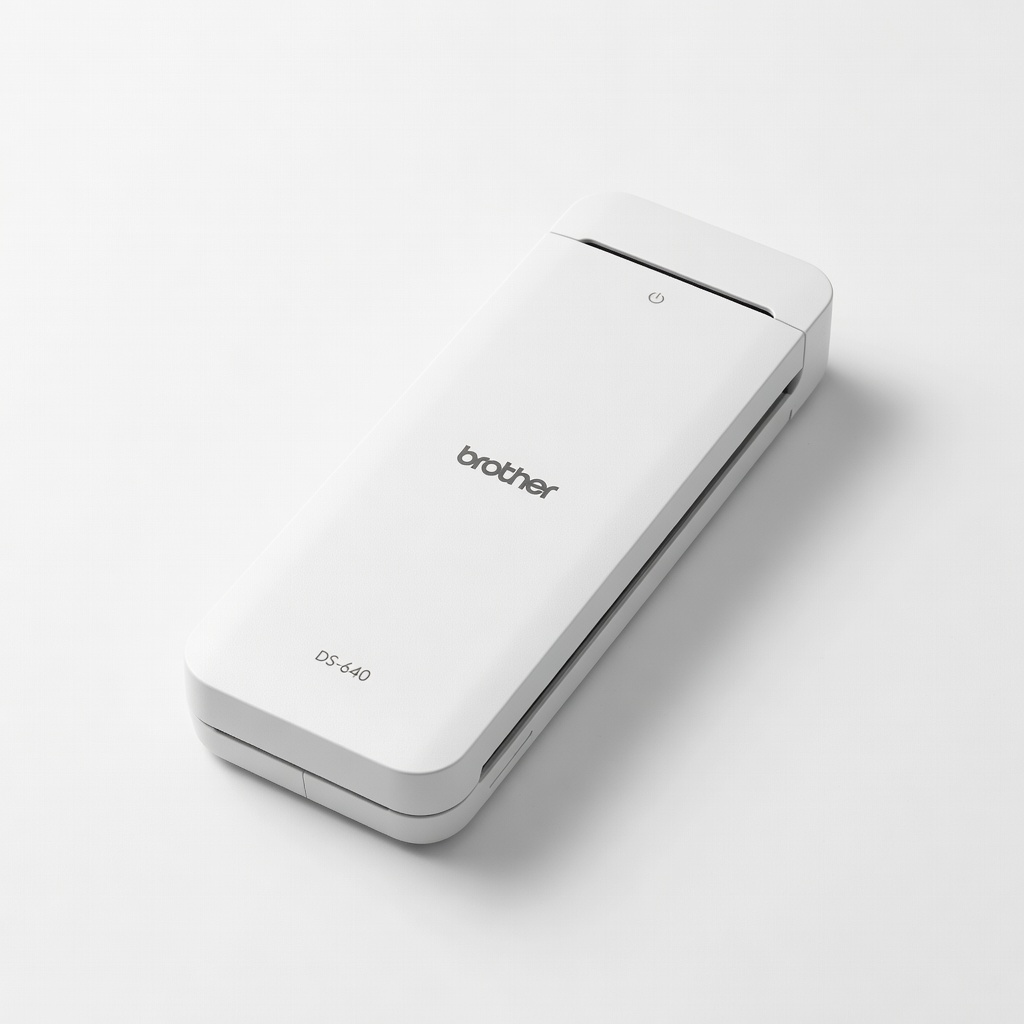
Quickly digitizes pages for home analysis and backups.
Best for: After library visit, scan key excerpts.
Price Range: $129.99
Durable for organized notes with timelines and citations.
Best for: Field notes during research.
Price Range: $14.50
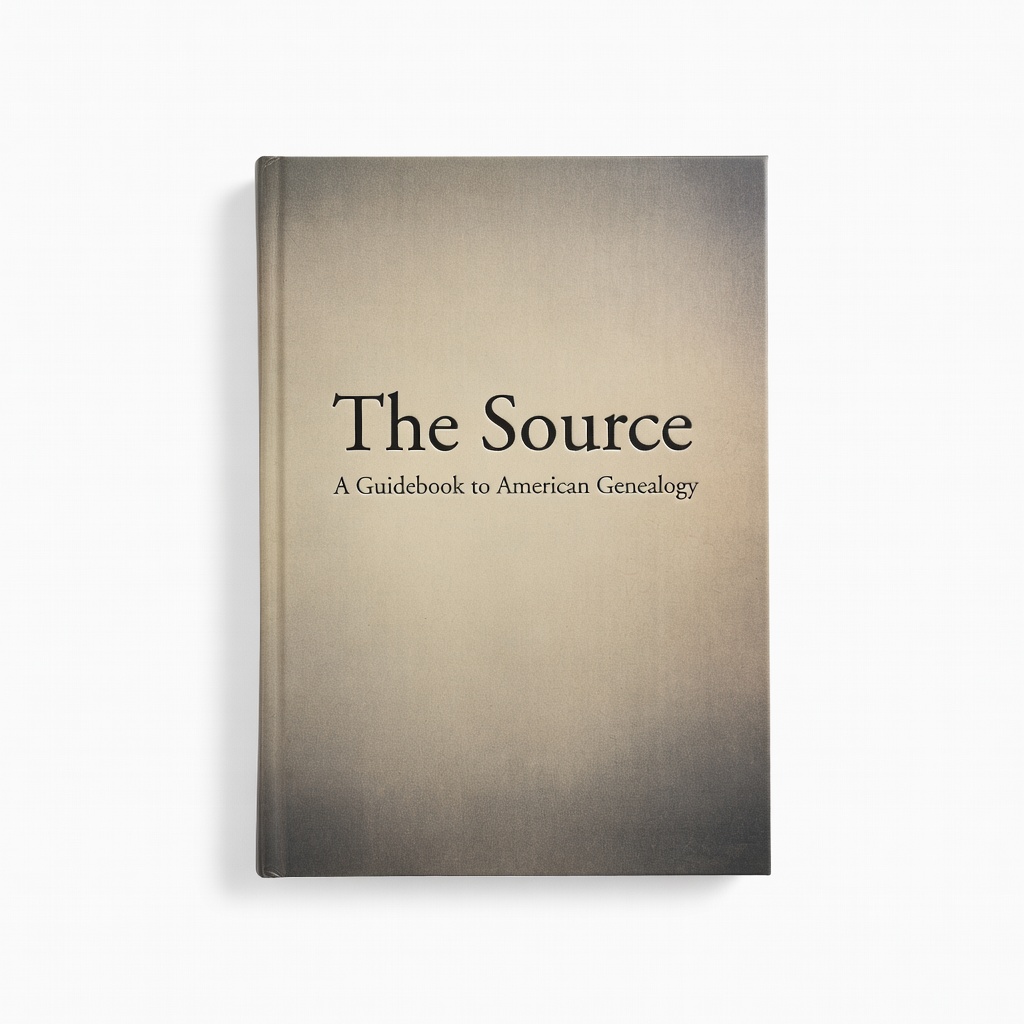
Companion reference explaining almanac/yearbook contexts.
Best for: Pre-research reading for deeper insights.
Price Range: $34.95
Scanning indexes and directories in physical books.
MagniPros 3X Magnifying Glass with LED Light Essential for reading tiny, faded almanac print without eye strain.

Library research sessions with physical yearbooks/almanacs.
HSN Archival Grade Cotton Gloves (12 Pairs) Protects fragile old books from oils/damage while handling.
After library visit, scan key excerpts.
Brother DS-640 Compact Document Scanner Quickly digitizes pages for home analysis and backups.

Field notes during research.
Rhodia Heritage Notebook (A5 Dot Grid) Durable for organized notes with timelines and citations.
Pre-research reading for deeper insights.
The Source: A Guidebook to American Genealogy Companion reference explaining almanac/yearbook contexts.