
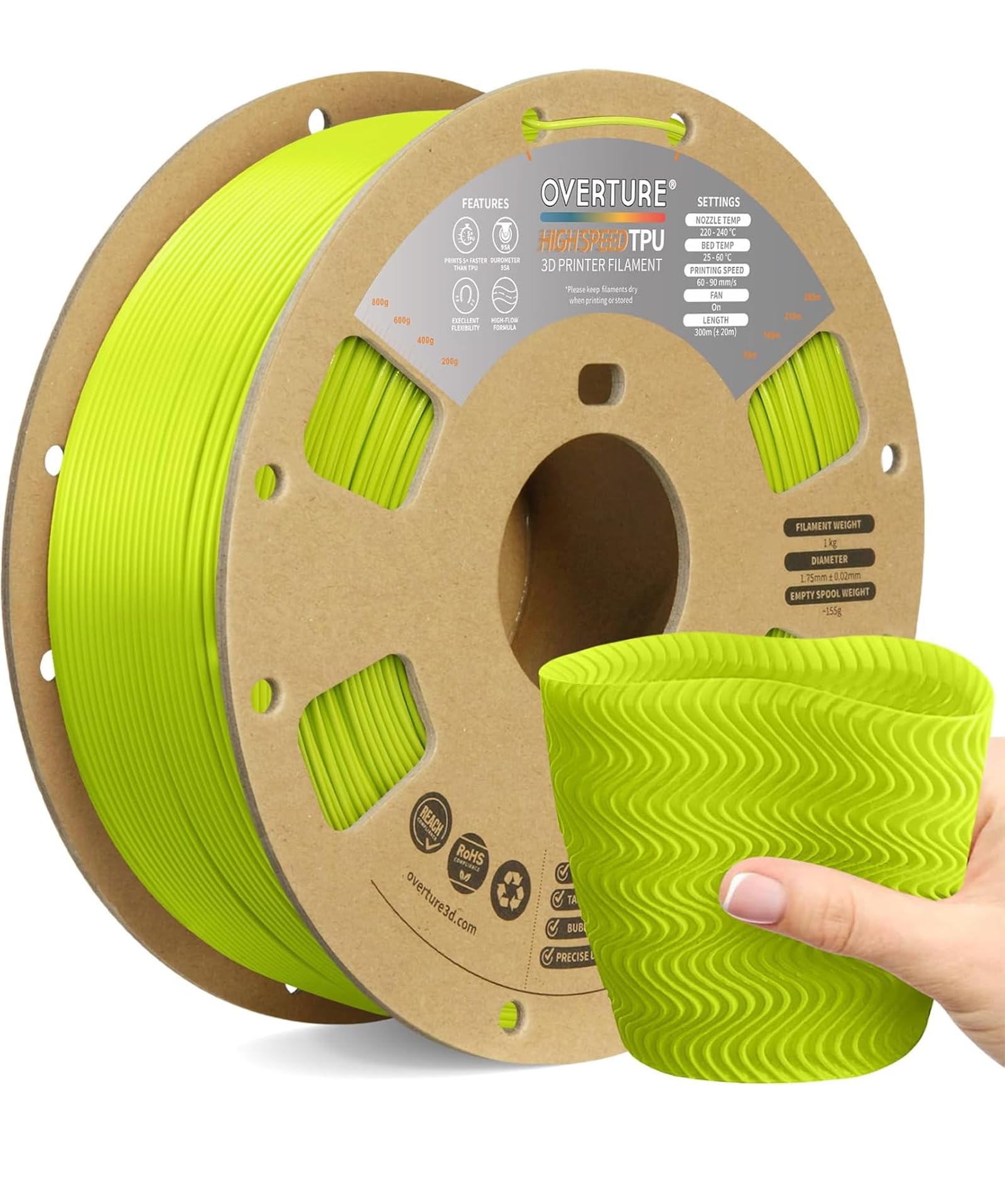
Overture TPU Filament 1.75mm 1KG (95A)
Ideal for gaskets, cases; shore 95A balances flex and strength.
$23.99
Overture TPU Filament 1.75mm 1KG (95A) Excellent printability, low stringing, consistent diameter for reliable flexible prints.
Get the App
Better experience on mobile
Learn advanced techniques to successfully print bendable TPU parts like seals, grips, and phone cases without jams or stringing.
Printing flexible parts with materials like TPU (Thermoplastic Polyurethane) unlocks amazing applications: custom gaskets, wearable prototypes, phone cases, and soft robotics components. But for advanced users, the pain points are real—stringing, poor bed adhesion, extrusion inconsistencies, and nozzle clogs plague Bowden setups. This guide equips you with pro-level strategies to overcome them.
You'll learn hardware prep, precise slicer tuning, and printing/post-processing workflows. Expect rock-solid results on direct-drive printers. Difficulty: advanced (assumes FDM experience, slicer proficiency). Total time: 2-4 hours including test prints.
Overview: Select TPU, optimize hardware/software, slice with custom profiles, print slowly, and refine. Success means parts that flex without cracking and layer perfectly.
Estimated Time: 2-4 hours (30 min setup, 1-2 hr print, 30 min post-process) Difficulty: advanced
Choose TPU with 85A-95A Shore hardness—95A prints easiest while staying flexible. Avoid softer than 85A for FDM unless expert. Brands like Overture or eSUN excel.
Why it matters: TPU is hygroscopic; moisture causes popping, bubbles, and weak layers. Dry at 50-60°C for 4+ hours.
Expect: Spool feels dry (no hiss when heated). Success: Clean extrusion test line.
💡 Tips:
⚠️ Warnings:
Install direct-drive extruder if using Bowden (reduces compression). Swap stock PTFE tube for Capricorn XS (2:1 ID, withstands 300°C).
Check Z-hop, hardened nozzle (0.4mm brass ok, steel better for abrasives). Level bed perfectly.
Why: Bowden tubes stretch TPU, causing under-extrusion. Direct drive pushes reliably.
Expect: Smooth manual filament feed without binding.
💡 Tips:
⚠️ Warnings:
Download from Thingiverse/Printables (e.g., TPU phone case) or design in Fusion 360/FreeCAD. Wall thickness 2-3mm min, no overhangs >45°, supports only if needed (tree supports).
Add 0.2mm clearance for moving parts.
Why: Thin walls tear; steep overhangs sag.
Expect: Model previews clean in slicer.
💡 Tips:
⚠️ Warnings:
In PrusaSlicer/Orca: Nozzle 220-235°C, bed 40-50°C, speed 15-25mm/s, layer height 0.2mm, flow 95-105%, retraction 1-2mm @ 20-30mm/s (direct drive) or 3-5mm Bowden.
Disable linear advance if uncalibrated; enable wipe into infill. Infill 10-20% gyroid.
Why: Slow speeds prevent jamming; low retraction fights stringing.
Expect: Preview shows no gaps/stringing.
💡 Tips:
⚠️ Warnings:
Heat nozzle to 230°C, insert TPU slowly while extruding. Purge 100-200mm waste. Wipe nozzle.
Why: Removes air/moisture; primes for adhesion.
Expect: Steady ooze, no skips.
💡 Tips:
⚠️ Warnings:
Slice, send to printer. Watch first layers for adhesion (glue stick if needed). Pause/adjust if stringing.
Enclose for 35-45°C chamber temp.
Why: TPU warps without stability.
Expect: Smooth layers, no jams after 10min.
💡 Tips:
⚠️ Warnings:
Cool fully before removal. Flex gently; inspect layers. Trim supports with flush cutters.
Why: Reveals interlayer strength.
Expect: Bends 90°+ without delam. Success: Matches model dims ±0.2mm.
💡 Tips:
⚠️ Warnings:
Problem: Stringing/oosing
Solution: Lower temp 5°C, increase retraction speed 5mm/s, enable combing/wipe.
Problem: Jamming/under-extrusion
Solution: Cold pull to clean nozzle, verify direct drive tension, slow to 15mm/s.
Problem: Poor adhesion
Solution: Increase bed temp to 50°C, add glue/ABS slurry, clean with IPA.
Problem: Layer shifts/delam
Solution: Enclose printer, slow accel to 500mm/s², check belts.
Excellent printability, low stringing, consistent diameter for reliable flexible prints.
Best for: Ideal for gaskets, cases; shore 95A balances flex and strength.
Price Range: $23.99
Easy upgrade for Bowden printers, precise TPU feeding without compression.
Best for: Ender 3/5 series owners printing flexibles regularly.
Price Range: $49.99
Dries 4 spools simultaneously at precise temps, essential for hygroscopic TPU.
Best for: High-volume printing; maintains dryness during long sessions.
Price Range: $69.99
High-heat resistant, tighter ID for better TPU push without buckling.
Best for: Any hotend upgrade; cut to 10cm bowden length.
Price Range: $12.99
Budget-friendly with great elasticity, minimal shrinkage.
Best for: Prototyping soft parts; softer alternative to rigid filaments.
Price Range: $24.99
Ideal for gaskets, cases; shore 95A balances flex and strength.
Overture TPU Filament 1.75mm 1KG (95A) Excellent printability, low stringing, consistent diameter for reliable flexible prints.
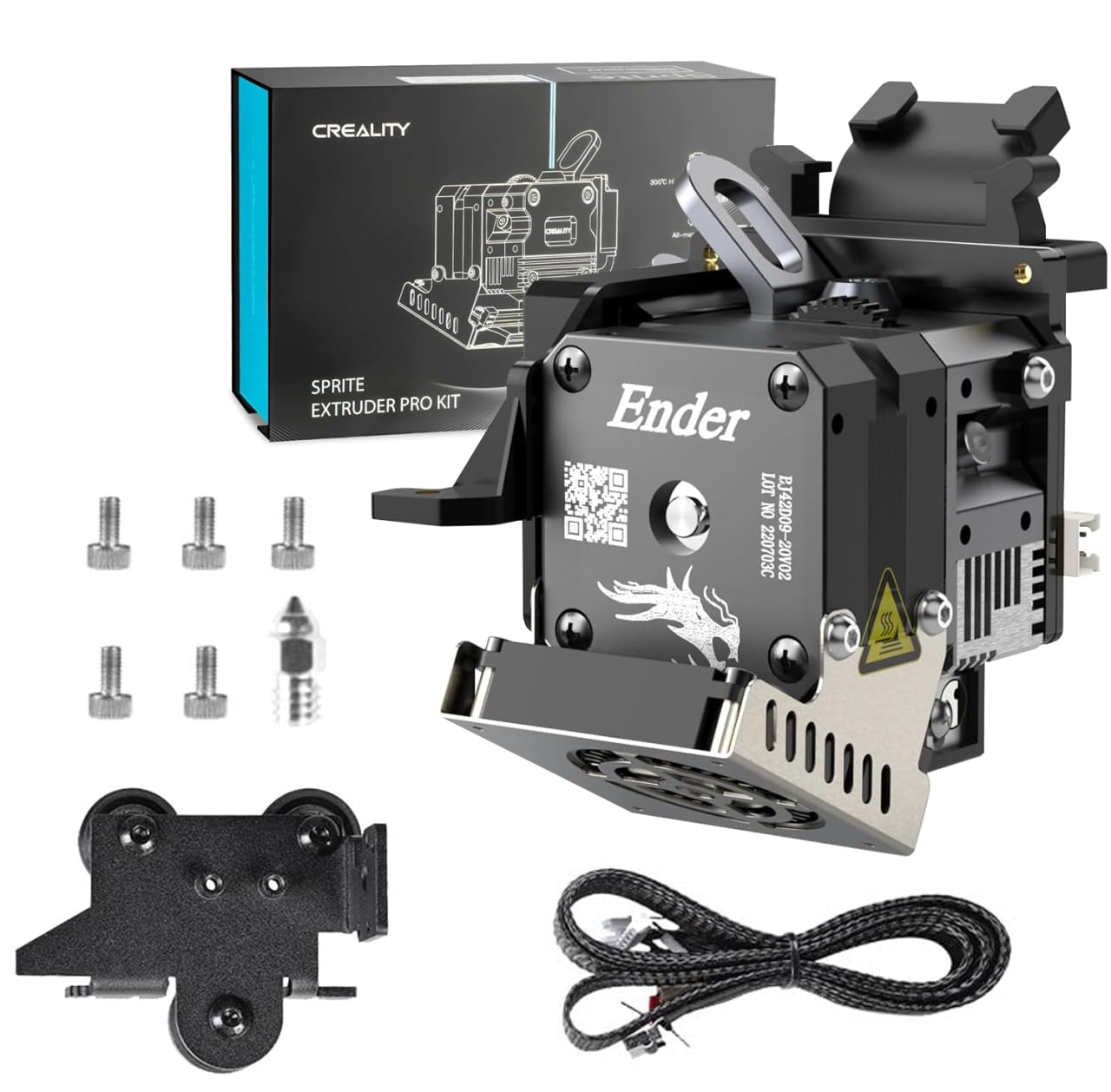
Ender 3/5 series owners printing flexibles regularly.
Creality Sprite Extruder Pro Kit (Direct Drive) Easy upgrade for Bowden printers, precise TPU feeding without compression.
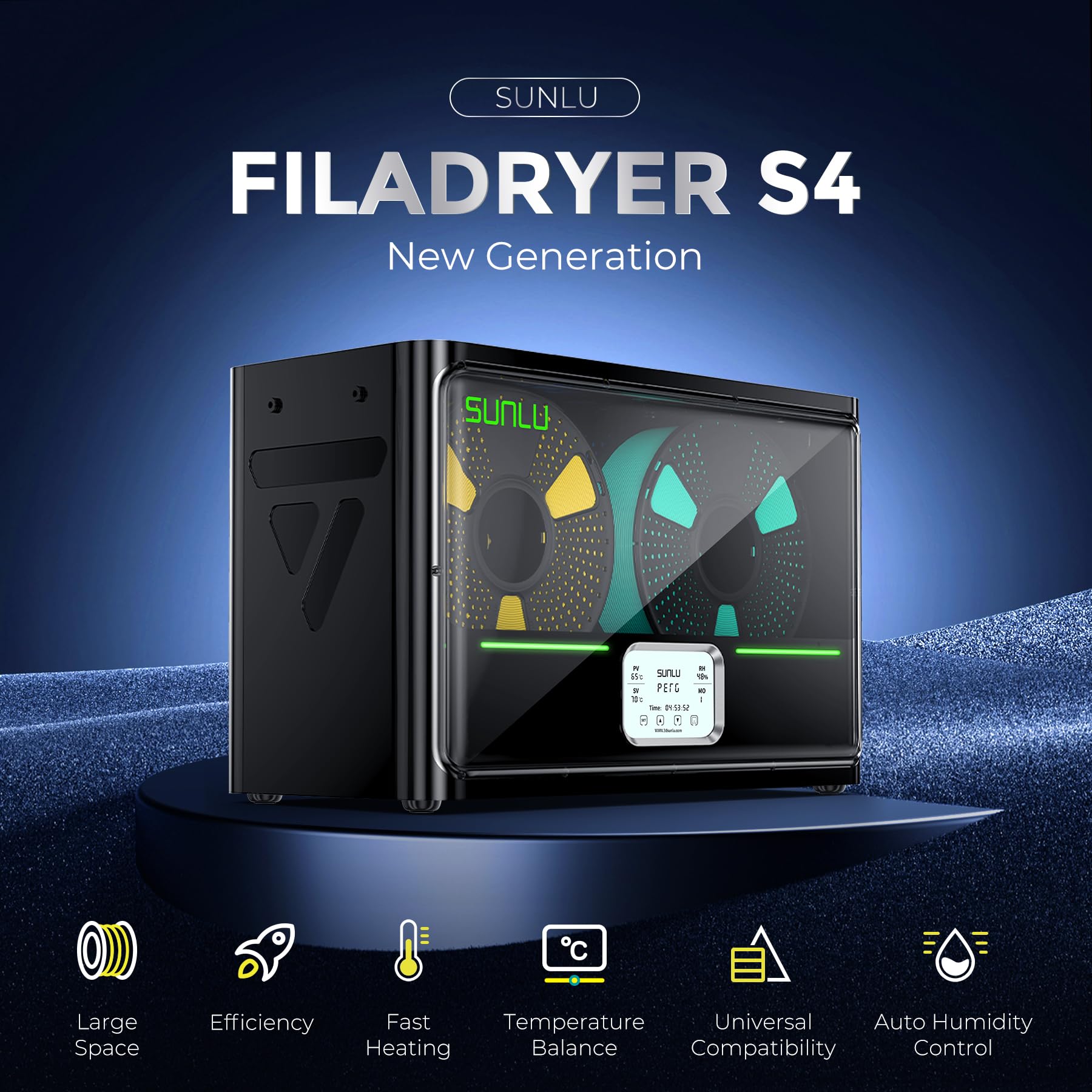
High-volume printing; maintains dryness during long sessions.
SUNLU FilaDryer S4 Filament Dryer Dries 4 spools simultaneously at precise temps, essential for hygroscopic TPU.
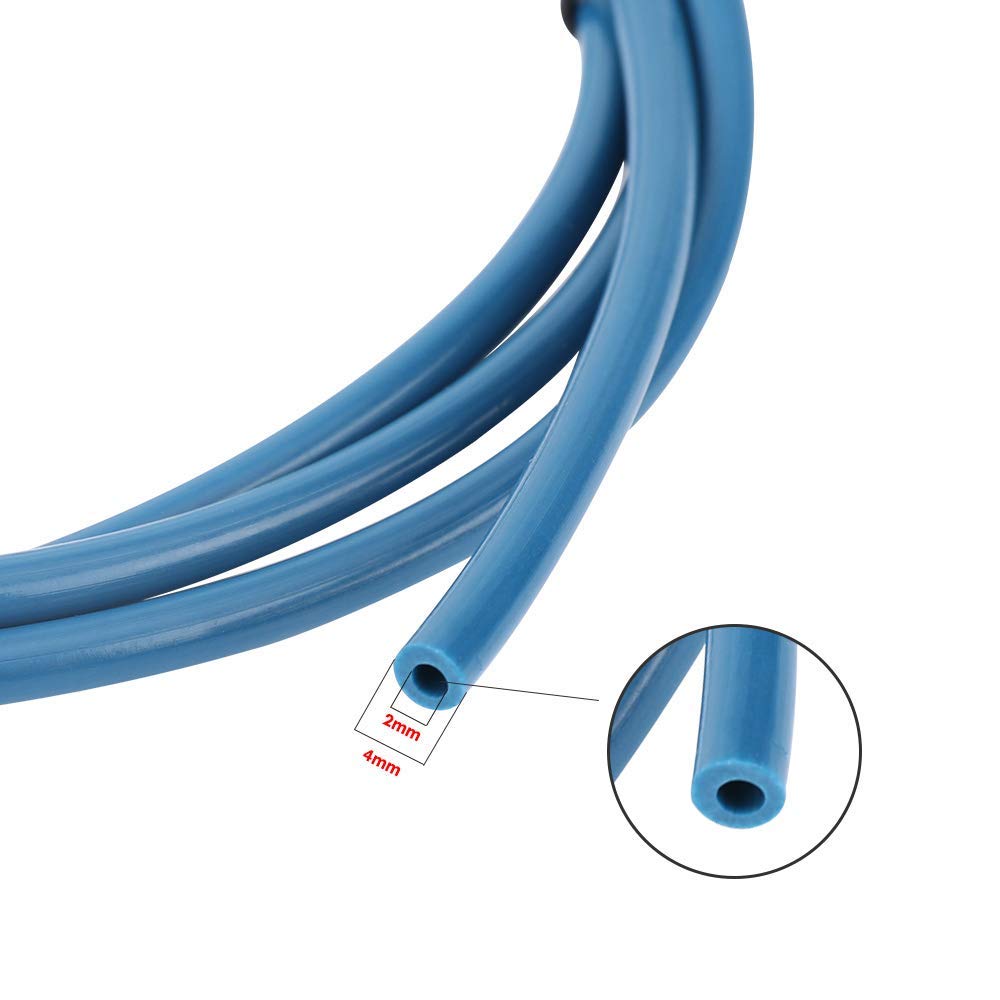
Any hotend upgrade; cut to 10cm bowden length.
Capricorn XS PTFE Tubing 1M (2mm ID) High-heat resistant, tighter ID for better TPU push without buckling.
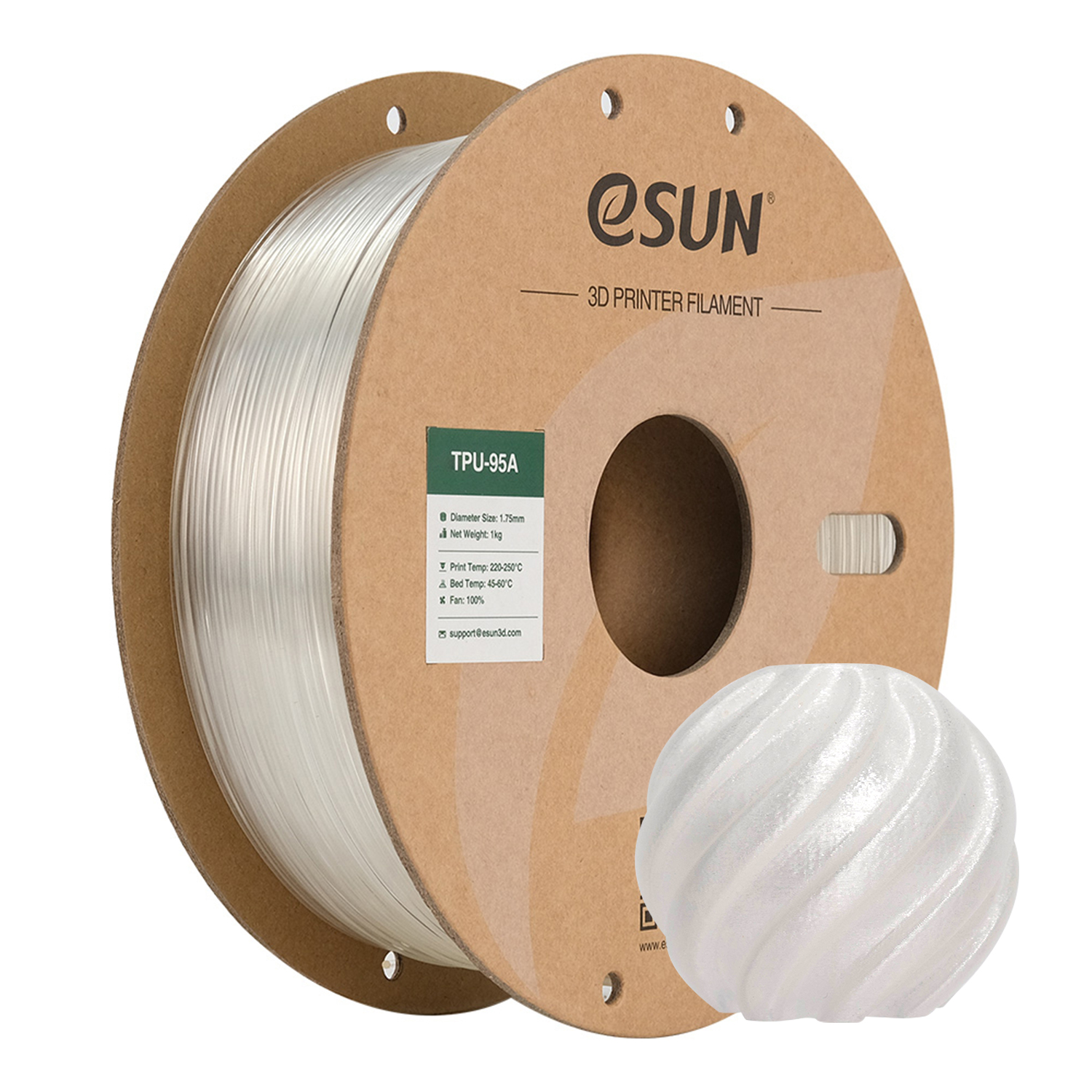
Prototyping soft parts; softer alternative to rigid filaments.
eSUN TPU-95A Filament 1KG Budget-friendly with great elasticity, minimal shrinkage.