Have you ever opened your TV remote or toy to find corroded, leaky AA batteries? That's over-discharge at work—when batteries drain too low, causing irreversible damage, leaks, and reduced lifespan. Alkaline batteries leak, while rechargeables lose capacity. This guide shows you how to prevent it easily.
You'll learn proven strategies like smart charging, proper storage, and testing to keep your AA batteries healthy longer. No technical expertise needed—these habits save money and frustration.
Expect 15-20 minutes to set up, then ongoing simple practices. Perfect for beginners managing remotes, flashlights, and gadgets.
▸What You'll Need
- •Rechargeable NiMH AA batteries (required for best results)
- •Smart NiMH charger with auto-cutoff (required)
- •Digital battery tester (highly recommended)
- •Battery storage organizer box (optional but helpful)
- •Marker or label stickers (optional for tracking)
Estimated Time: 15-20 minutes setup + 2 minutes per check
Difficulty: beginner
▸Step-by-Step Instructions
Step 1: Understand Over-Discharge Risks
Over-discharge happens when AA batteries drop below 0.9-1.0V per cell, leading to chemical breakdown. Alkalines leak acid; NiMH rechargeables form crystals reducing capacity. Prevention starts with awareness—use this knowledge to choose better habits.
Success: You'll recognize signs like sluggish devices or bulging batteries. This step takes 2 minutes to read.
💡 Tips:
- •Note voltage specs: Alkaline safe low is 1.0V; NiMH 0.9V.
Step 2: Switch to Rechargeable NiMH AA Batteries
Ditch disposables for low self-discharge NiMH AAs—they handle deeper discharge better and last 1,000+ cycles. Brands like Eneloop retain 70% charge after a year.
Why? Rechargeables recover better; alkalines don't. Buy matched sets. Success: Batteries ready for charger, no more landfill waste.
⚠️ Warnings:
- •Never mix old/new or NiMH with alkaline—fire risk!
Step 3: Get a Smart Charger with Cutoff Protection
Use a charger that auto-stops at safe voltage (delta-V or timer). It prevents over-discharge during charging cycles.
Insert batteries, select AA mode, charge. Success: Green light when done; batteries at 1.2-1.4V. Test first charge.
💡 Tips:
- •Charge in cool room (<77°F/25°C).
Step 4: Buy and Use a Digital Battery Tester
Test voltage before/after use. Good: >1.2V fresh NiMH, >1.1V usable. Discard <0.9V.
Insert battery—LCD shows volts instantly. Why? Catch low batteries early. Success: Log results; retire weak ones.
Step 5: Test Batteries After Each Use
Remove from device, test immediately. If <1.0V, recharge now—don't store low. Track with labels.
Success: All batteries >1.1V before storage. Do weekly for high-use devices.
💡 Tips:
- •Test in pairs—mismatched cause uneven drain.
Step 6: Store Batteries Properly
Keep at 50-70°F (10-21°C), half-charged (1.3V), in plastic organizer away from metal/humidity.
Label date/voltage. Success: No corrosion after months; retest quarterly.
⚠️ Warnings:
- •Avoid fridge for NiMH—condensation risk.
Step 7: Remove Batteries from Idle Devices
Take out AAs from remotes, clocks when unused >2 weeks. Parasitic drain kills them.
Success: Devices battery-free; fresh insert when needed.
💡 Tips:
- •Use dummy batteries in always-on devices.
Step 8: Monitor and Maintain Routinely
Monthly: Test all, recharge lows, rotate stock. Success: Batteries lasting 2-3x longer.
▸Pro Tips
- •Always use batteries in matched pairs or sets for even discharge.
- •Choose low self-discharge (LSD) NiMH like Eneloop for storage.
- •Label batteries with test date/voltage for FIFO rotation.
- •Opt for devices with auto-shutoff to minimize drain.
- •Charge at 0.1C rate (200mA for 2000mAh AA) for longevity.
- •Keep spares charged and ready—rotate every 6 months.
- •Use voltmeter apps on multimeters for precise checks.
▸Common Mistakes to Avoid
- •Leaving batteries in unused devices: Causes slow drain; remove promptly.
- •Mixing battery types/ages: Uneven discharge damages all; use matched sets.
- •Storing fully discharged: Promotes damage; store at 40-60% charge.
- •Using cheap chargers without cutoff: Over-discharges during 'trickle'; buy smart ones.
- •Ignoring low-voltage warnings: Pushes batteries over edge; test regularly.
▸Troubleshooting
Problem: Batteries leak despite prevention
Solution: Clean contacts with vinegar, discard leakers. Check storage humidity. Test individually.
Problem: Rechargeables won't hold charge
Solution: Refresh cycle in smart charger (discharge-recharge 3x). If <80% capacity, recycle.
Problem: Tester shows inconsistent volts
Solution: Check tester batteries; test known good AA. Avoid under 68°F/20°C.
Problem: Device drains batteries too fast
Solution: Switch to lower power draw device or NiZn batteries. Add capacitor mod if DIY-savvy.
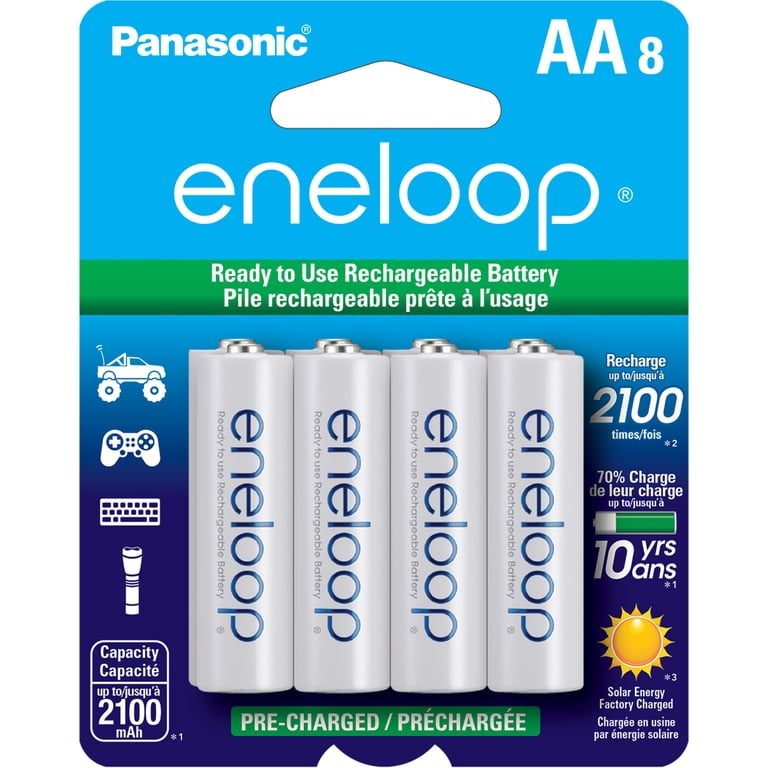
Panasonic Eneloop AA Rechargeable Batteries, 8 Pack
Low self-discharge (retain 70% after 1 year) resists over-discharge better than standard NiMH.
Best for: Everyday use in remotes, toys; store long-term without loss.
Price Range: $20-25
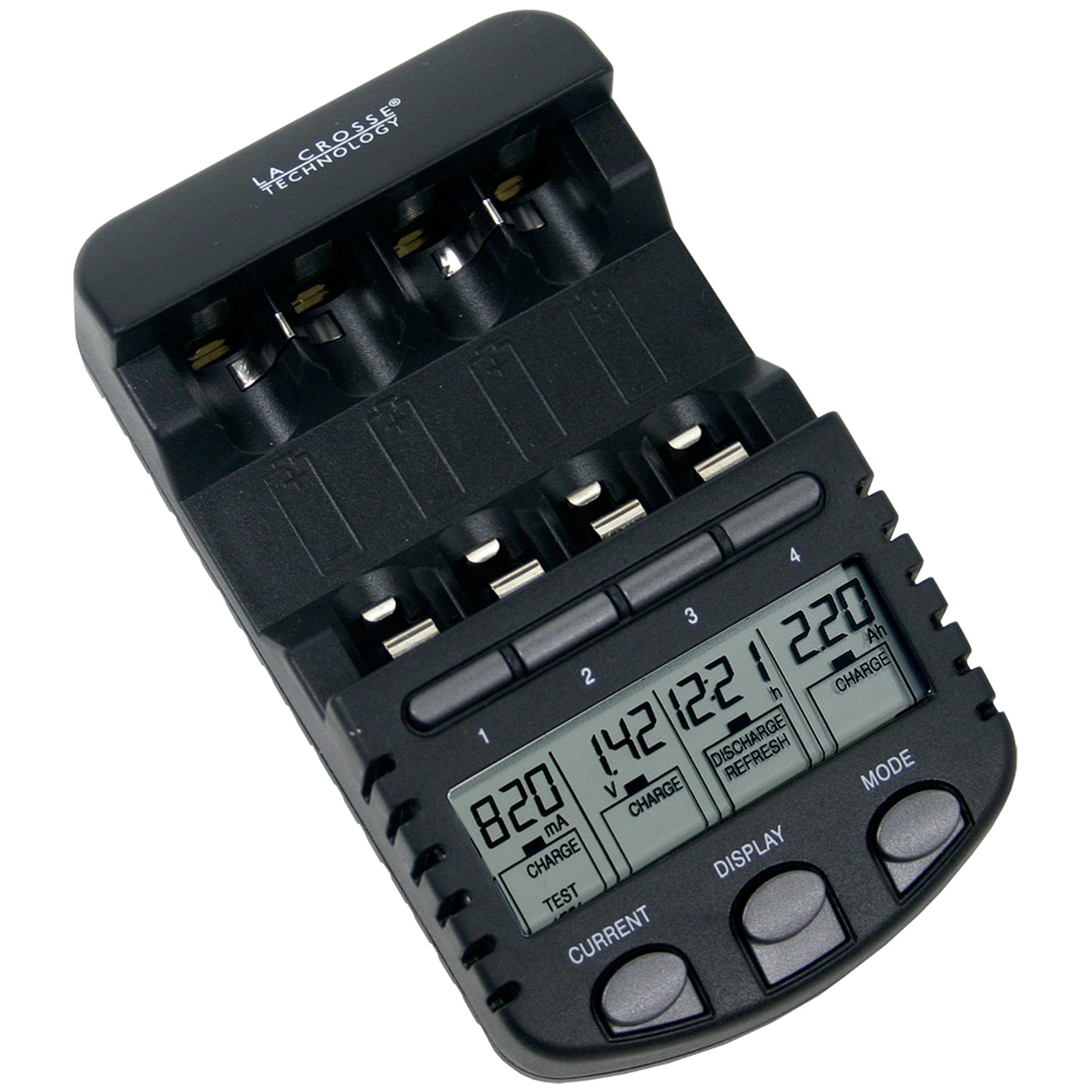
La Crosse Technology BC700 Alpha Smart Charger
Auto-detects AA/AAA, delta-V cutoff prevents over-charge/discharge; analyzes capacity.
Best for: Charging used AAs safely after device use.
Price Range: $30-35
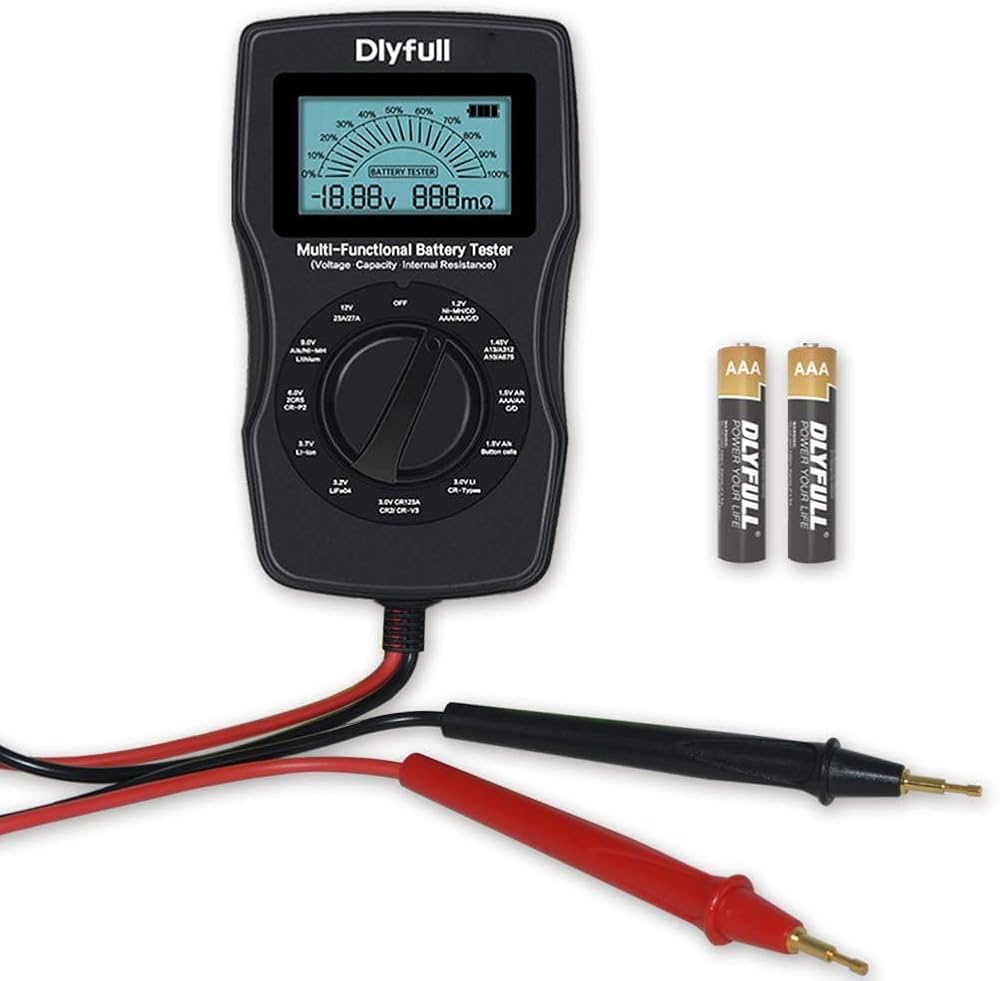
Dlyfull Digital Battery Tester for AA/AAA
LCD shows exact voltage instantly; checks 1.5V batteries for safe discharge level.
Best for: Quick pre/post-use testing to catch lows early.
Price Range: $8-12
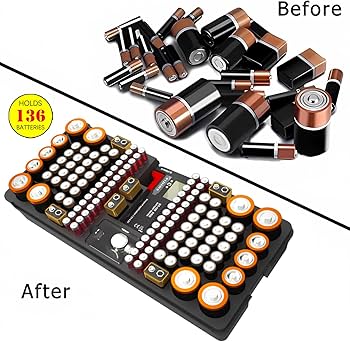
Portwest Battery Storage Organizer Case
Holds 60+ AA/AAA safely, prevents shorts; labeled slots for organization.
Best for: Proper storage to avoid accidental discharge.
Price Range: $15-20
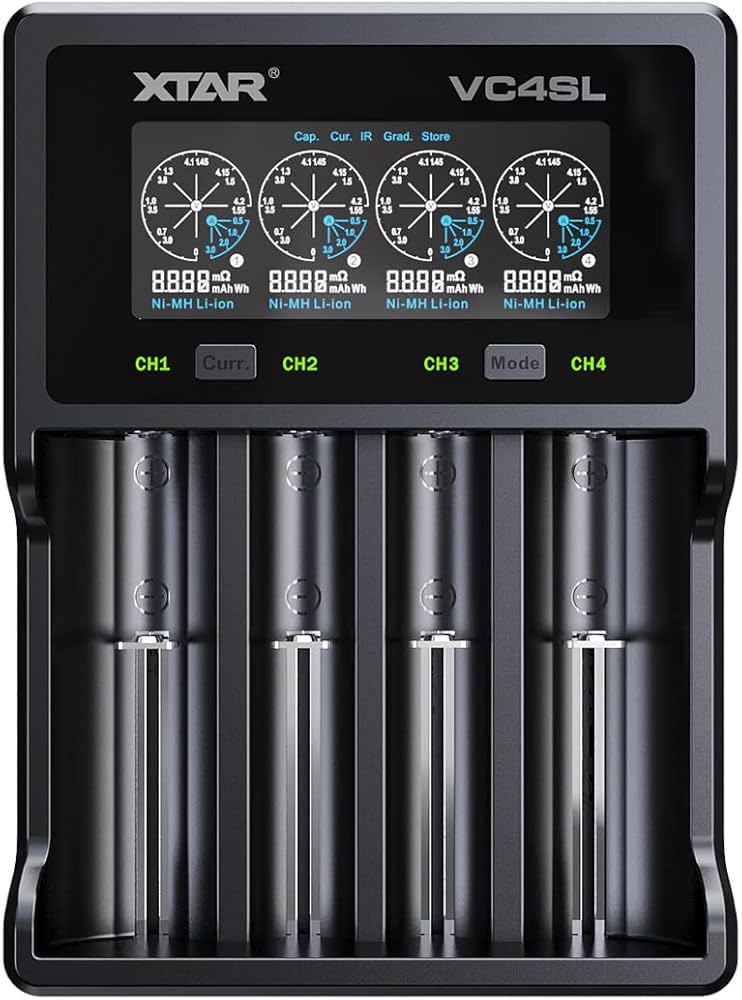
XTAR VC4S Smart Charger
4-bay LCD charger with over-discharge protection, capacity test mode for NiMH AA.
Best for: High-volume users needing precise monitoring.
Price Range: $25-30