
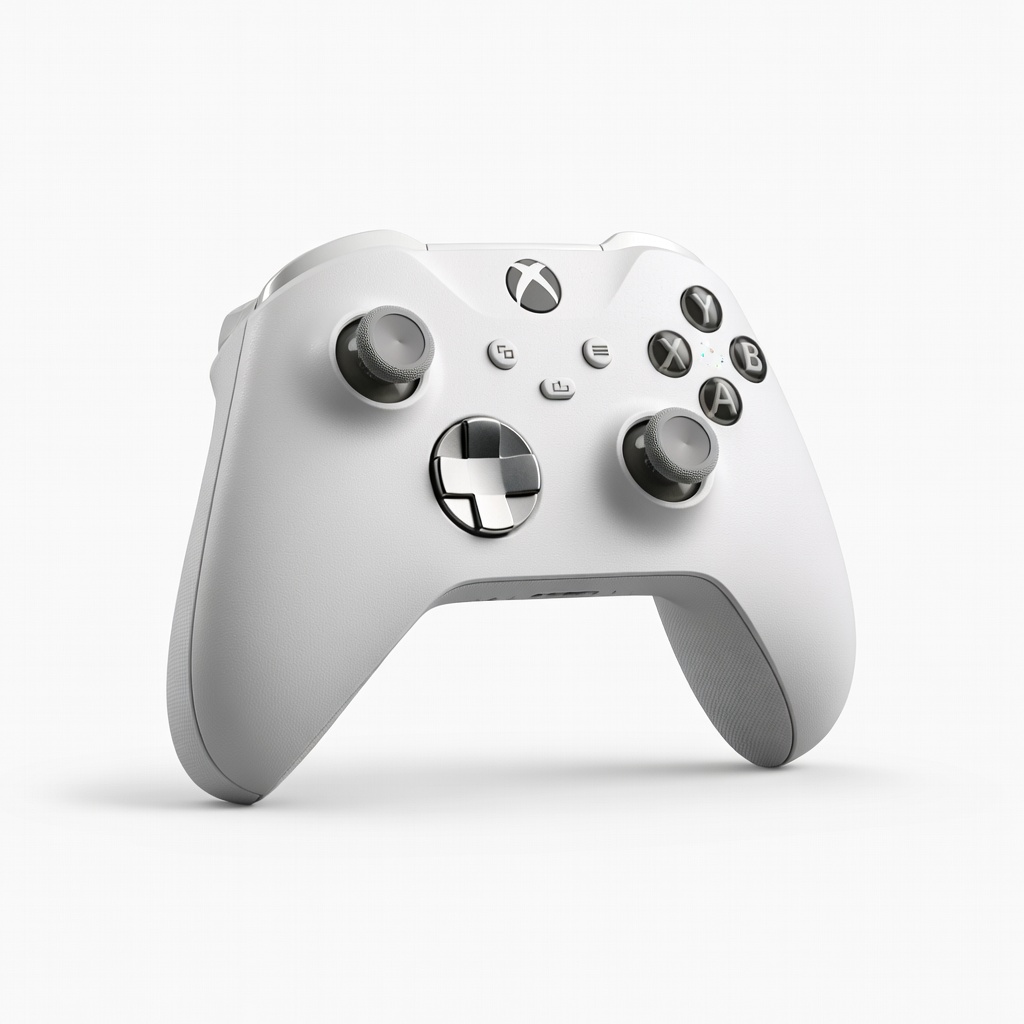
Xbox Elite Wireless Controller Series 2 Core
Ideal for PC/Xbox action adventures needing back-button jumps/dodges.
$130
Xbox Elite Wireless Controller Series 2 Core Built-in paddles and adjustable thumbsticks for easy custom remaps without software.
Get the App
Better experience on mobile
Learn to remap buttons and tweak settings for smoother gameplay in games like Zelda or Assassin's Creed, boosting your performance in 20-30 minutes.
Default controls in action adventure games often feel clunky—maybe the jump button is awkward or camera sensitivity is off, frustrating your epic quests. Customizing controls lets you tailor inputs to your playstyle, reducing fatigue and improving precision during intense combat or exploration.
In this guide, you'll master setting up custom controls on PC, PlayStation, Xbox, and Switch for popular titles like The Legend of Zelda: Breath of the Wild, Assassin's Creed Valhalla, or God of War. We'll cover step-by-step remapping, sensitivity tweaks, and testing. Expect 20-30 minutes total, suitable for intermediate gamers familiar with basic settings menus.
Estimated Time: 20-30 minutes Difficulty: intermediate
Start by picking an action adventure game and confirming your platform. Popular choices include The Legend of Zelda: Tears of the Kingdom (Switch), God of War Ragnarök (PS5/PC), or Assassin's Creed Mirage (multi-platform). Launch the game to ensure it's updated—custom controls require the latest patch for full options.
Why? Platforms have unique input methods (e.g., Steam for PC allows third-party remappers). Success looks like the game running smoothly on your main menu.
💡 Tips:
Plug in your controller via USB or pair wirelessly (hold Share/PS button for PS5, Xbox button for Xbox). On PC, use Steam's Big Picture Mode or Windows Bluetooth settings. Verify detection in the game's menu or system settings.
This ensures stable inputs. Expect a 'Controller Connected' prompt—green light on controller means success.
⚠️ Warnings:
From the main menu, go to Options > Controls (or Keyboard/Mouse/Controller). On consoles, it's under Settings > Accessibility/Controls. PC games like those on Steam have a dedicated 'Key Bindings' tab.
Why it matters: This unlocks remapping. You'll see a grid of actions like 'Jump', 'Attack', 'Dodge Roll'—default bindings listed.
💡 Tips:
Highlight actions like Jump (to A/X), Attack (R2/RT), Interact (X/A), and Camera (Right Stick). Press the new button to assign—swap for comfort (e.g., claw grip users move Jump to R1). Save frequently.
Test by moving in a menu preview if available. Success: Bindings update without conflicts (no red error icons).
⚠️ Warnings:
Find sliders for Stick Sensitivity (aim 70-90% for responsive camera) and Dead Zone (10-20% to reduce drift). Increase for fast-paced combat in games like Shadow of the Tomb Raider.
Why? Prevents over-aiming or stick drift. Expect smoother turns—preview with in-menu camera test.
💡 Tips:
On PC (Steam Input) or programmable controllers, create profiles for combat vs. stealth. Assign paddles/back buttons to jumps/dodges.
This shines in long sessions. Success: Switch profiles via button combo; game recognizes instantly.
Load a tutorial level or hub world. Perform combos: jump-attack-climb. Tweak if inputs feel off (e.g., reduce sensitivity if overshooting enemies).
Iterate 2-3 times. Success: Fluid movement without misinputs for 5 minutes.
⚠️ Warnings:
Confirm 'Apply Changes' and back up config (Steam Cloud or export file). Set as default profile.
Restart game to verify persistence. You're now optimized for immersive adventures!
💡 Tips:
Problem: Controls revert after restart
Solution: Enable cloud save or manually export config file; update game.
Problem: Controller not detected
Solution: Re-pair device, update firmware via manufacturer's app (e.g., Xbox Accessories).
Problem: Input lag post-remap
Solution: Lower polling rate or switch USB port; test wired vs. wireless.
Problem: Bindings conflict across games
Solution: Use per-game profiles in Steam or console accessibility menu.
Built-in paddles and adjustable thumbsticks for easy custom remaps without software.
Best for: Ideal for PC/Xbox action adventures needing back-button jumps/dodges.
Price Range: $130
Customizable back buttons and swappable sticks with on-the-fly profiles.
Best for: PS5 games like God of War; switch sensitivity during exploration/combat.
Price Range: $200
Affordable with rear paddles, gyro aiming, and app-based remapping.
Best for: Switch/PC for Zelda-like games; budget custom controls.
Price Range: $70
10 programmable buttons and hair triggers for precise action inputs.
Best for: Xbox/PC intense adventures like Assassin's Creed.
Price Range: $150
Ideal for PC/Xbox action adventures needing back-button jumps/dodges.
Xbox Elite Wireless Controller Series 2 Core Built-in paddles and adjustable thumbsticks for easy custom remaps without software.
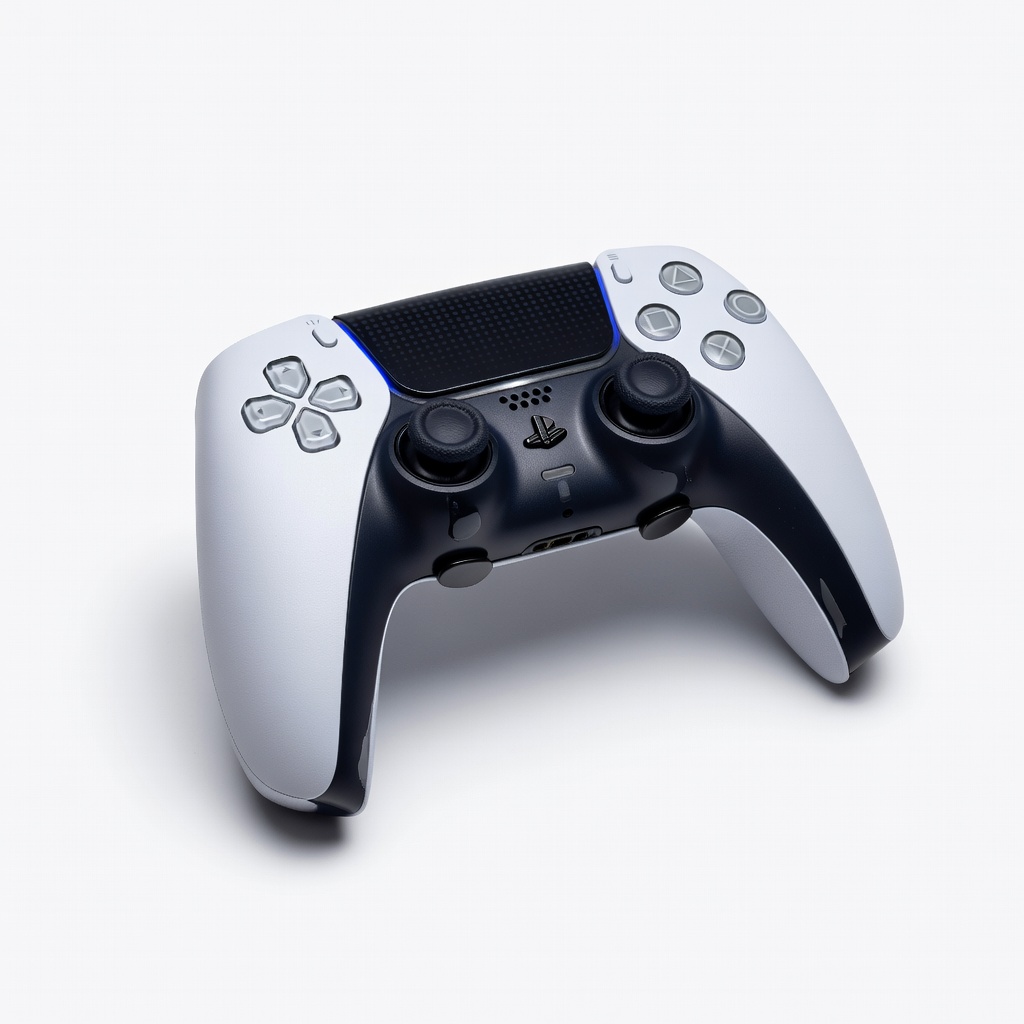
PS5 games like God of War; switch sensitivity during exploration/combat.
DualSense Edge Controller Customizable back buttons and swappable sticks with on-the-fly profiles.
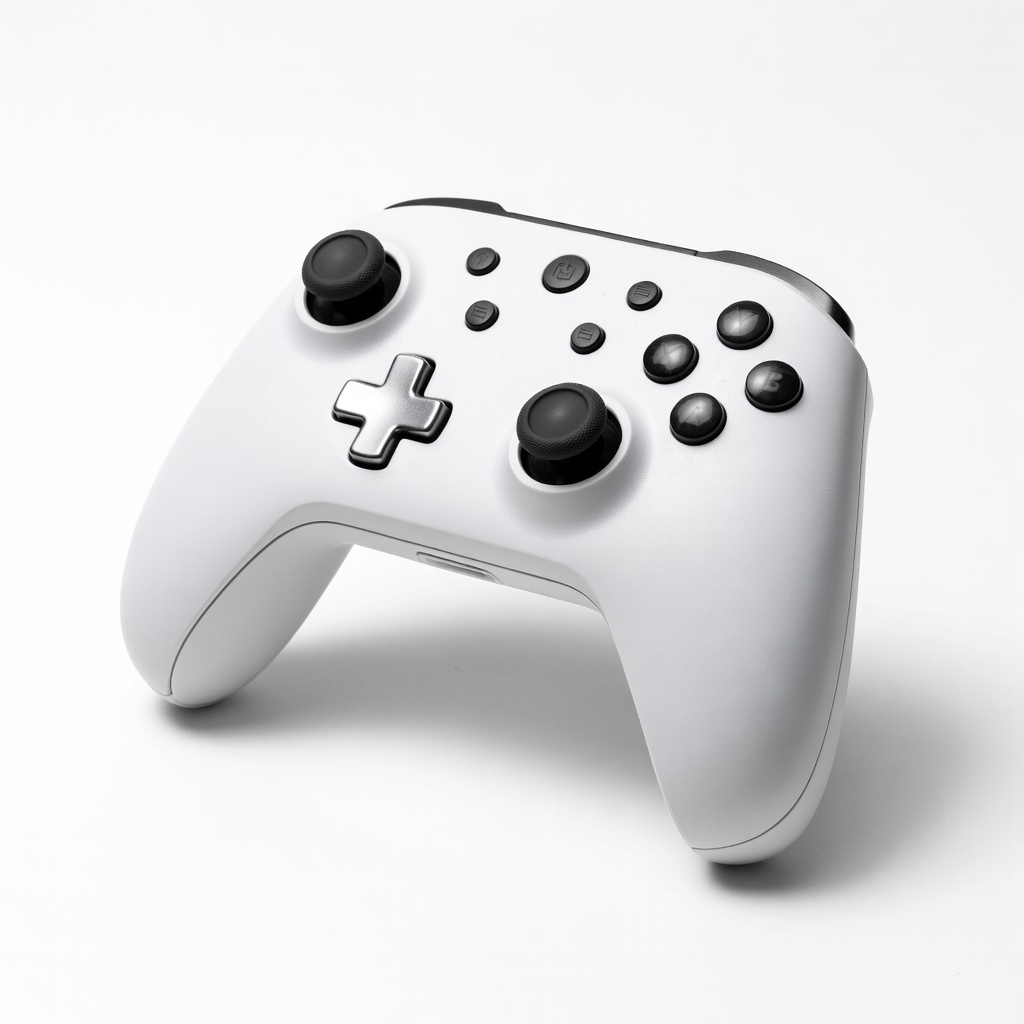
Switch/PC for Zelda-like games; budget custom controls.
8BitDo Ultimate Bluetooth Controller Affordable with rear paddles, gyro aiming, and app-based remapping.
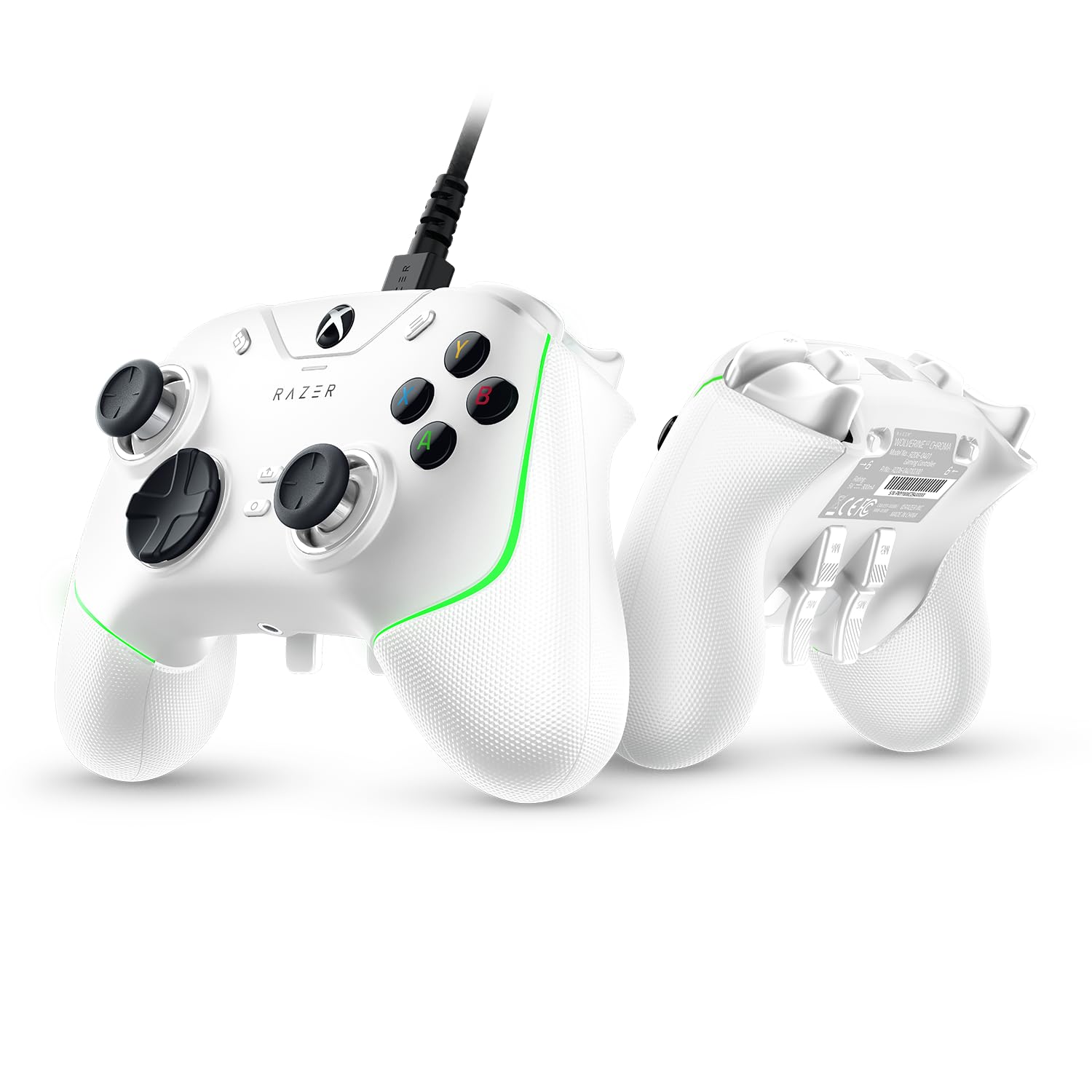
Xbox/PC intense adventures like Assassin's Creed.
Razer Wolverine V2 Chroma 10 programmable buttons and hair triggers for precise action inputs.