
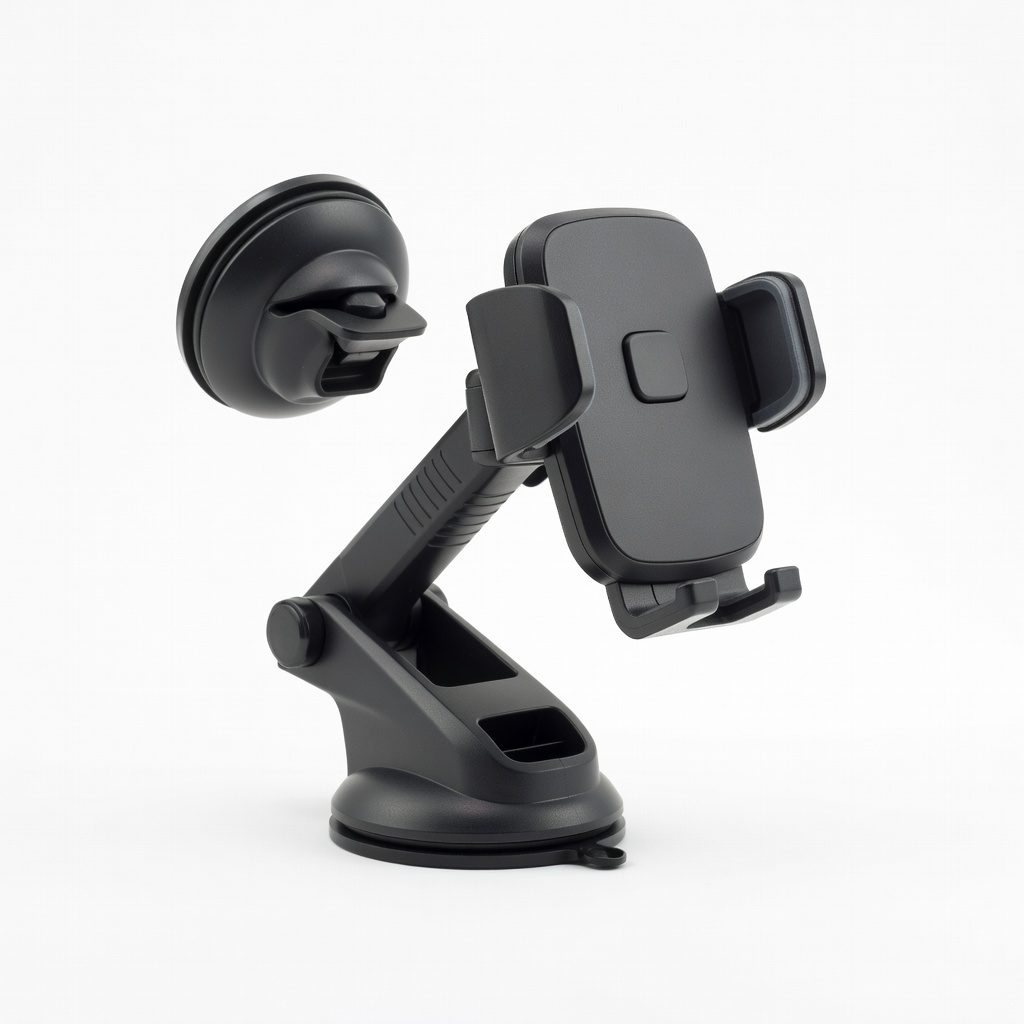
iOttie Easy One Touch 5 Dash & Windshield Mount
Mount on dash for easy app glances during long drives.
$20-$30
iOttie Easy One Touch 5 Dash & Windshield Mount Securely holds phone for safe, hands-free audiobook control and navigation.
Get the App
Better experience on mobile
Transform boring drives into thrilling adventures with easy steps to select, download, and play action & adventure fiction audiobooks safely for beginners.
Long road trips can feel endless, especially with kids or solo driving, leading to fatigue and distraction. But what if you could dive into heart-pounding action and adventure stories like Jack Reacher or Indiana Jones tales, narrated by pros, turning miles into excitement? This guide shows beginners how to set up audiobooks effortlessly.
You'll learn to pick the best platforms, download offline content, connect to your car, and play safely without taking eyes off the road. No tech expertise needed—just a smartphone and a few minutes. Expect 20-30 minutes for setup, then endless entertainment on every trip.
By the end, you'll have a playlist-ready system for immersive storytelling that keeps everyone engaged and drivers alert.
Estimated Time: 20-30 minutes for setup, then instant playback Difficulty: beginner
Start by selecting a beginner-friendly app for action & adventure fiction. Audible is ideal for premium titles like Lee Child's Jack Reacher series or Clive Cussler's Dirk Pitt adventures. Free options include Libby (library card needed) for public domain classics or Spotify Premium for audiobooks bundled with music.
Why it matters: These platforms have vast libraries, offline downloads, and car-friendly playback speeds. Download one app from your phone's store—search 'Audible' or 'Libby app'. Sign up with email; Audible offers a 30-day free trial with 1-2 credits for bestsellers.
Success: App installed and account created in 5 minutes.
💡 Tips:
⚠️ Warnings:
Open the app and search 'action adventure audiobooks' or browse categories. Look for narrators like Scott Brick or Jot Davies for gripping delivery. Top picks: 'Kill Shot' by Vince Flynn or 'Dune' adaptations.
Curate 5-10 hours per trip—check lengths (e.g., 10-hour book for a full day drive). Add to library or wishlist. Why? Matching story pace to trip length prevents unfinished tales.
Success: 3-5 titles queued, ready for download.
💡 Tips:
Tap each title and hit 'Download' or 'Add to Offline'. Audible allows unlimited downloads on one device; Libby varies by library.
This is crucial for spotty rural signals on road trips. Downloads take 2-10 minutes per book over WiFi—do it at home or a stop.
Success: Green checkmarks on titles, confirming offline access.
⚠️ Warnings:
Check your car's system: Modern cars have Bluetooth; older ones need AUX cable (3.5mm) or FM transmitter. Clean ports and test volume.
Mount your phone securely on dash or vent for hands-free glances. Why? Safety first—distracted driving is dangerous.
Success: Phone mounted, audio ready.
💡 Tips:
Enable Bluetooth on phone (Settings > Bluetooth). Pair with car: Go to car infotainment, search devices, select yours. For AUX, plug in cable; FM transmitter tunes to unused station (88.1 FM).
Test with music first. Why? Seamless audio pipes stories through speakers.
Success: Audio plays via car speakers without phone volume.
⚠️ Warnings:
Open app, select title, hit play. Adjust speed (0.8x-1.2x) for preference. Use steering controls or voice if available.
Set sleep timer for overnight stops. Why? Enhances immersion without fatigue.
Success: Epic intro narrating through car speakers.
💡 Tips:
Pause/resume via app, car controls, or voice ('Next chapter'). Switch passengers' picks mid-trip.
Monitor battery—charge via USB. Why? Keeps adventure flowing.
Success: Seamless multi-hour listening.
⚠️ Warnings:
Problem: Bluetooth won't connect
Solution: Restart phone/car Bluetooth, forget device and re-pair, or use AUX as backup.
Problem: Audio cuts out on highways
Solution: Confirm offline mode; switch to wired connection or reposition phone.
Problem: App crashes during playback
Solution: Force close/reopen app, clear cache, or reinstall—rare with major apps.
Problem: No sound from car speakers
Solution: Check phone media volume (not ringtone), car aux input selected.
Securely holds phone for safe, hands-free audiobook control and navigation.
Best for: Mount on dash for easy app glances during long drives.
Price Range: $20-$30
Blocks road noise for crystal-clear narration; 40-hour battery for full trips.
Best for: Passengers or driver (with passenger reading aloud); wireless freedom.
Price Range: $50-$60
Adds Bluetooth to old cars without AUX; auto-tuning for reliable audio.
Best for: Budget upgrade for pre-2015 vehicles playing audiobooks via FM.
Price Range: $12-$18
Compact, fast-charges phone to keep audiobooks running all trip.
Best for: No car USB? Powers phone for 2-3 full charges.
Price Range: $20-$25
Mount on dash for easy app glances during long drives.
iOttie Easy One Touch 5 Dash & Windshield Mount Securely holds phone for safe, hands-free audiobook control and navigation.
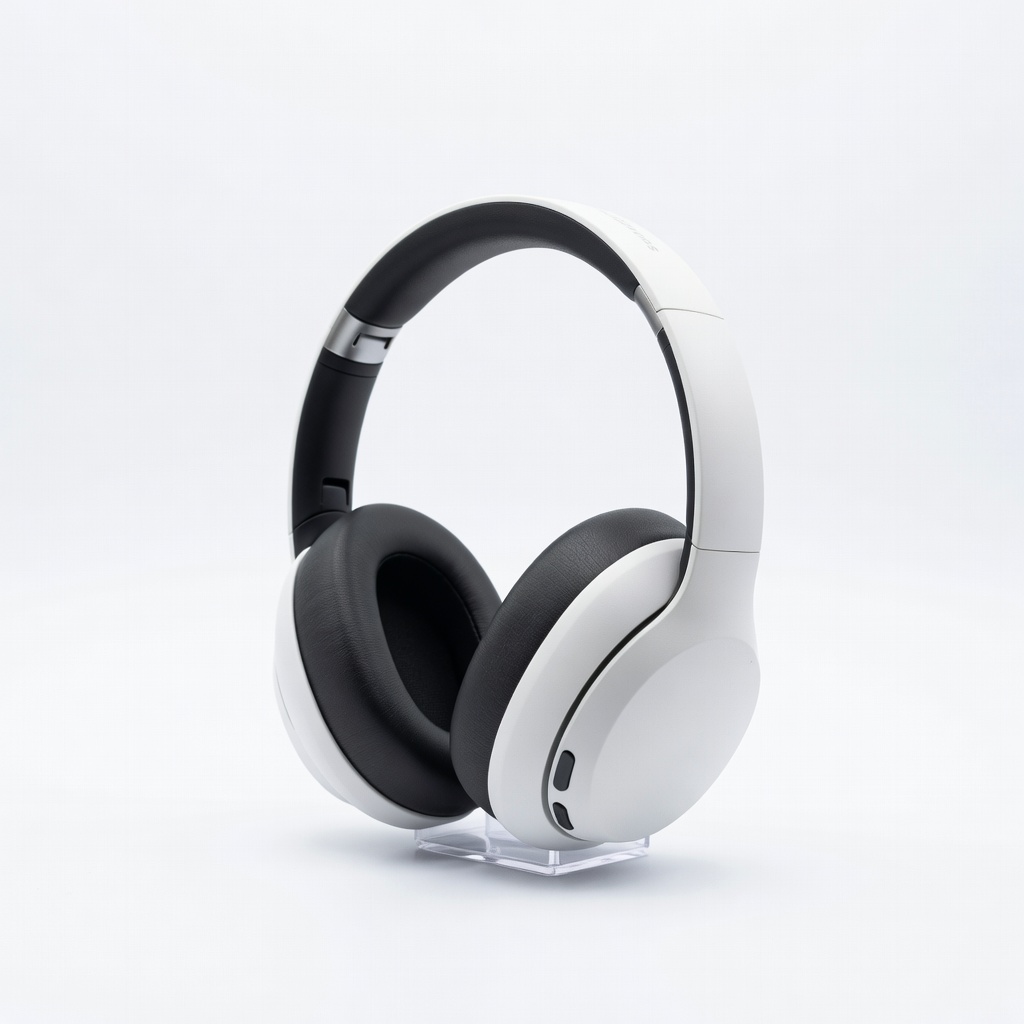
Passengers or driver (with passenger reading aloud); wireless freedom.
Anker Soundcore Life Q20 Hybrid Active Noise Cancelling Headphones Blocks road noise for crystal-clear narration; 40-hour battery for full trips.
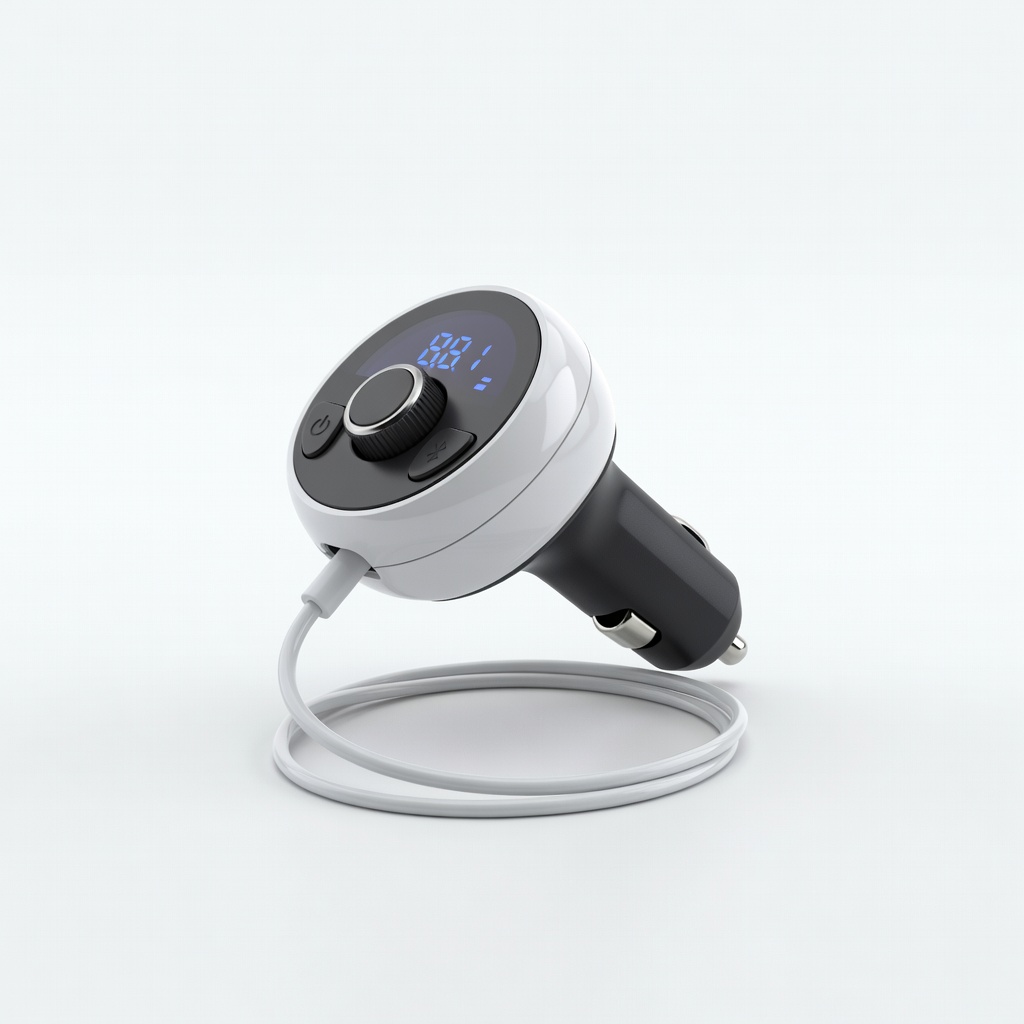
Budget upgrade for pre-2015 vehicles playing audiobooks via FM.
Nulaxy Bluetooth FM Transmitter for Car Adds Bluetooth to old cars without AUX; auto-tuning for reliable audio.
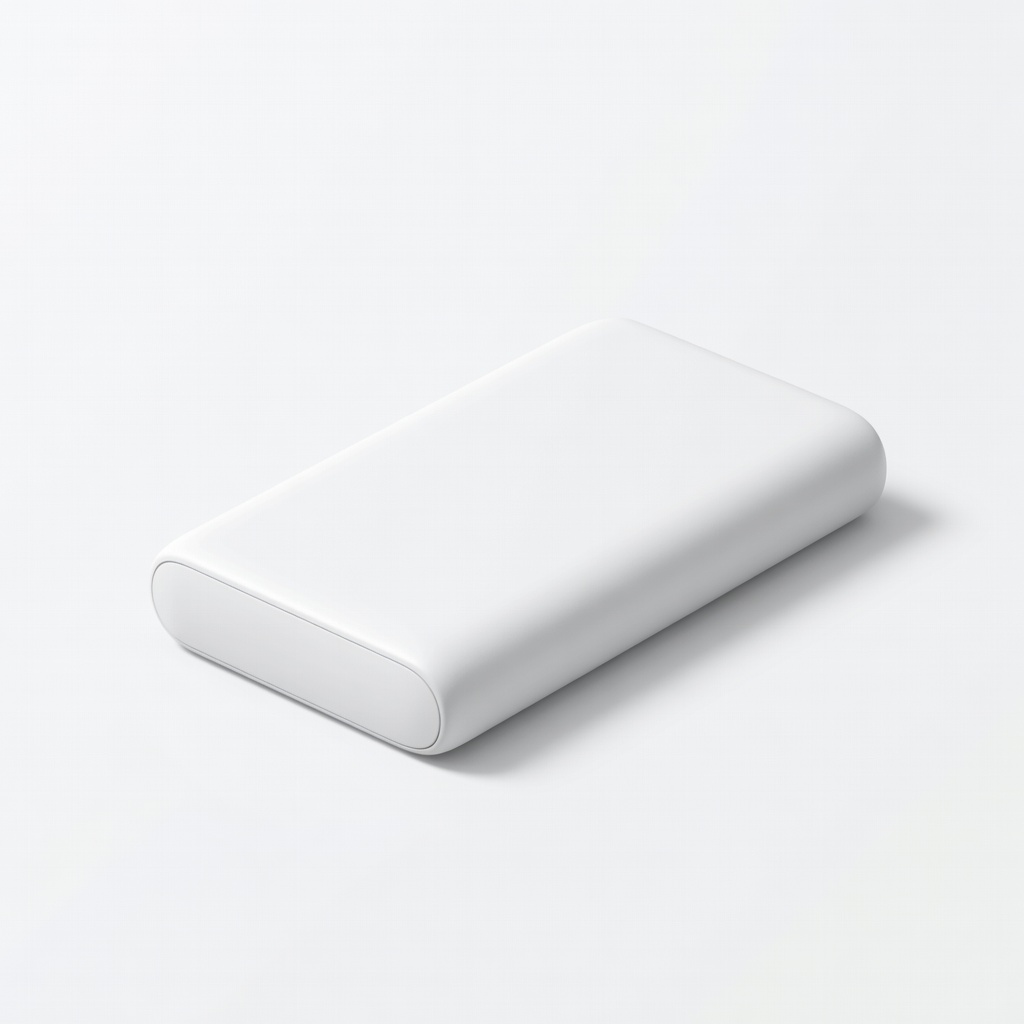
No car USB? Powers phone for 2-3 full charges.
Anker PowerCore 10000 Portable Charger Compact, fast-charges phone to keep audiobooks running all trip.