
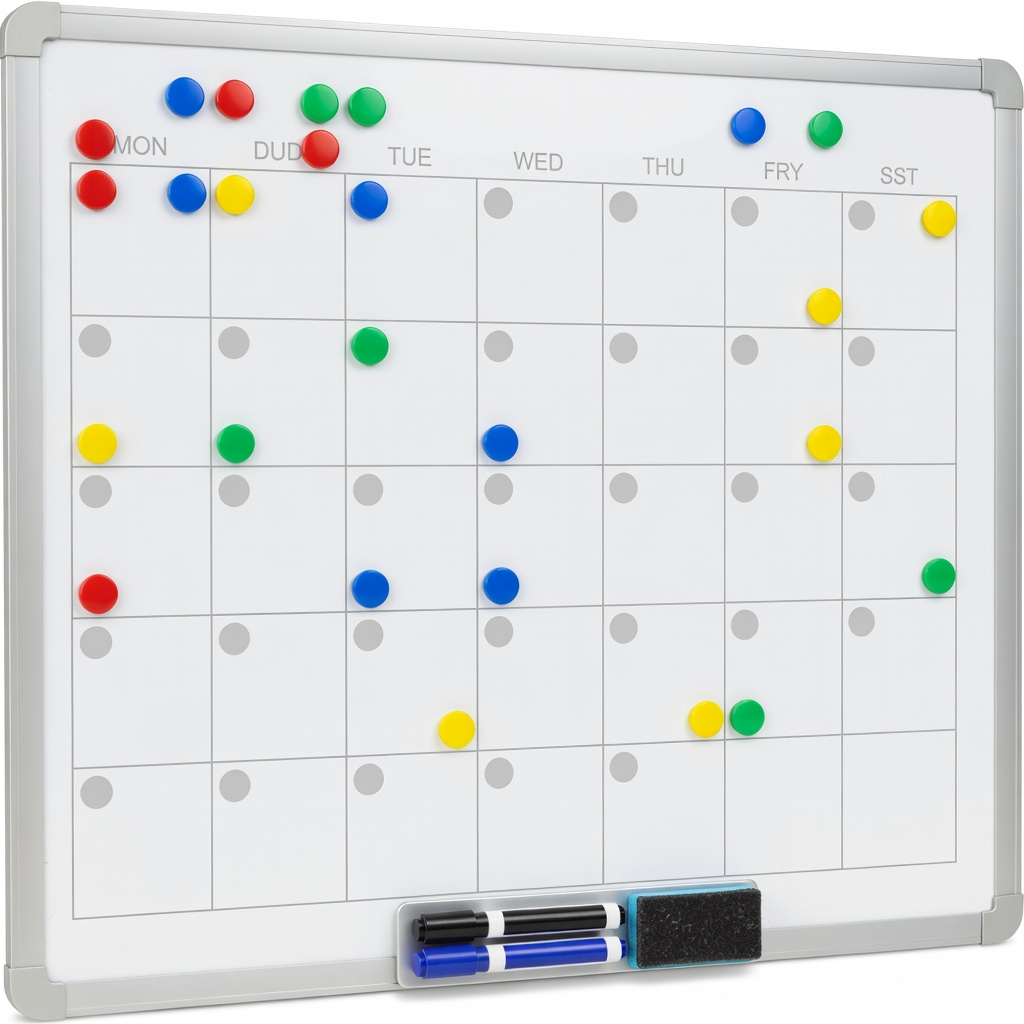
QRVOITY Magnetic Dry Erase Whiteboard Calendar
Display weekly schedule where all caregivers see it at home.
$16.99
QRVOITY Magnetic Dry Erase Whiteboard Calendar Large, fridge-mountable for visual family sharing; erasable for easy updates.
Get the App
Better experience on mobile
Create a balanced, stress-free caregiving schedule in simple steps to ensure your parents get consistent care without burnout.
Caregiving for aging parents can feel overwhelming, especially when juggling work, family, and unpredictable needs. Without a clear schedule, tasks pile up, leading to exhaustion and gaps in care. This guide helps you build a reliable caregiving plan that shares the load.
You'll learn a beginner-friendly, step-by-step process to assess needs, assign tasks, and maintain the schedule. Expect to spend 1-2 hours on initial setup, with quick weekly check-ins. By the end, you'll have a shared calendar reducing stress for everyone involved.
No special skills needed—just organization and family buy-in. This method scales for one caregiver or a team.
Estimated Time: 1-2 hours for initial planning, 15-30 minutes weekly for updates Difficulty: beginner
Start by listing all daily, weekly, and monthly care needs. Talk to your parents, review medical records, and note routines like meals, medications, doctor visits, errands, and social activities.
Create categories: health (meds, therapy), household (cleaning, groceries), personal (bathing, companionship). Why it matters: This prevents overlooking essentials and tailors the schedule to real needs. Expect a list of 10-20 items.
Tip: Use a simple table in your notebook: columns for Task, Frequency, Time Needed.
💡 Tips:
⚠️ Warnings:
List all potential helpers: family, friends, neighbors, or paid aides. For each, note availability (e.g., weekdays 9-5), skills (driving, cooking), and willingness.
Contact them via call or group chat to confirm. Why? Distributing tasks avoids burnout. Success: A table with 4-8 people and their slots.
Be honest about commitment levels to set realistic expectations.
💡 Tips:
Group tasks by type and urgency: daily must-dos (meds), weekly (groceries), flexible (visits). Assign time estimates.
Prioritize using a simple scale: High (health/safety), Medium (comfort), Low (nice-to-have). This ensures coverage of critical items first. Expect to refine your initial list here.
💡 Tips:
⚠️ Warnings:
Draw a blank weekly calendar. Slot recurring tasks into available caregiver slots, starting with highs.
Use time blocks (e.g., mornings for meds). Why? Visualizing prevents overlaps. Success: 80% of tasks scheduled without conflicts.
💡 Tips:
Match tasks to caregivers' strengths and availability. Assign names/dates (e.g., 'John: Groceries Wed').
Get confirmations. This builds accountability. Expect some swaps—flexibility is key.
⚠️ Warnings:
Digitize or print the schedule. Use Google Calendar for shares, or a wall chart. Add reminders.
Share links/access. Why? Real-time updates prevent confusion.
💡 Tips:
Hold a family meeting (virtual ok) to review. Discuss rules like how to swap shifts.
Post copies visibly. Success: Everyone understands their role.
End of week: Note what worked/missed. Adjust next schedule.
Track via shared notes. This keeps it sustainable long-term.
Problem: Caregiver flakes or conflicts arise
Solution: Have 1-2 backups listed; use a swap request chat group. Reassign promptly.
Problem: Parents' needs change suddenly
Solution: Immediate high-priority reschedule; consult doctor if medical.
Problem: Schedule feels overwhelming
Solution: Scale back to essentials only; delegate hiring professional help.
Problem: Tech issues with shared calendar
Solution: Print backups; switch to simple email updates. Seek pro help for complex family dynamics.
Large, fridge-mountable for visual family sharing; erasable for easy updates.
Best for: Display weekly schedule where all caregivers see it at home.
Price Range: $16.99
Scan notes to cloud, reuse pages—perfect for initial planning and logs.
Best for: Jot needs assessments, scan to share digitally without paper waste.
Price Range: $25-$35
Voice reminders, video calls, shared calendars for tech-savvy families.
Best for: Set task alerts, check in remotely with parents.
Price Range: $89.99
Automates med reminders, reducing a key daily task from schedule.
Best for: For parents living alone; alerts caregivers if missed.
Price Range: $59.99
Undated, customizable planner with hourly slots ideal for detailed schedules.
Best for: Personal or shared paper planning for non-digital users.
Price Range: $50-$65
Display weekly schedule where all caregivers see it at home.
QRVOITY Magnetic Dry Erase Whiteboard Calendar Large, fridge-mountable for visual family sharing; erasable for easy updates.
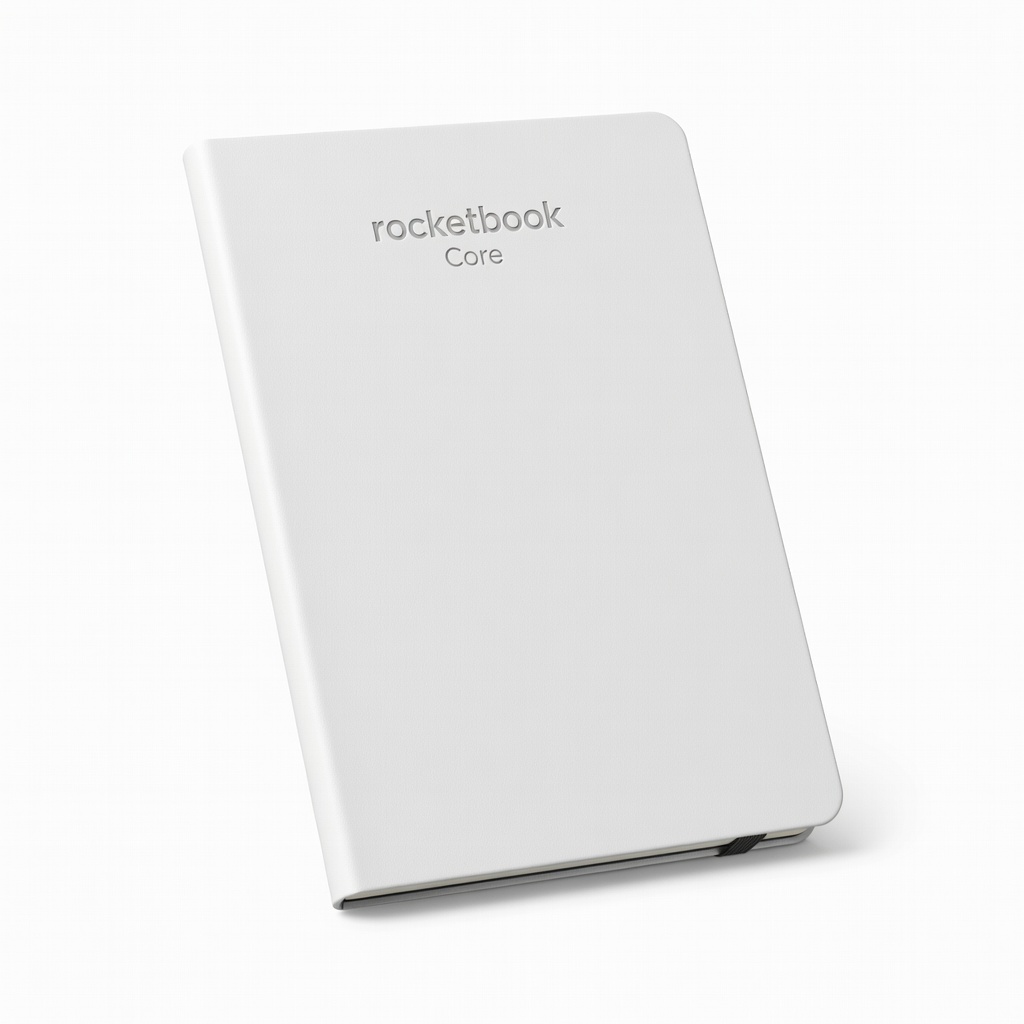
Jot needs assessments, scan to share digitally without paper waste.
Rocketbook Core Reusable Smart Notebook Scan notes to cloud, reuse pages—perfect for initial planning and logs.

Set task alerts, check in remotely with parents.
Amazon Echo Show 5 (3rd Gen) Voice reminders, video calls, shared calendars for tech-savvy families.

For parents living alone; alerts caregivers if missed.
LiveFine Automatic Pill Dispenser Automates med reminders, reducing a key daily task from schedule.

Personal or shared paper planning for non-digital users.
Erin Condren LifePlanner Undated, customizable planner with hourly slots ideal for detailed schedules.